Instructions for posting materials to the Research Binder category


Log on to the site by going to: https://sculpture2.blogs.bucknell.edu/wp-admin/

Create a new post by clicking at the top of the page on the “+ New” button

Once the post screen comes up, check the “research binder” box to the right to put the post in the right category

Create a title for the post in the field provided.  Add any text you’d like in the body of the post.

If you want to upload photos then you can do so by clicking on the “upload/insert” button above the text field (remember to click the “insert into post” button while you’re on the upload screen).  Note: if you’re uploading multiple images you’ll want to post a gallery rather than a single image.  I believe this option is on the left of the screen.

If you want to post a video from youtube, simply add the video’s URL to the body of the post

If you want to add a link to the body of your post, you can do so by highlighting the text you want to be linked, and click the “insert/edit link” button (to the left of the spell checker). Then add the URL destination, and click the box that says “Open link in a new window/tab”

When you’re finished, click the blue “publish” button on the right

A message should appear at the top of the page that says “Post published. View post”… if you click on this it will show you what the post looks like on the site… at this point, if you want to make any changes, just click on the “edit post” button and it will return you to prior screen
 

Instructions for posting artsXpose materials on the class website

All artsXpose assignments will be submitted digitally on the class website, but you can choose to either submit a photograph of yourself at the event, OR a detailed textual response to the event.

Click here to see an example of how to post using the FORM option

Click here to see an example of how to post using the PHOTO option

Follow these steps to post artsXpose materials on the class website:

  1. Log on to the site by going to: https://sculpture2.blogs.bucknell.edu/wp-admin/
  2. Create a new post by clicking at the top of the page on the “+ New” button
  3. Once the post screen comes up, check the “artsXpose” box to the right to put the post in the right category
  4. Upload photos by clicking on the “upload/insert” button above the text field (remember to click the “insert into post” button while you’re on the upload screen)
  5. * So that I can give you credit for your work, don’t forget to put your name in the title of the post

Note that artsxpose guidelines and the grading rubric are included on page 9 of the syllabus.

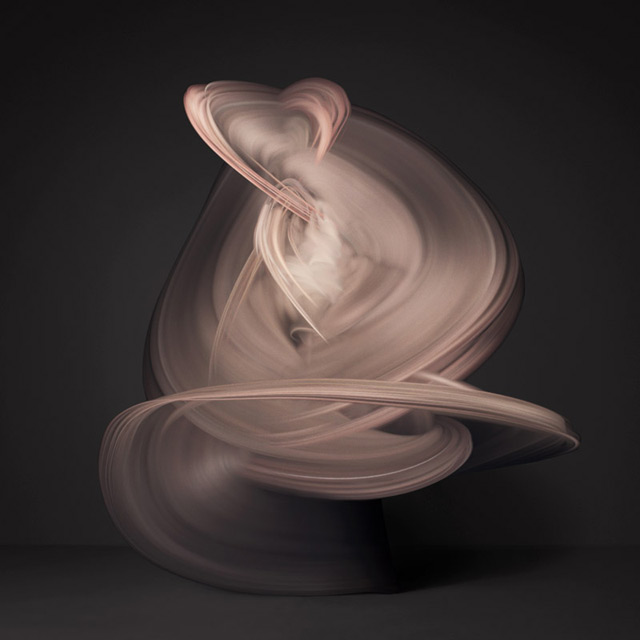
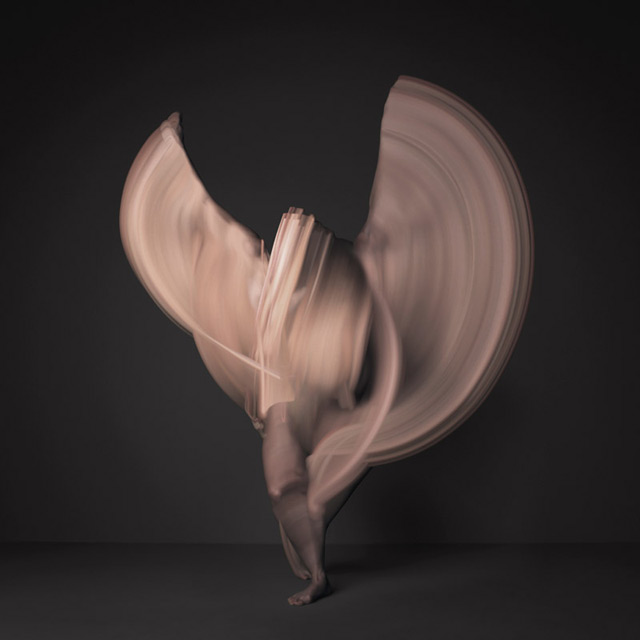
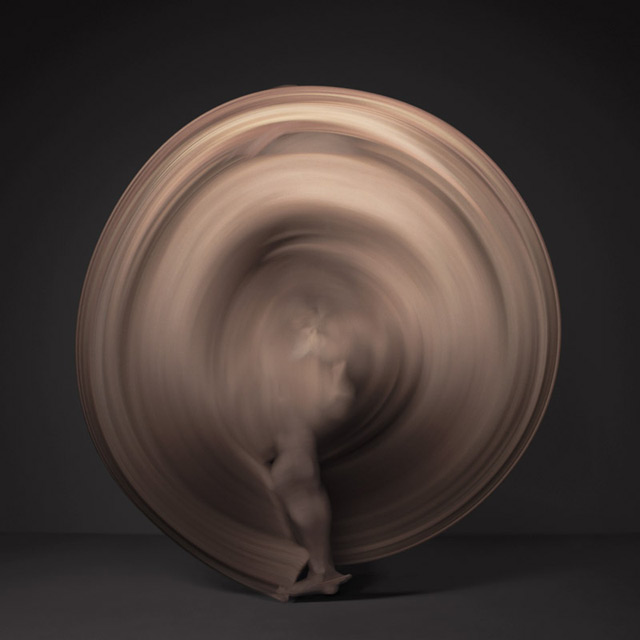
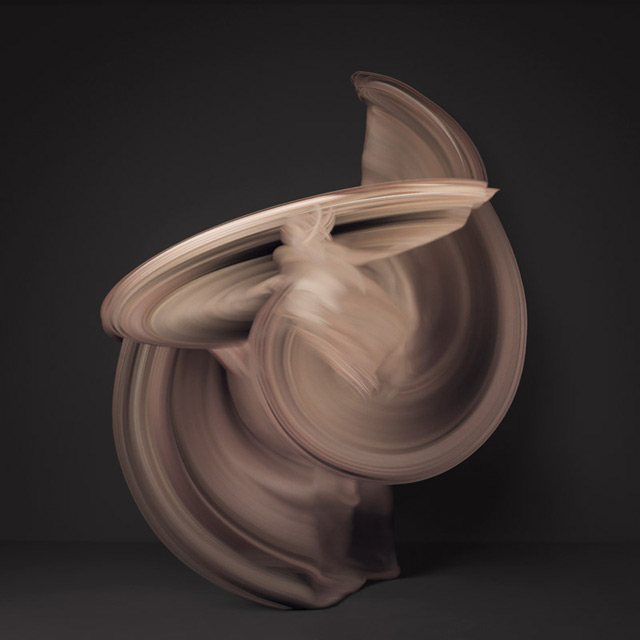
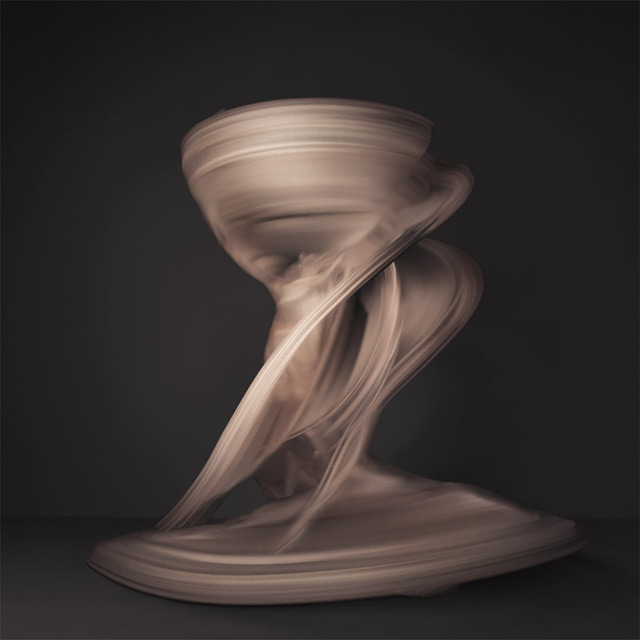
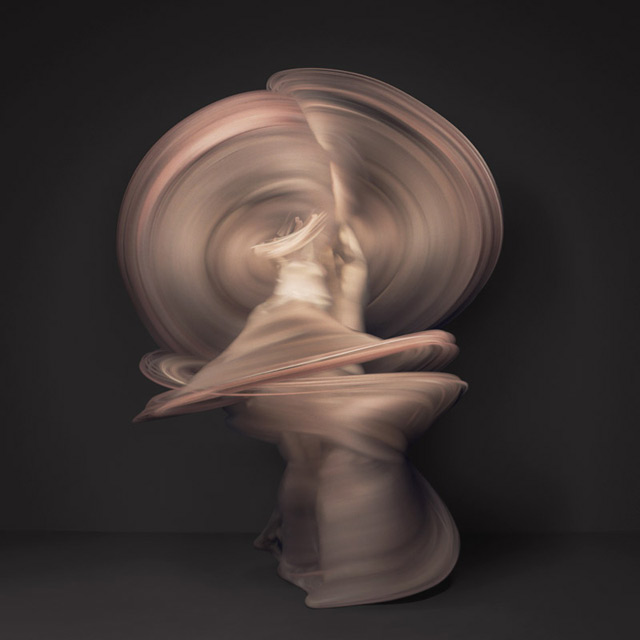
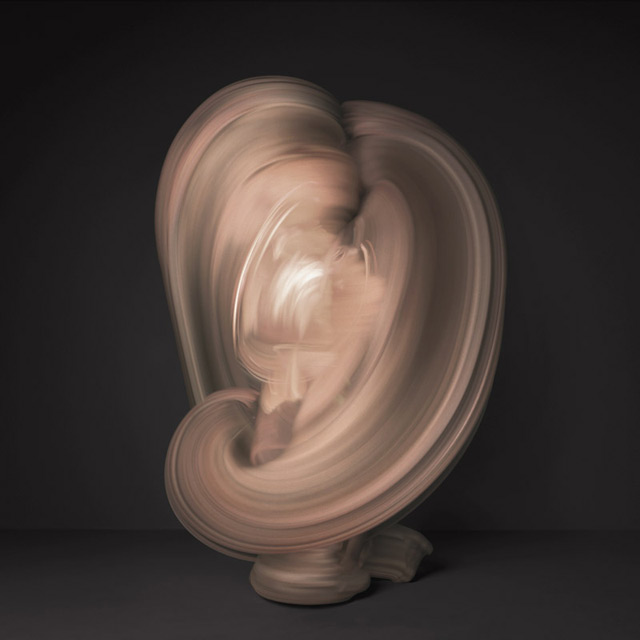
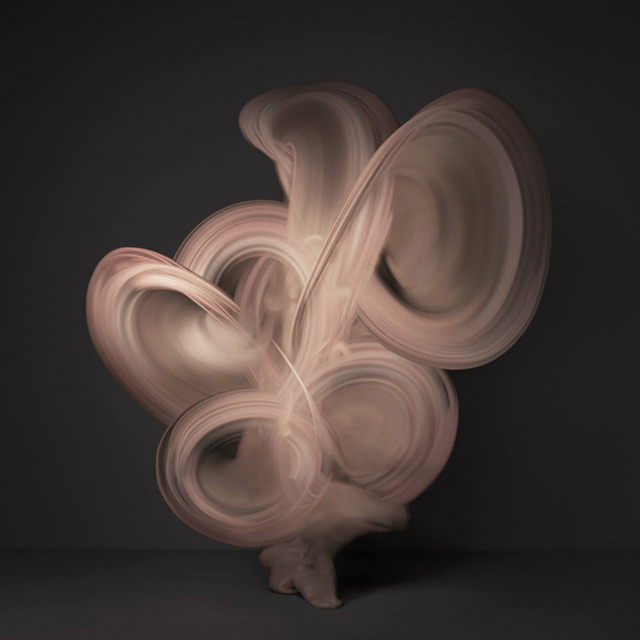
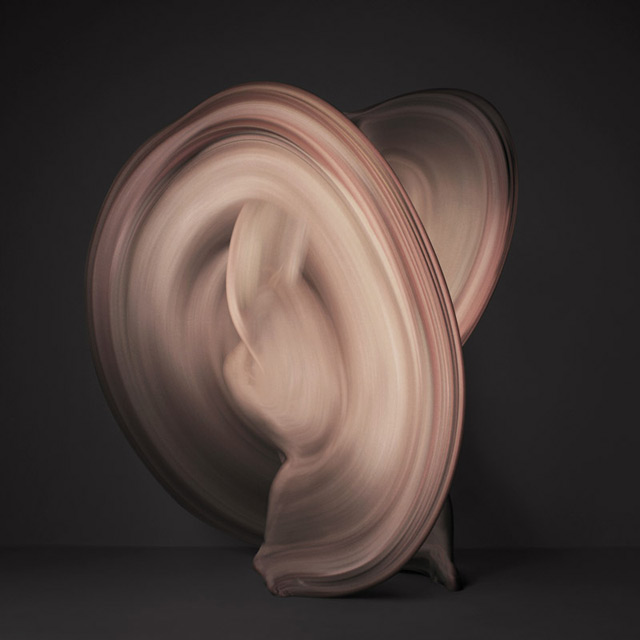
Time-lapse Images of Nude Dancers Created with 10,000 Individual Photographs

From Colossal:

NY-based photographer Shinichi Maruyama created these lovely photographs using nearly 10,000 individual photographs of a nude dancer in motion. The abstract images remind me of Japanese ink wash painting, as if the figures were cread by the stroke of a thick brush, which is not unsuprising considering Maruyama’s previous work with water sculptures. Of the photos Shin says:

I tried to capture the beauty of both the human body’s figure and its motion. The figure in the image, which is formed into something similar to a sculpture, is created by combining 10,000 individual photographs of a dancer. By putting together uninterrupted individual moments, the resulting image as a whole will appear to be something different from what actually exists. With regard to these two viewpoints, a connection can be made to a human being’s perception of presence in life.

See much more on his website. All images courtesy the artist.

Published
Categorized as News