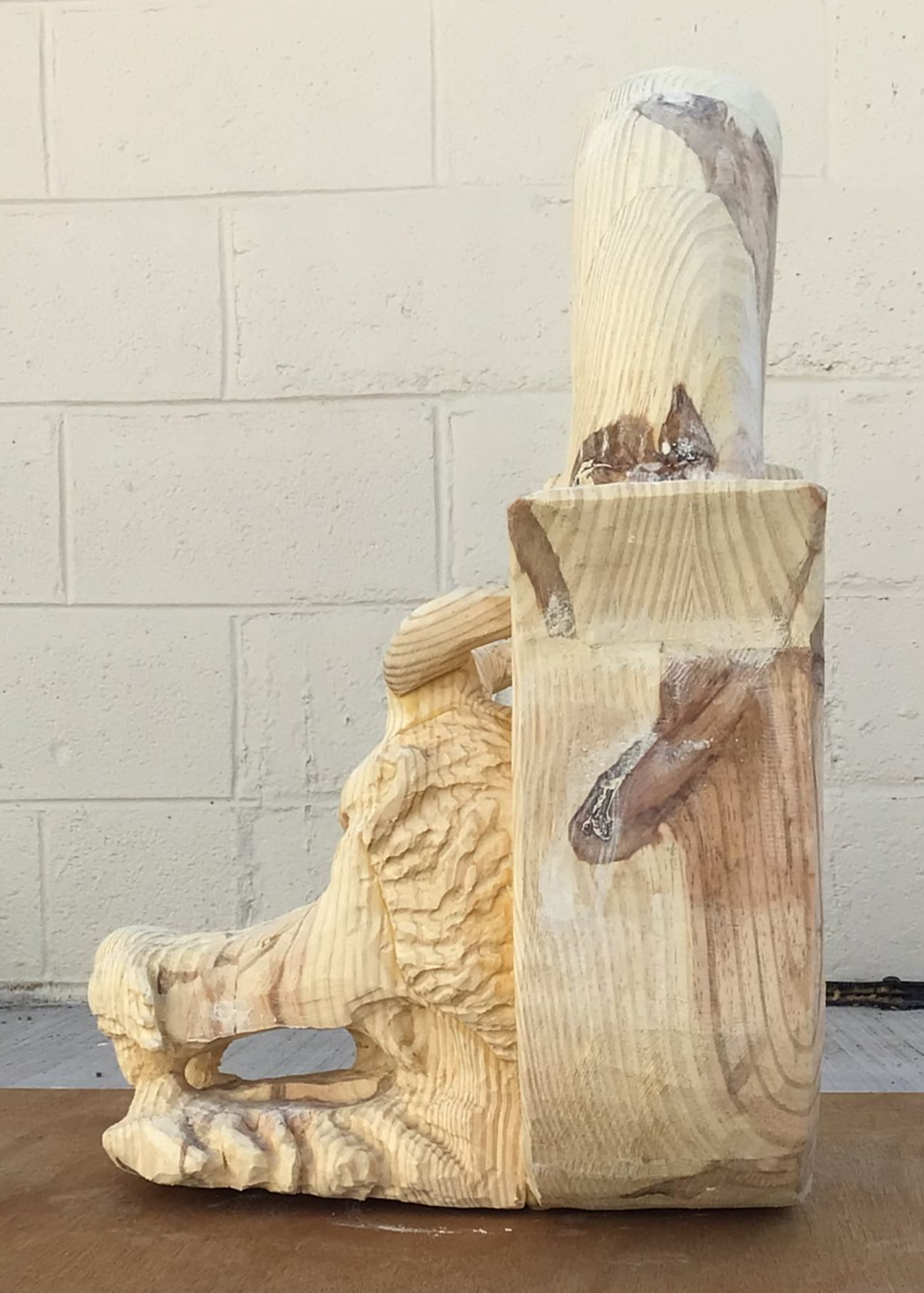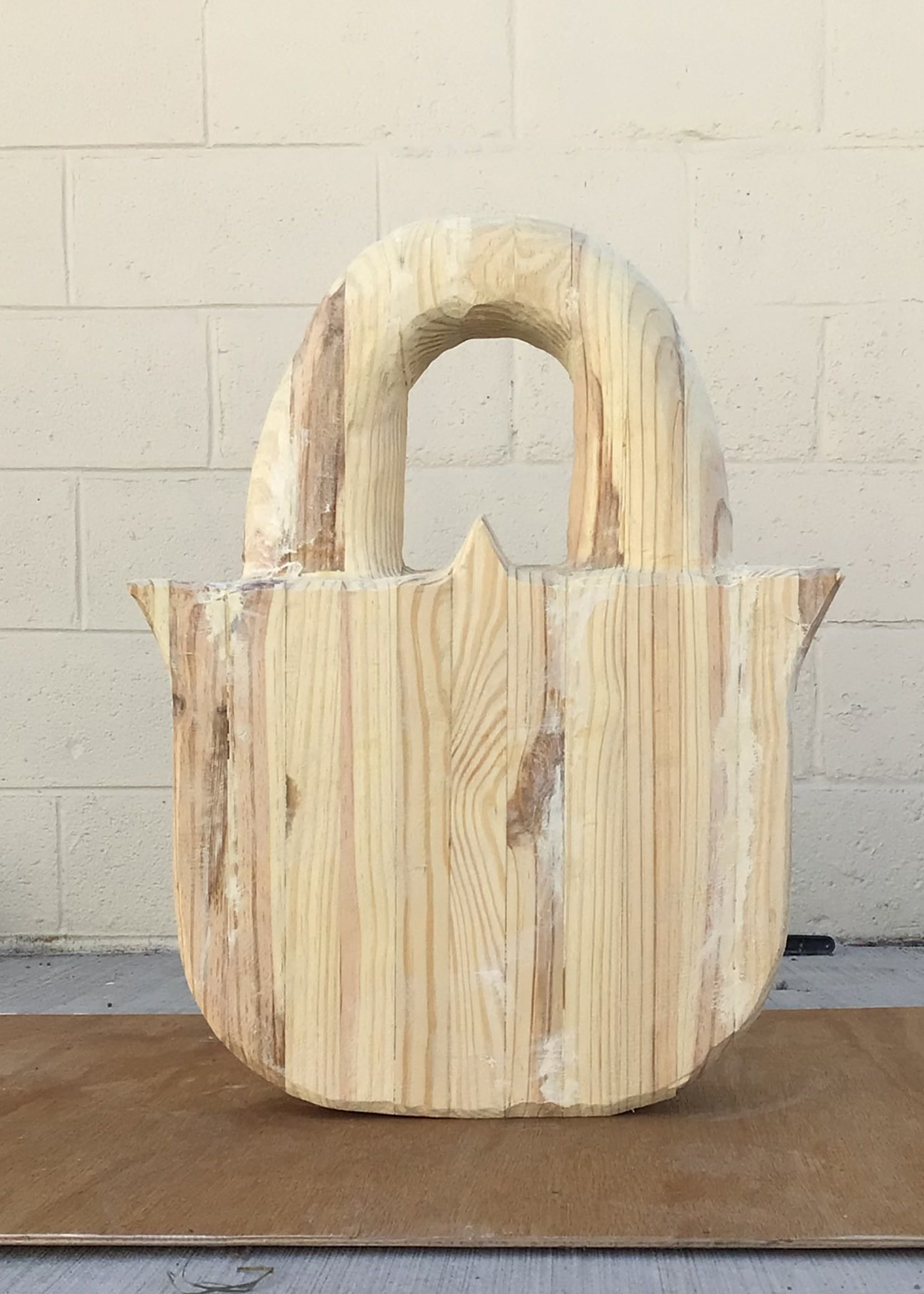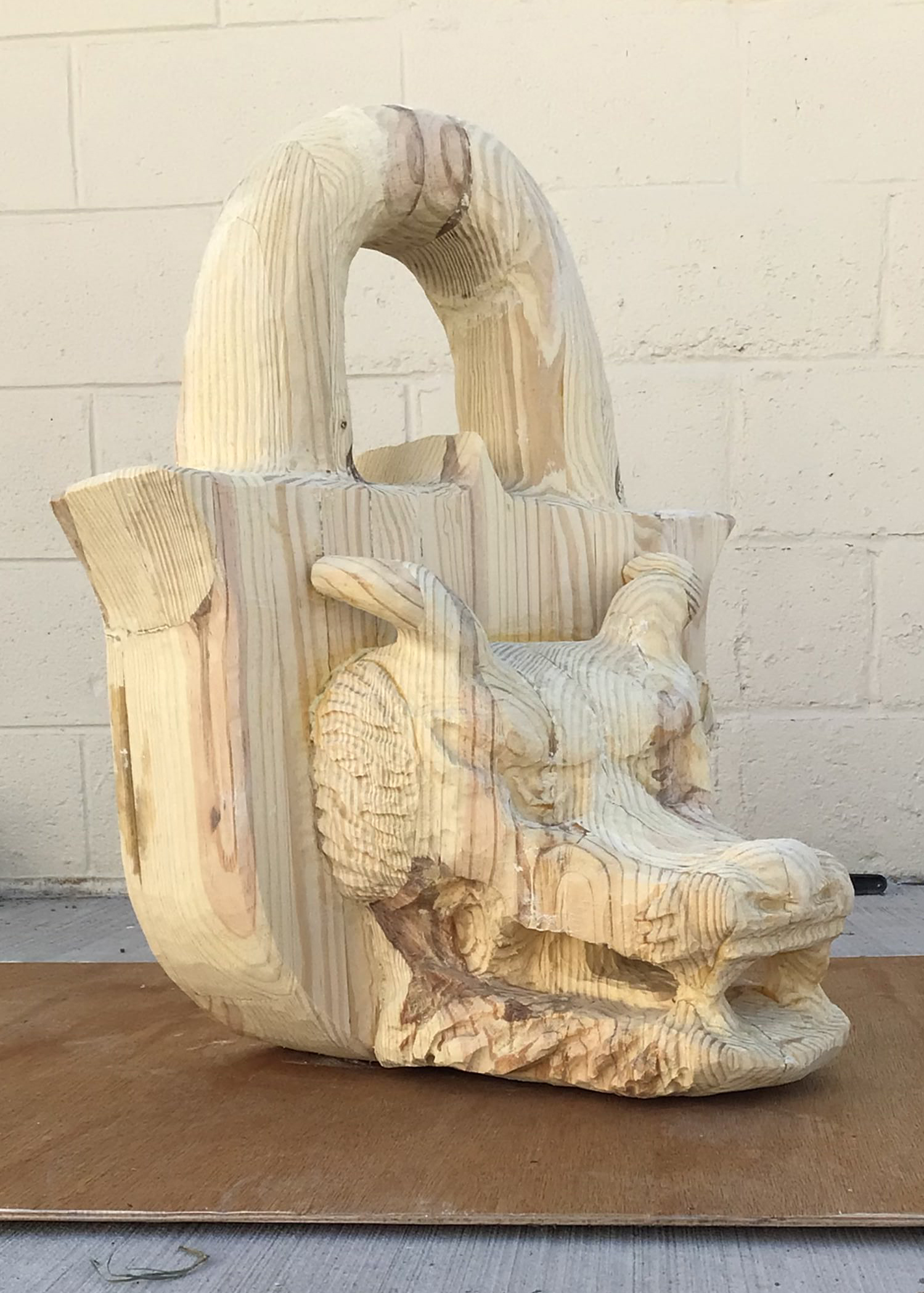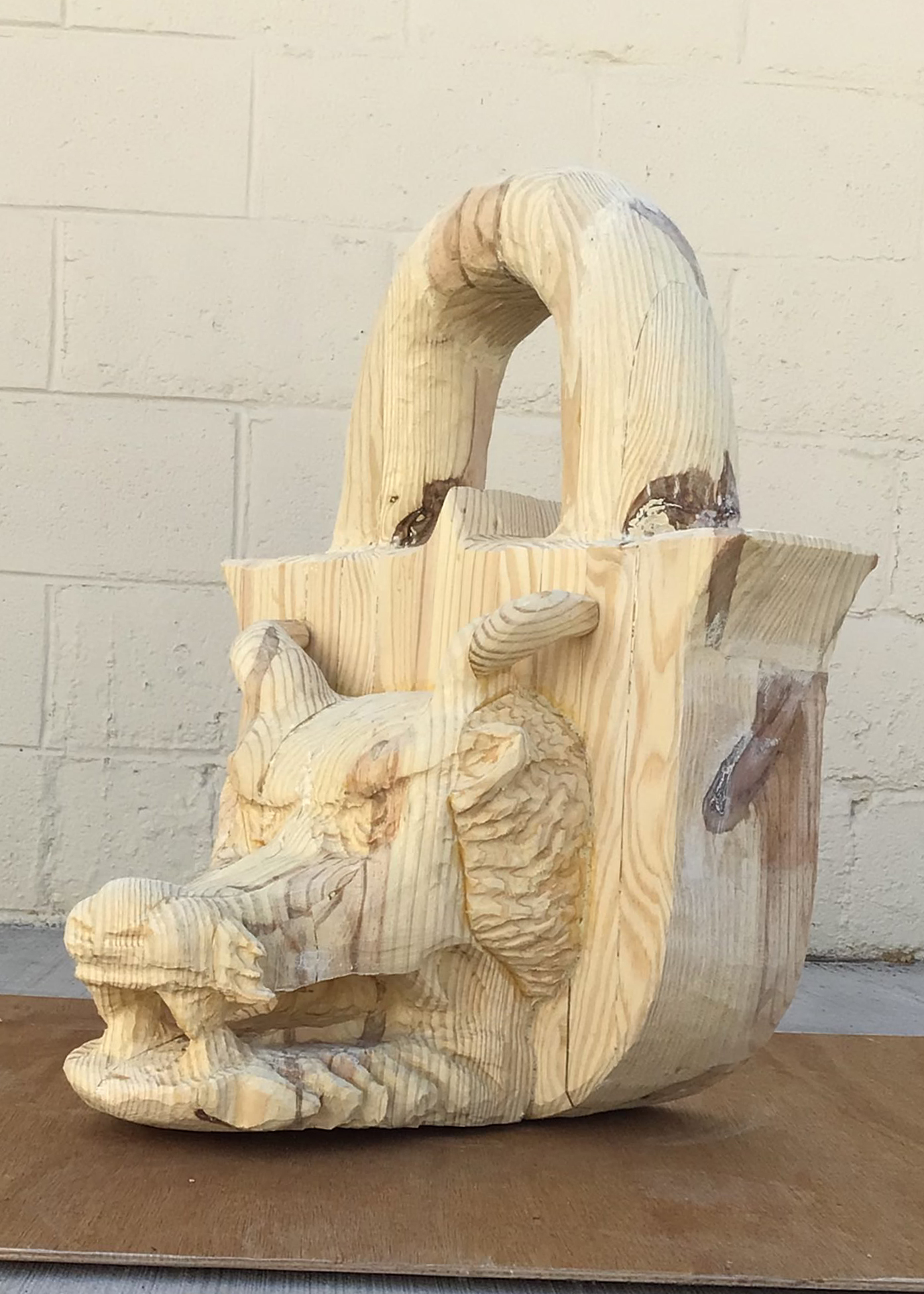
https://art21.org/watch/art-in-the-twenty-first-century/s4/judy-pfaff-in-romance-segment/
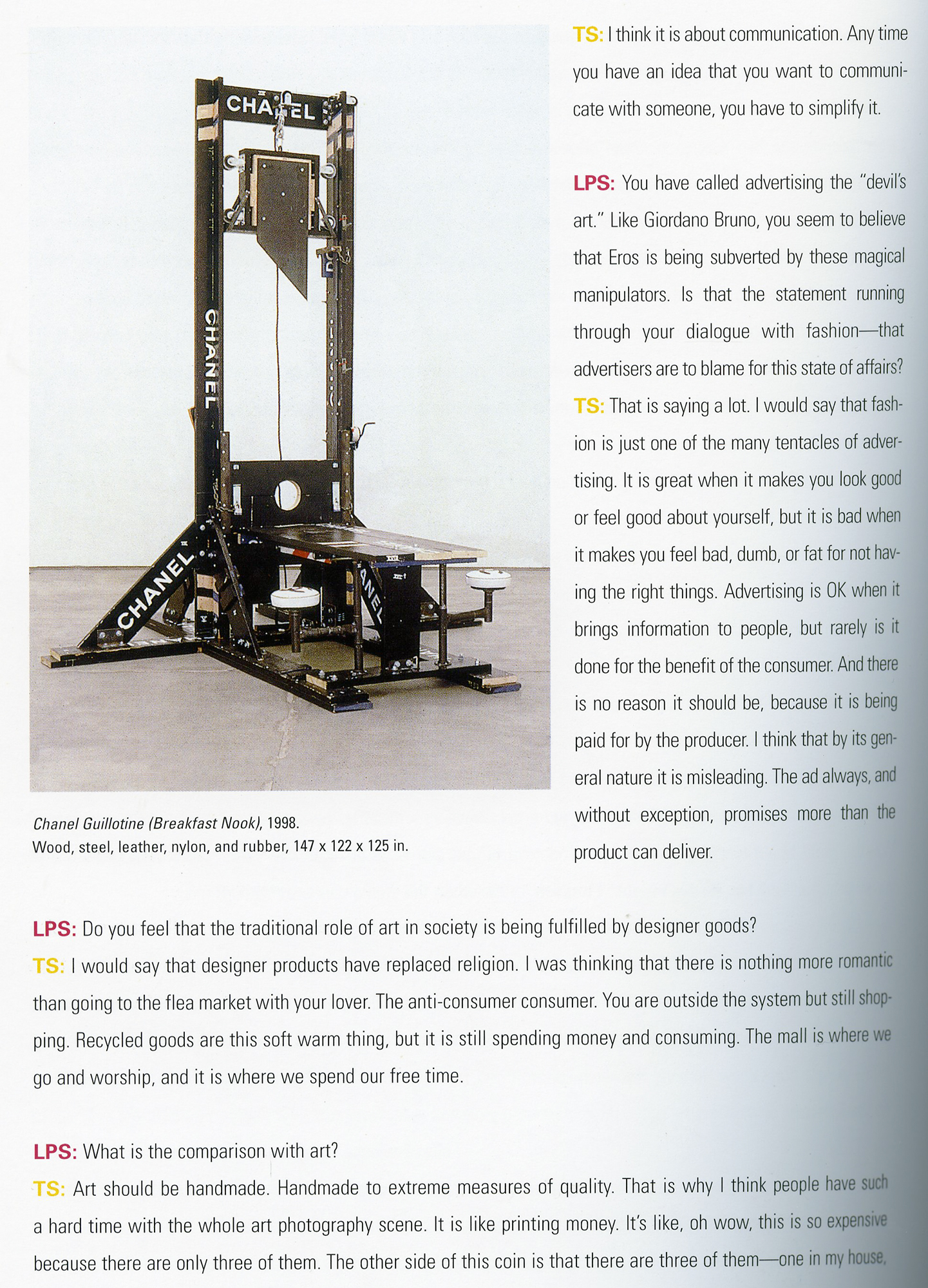
Tom Sachs:
https://art21.org/watch/art-in-the-twenty-first-century/s4/judy-pfaff-in-romance-segment/
Tom Sachs:
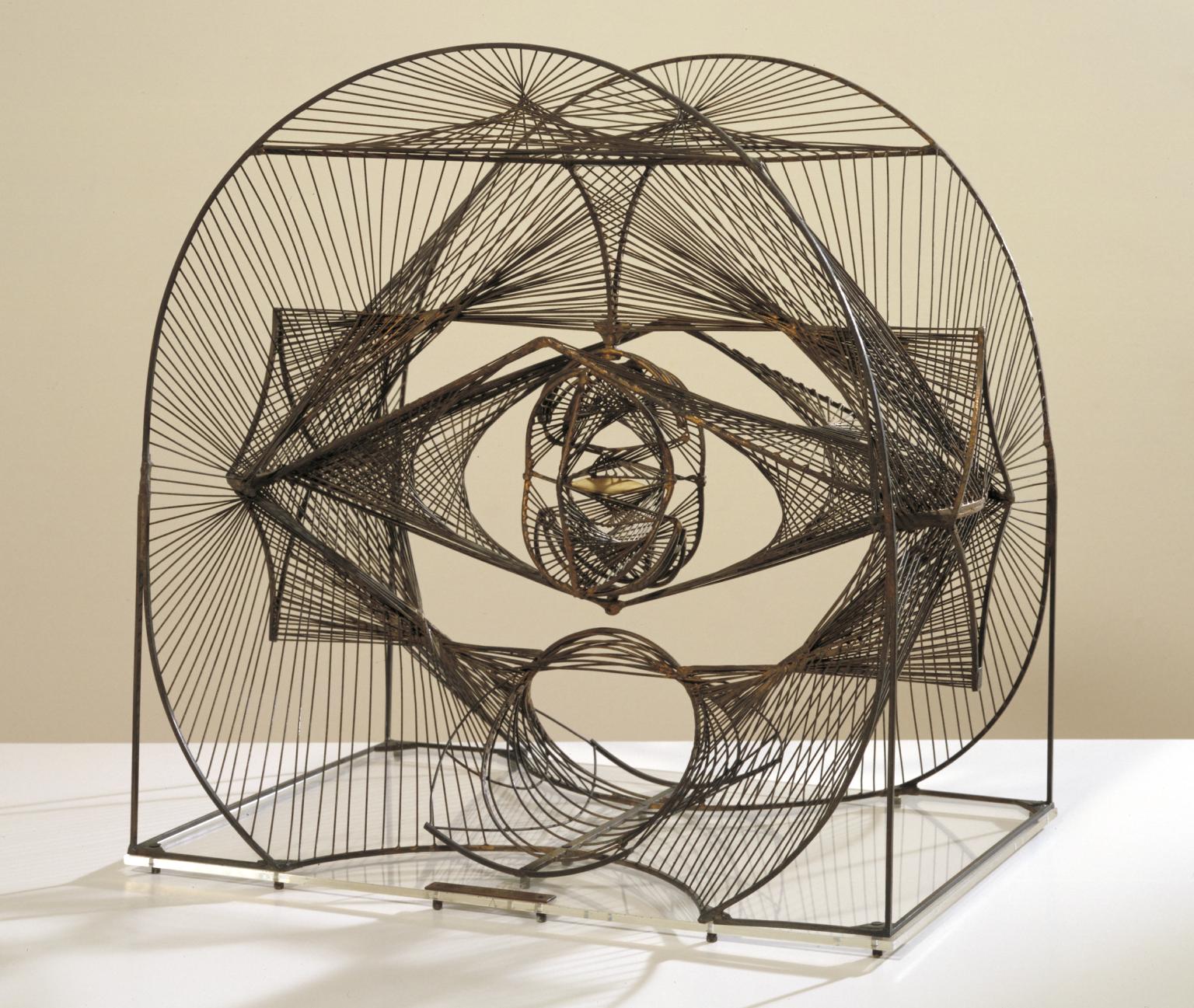
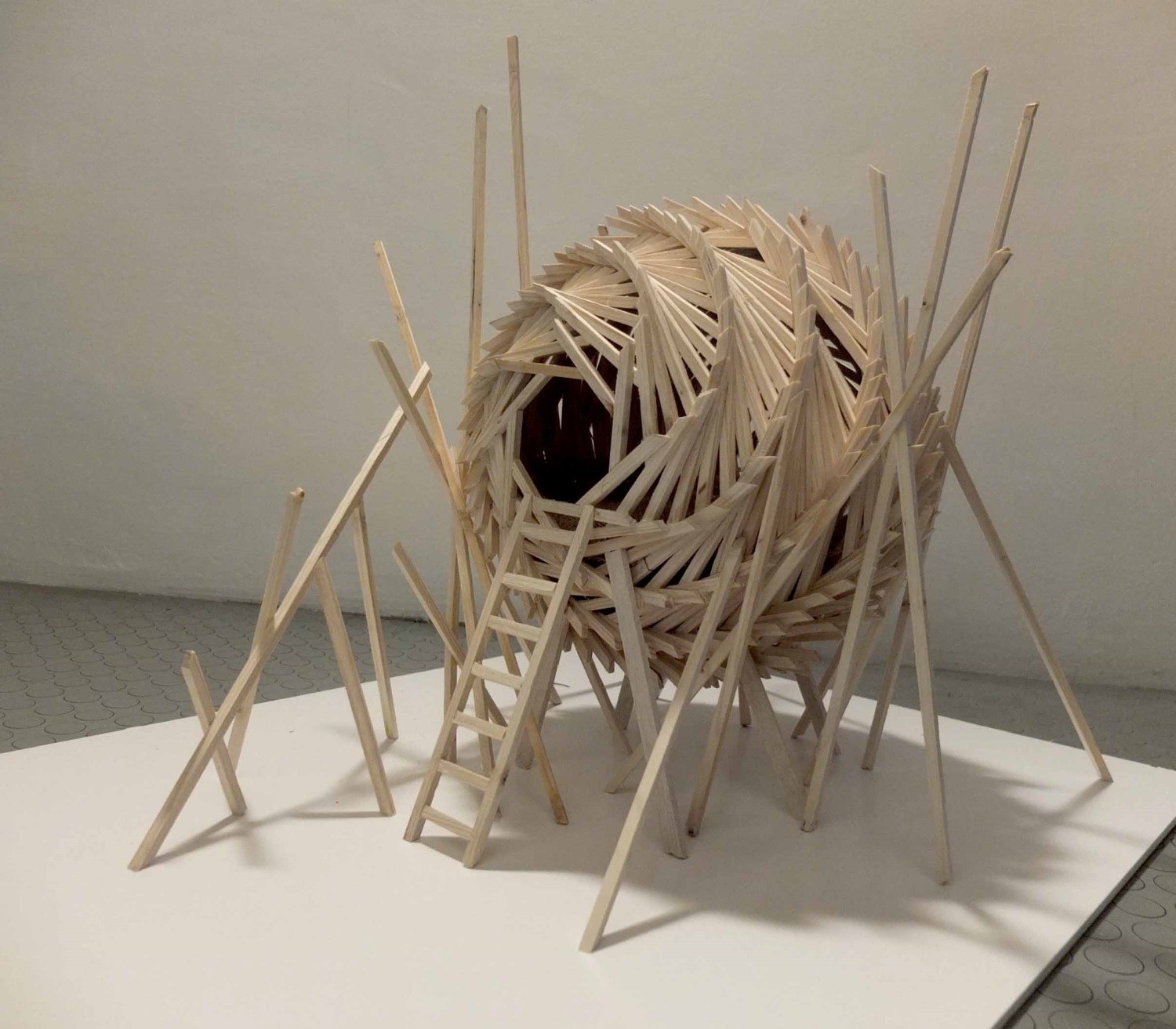
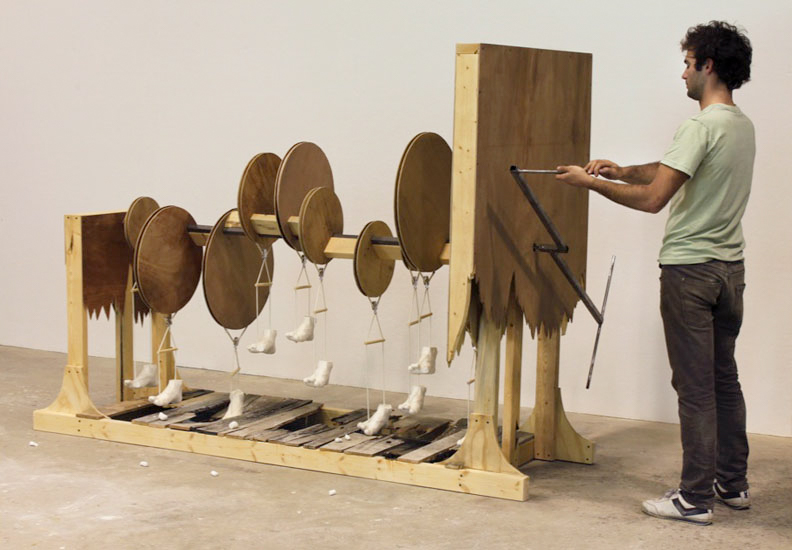
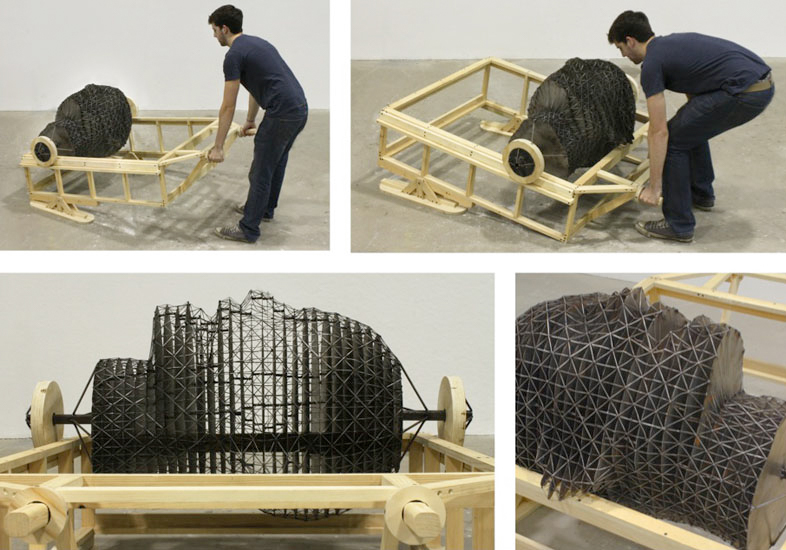
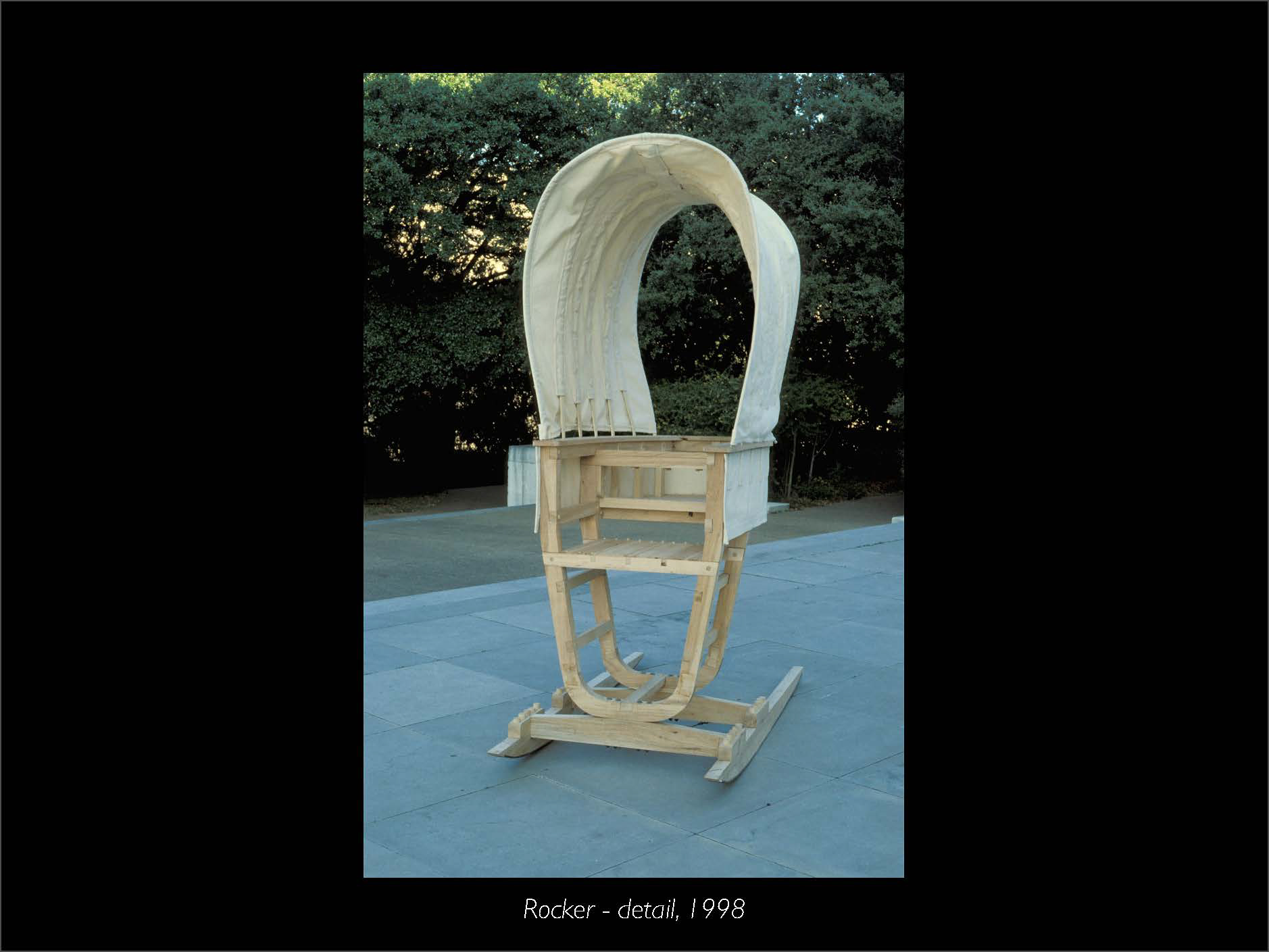
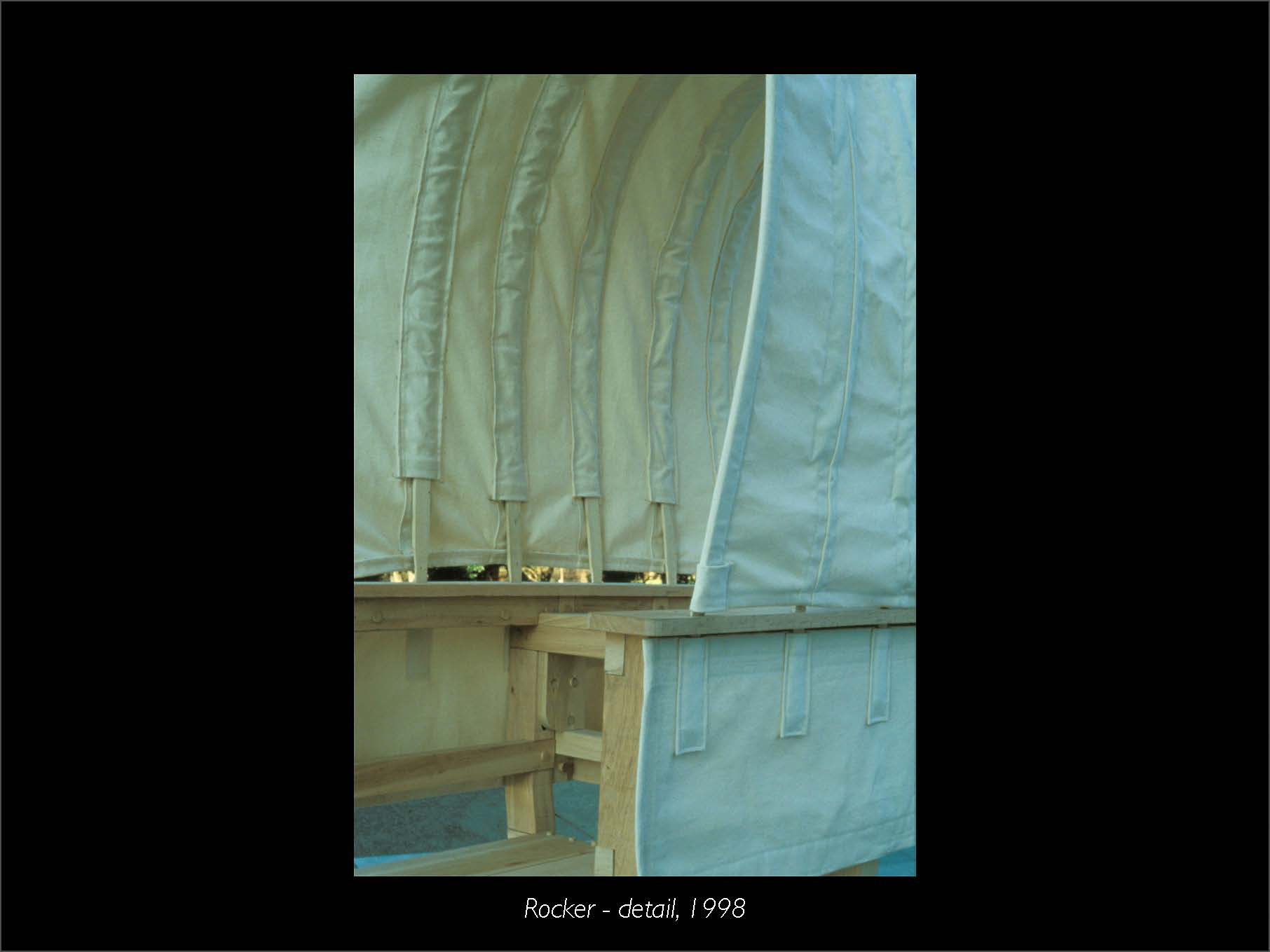
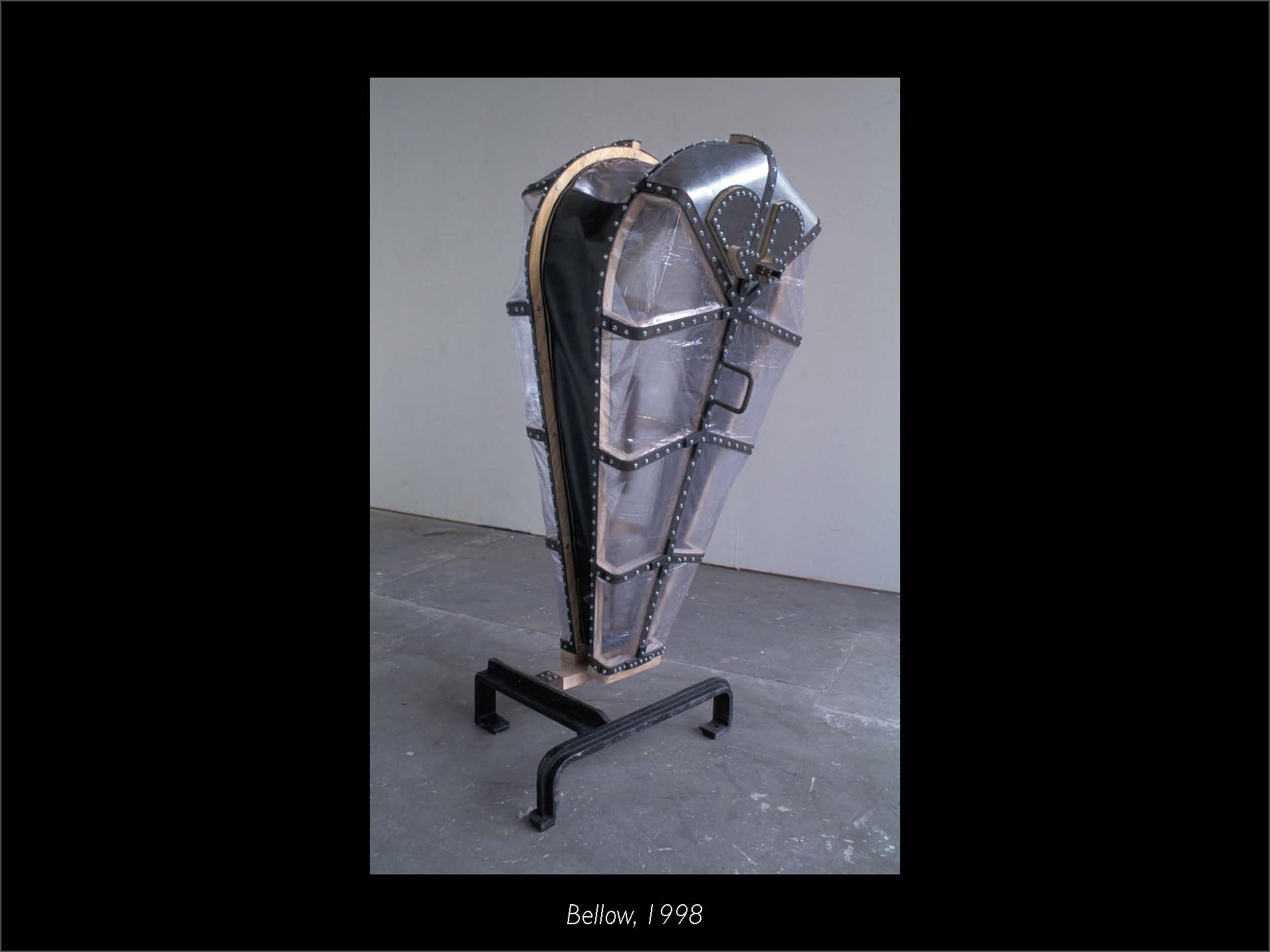
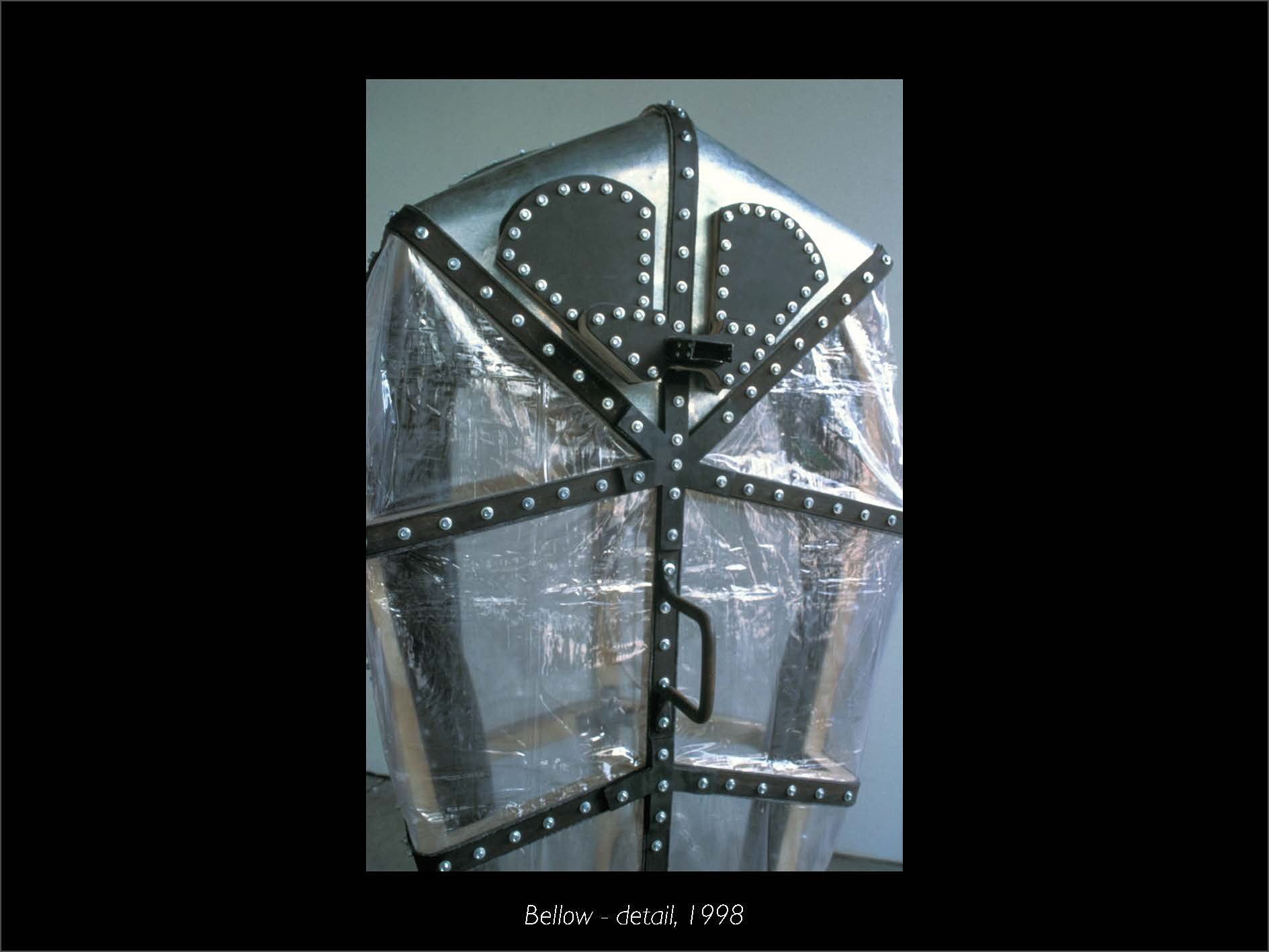


Dear Sculpture 2 students,
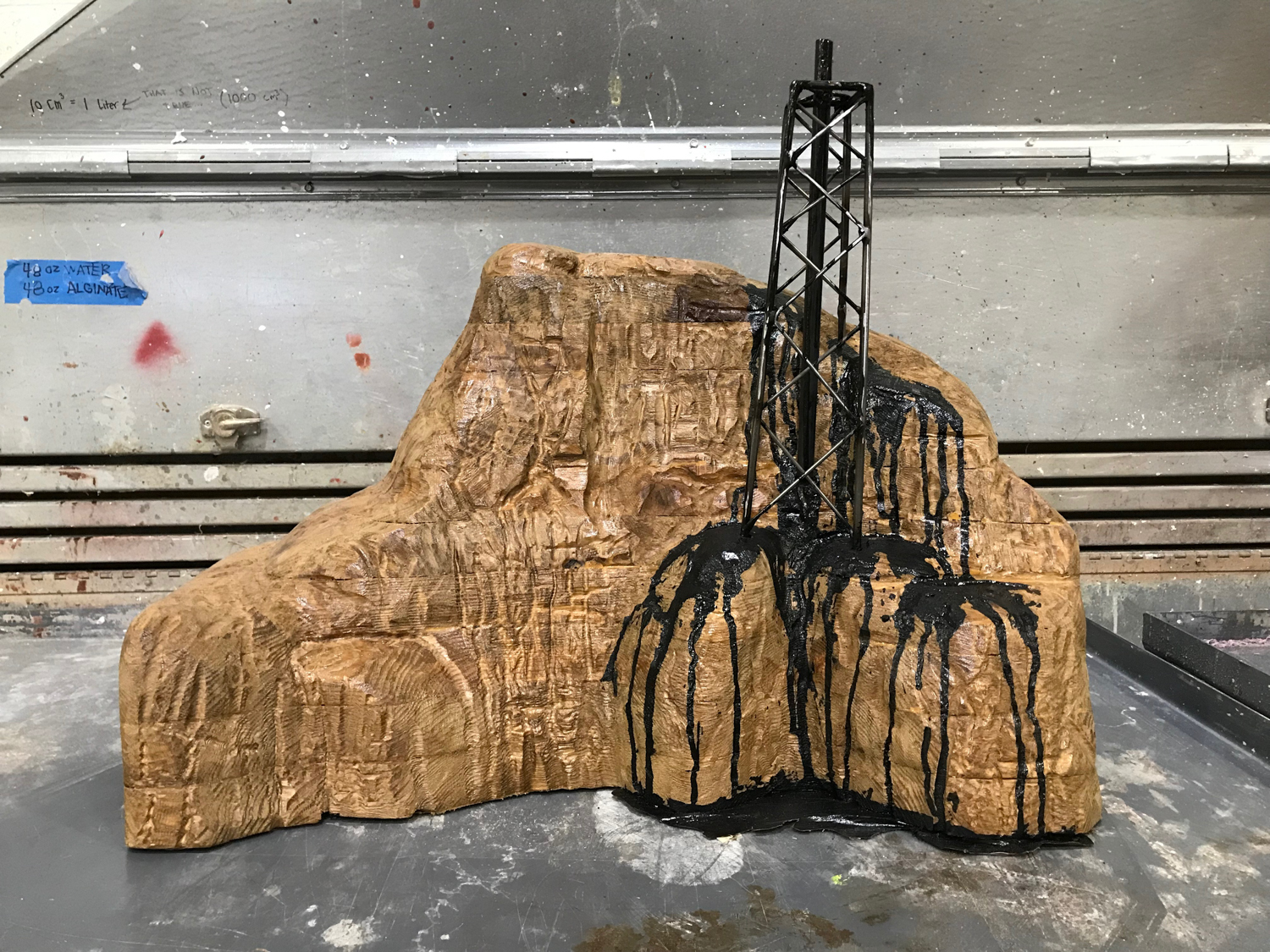
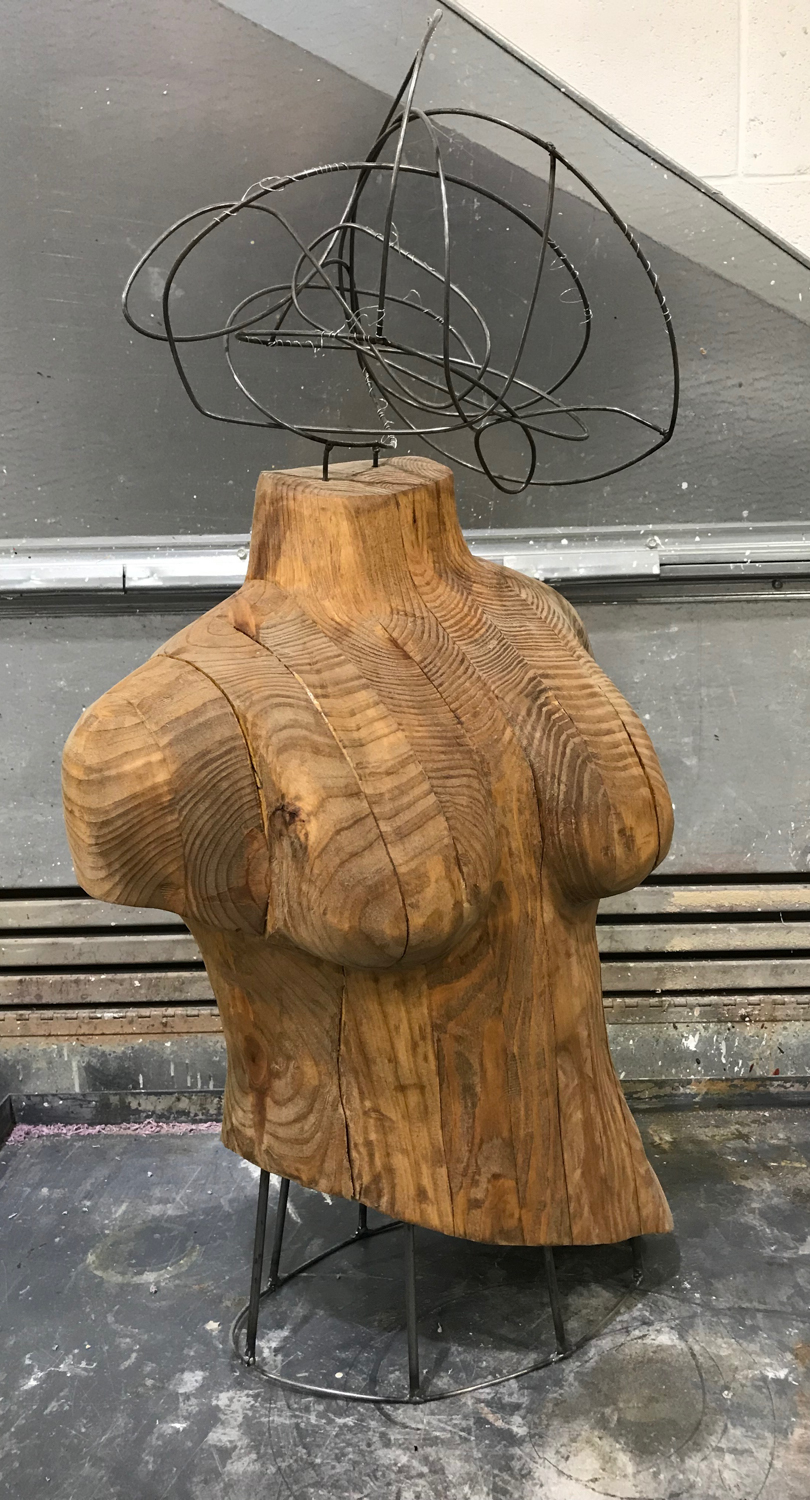
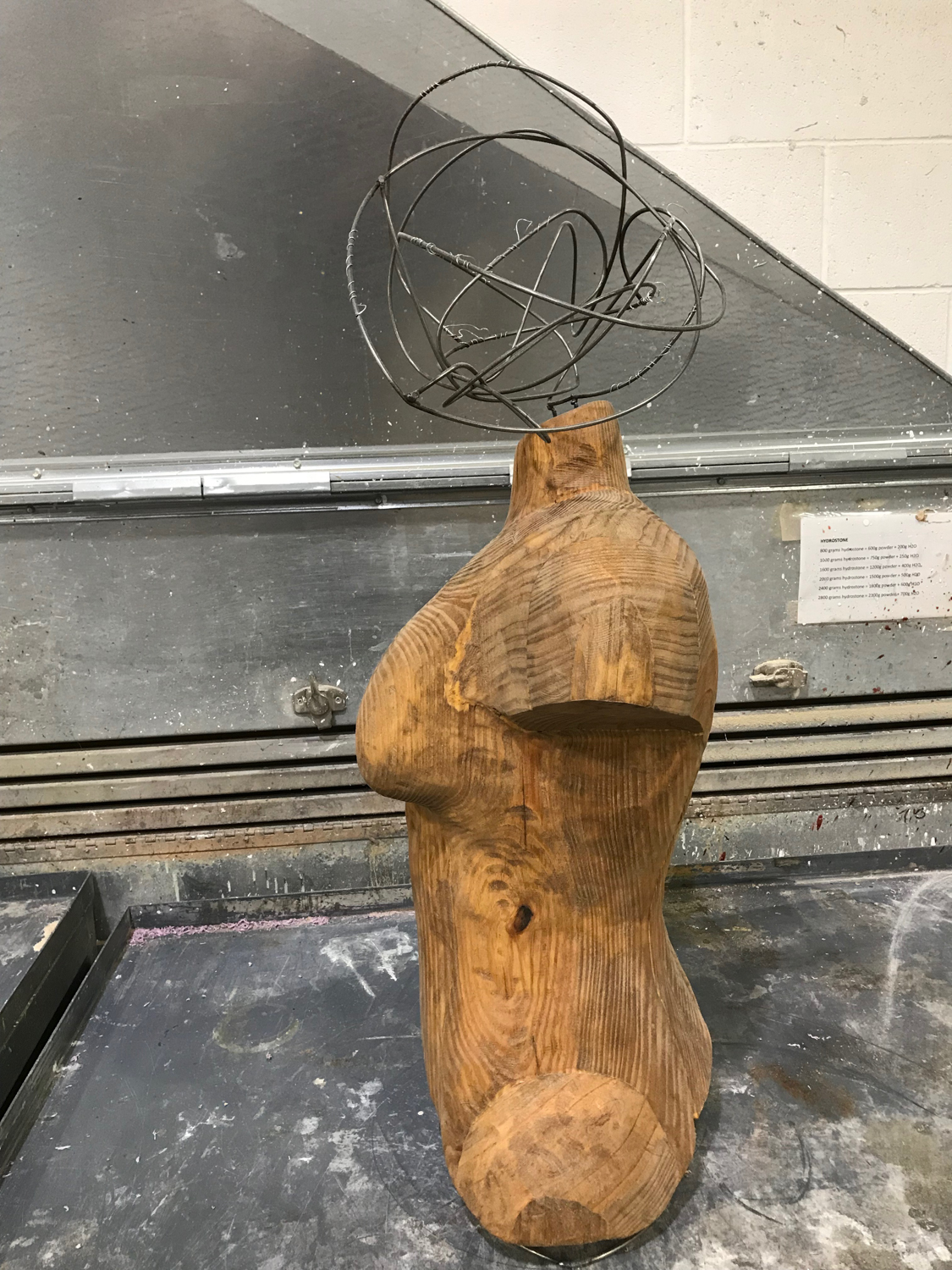
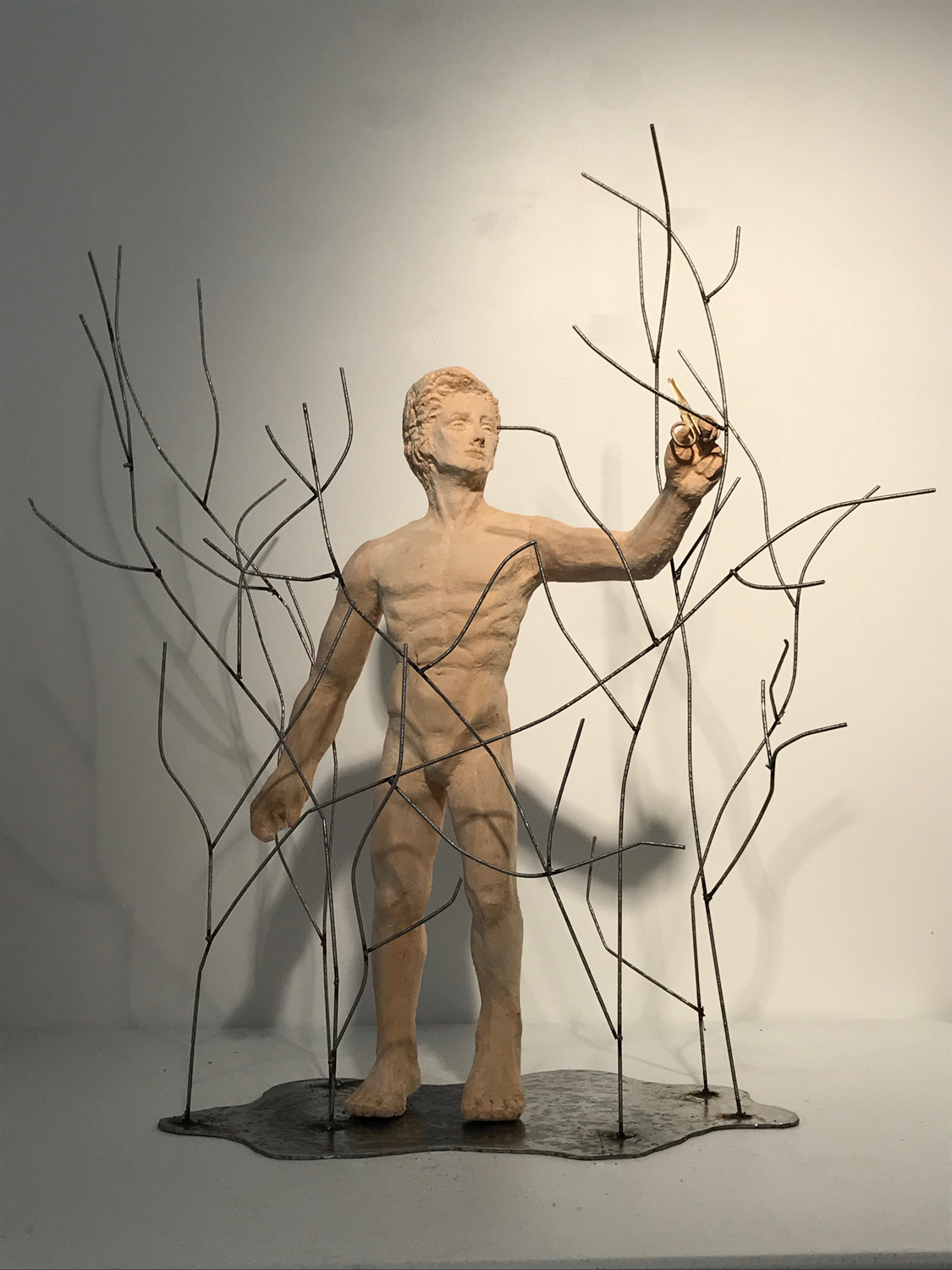
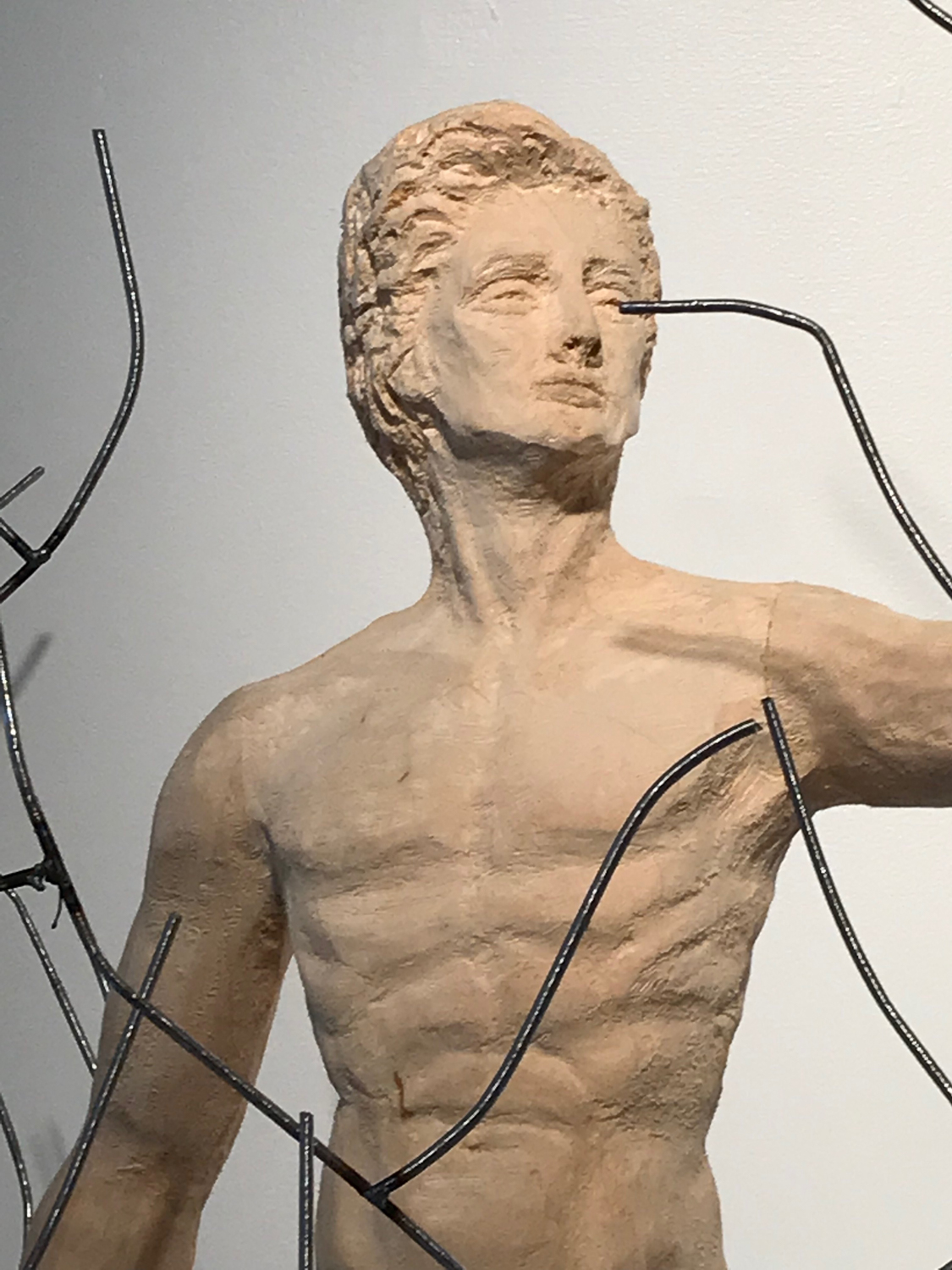
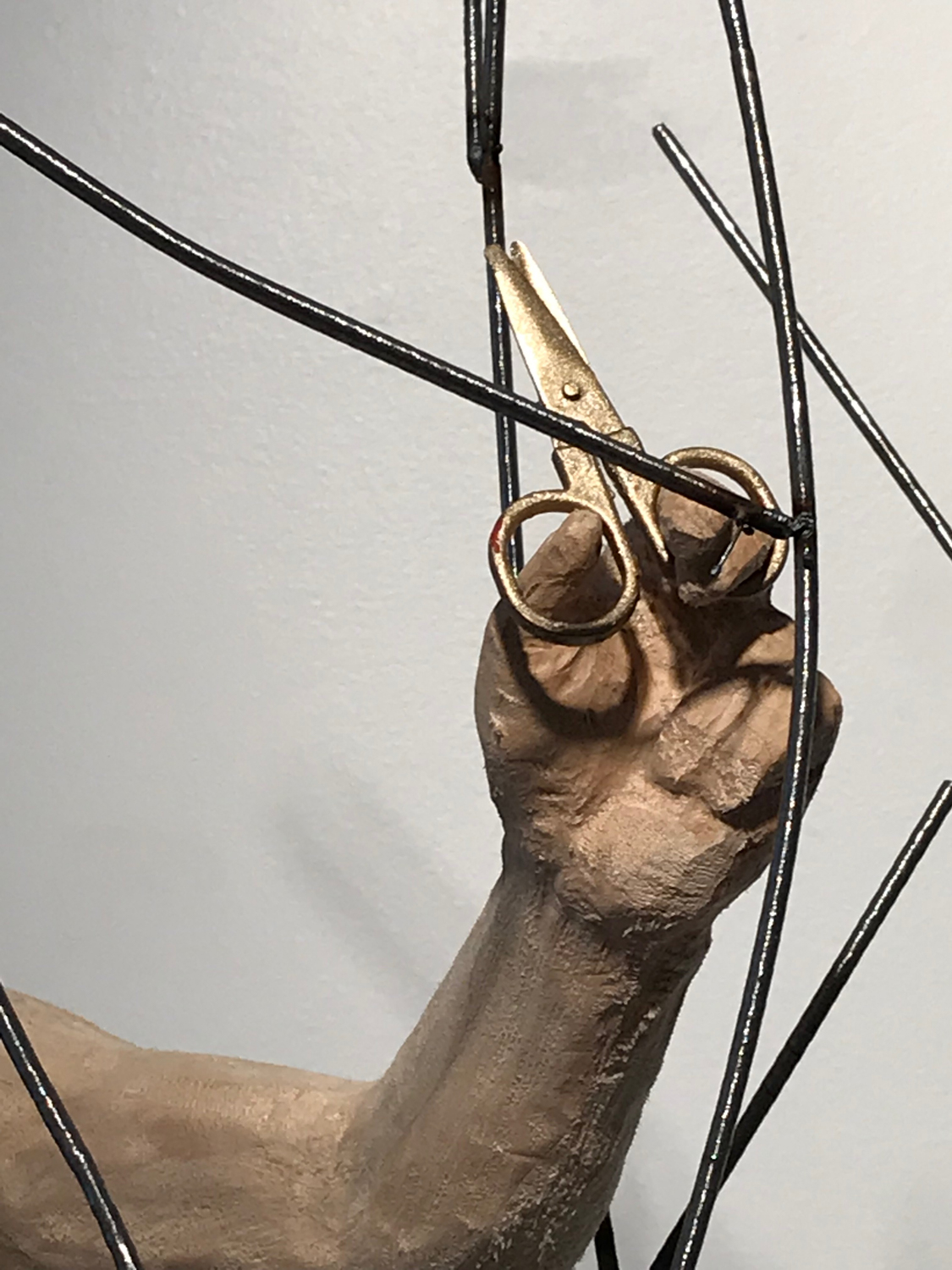
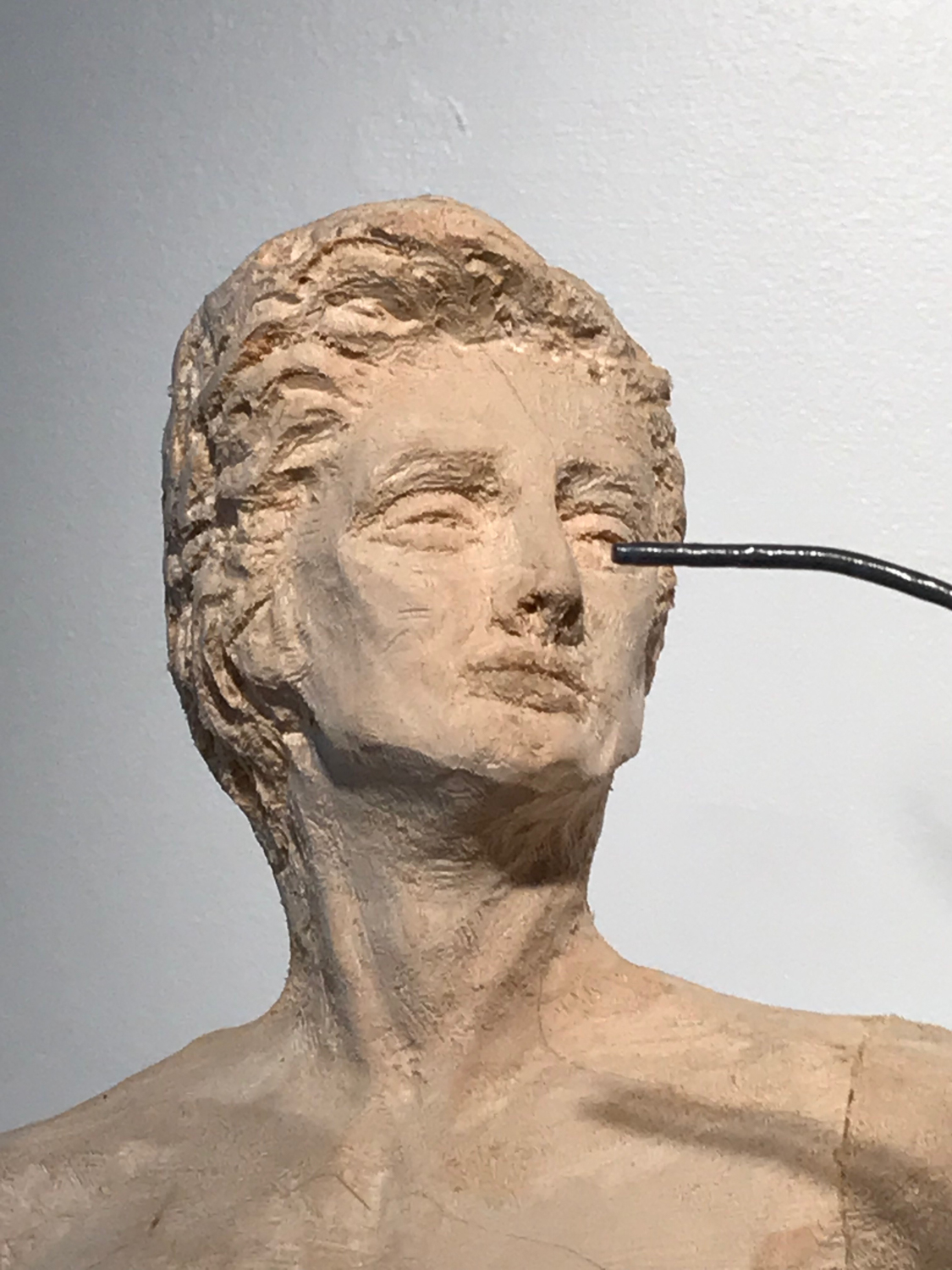
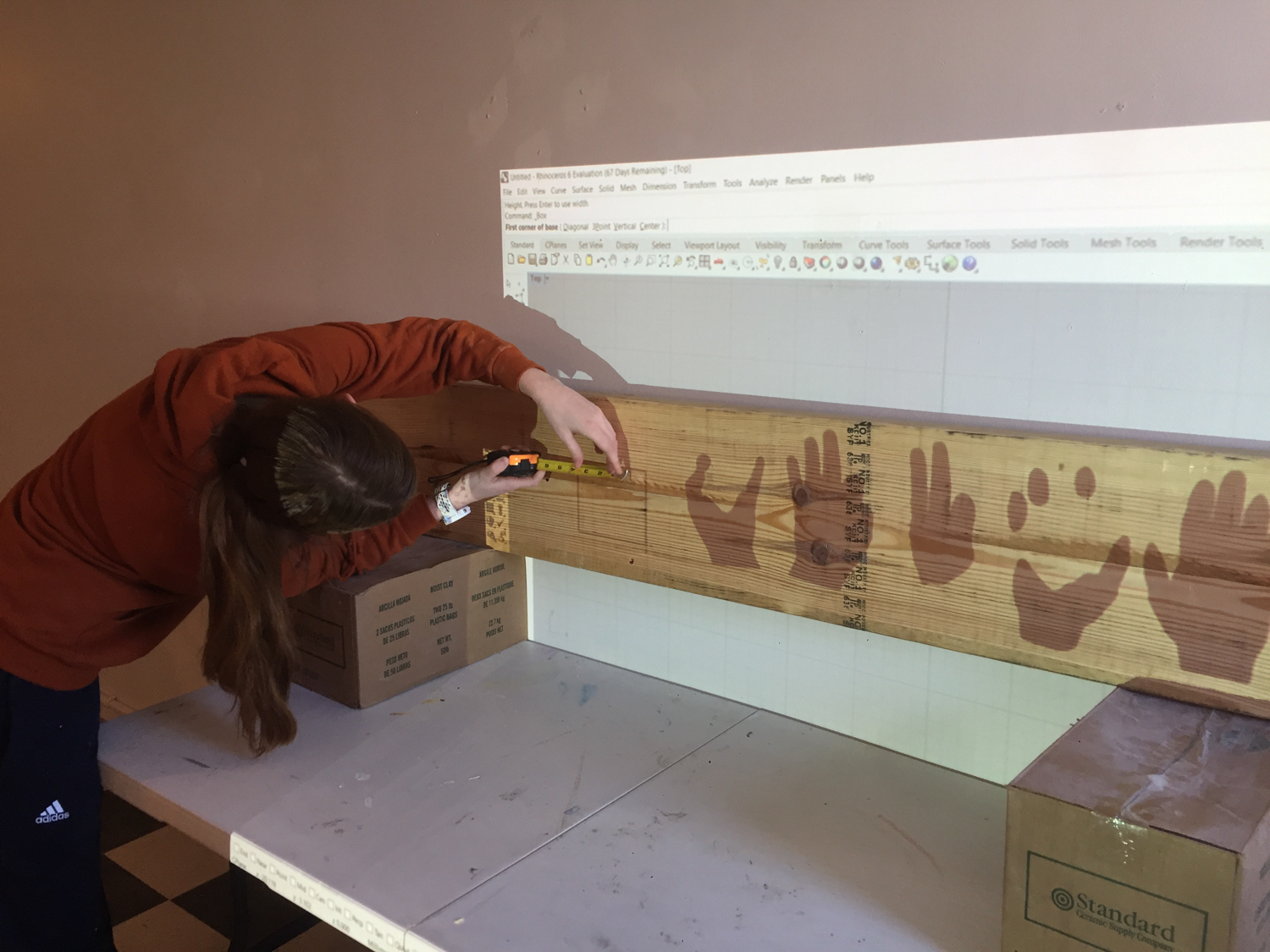
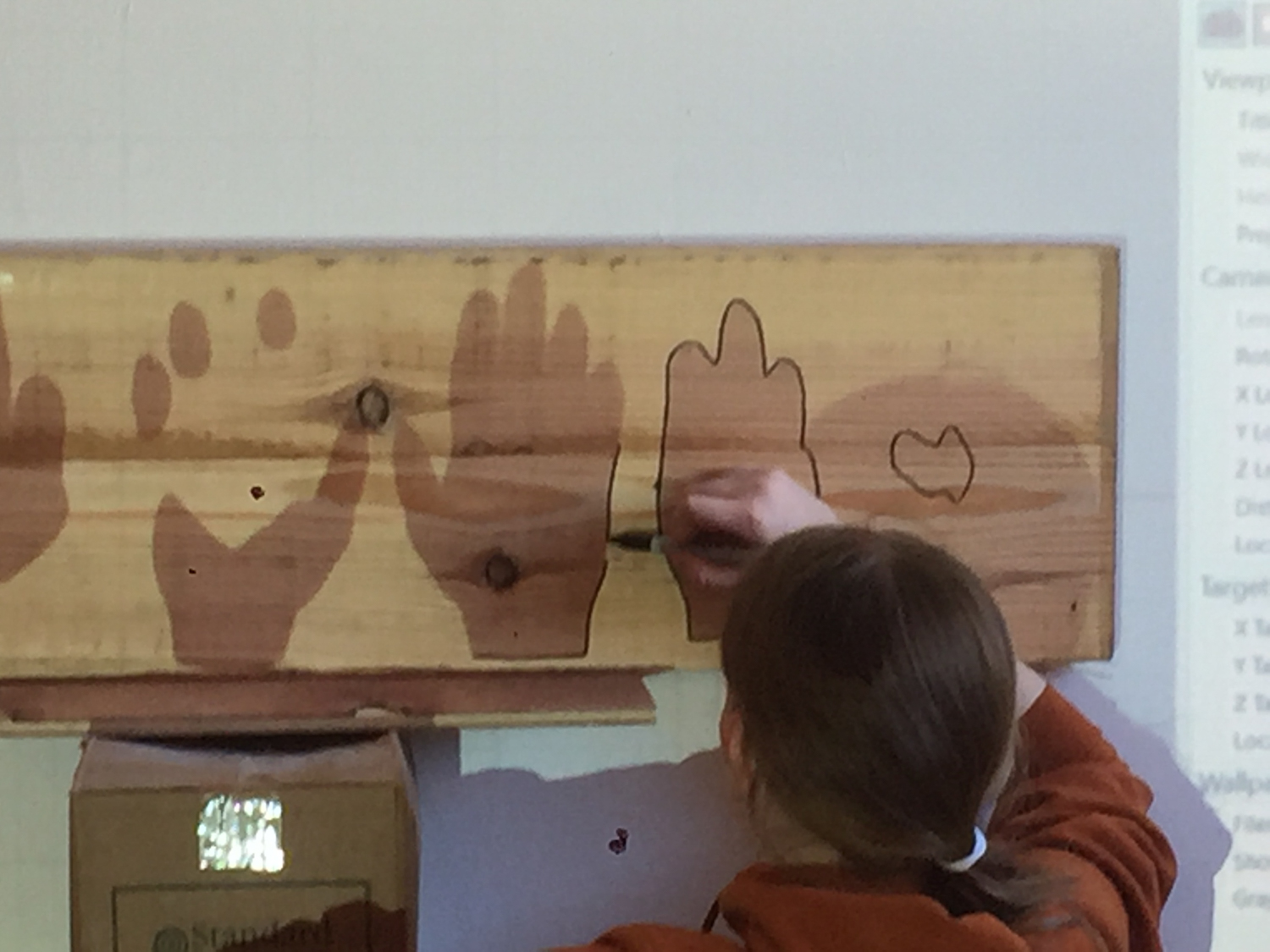
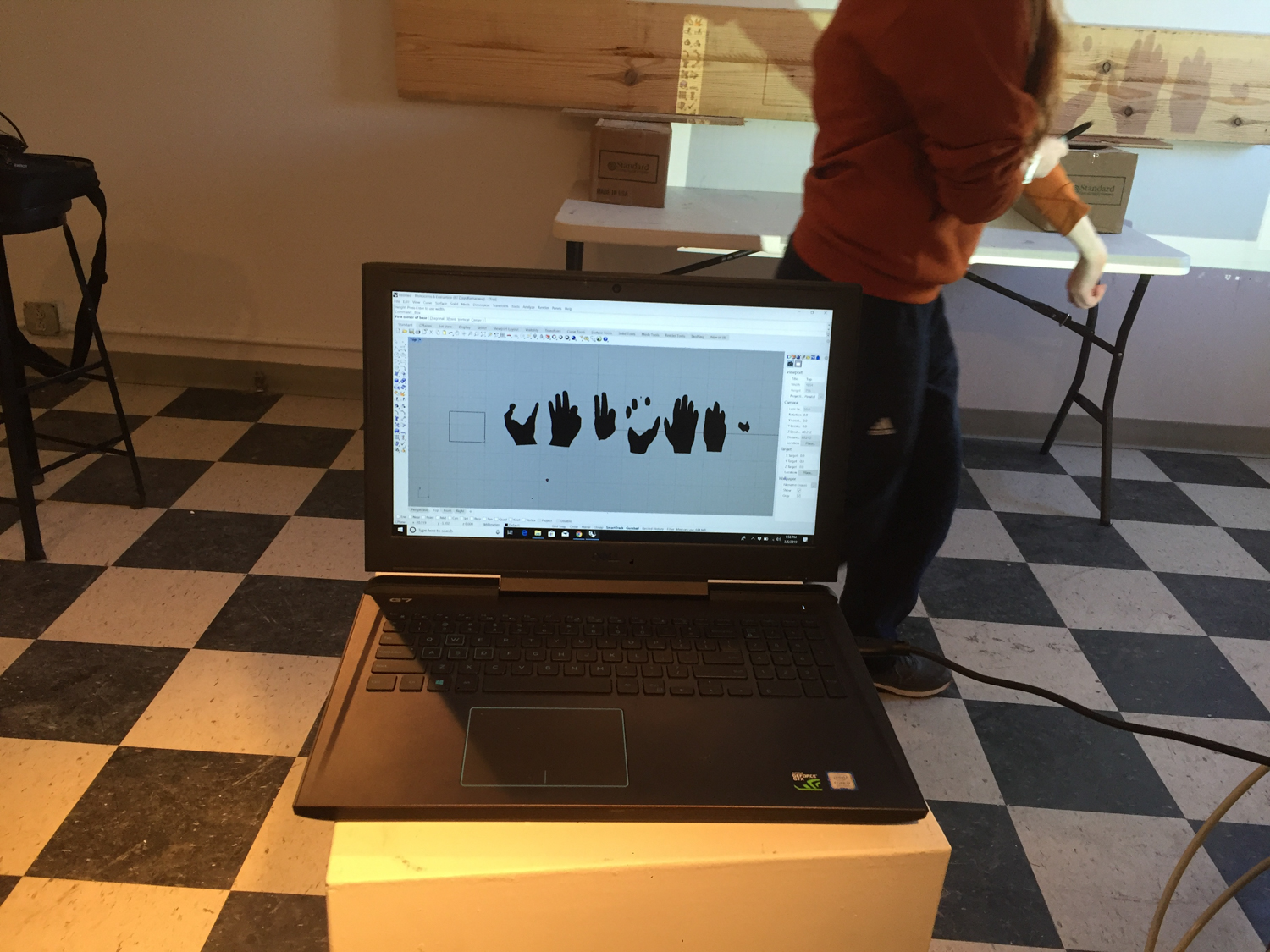
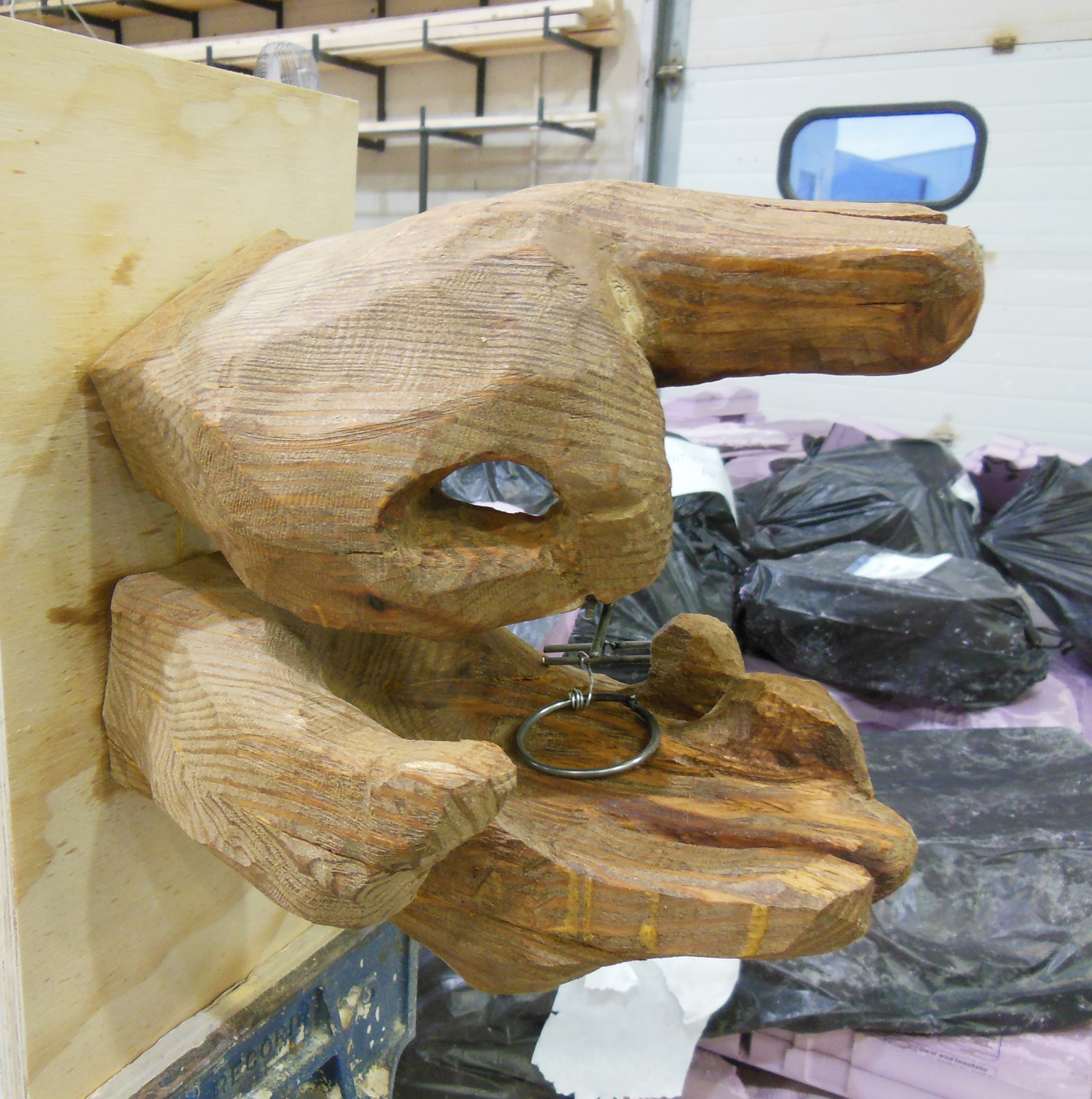
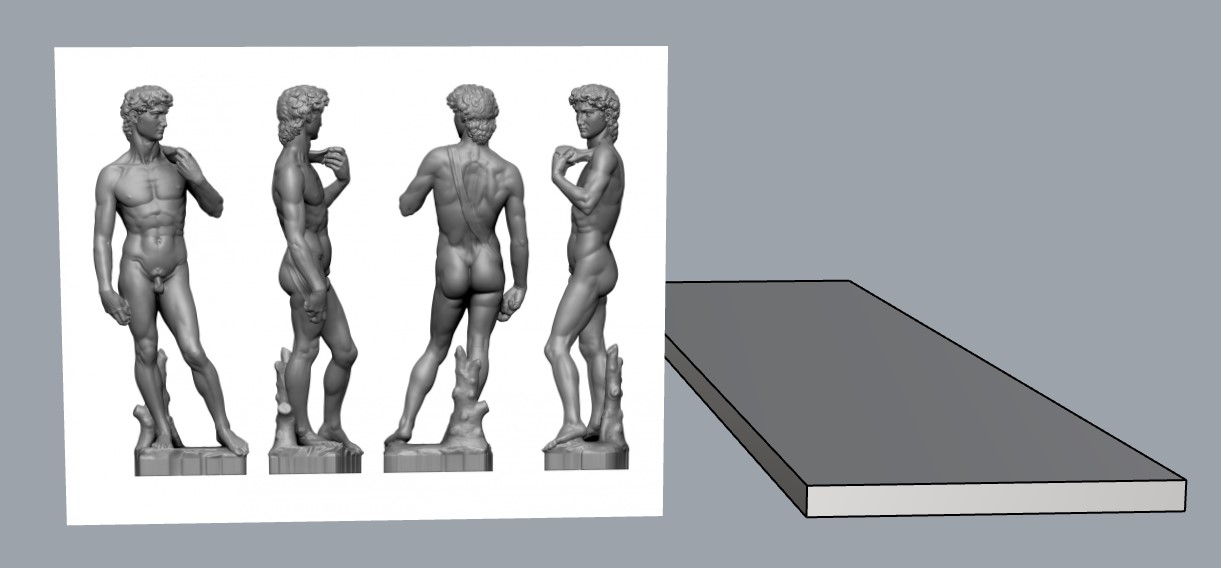
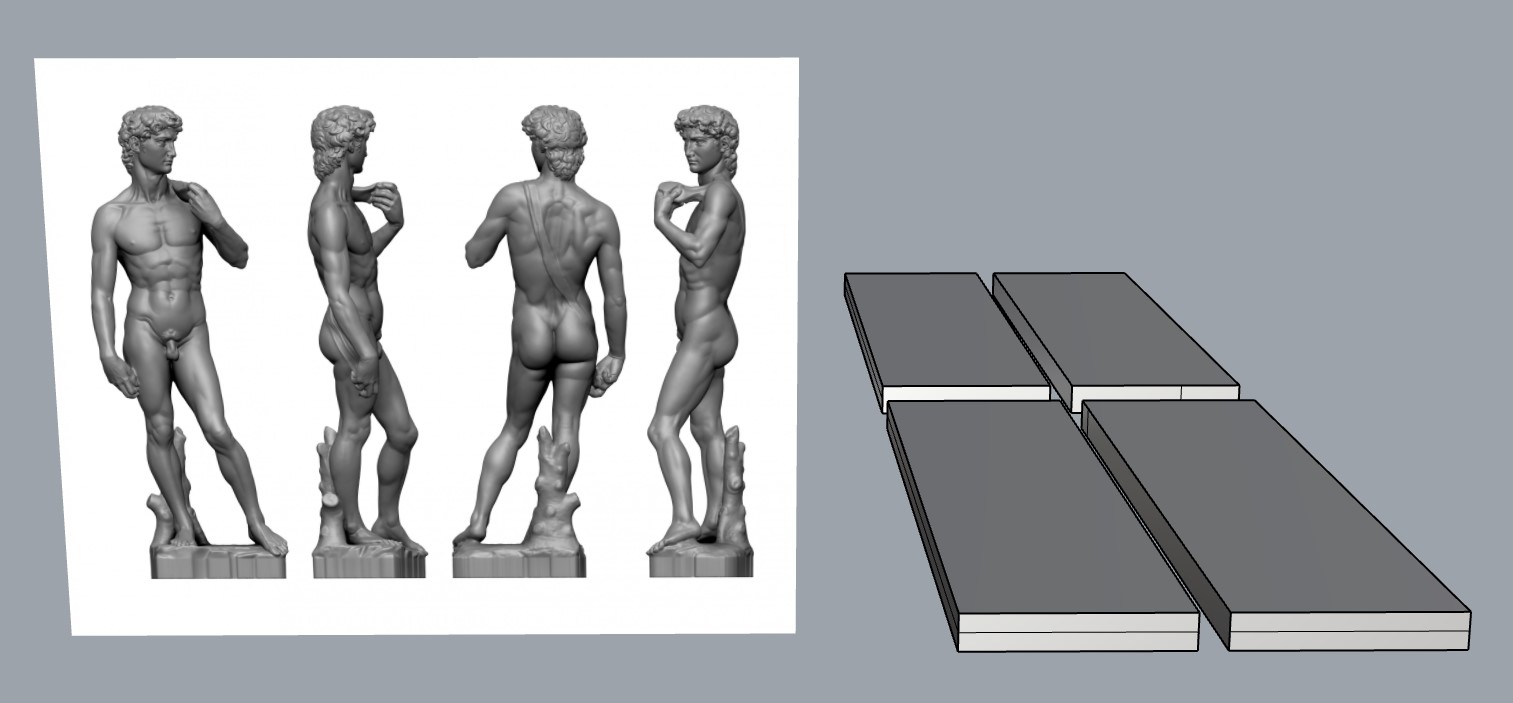
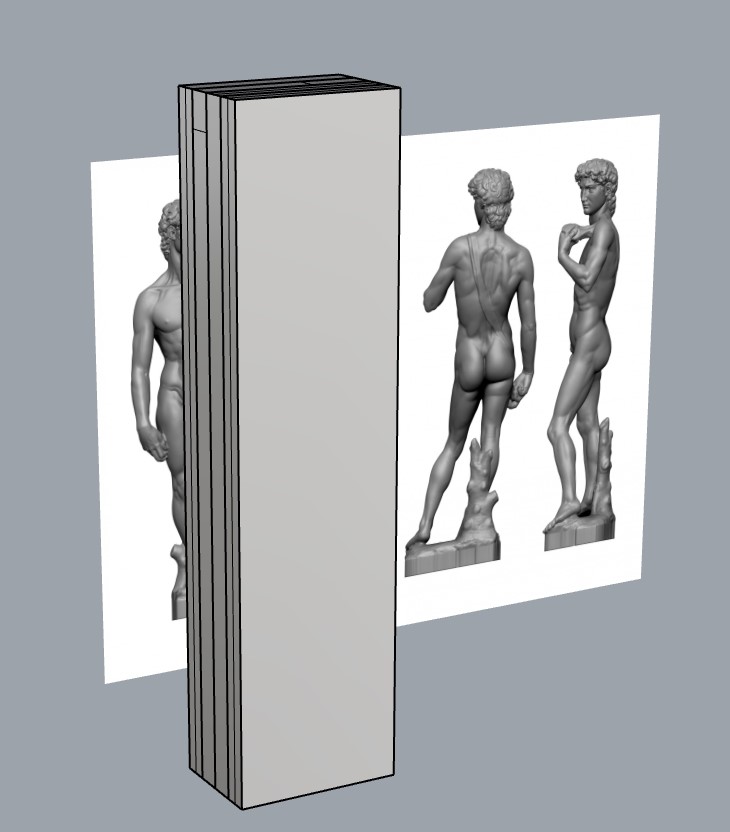
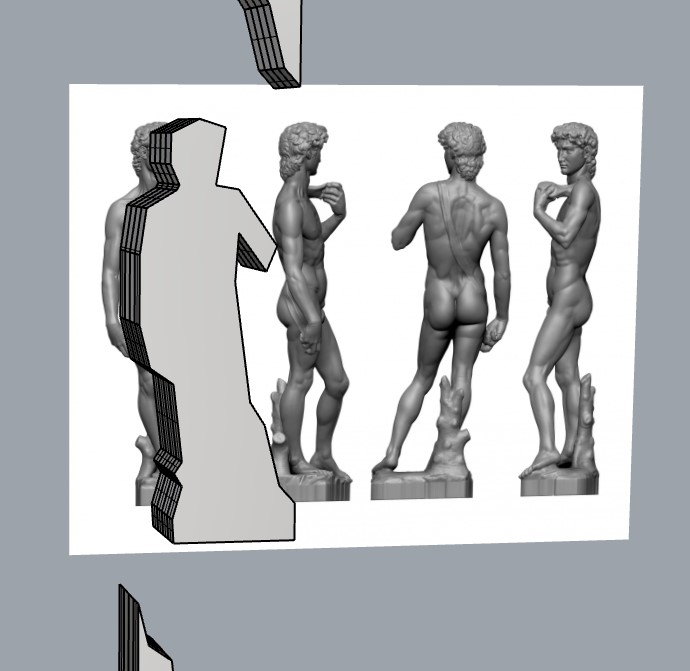
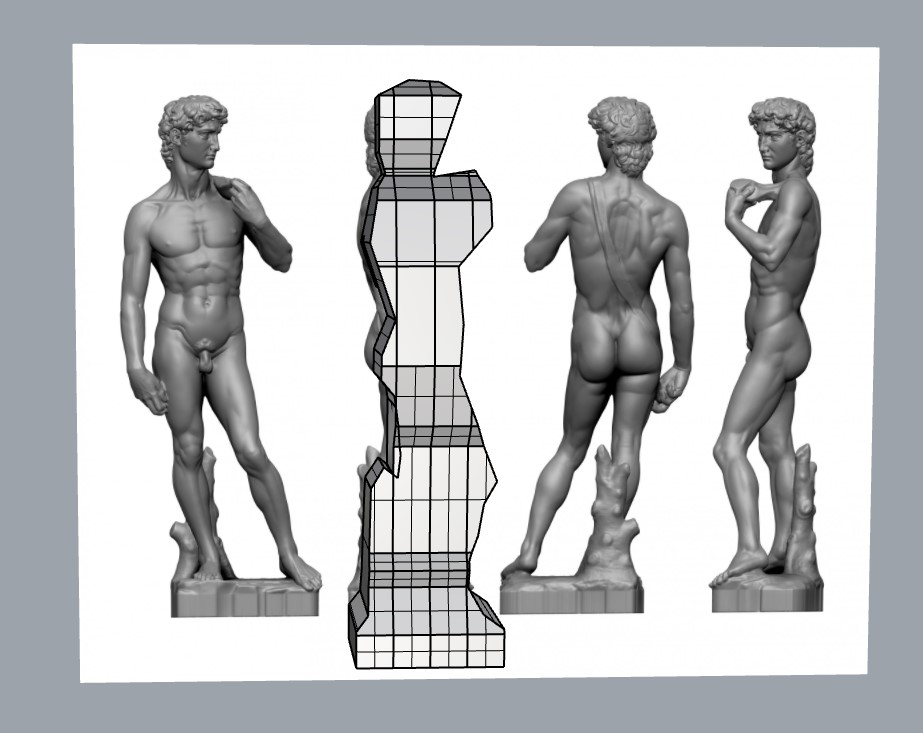
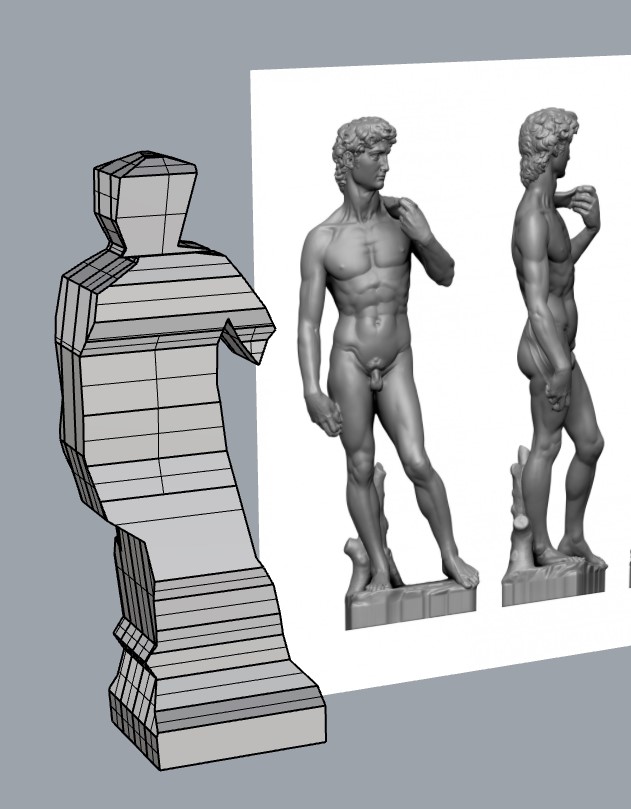
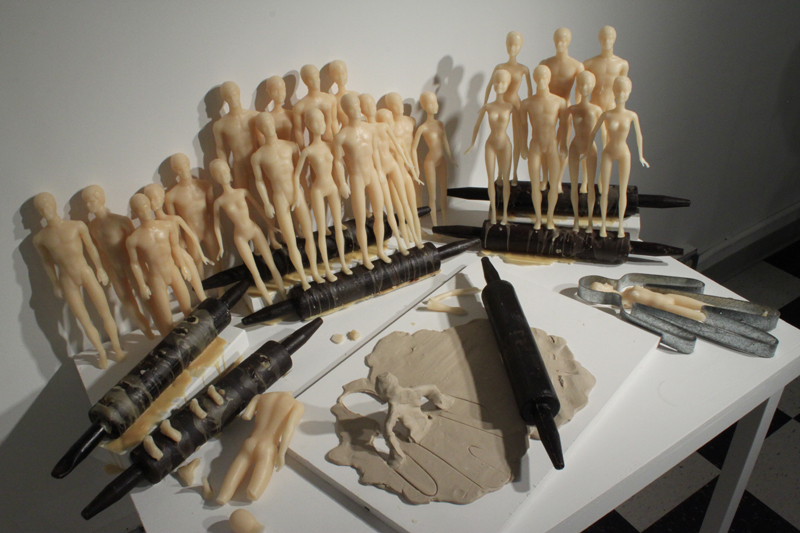
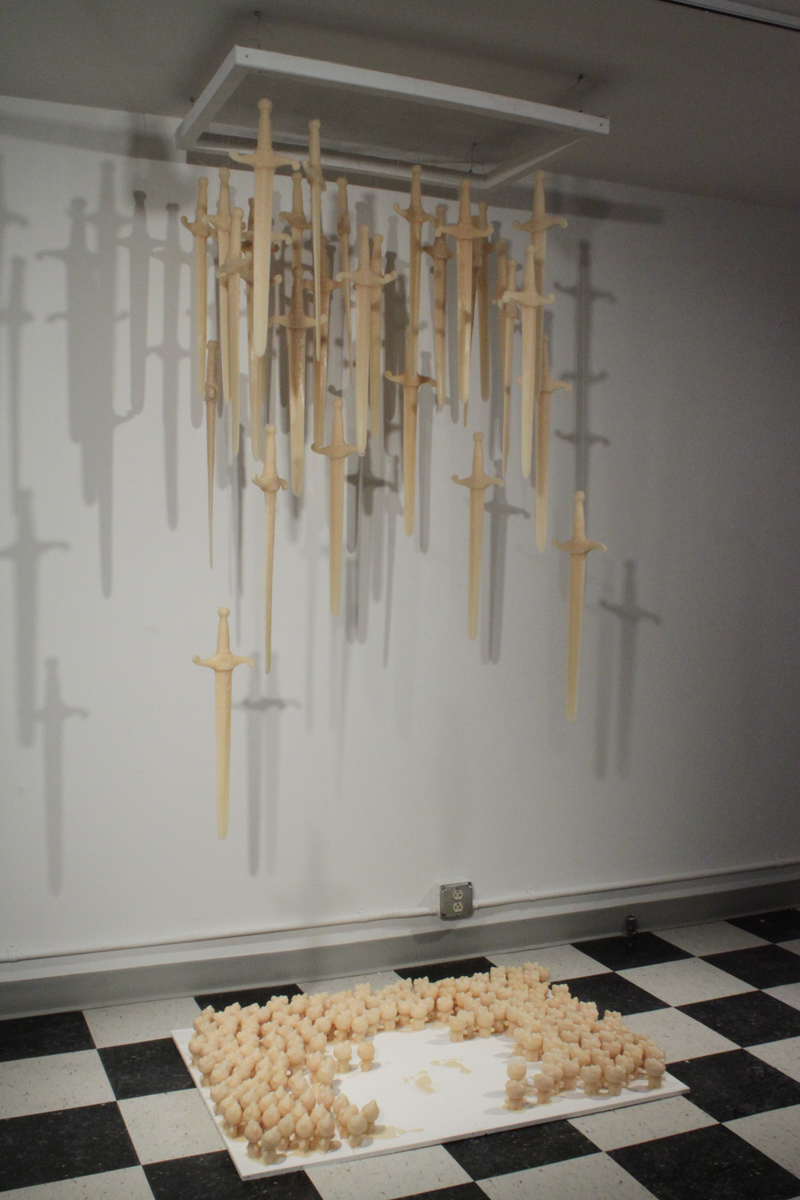
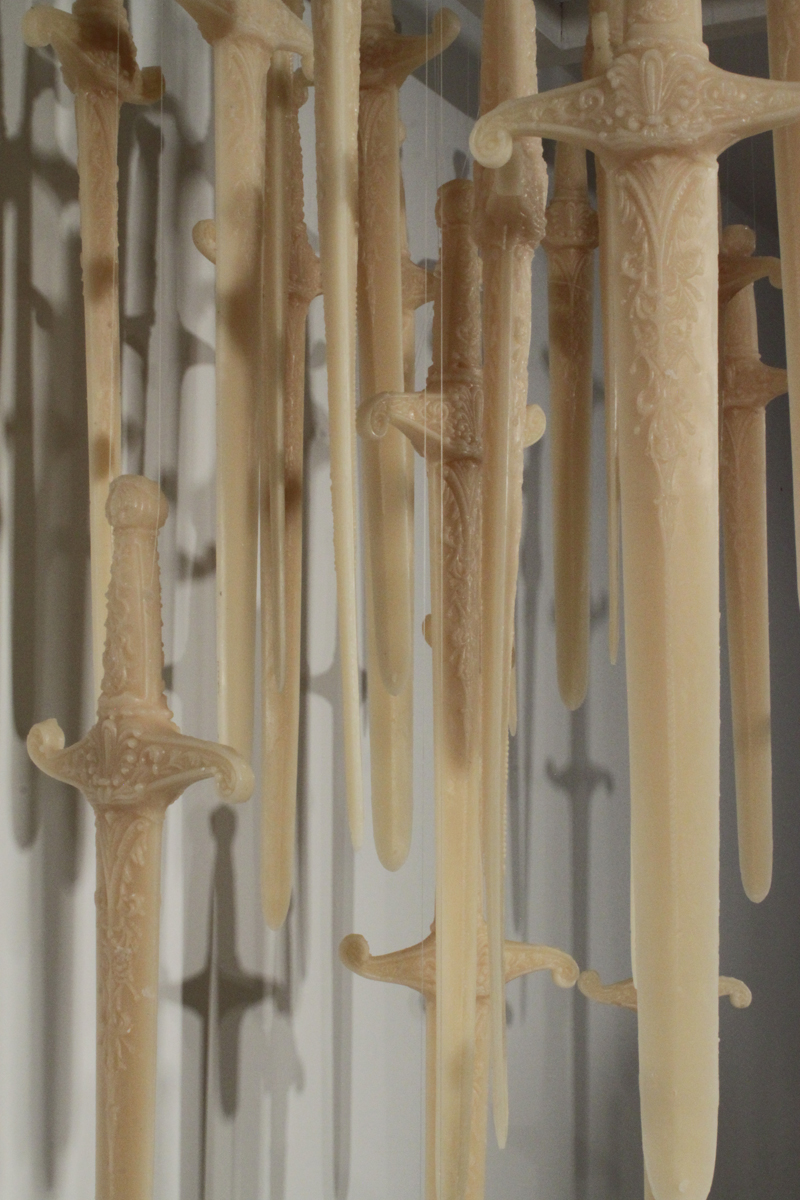
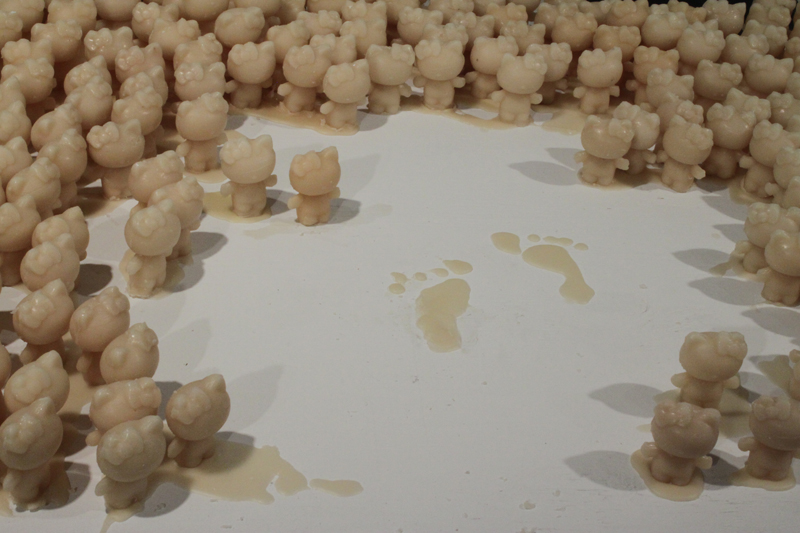
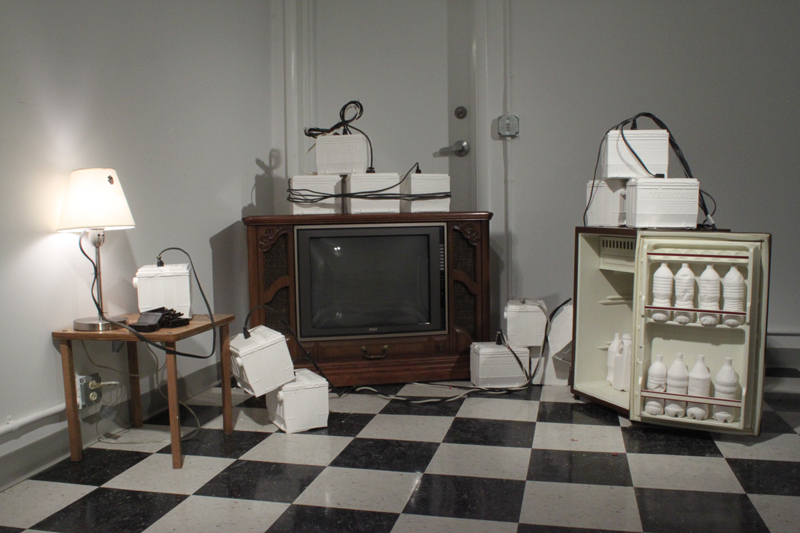
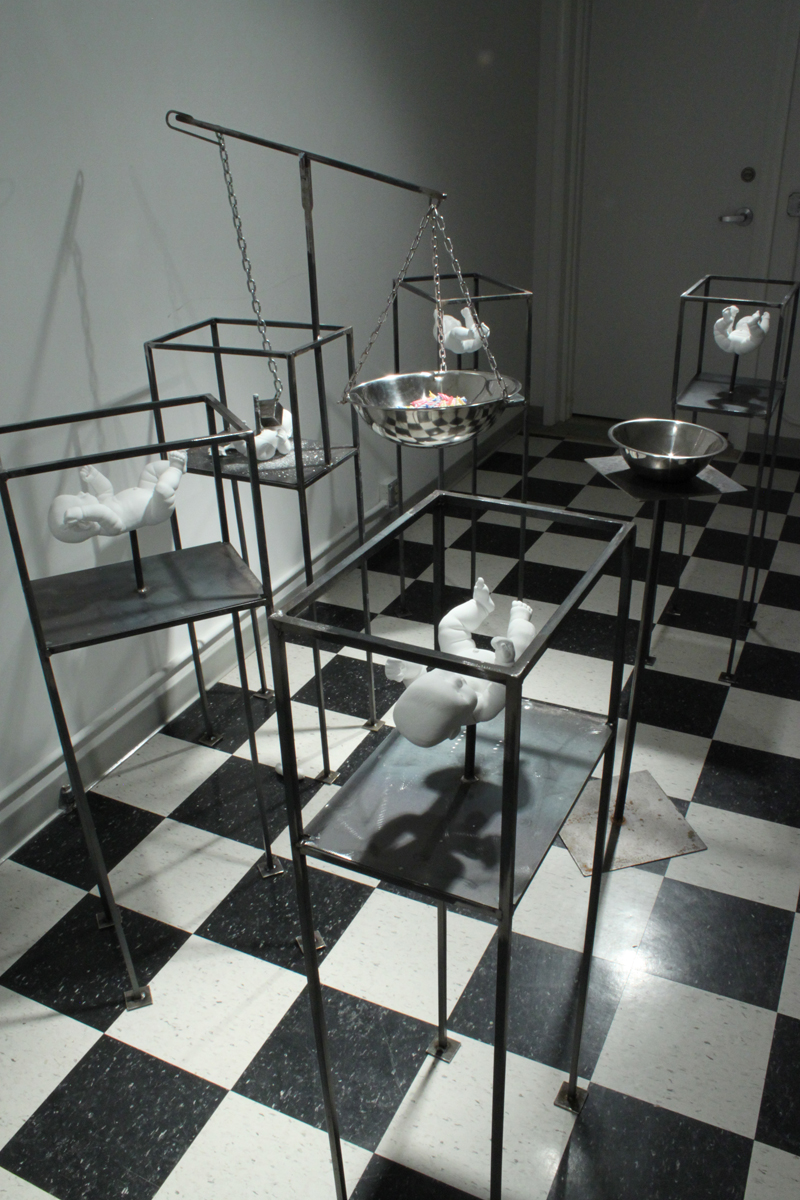
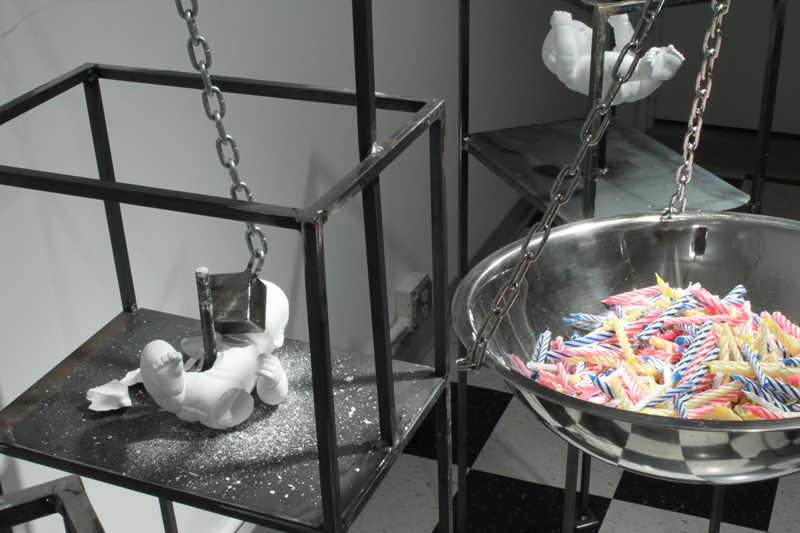
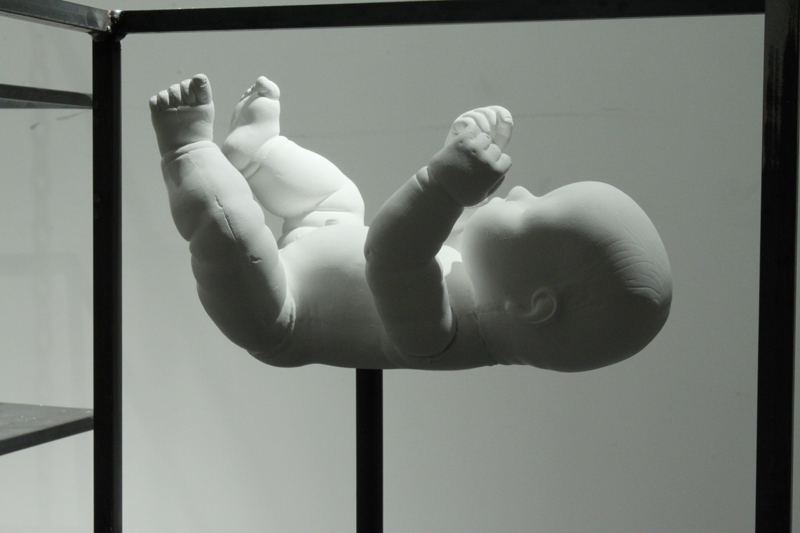
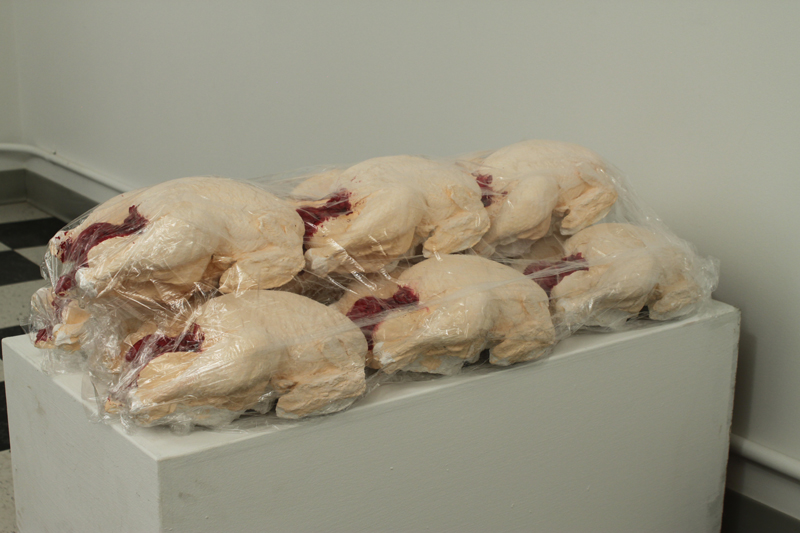
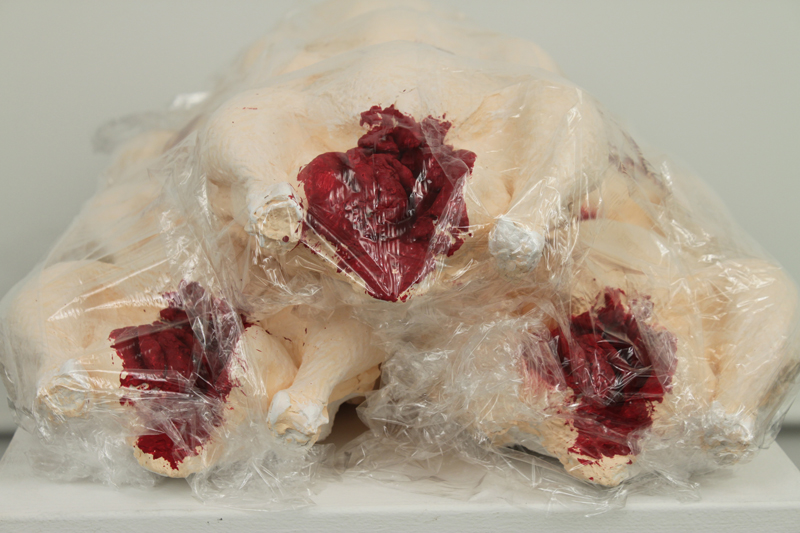
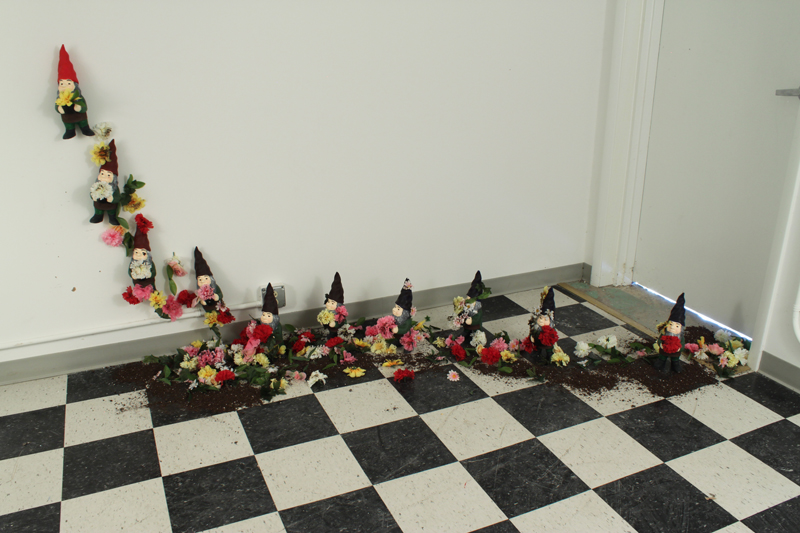
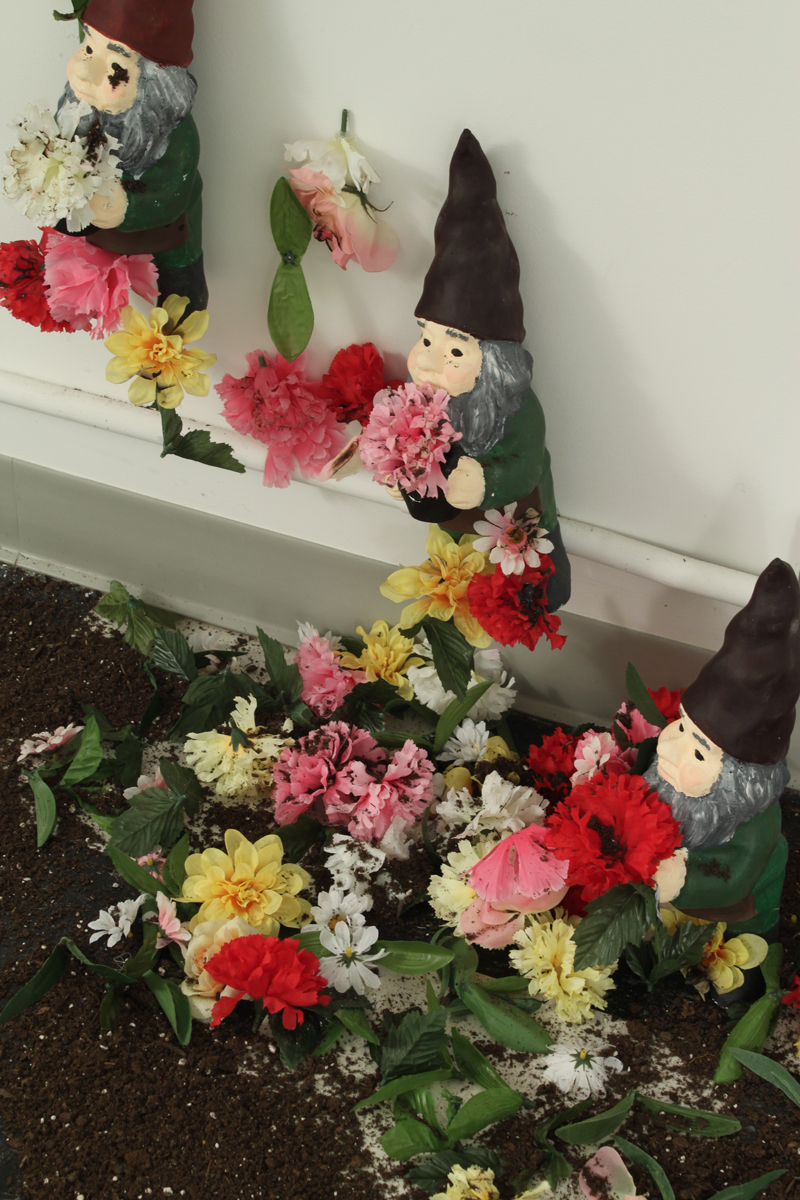
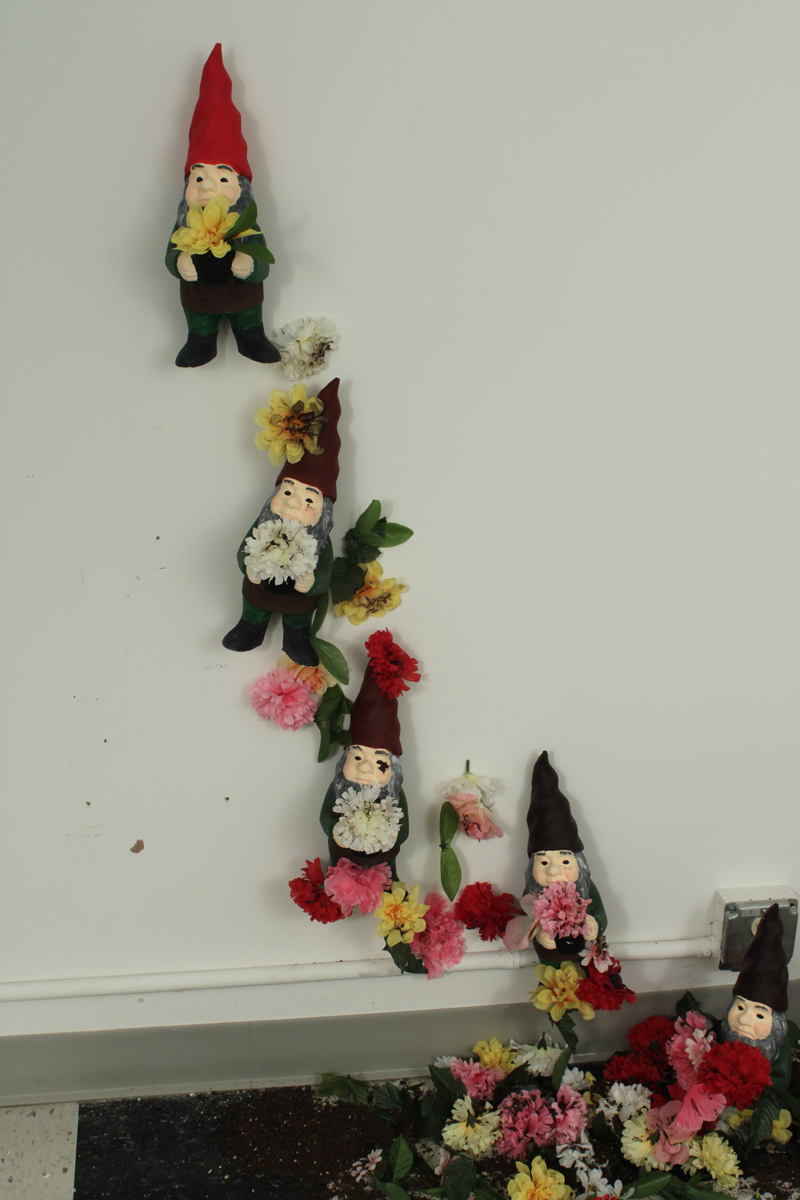
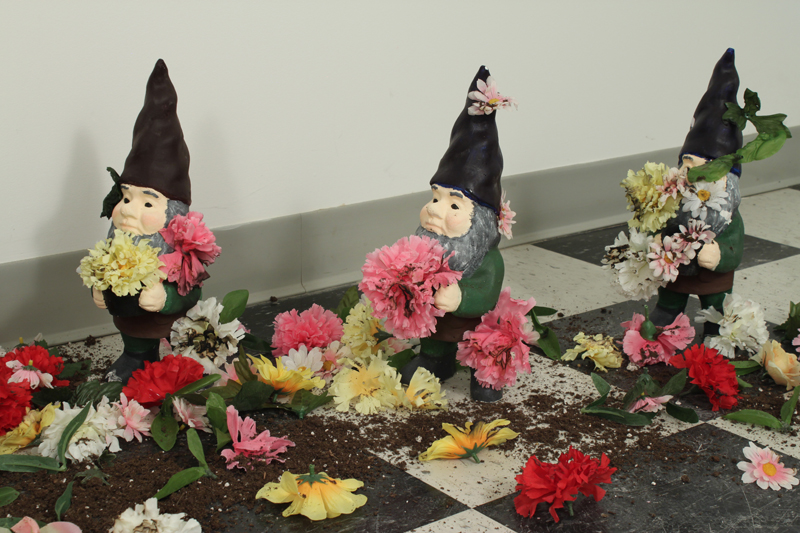
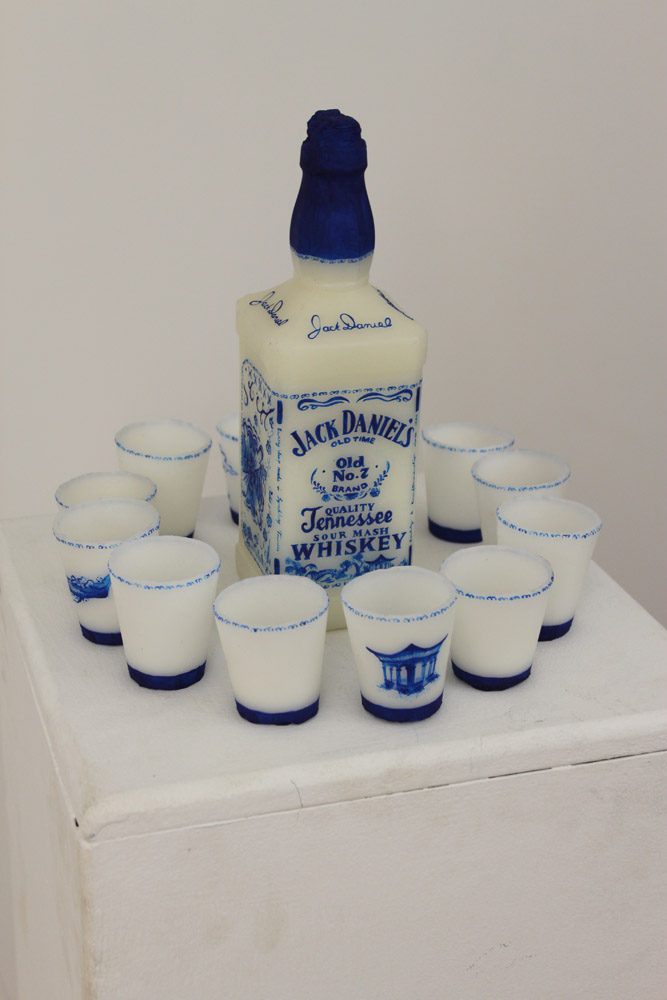
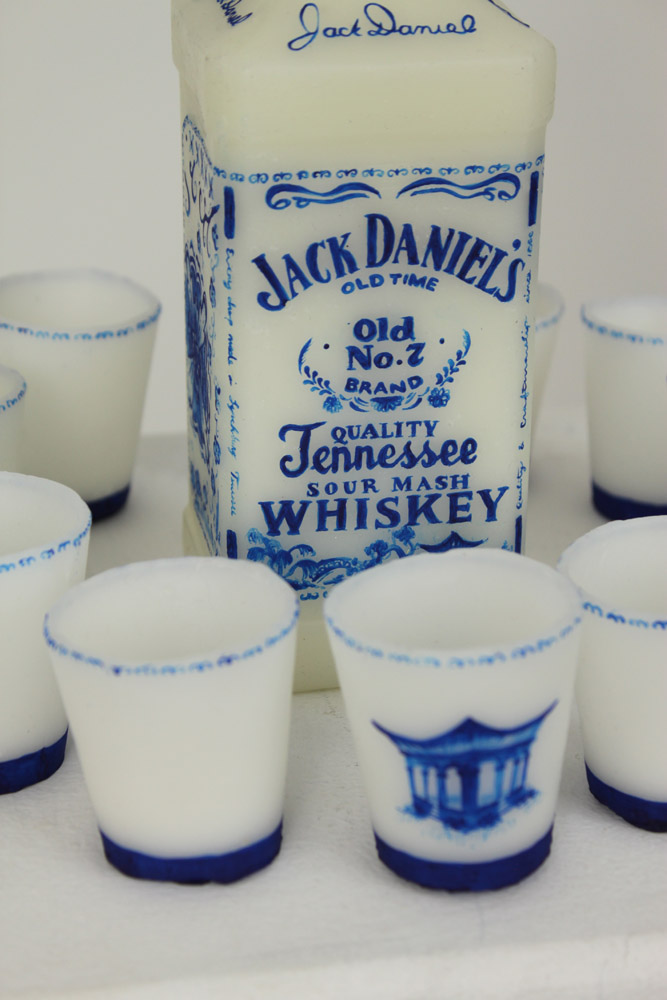
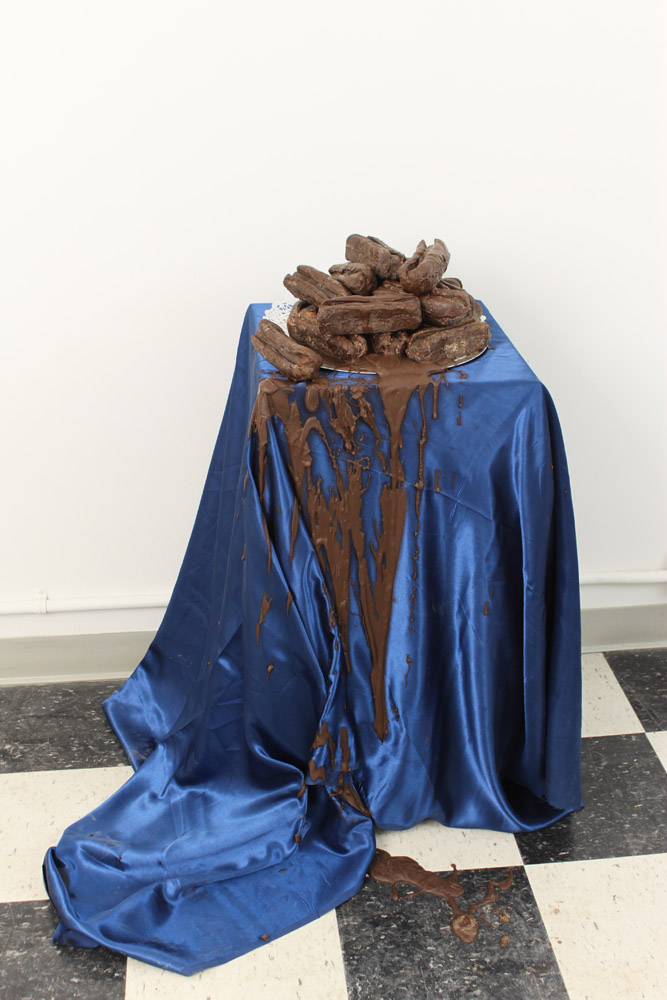
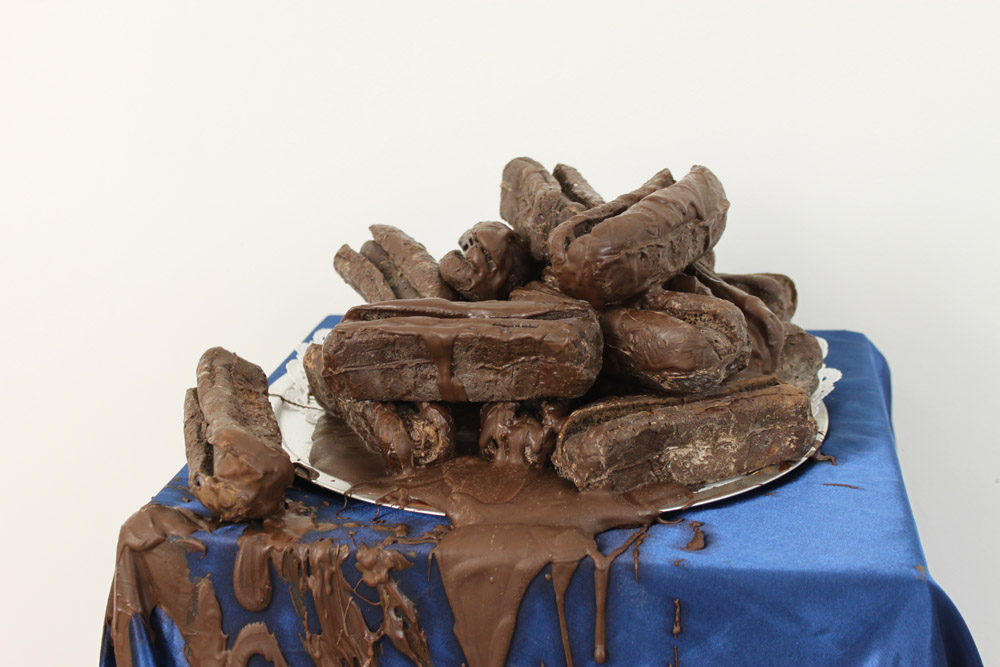
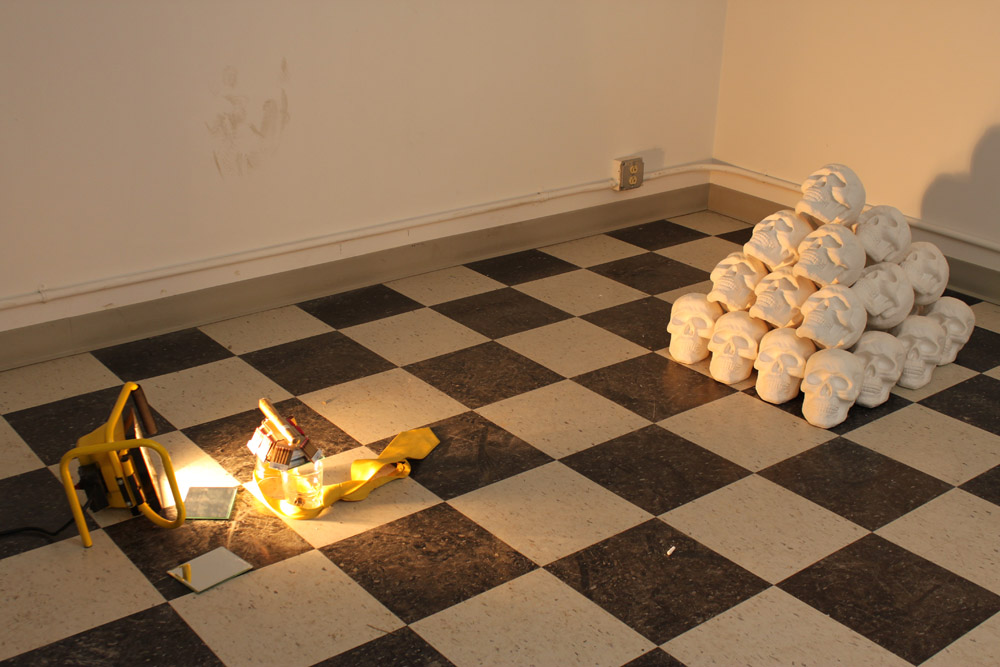
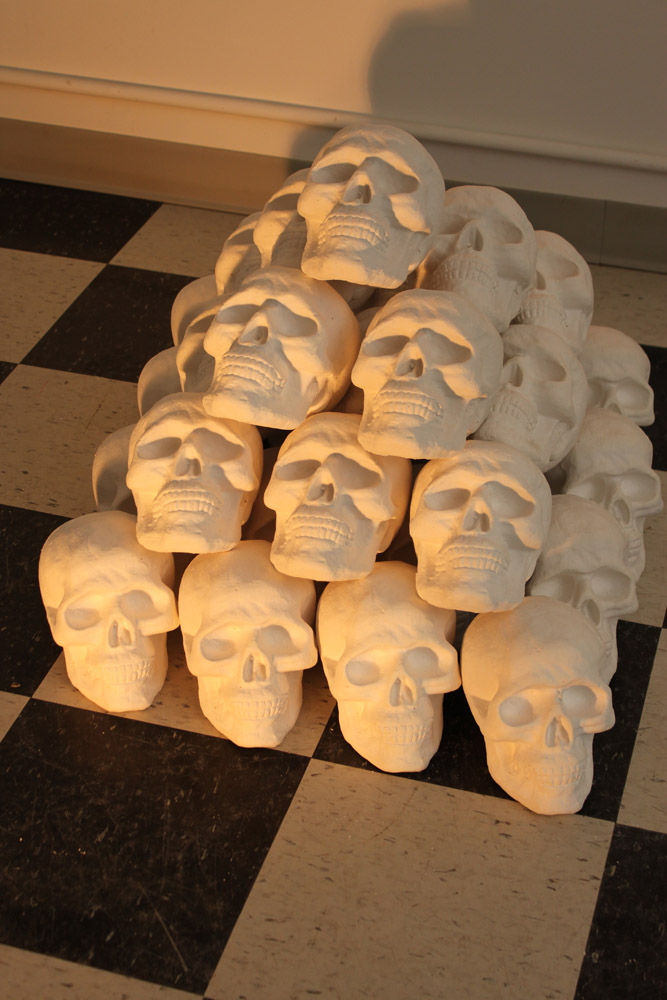
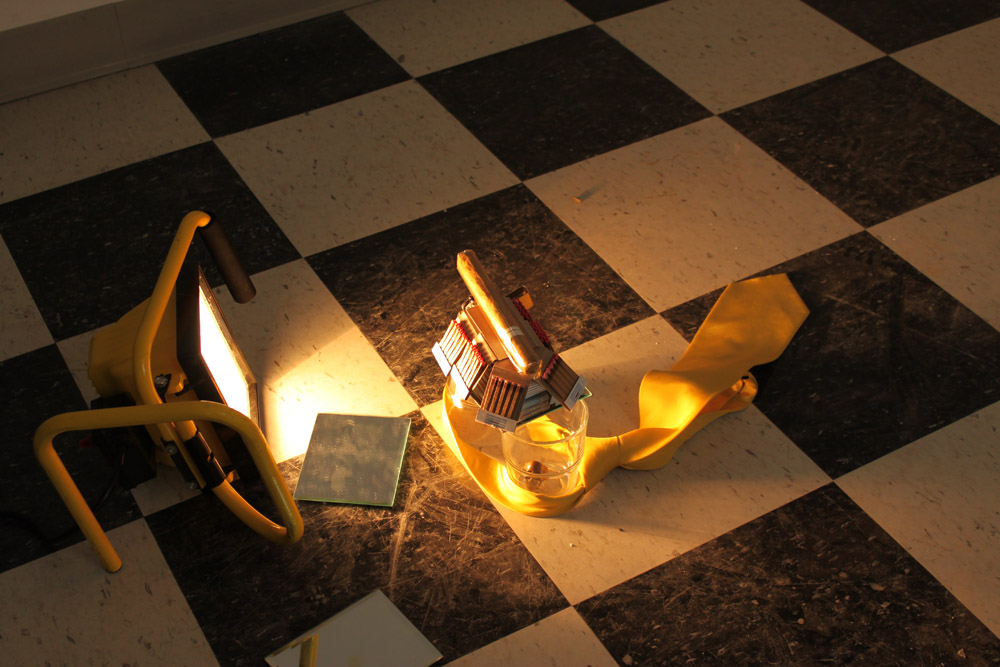
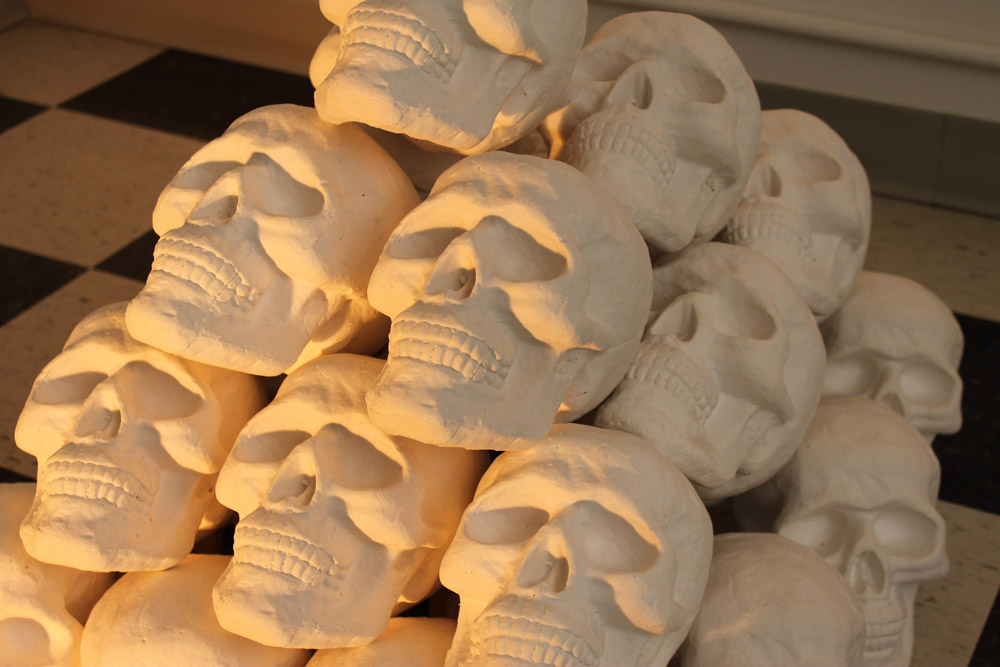
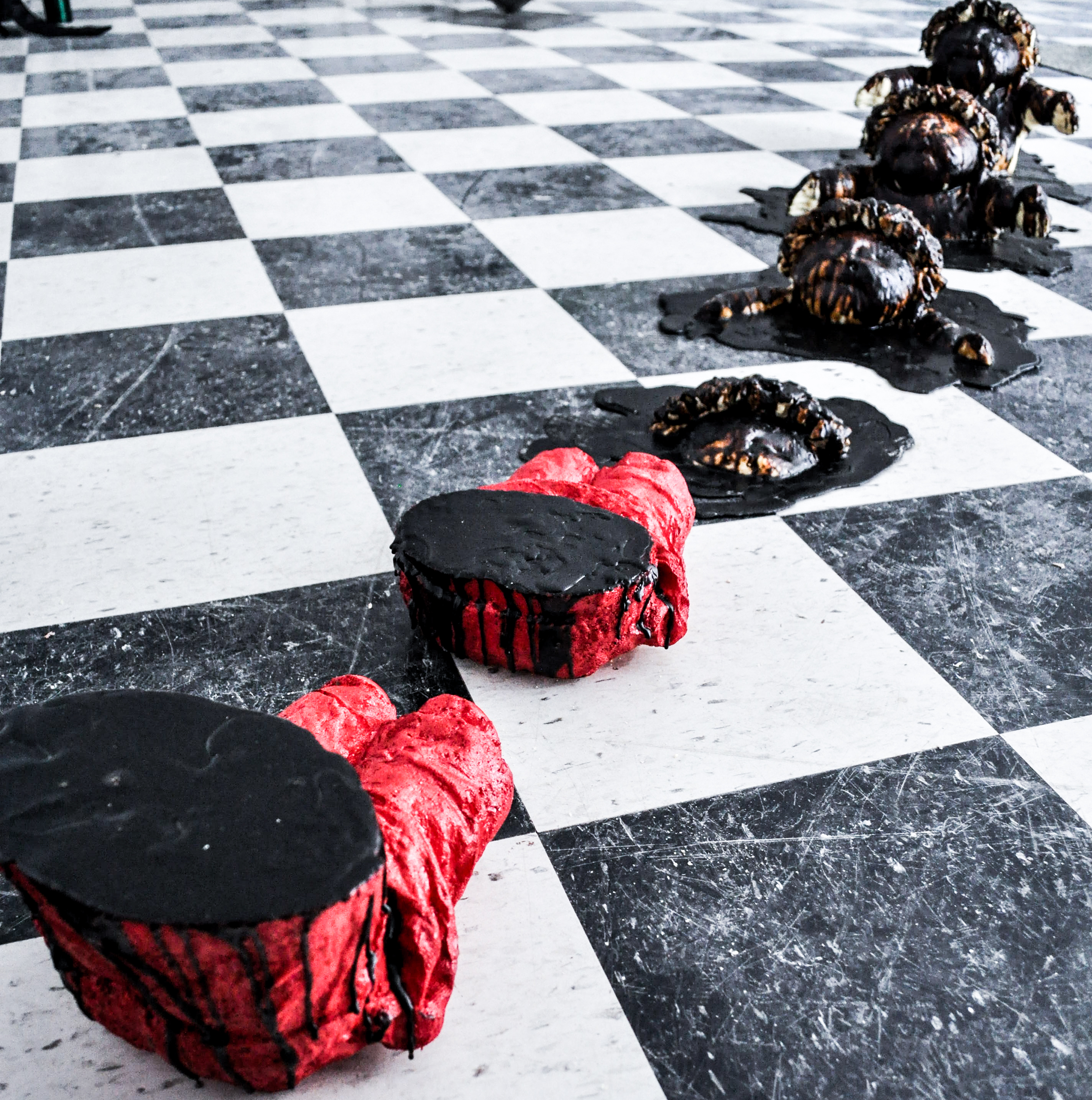
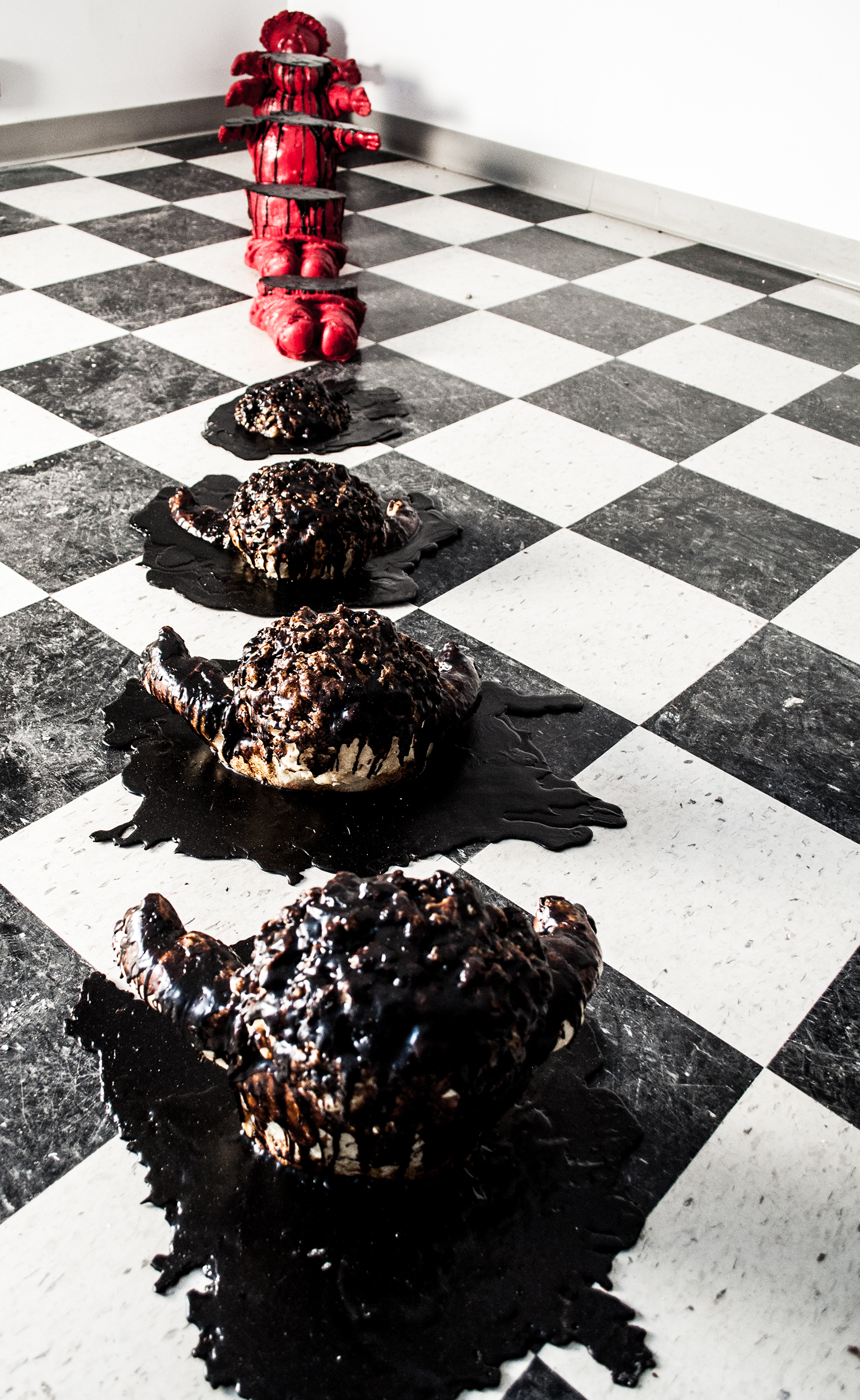
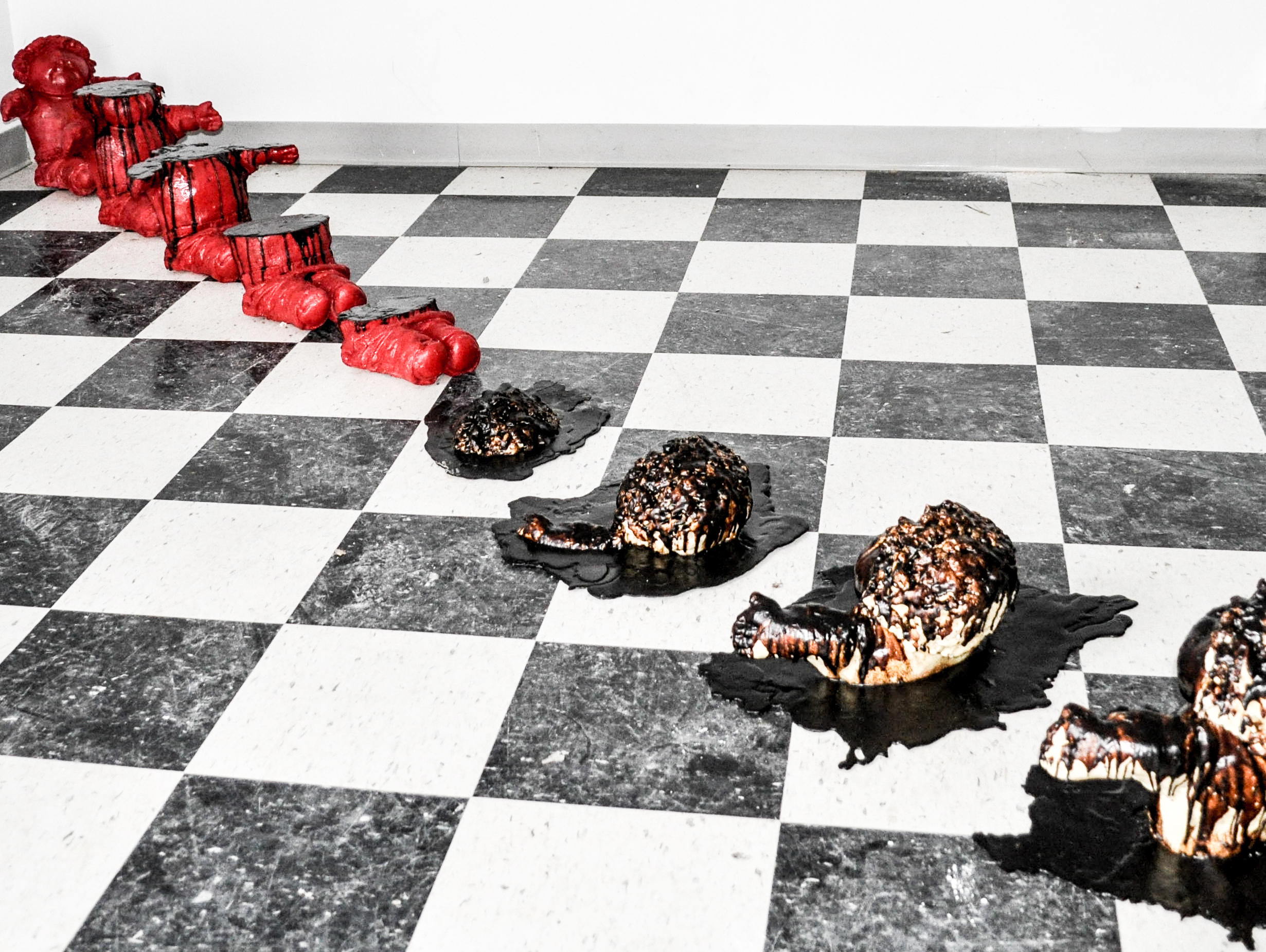
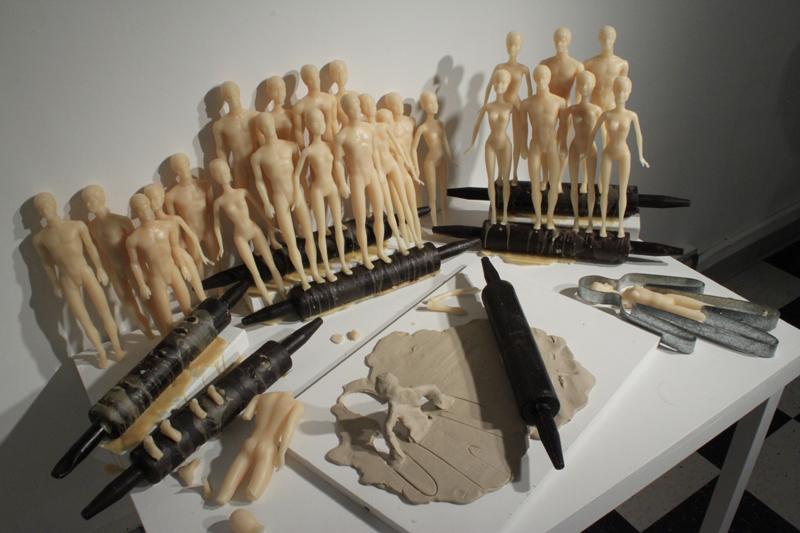
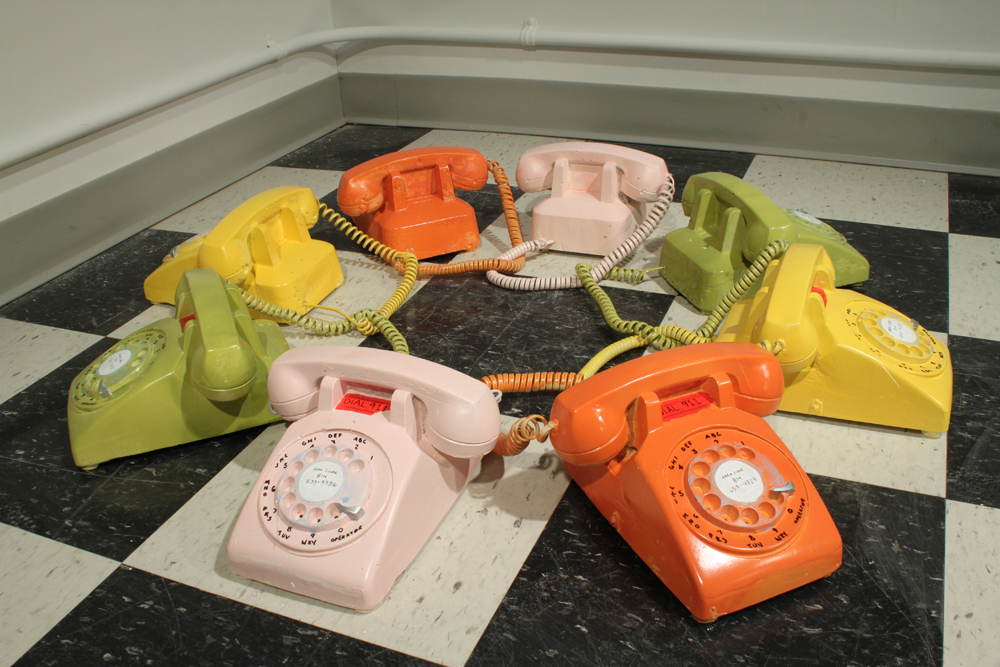
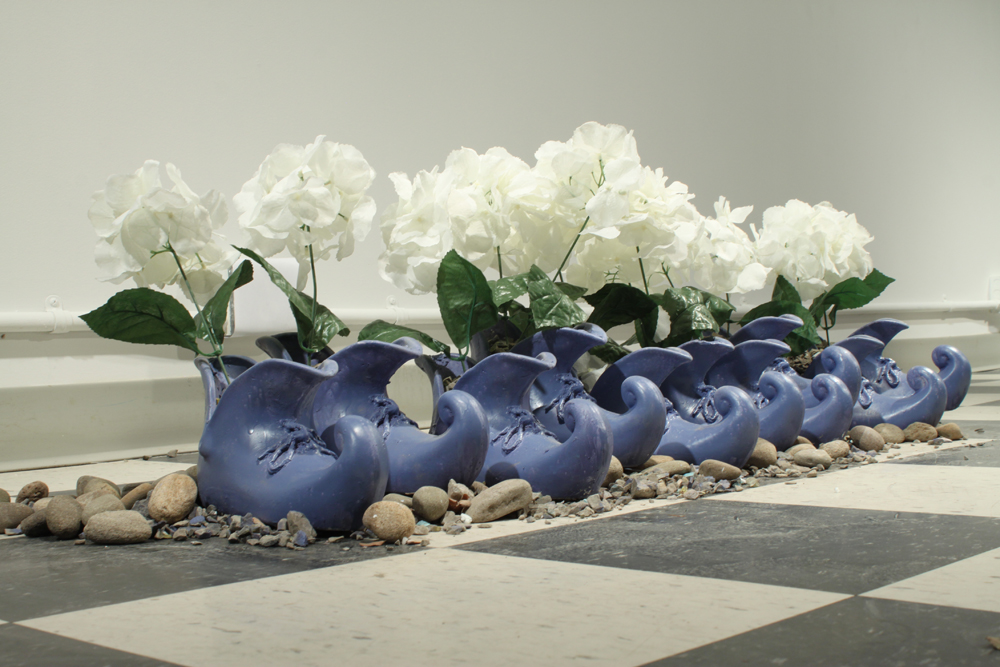
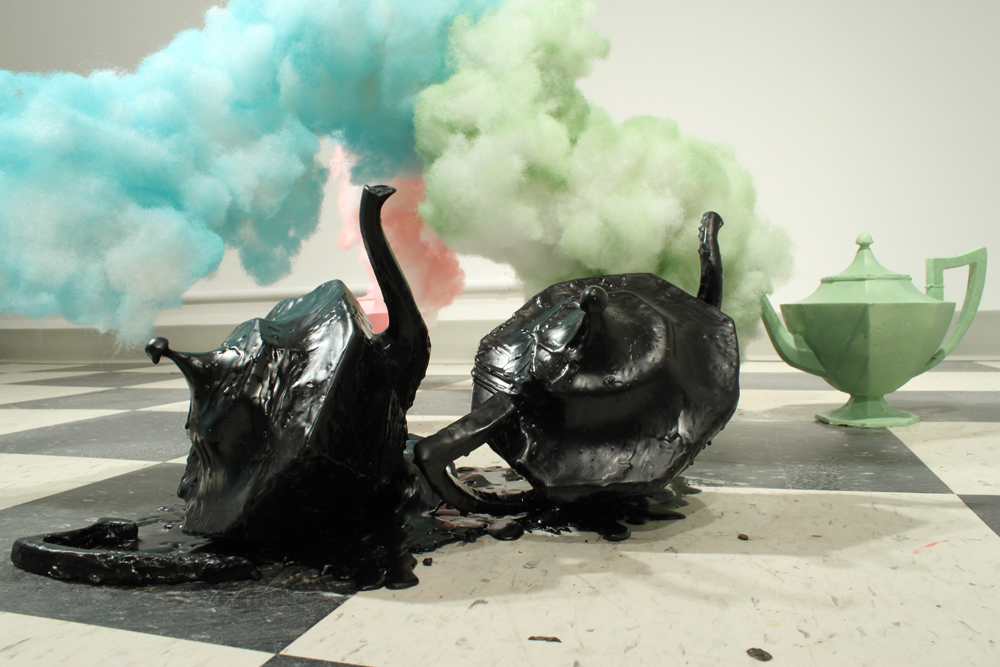
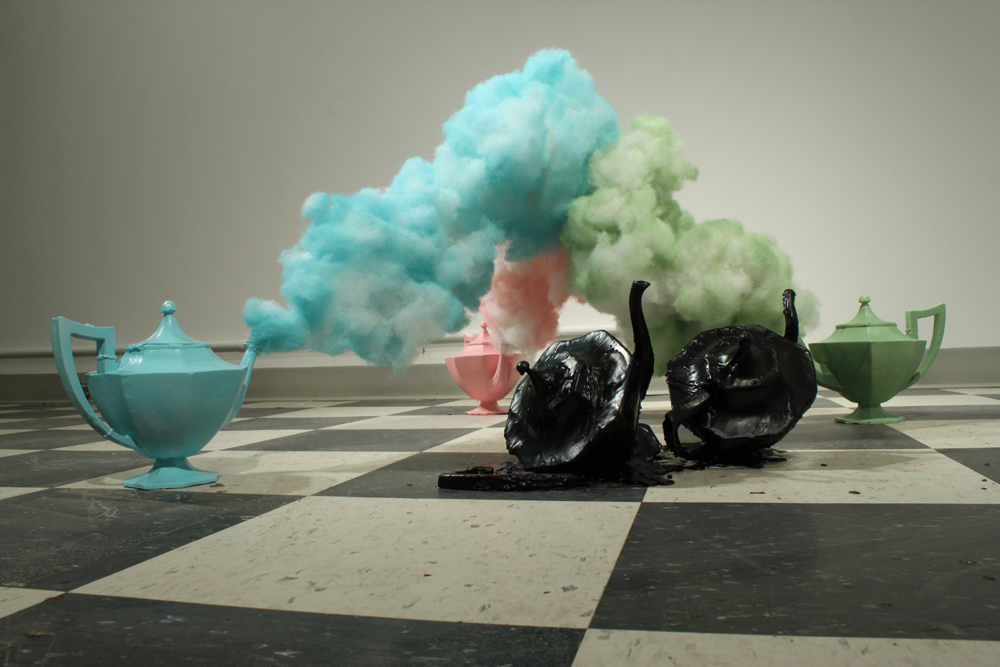
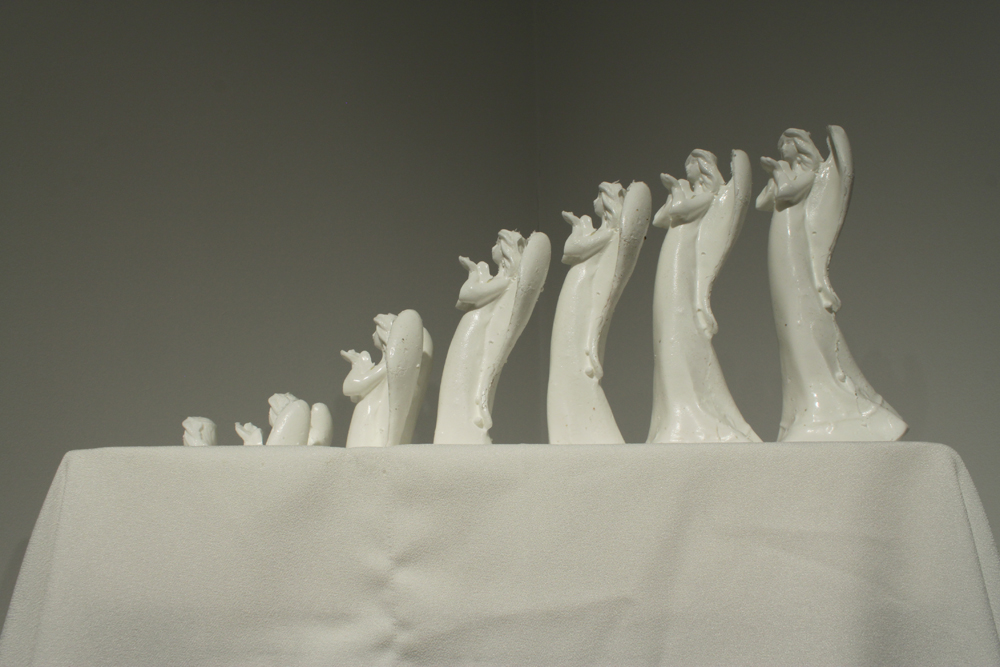
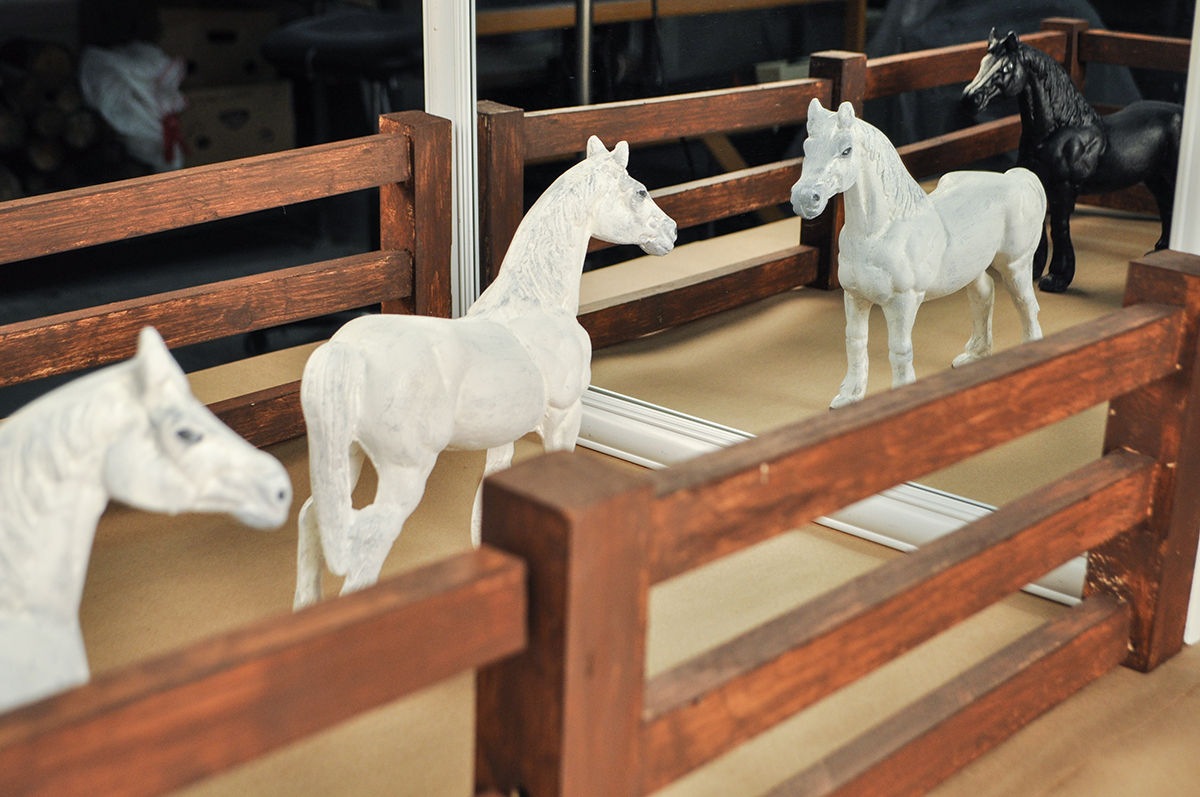
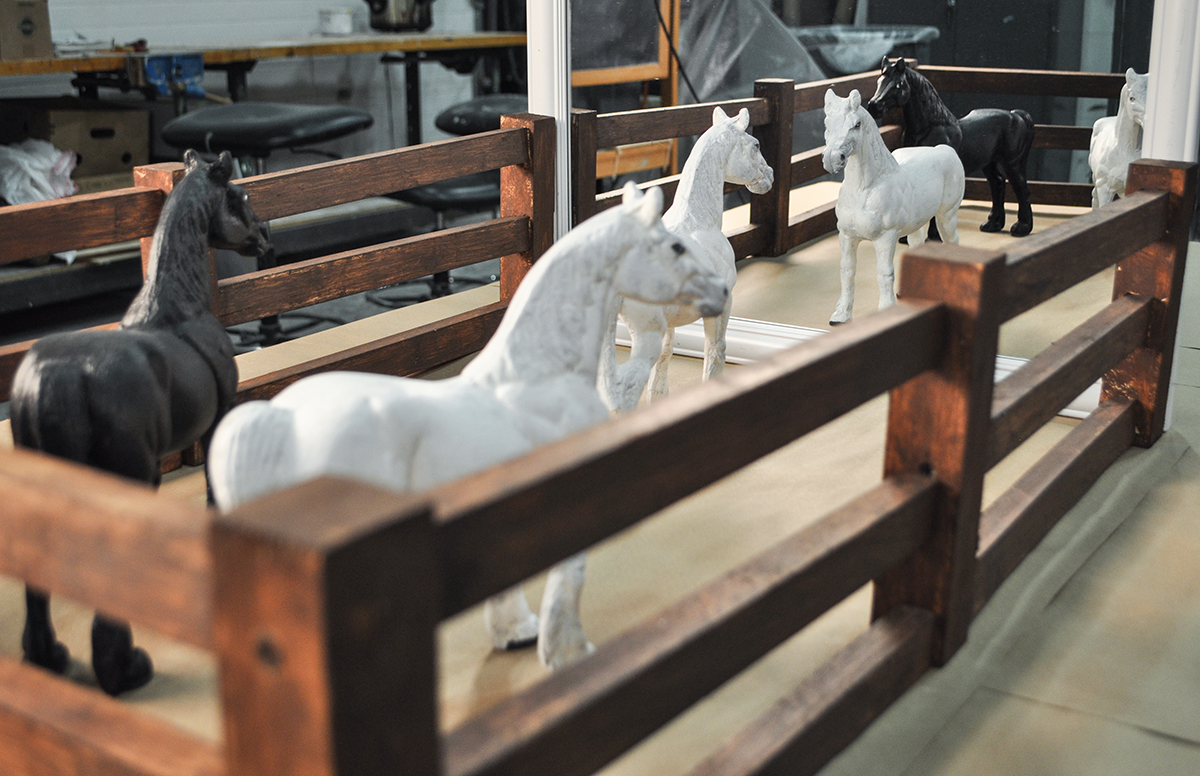
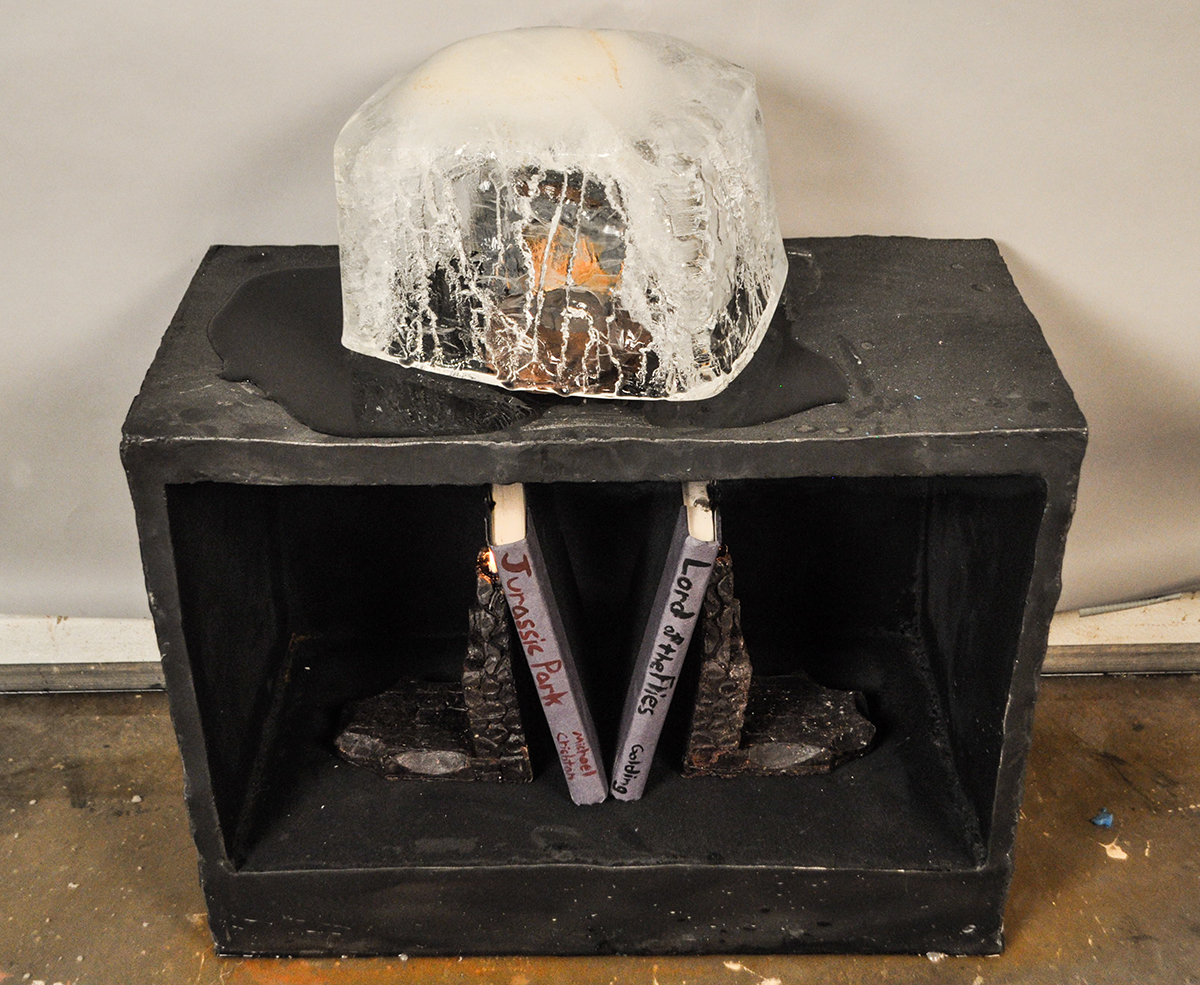
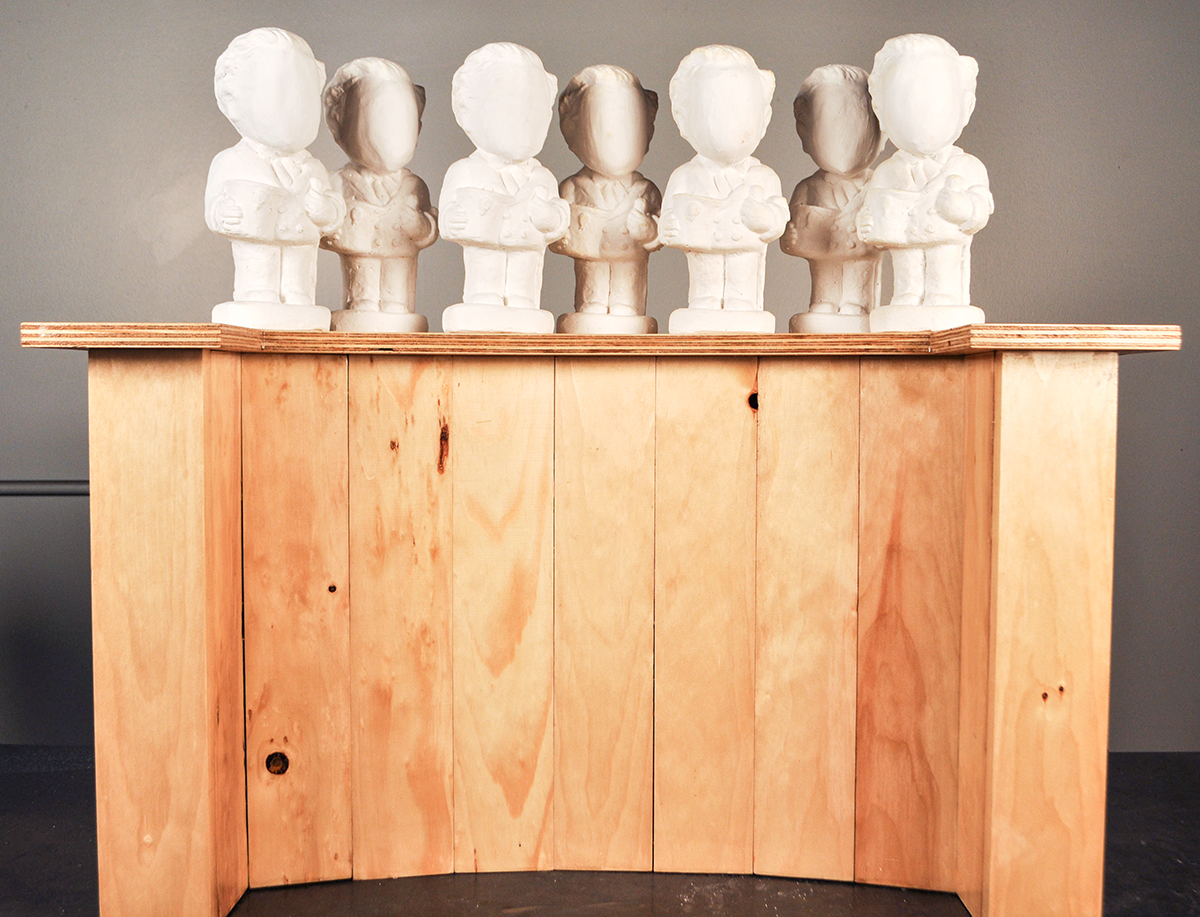
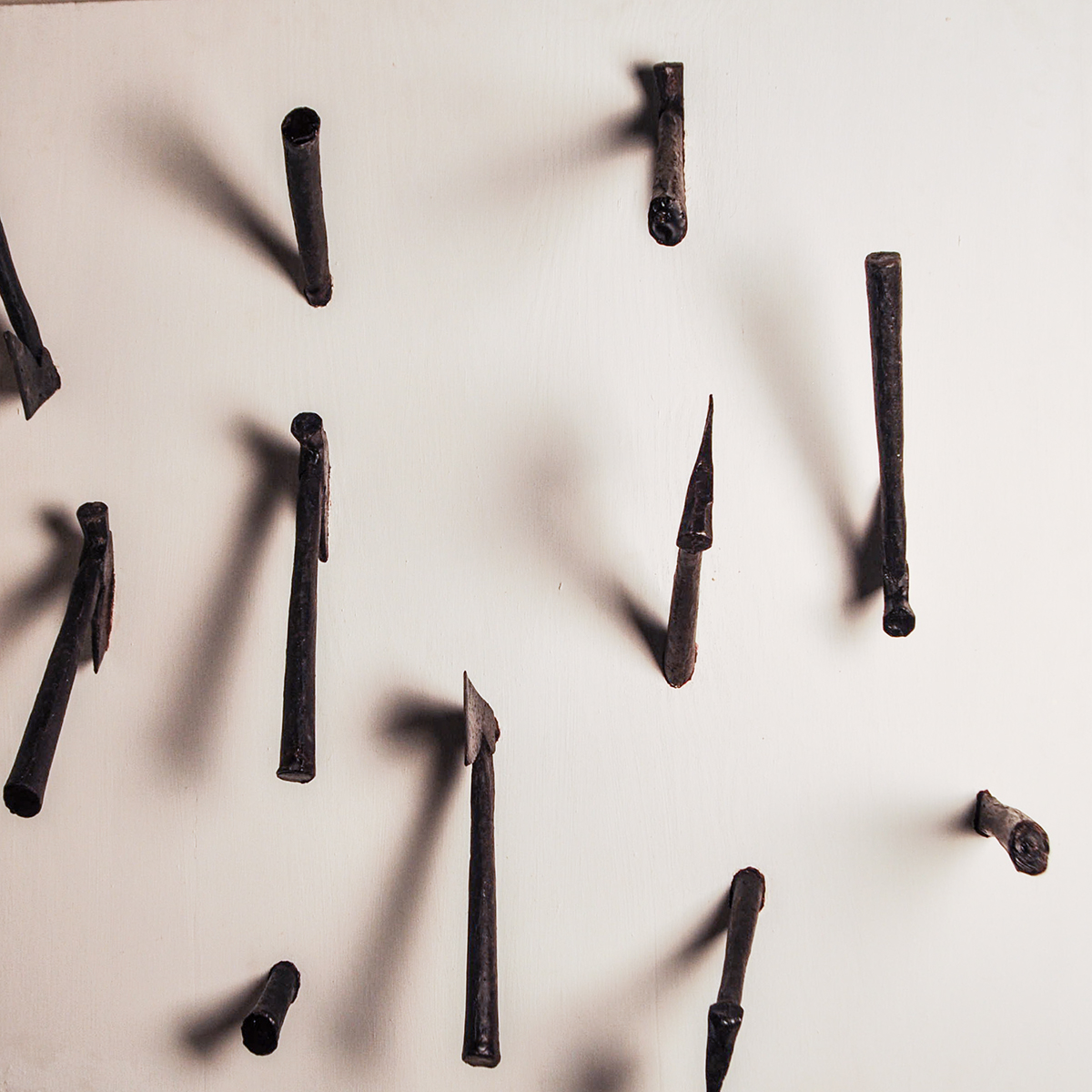
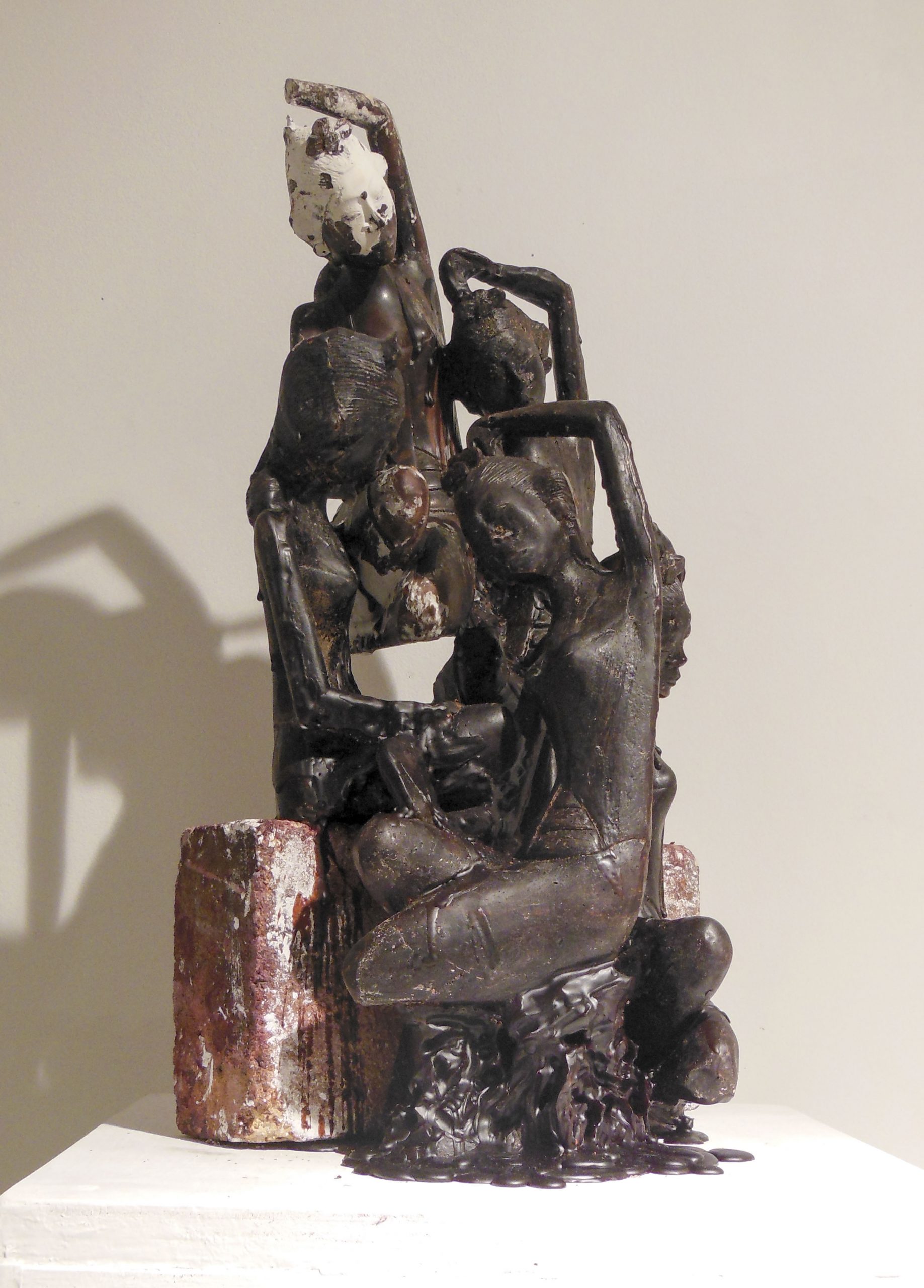
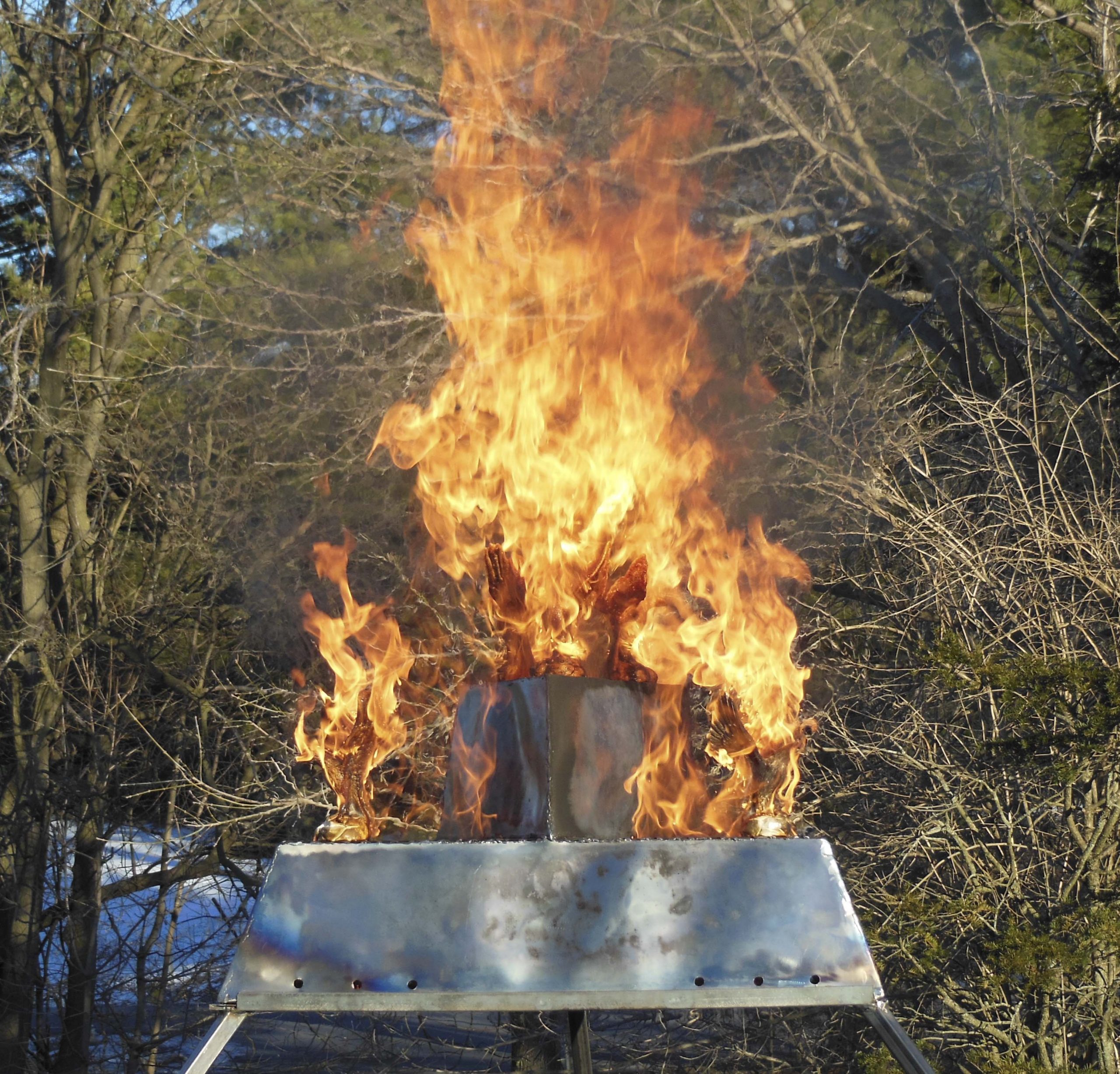

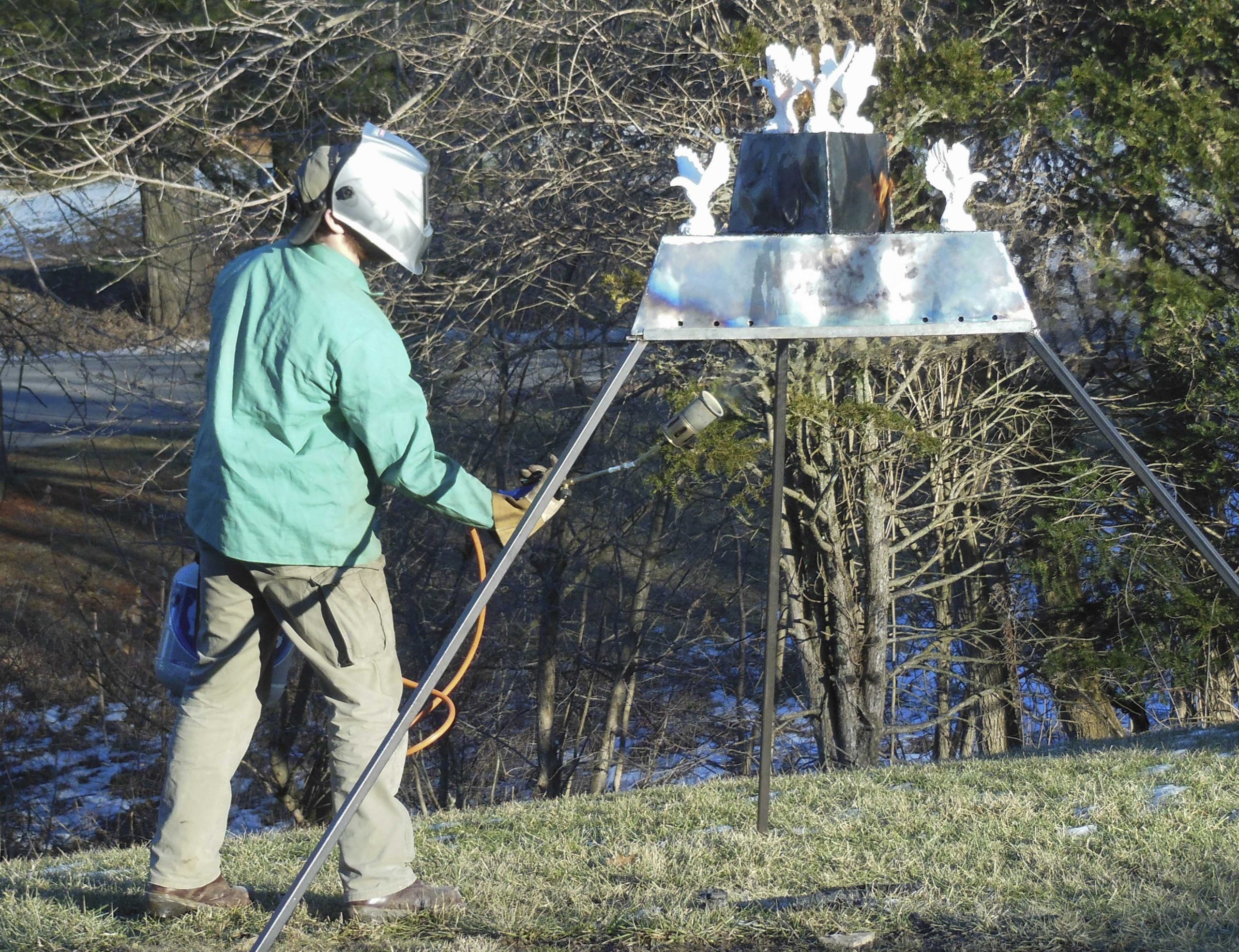
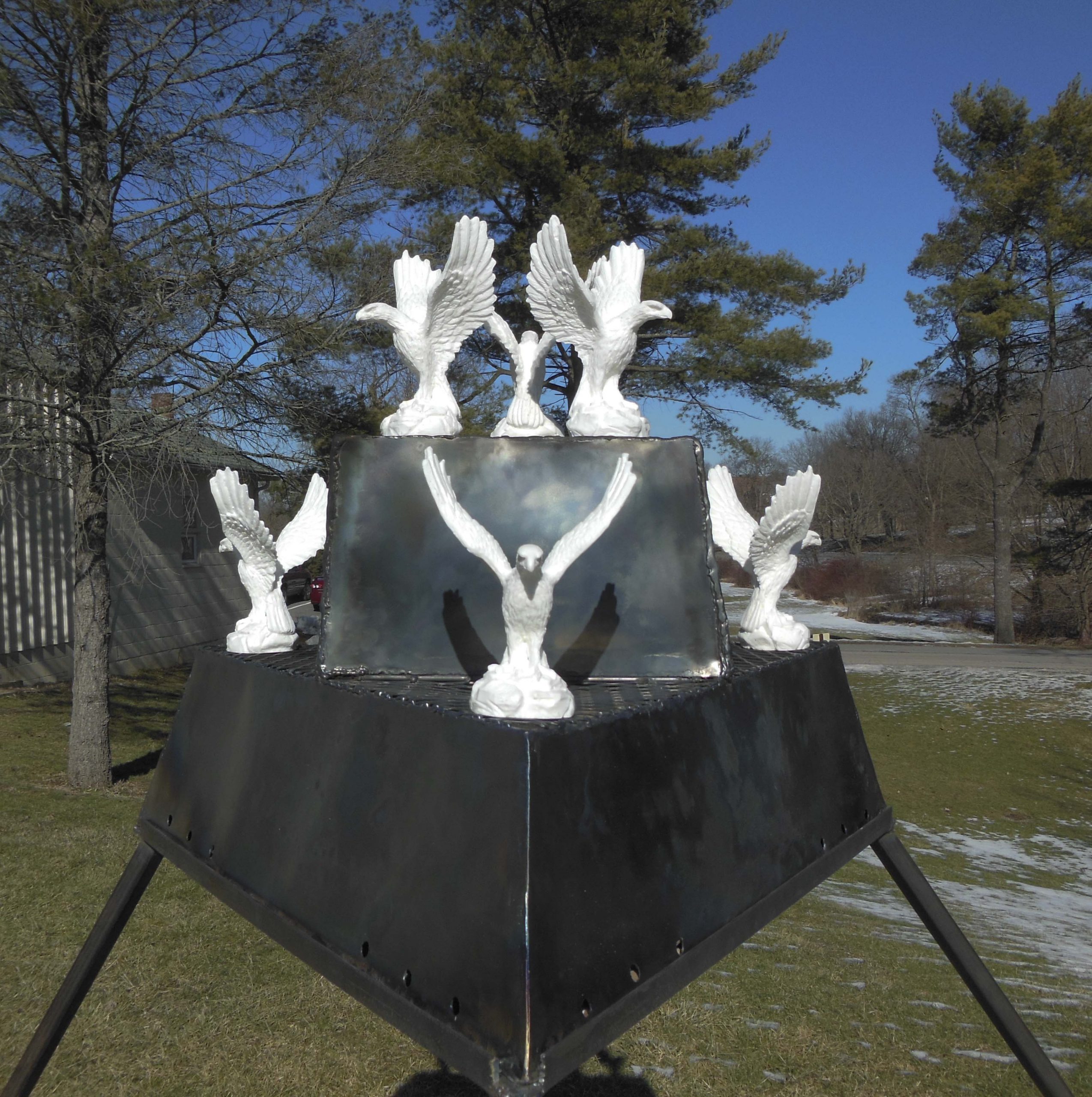
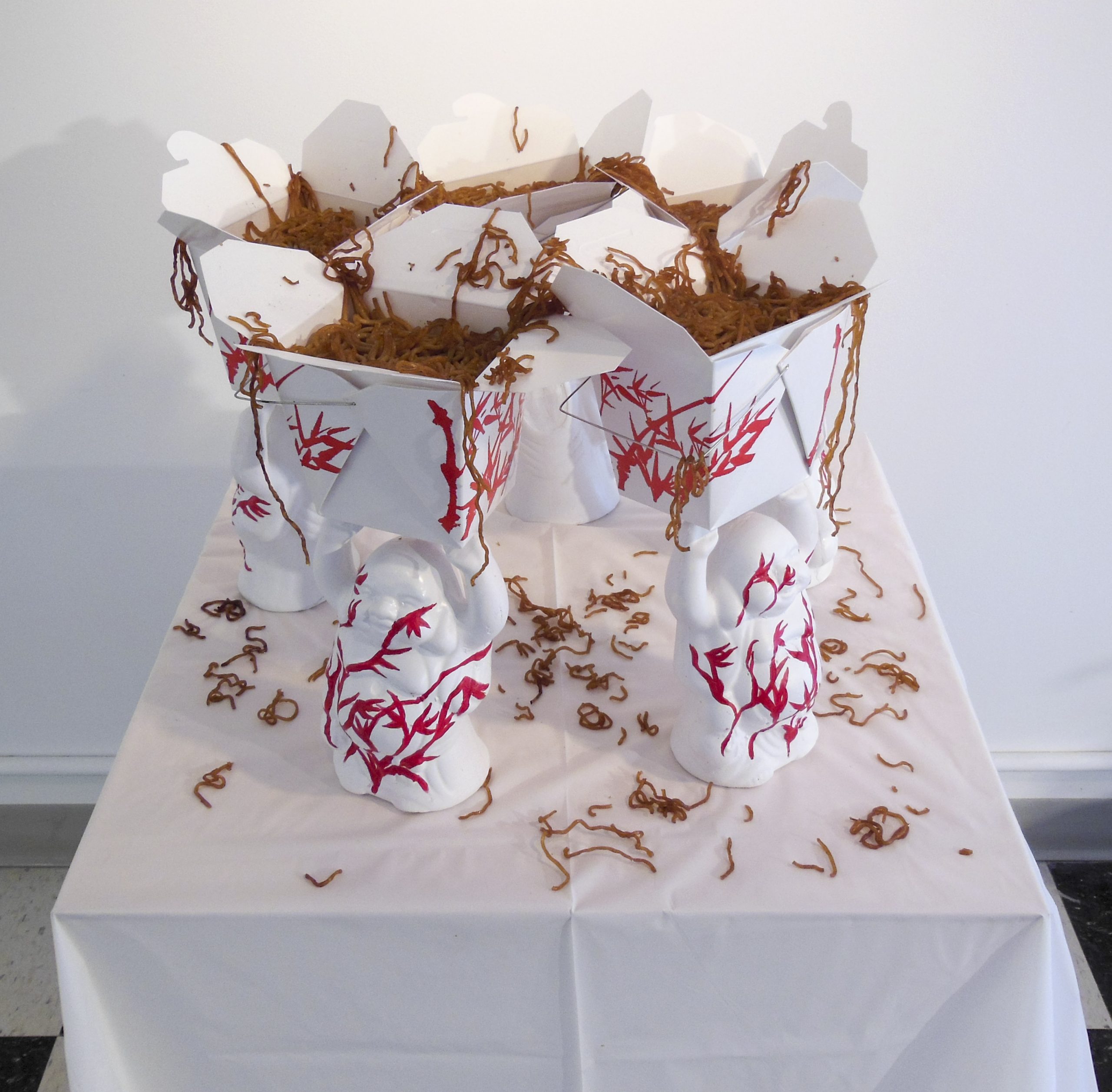
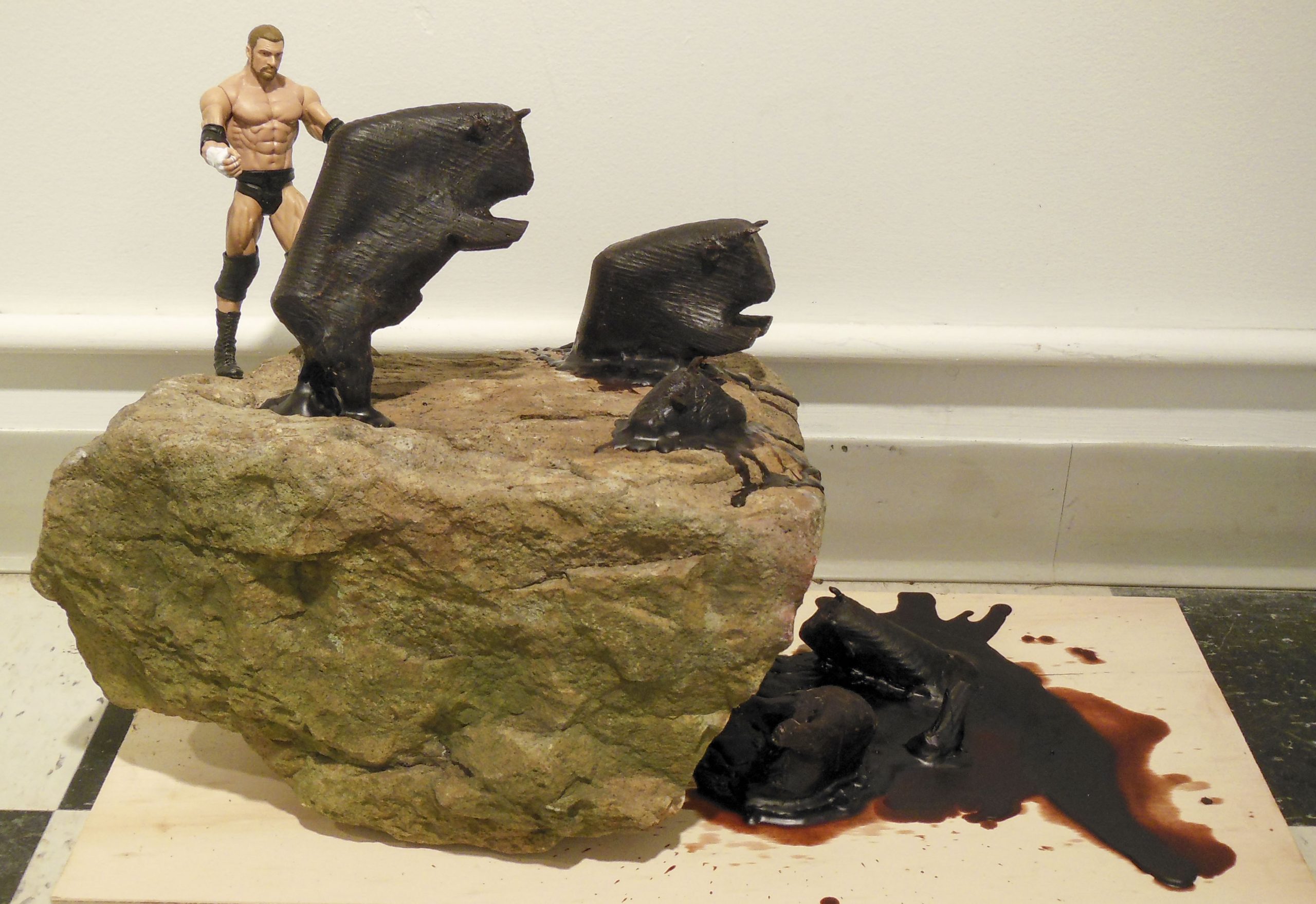
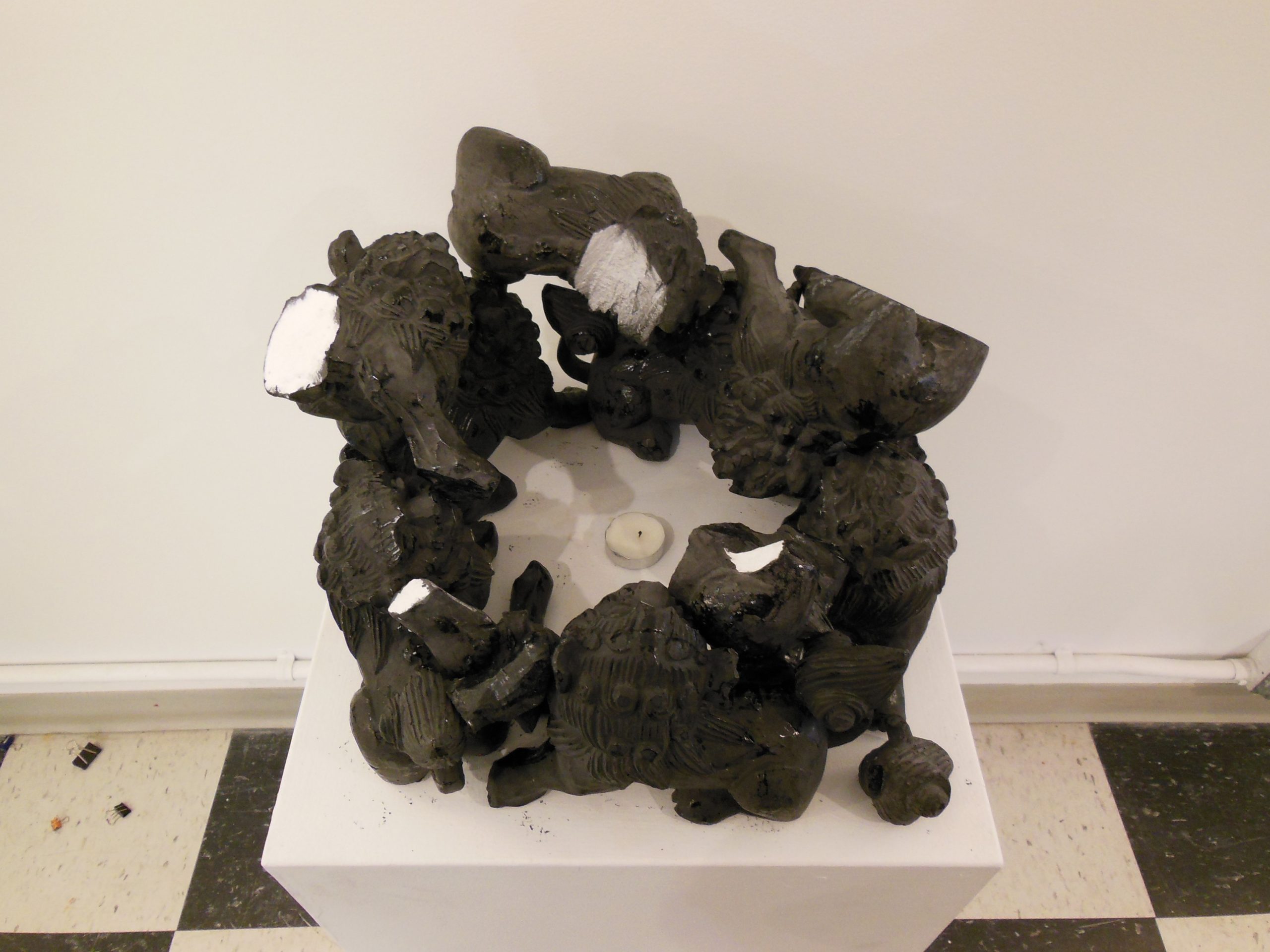
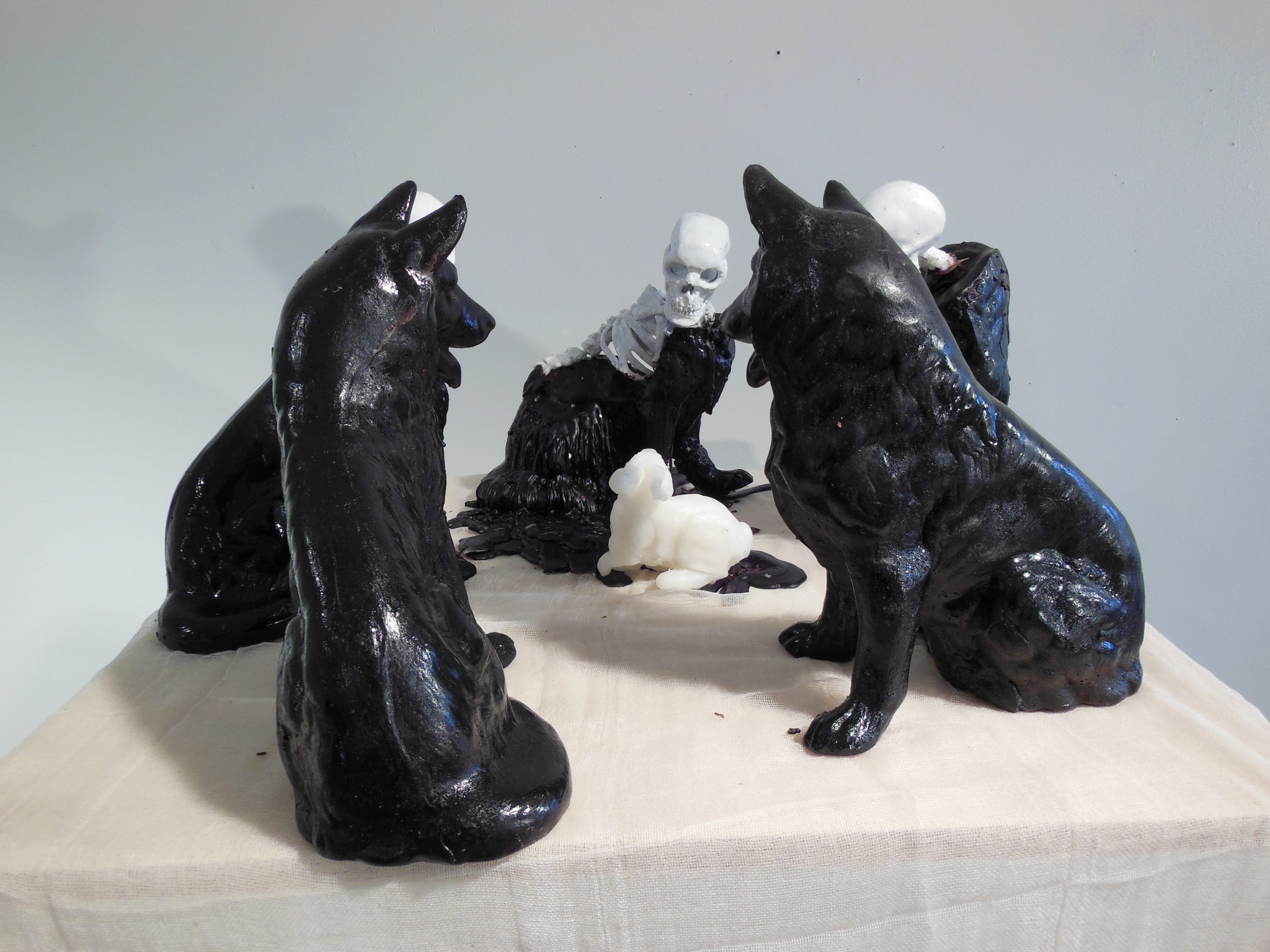
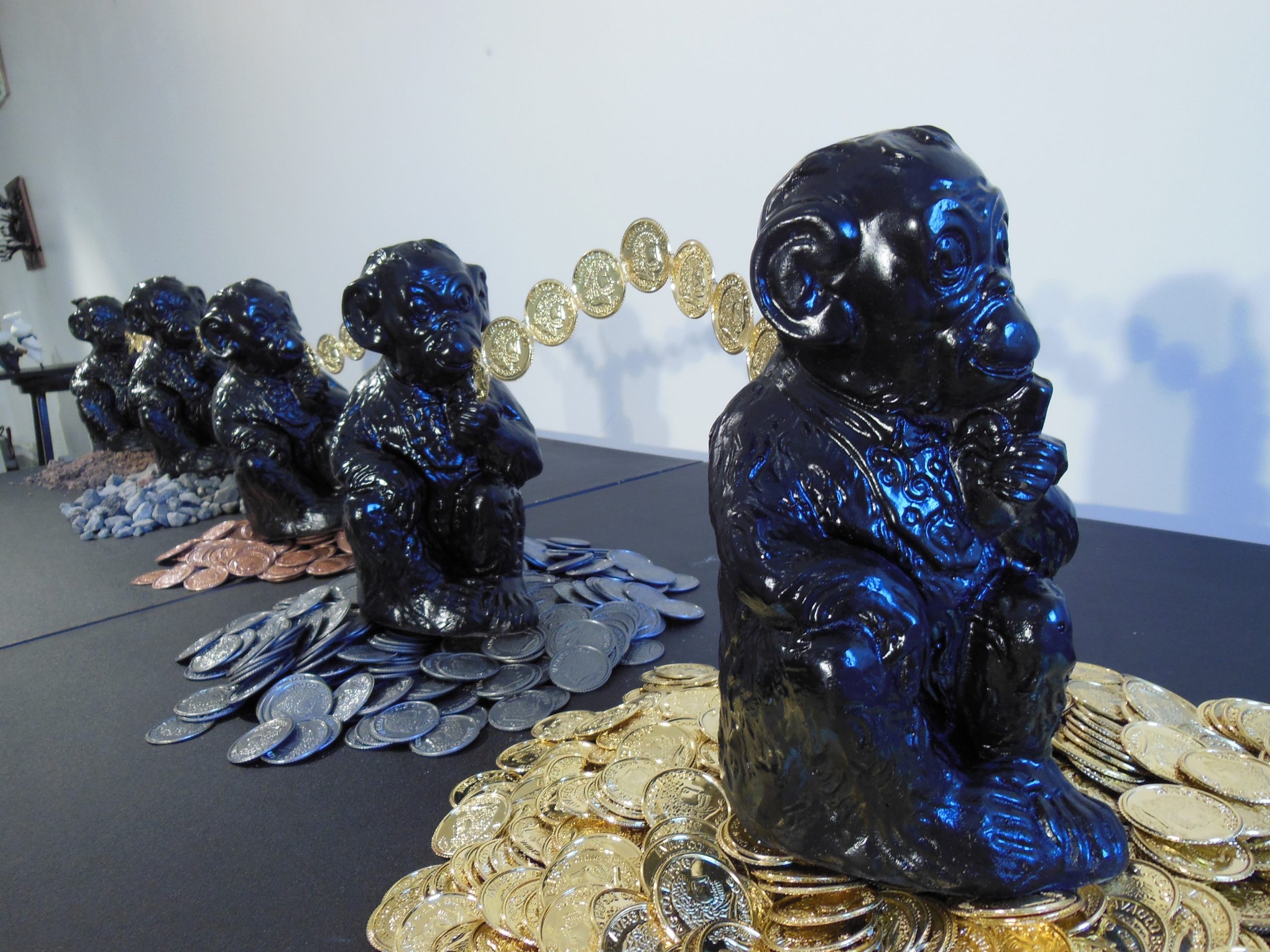
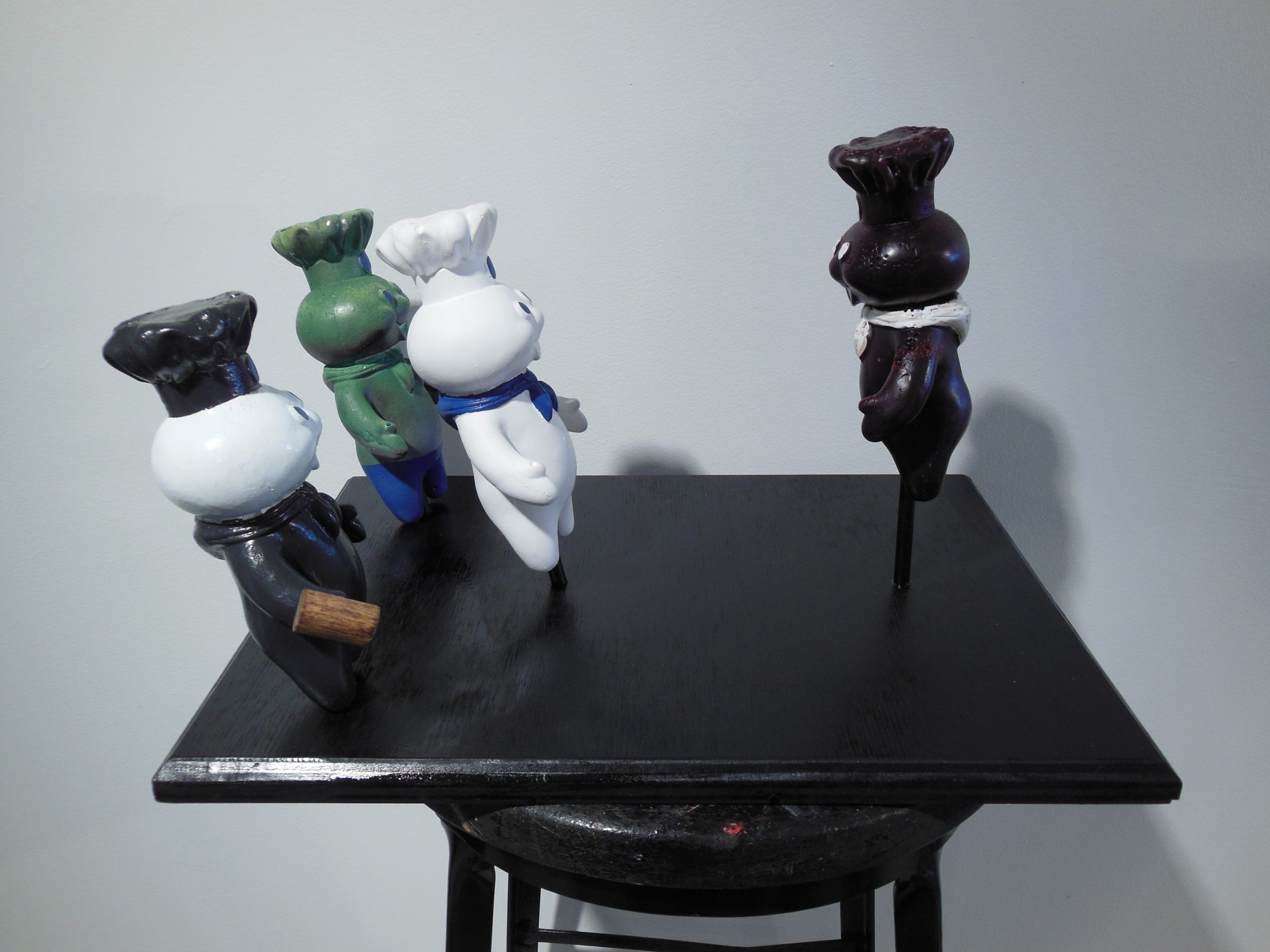
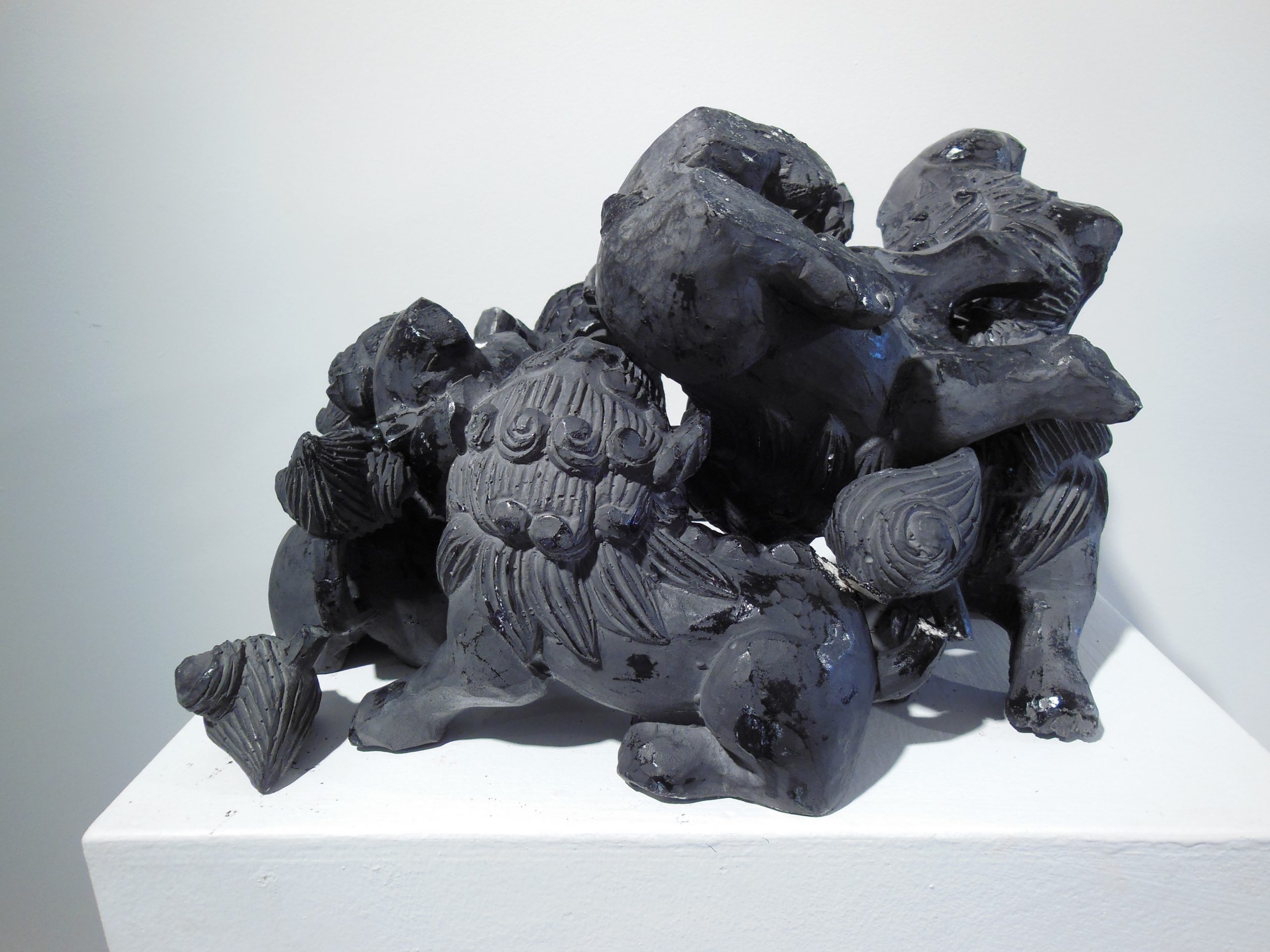
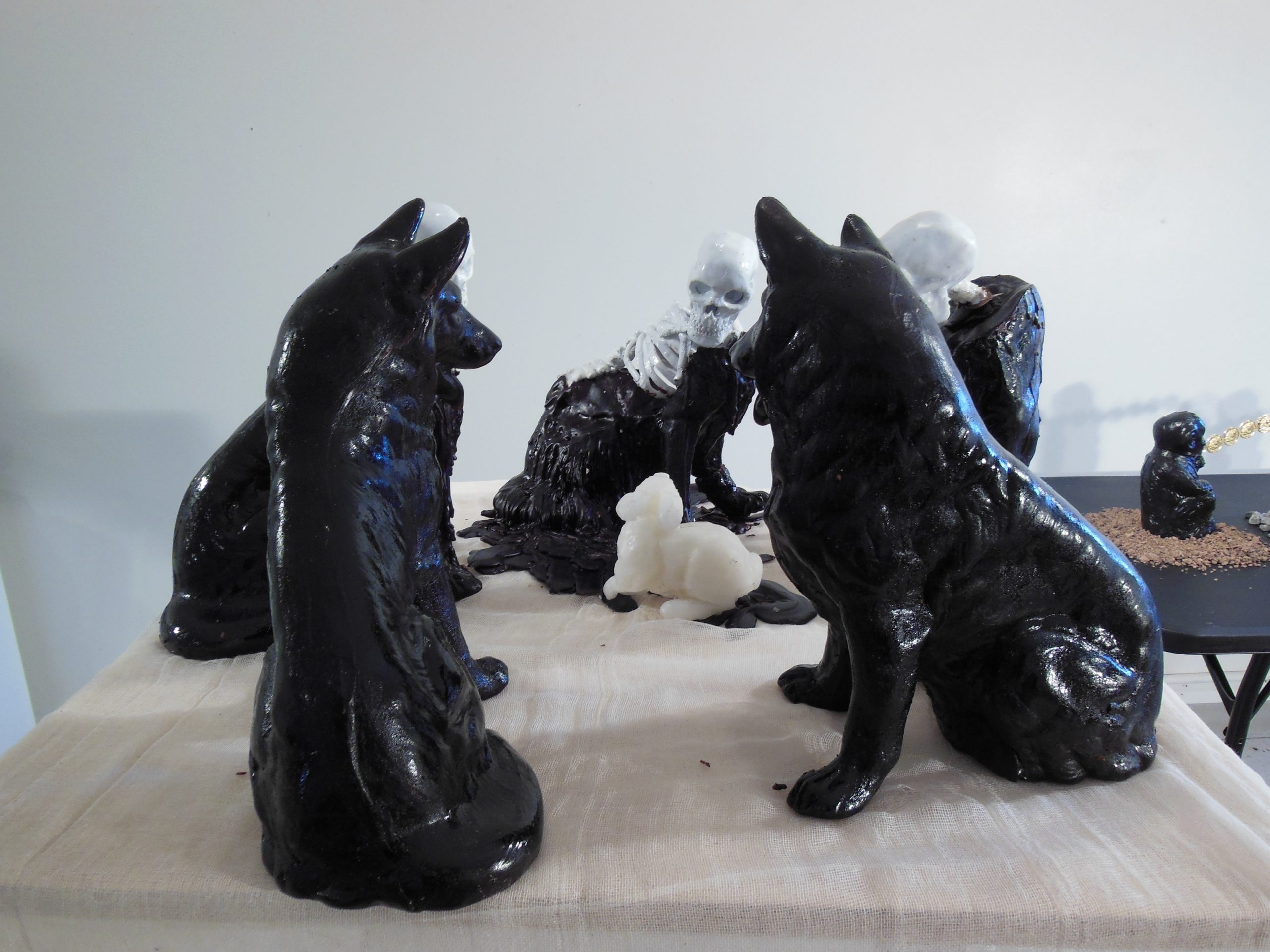
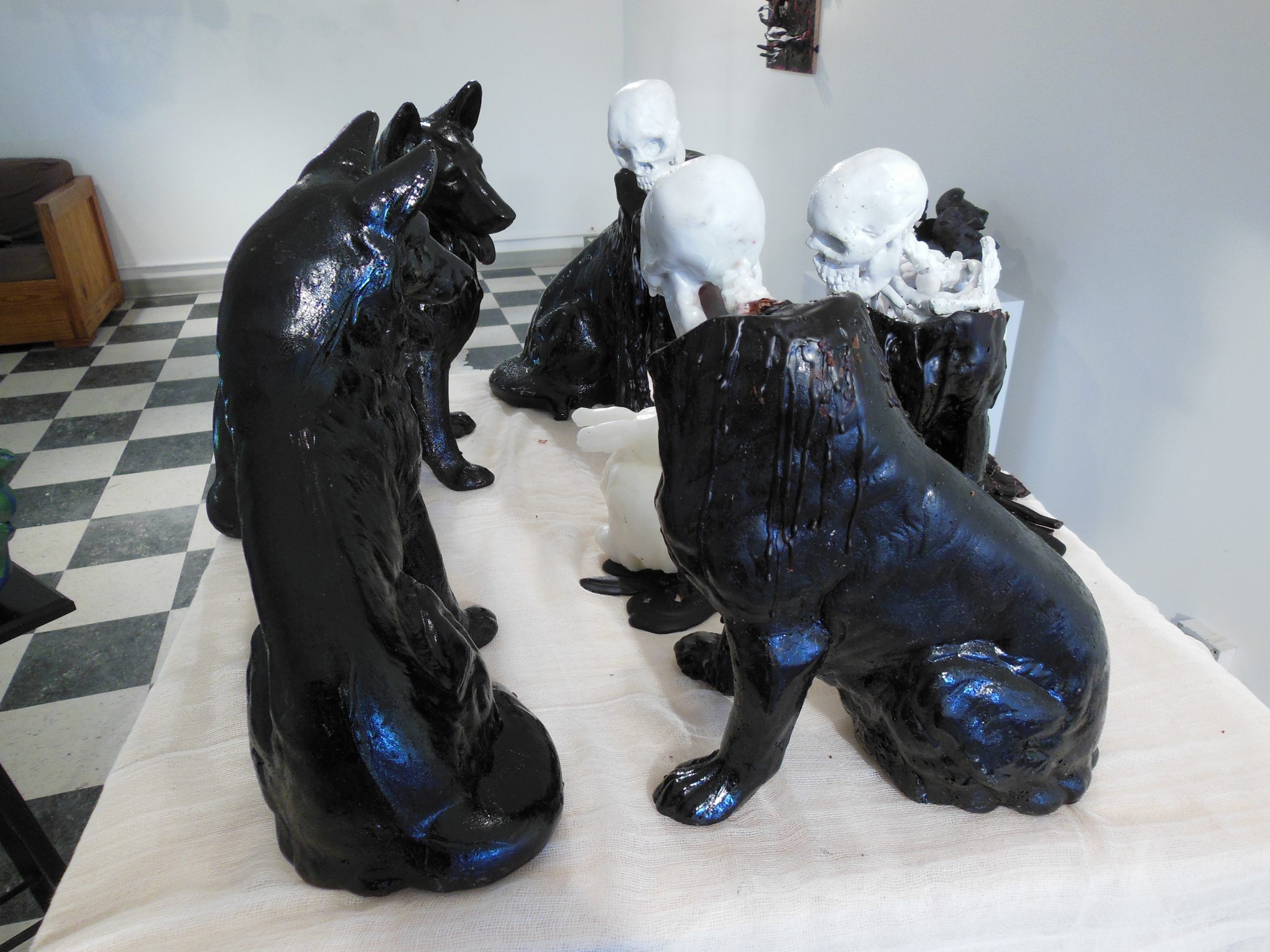
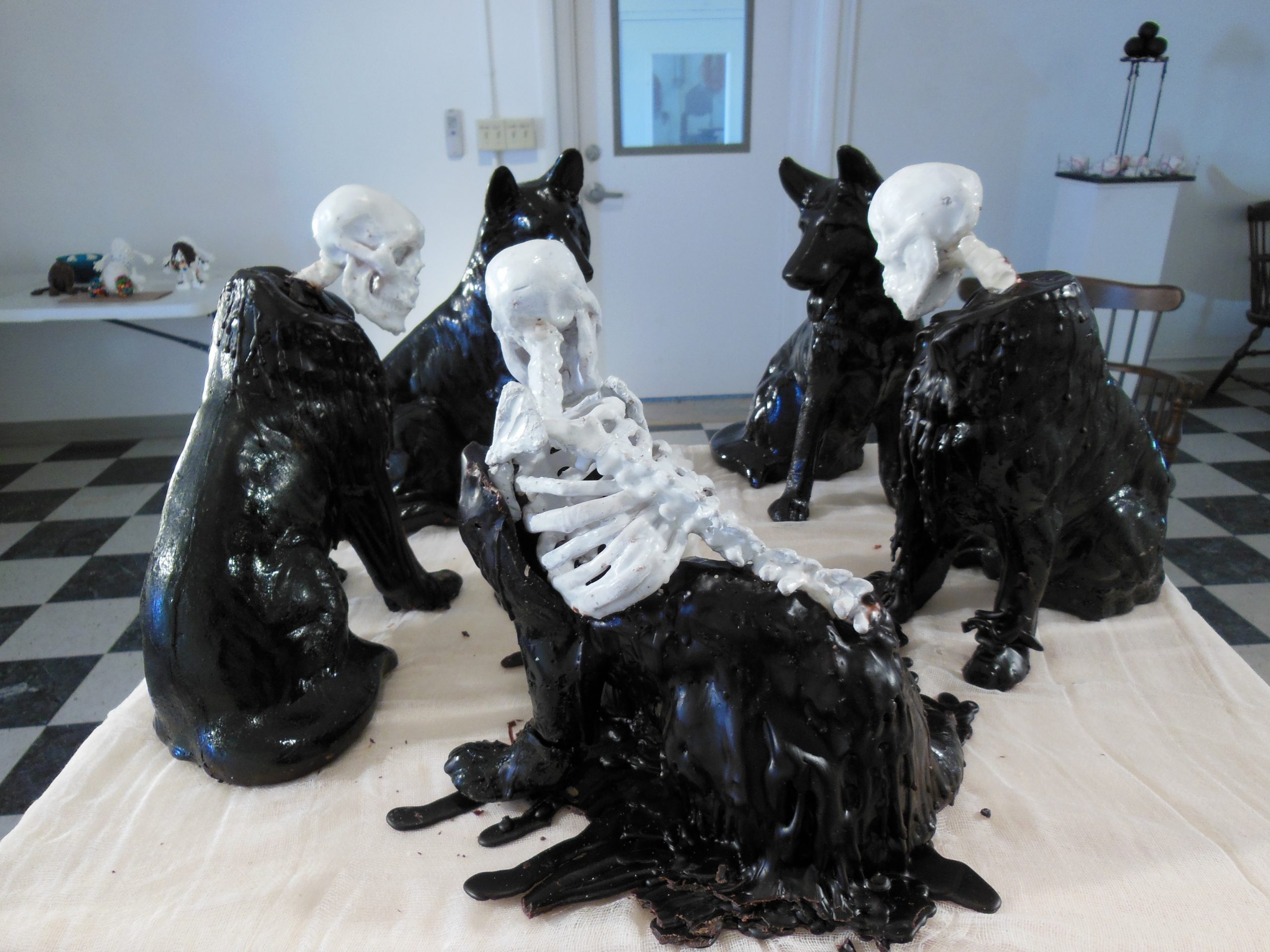
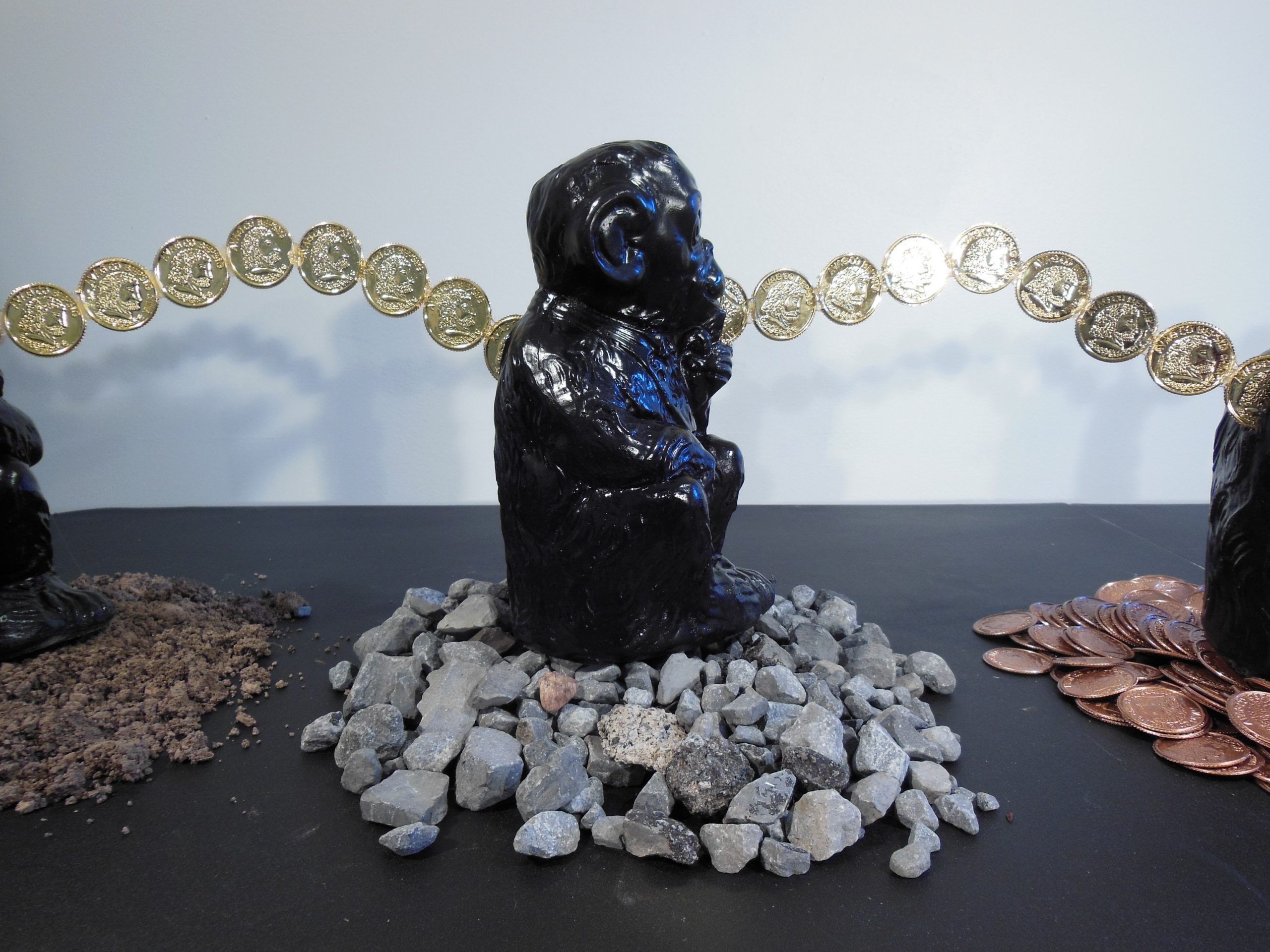
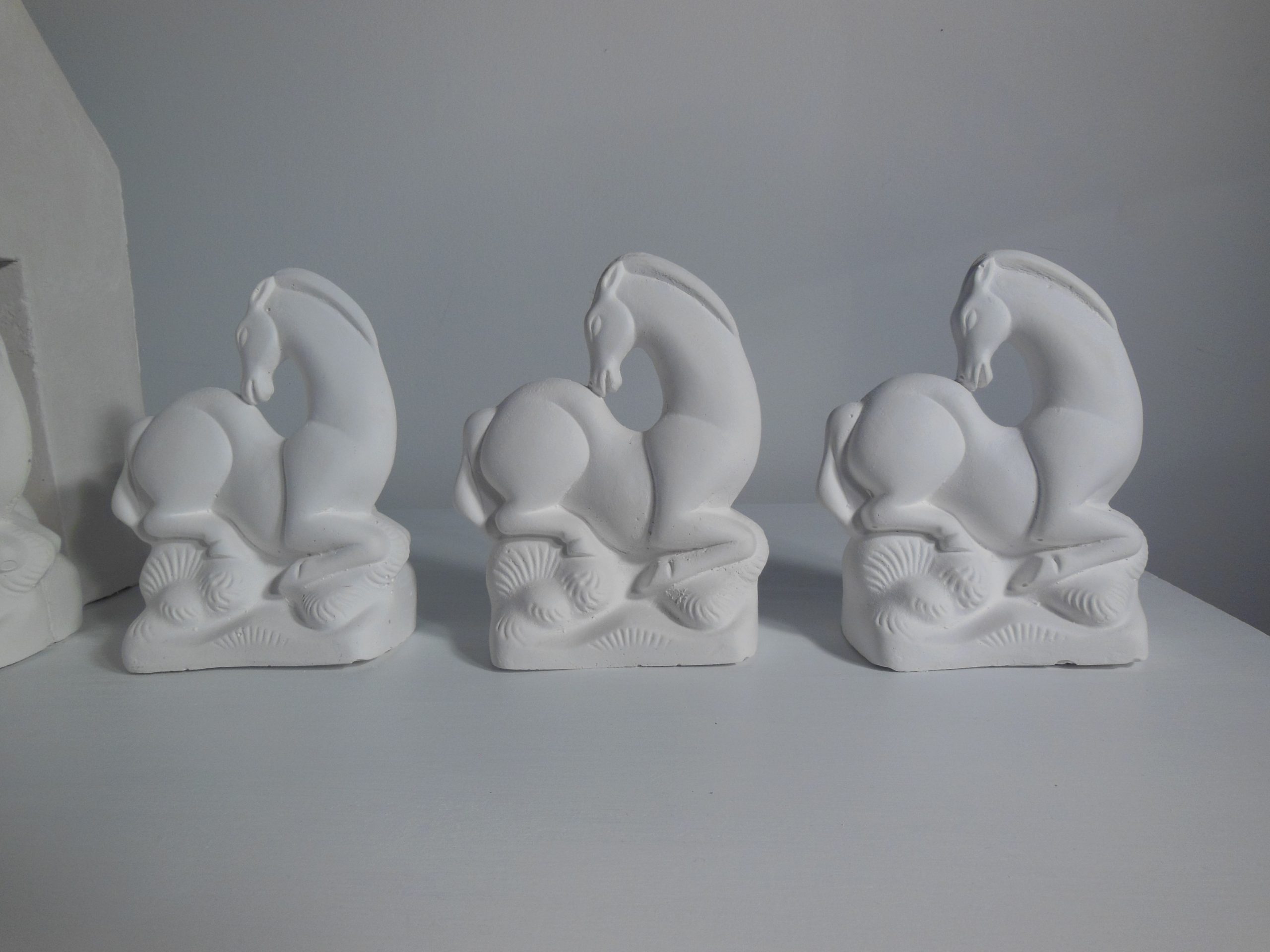
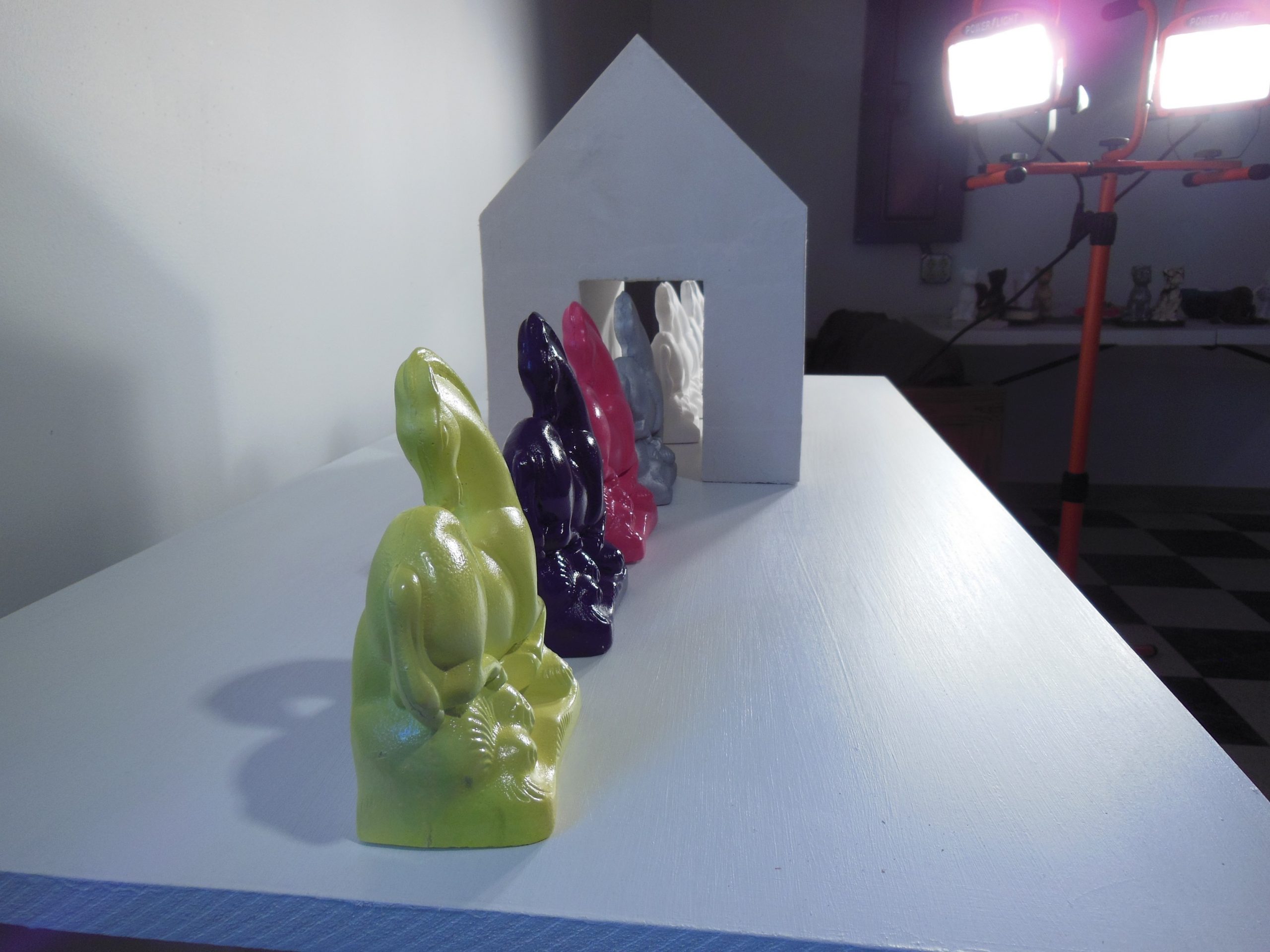
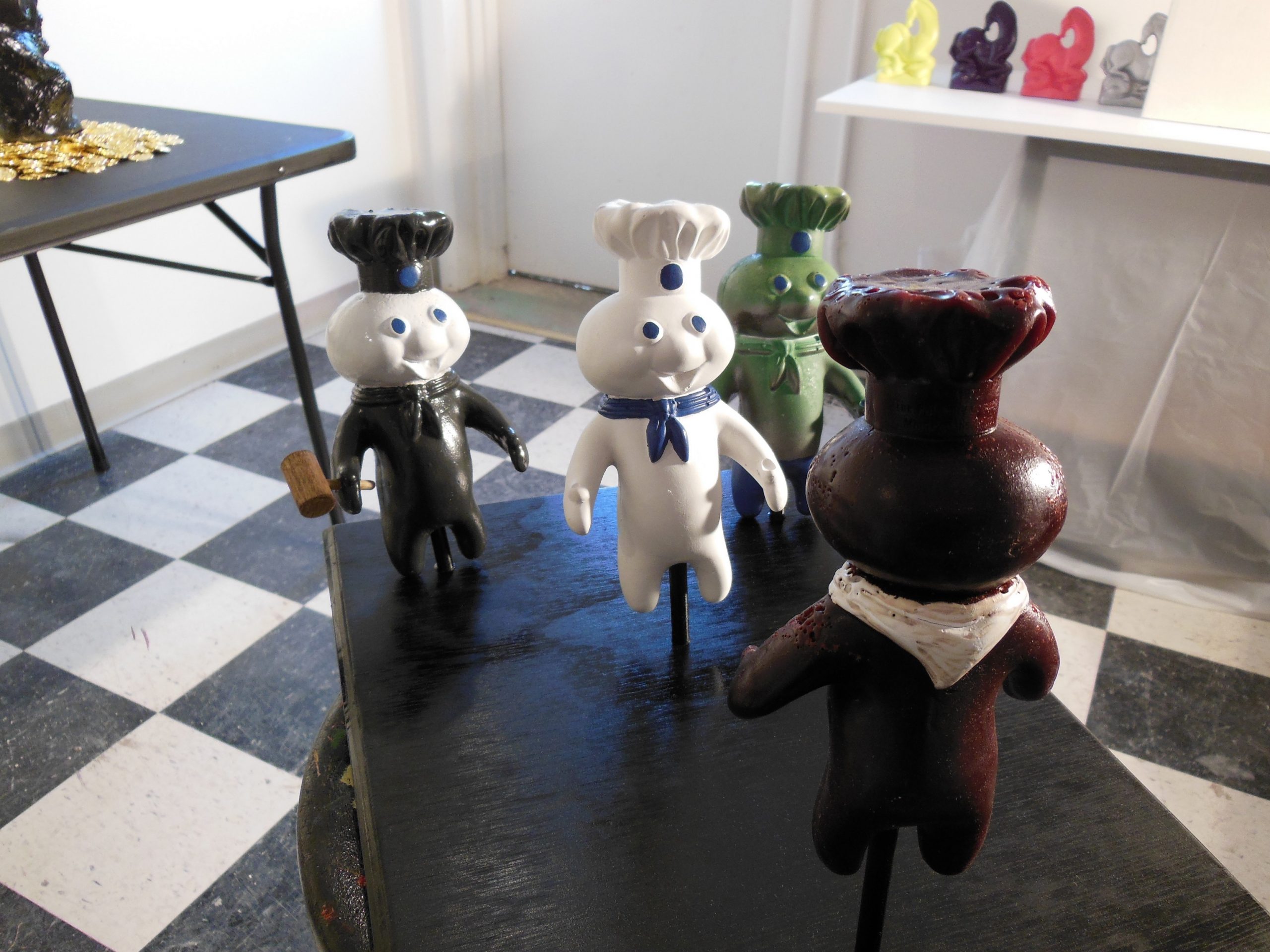
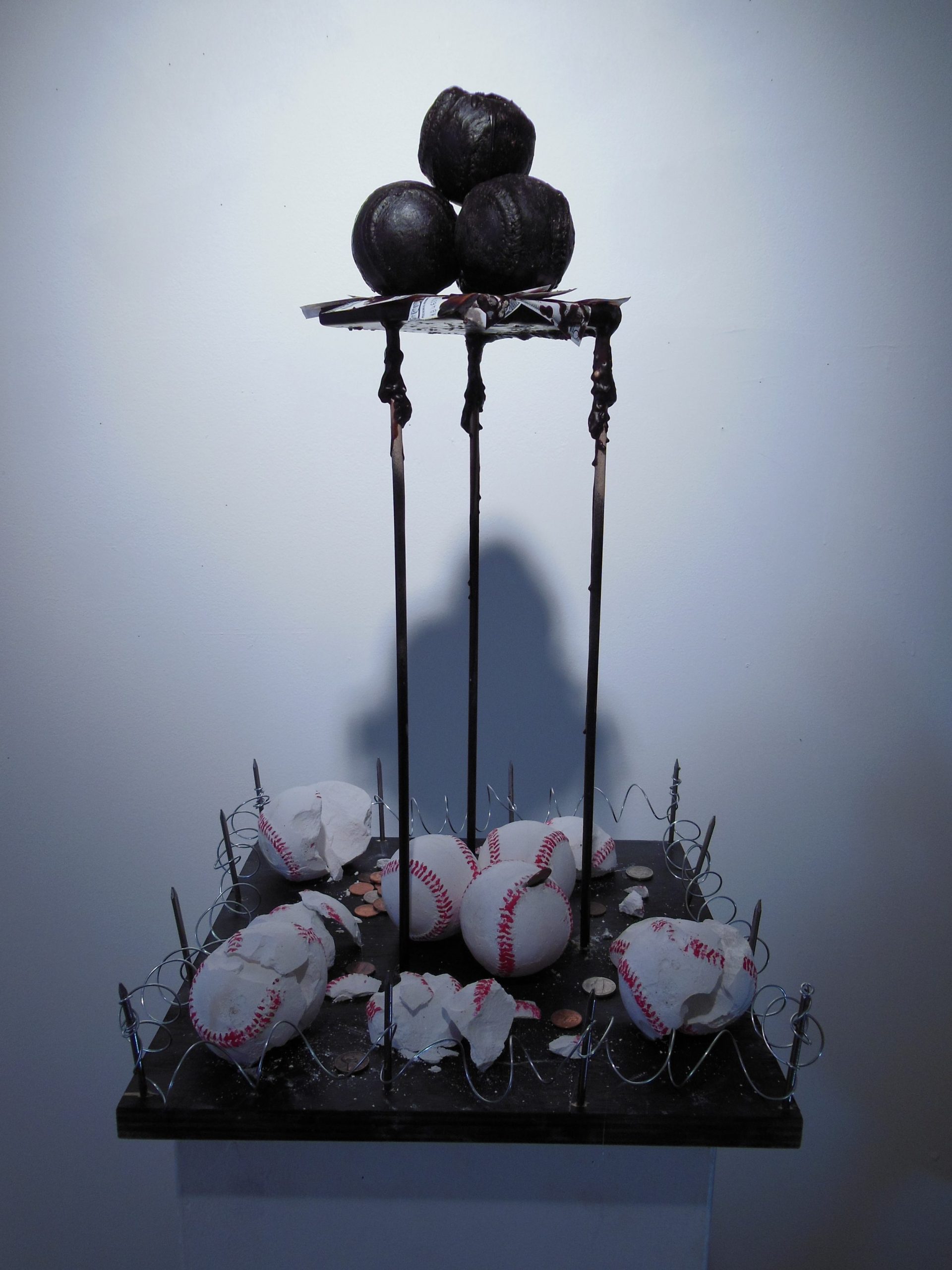
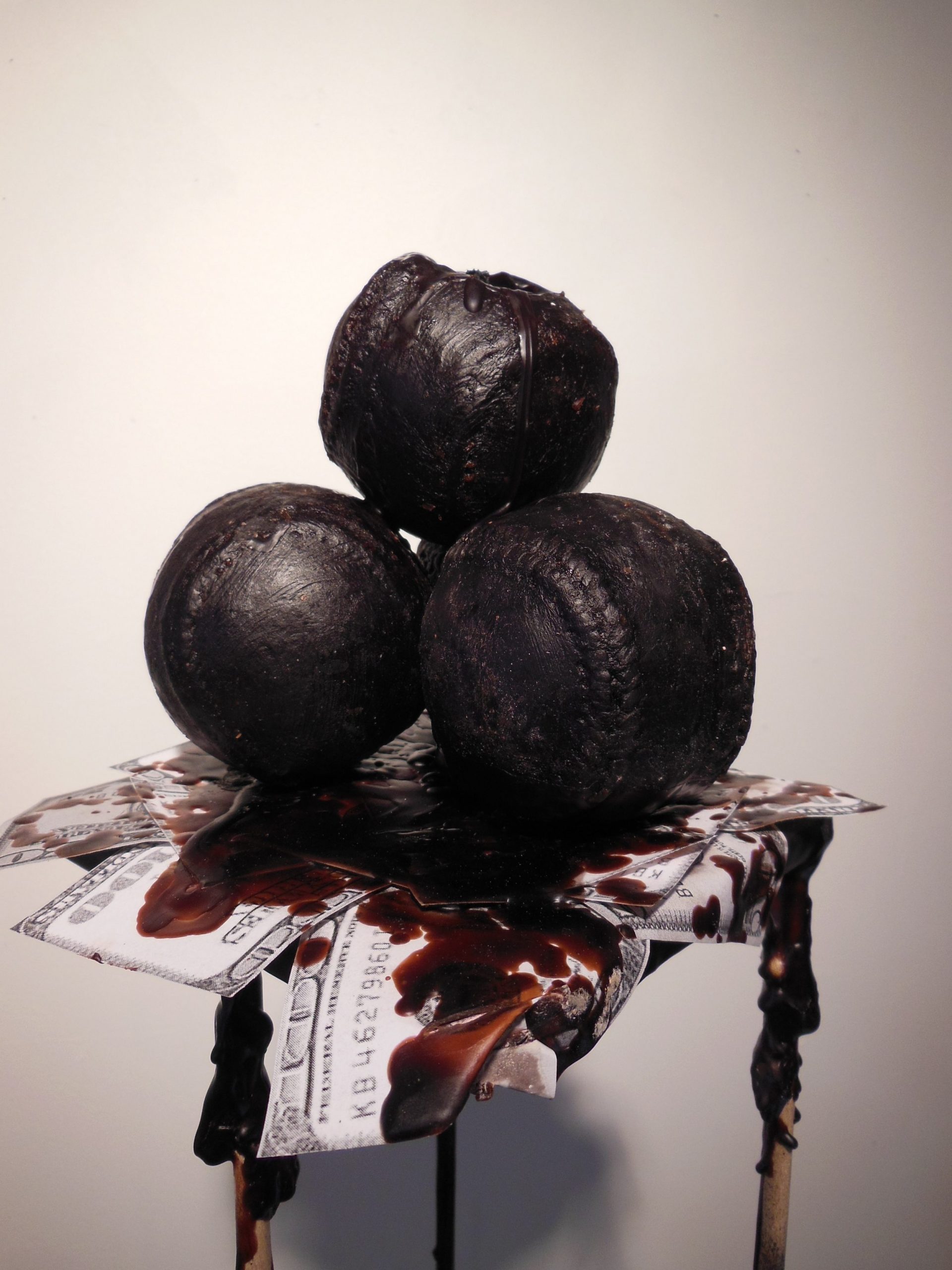
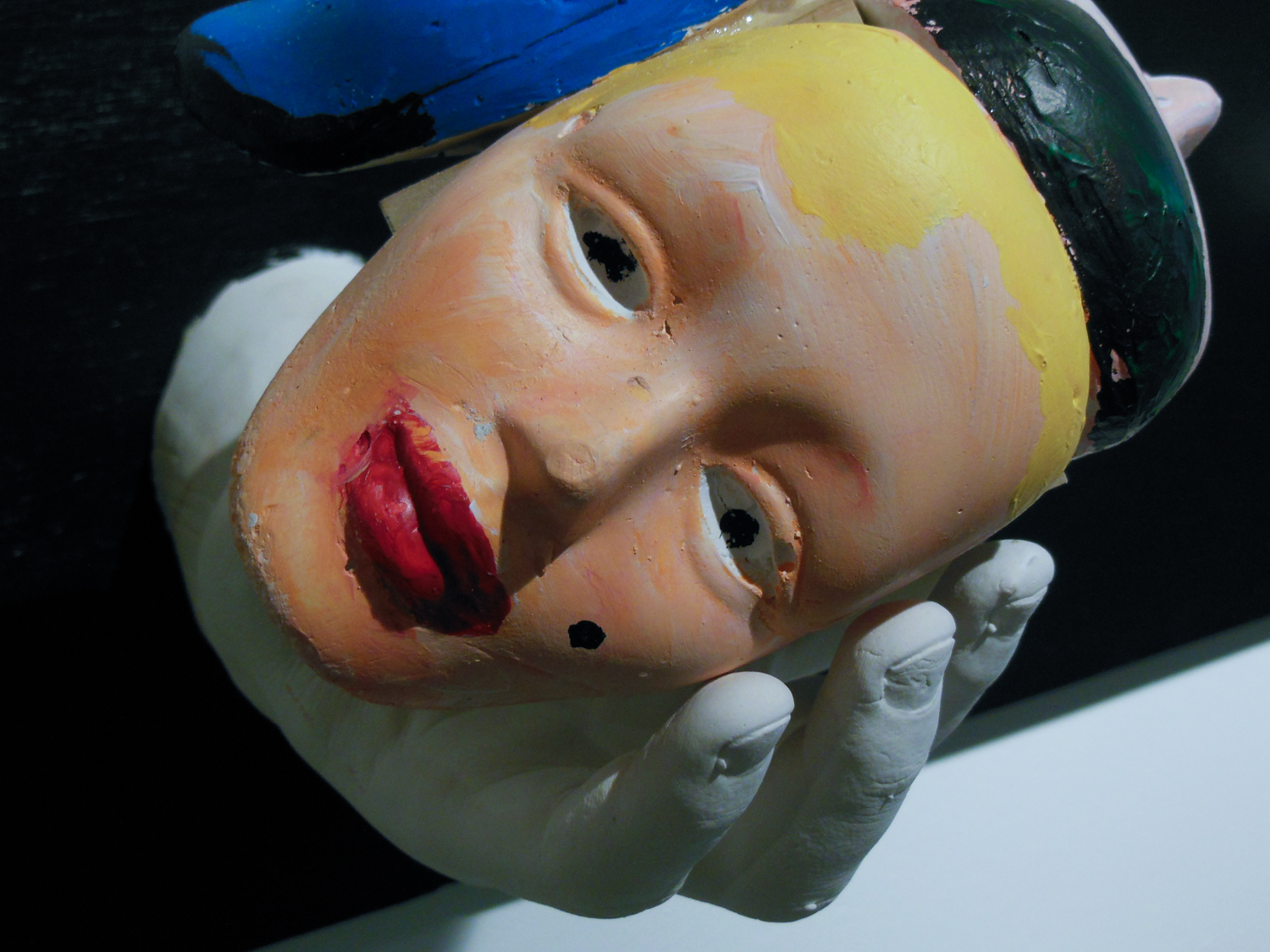
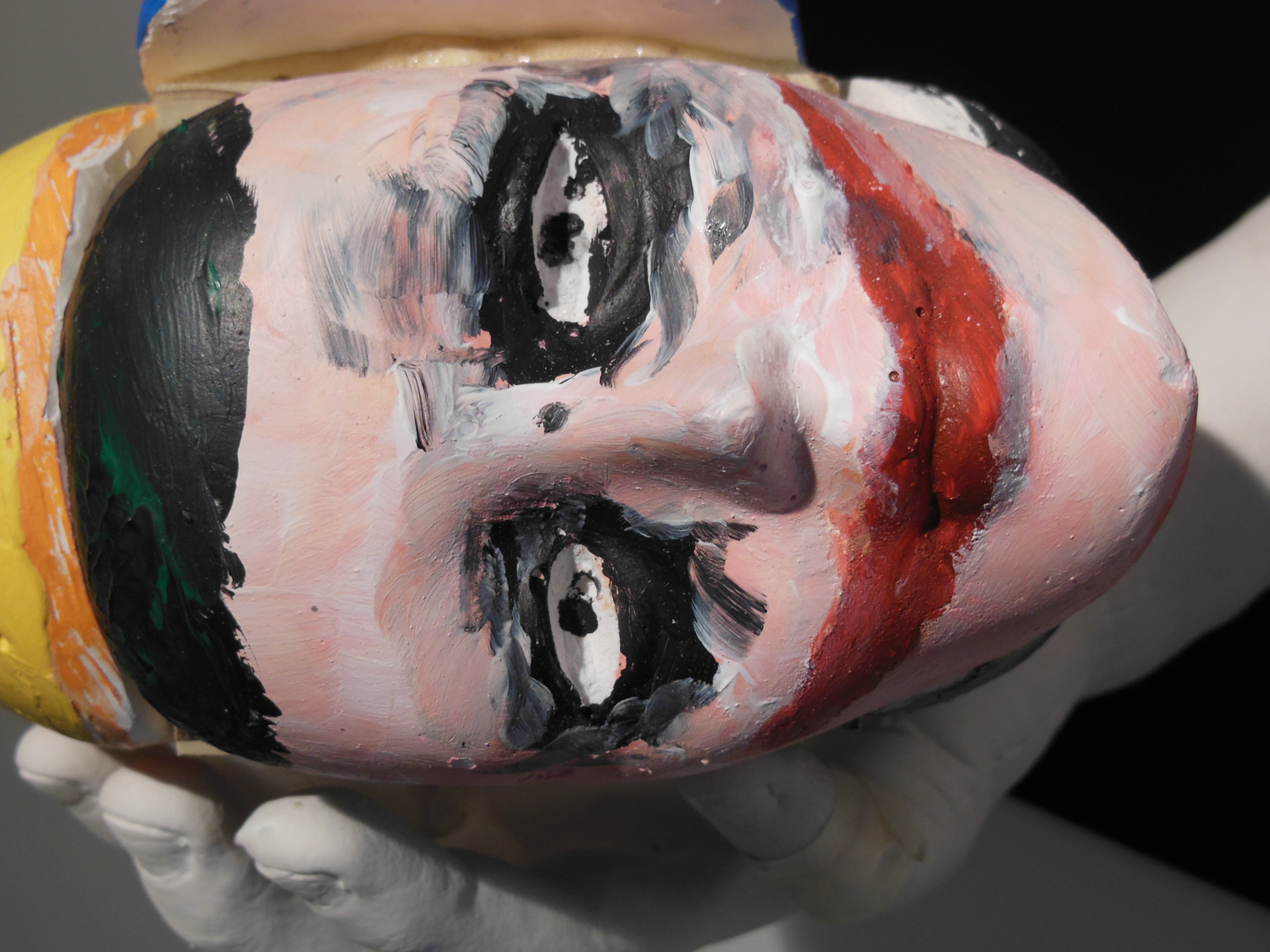
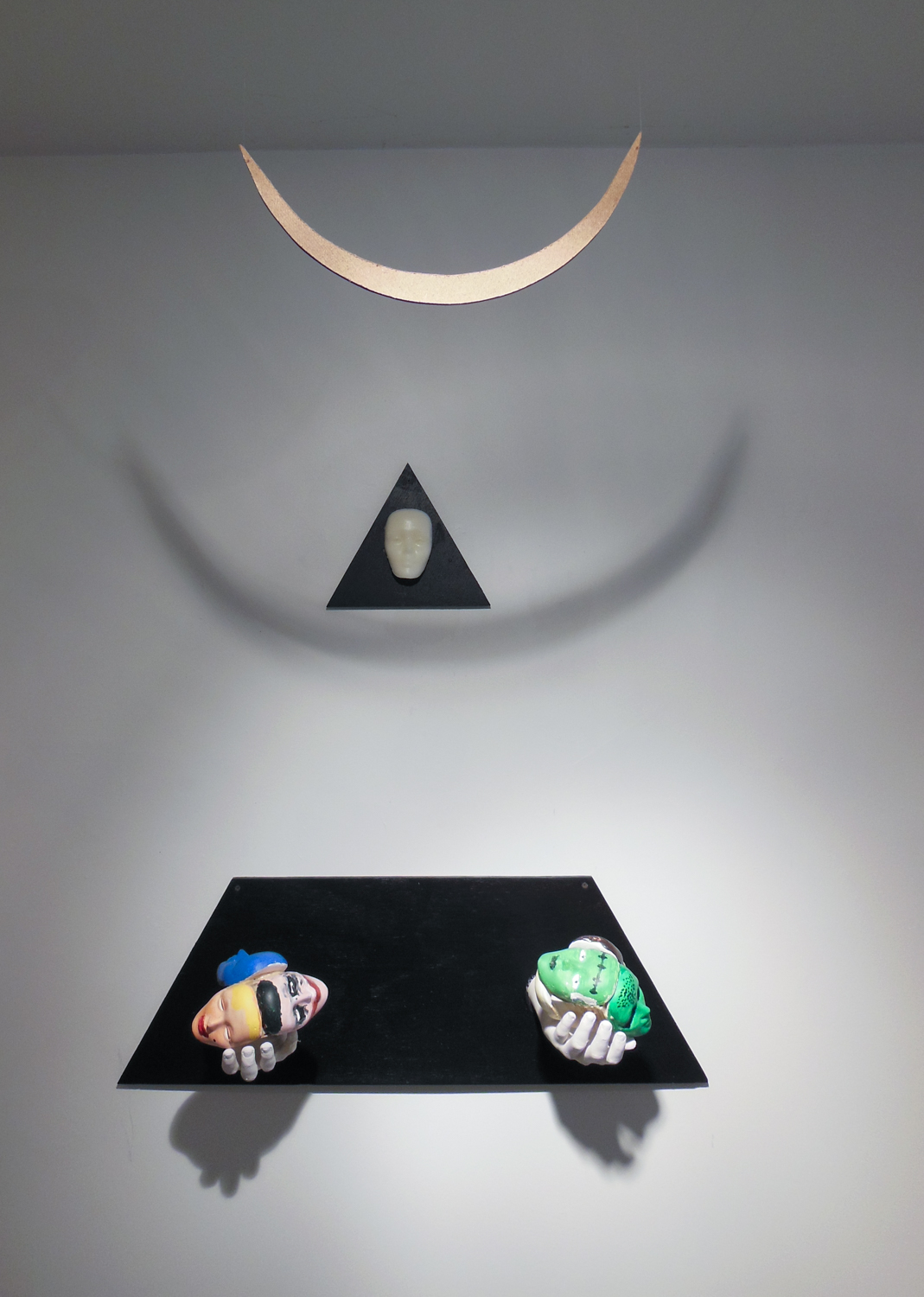
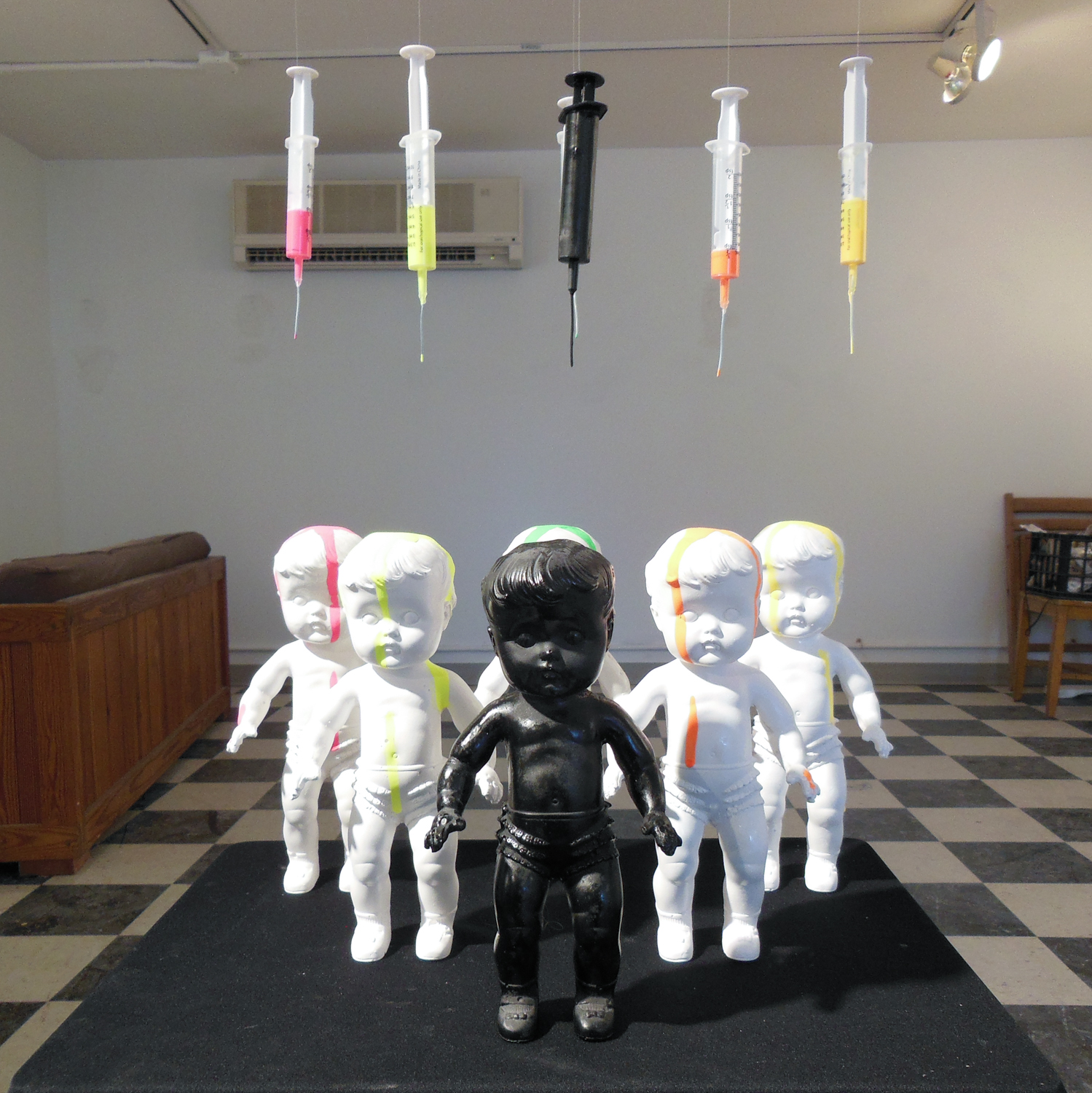
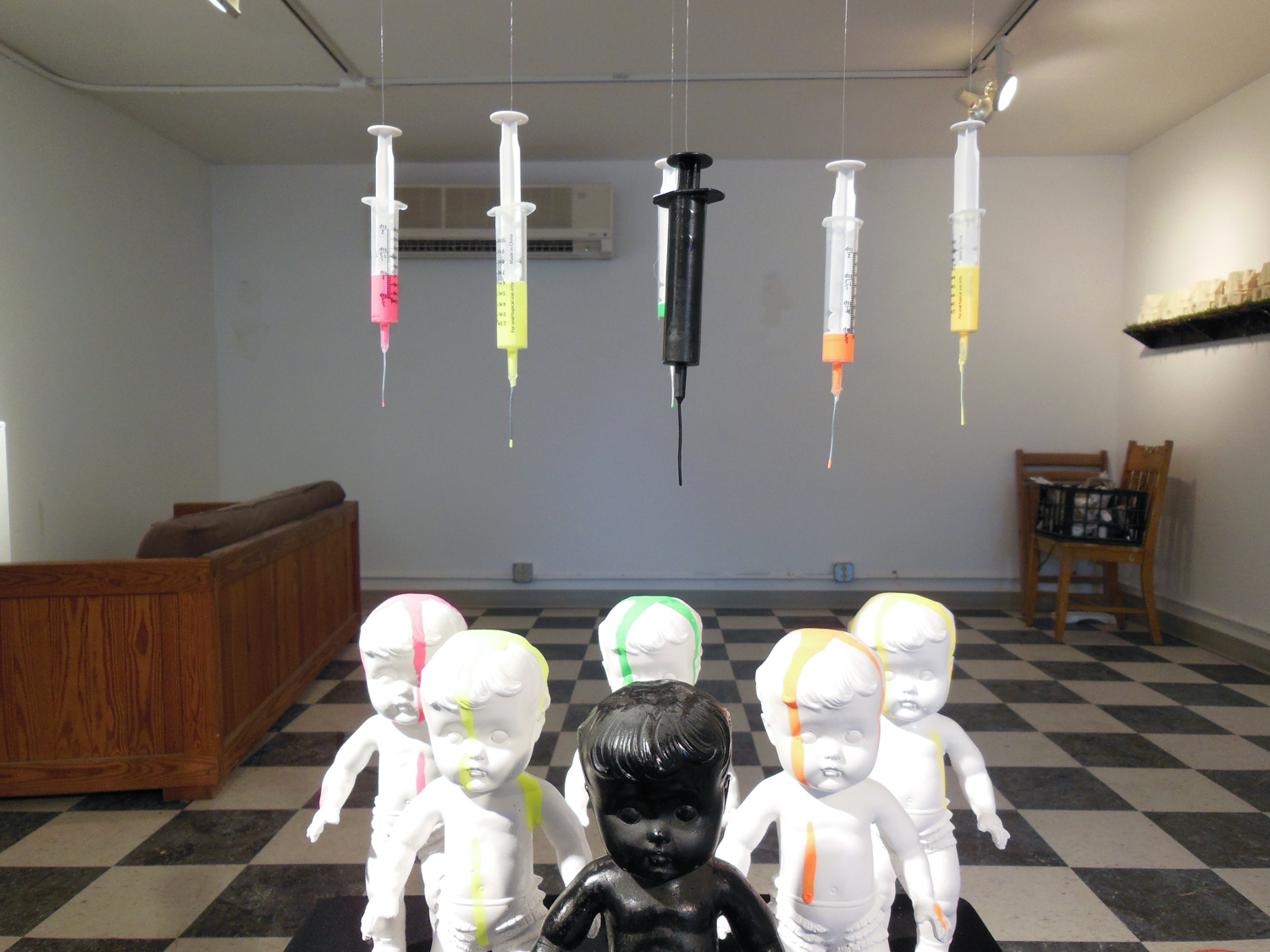
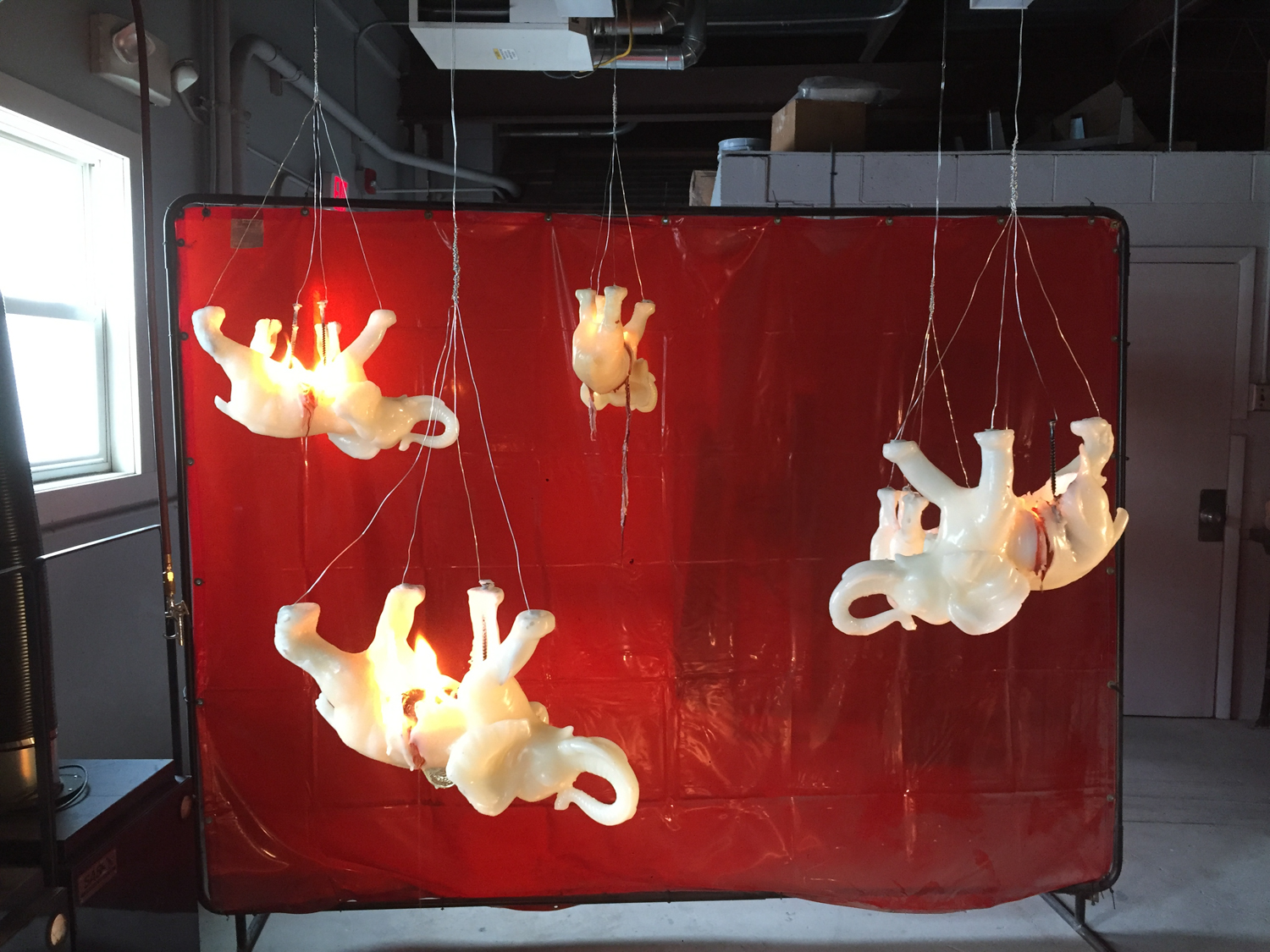
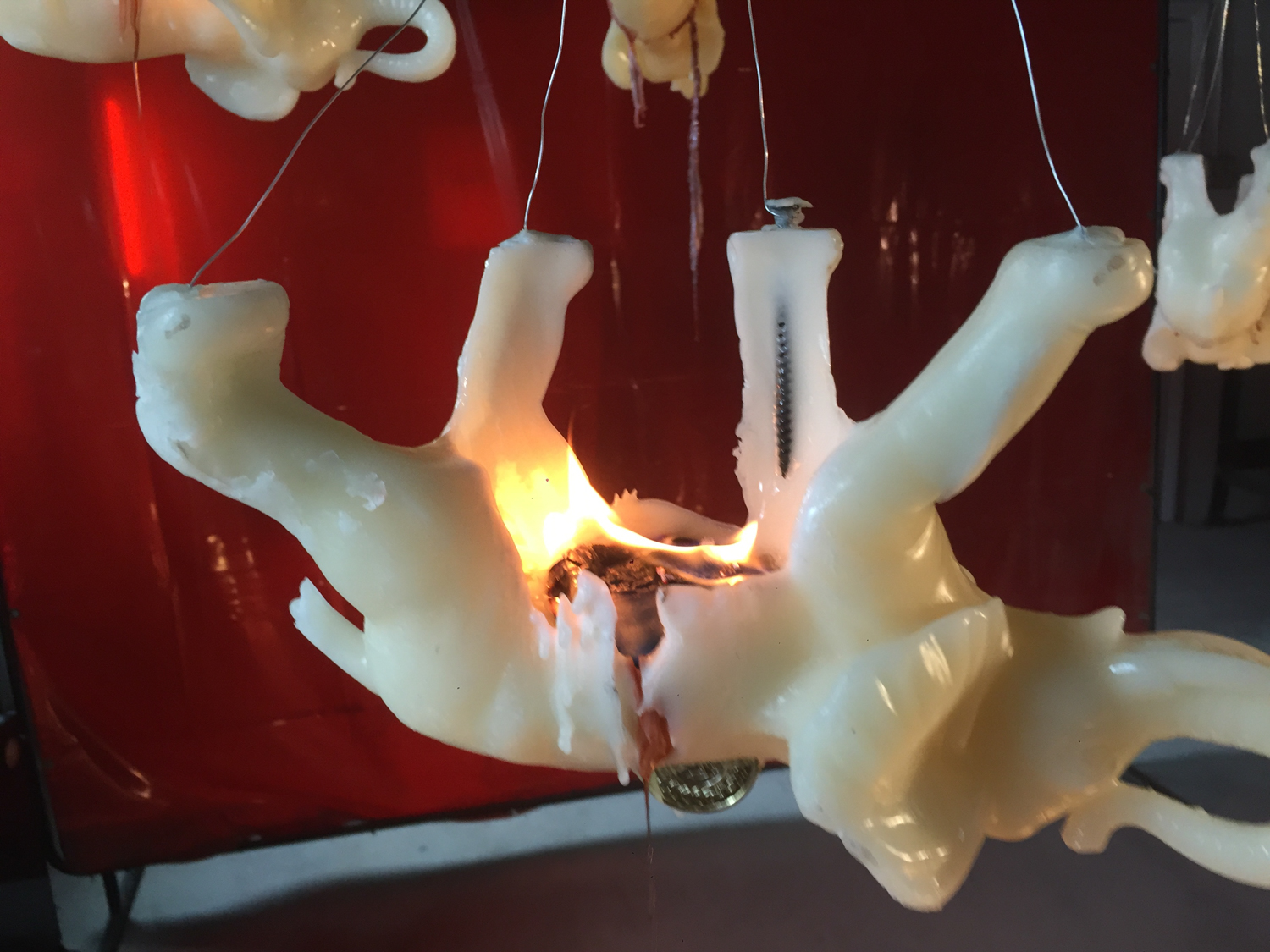
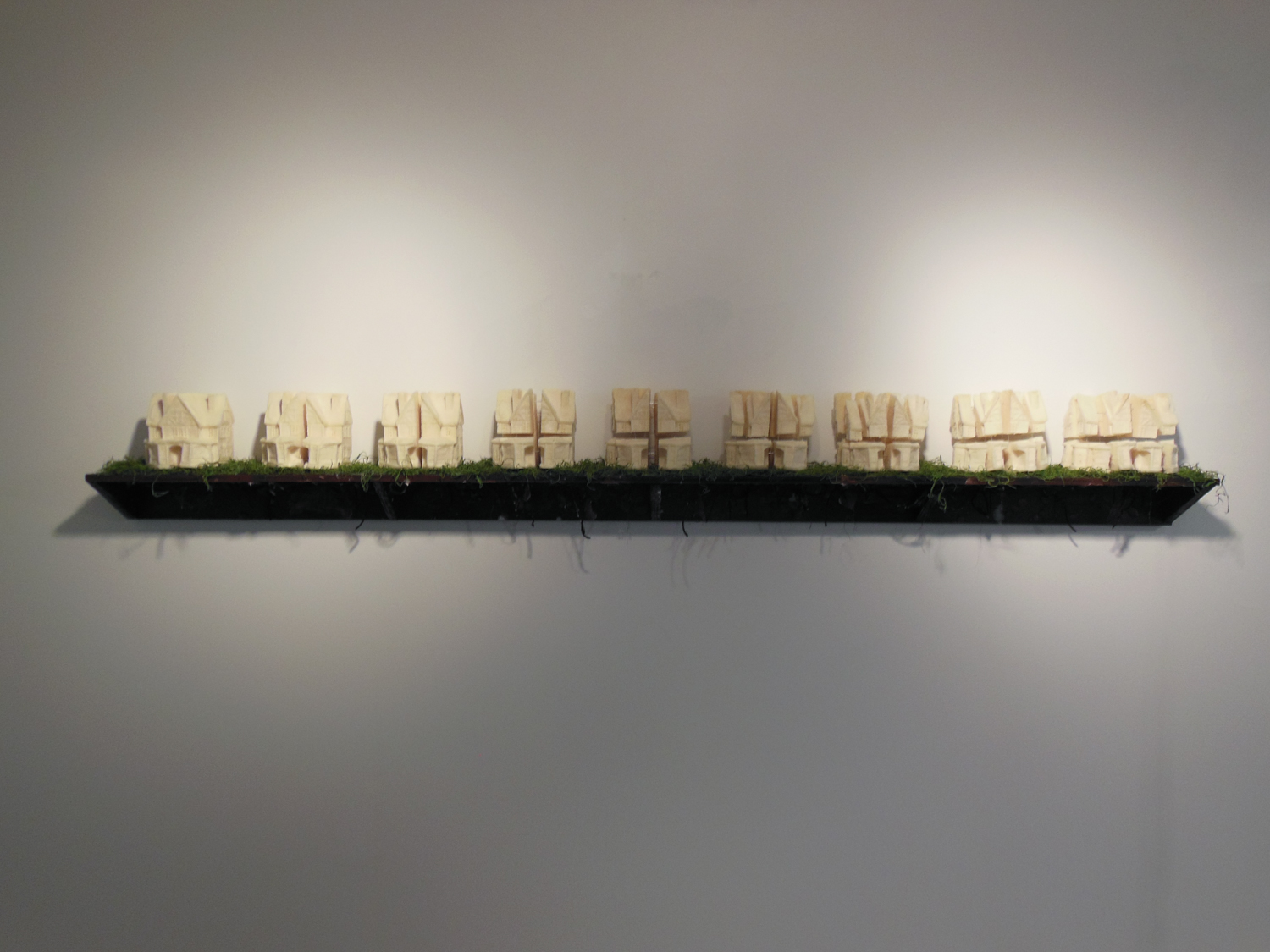
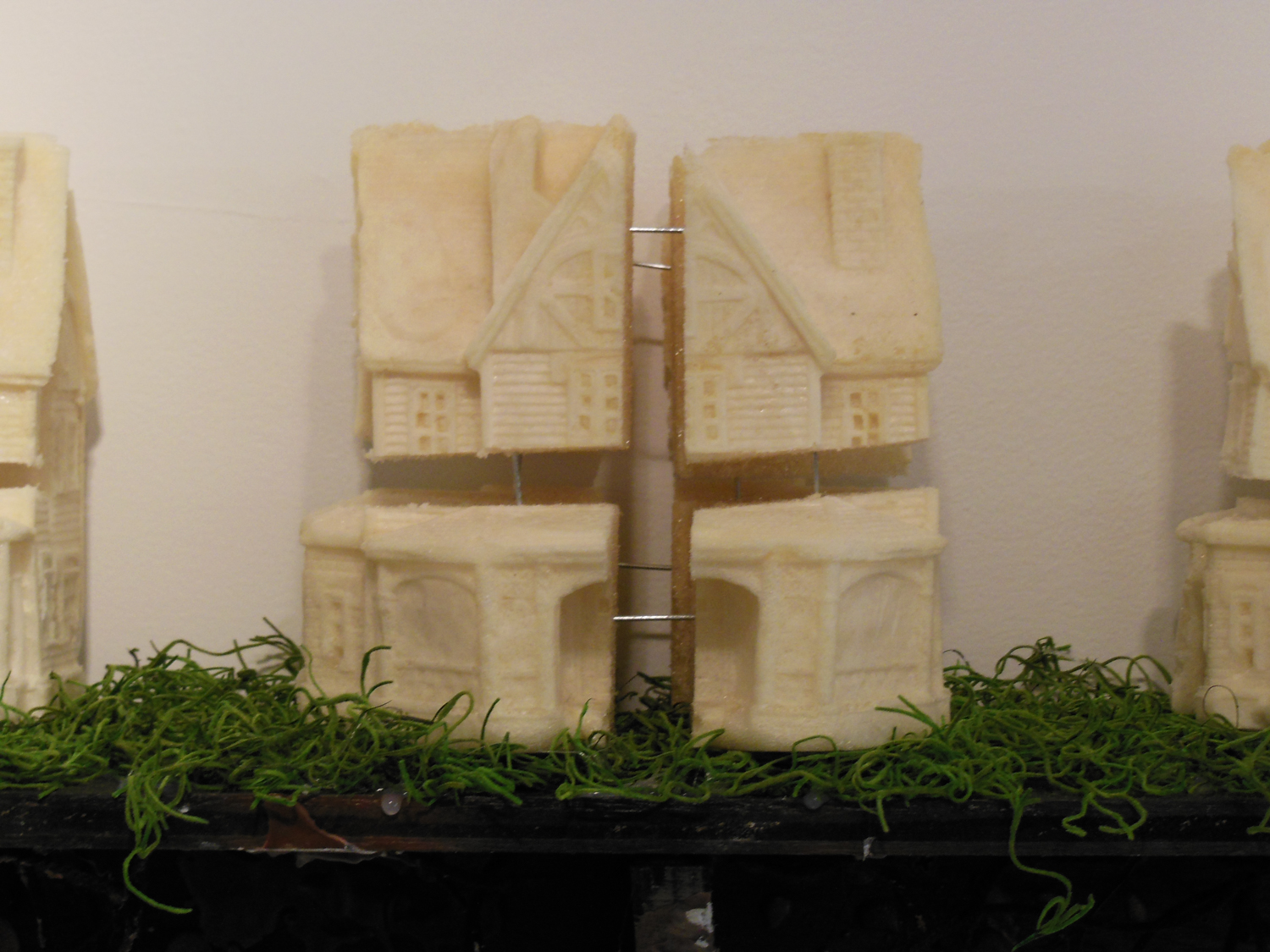
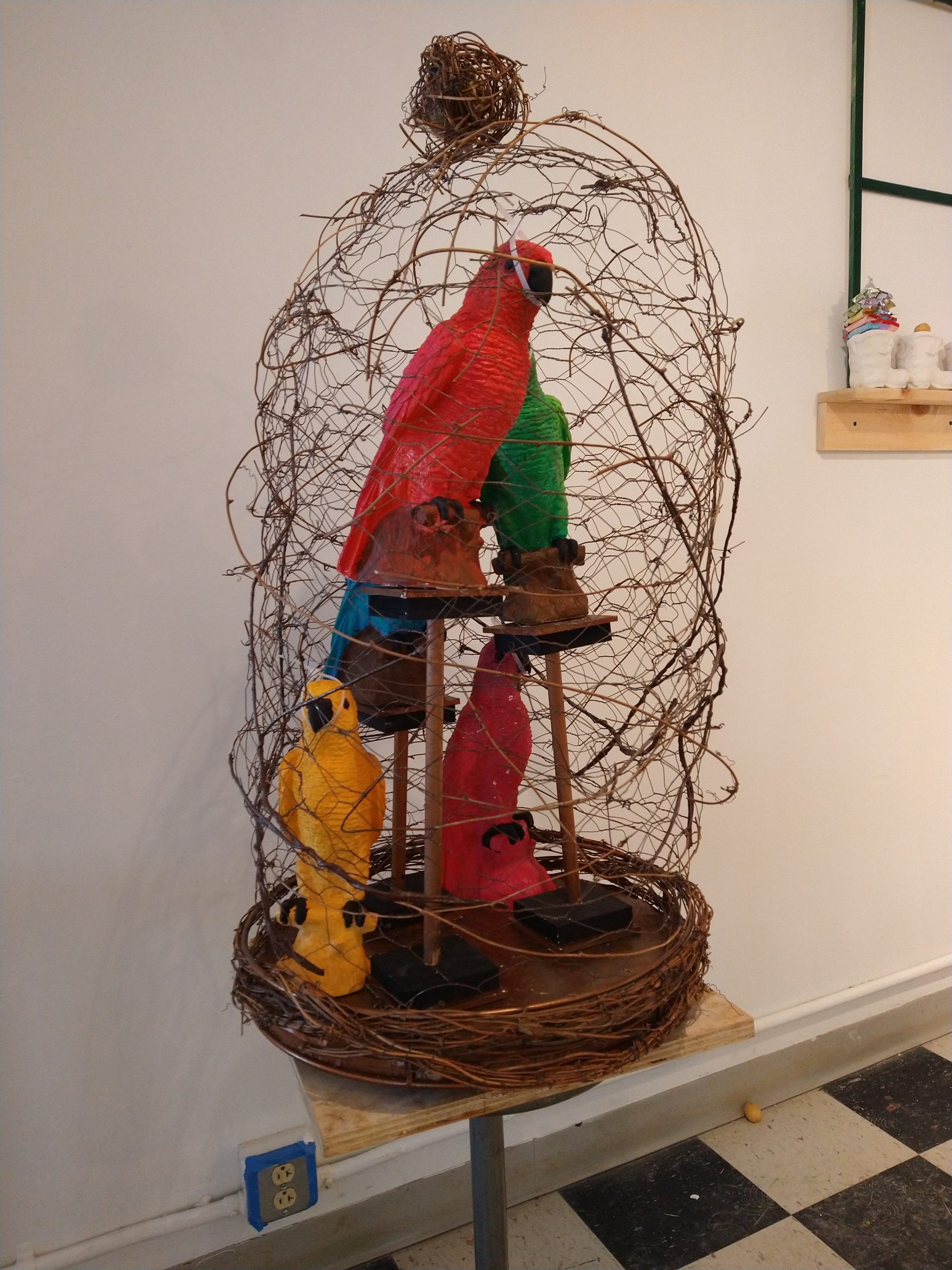
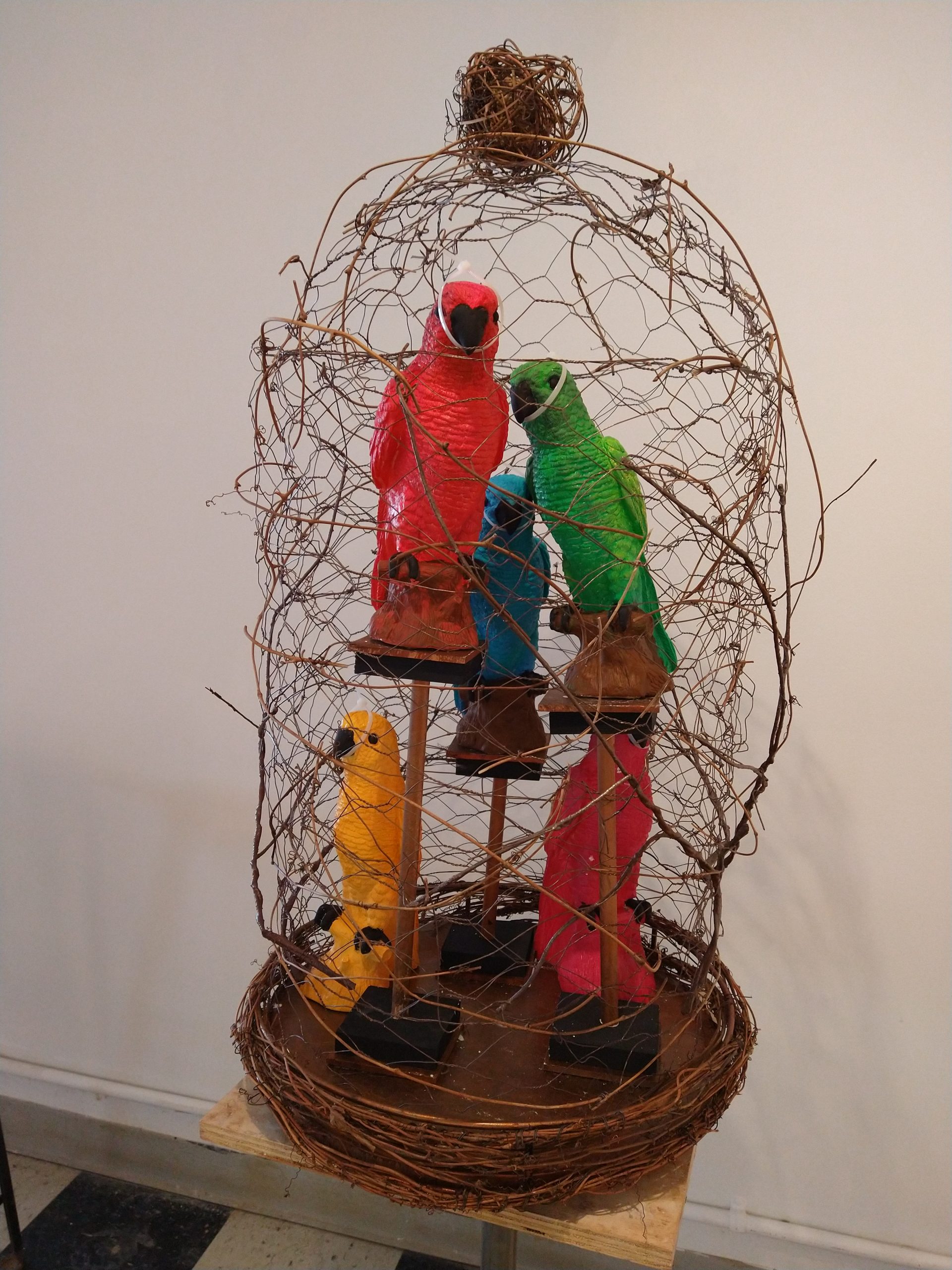
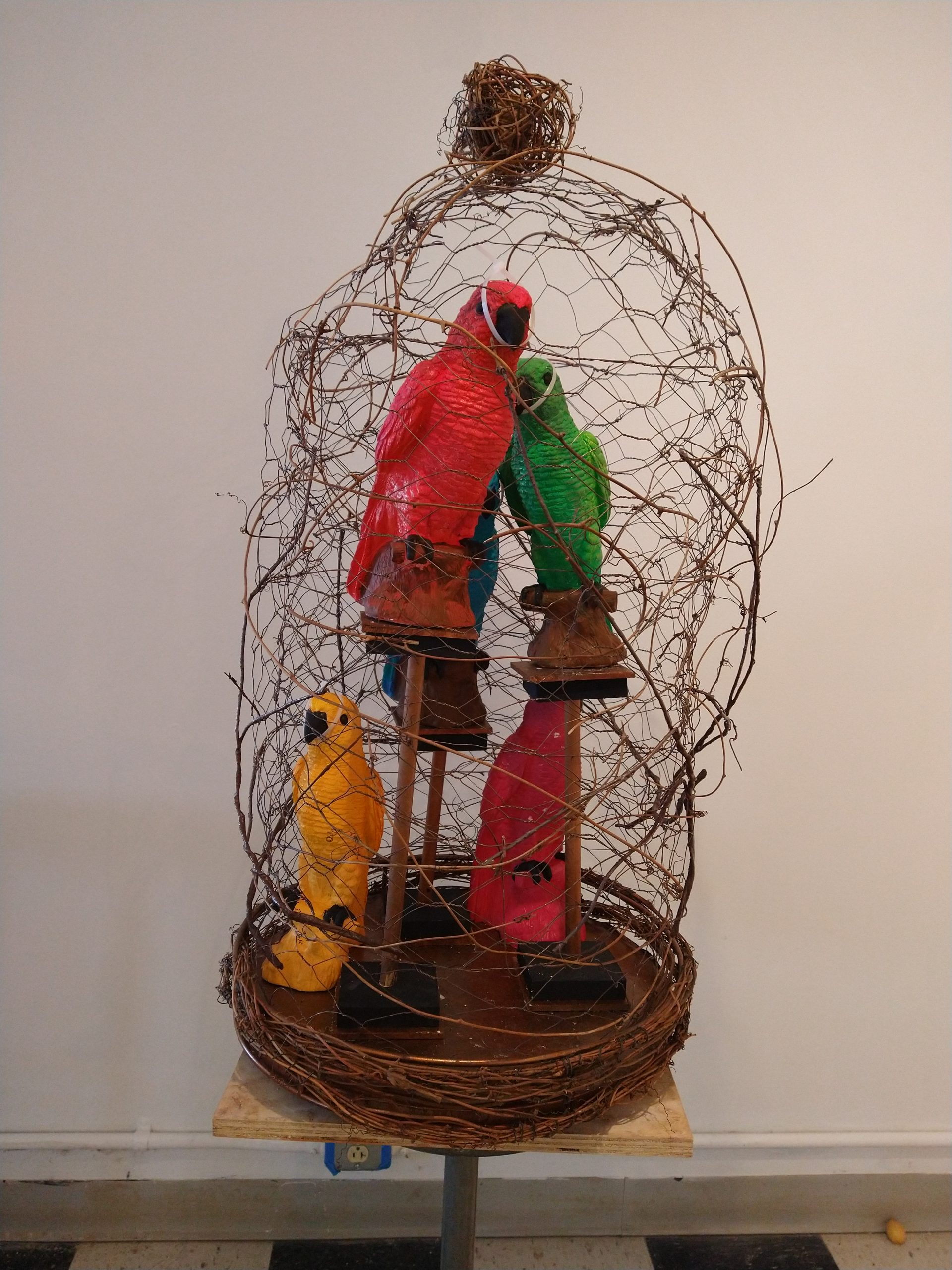
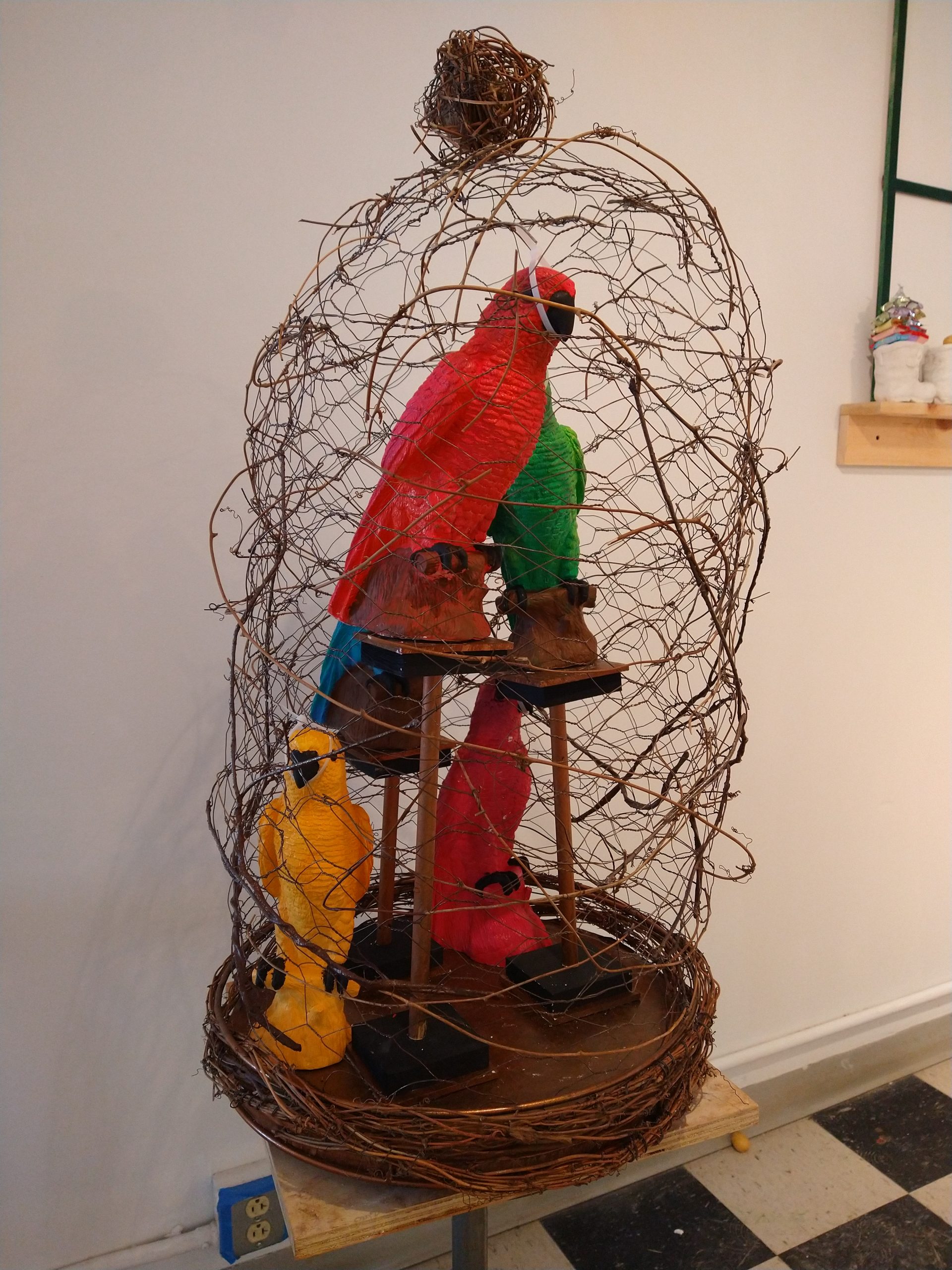
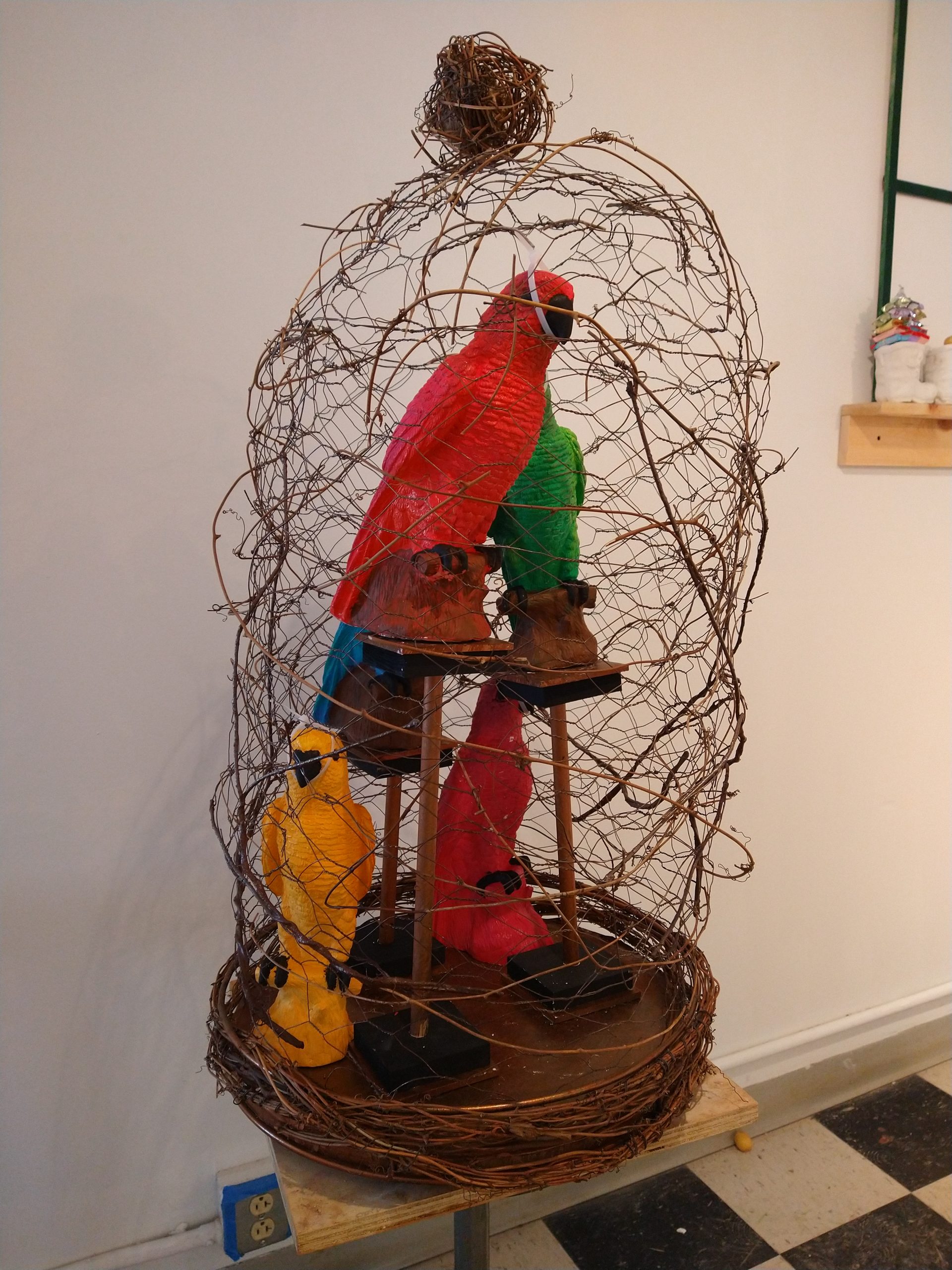
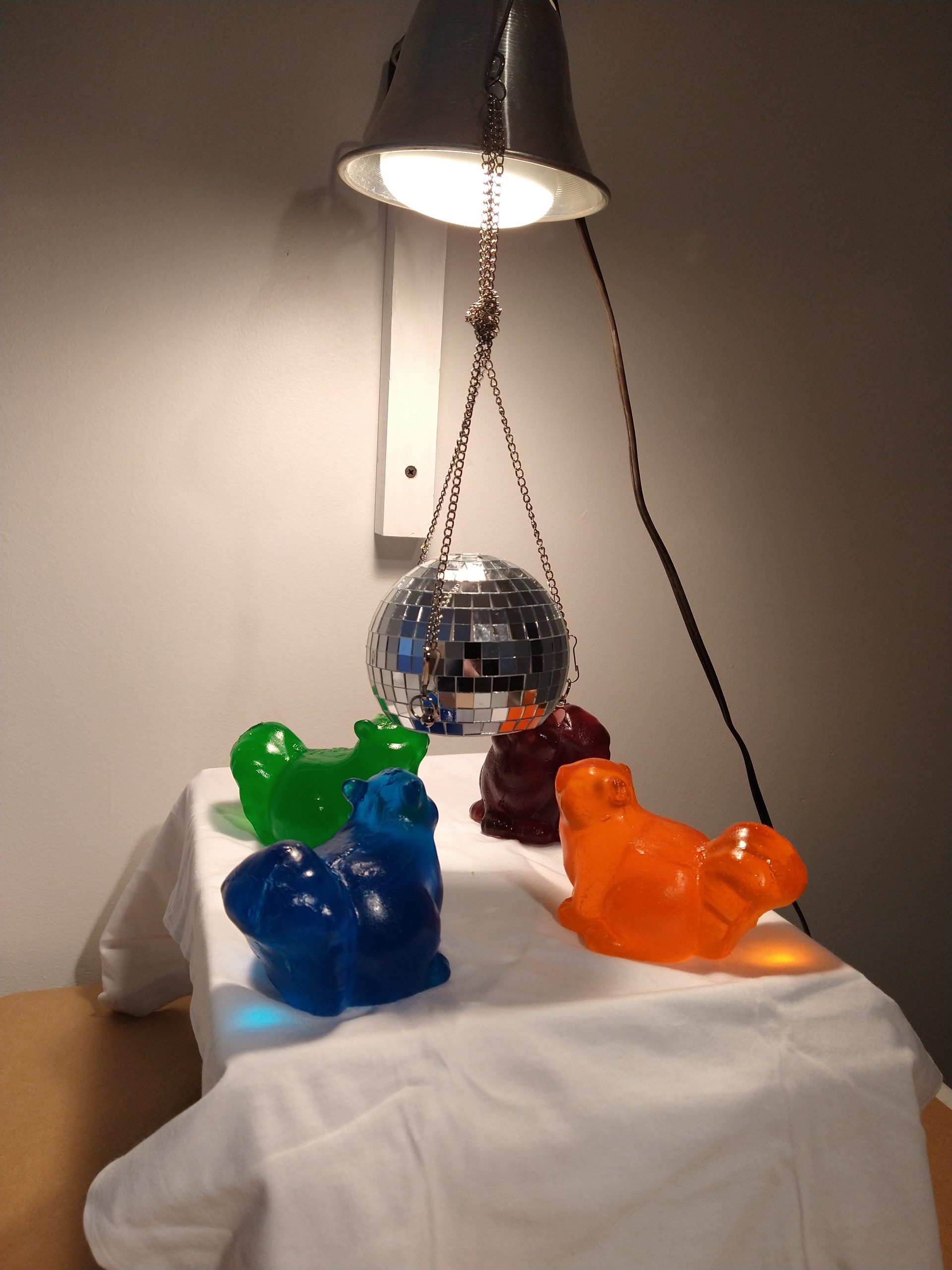
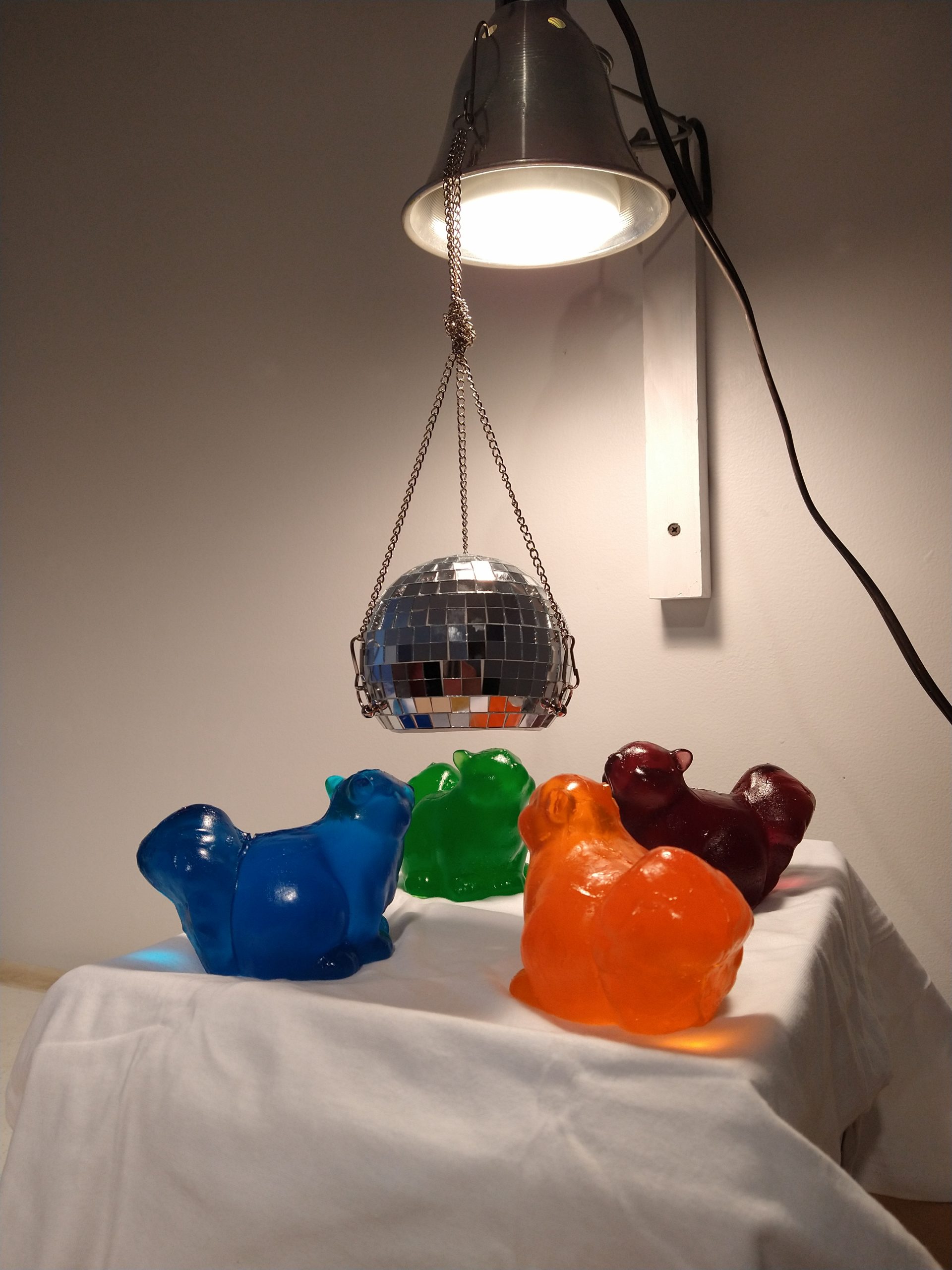
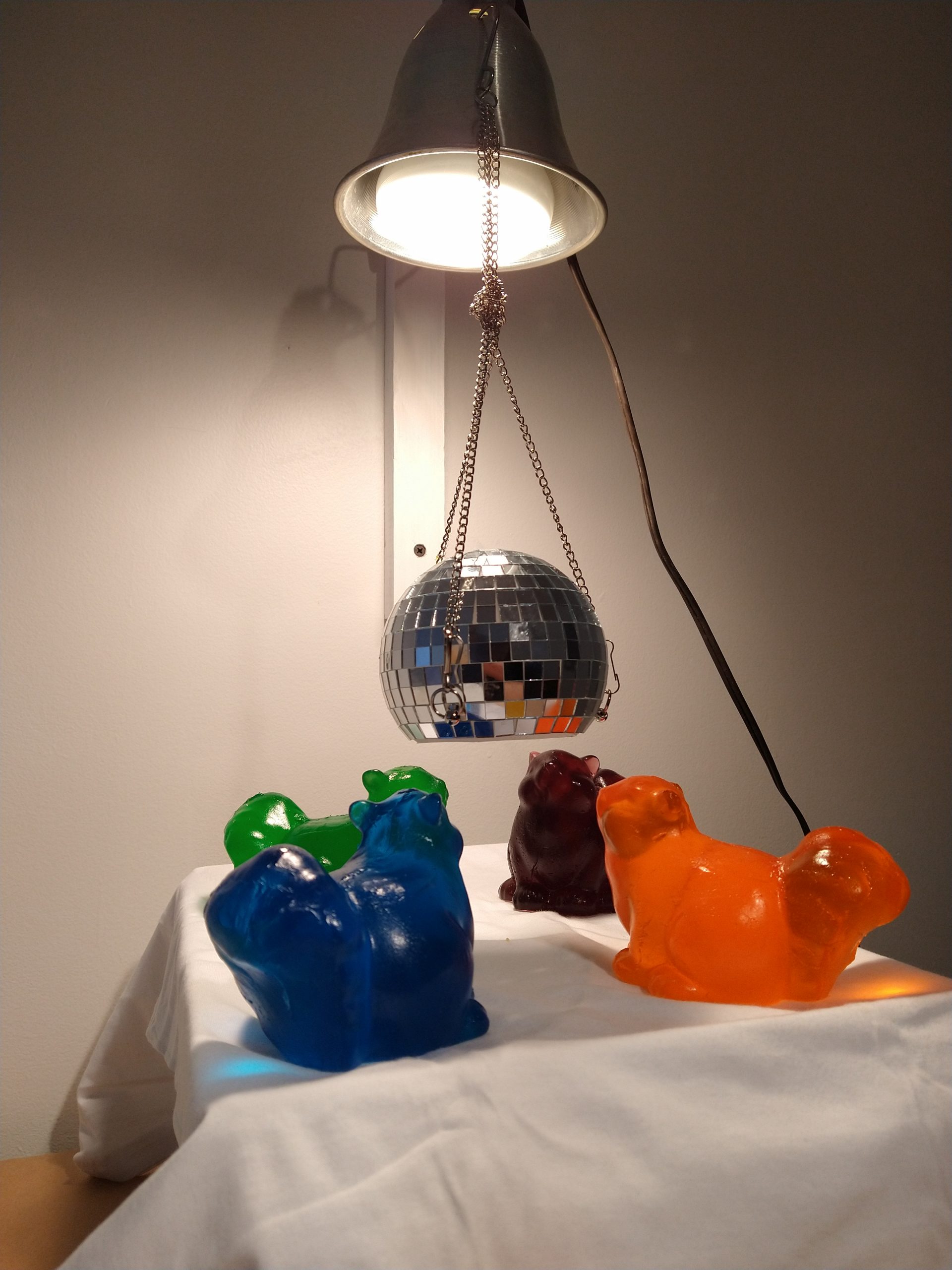
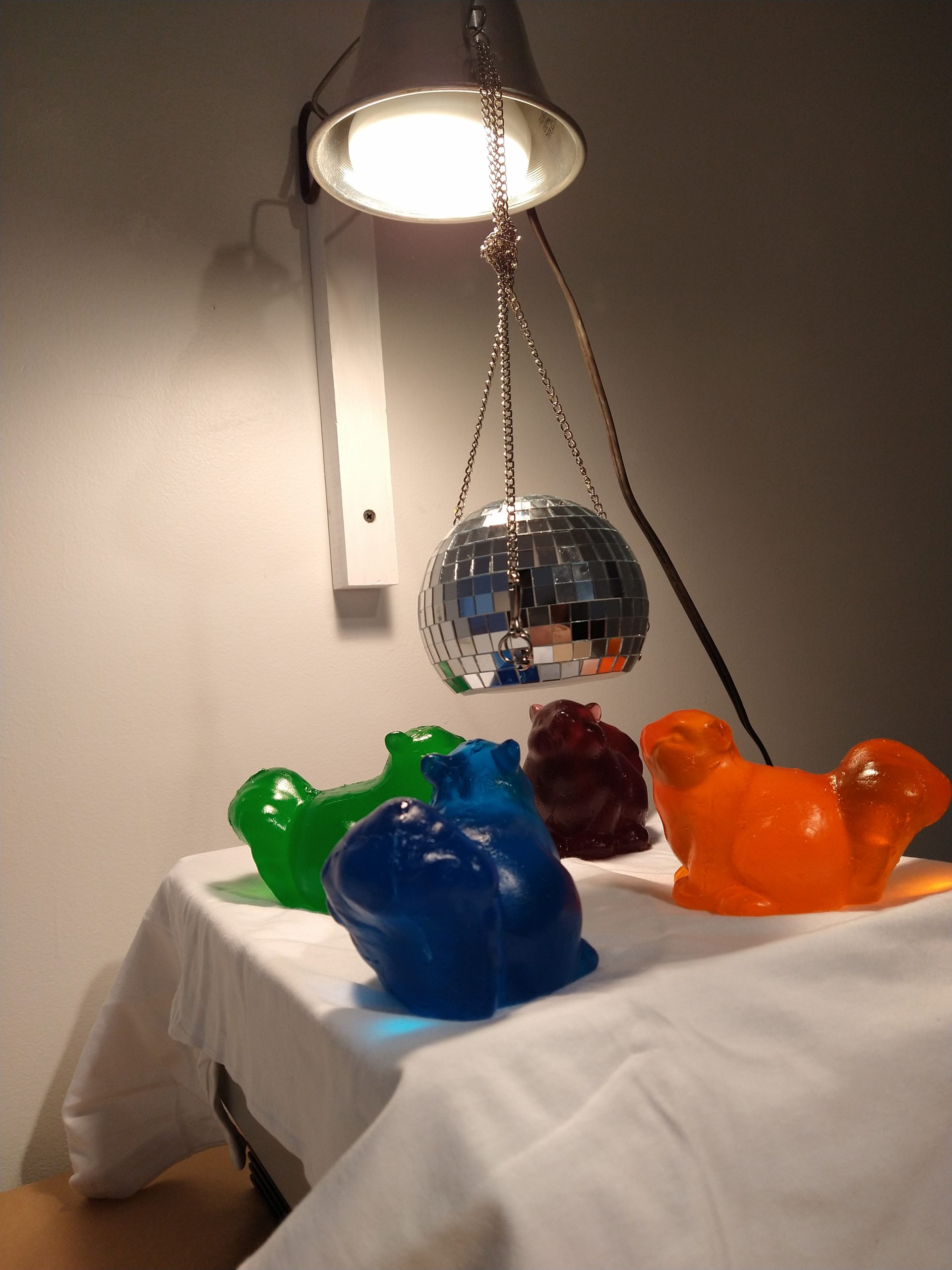
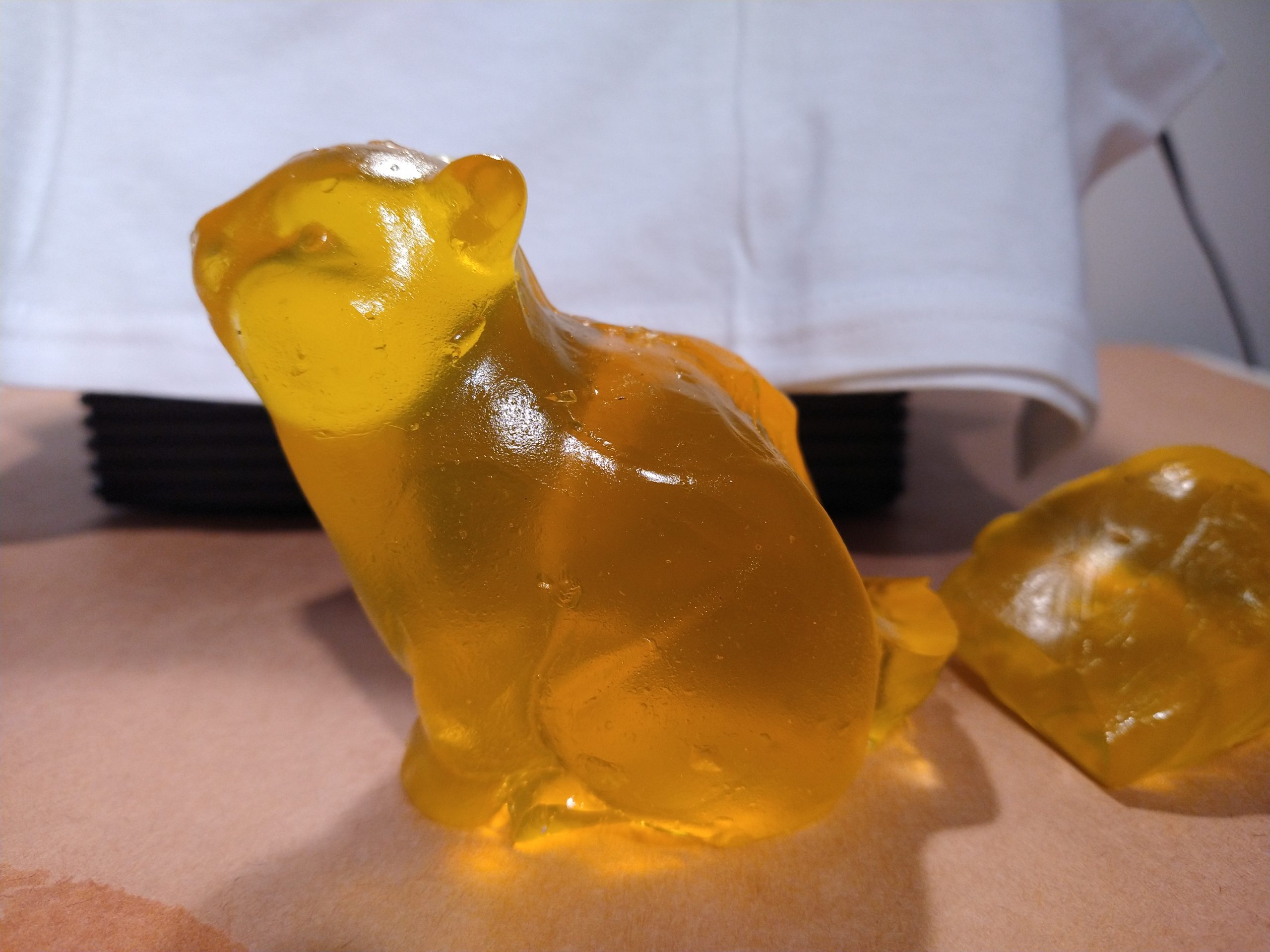
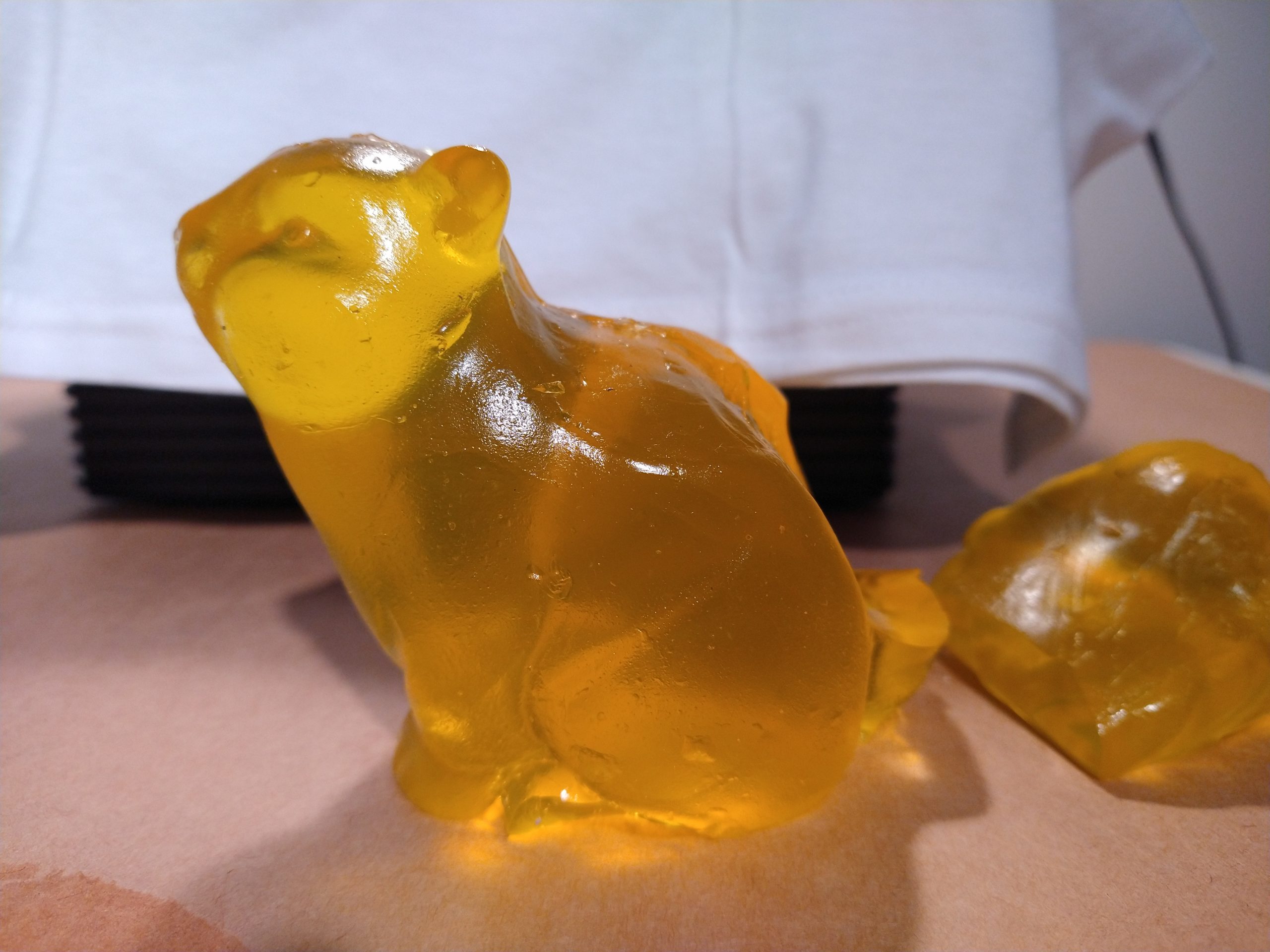
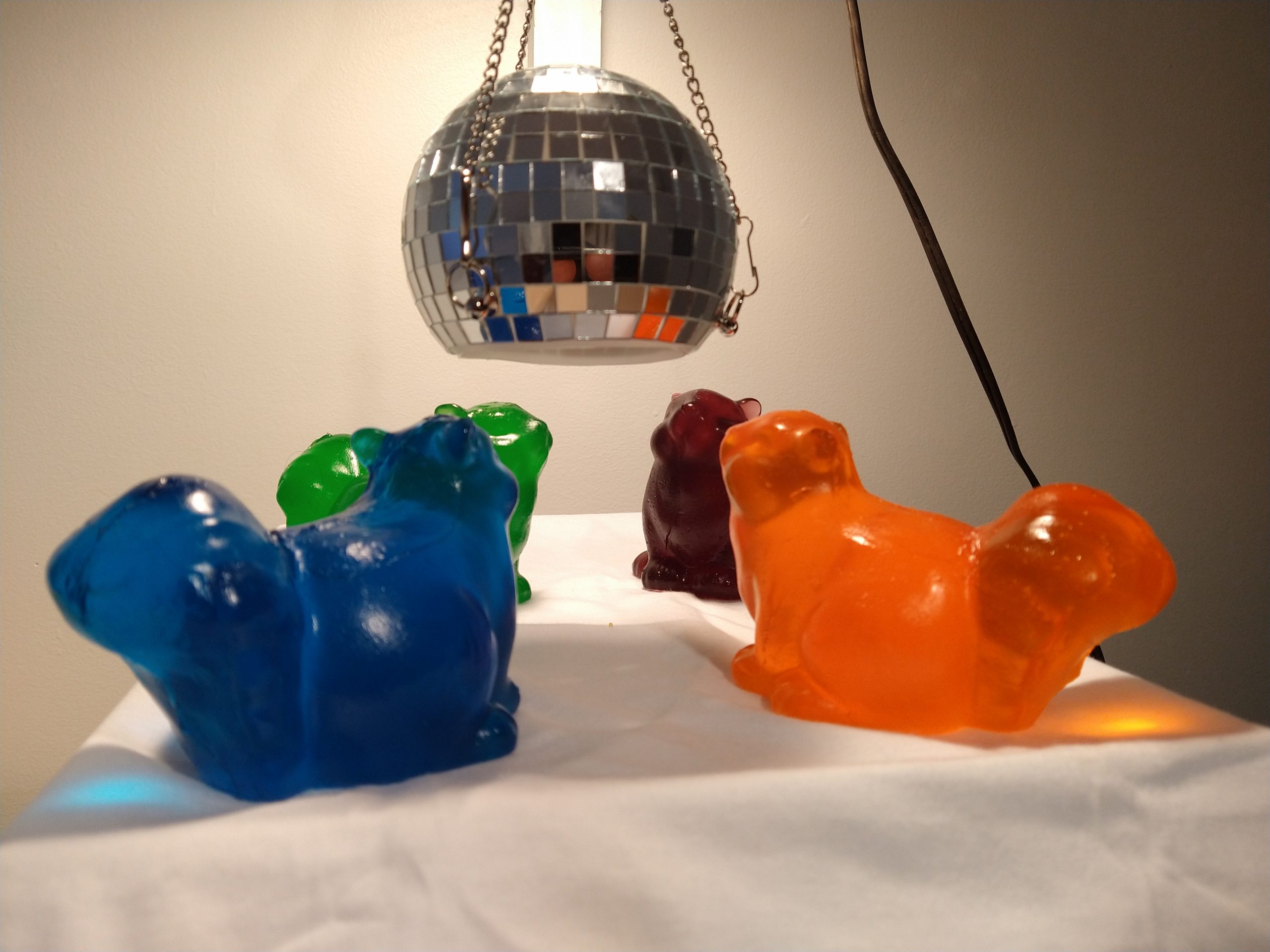
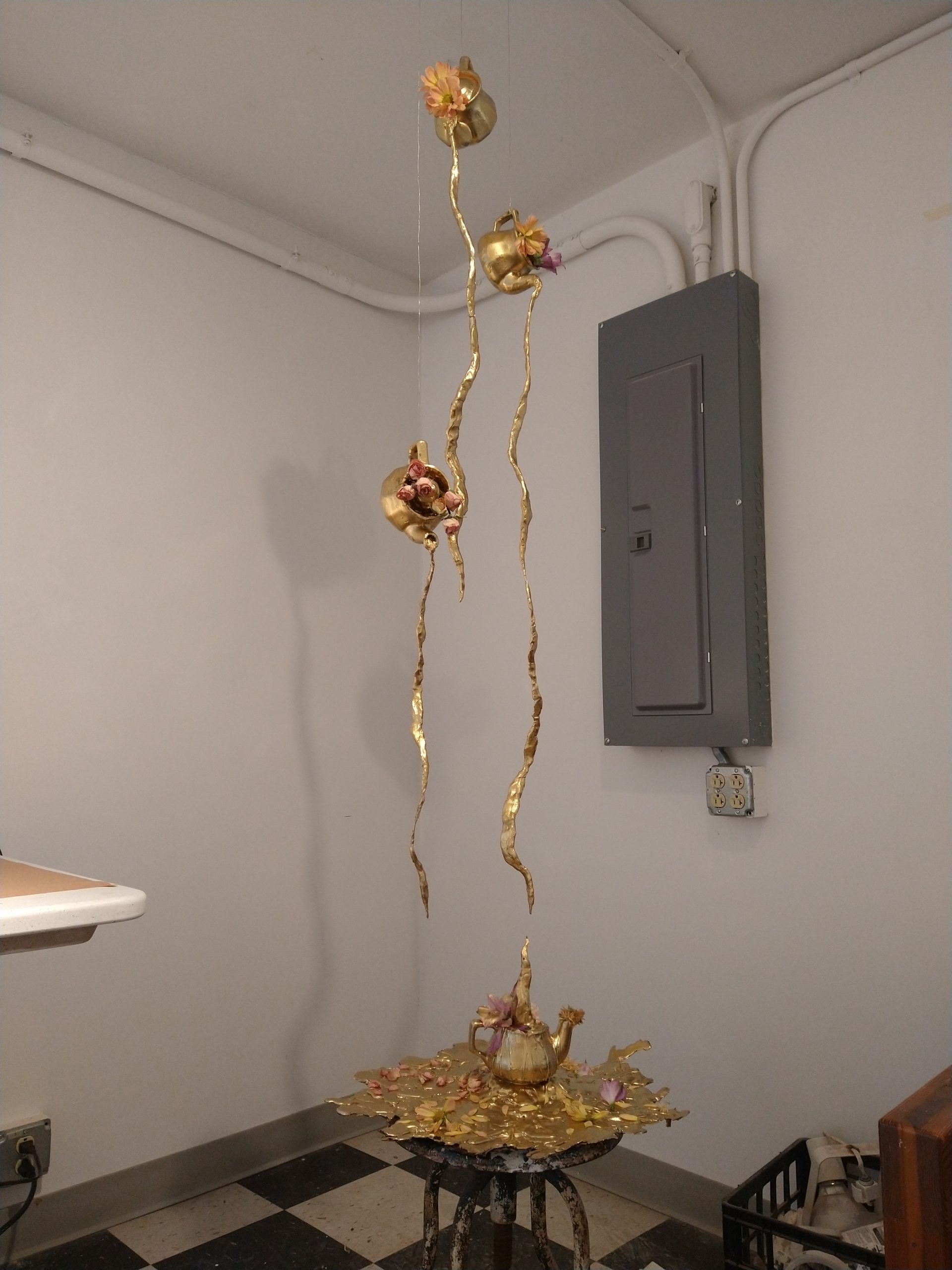
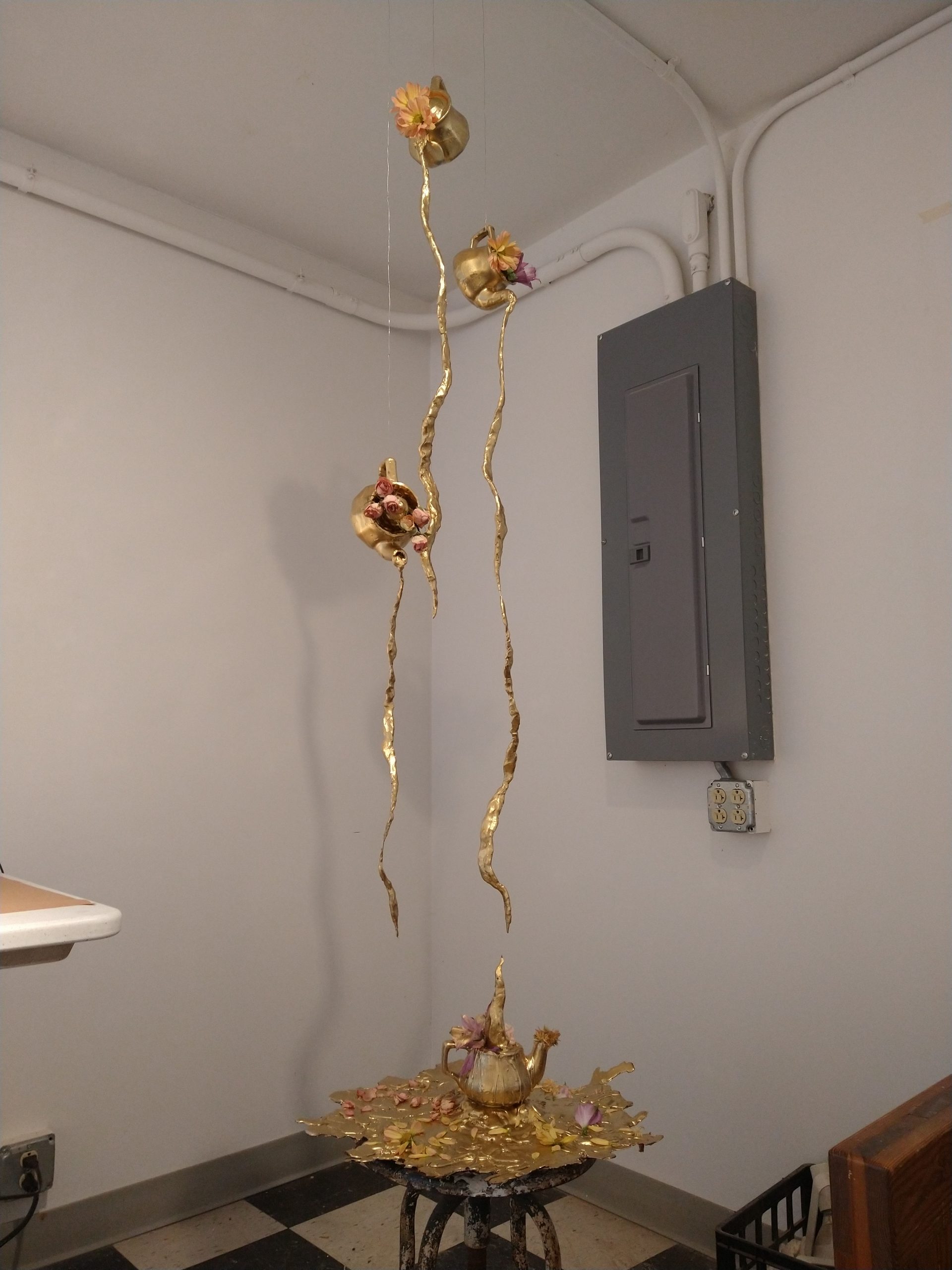
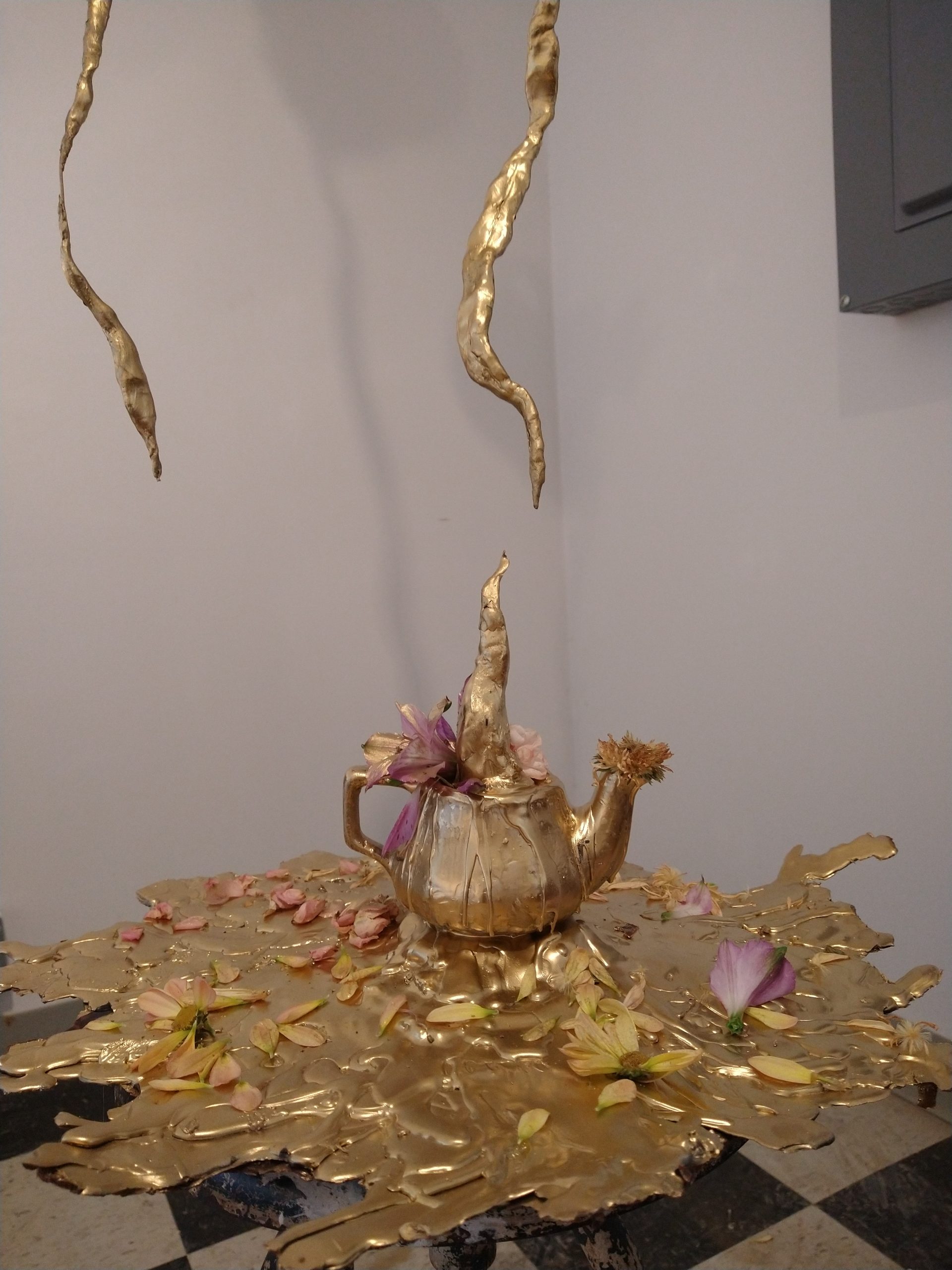
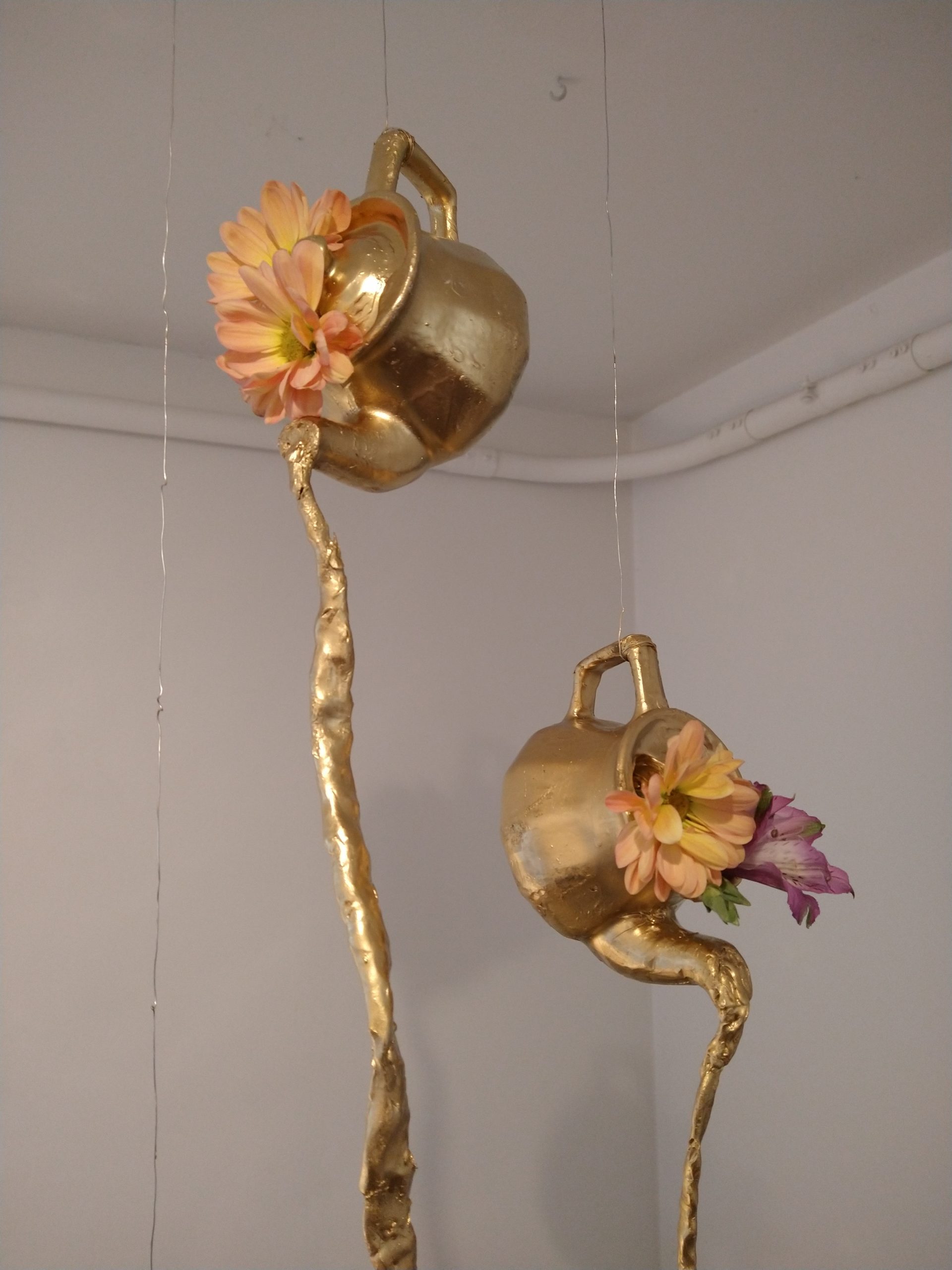
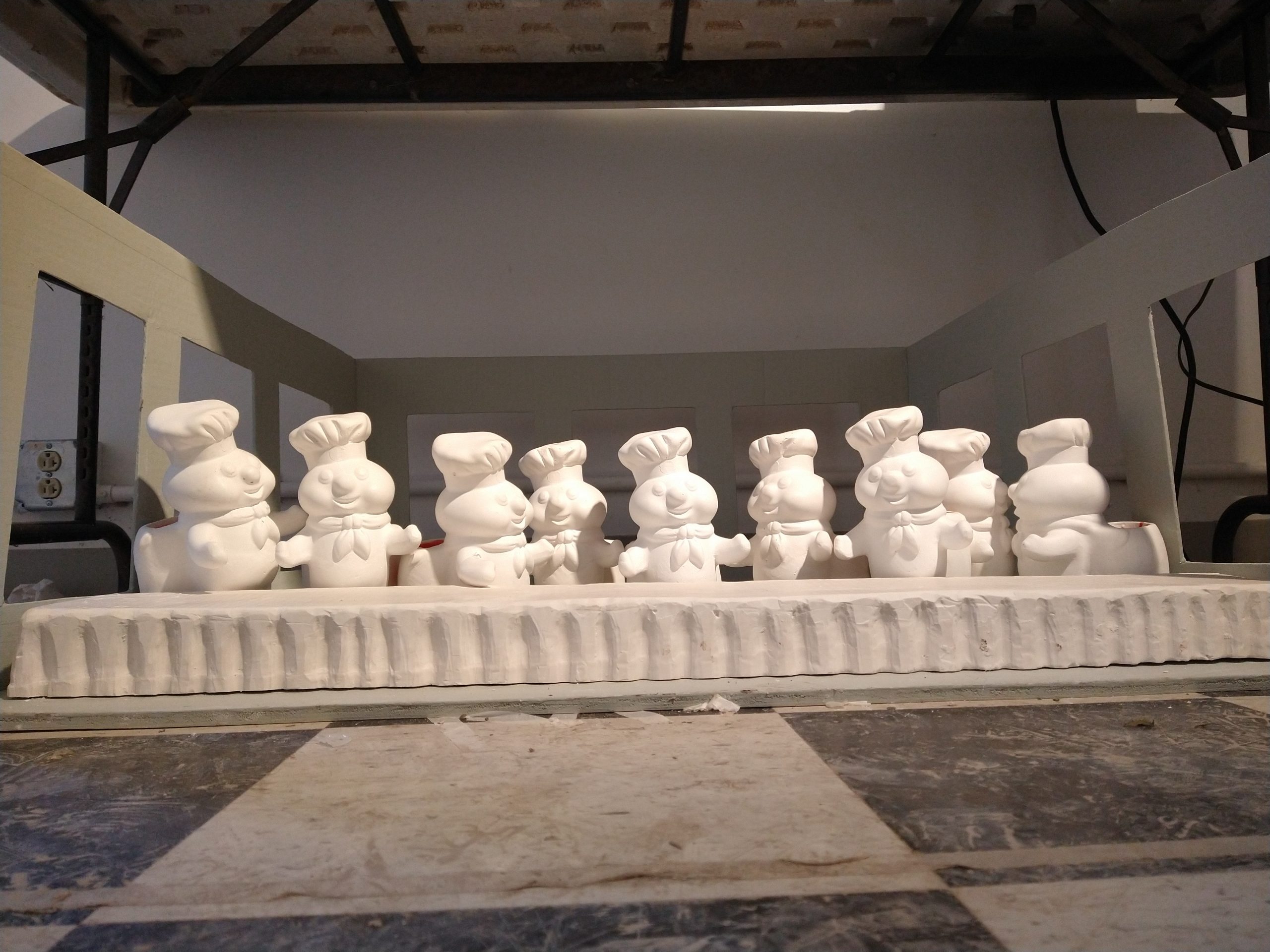
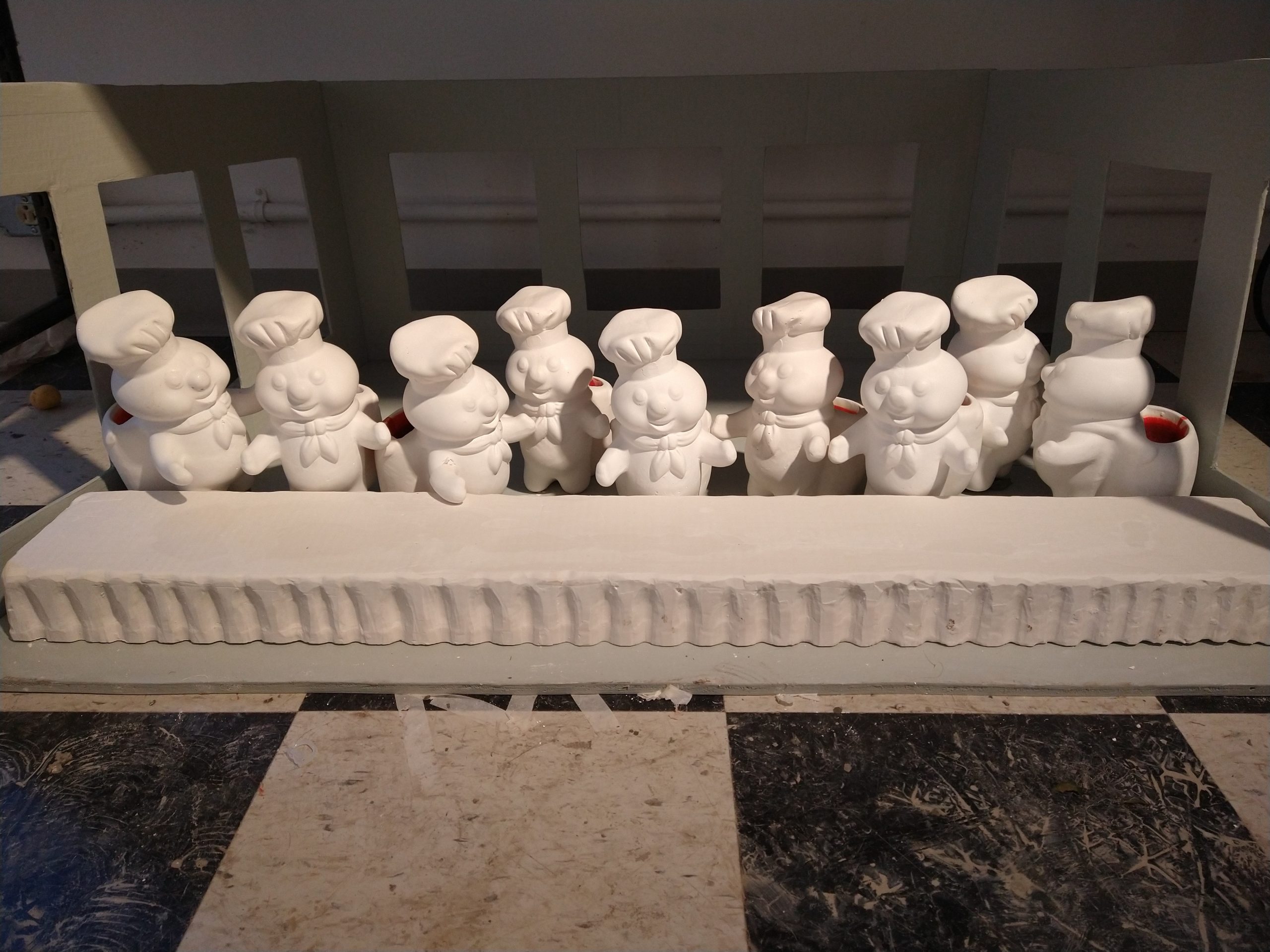
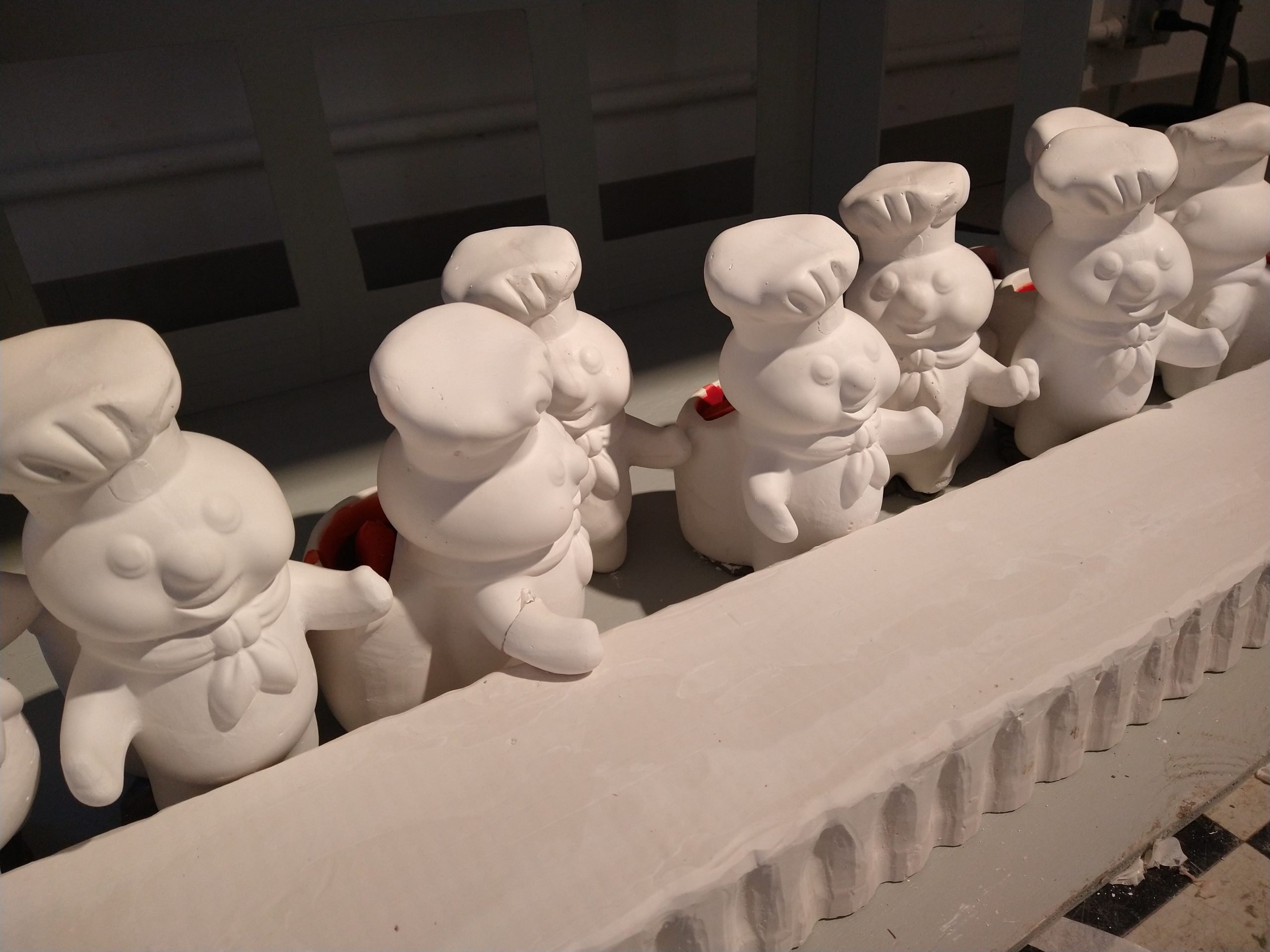
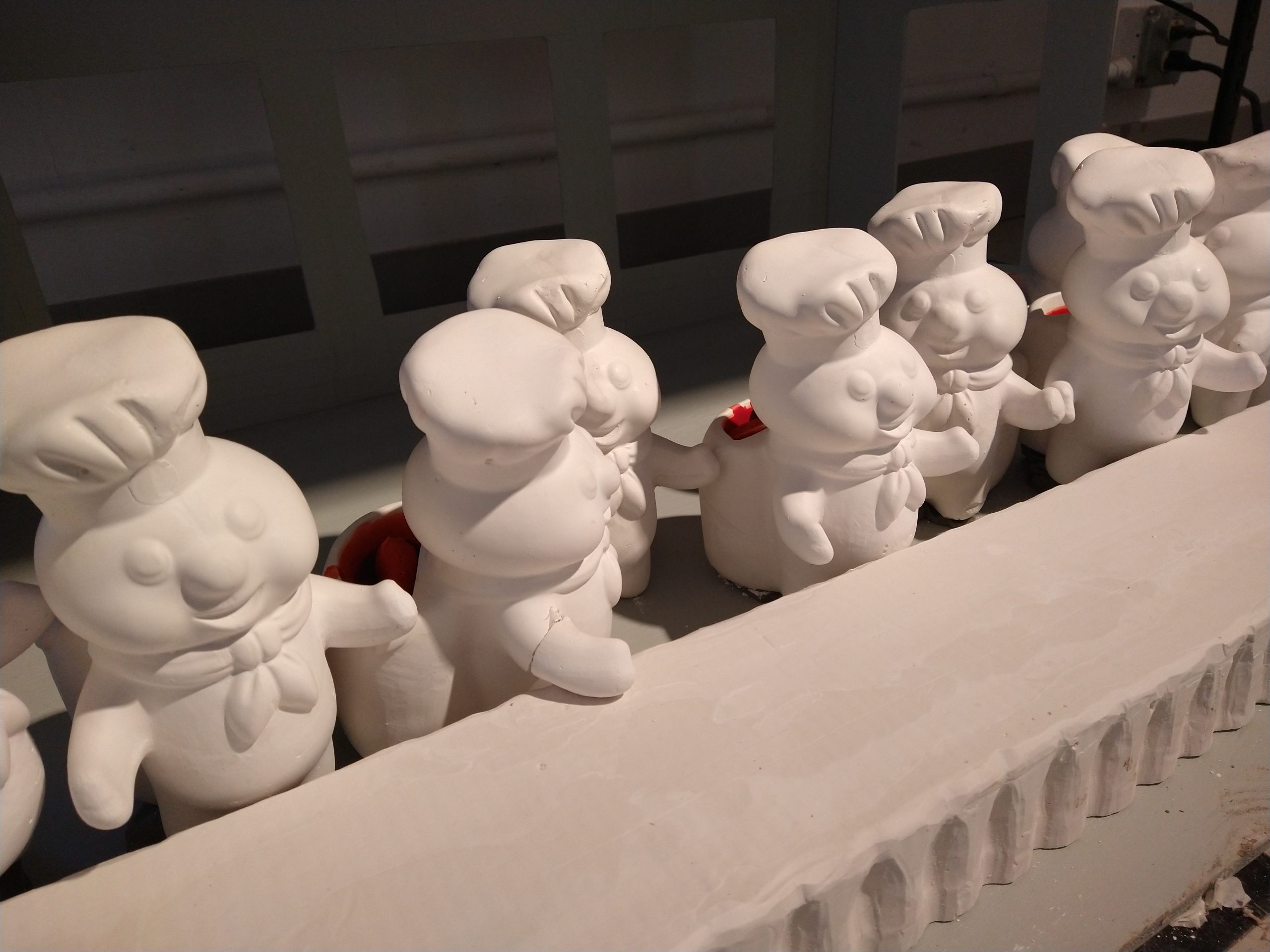
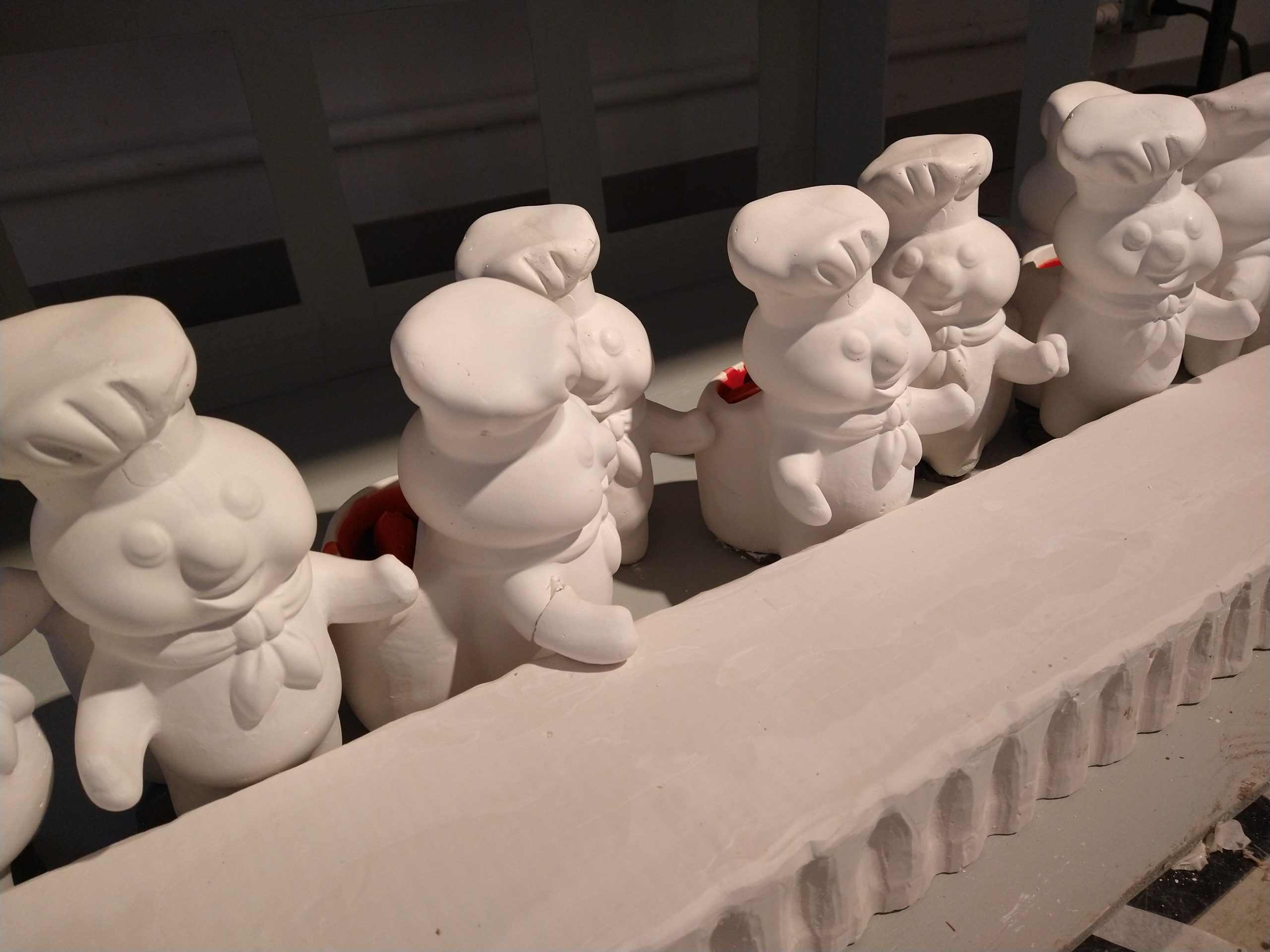
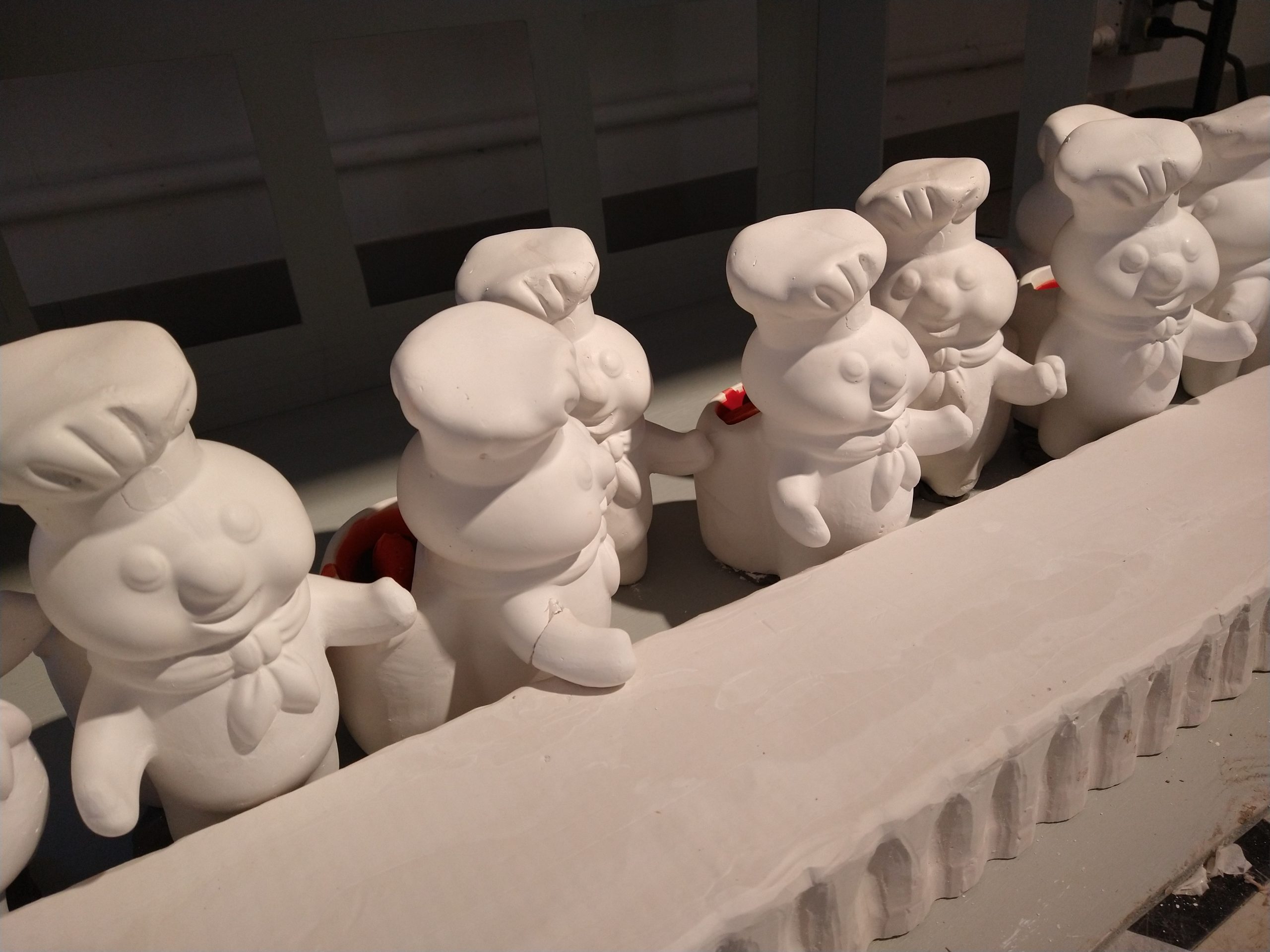
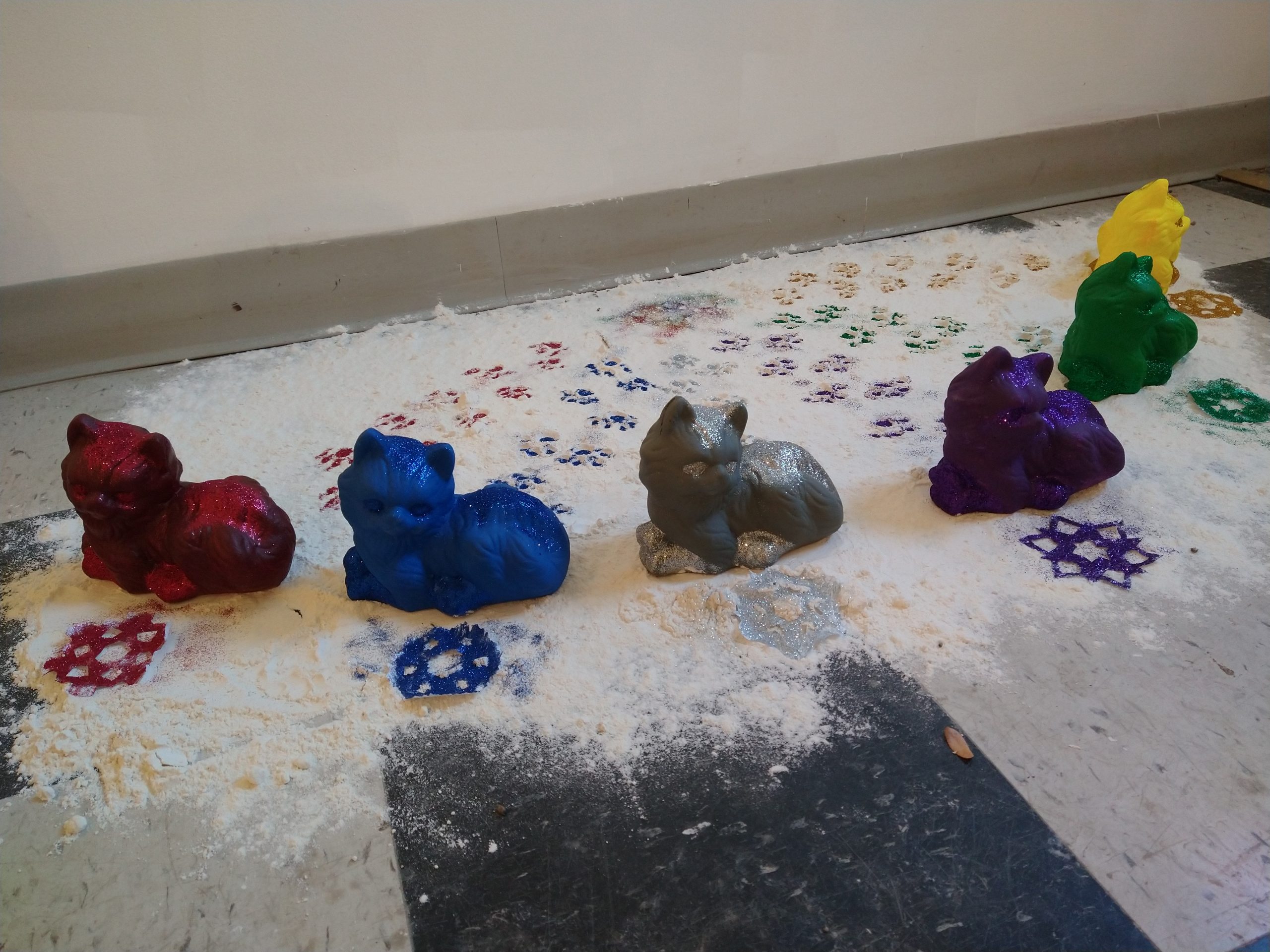
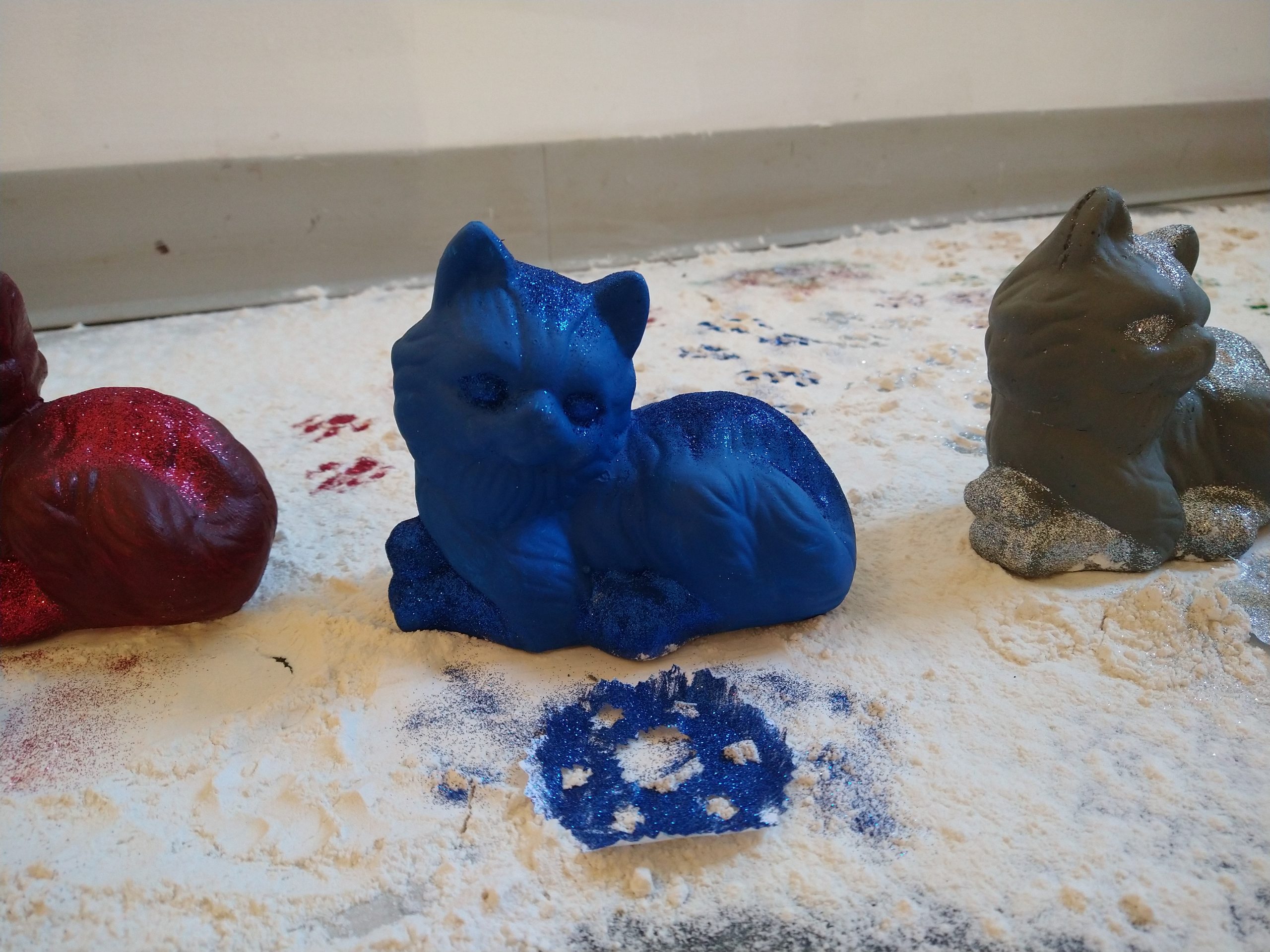
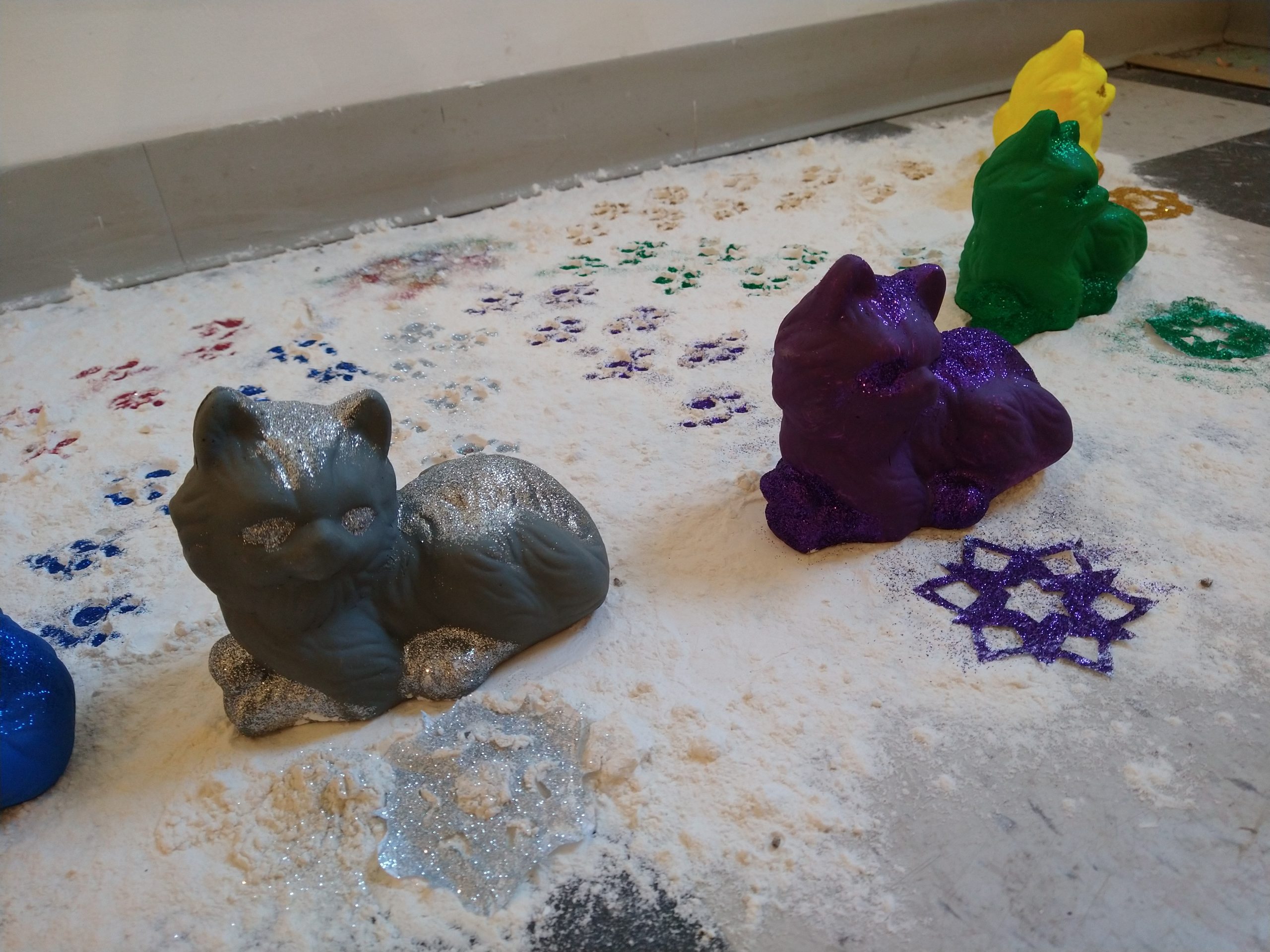
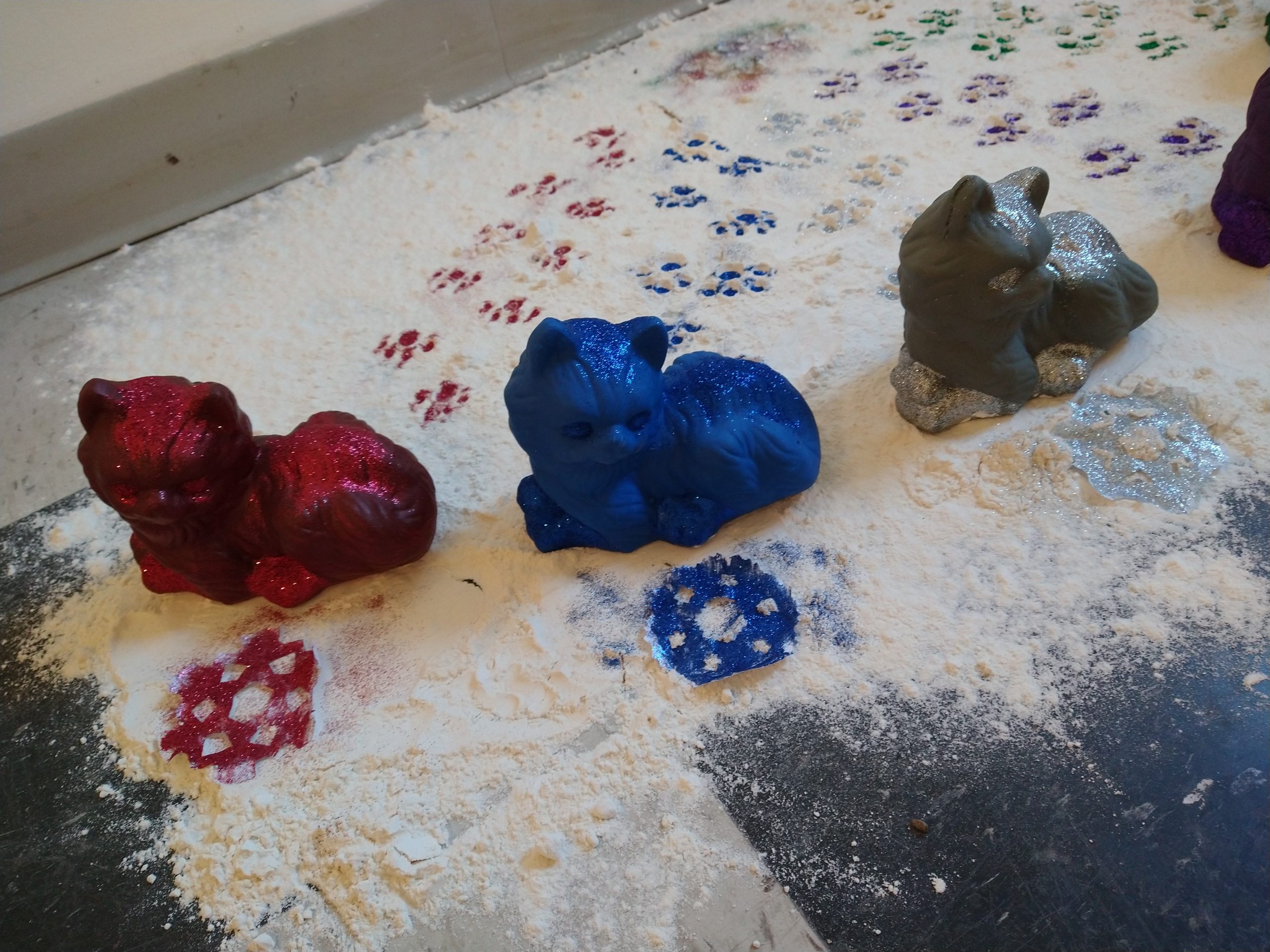
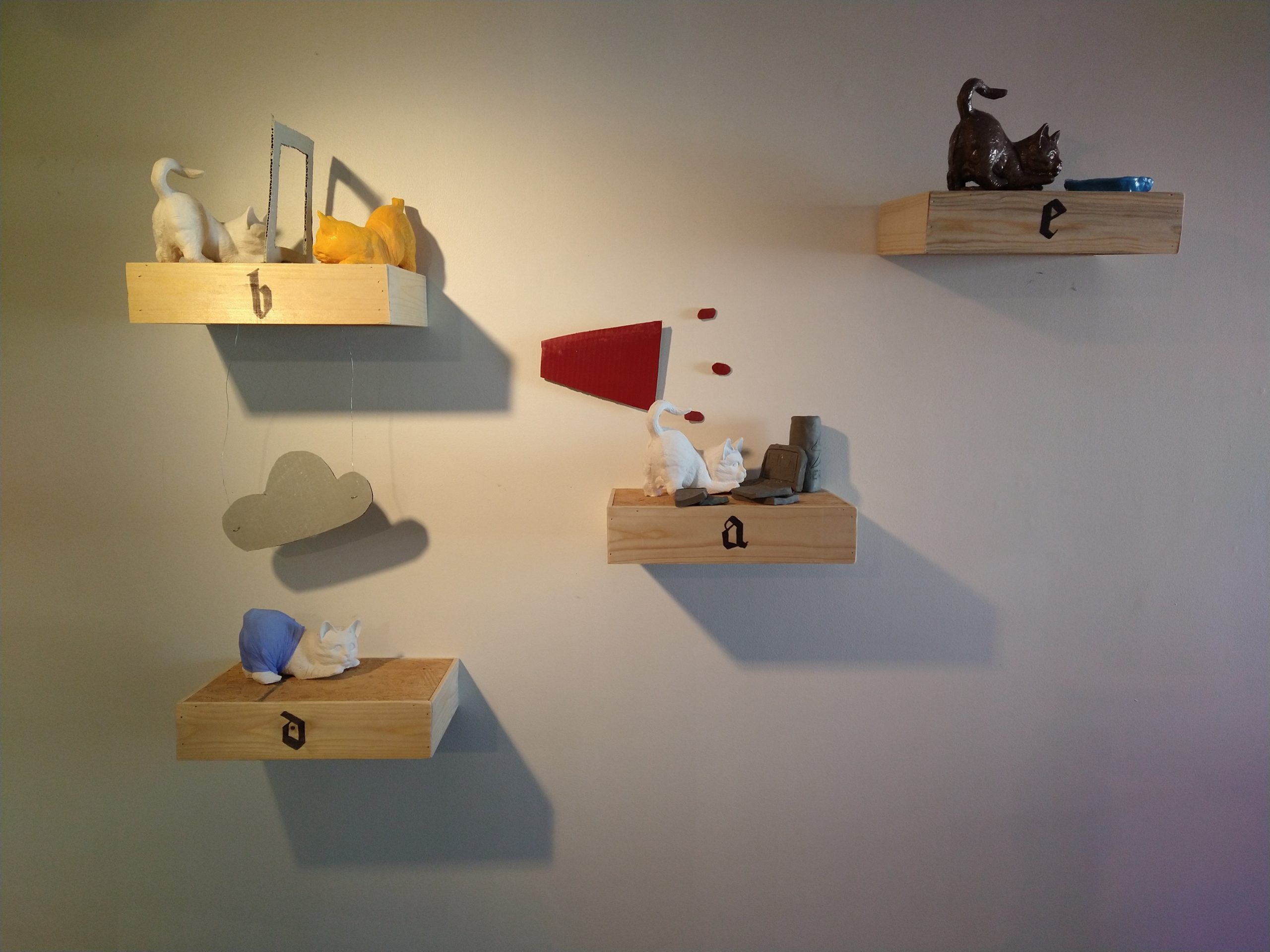
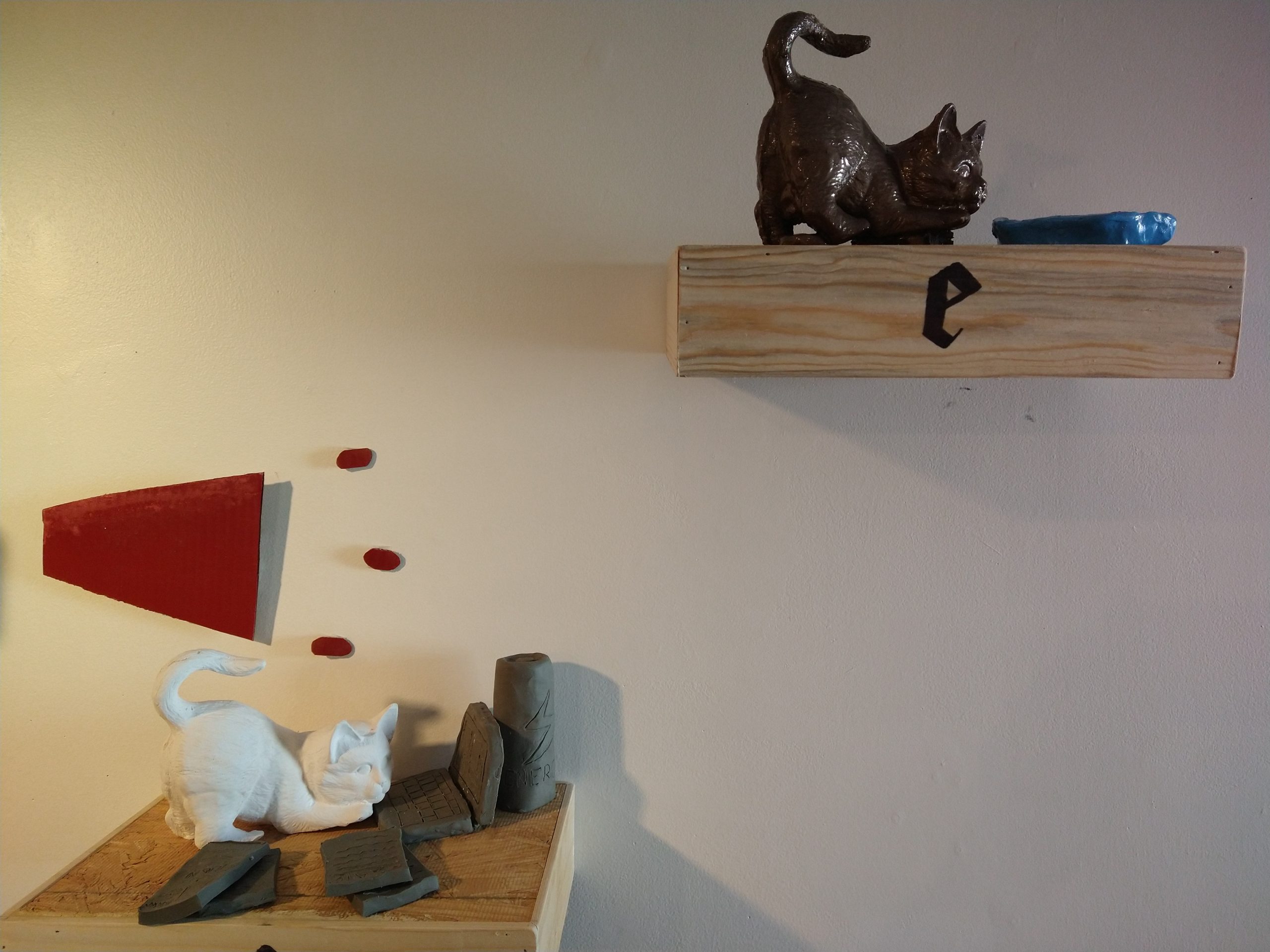
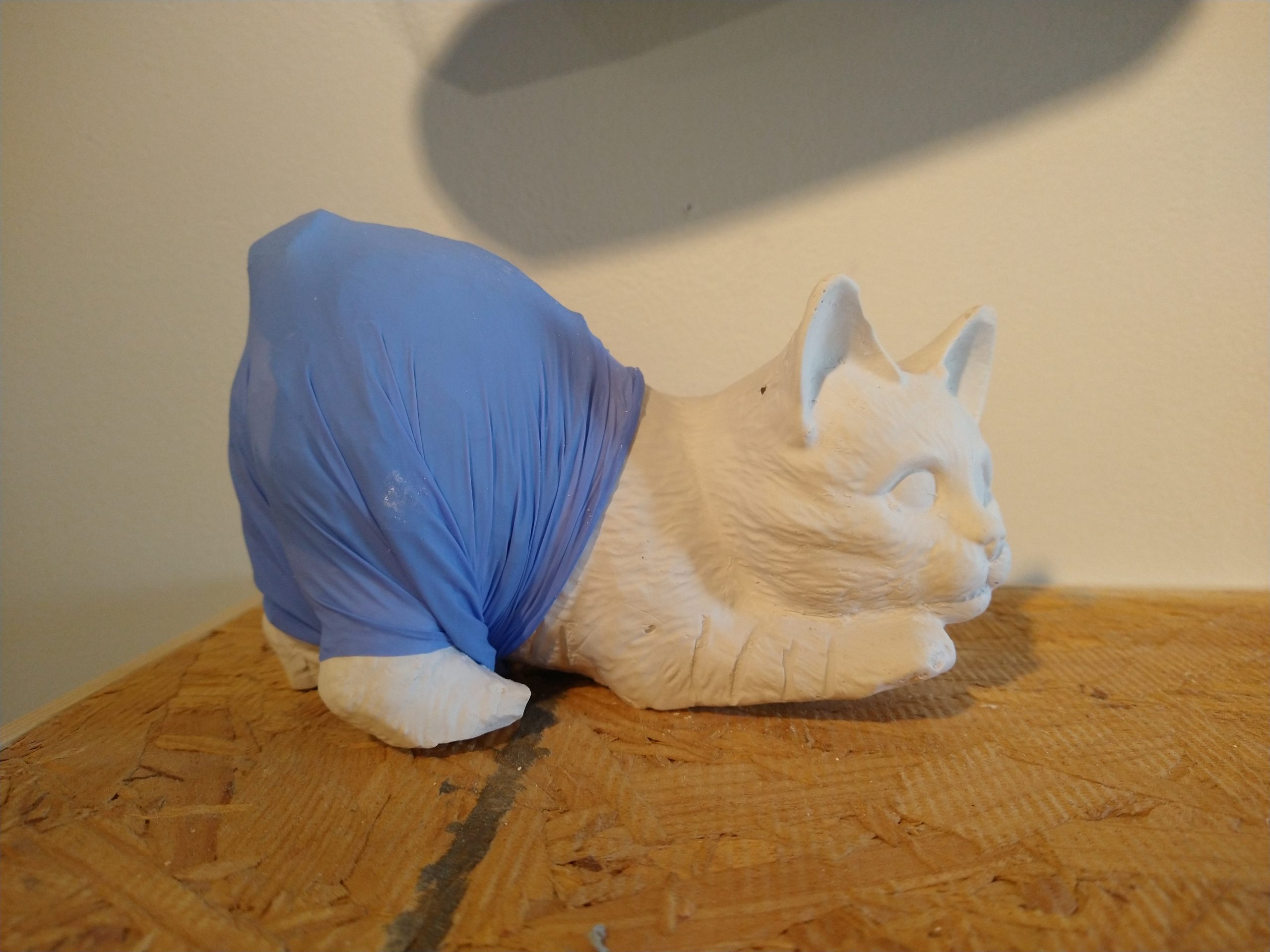
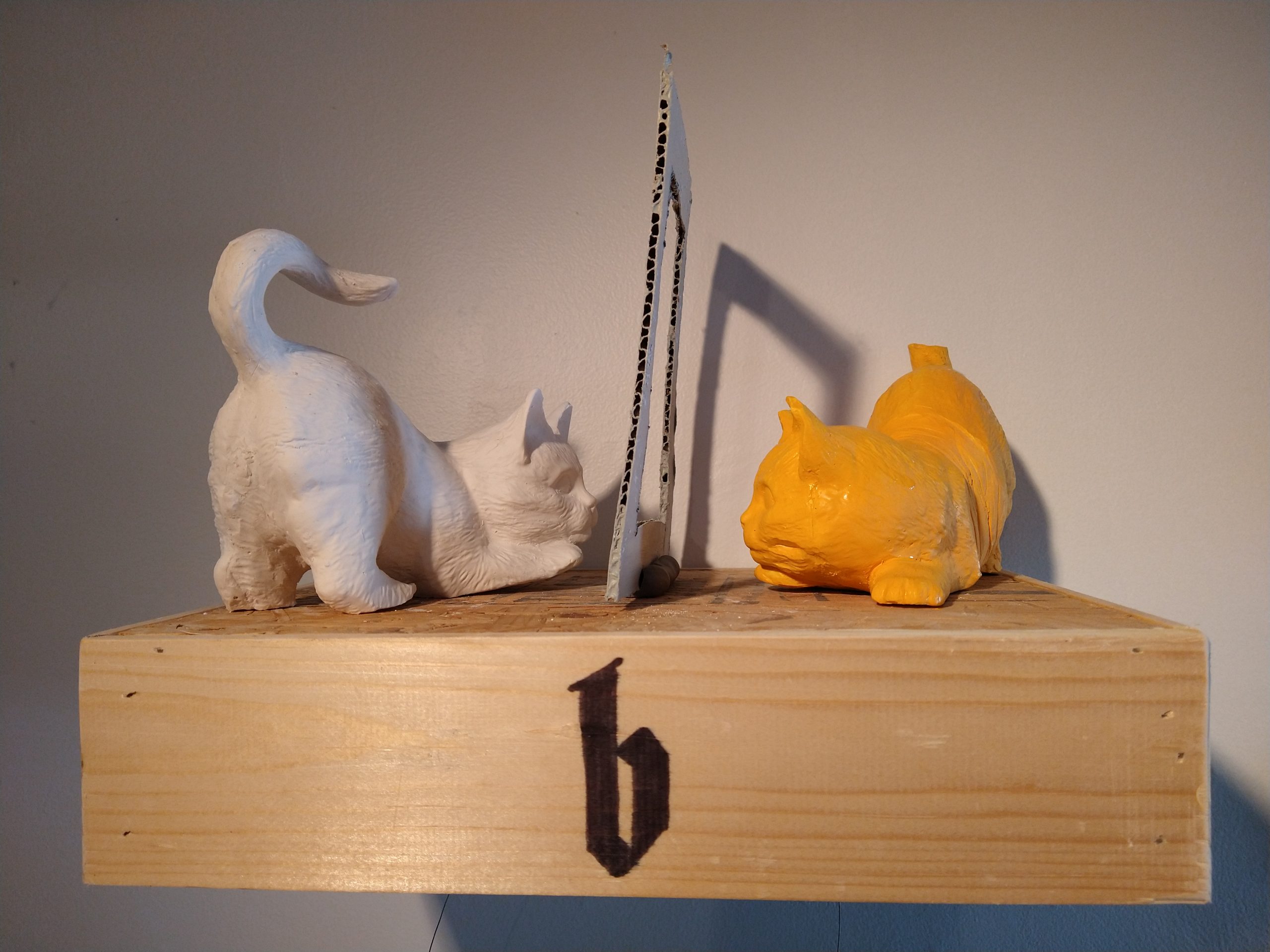
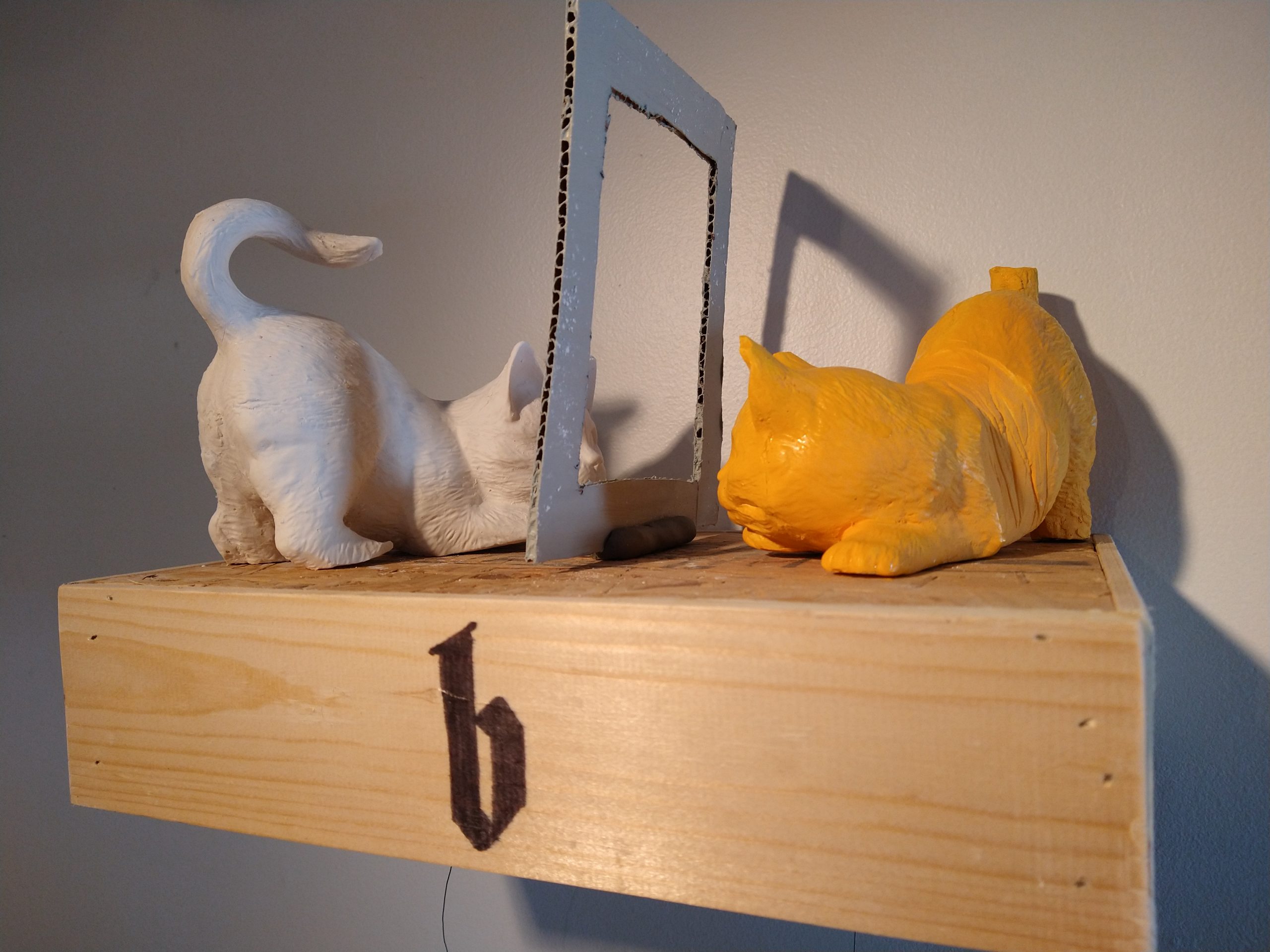
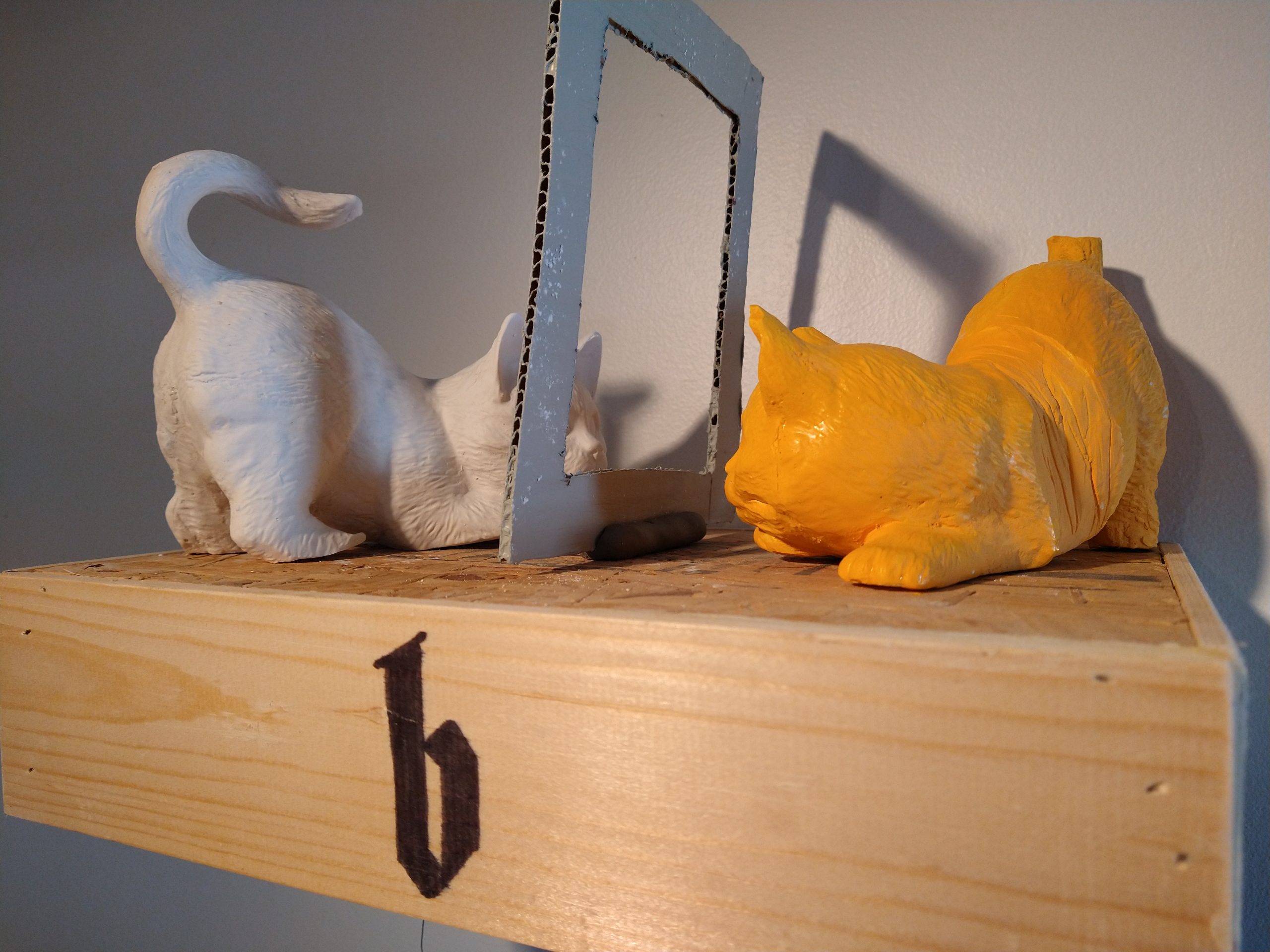
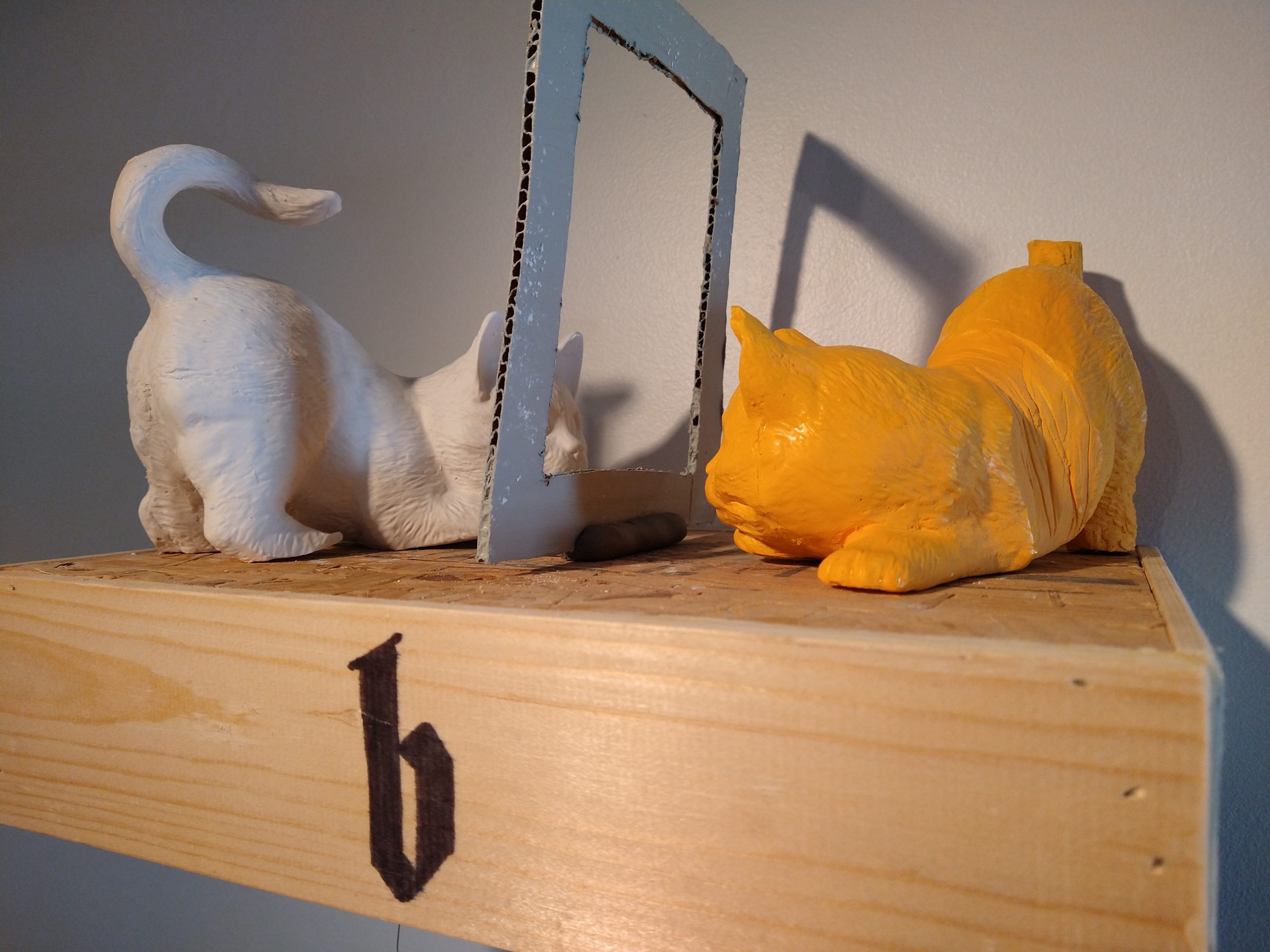
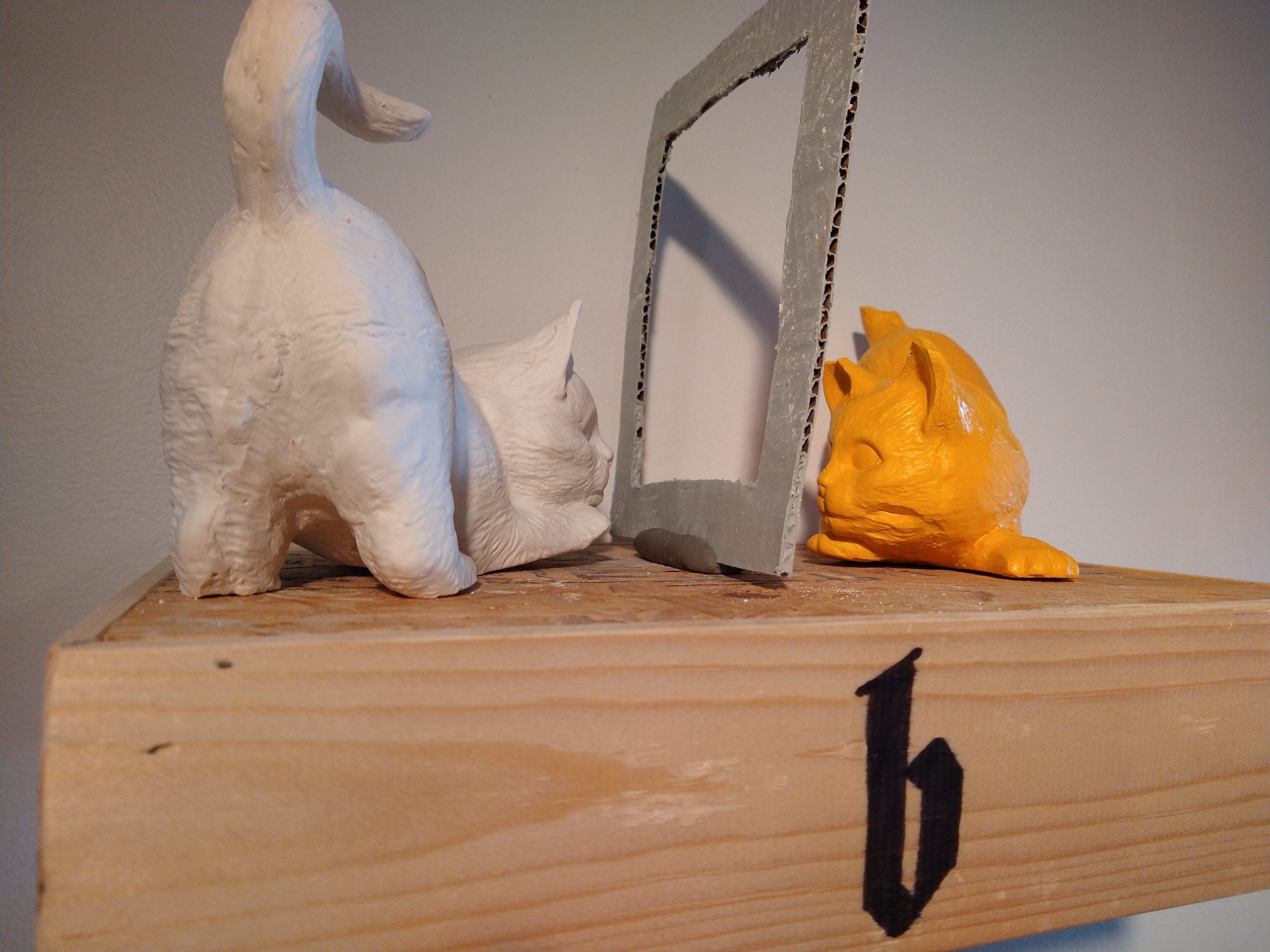
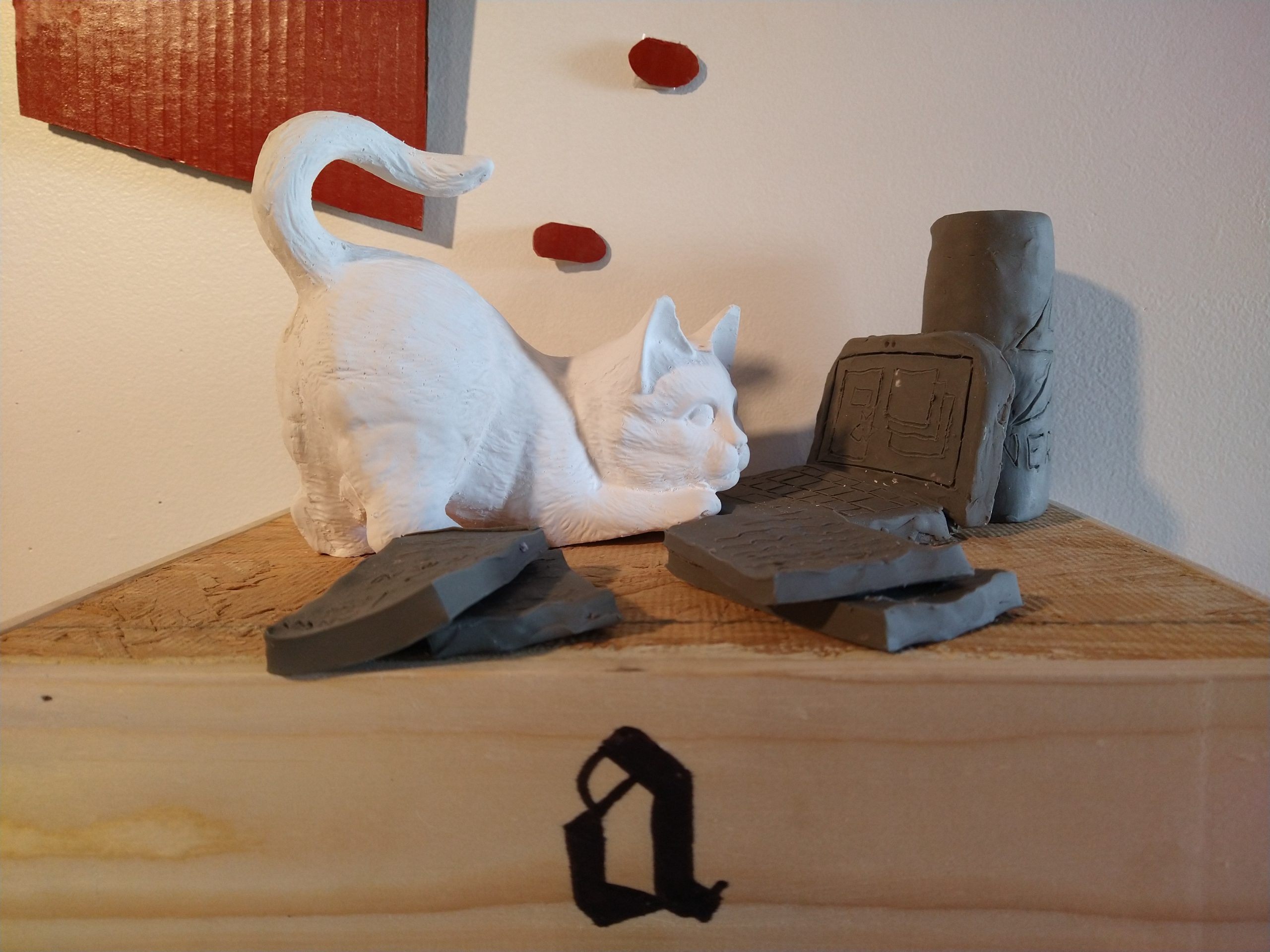
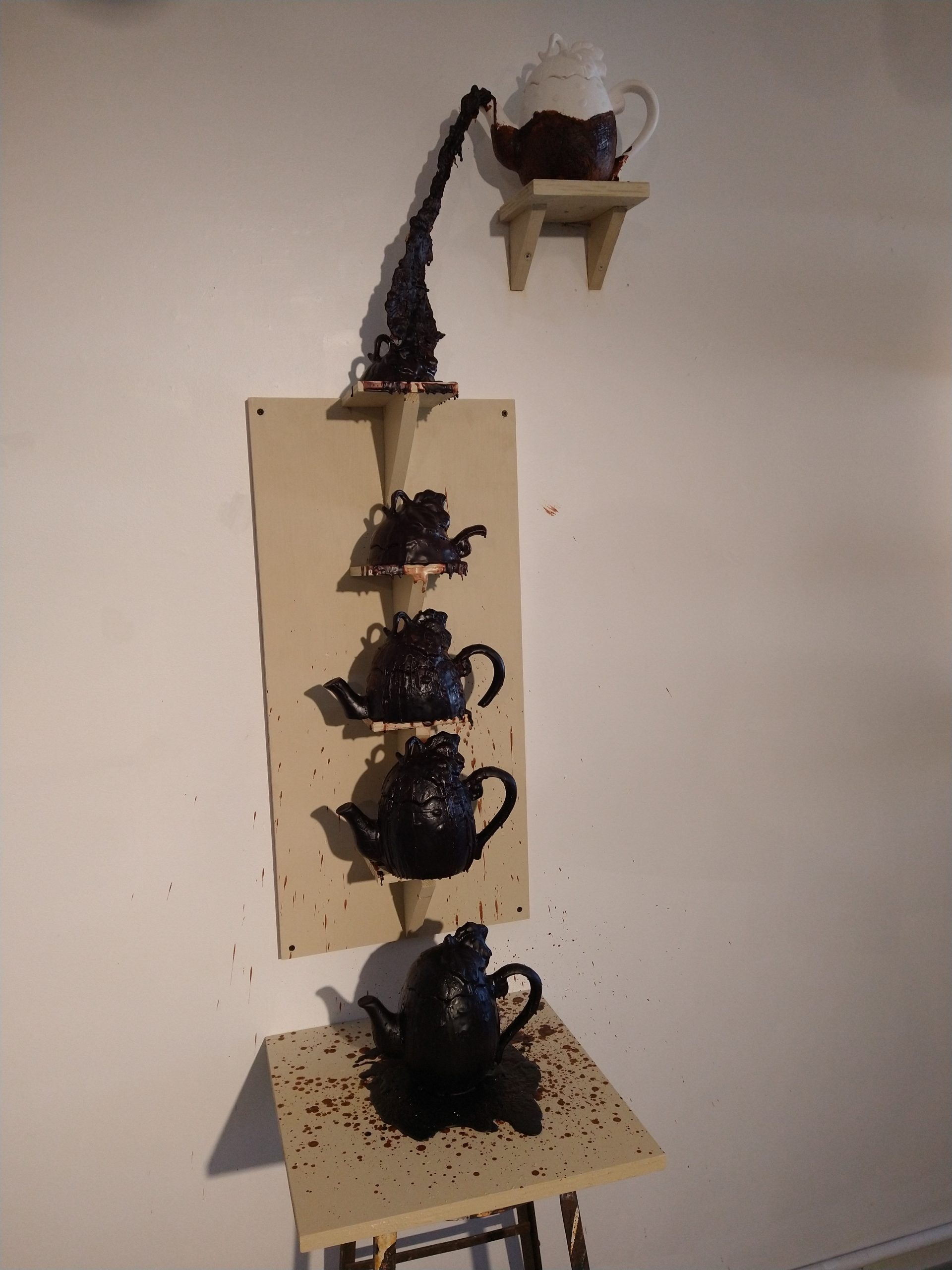
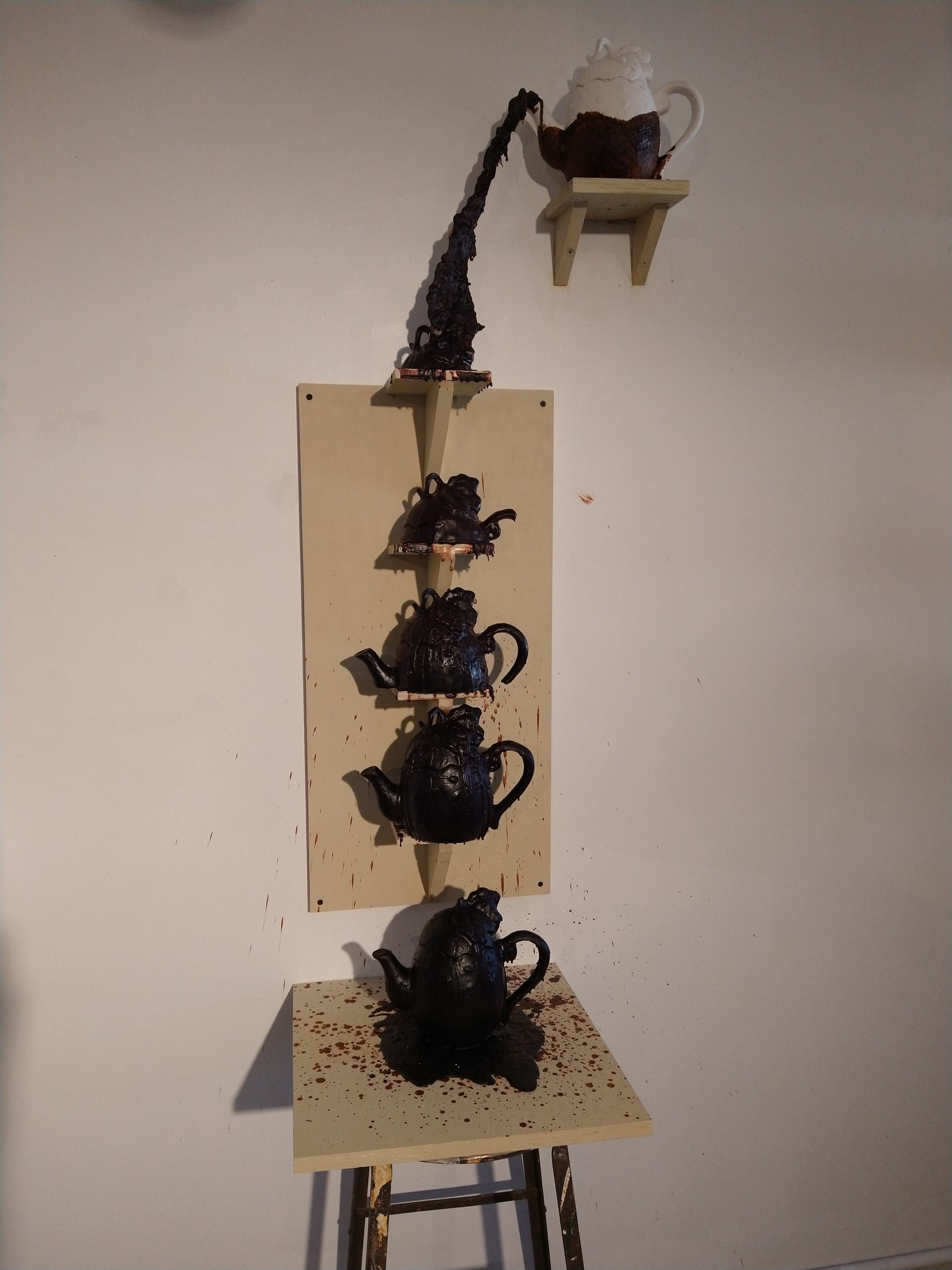
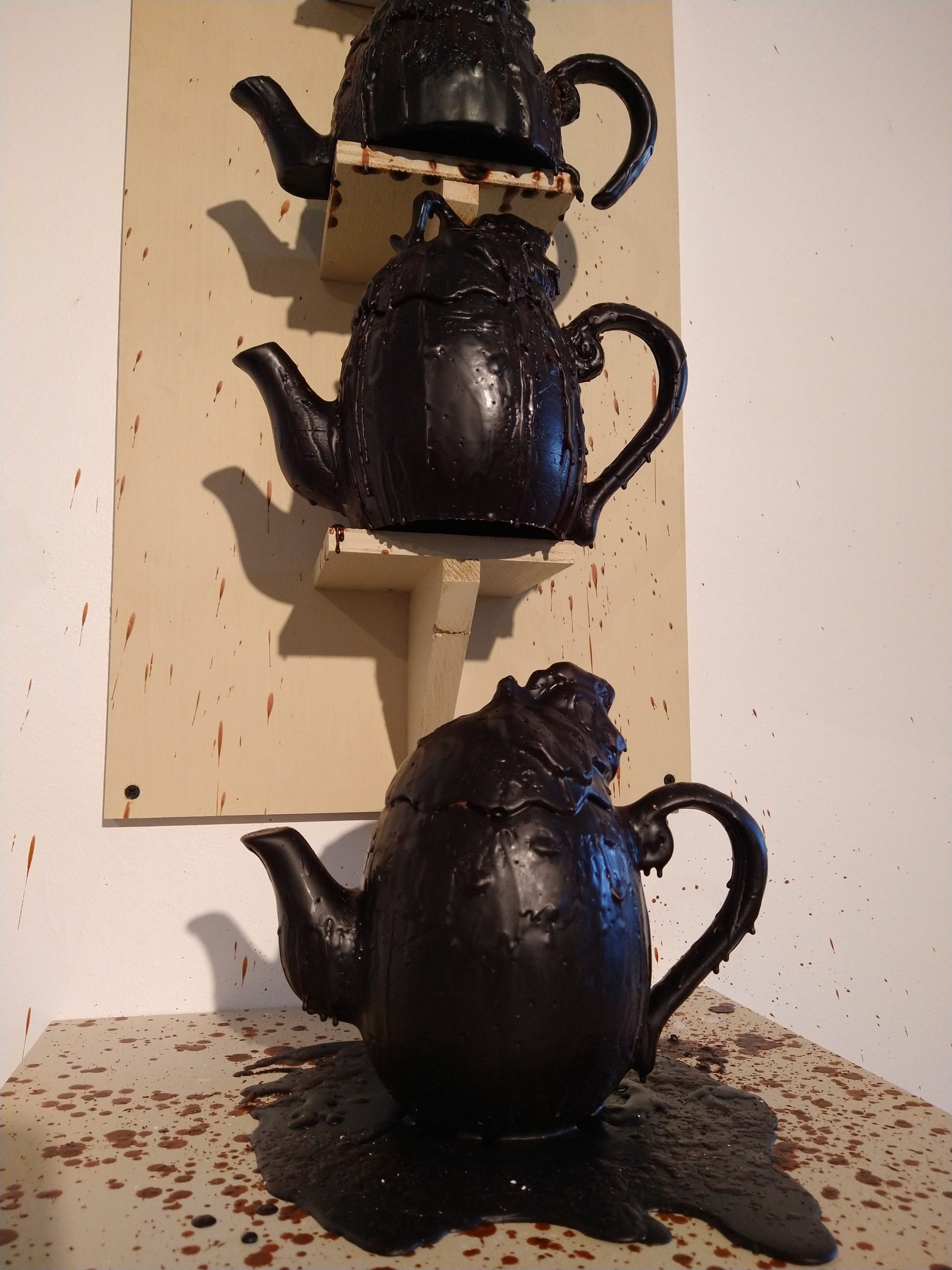
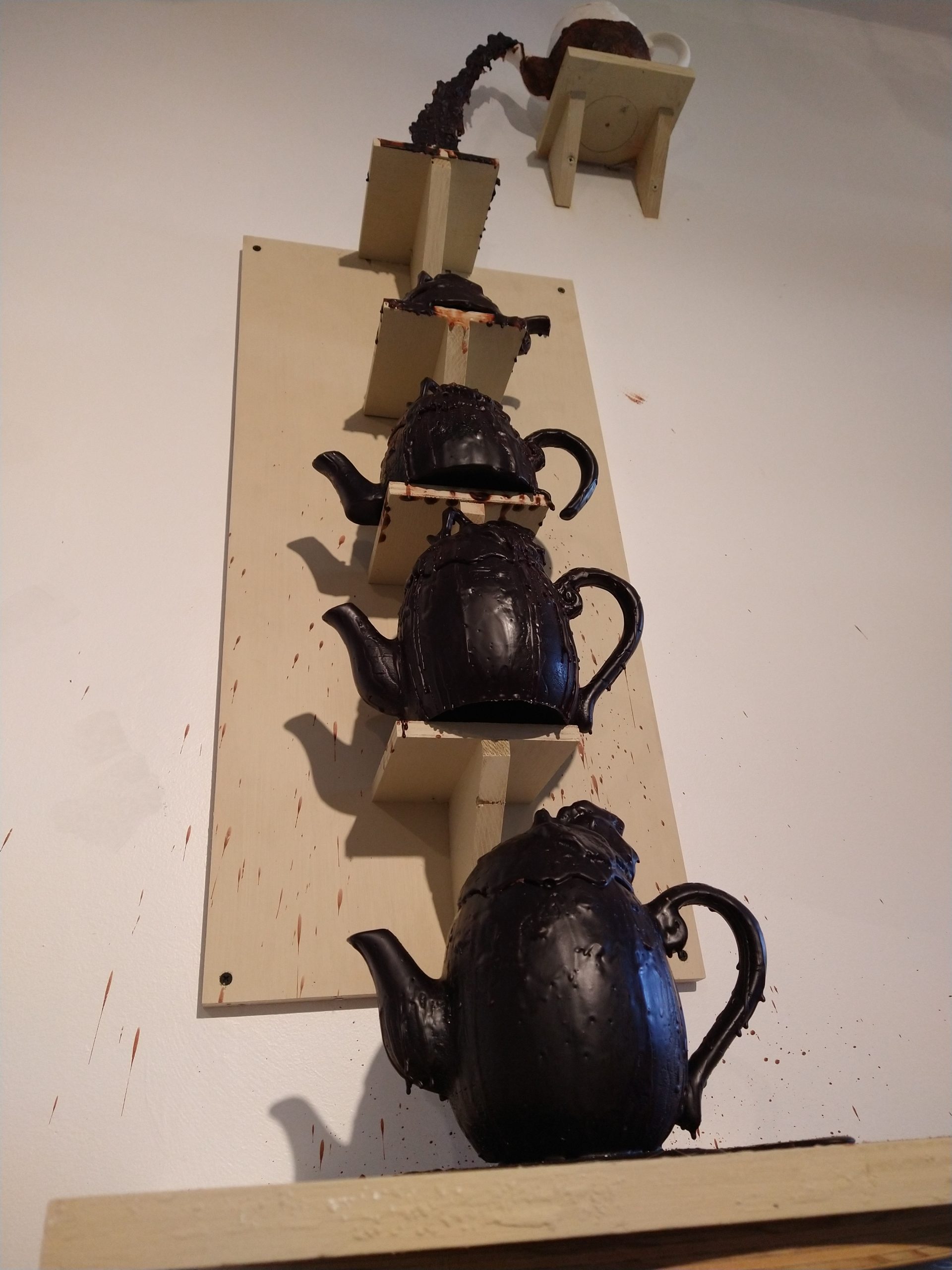
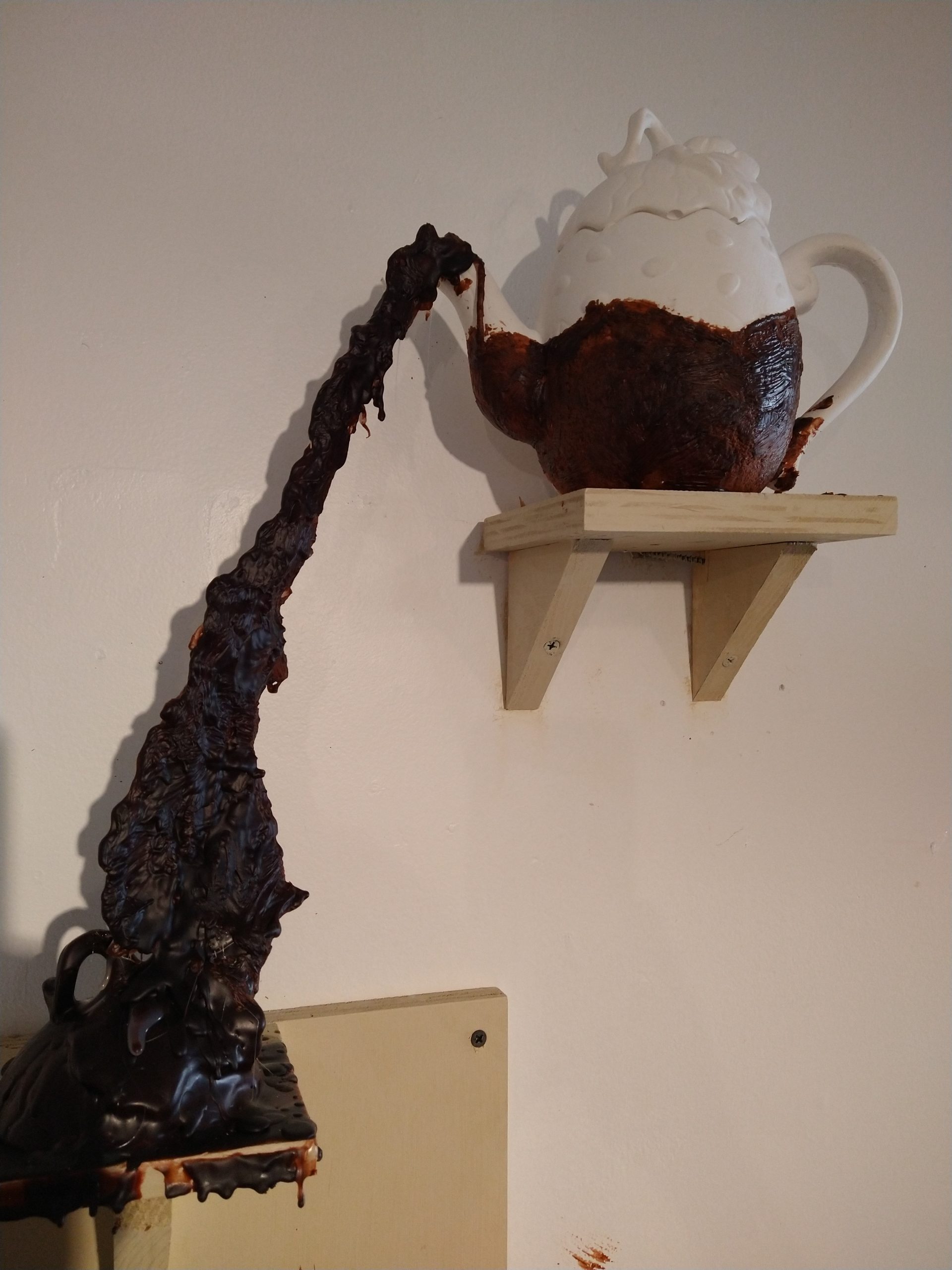
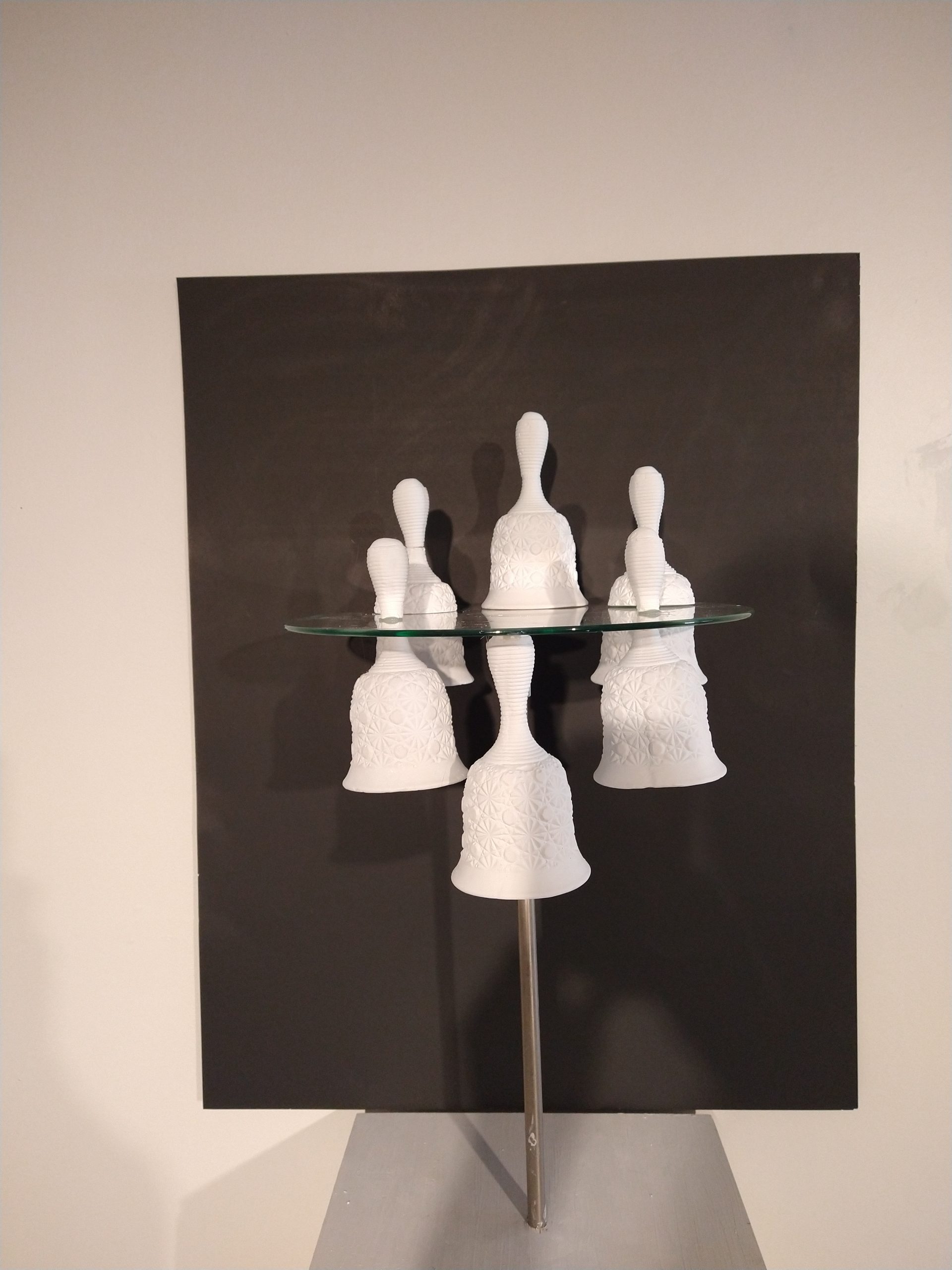
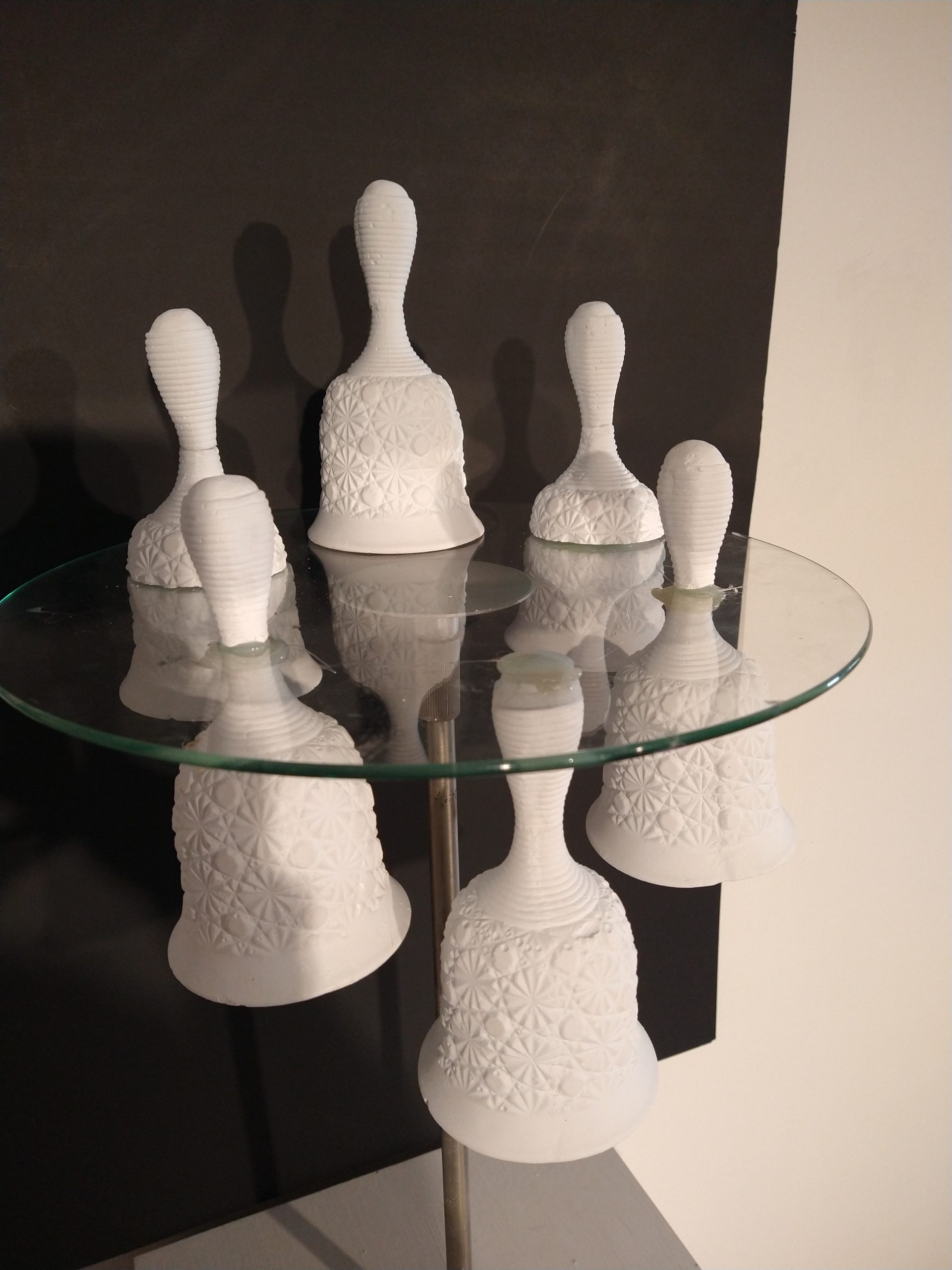
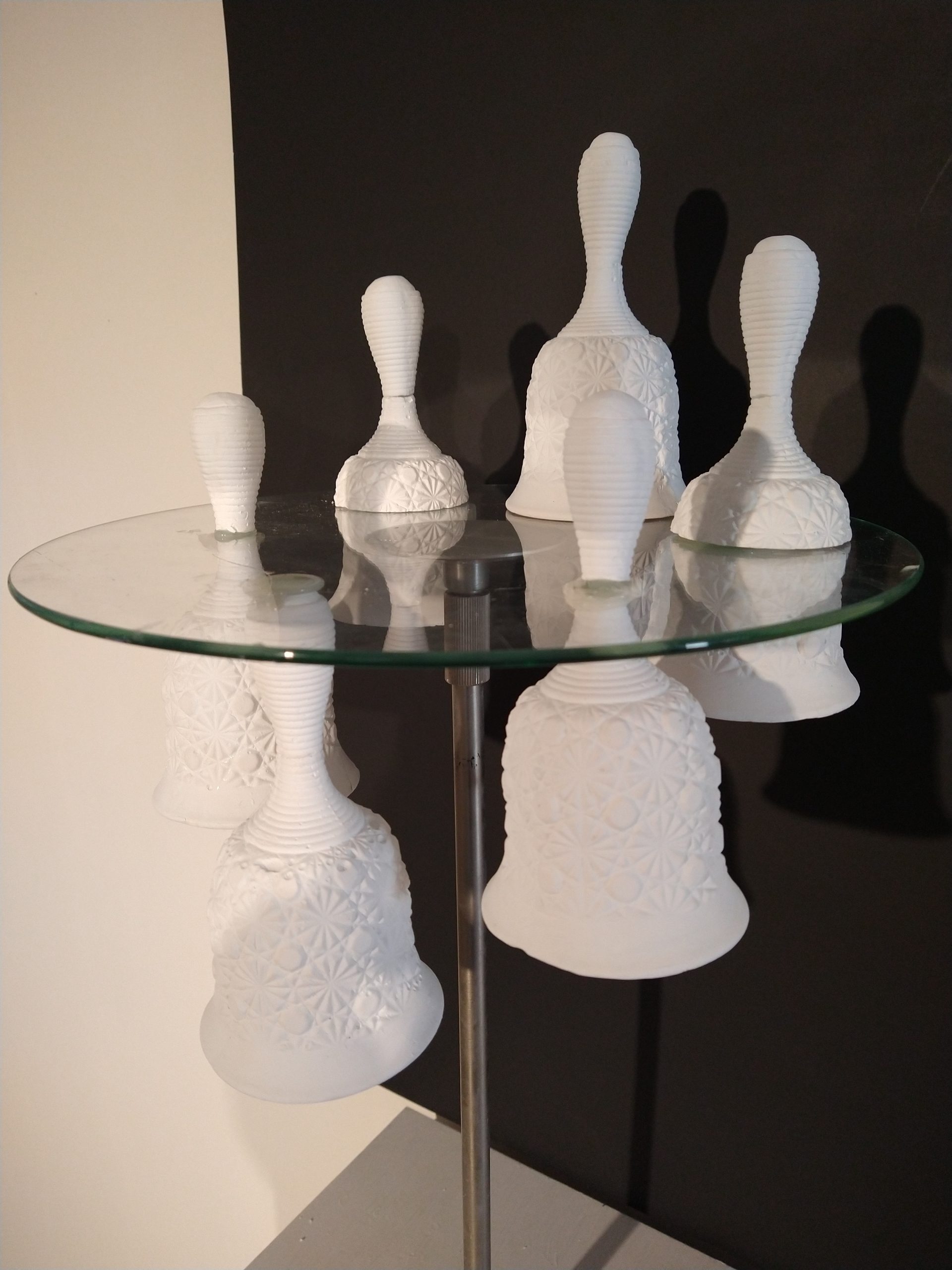
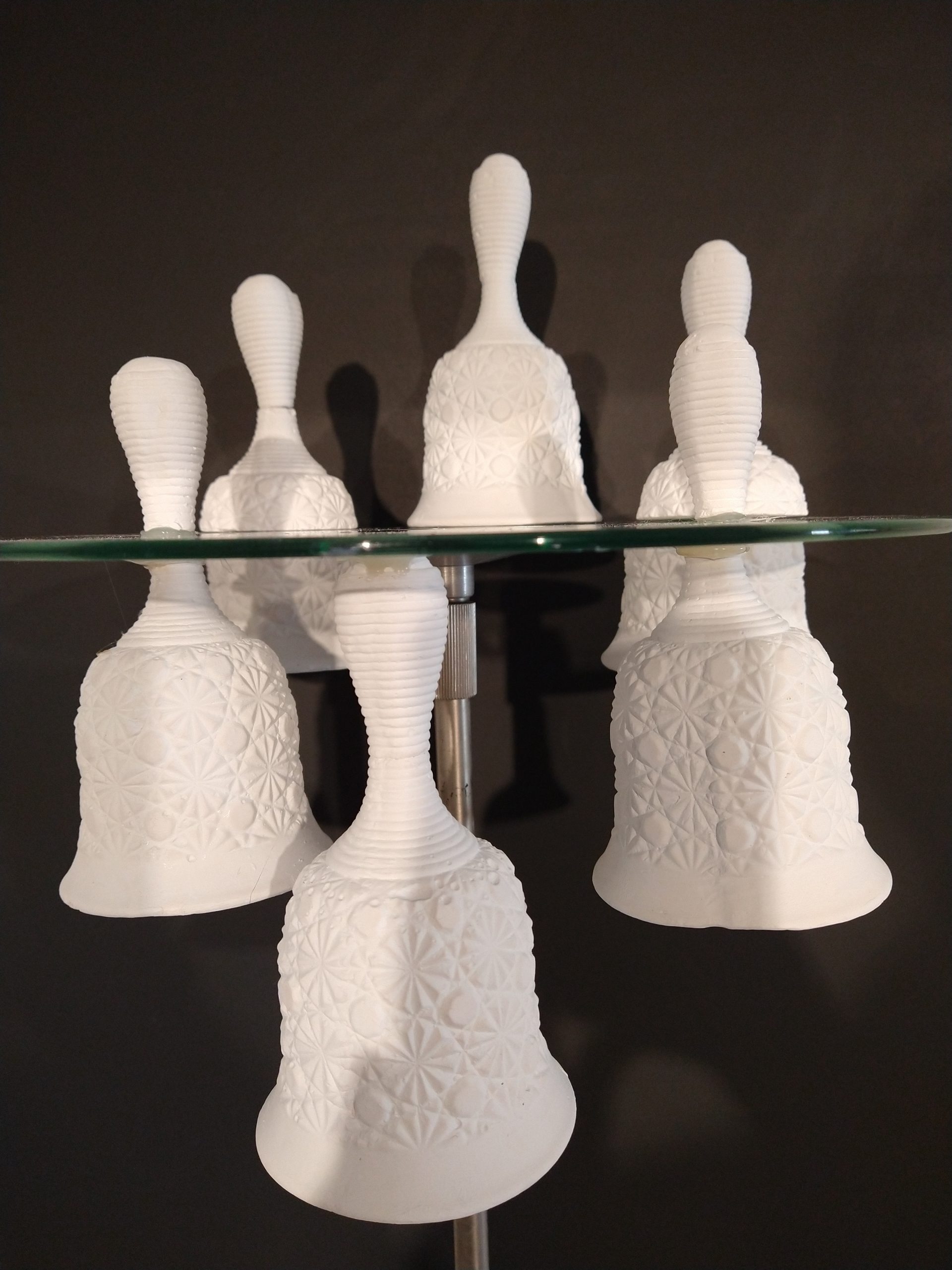
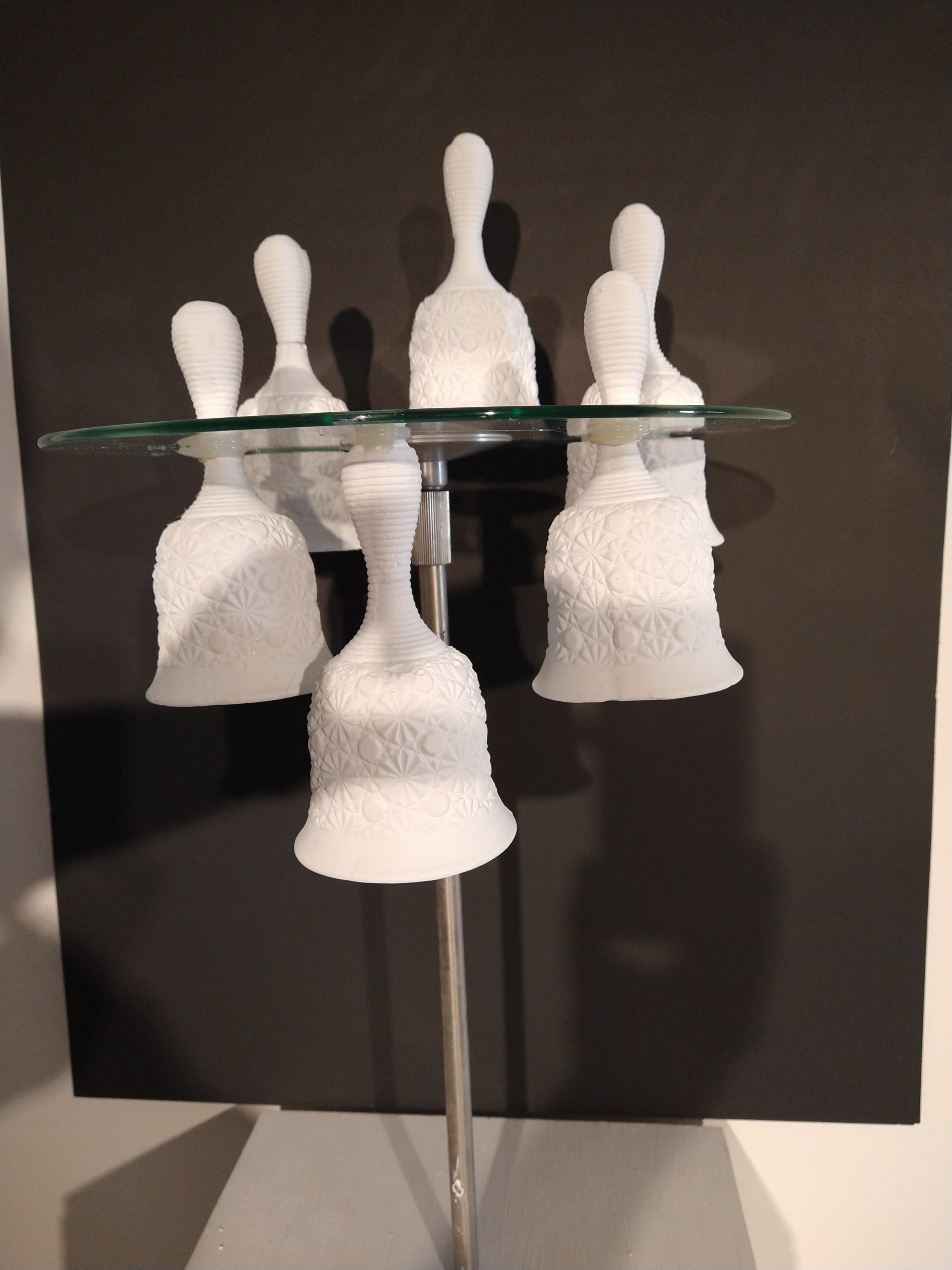
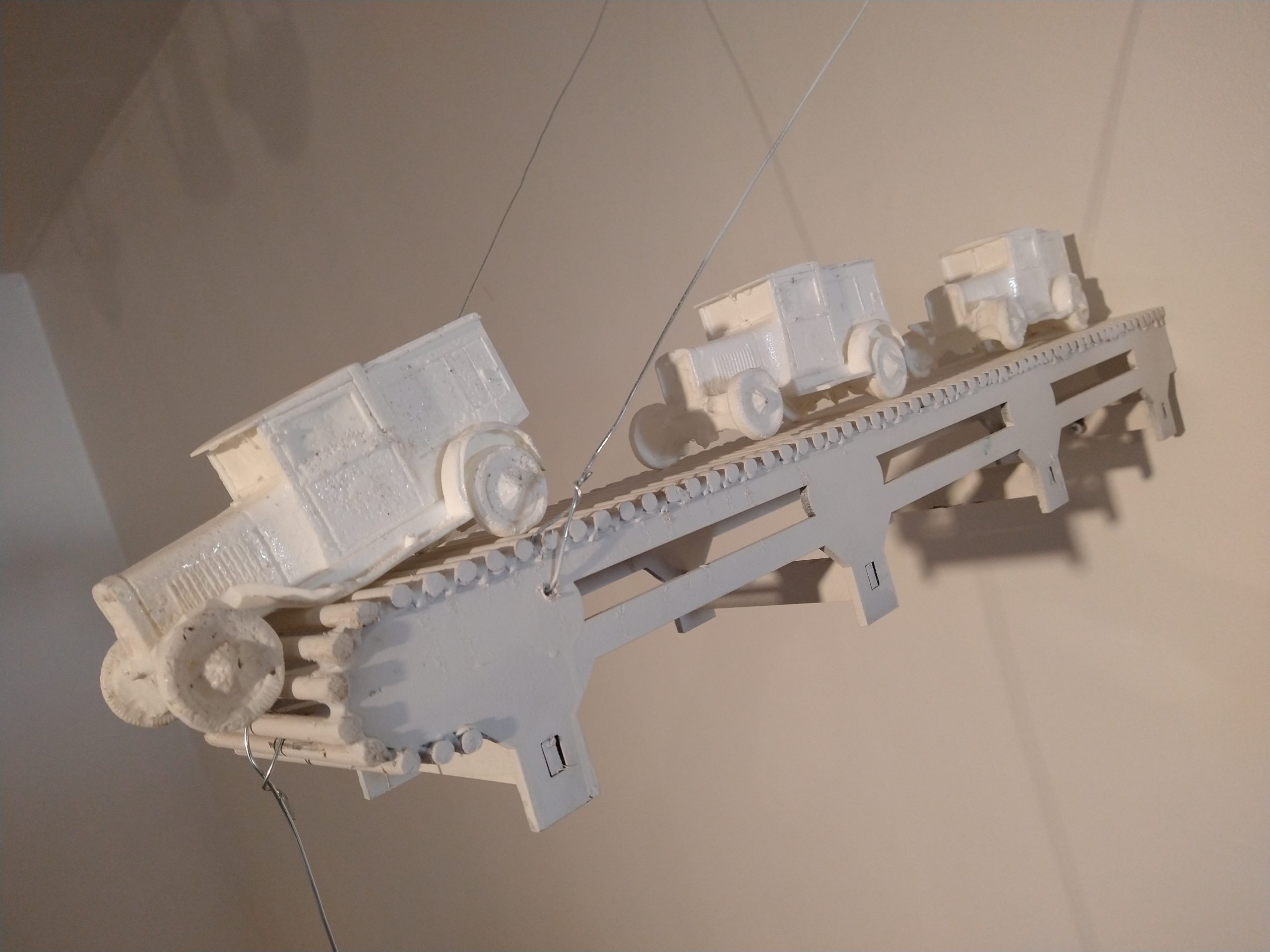
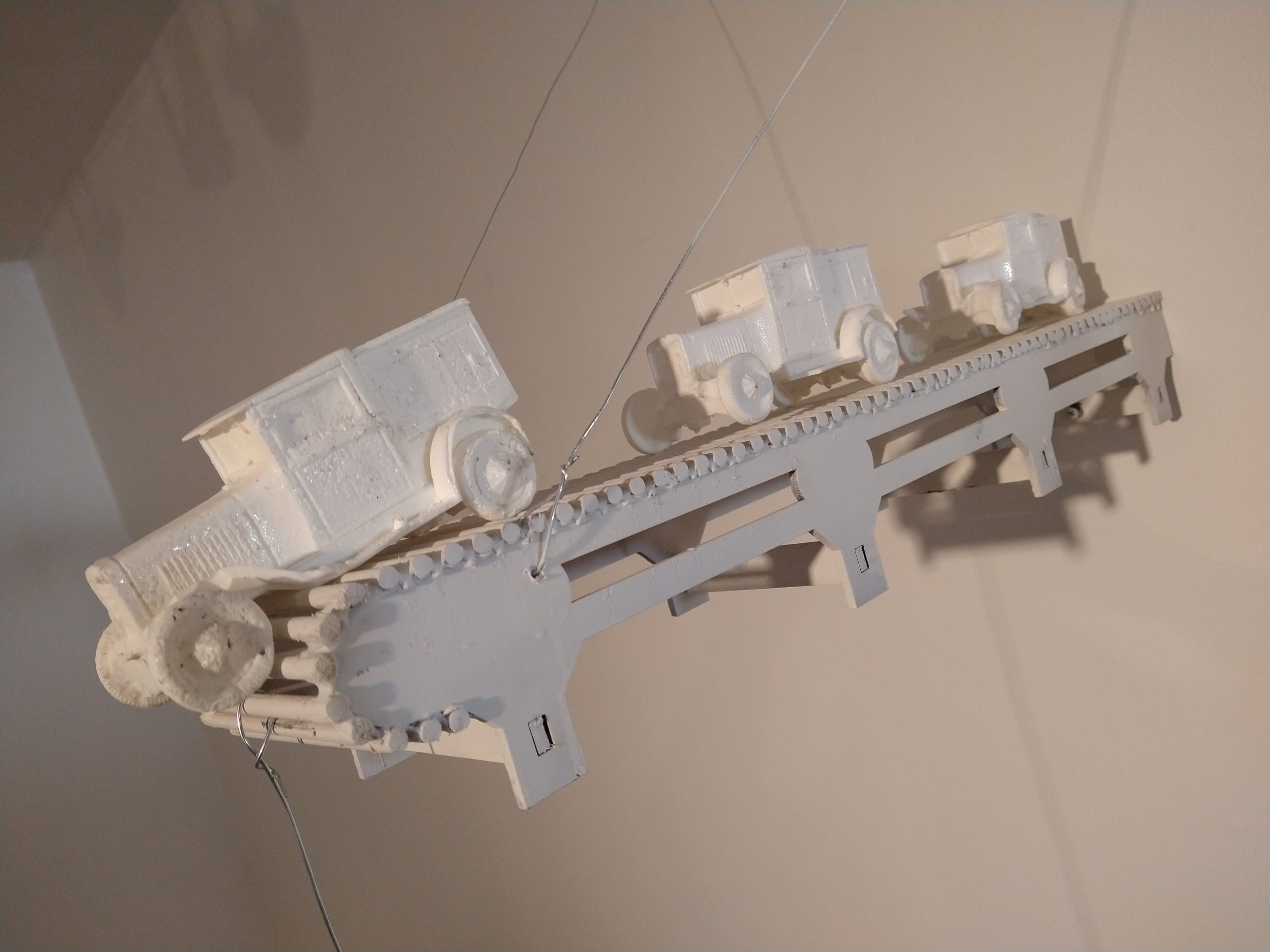
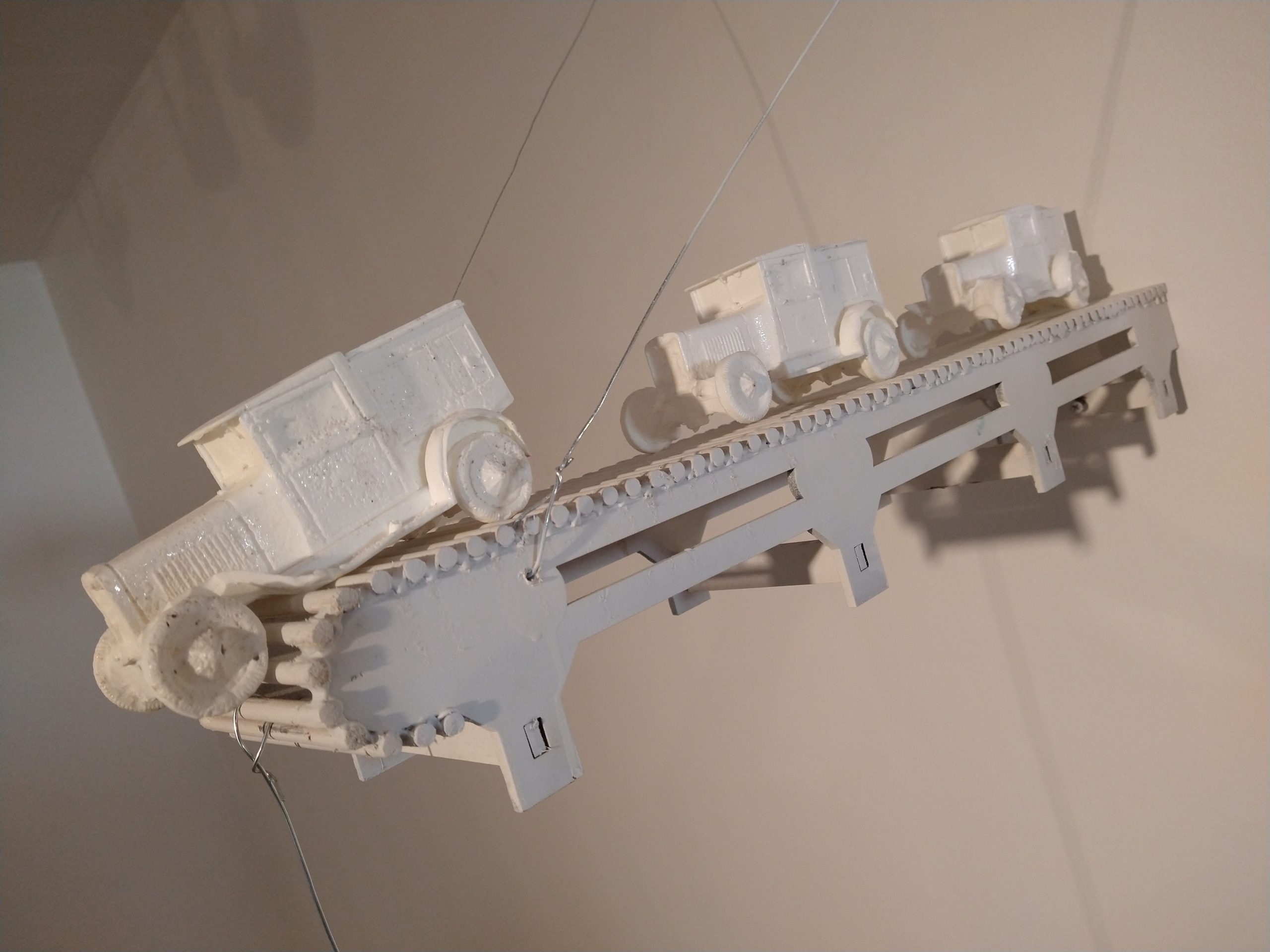
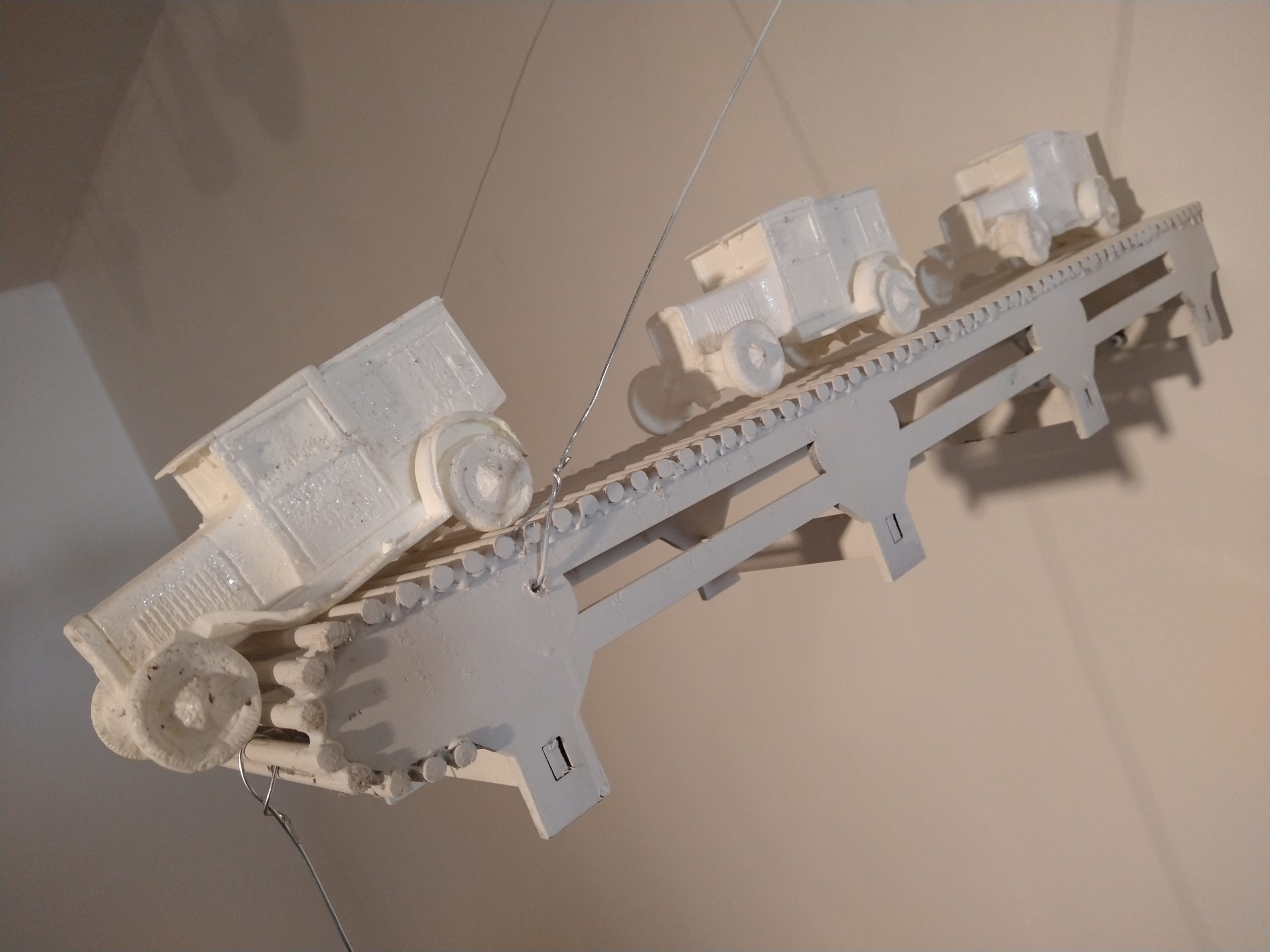
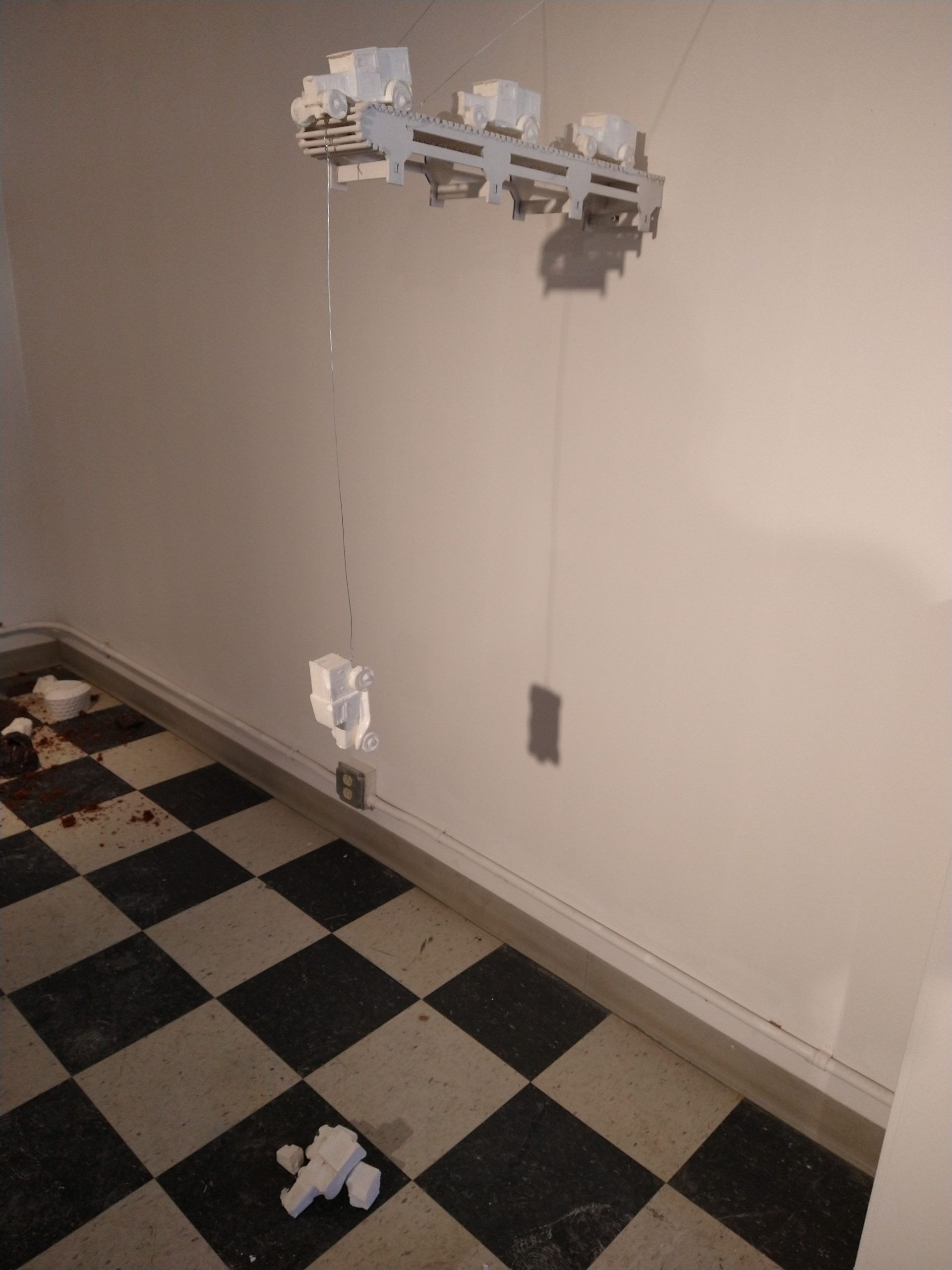
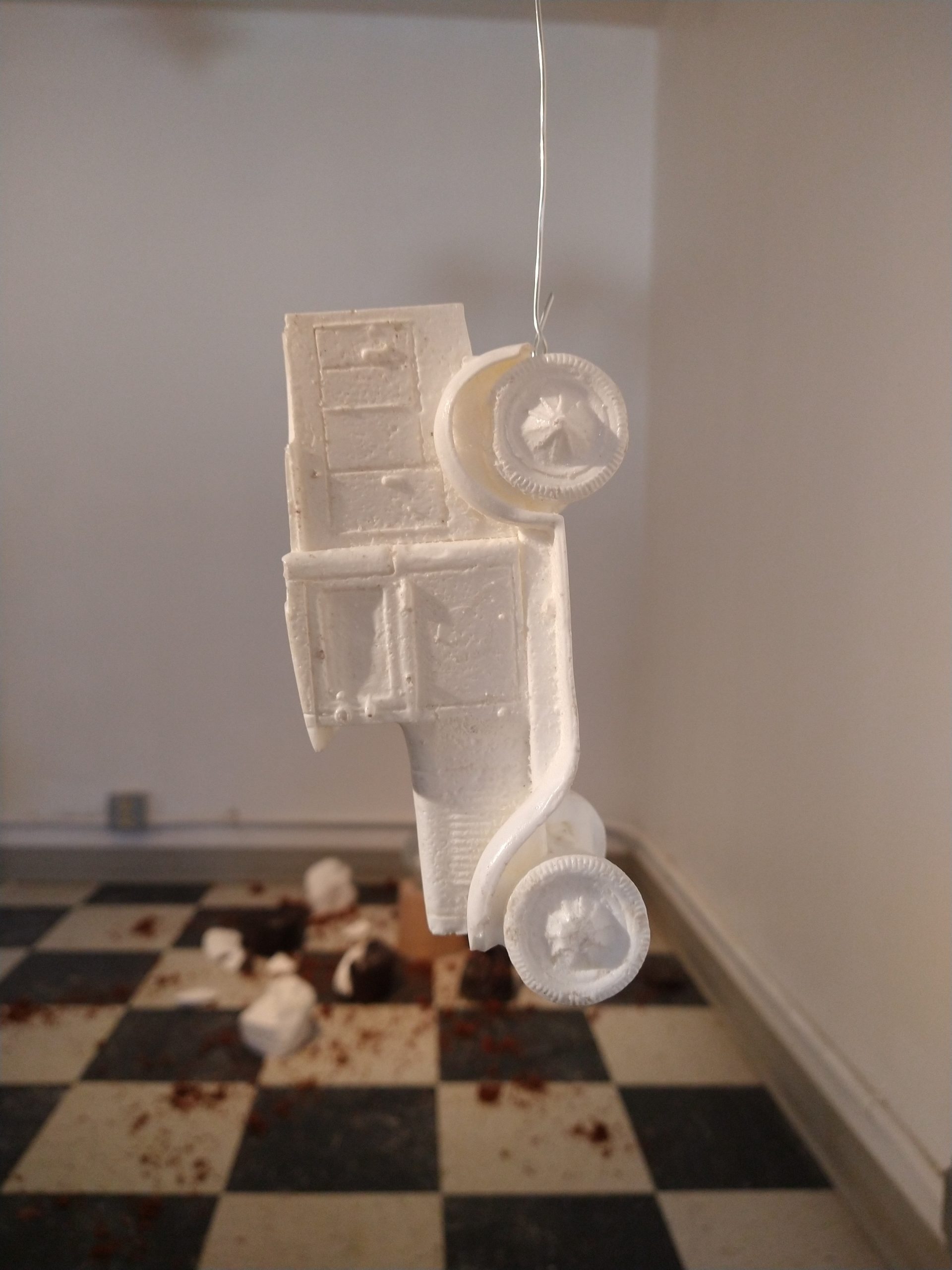
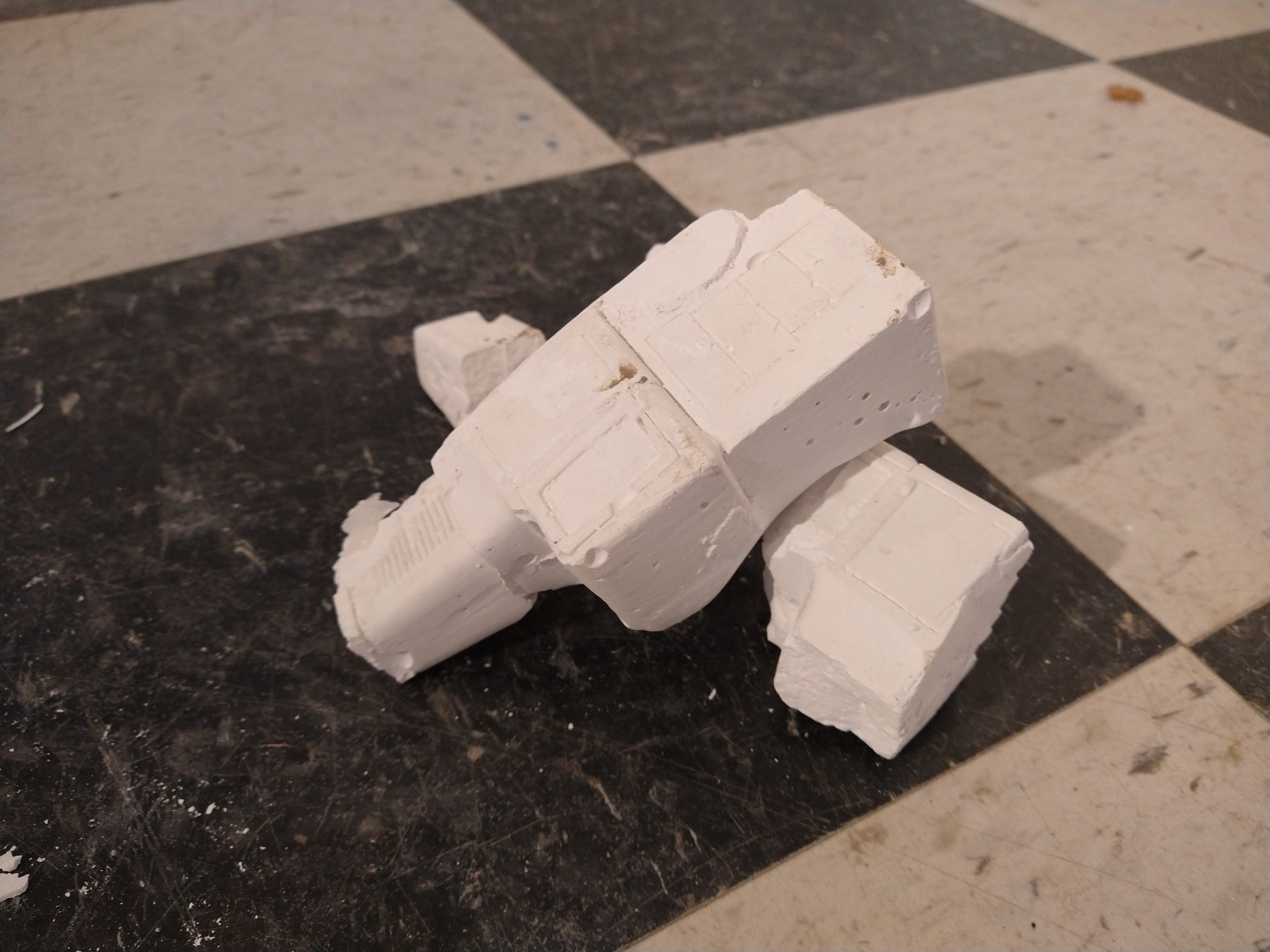
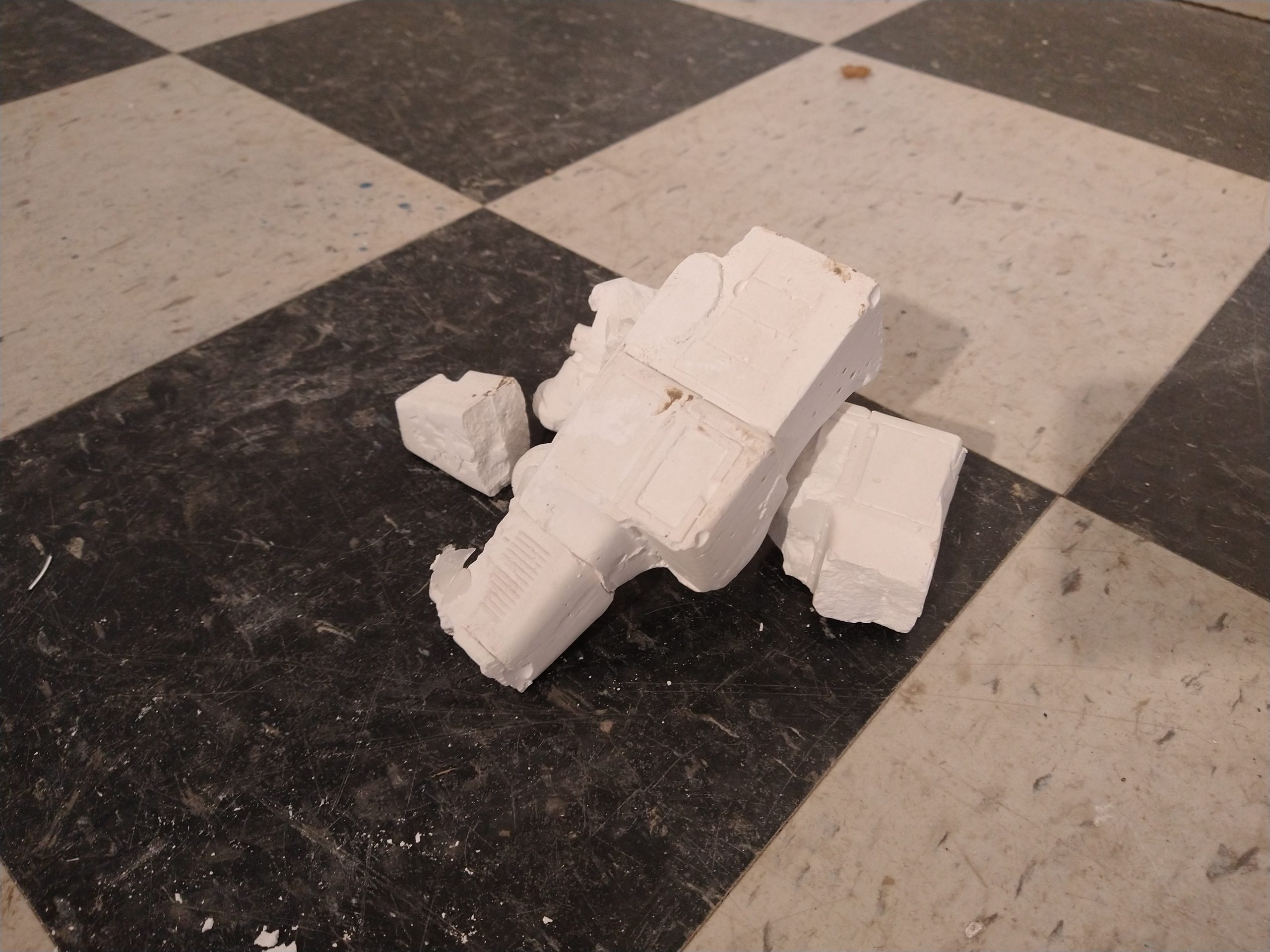
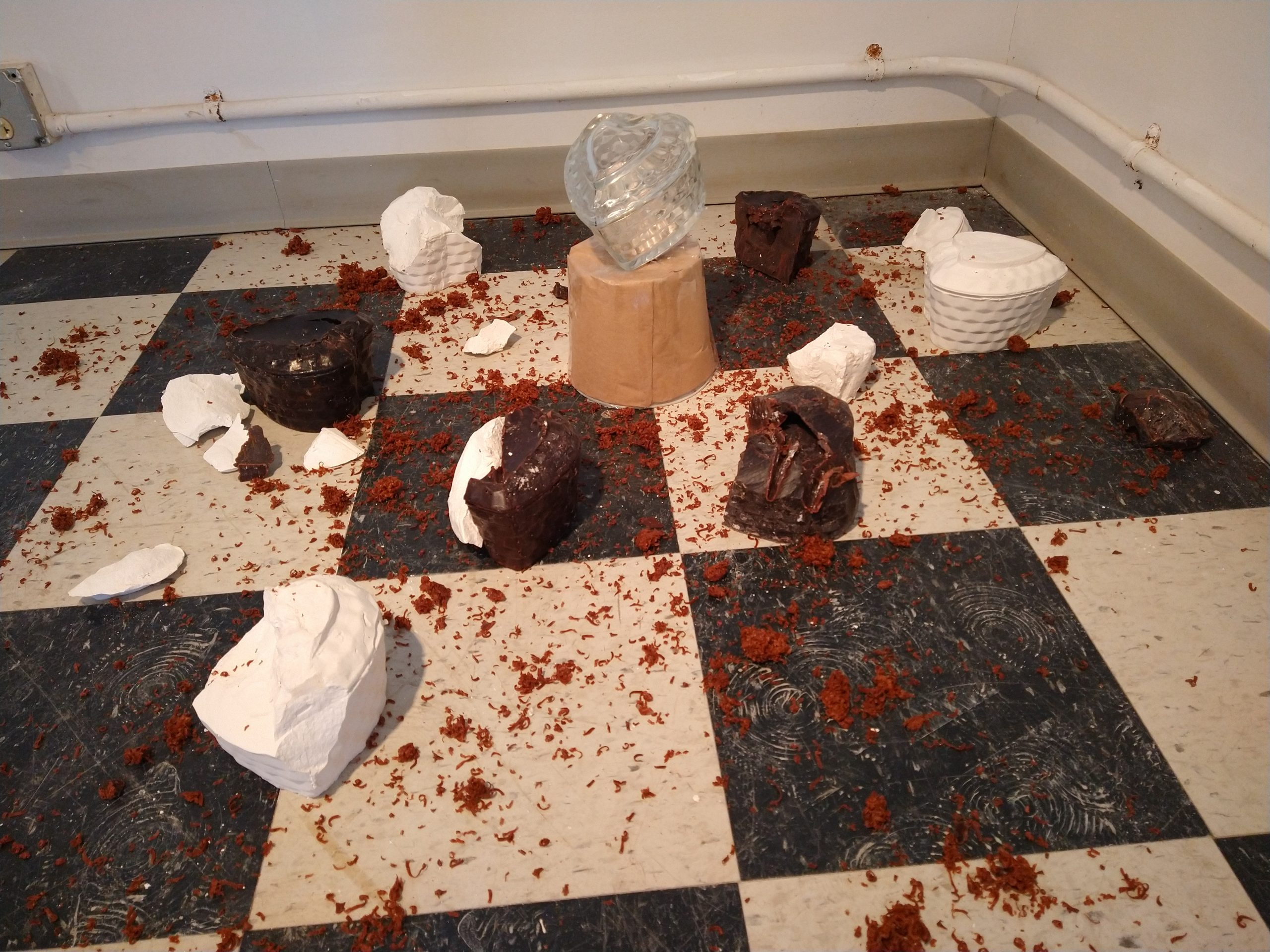
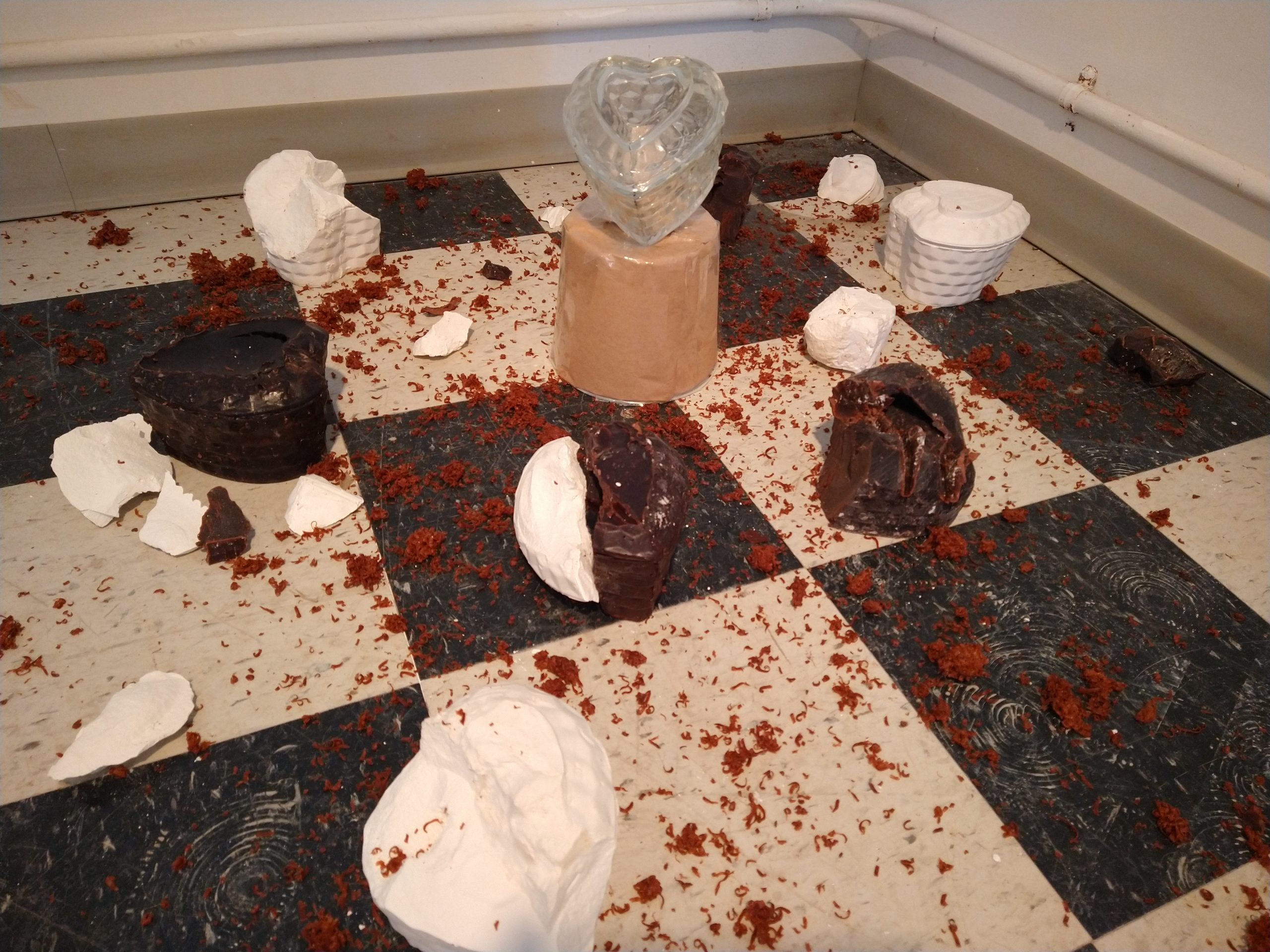
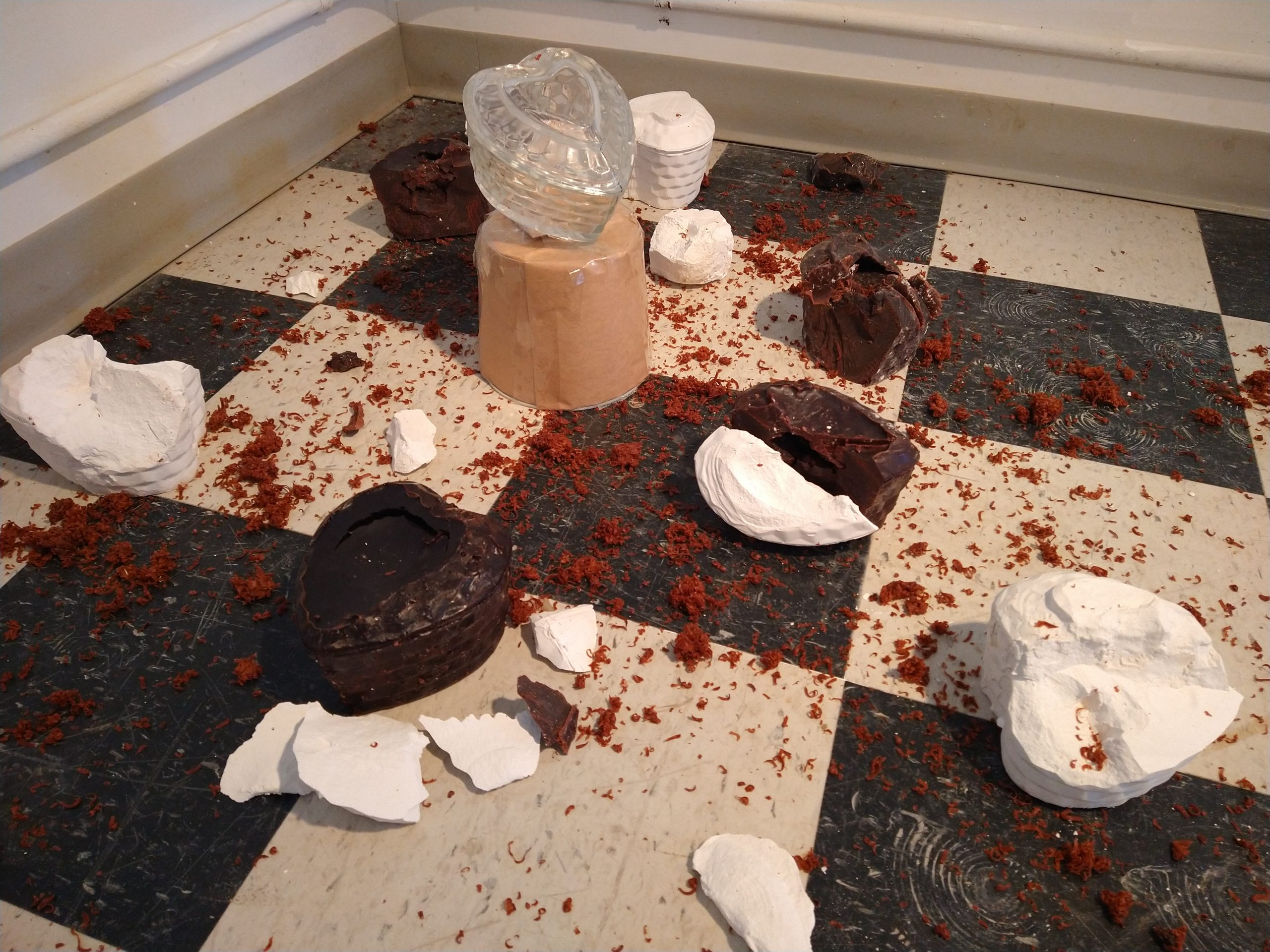
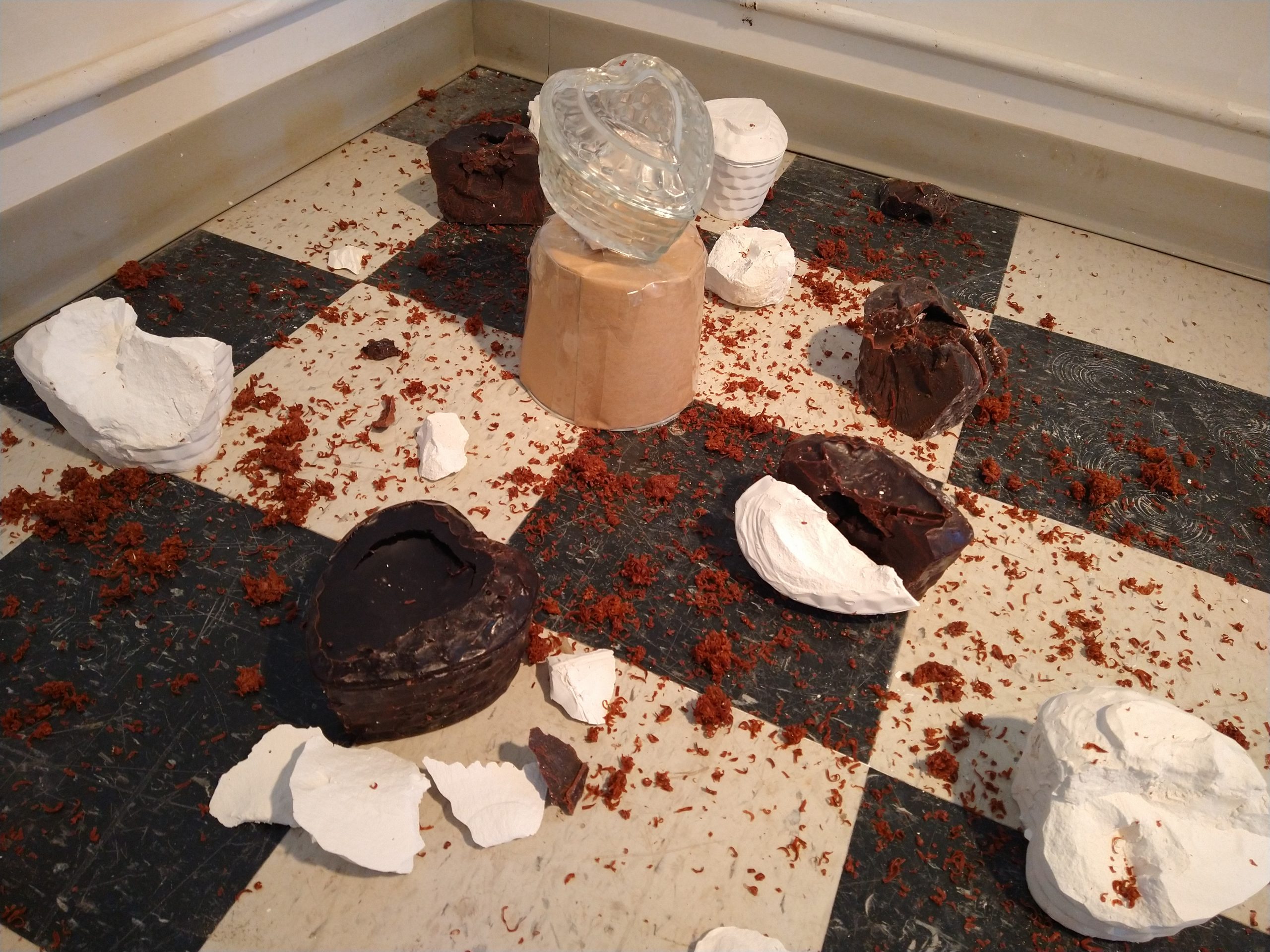
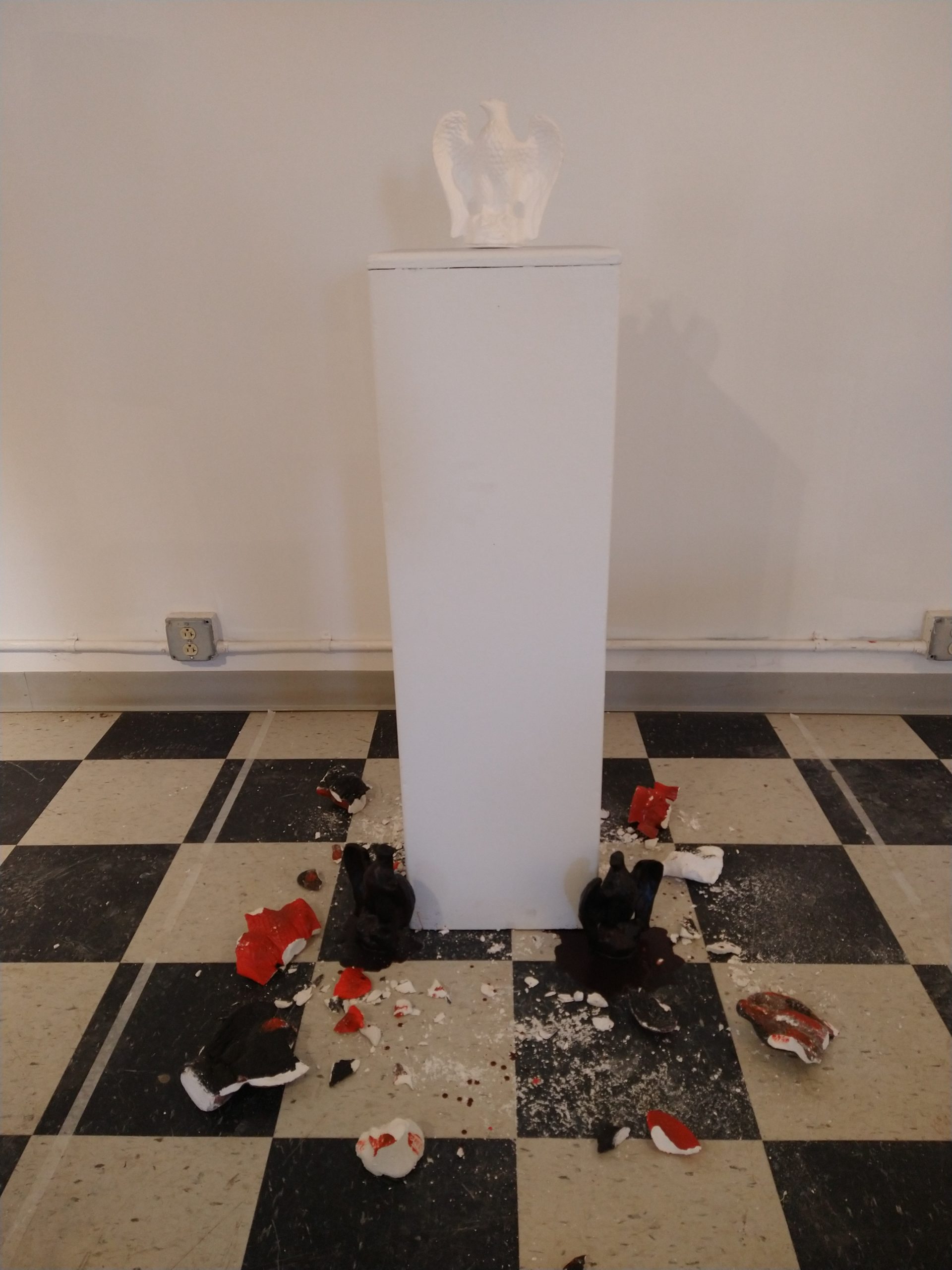
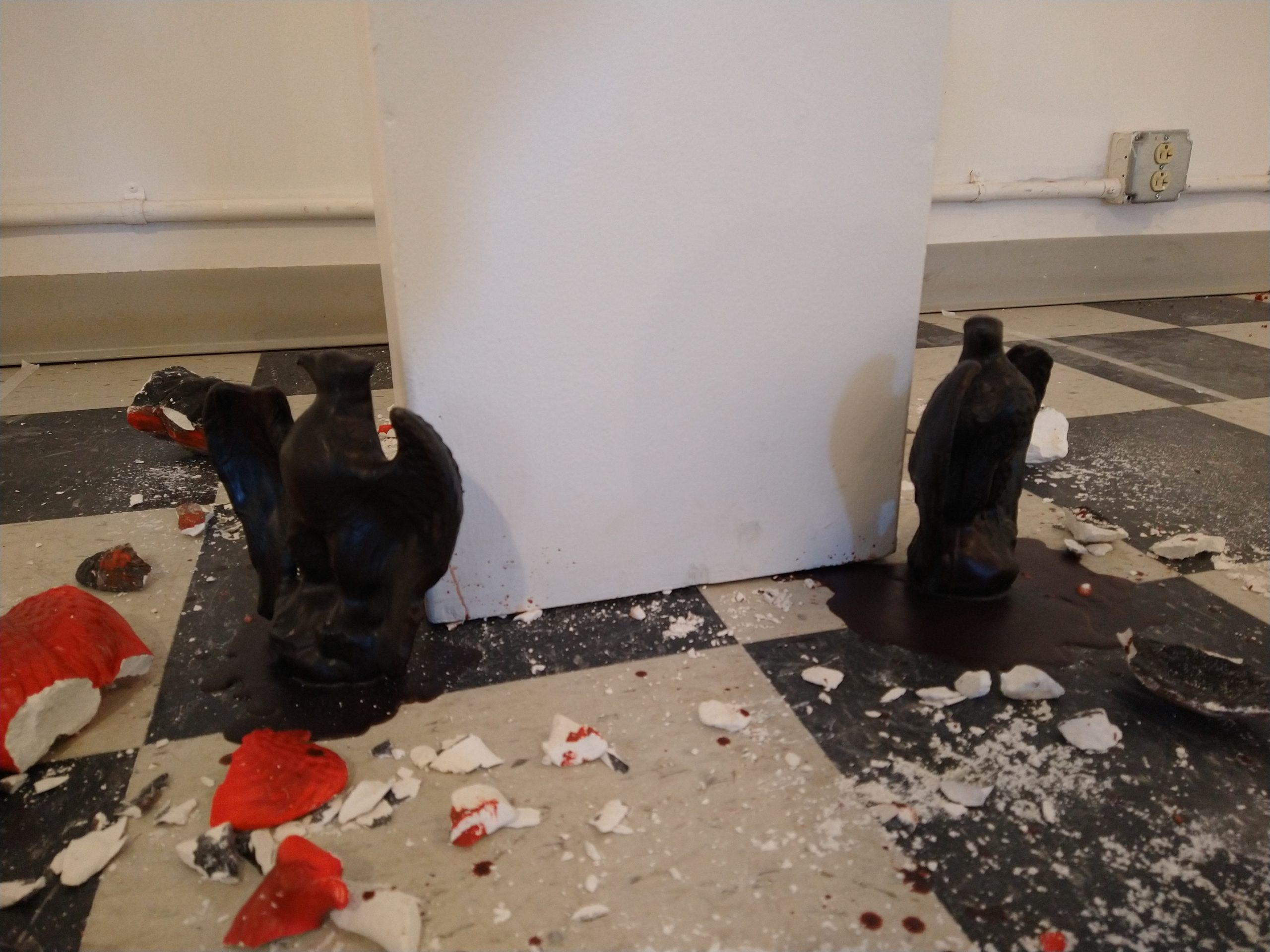
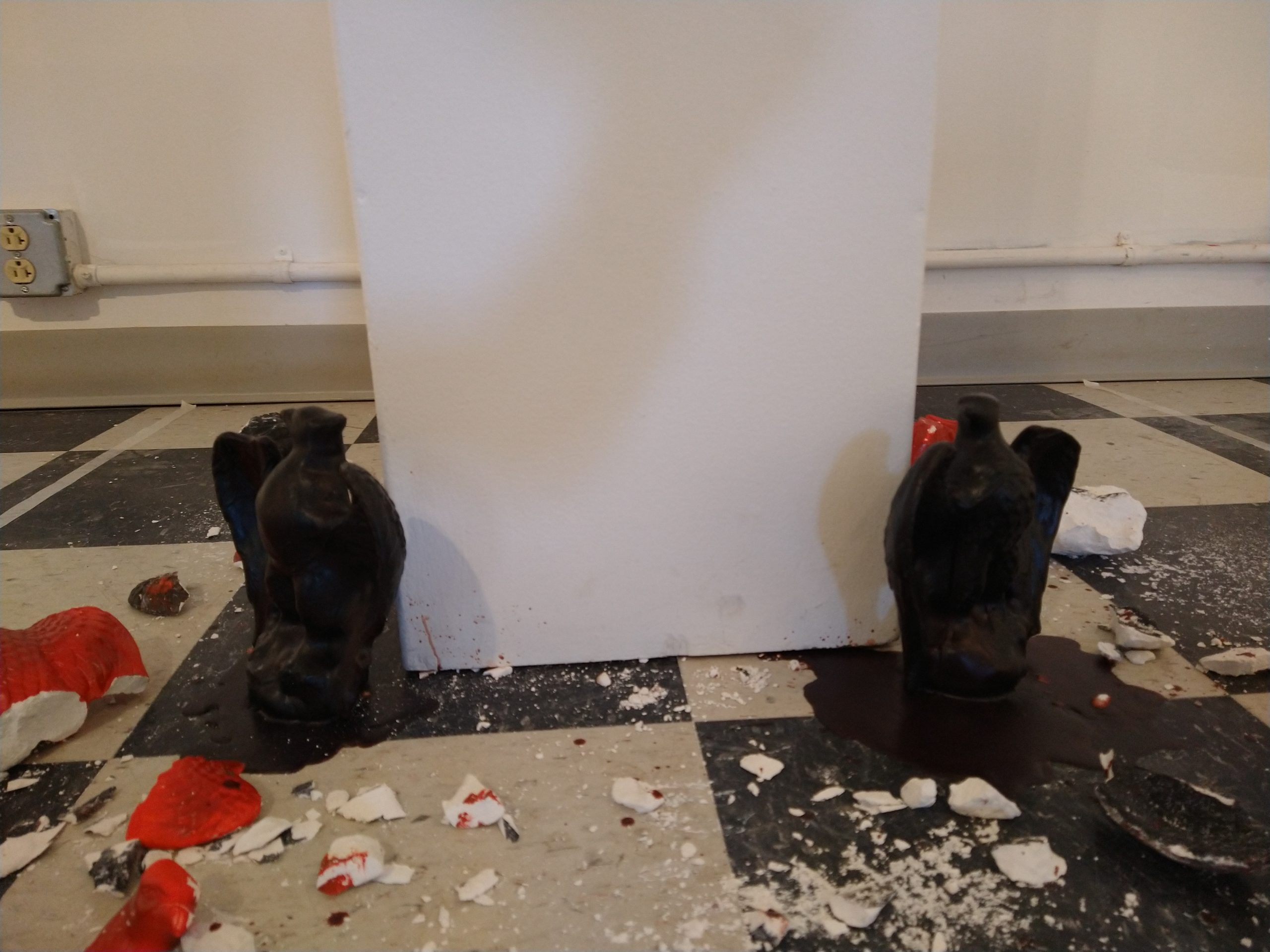
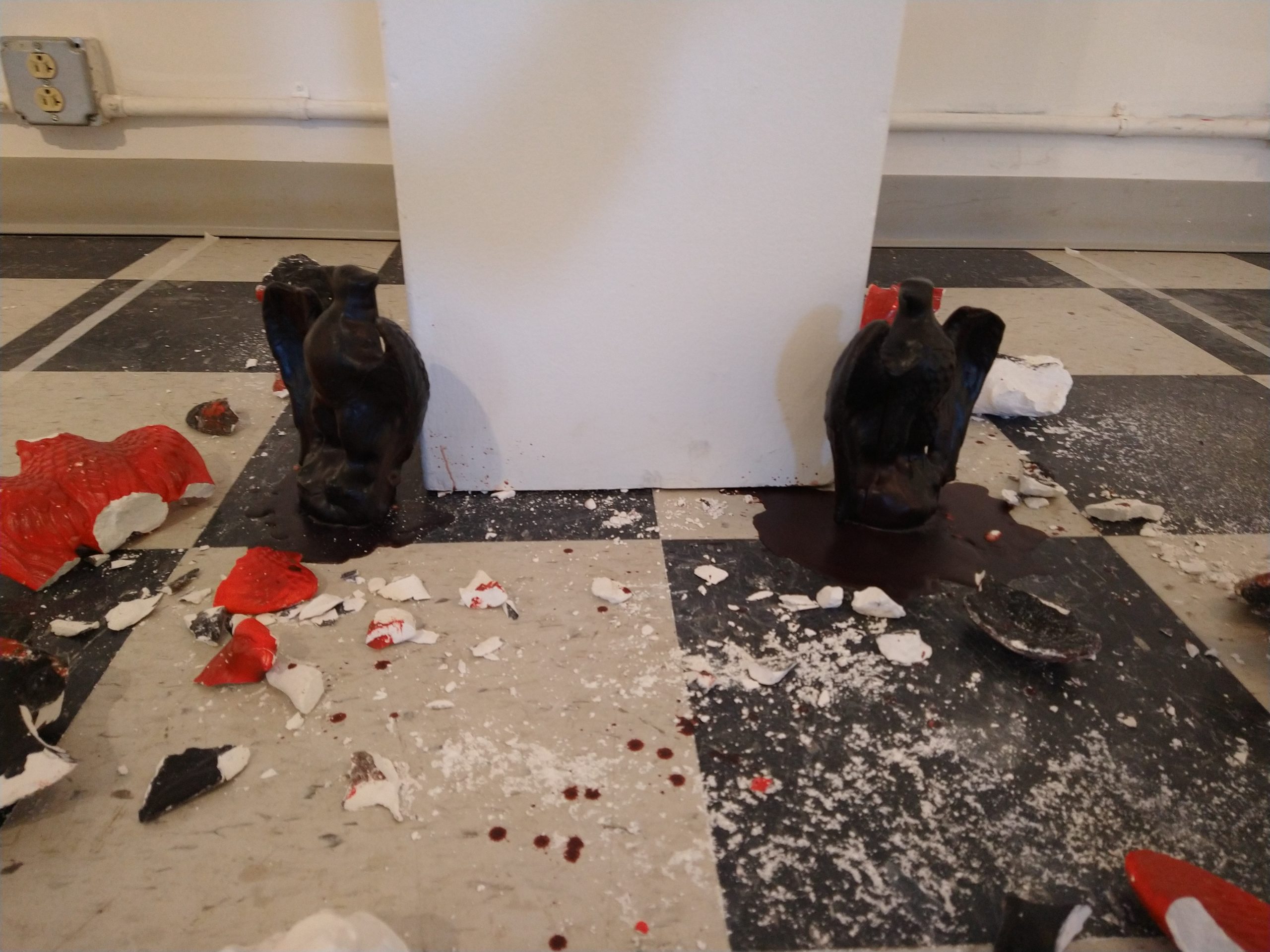
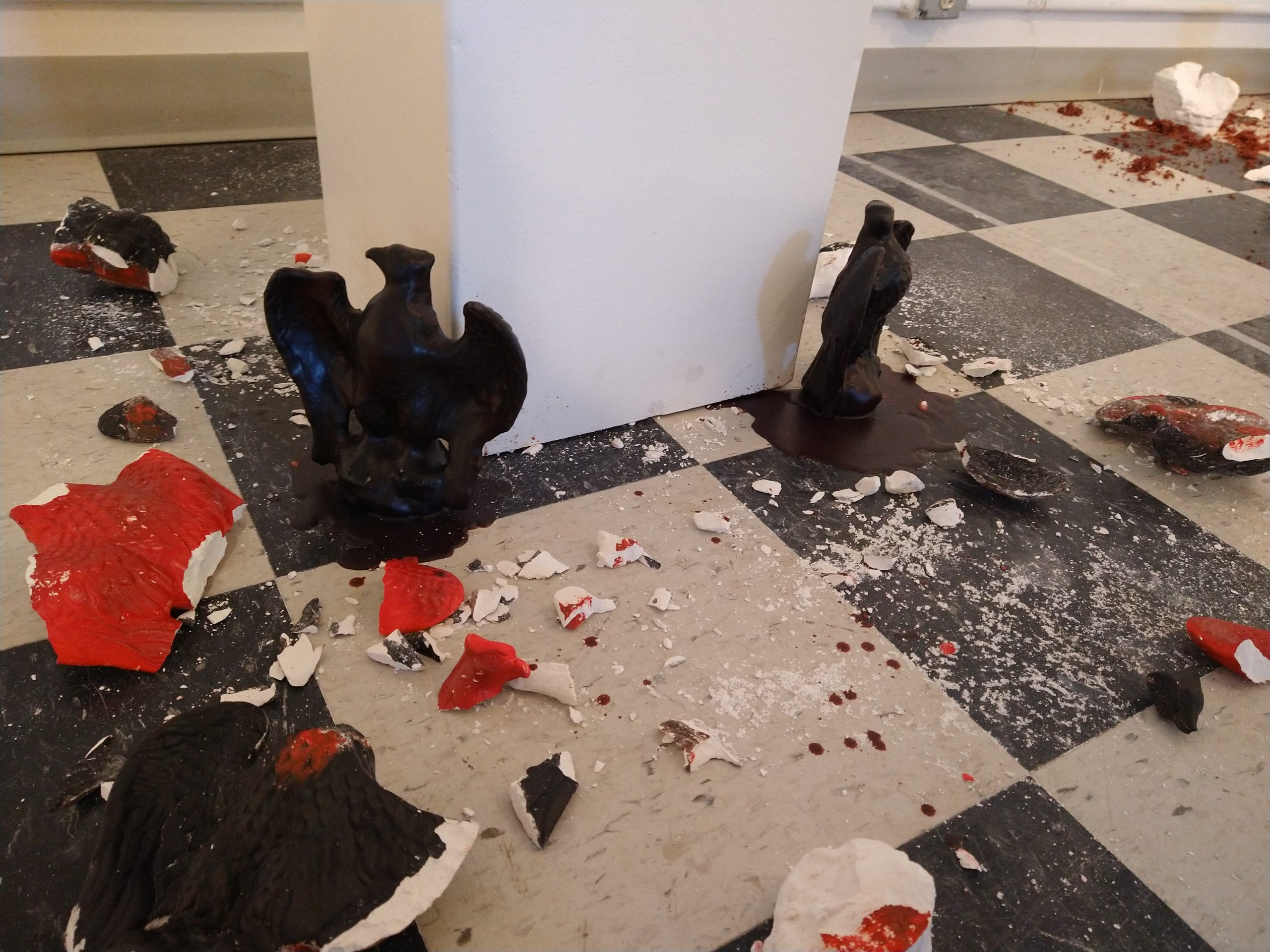
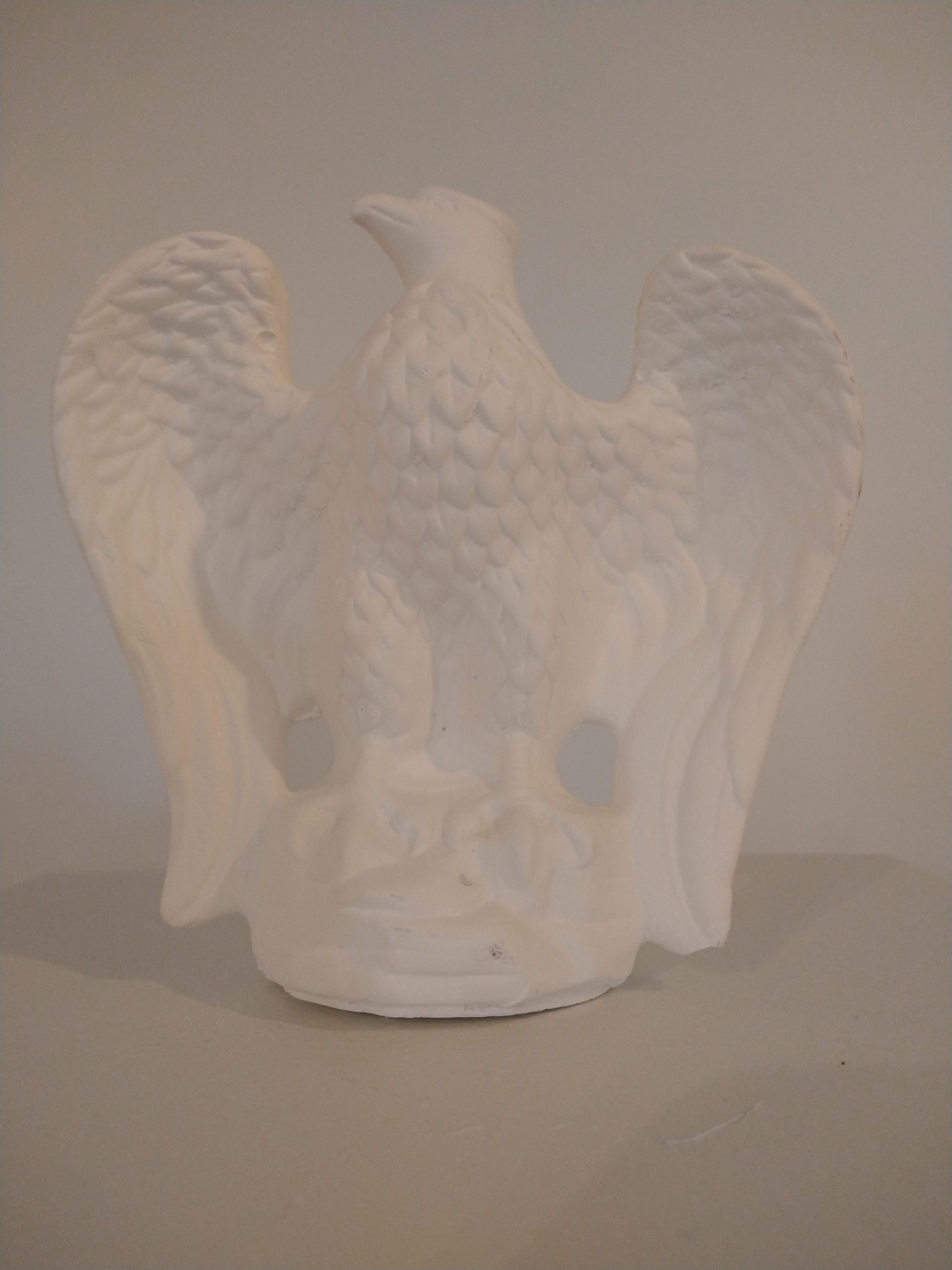
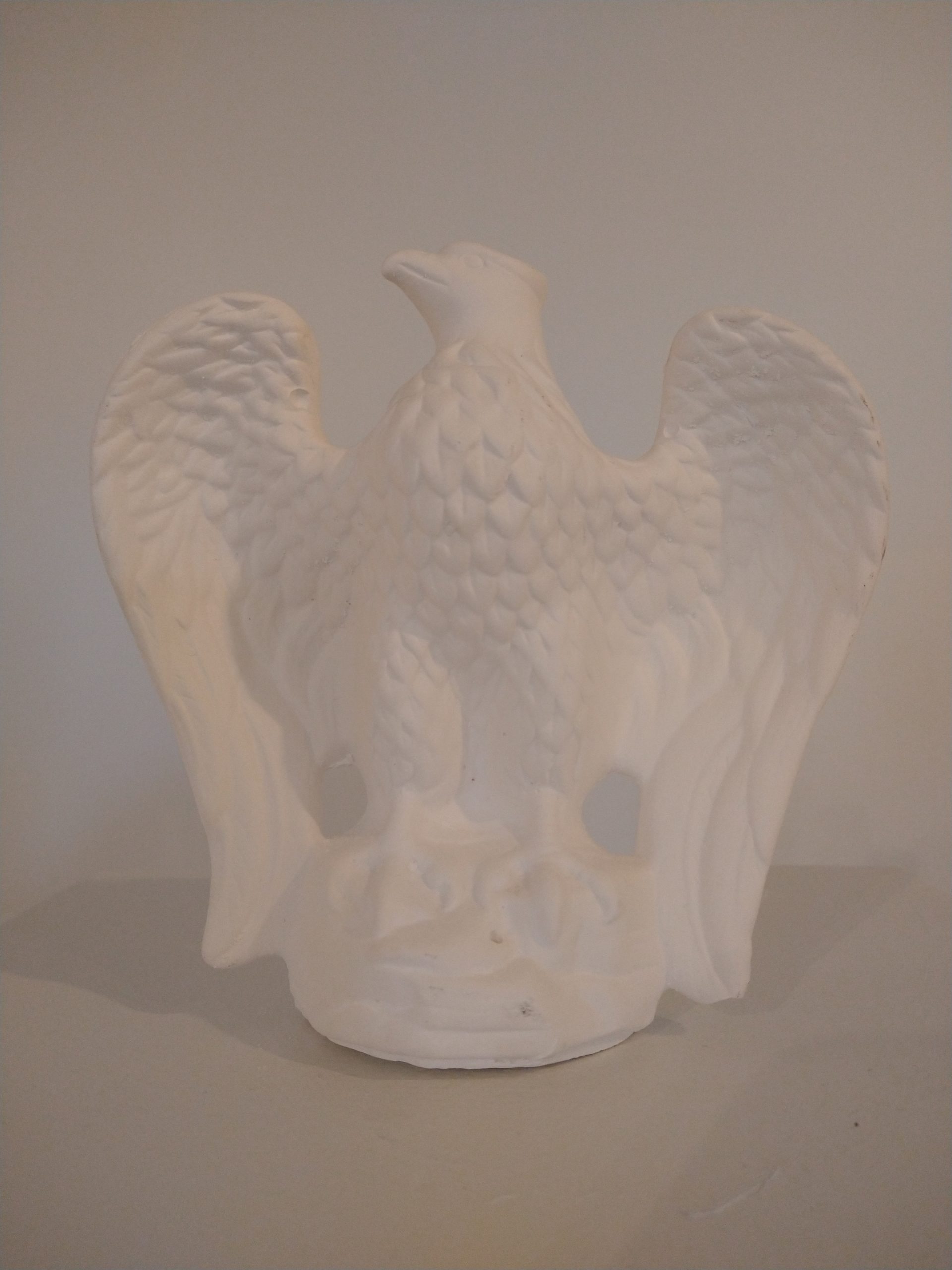
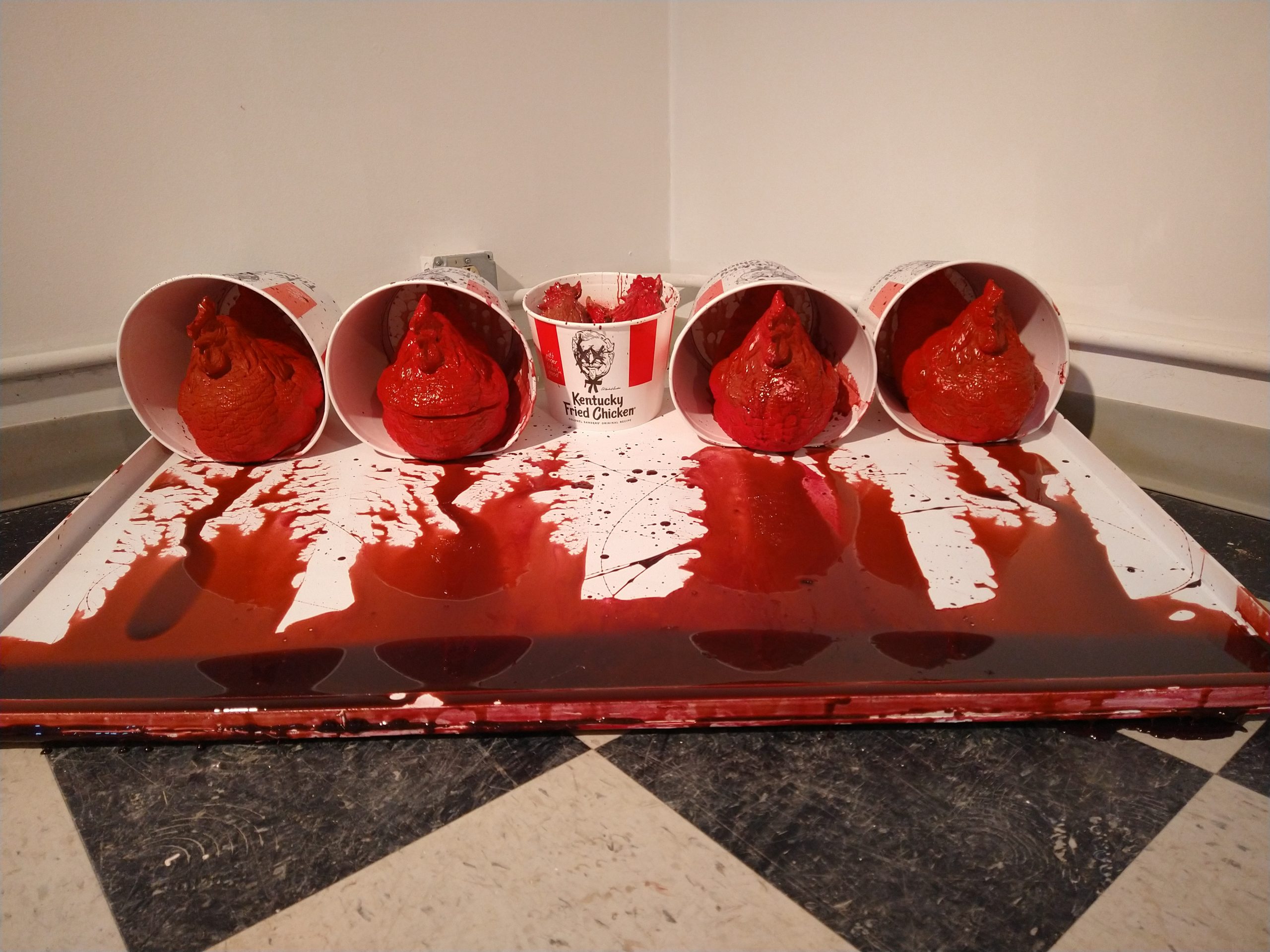
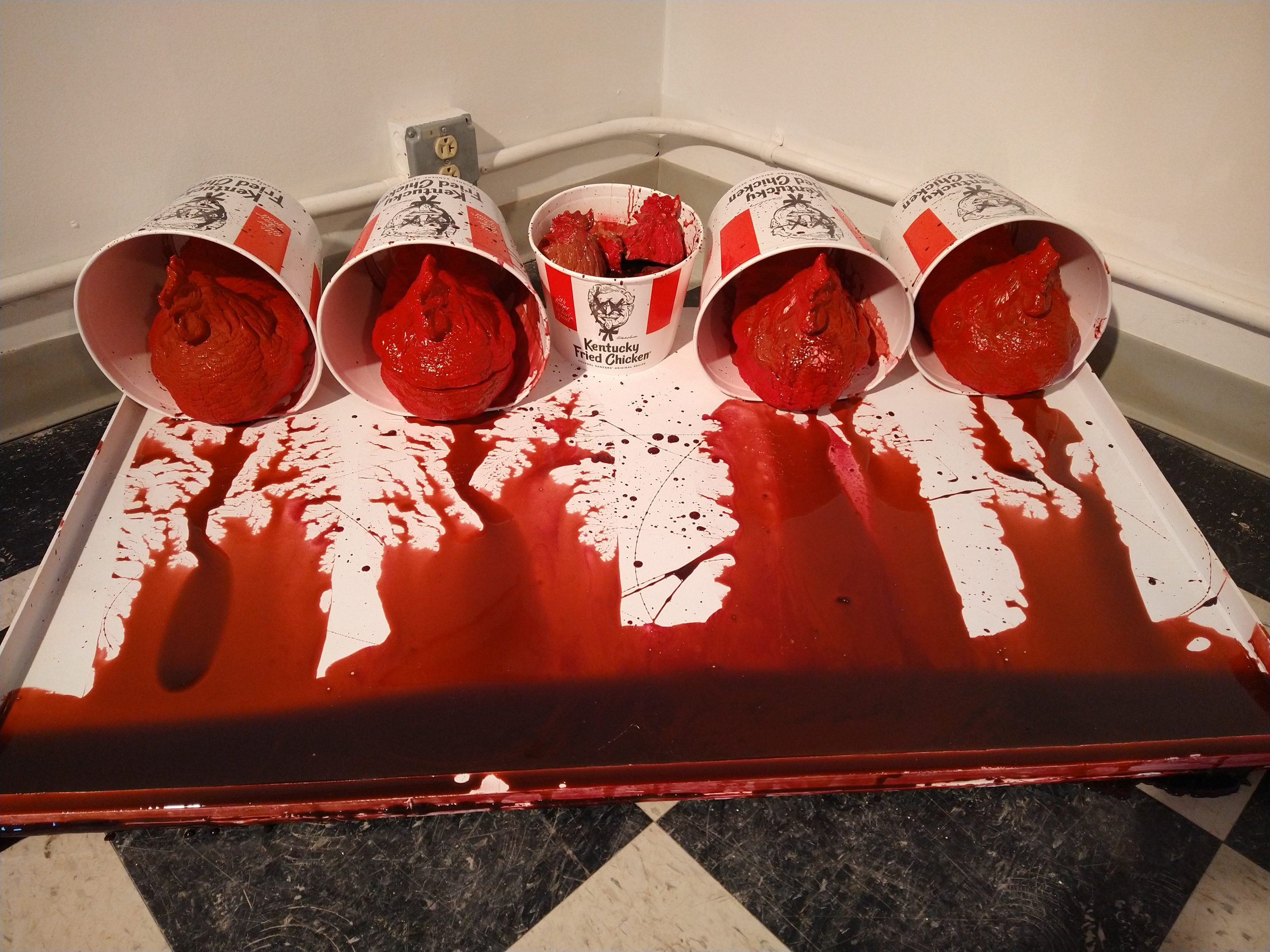
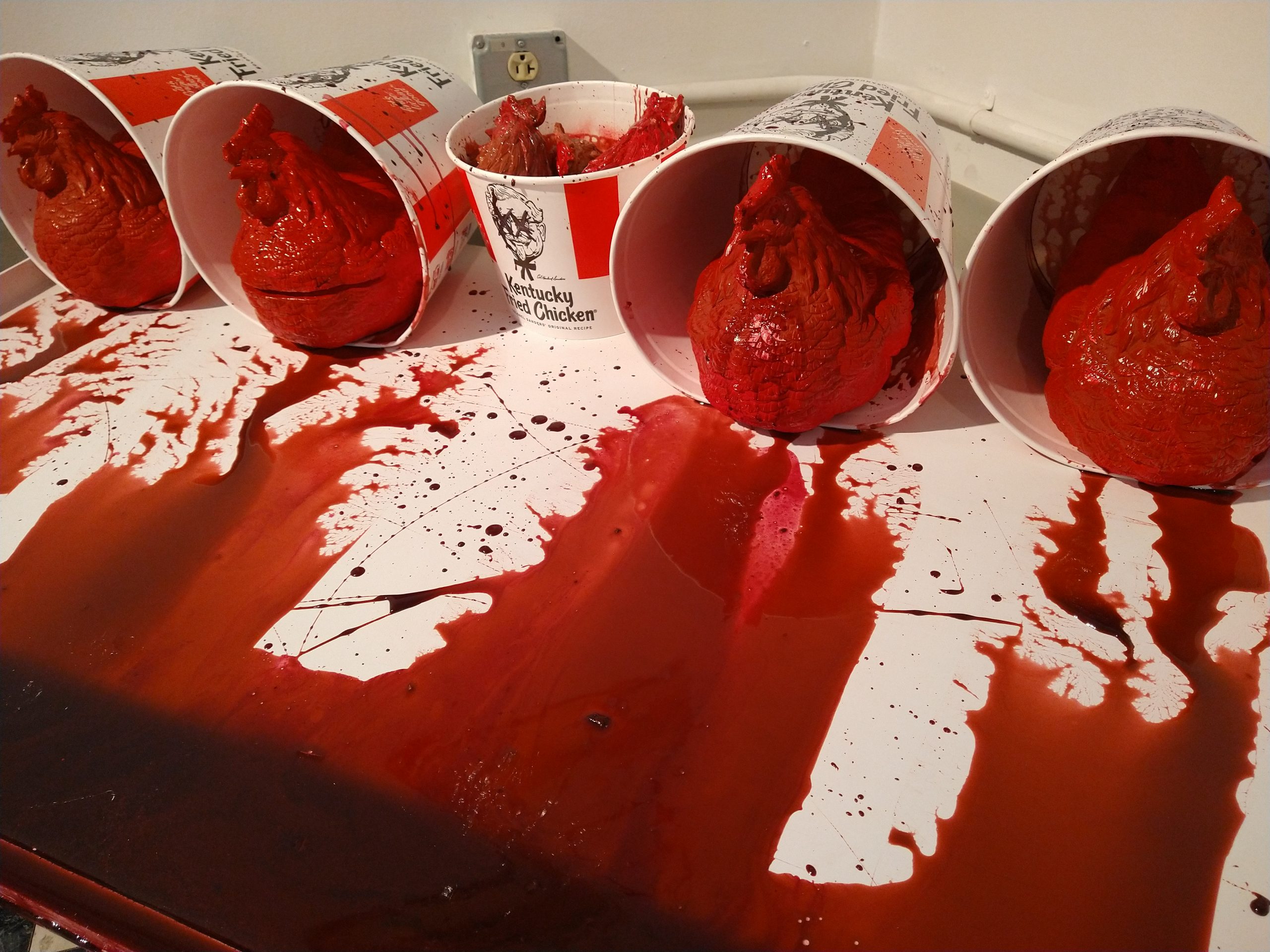
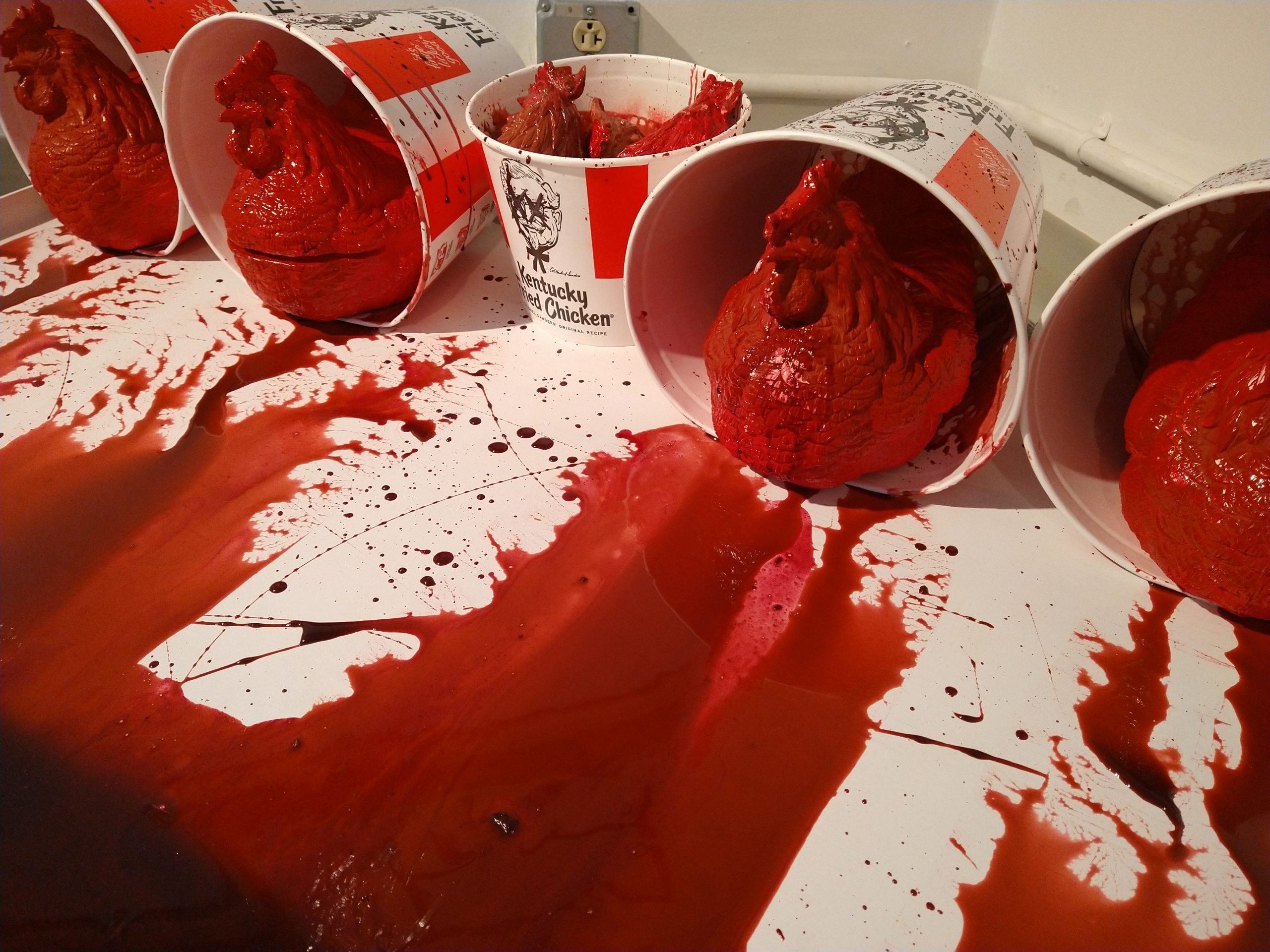
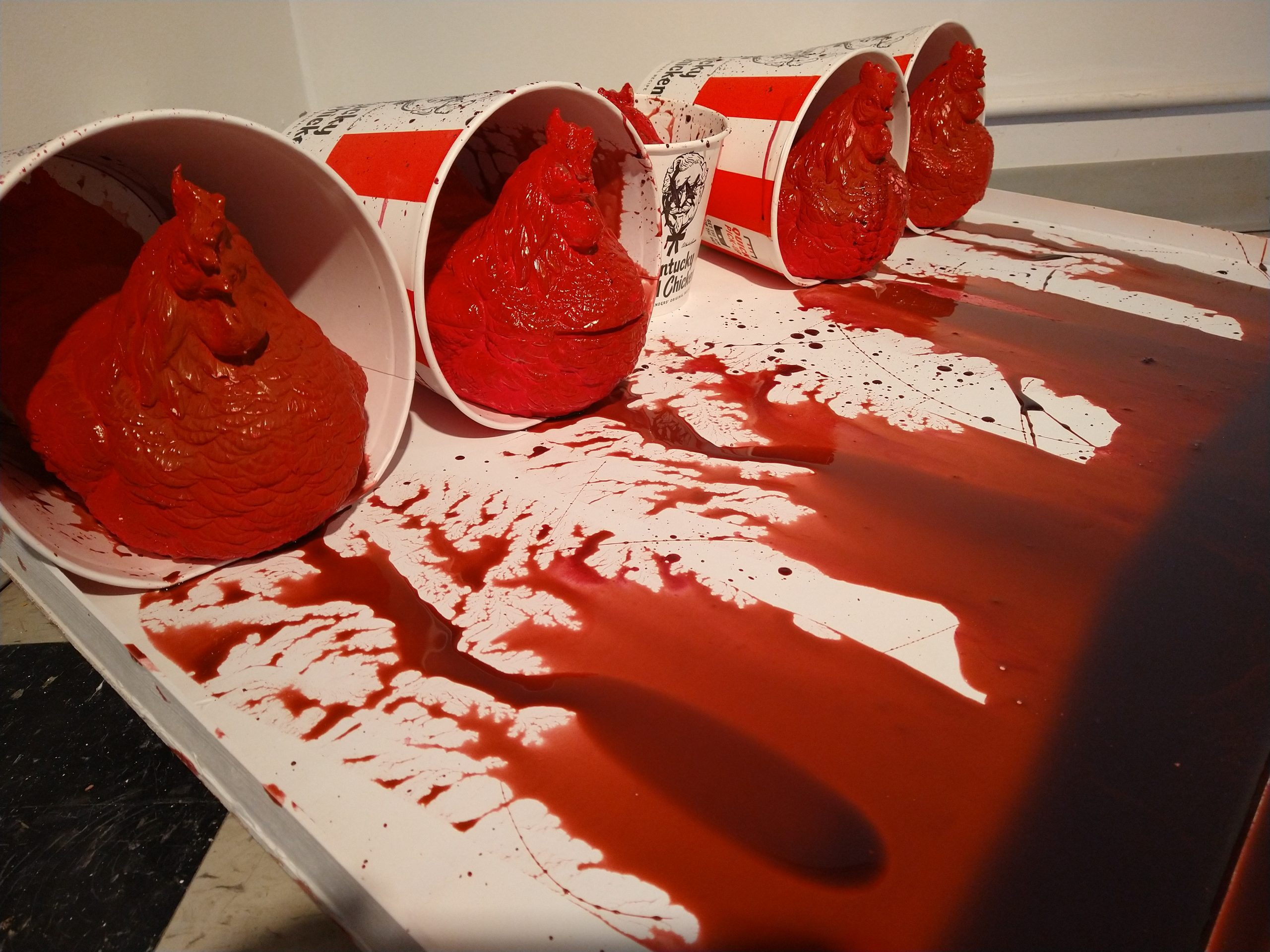
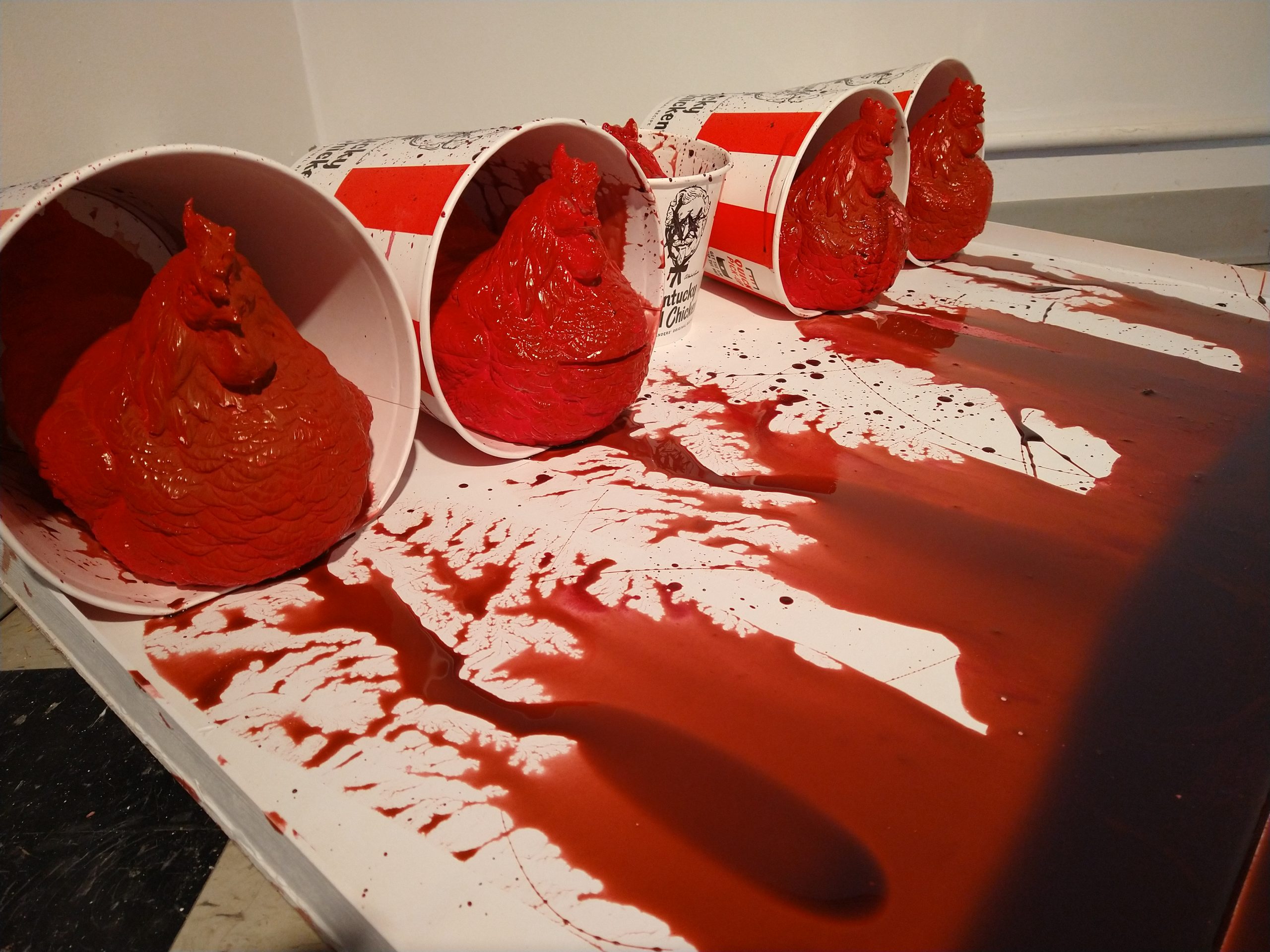
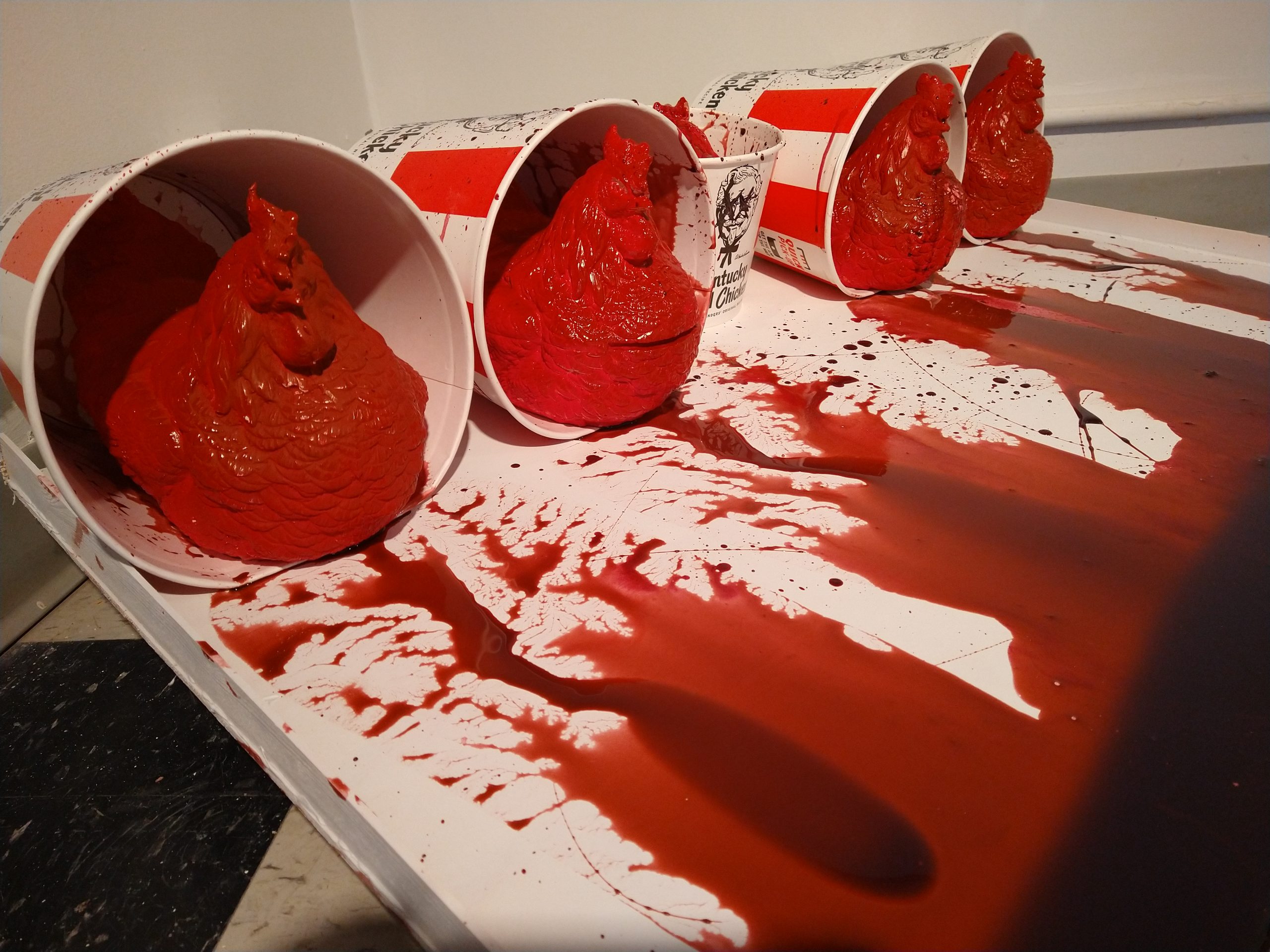
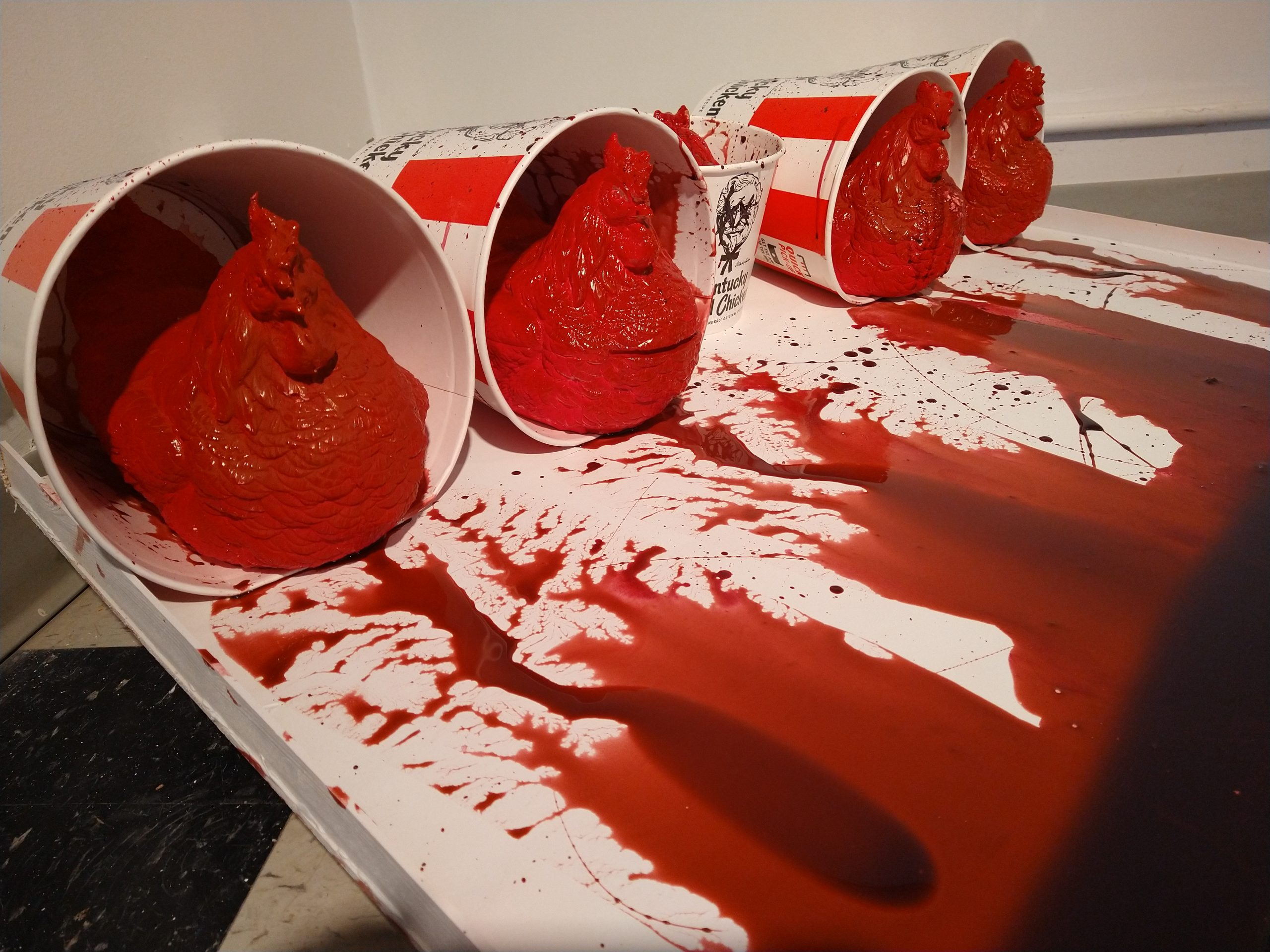
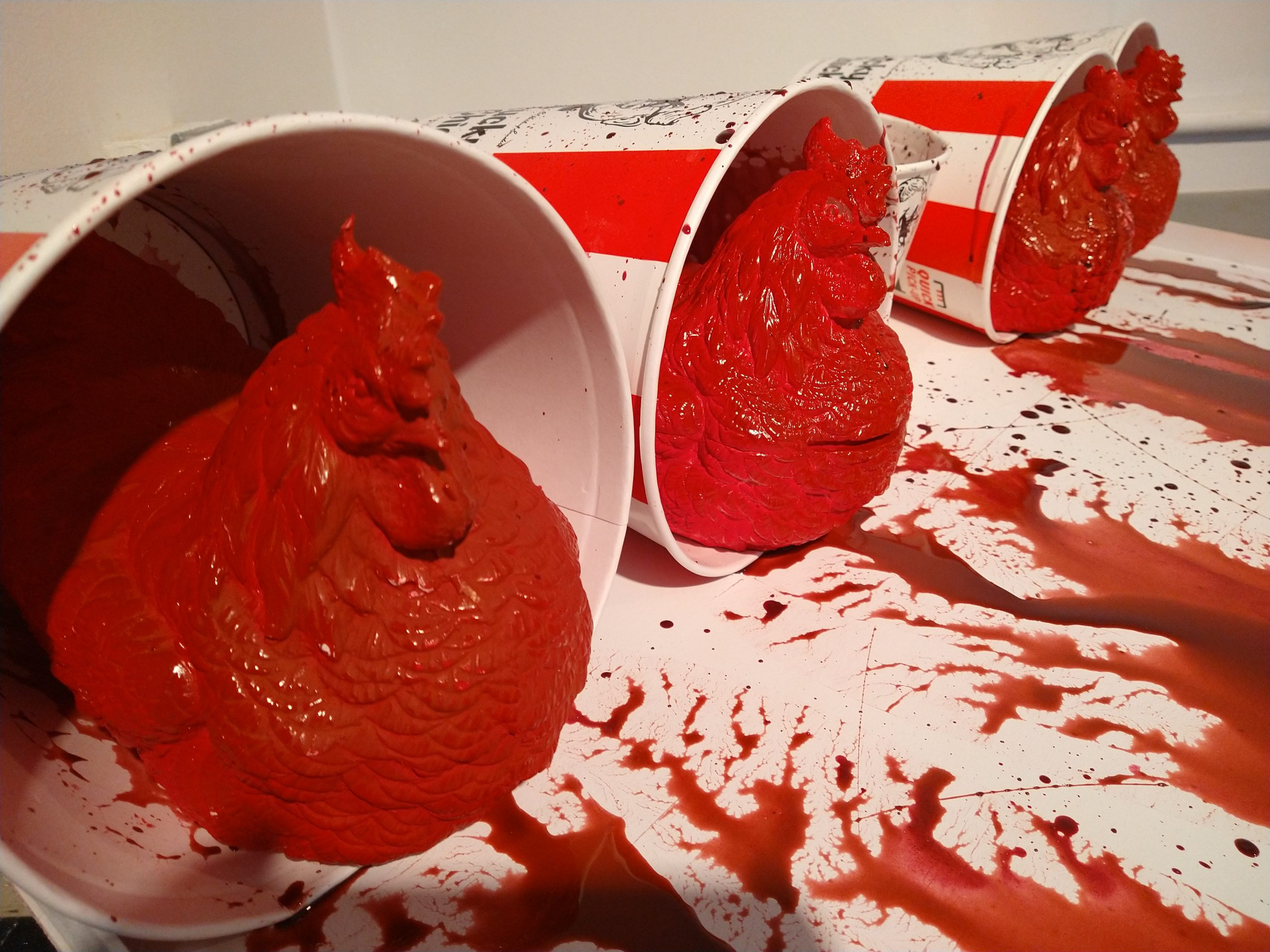
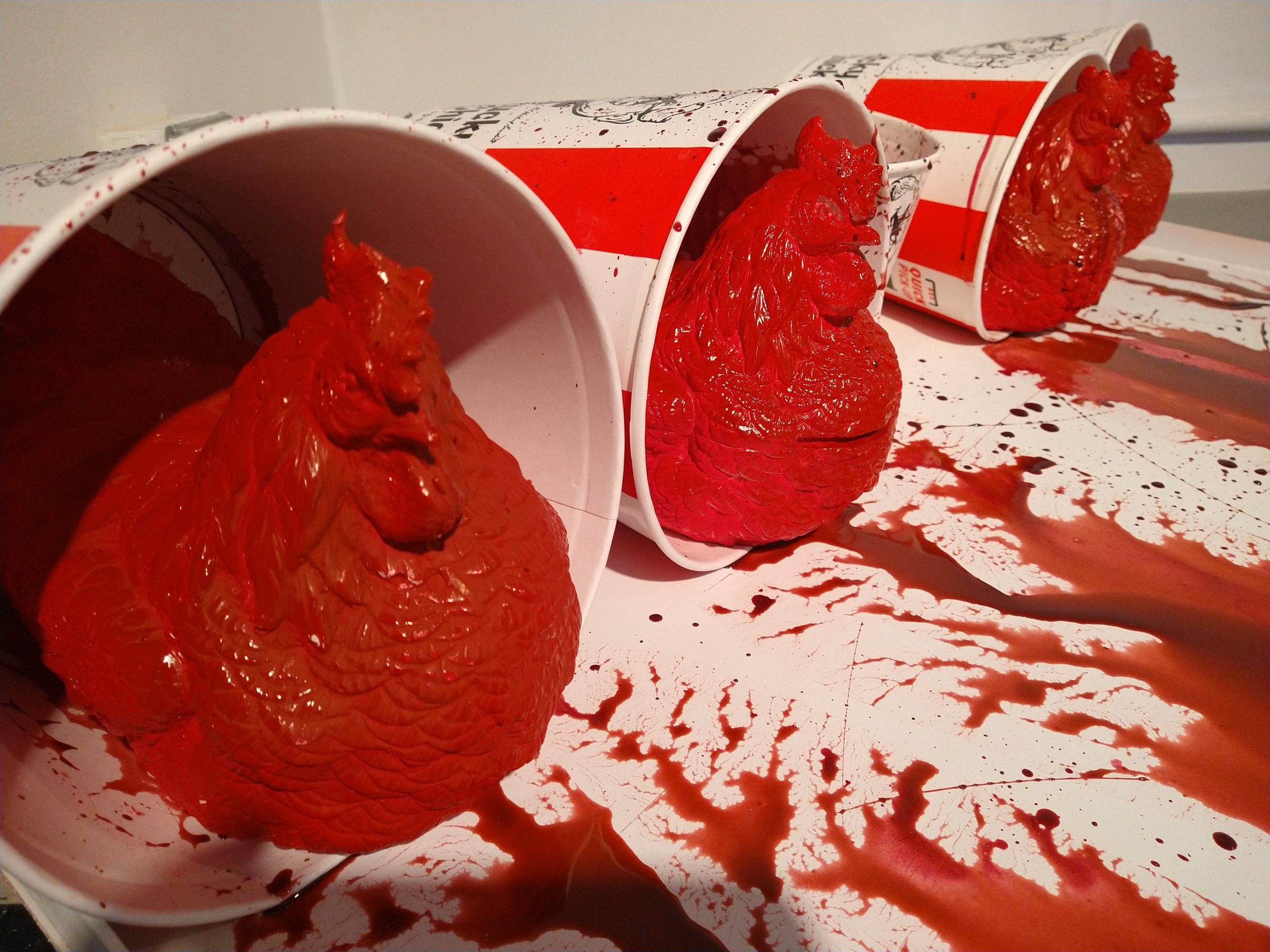
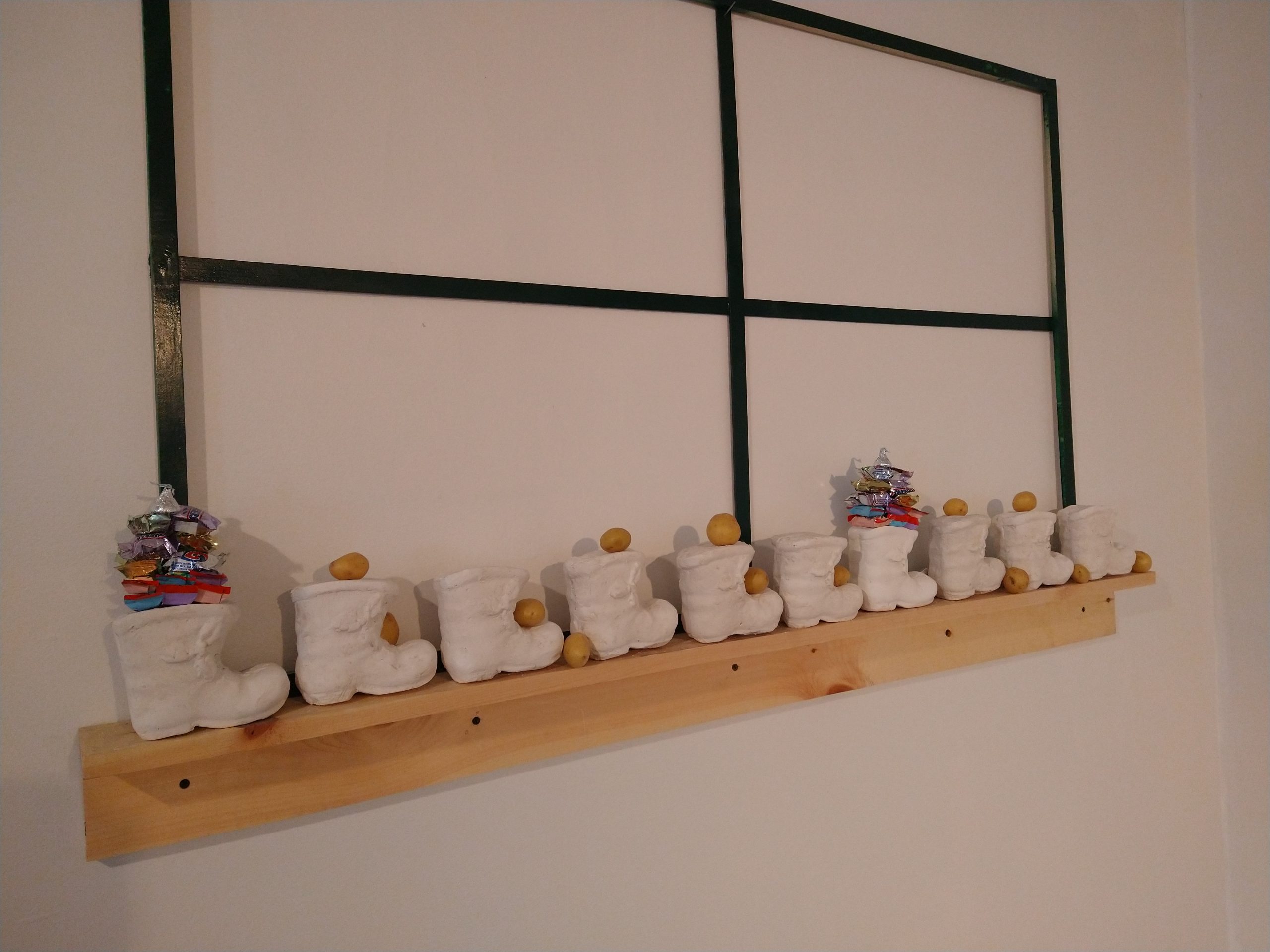
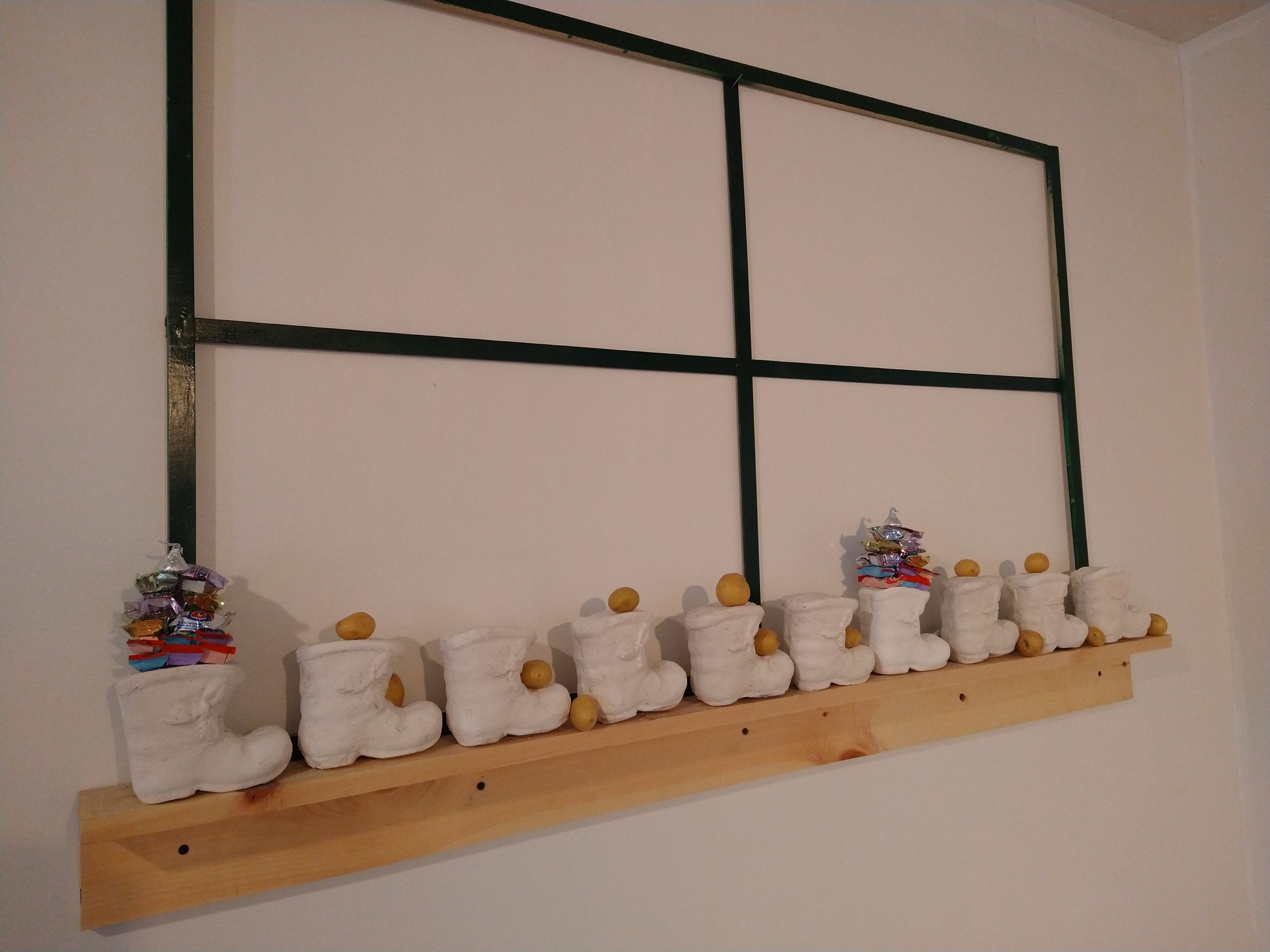
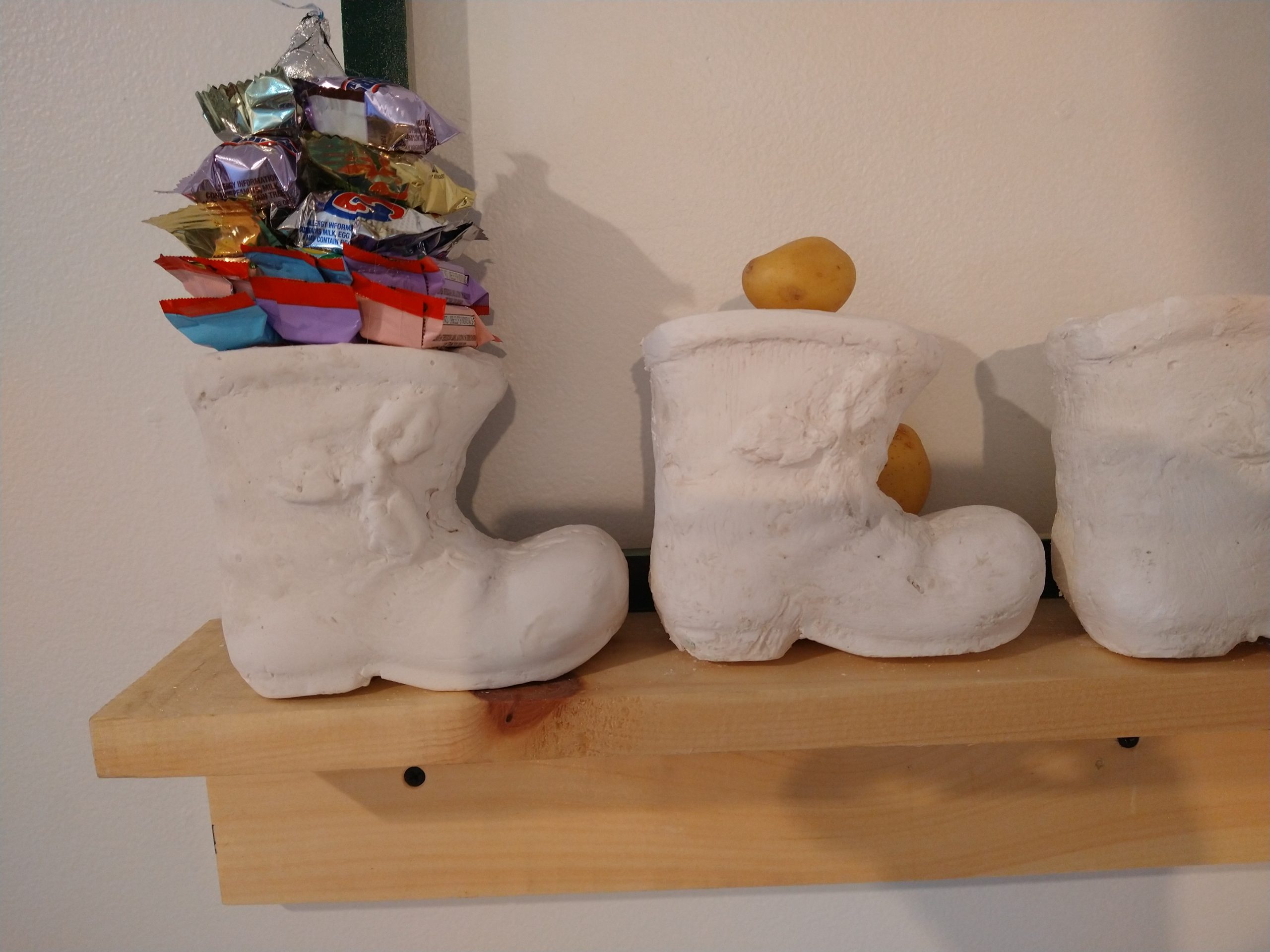
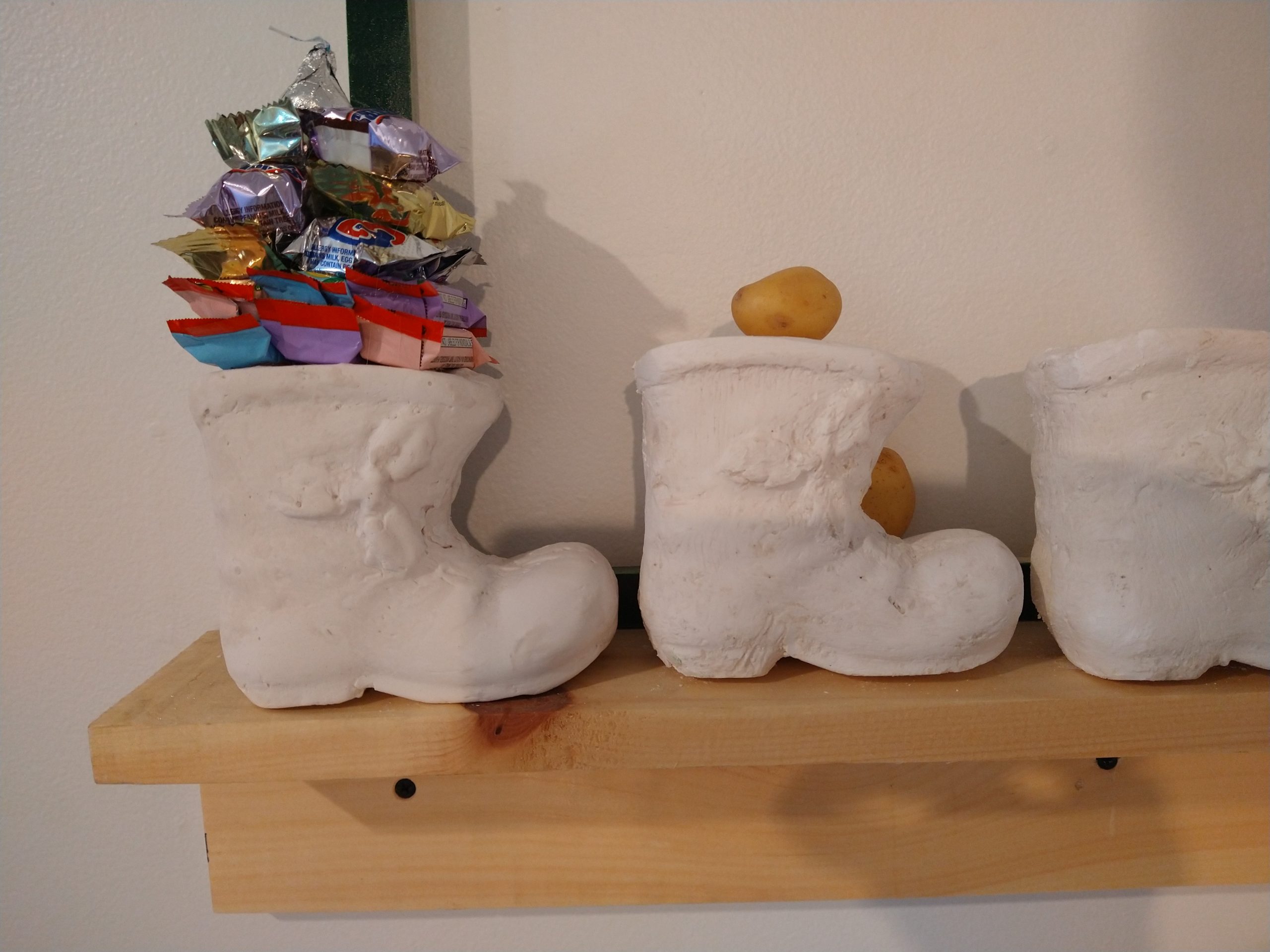
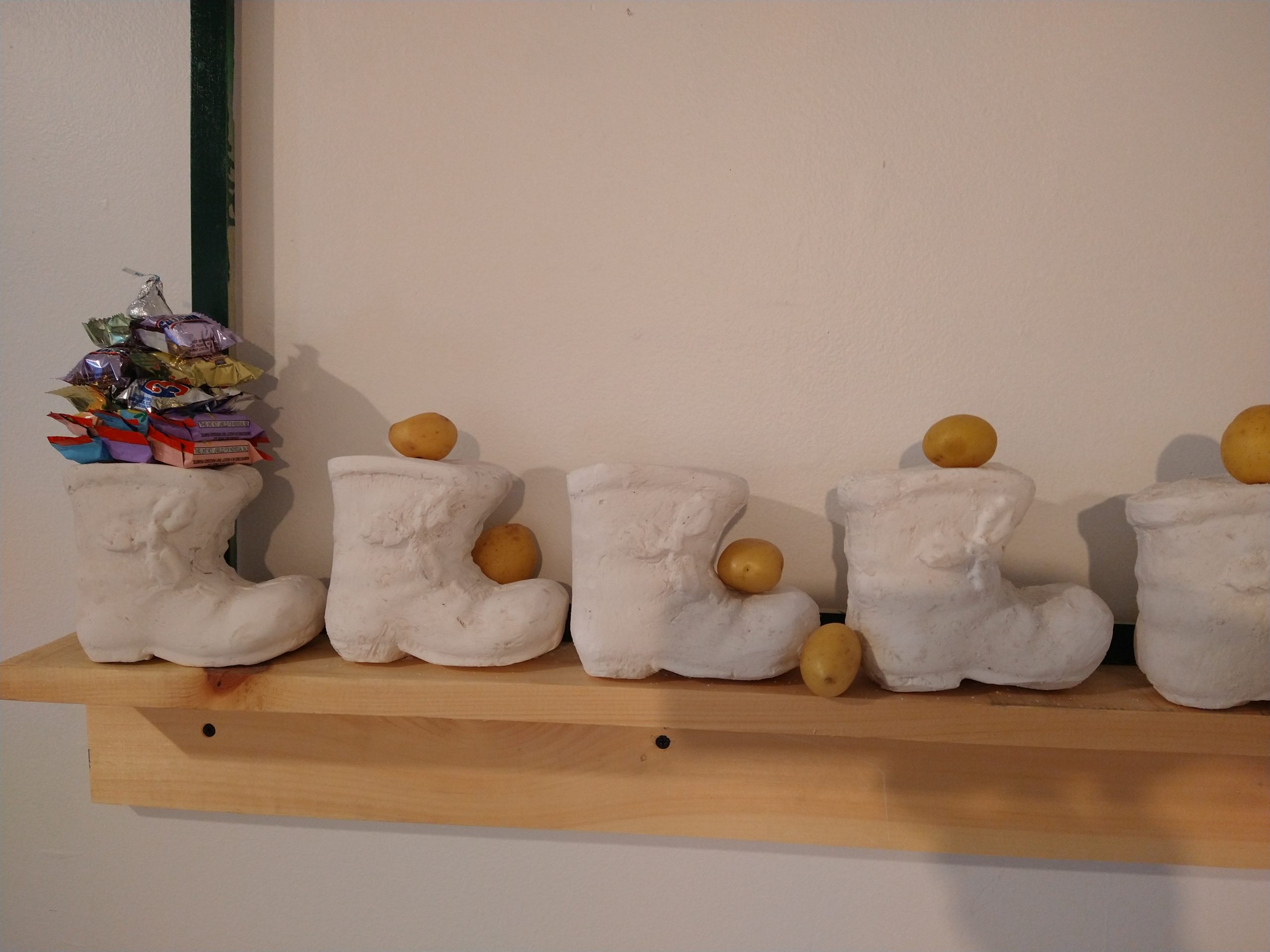
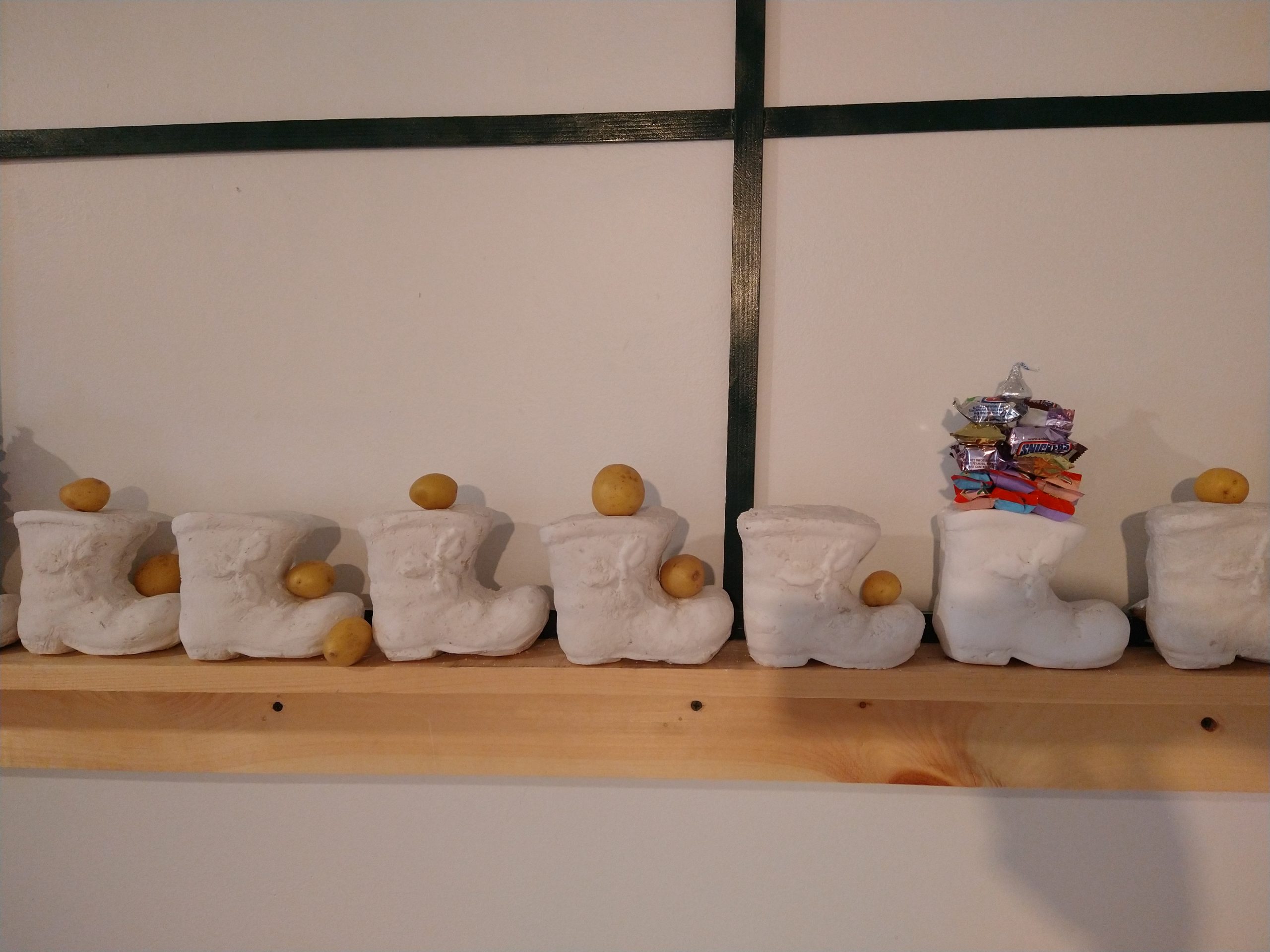
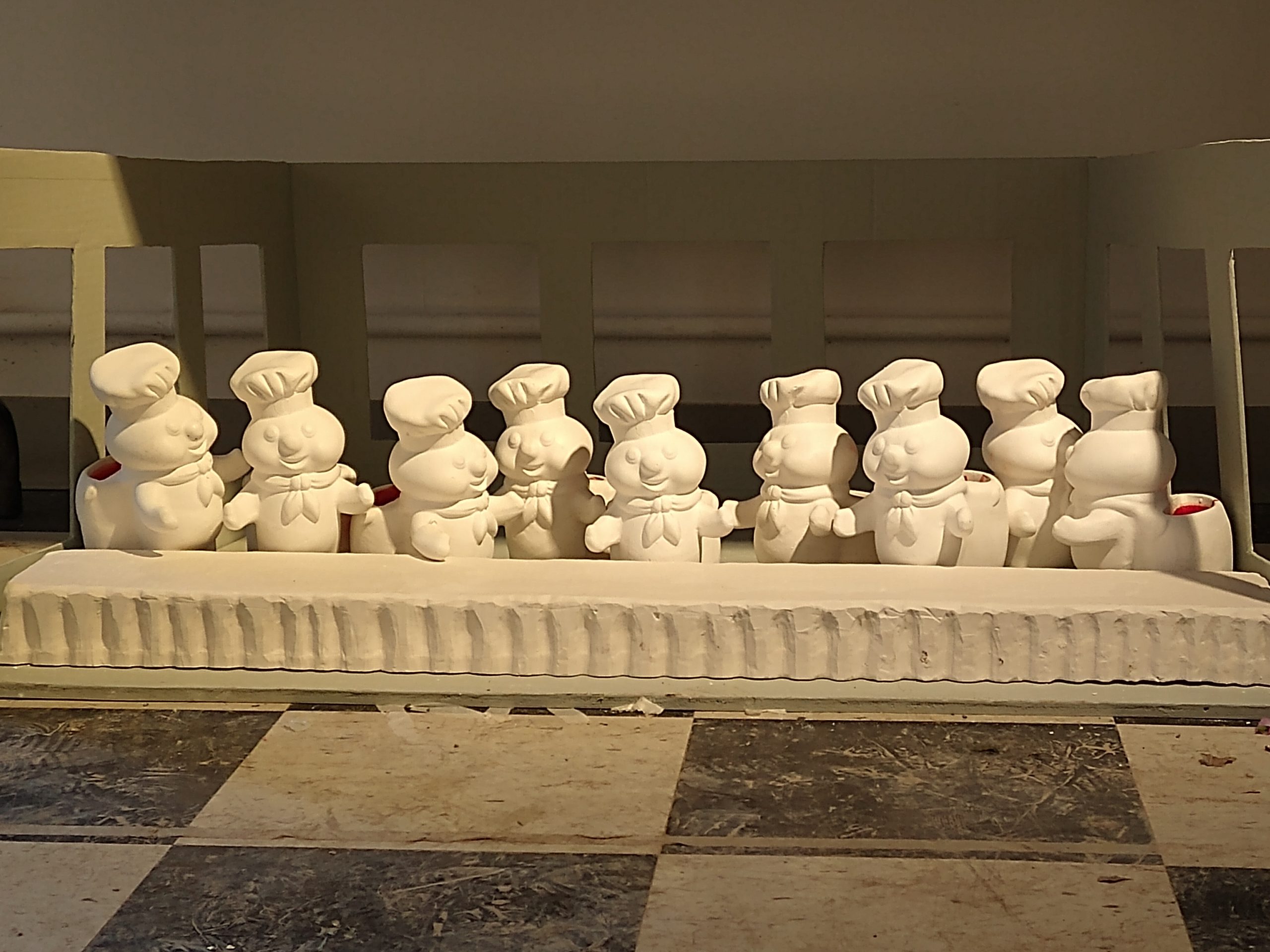
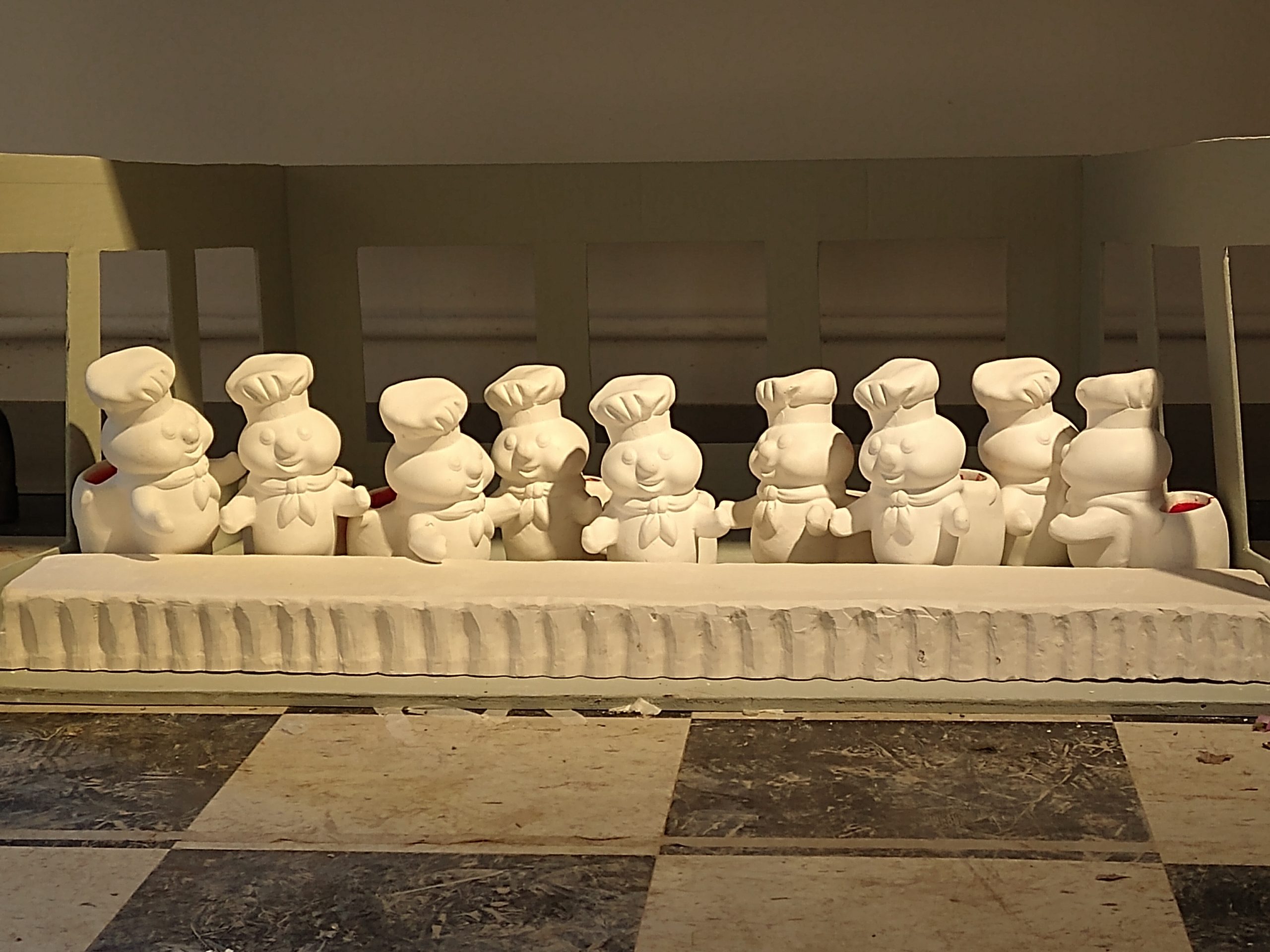
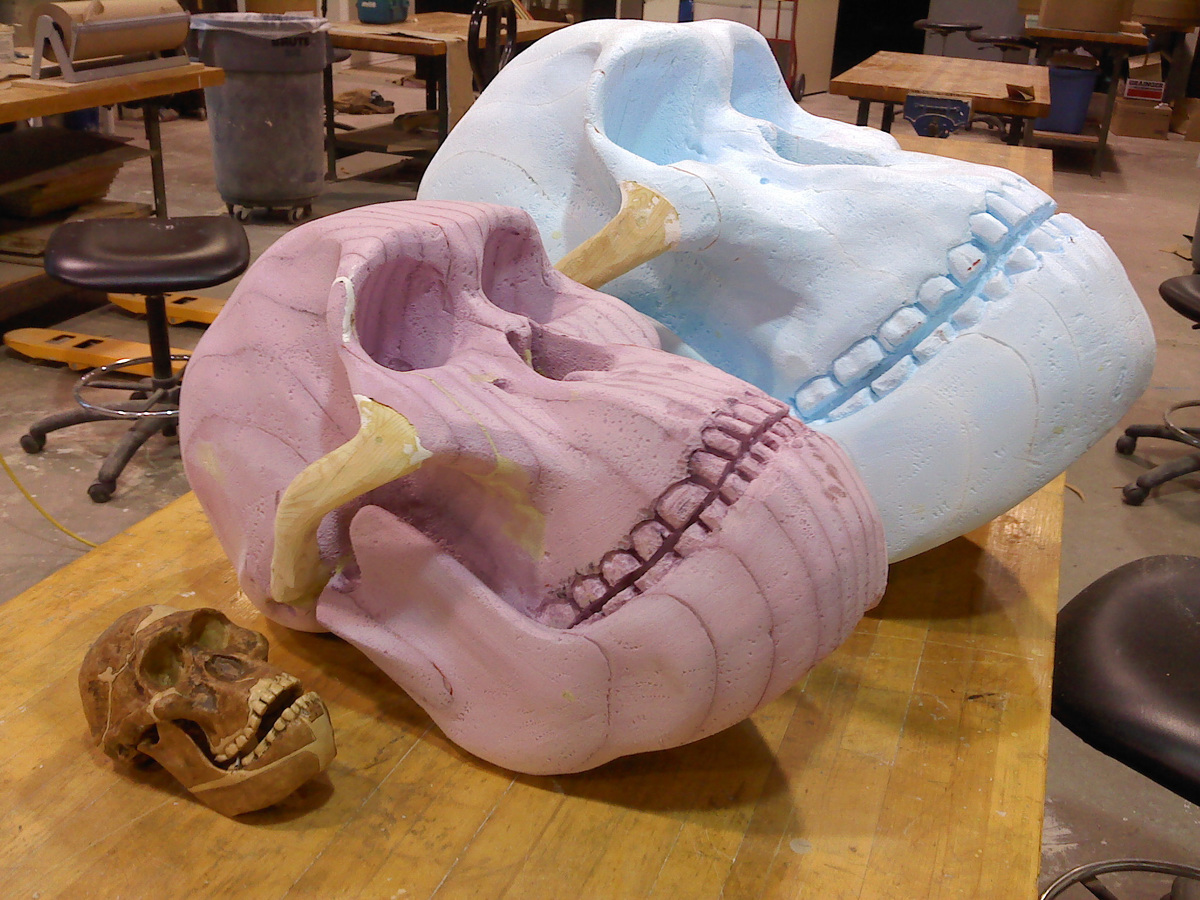
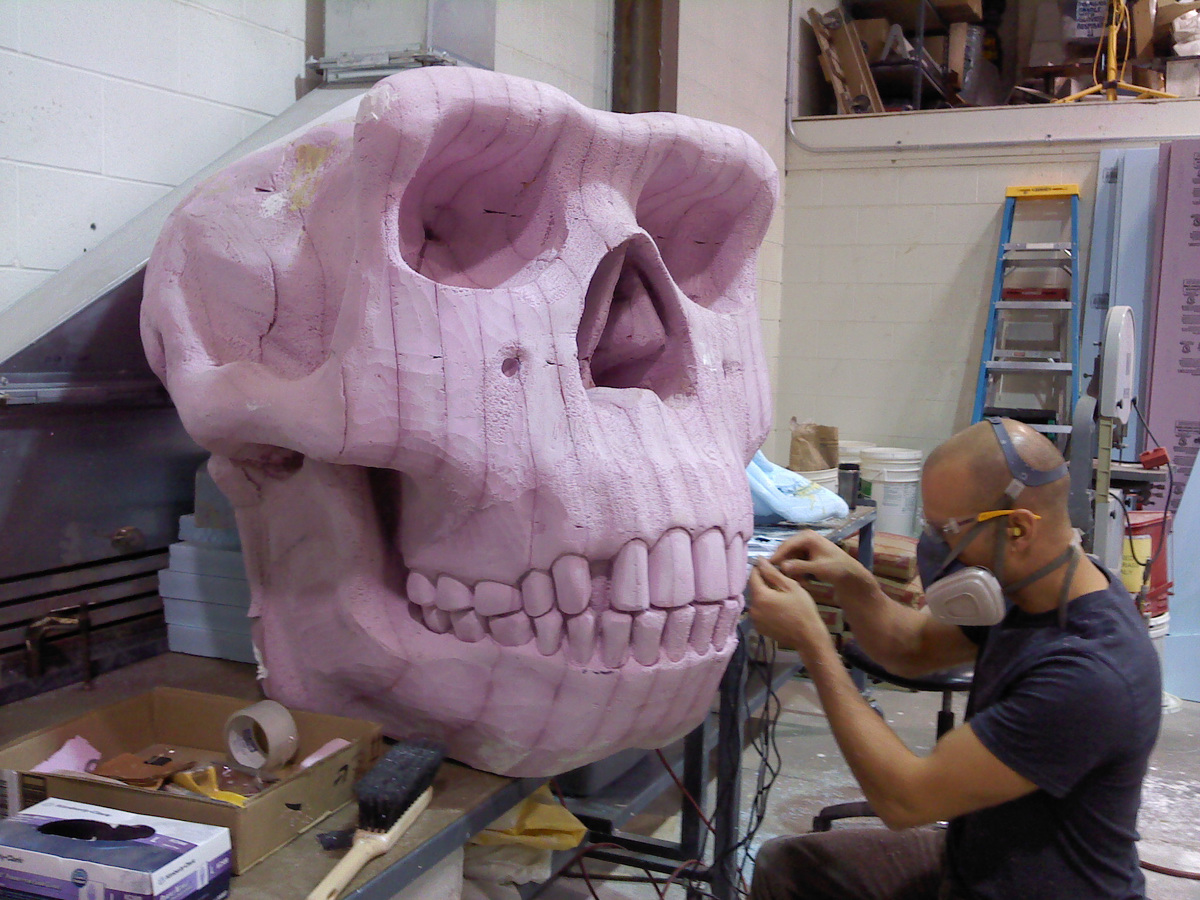
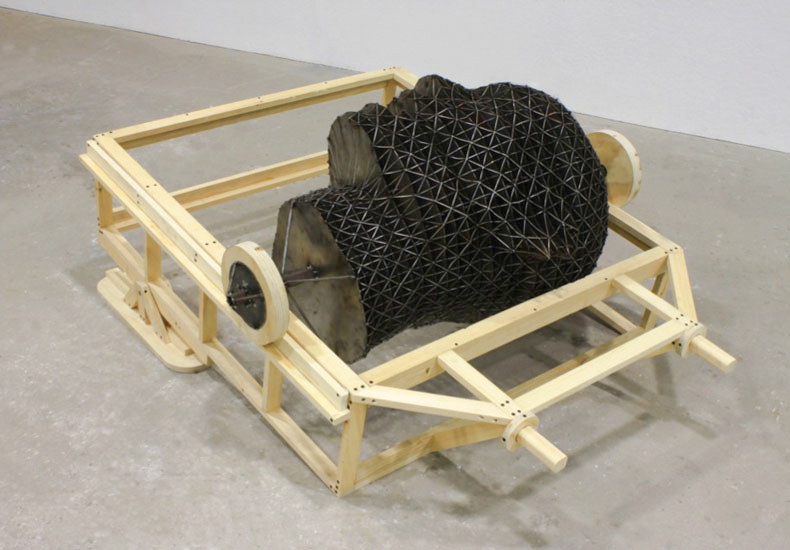
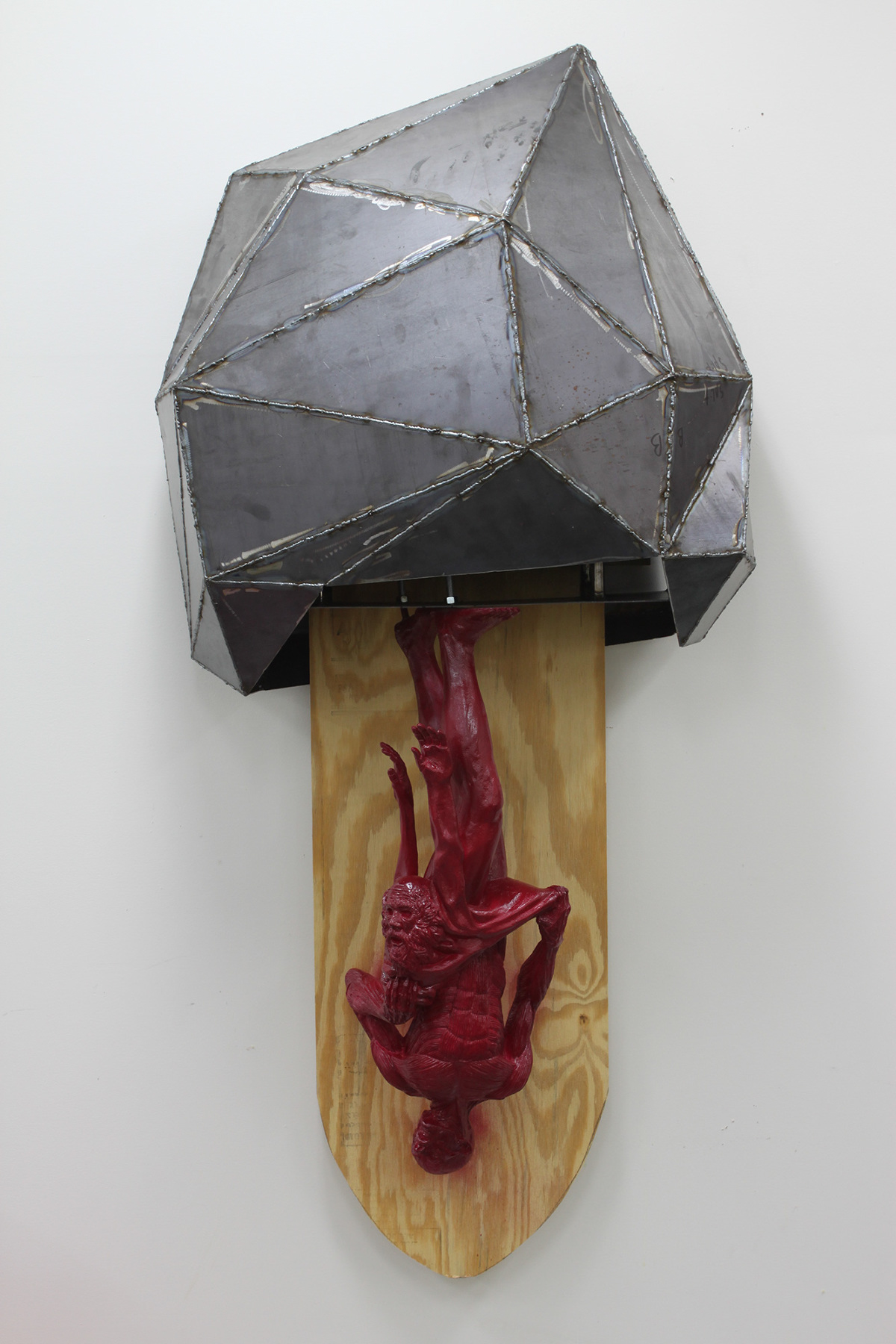
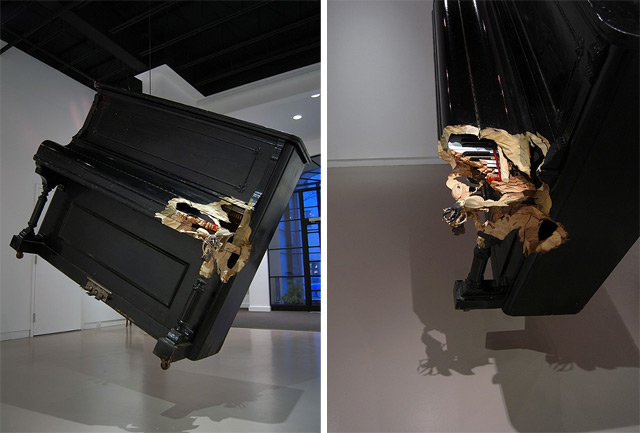
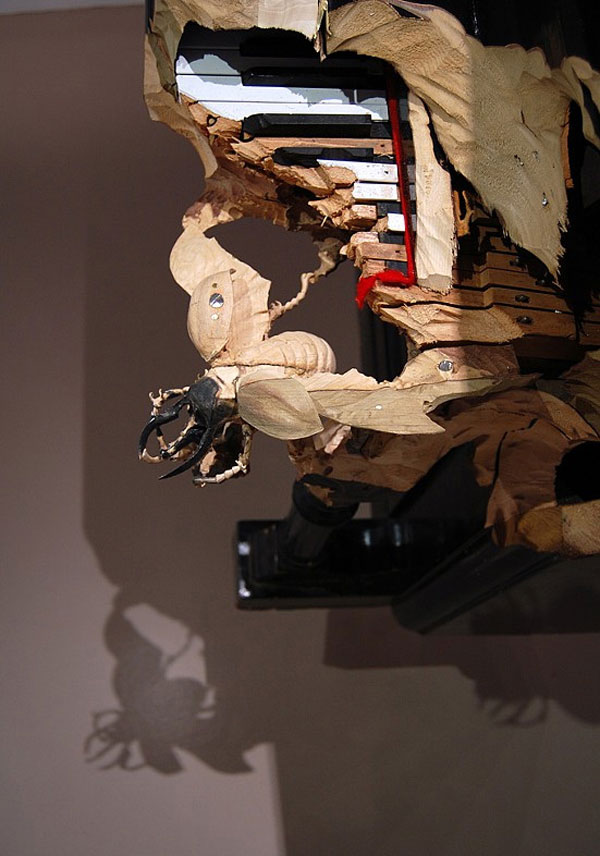
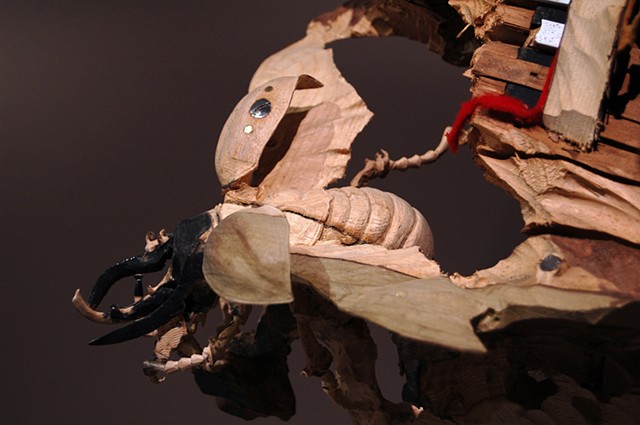
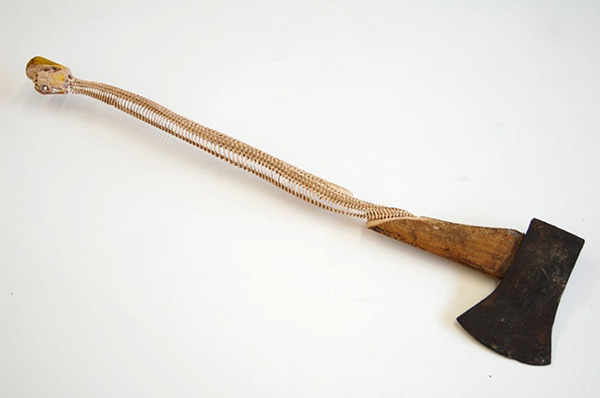
Above: Matthew Day Jackson Something Ancient, Something New… on YouTube…
See also:
Degrees of dimensionality
Contemporary art examples
David Altmejd (8:00 to ~14:00)
Folkert De Jong working in the studio
Craft example
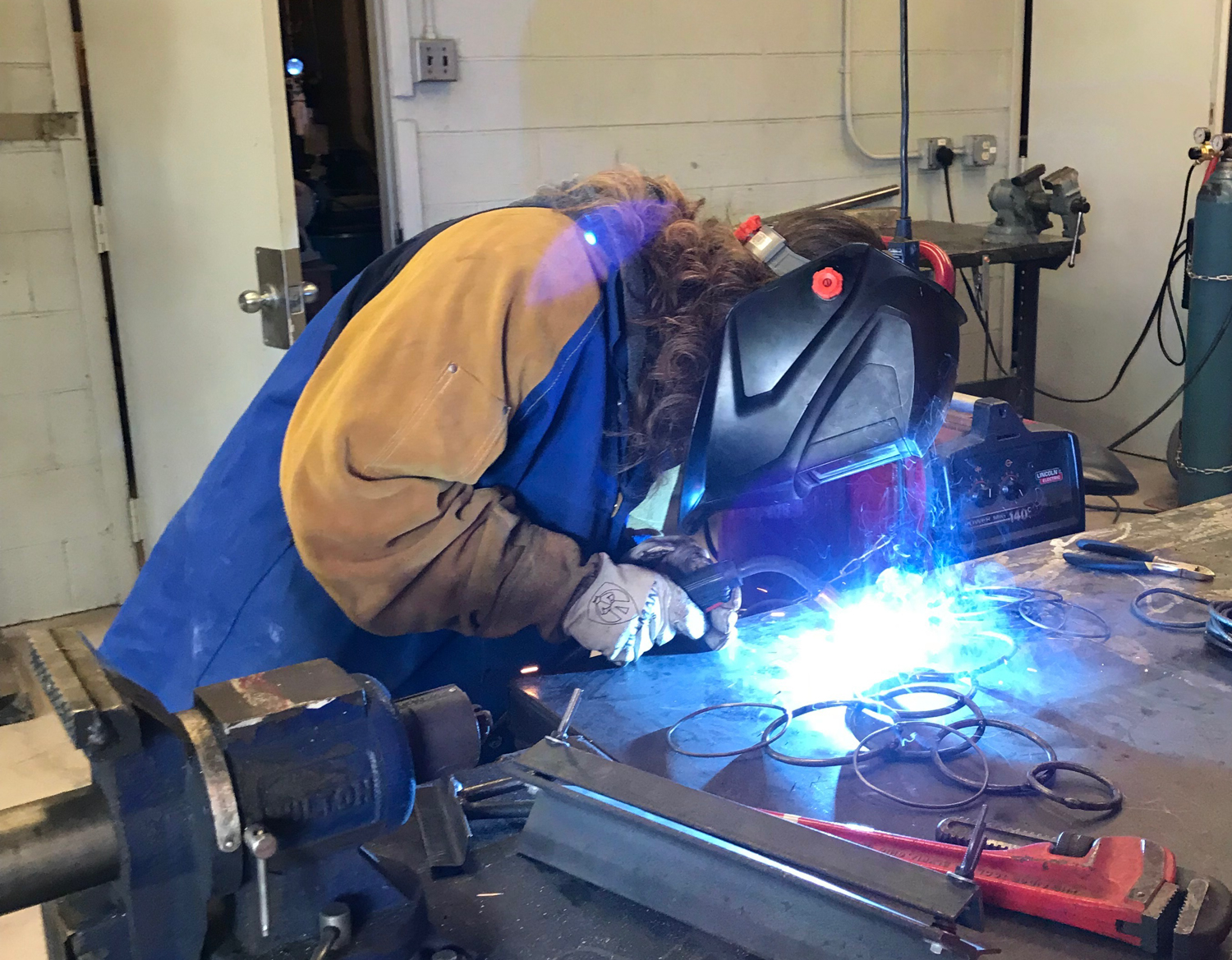
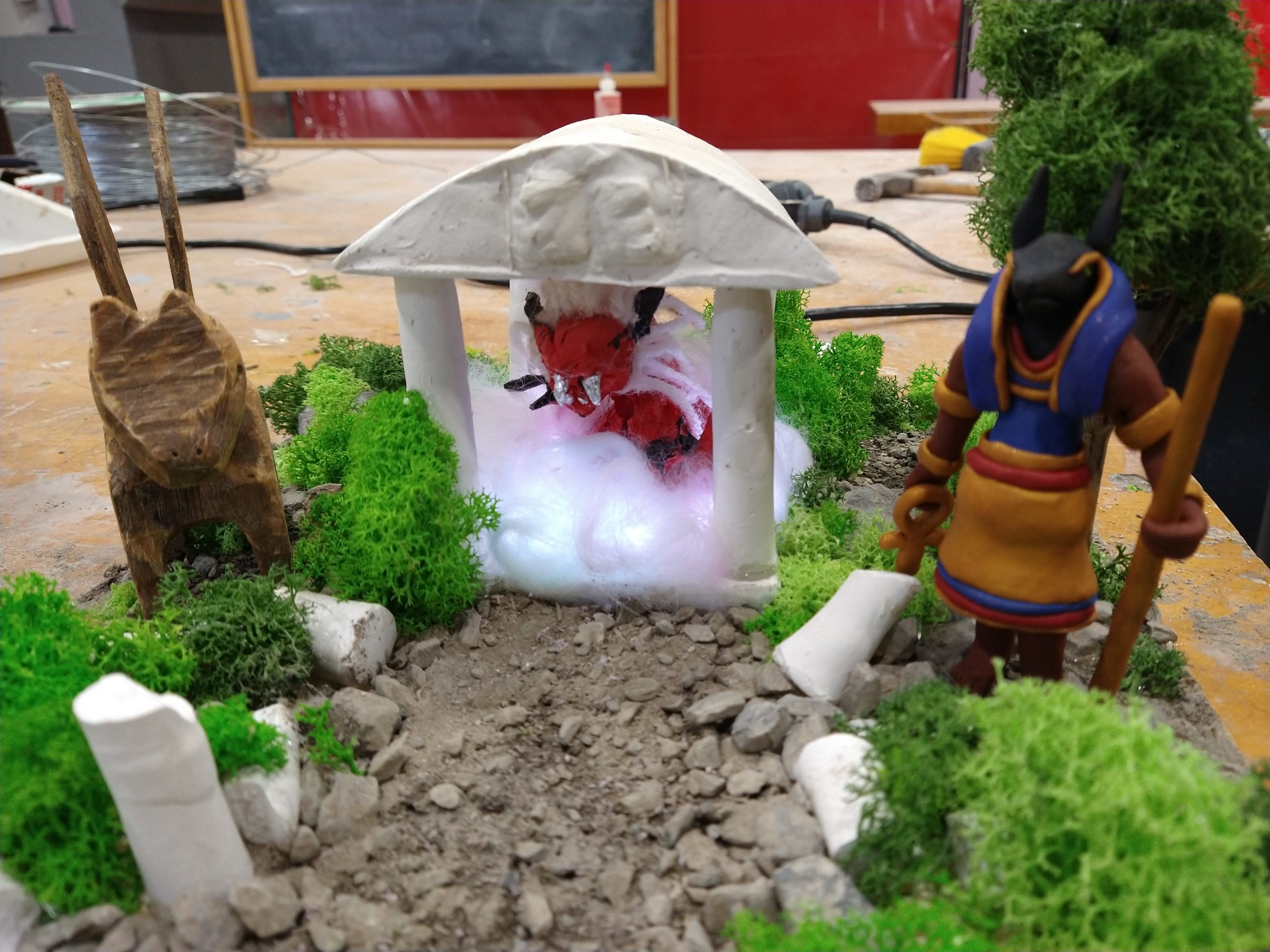
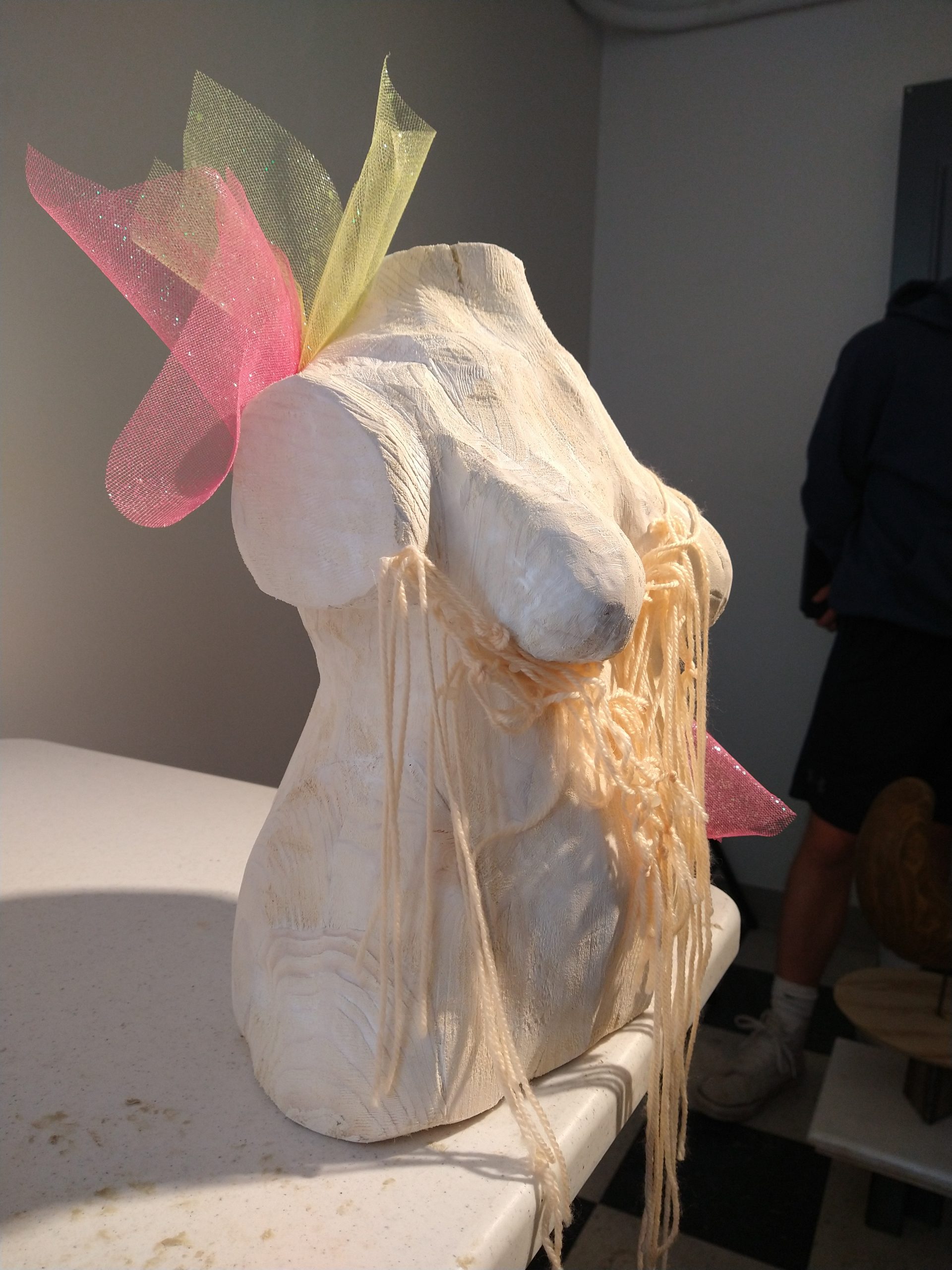
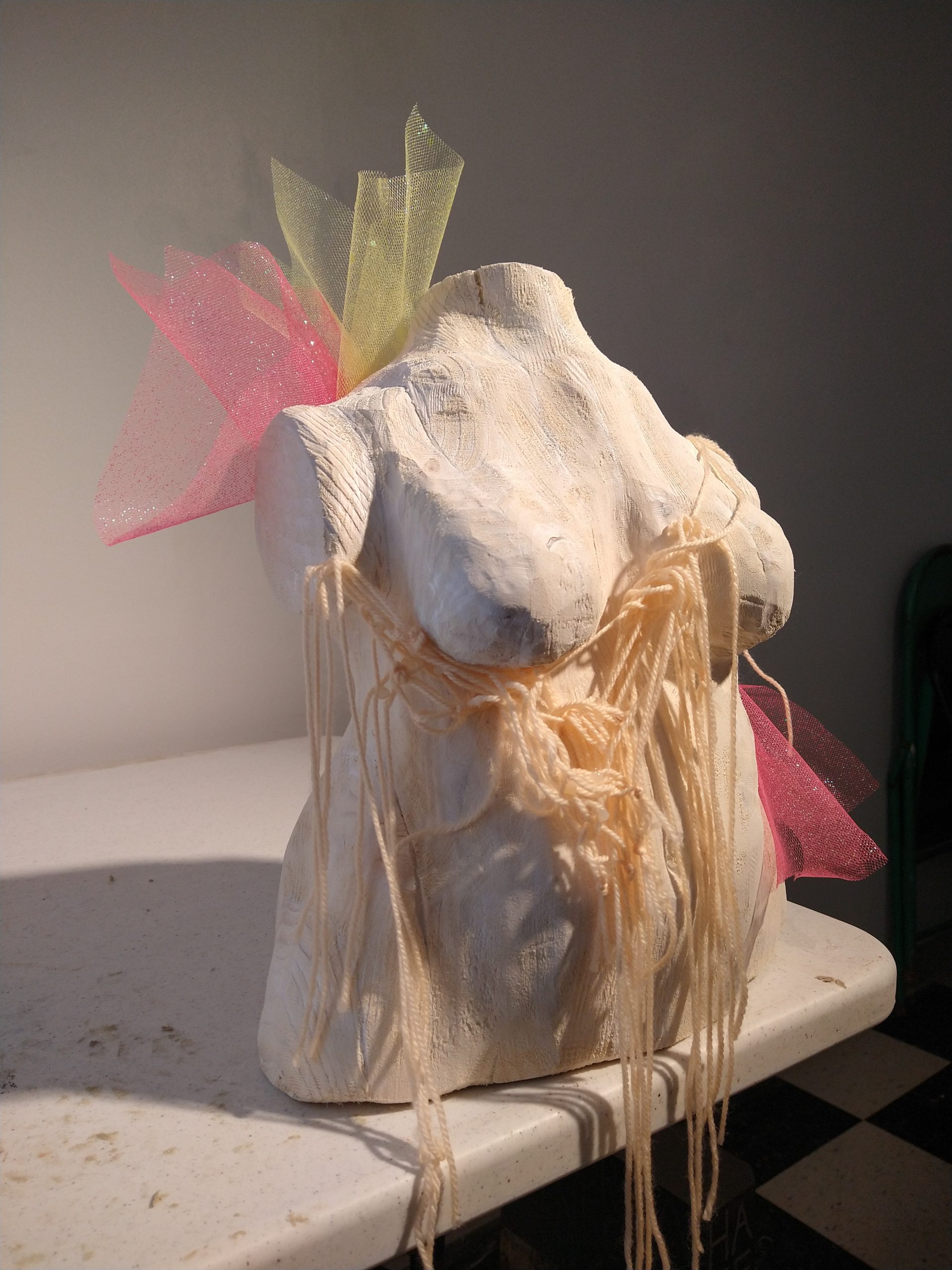
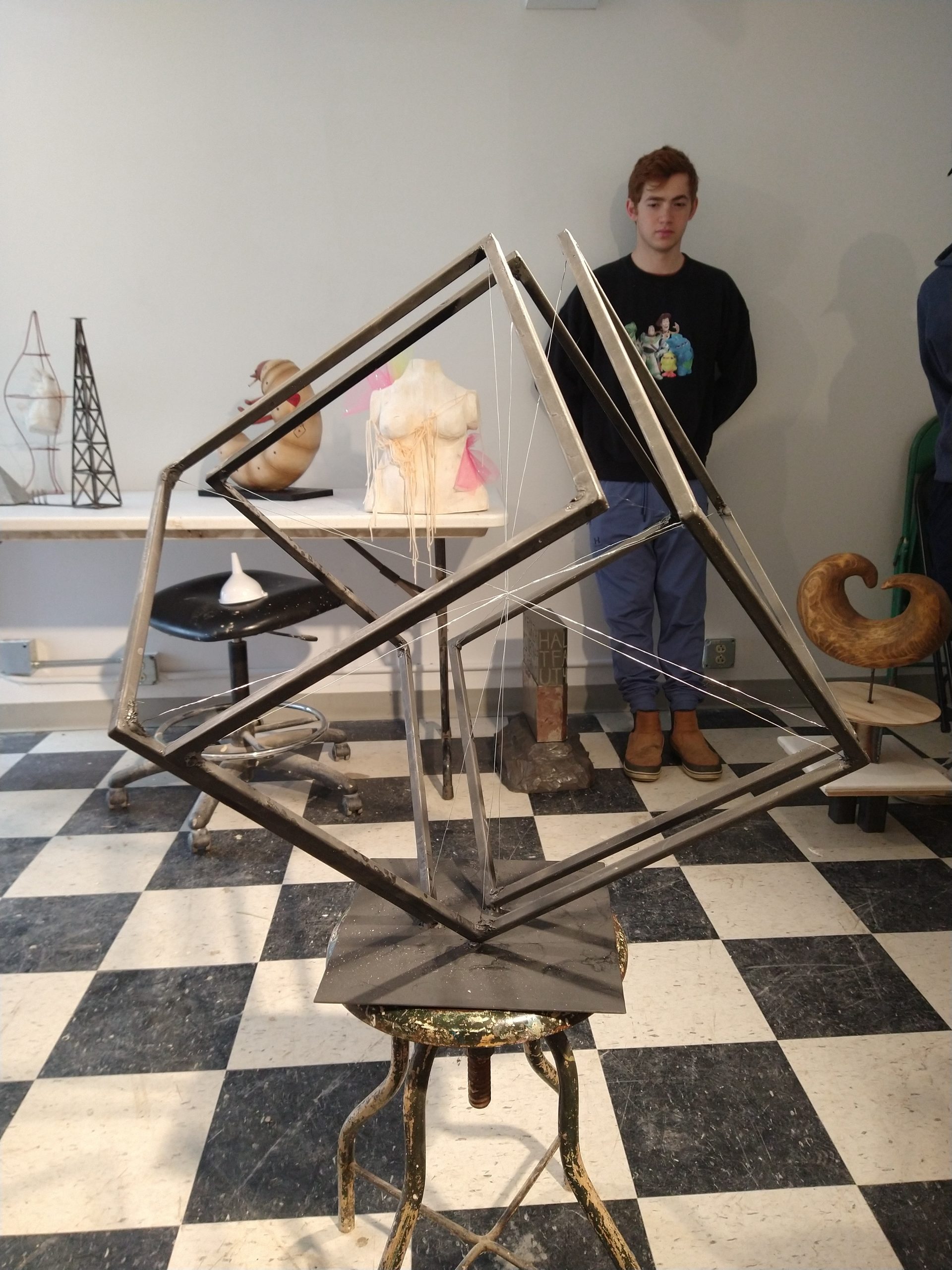
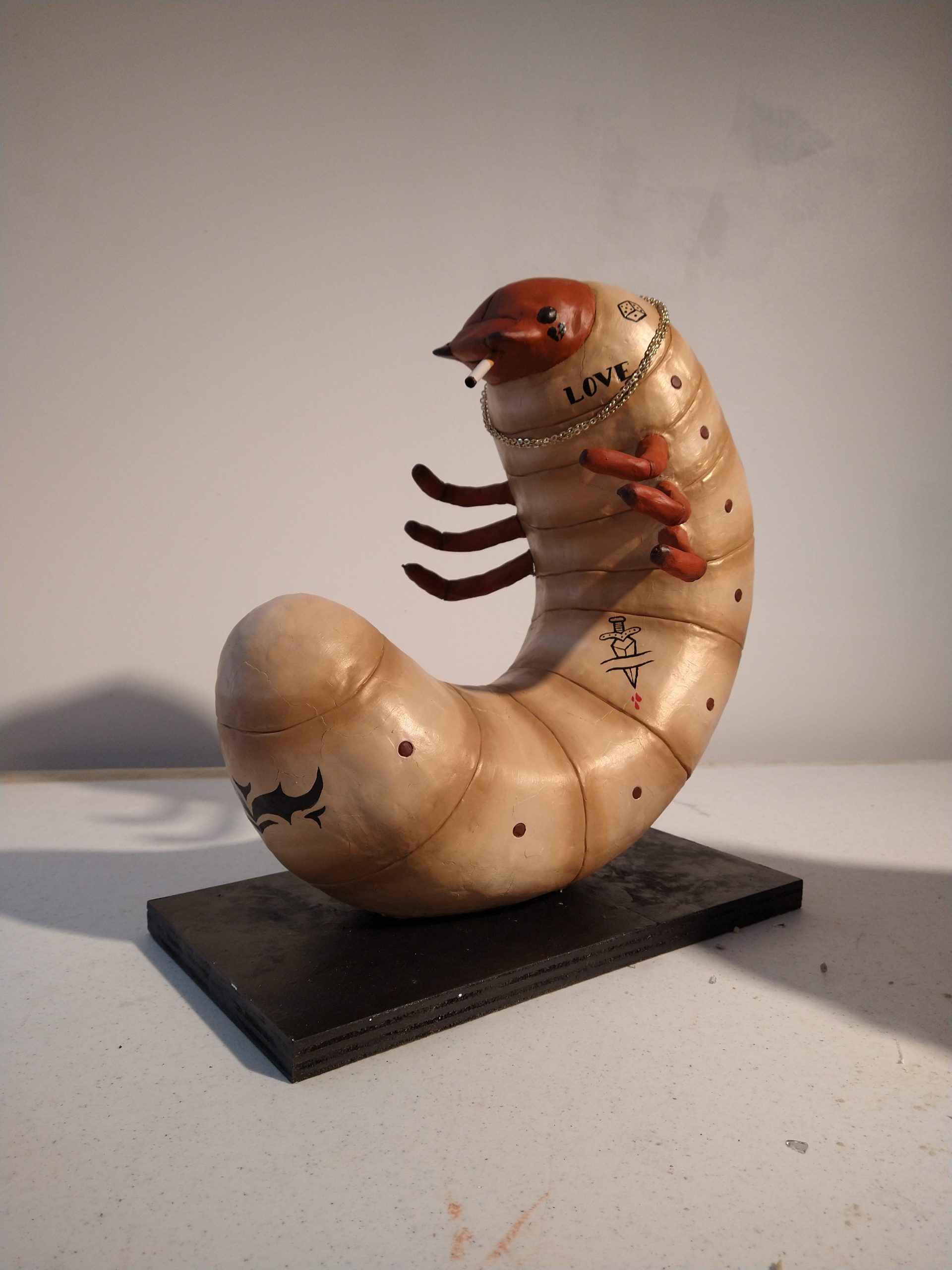
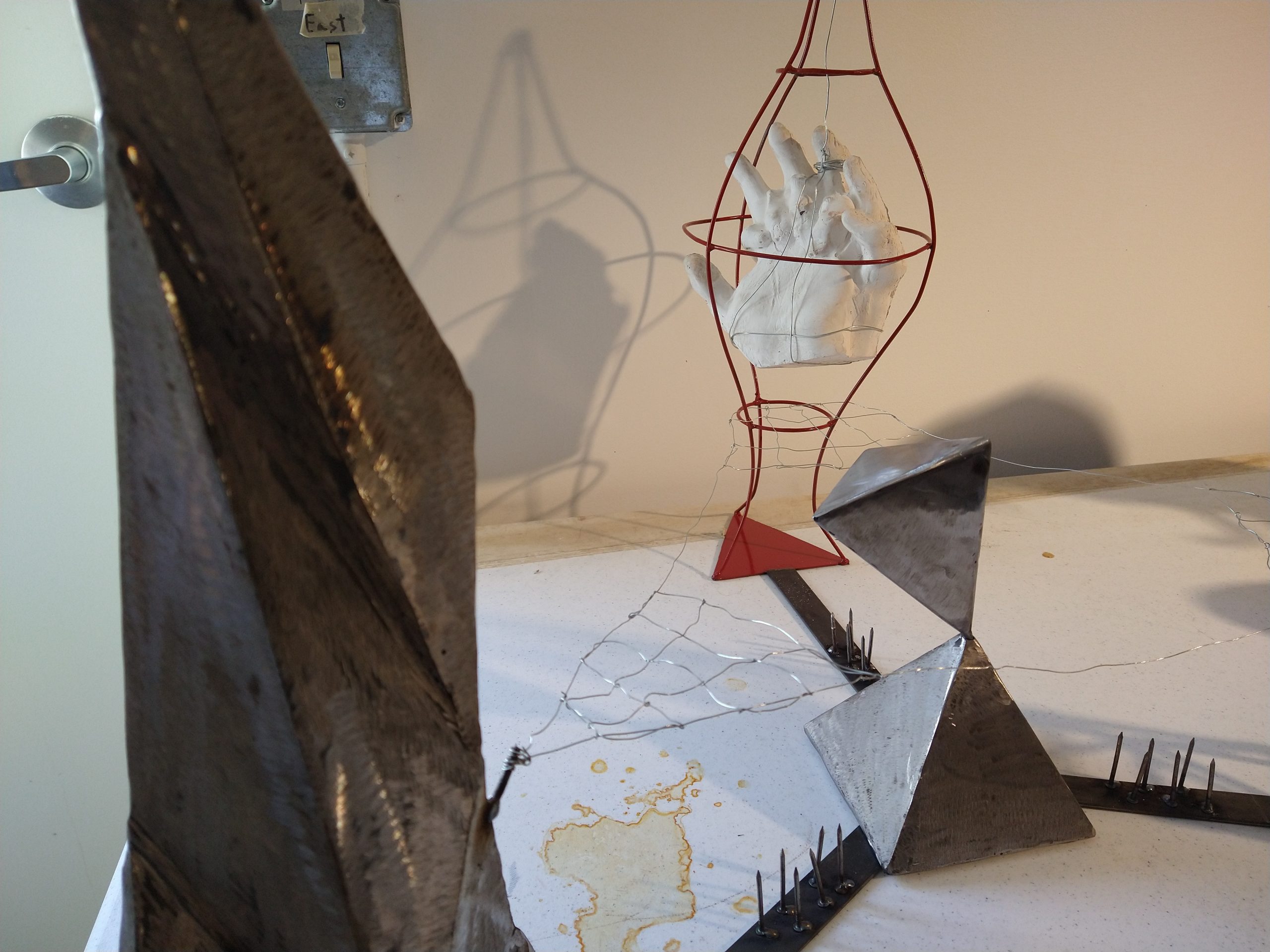
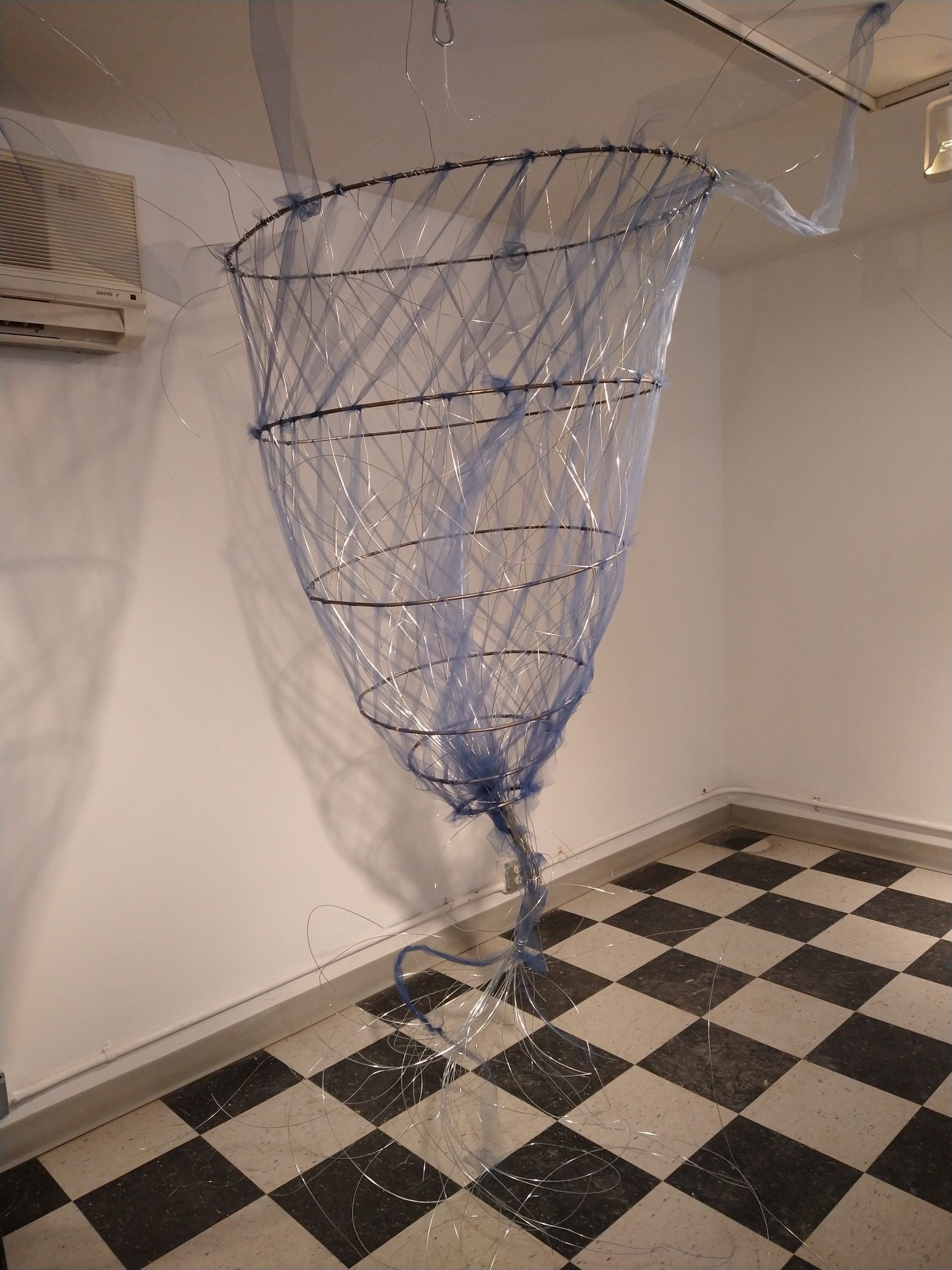
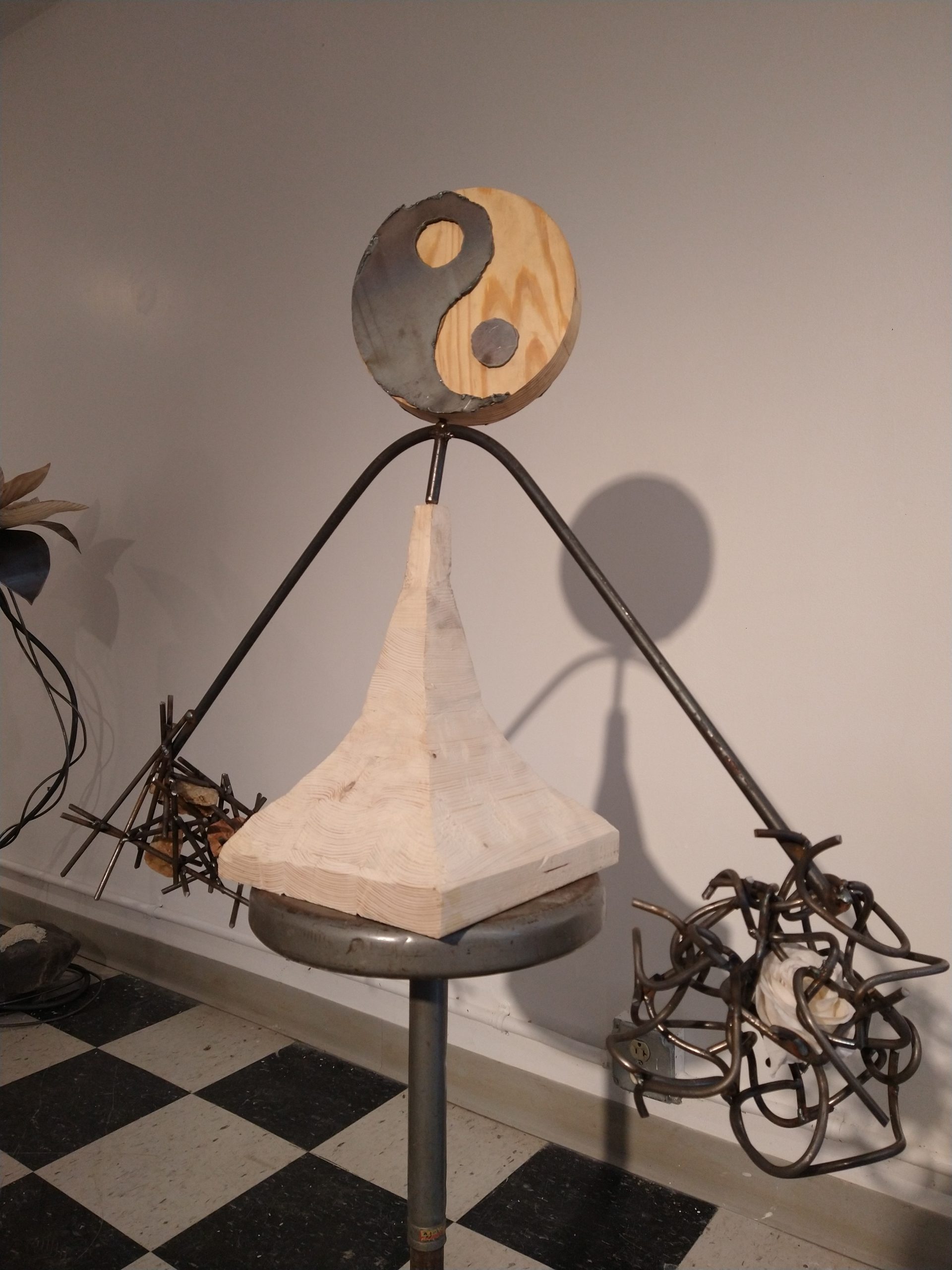
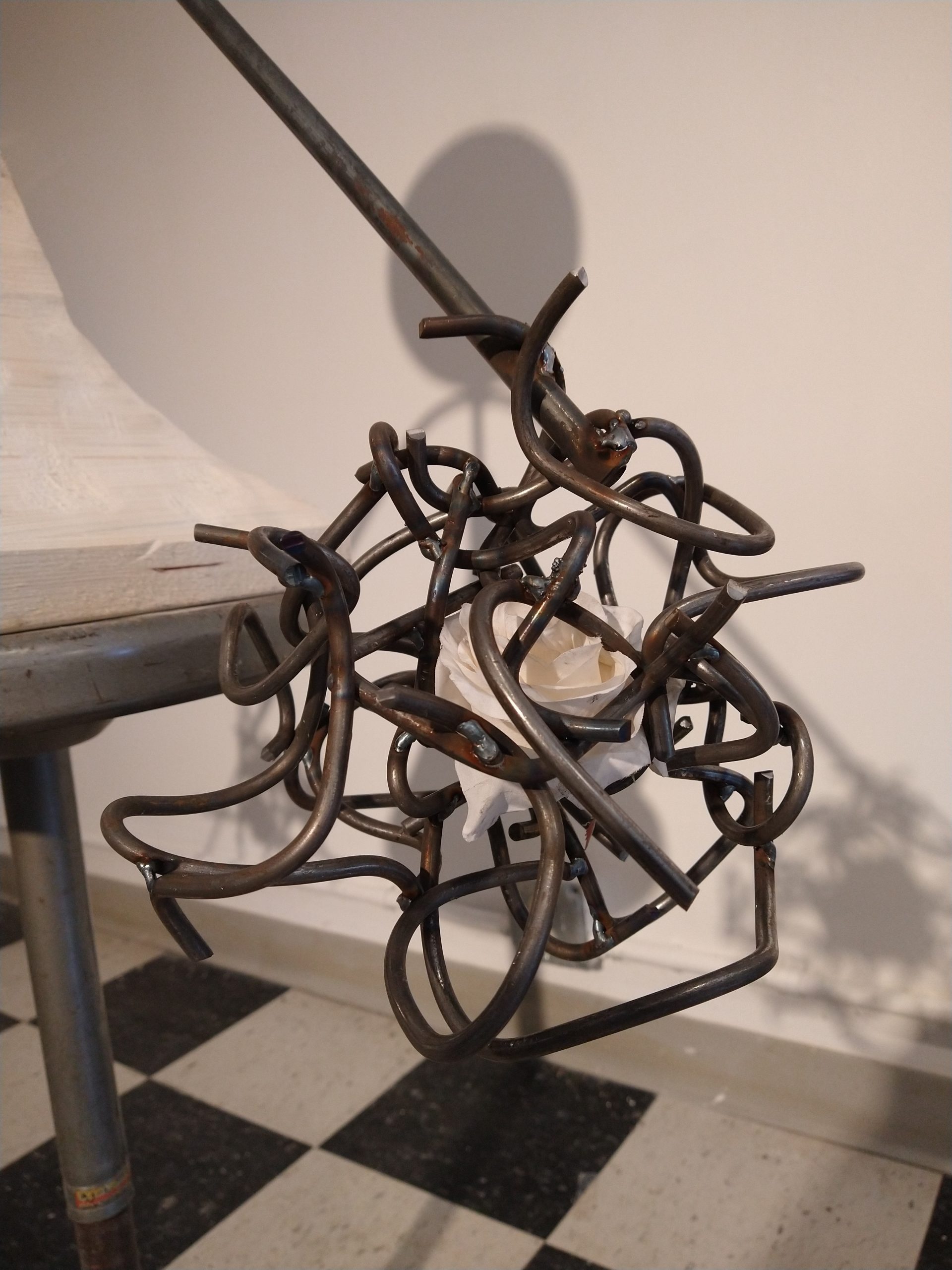
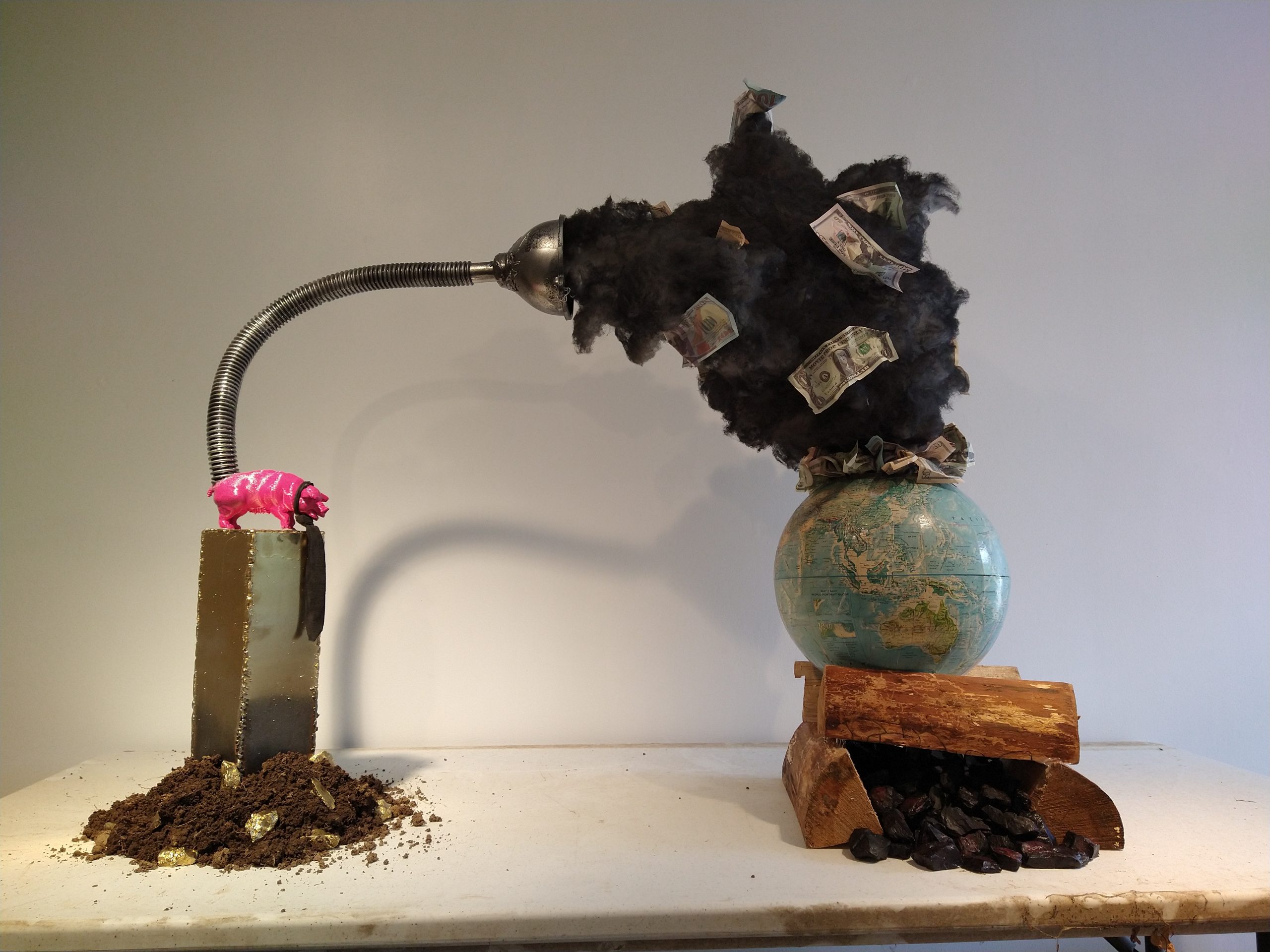
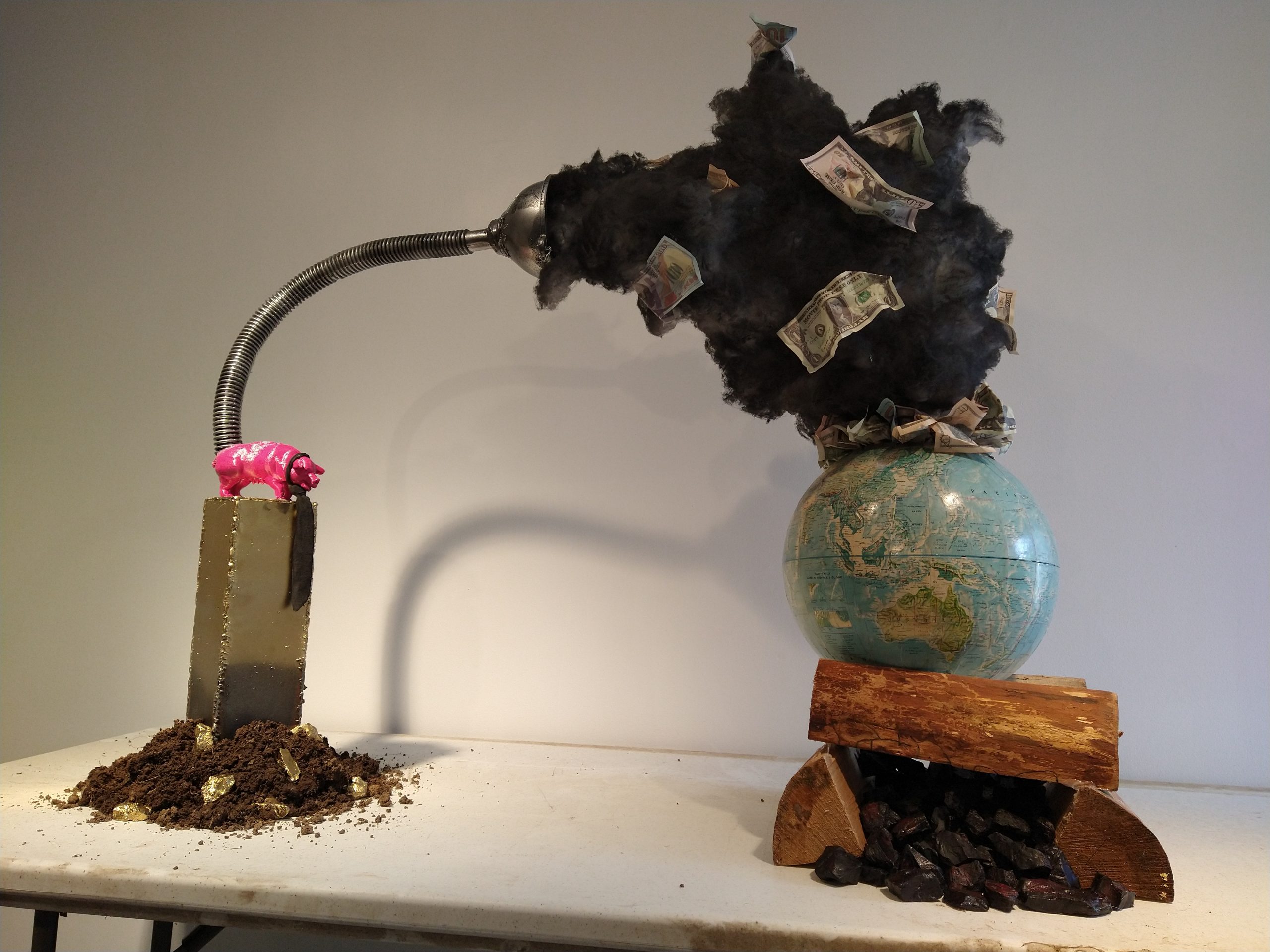
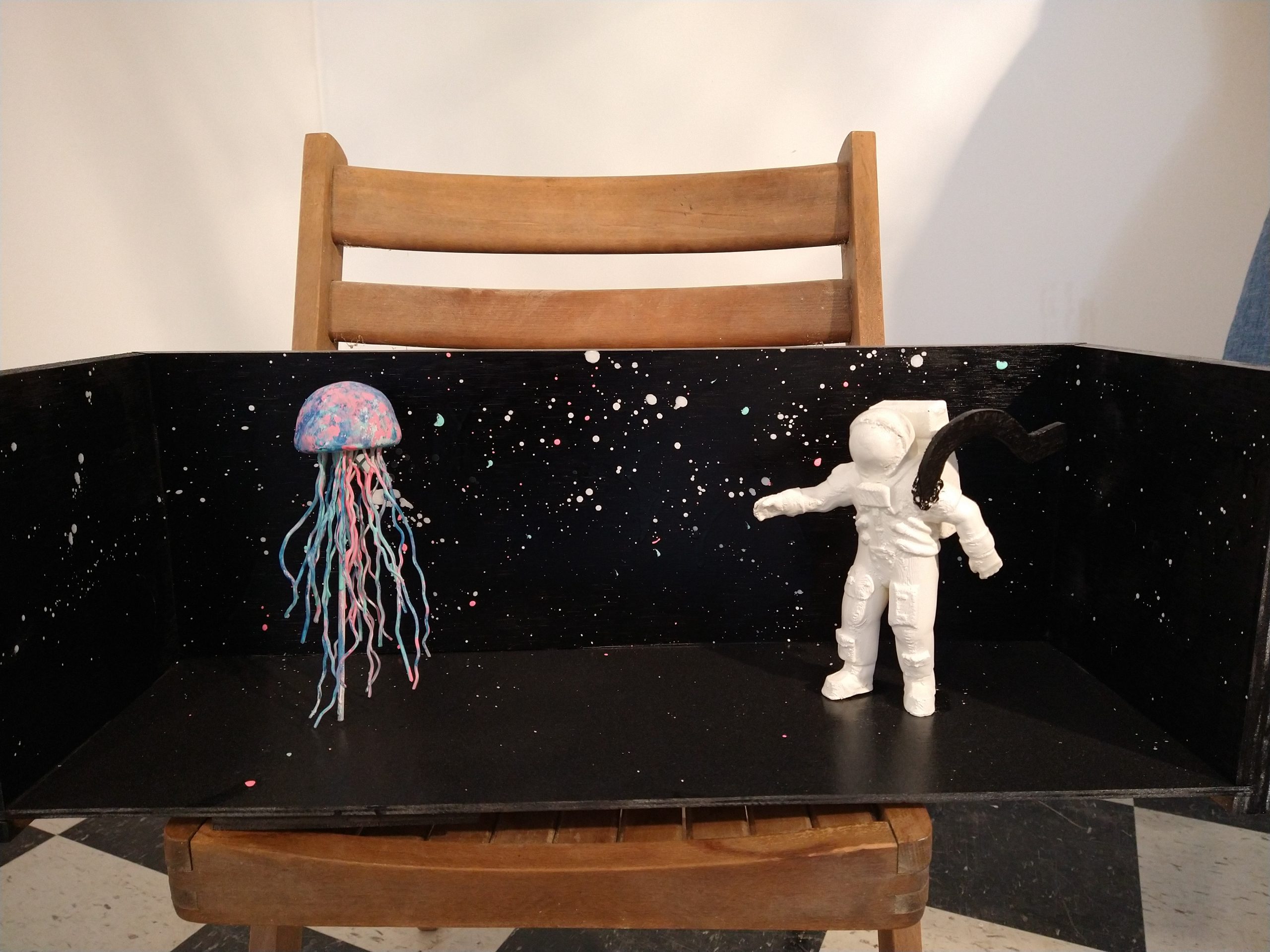
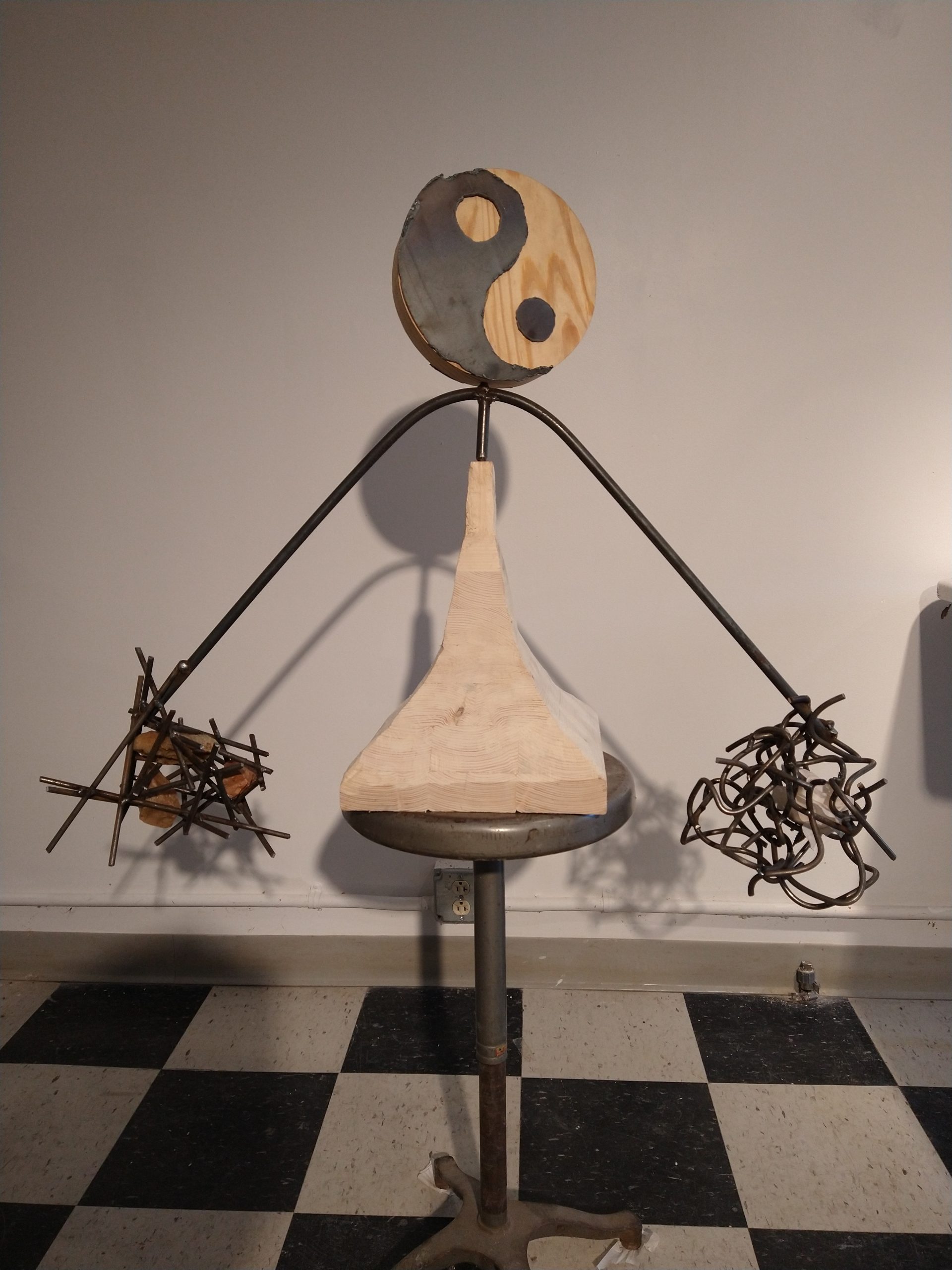
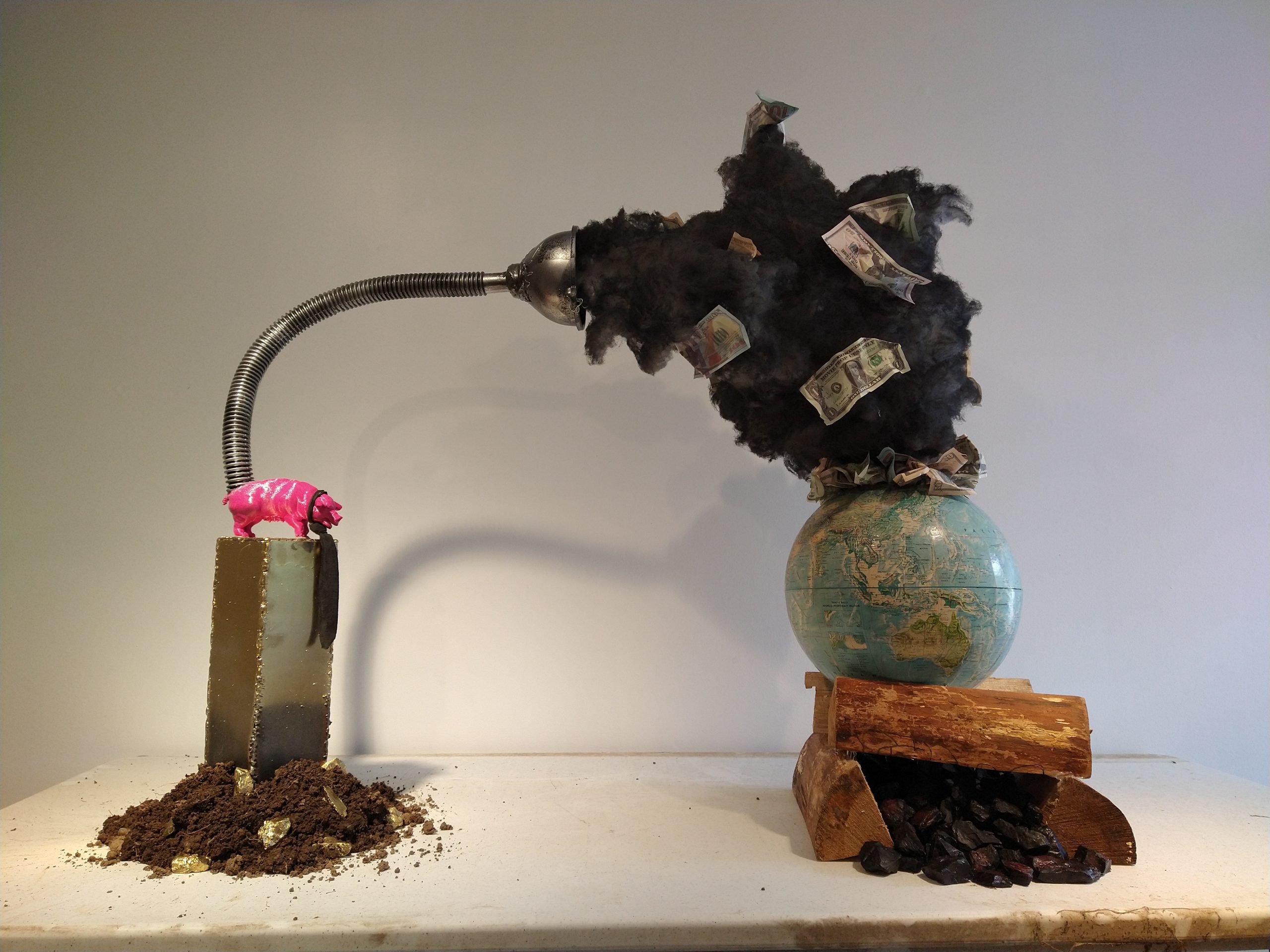
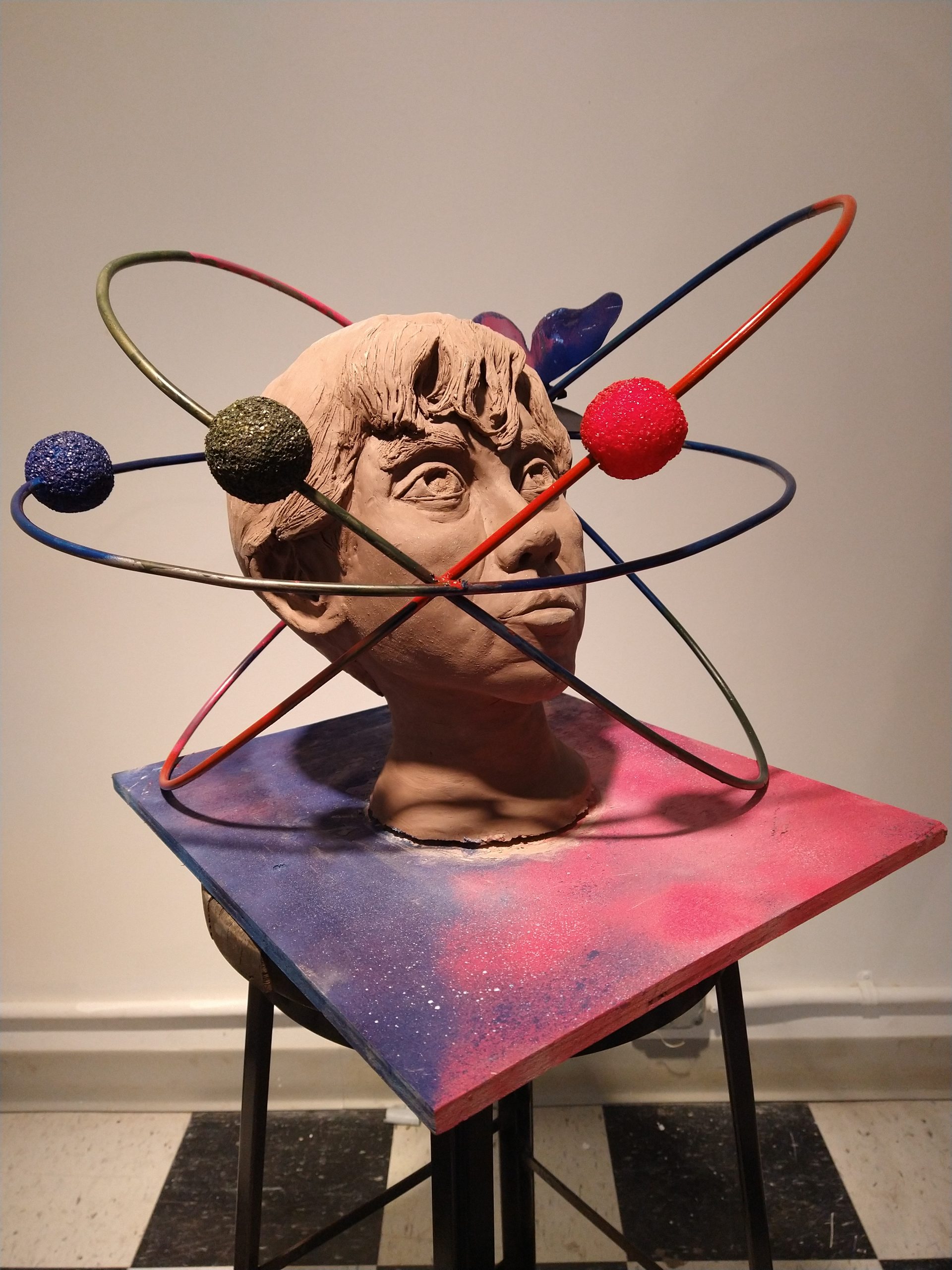
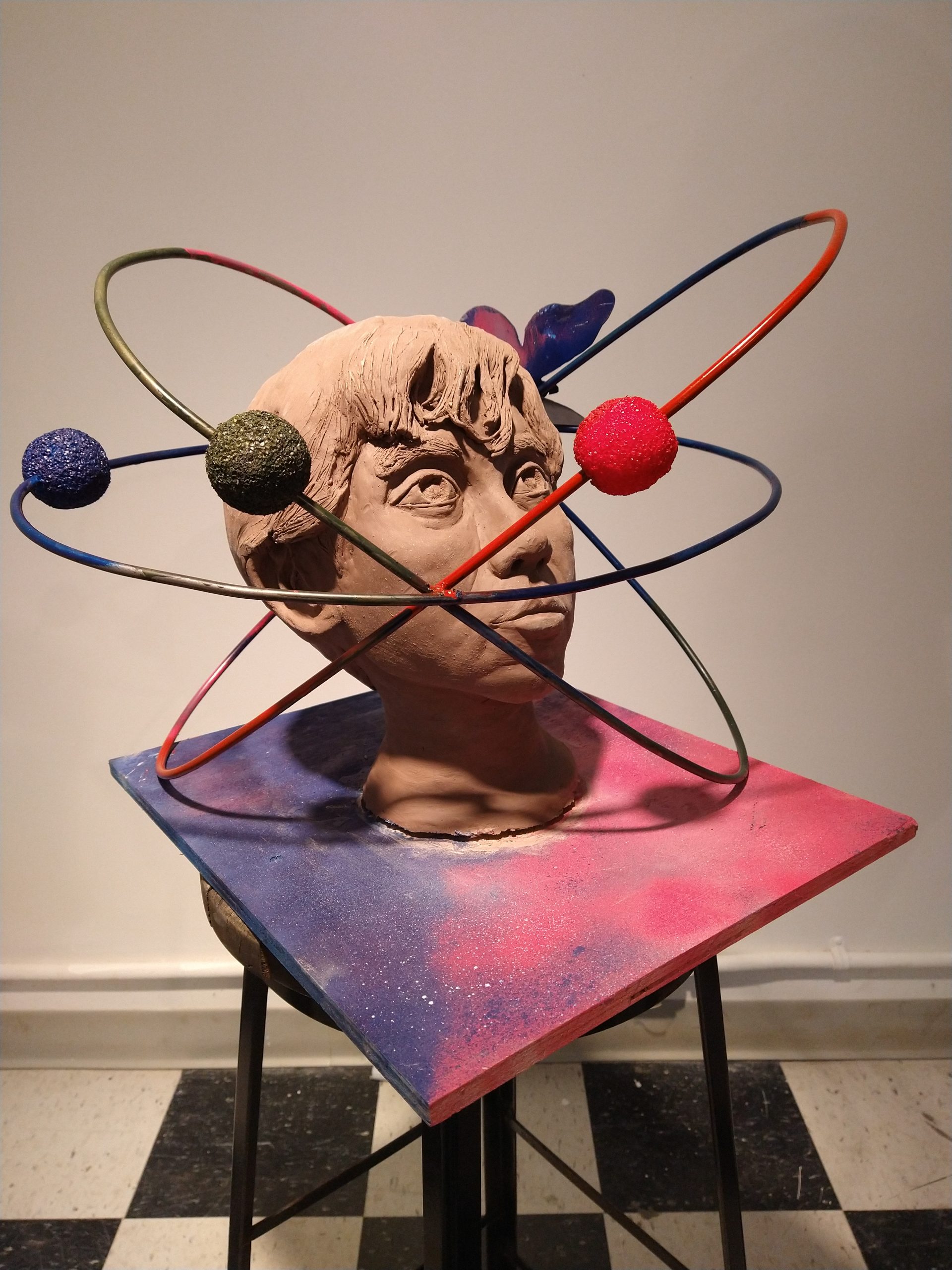
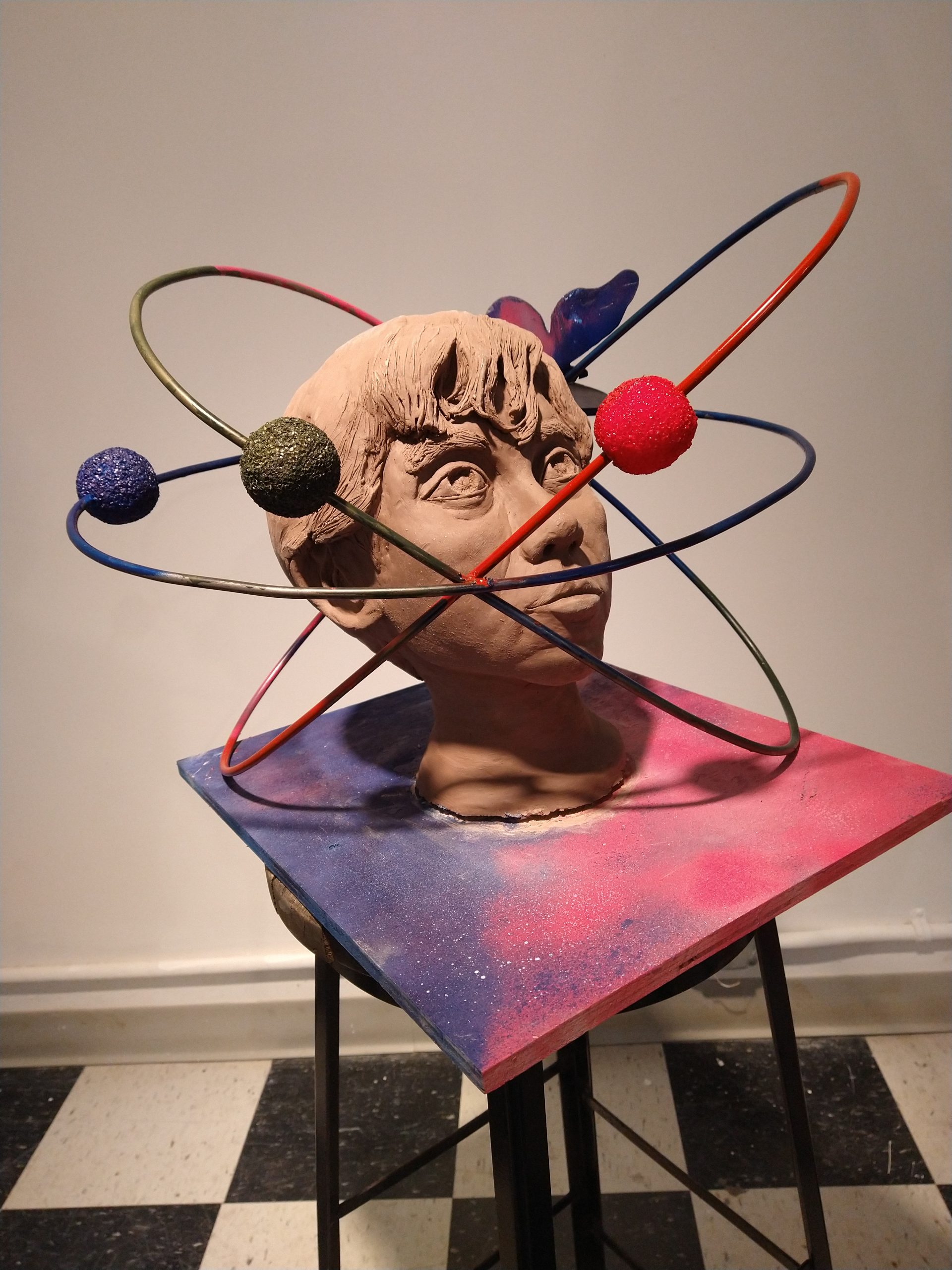
Nicole Eisenman
Yayoi Kusama
https://www.youtube.com/watch?v=reVBAbo5VU8
Rachel Harrison
Isa Genzken
Bruce Nauman
https://www.youtube.com/watch?v=lDDoo1zkn0M
Robert Gober
Erwin Wurm
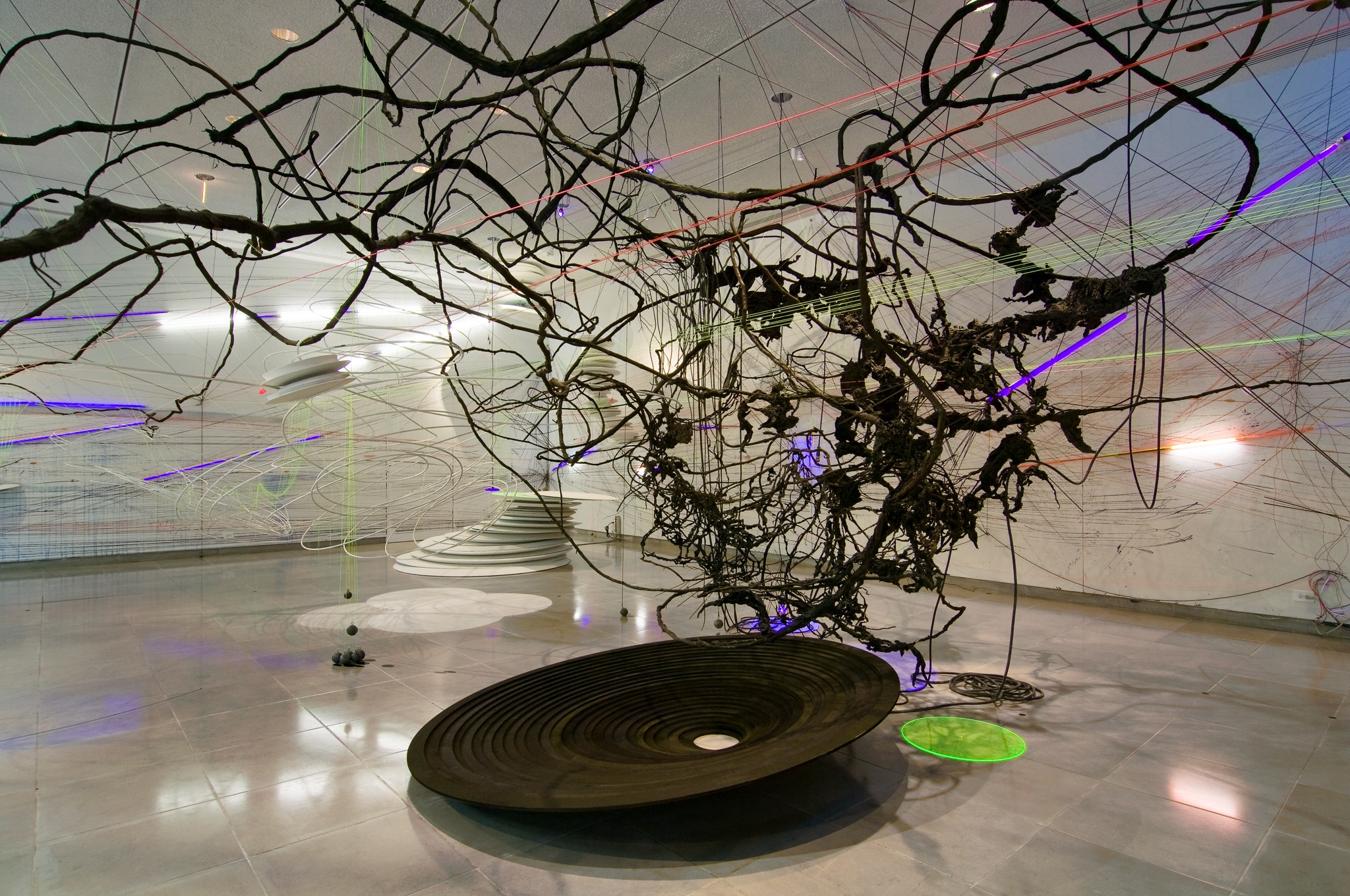
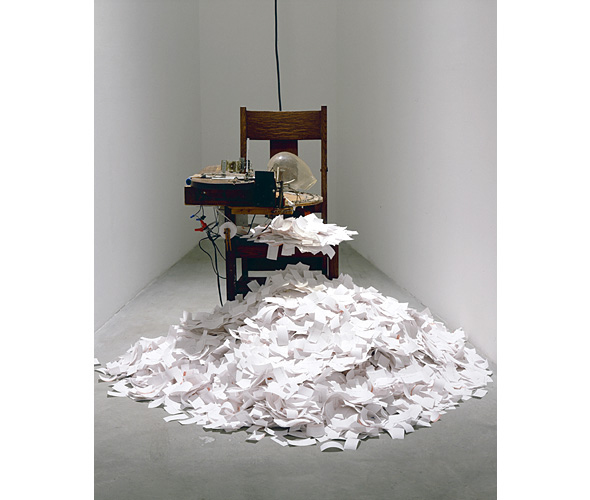
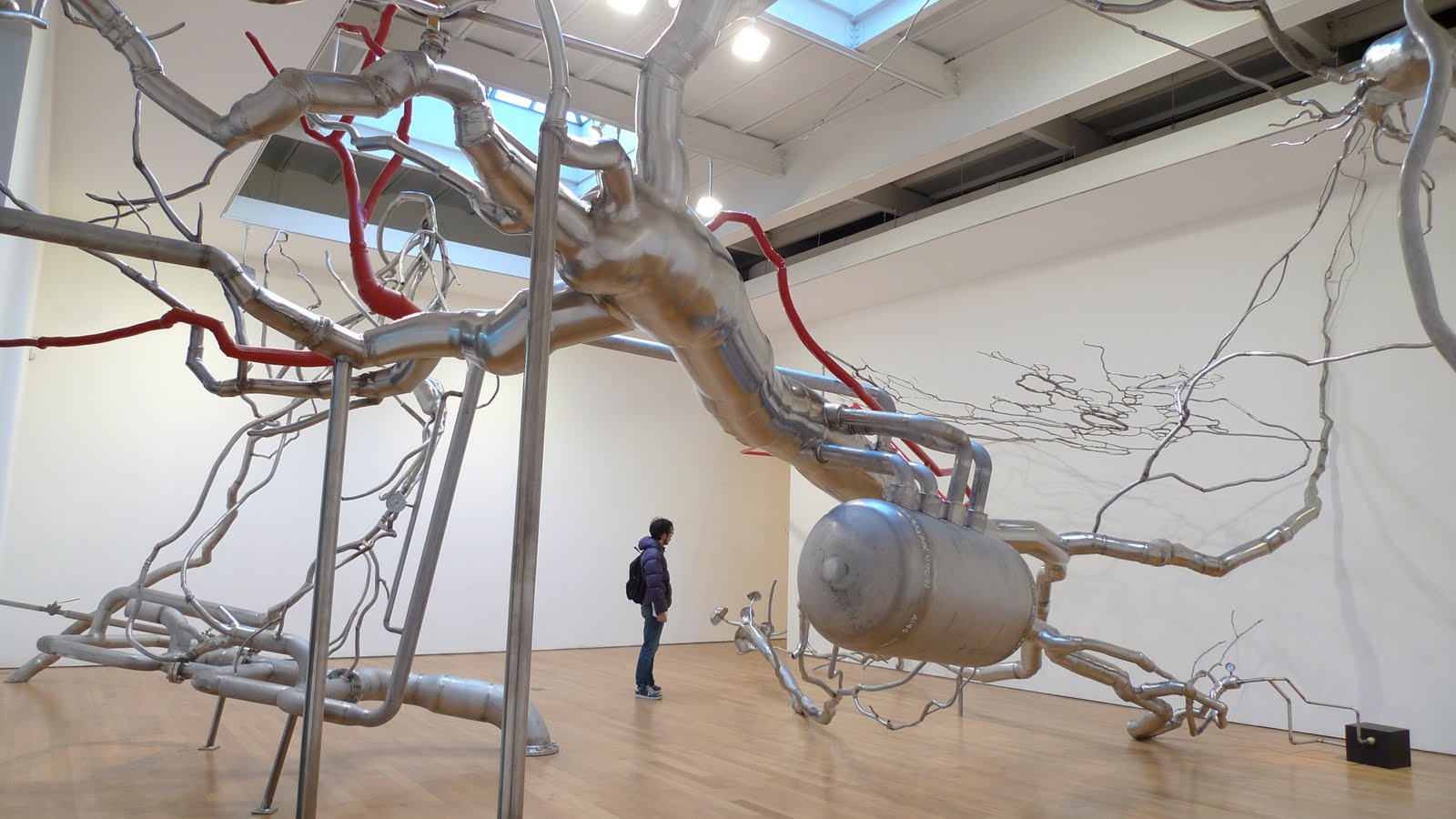
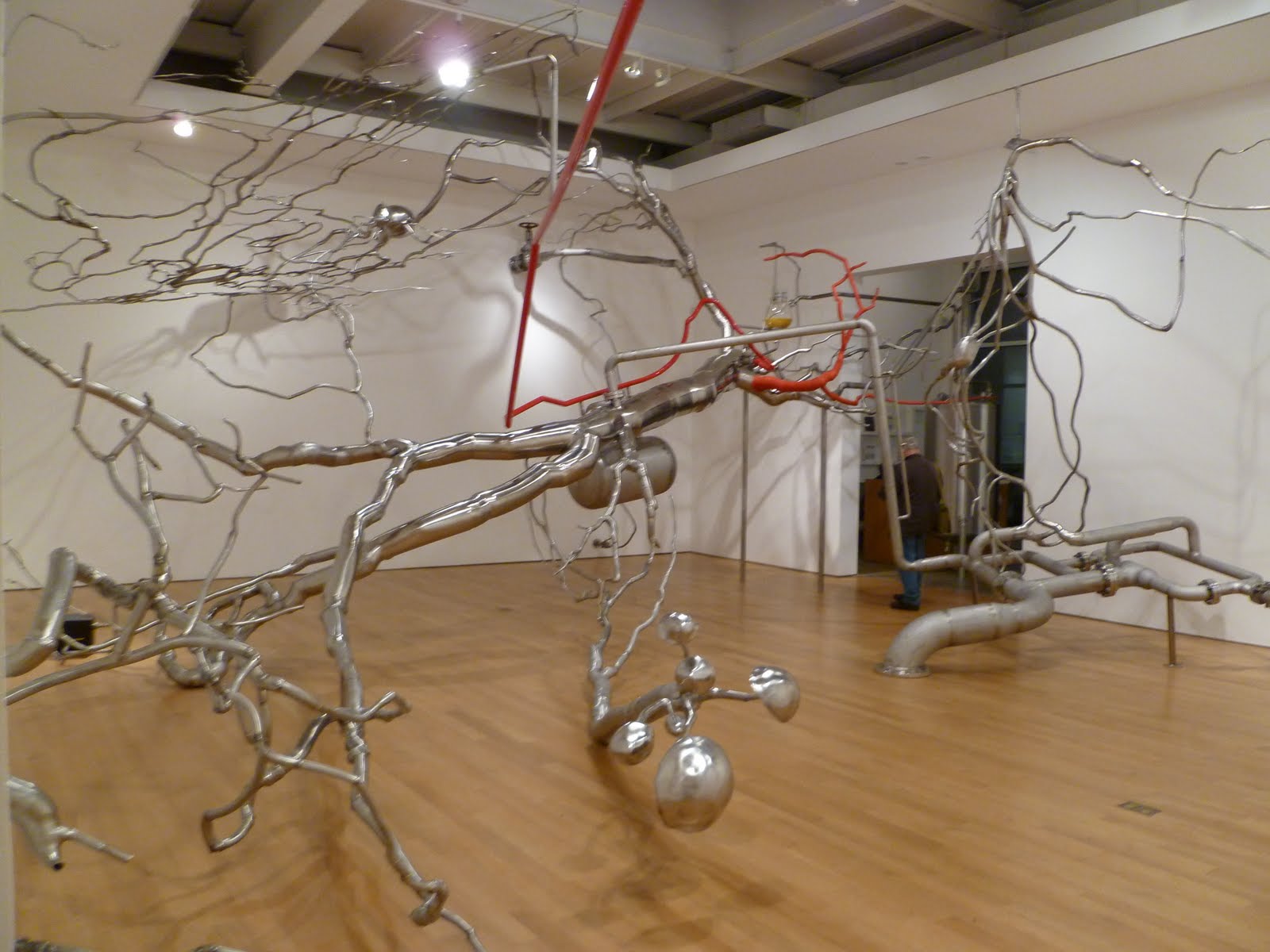
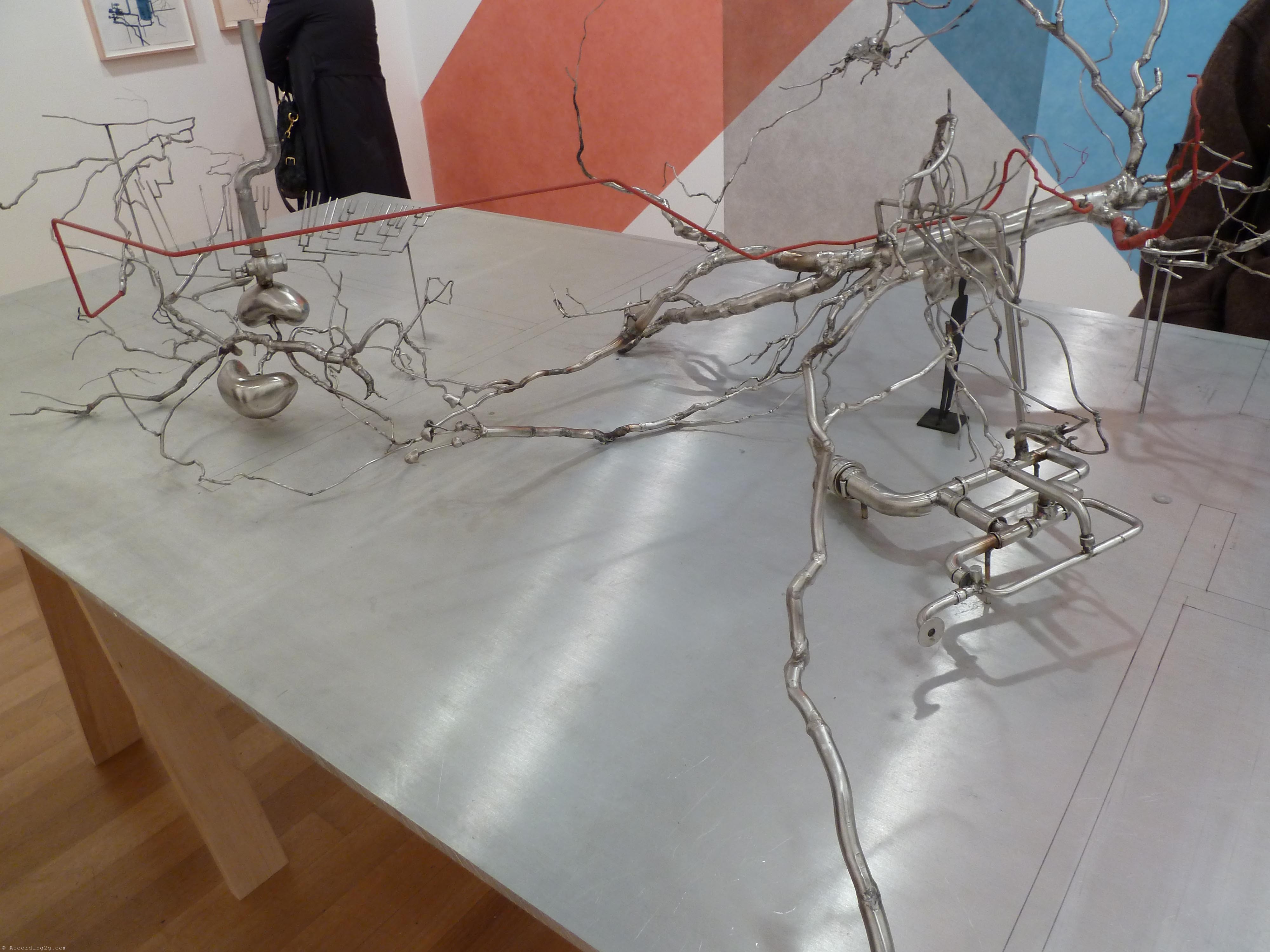
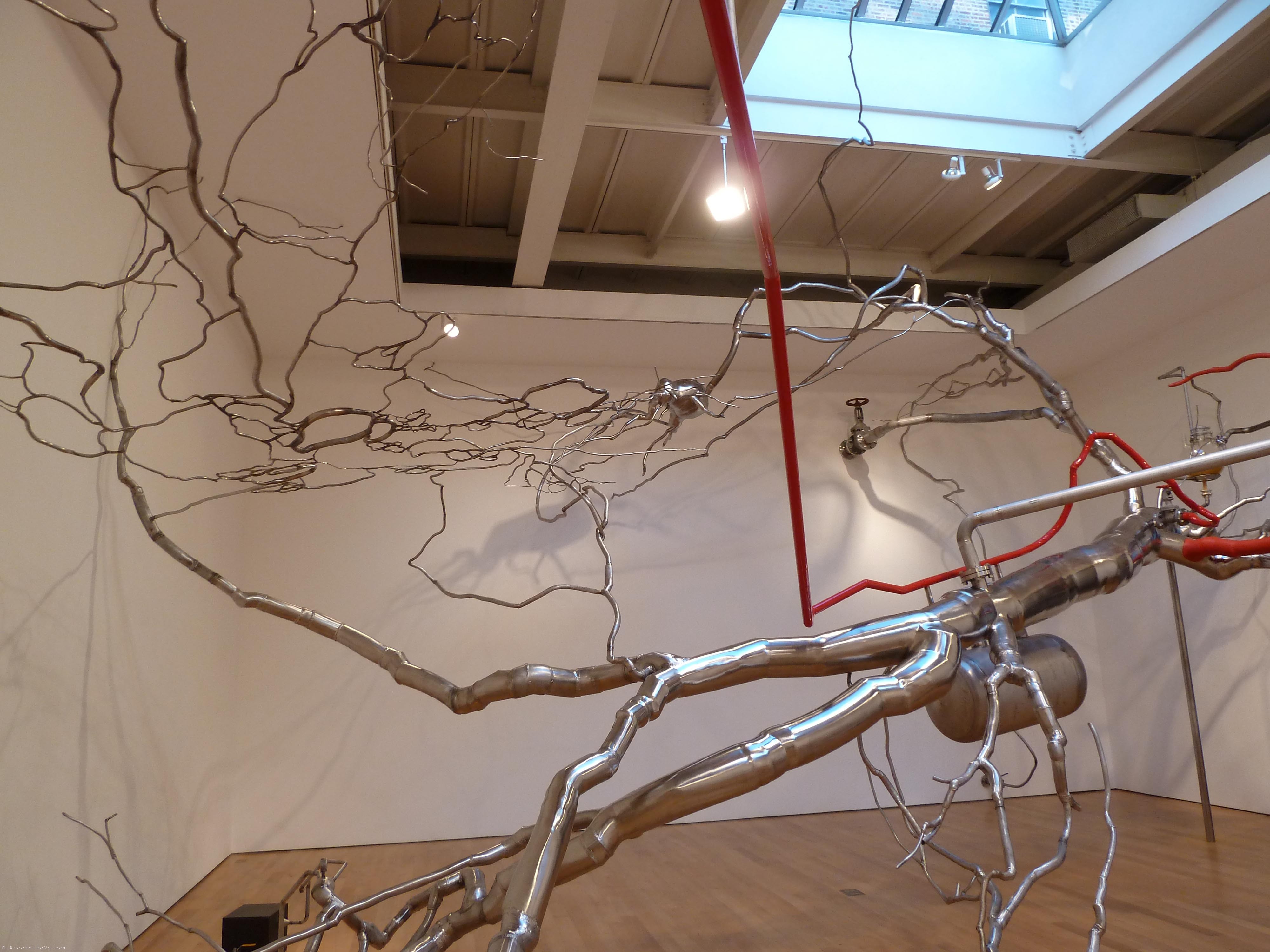
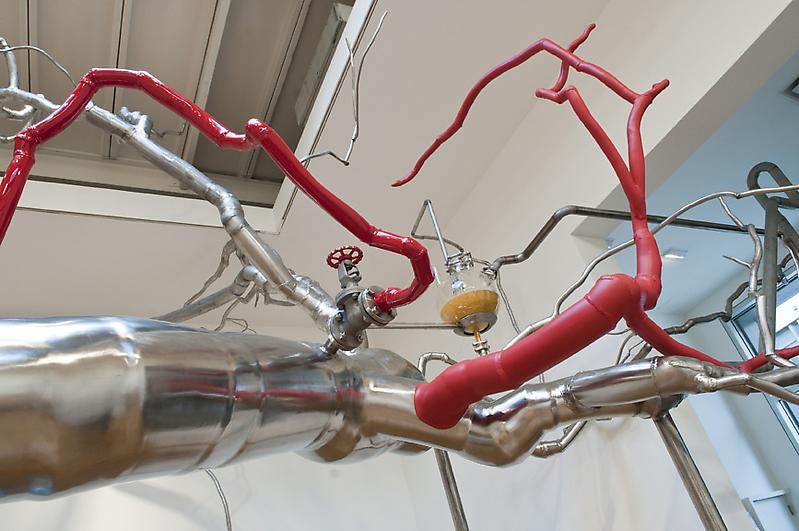
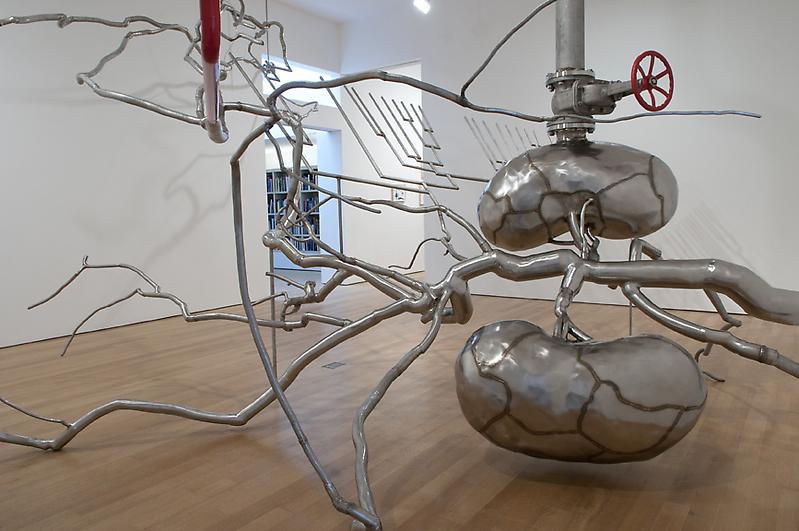
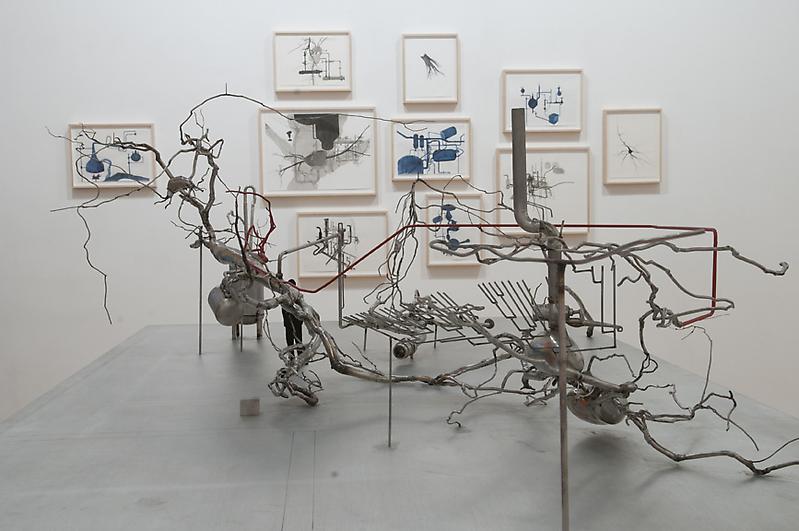
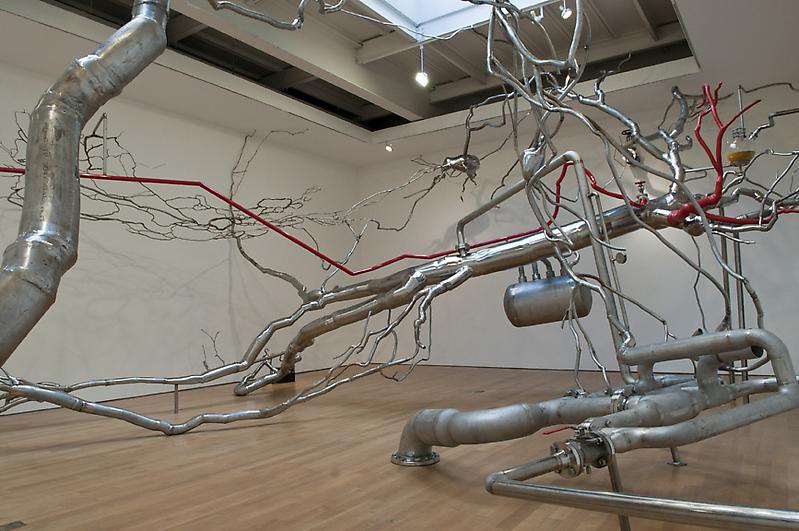
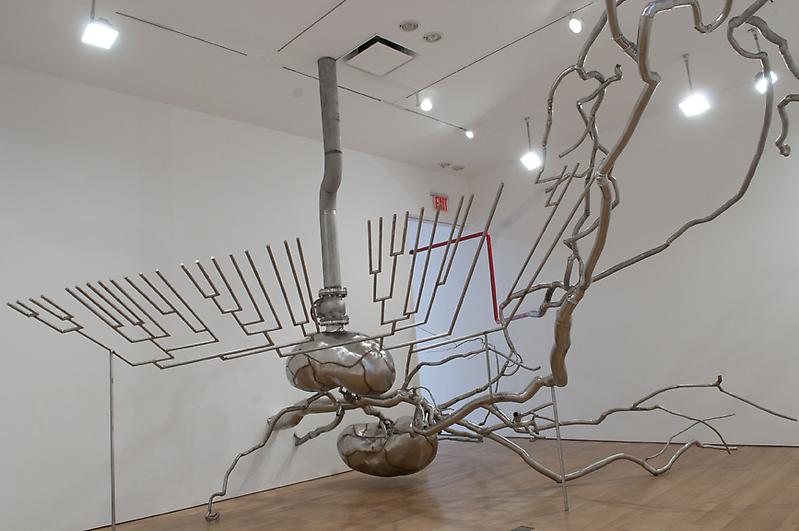
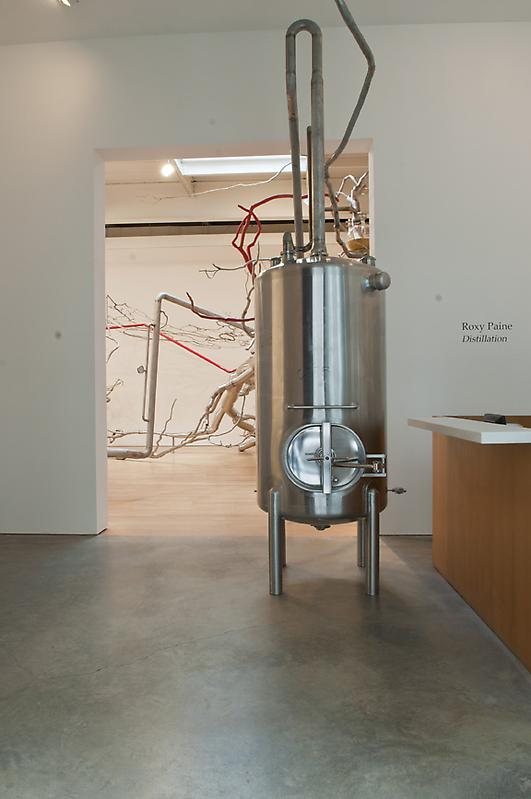
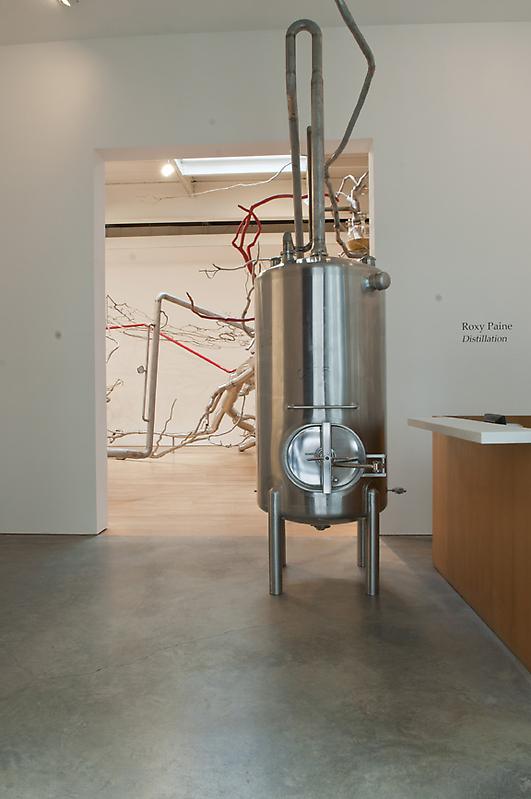
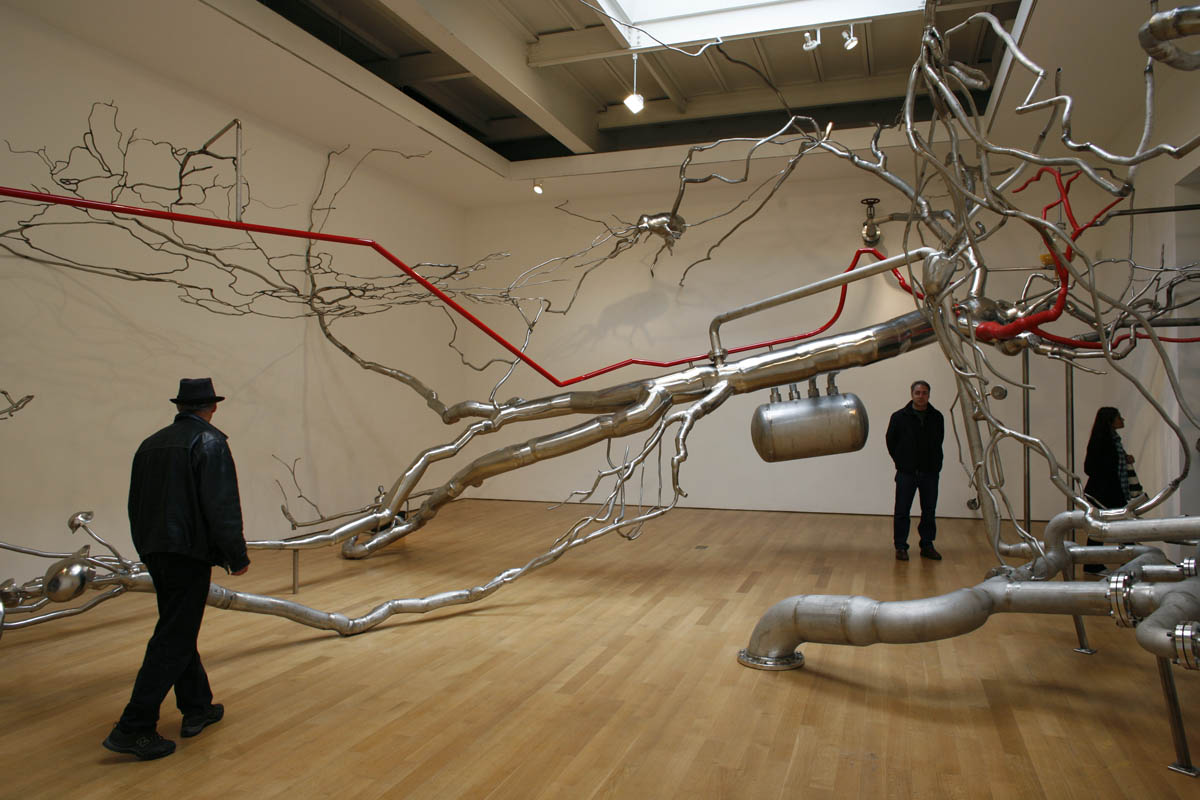
Roxy Paine, Distillation, 2010.
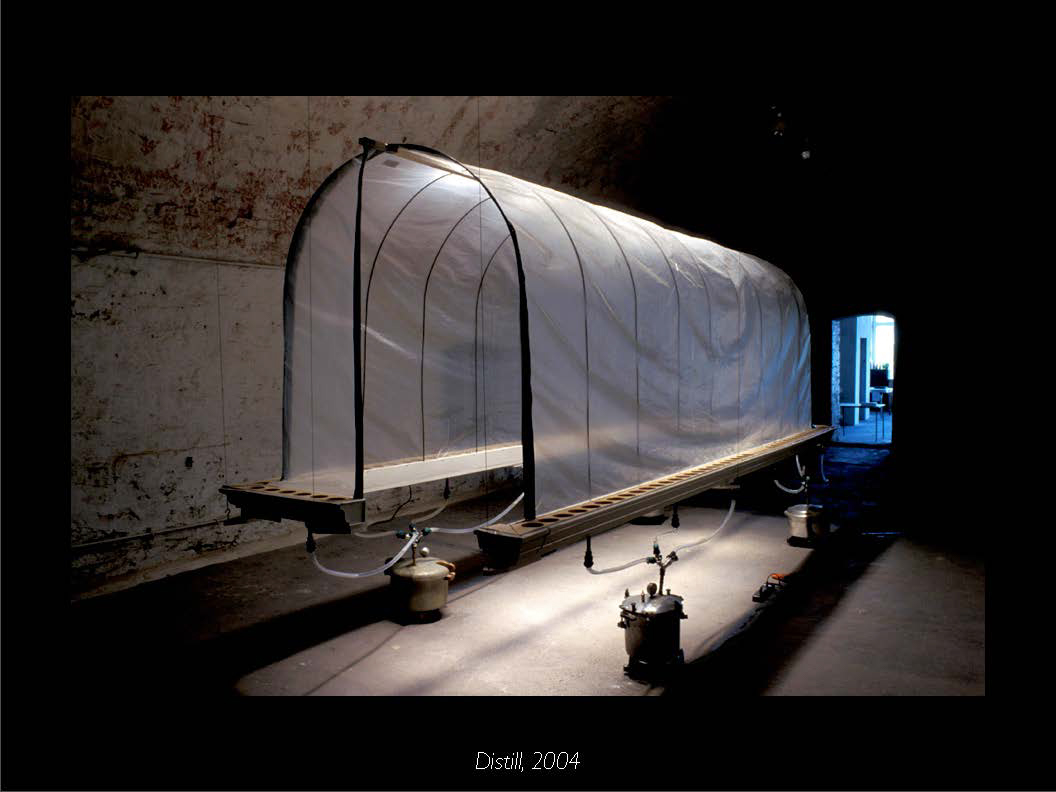
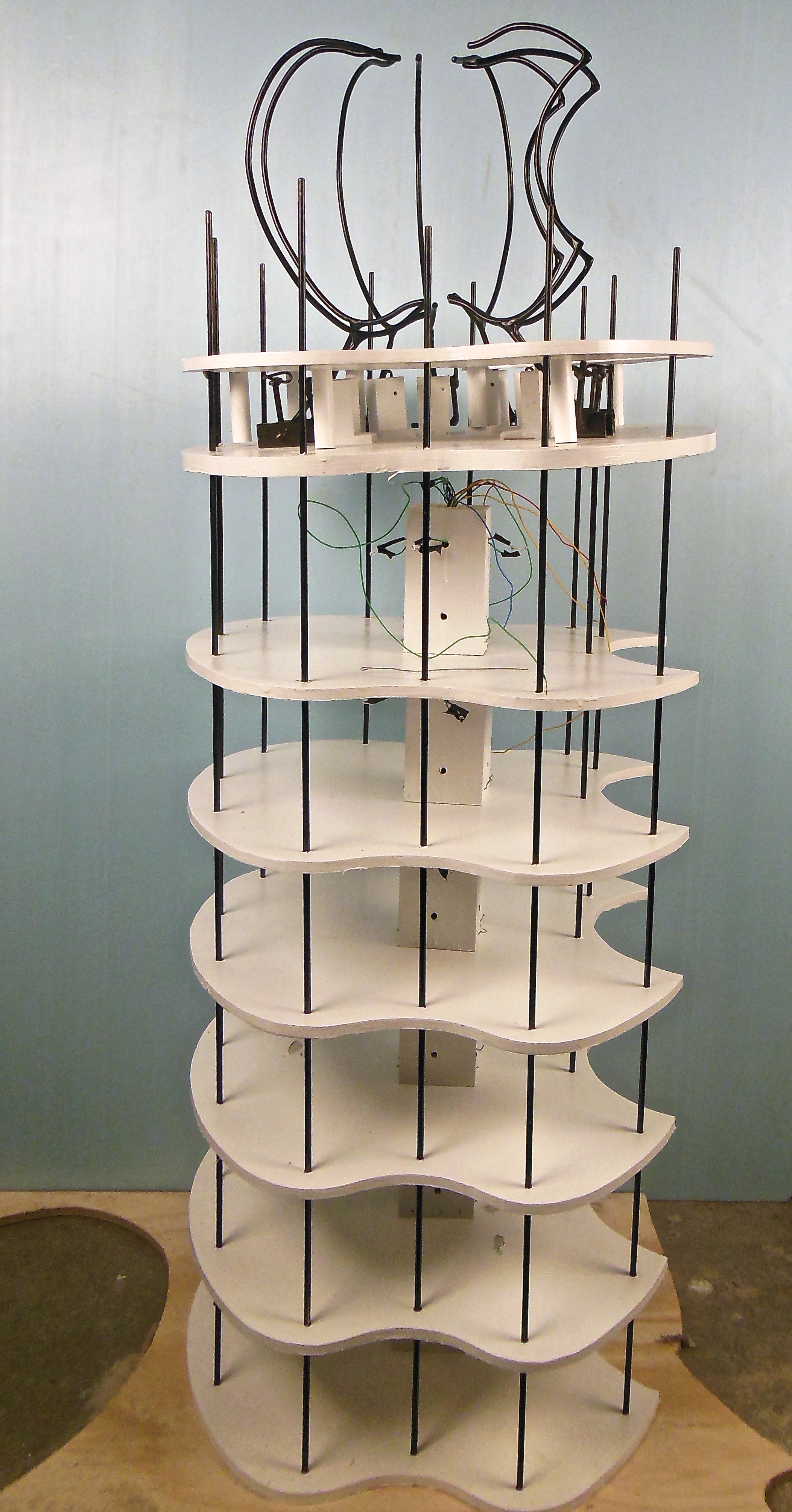
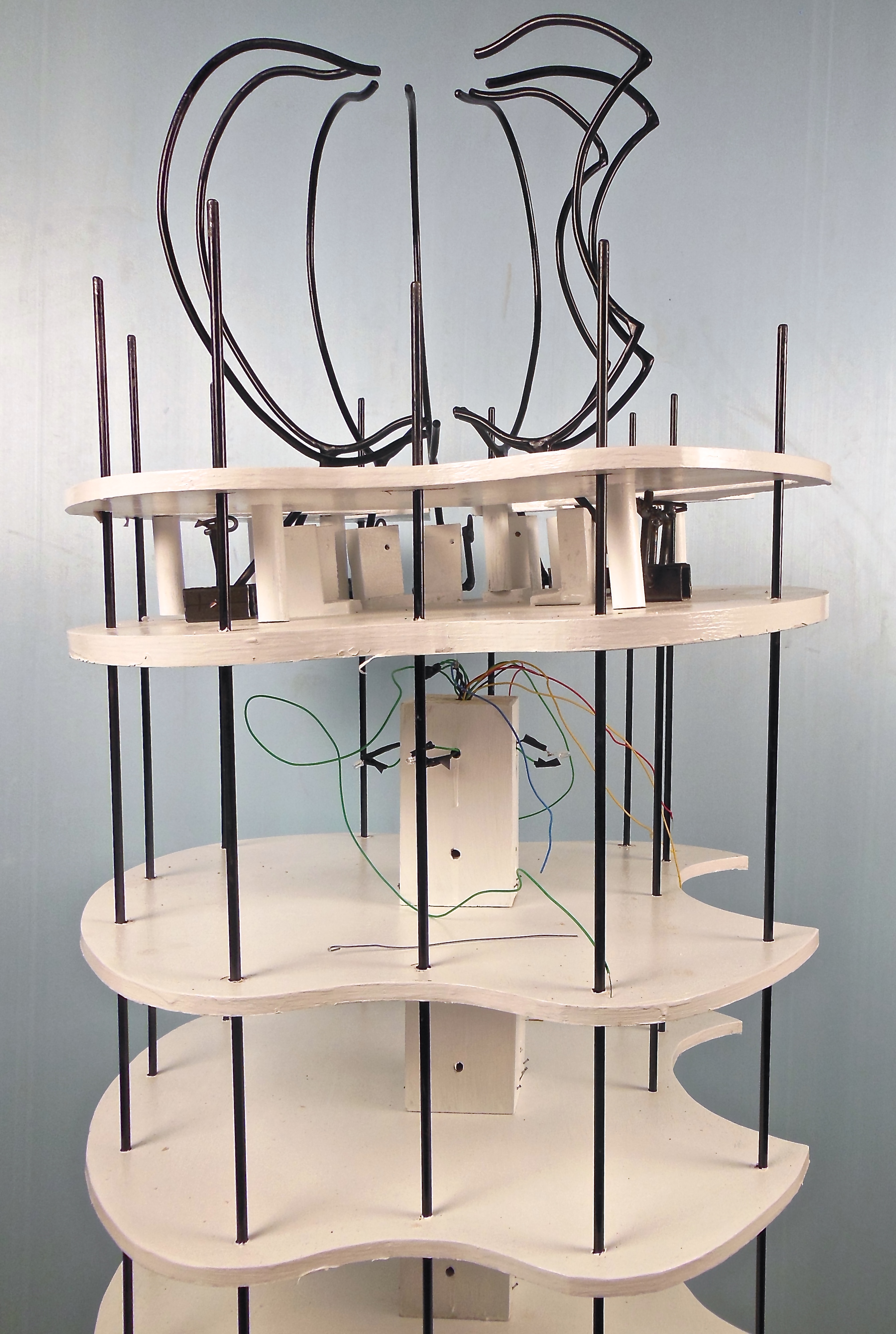
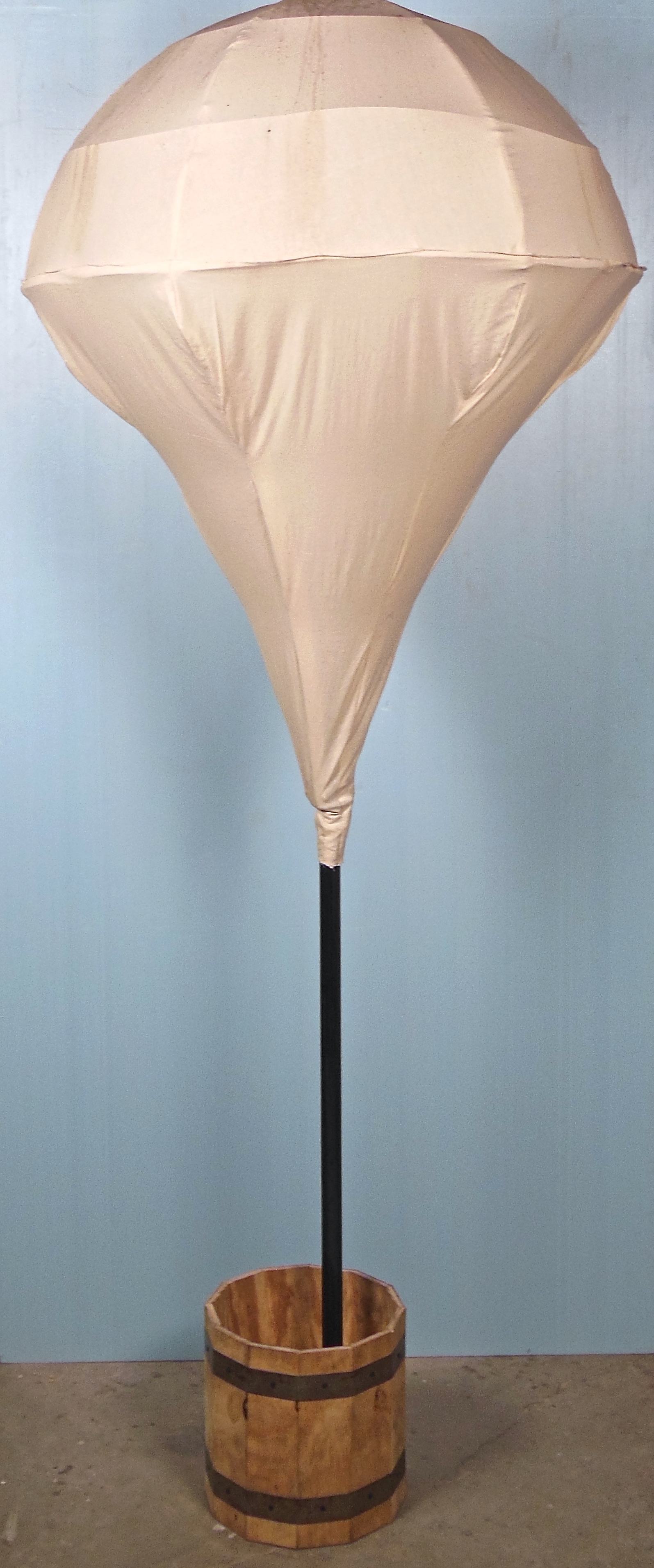
The title evokes both the process of alchemy (to distill metals into gold), as well as processes of making alcohol and other drugs. Indeed, the work includes elements such as a large glass vile filled with dirt, and various tubes, that suggest chemical laboratories. The press release indicates that the work is also a “metaphor for the artist’s mental process,” in the way that ideas go through a similar process of distillation and refinement. In an interview with the artist published in BOMB magazine in 2009, Paine discusses an interest he has in “this drive that humans have to constantly break things down into their component parts and isolate them further and further…I have a desire to constantly break things down in a critical way. I’m trying to examine it, why do we need to constantly break things down into component parts?” It appears as though this interest in components and isolation has manifested itself in Distillation. The installation provokes open metaphoric situations for processes such as oil refinement, forcing nature to bend to technology, the creative process itself, as well as the way that ideas move throughout the world and our bodies.
Please select an artist from the list that Professor Meiser put together on Google Docs
Requirements:
Once you have made your selection, add the artist’s name to this document—each student should choose a different artist and selections will be made on a first-come-first-serve basis.
https://www.youtube.com/watch?v=cPFCKIXLCM4
To find an artist, go to Bertrand Library and page through either the collection of books Professor Meiser has on reserve at the circulation desk OR the collection of Sculpture Magazines available on Level 2.
When getting a reserved book from the circulation desk, consider checking out one of the following titles—each of which has 100s of artists to choose from:
When you go to the circulation desk, be sure to mention that you’re in class ARST 250. Apparently it’s easier for the student workers to find reserve books by looking for ARST 250 rather than the professor’s name or the title of the course. To see the full collection of books that Professor Meiser has put on reserve, you can refer to this list.
To be relevant to our course, your artist should work primarily in three-dimensional media and be contemporary (still alive and making art today). Before selecting an artist, do a preliminary search on the web to make sure there’s sufficient information available. When you prepare for the Artist Presentation you will want to learn what the artist has said or written about their work by reviewing some interviews with the artist and/or articles about their work. These materials will help you learn about the artist’s particular agenda, set of influences, and way of working. If you can’t find any interviews or articles then look to see if the artist has written any statements about their projects. If you have trouble finding information on the artist then you’ll want to choose someone else.
Once you’ve made your selection, email the artist’s name to EVERYONE in the class, CCing Professor Meiser. Please note that each student should select a different artist. First come, first serve. Your classmates’ email addresses are posted on the “contact info” page of the class website.
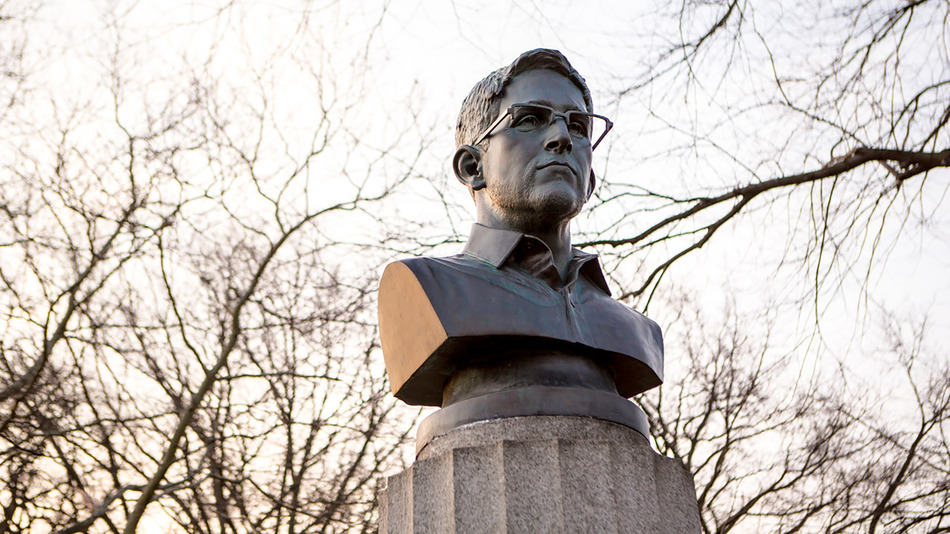
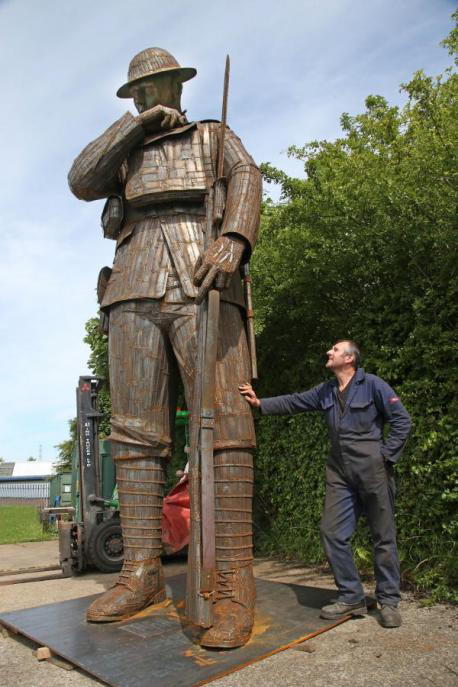
http://www.huffingtonpost.com/2015/04/06/edward-snowden-statue-brooklyn-park-nypd_n_7011834.html
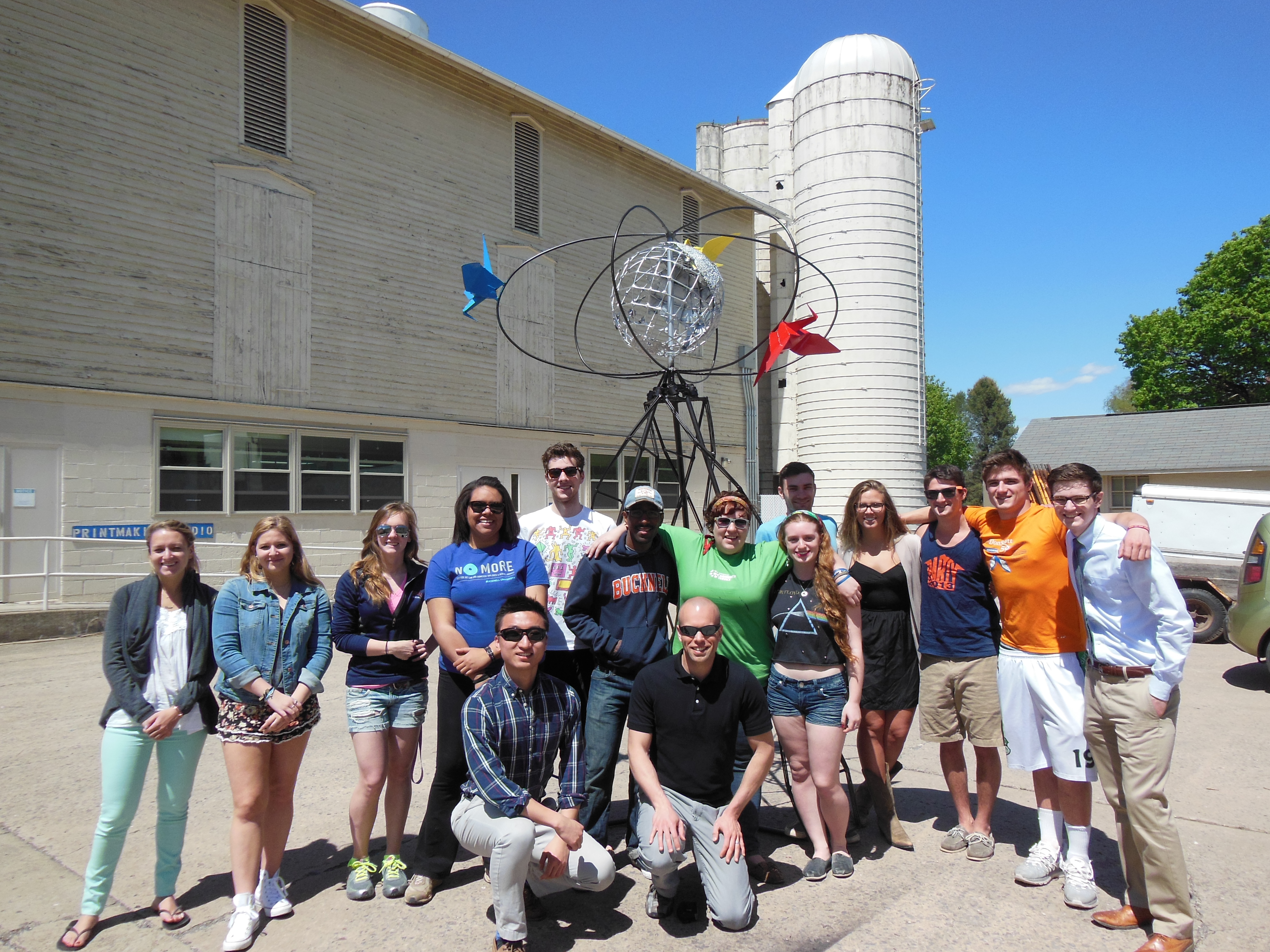
PROJECT OVERVIEW:
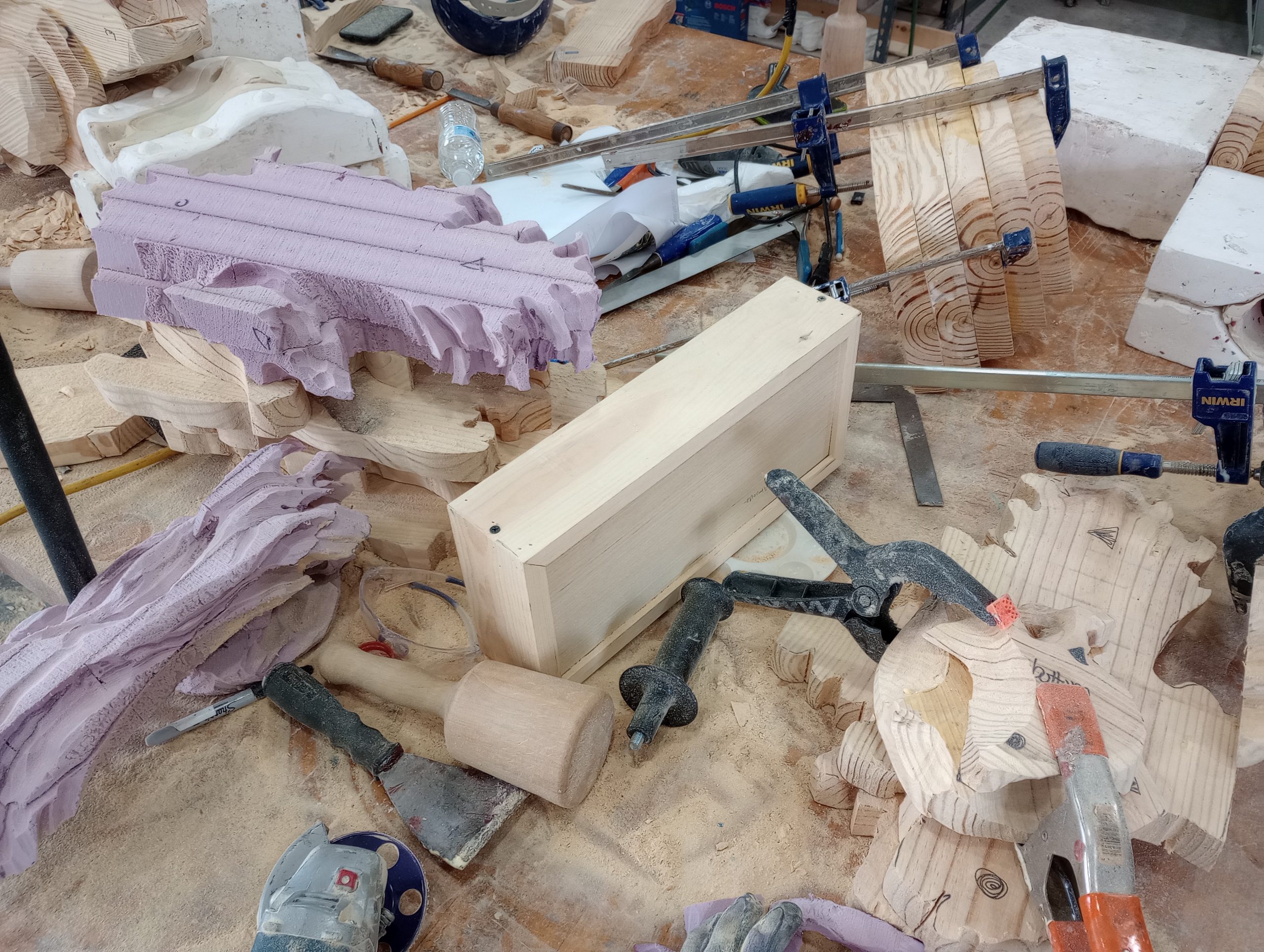
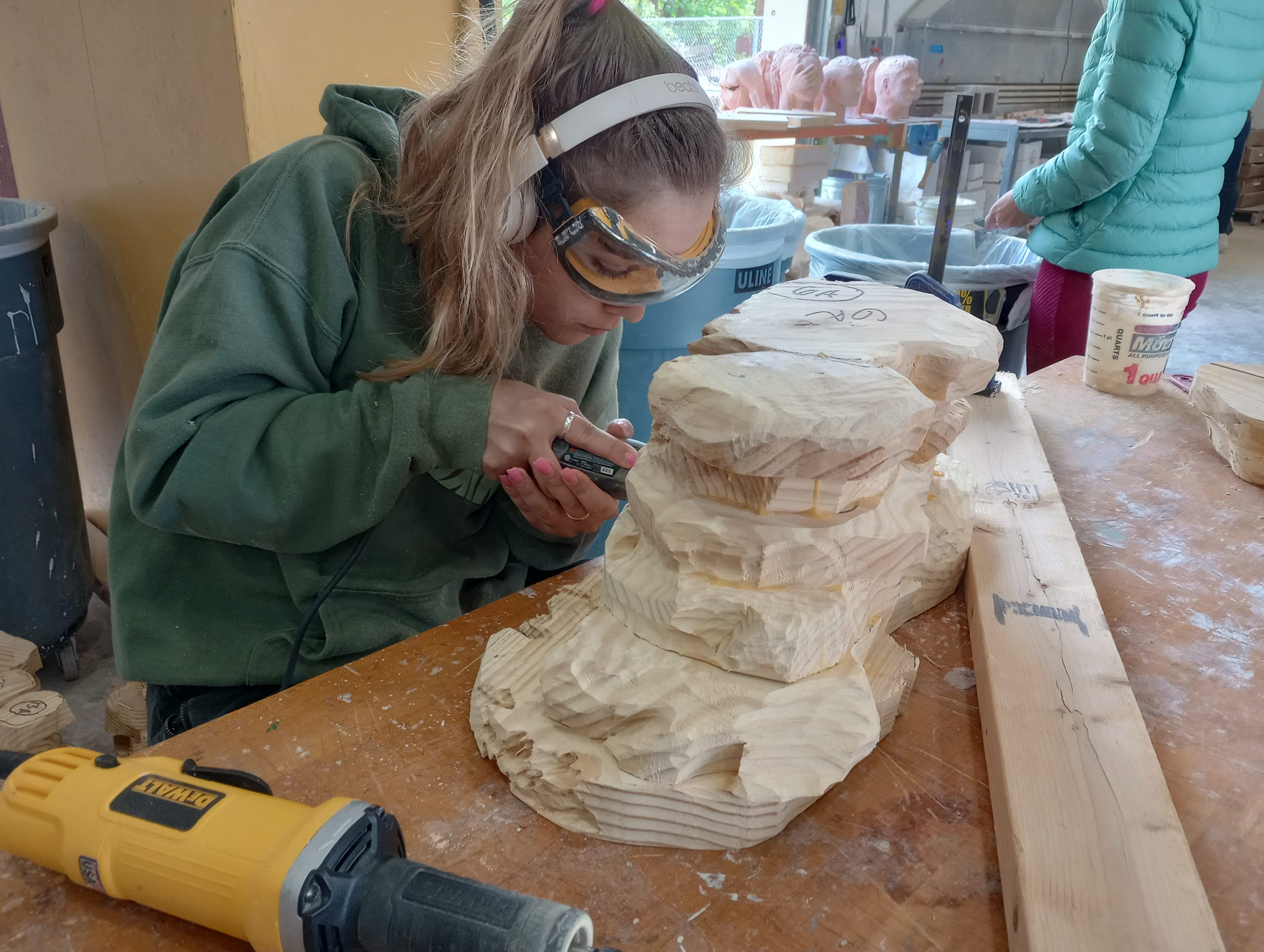
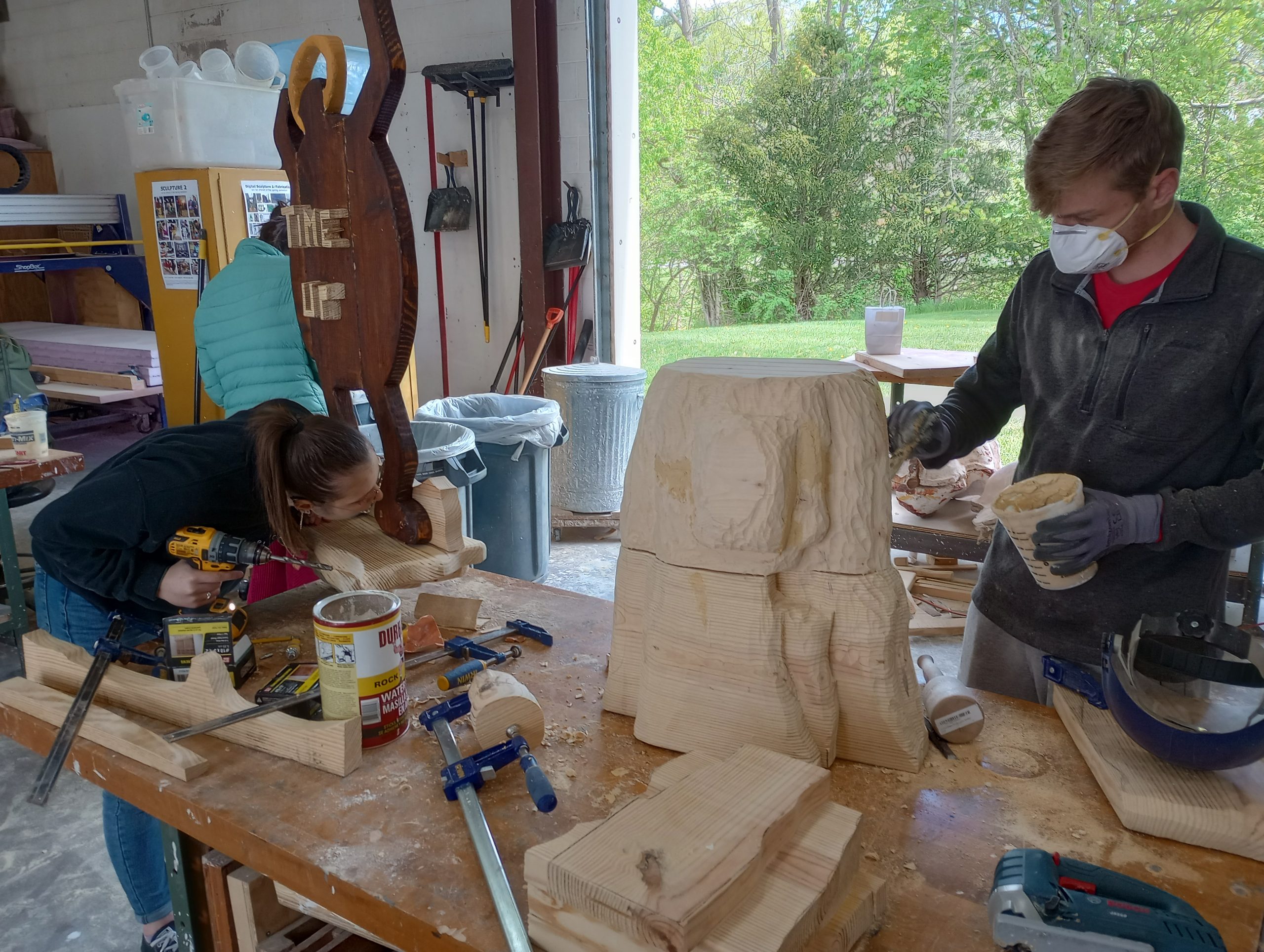
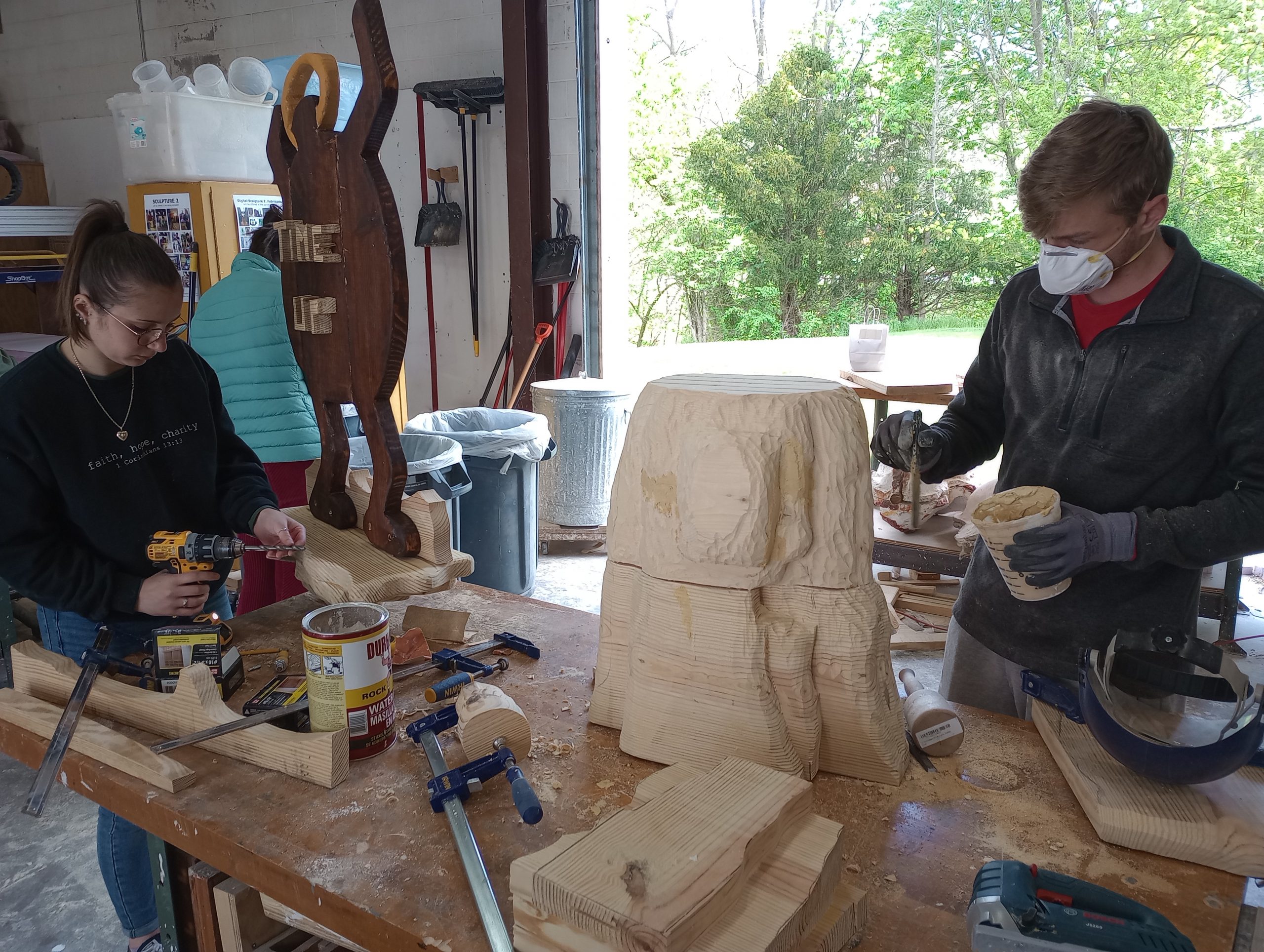
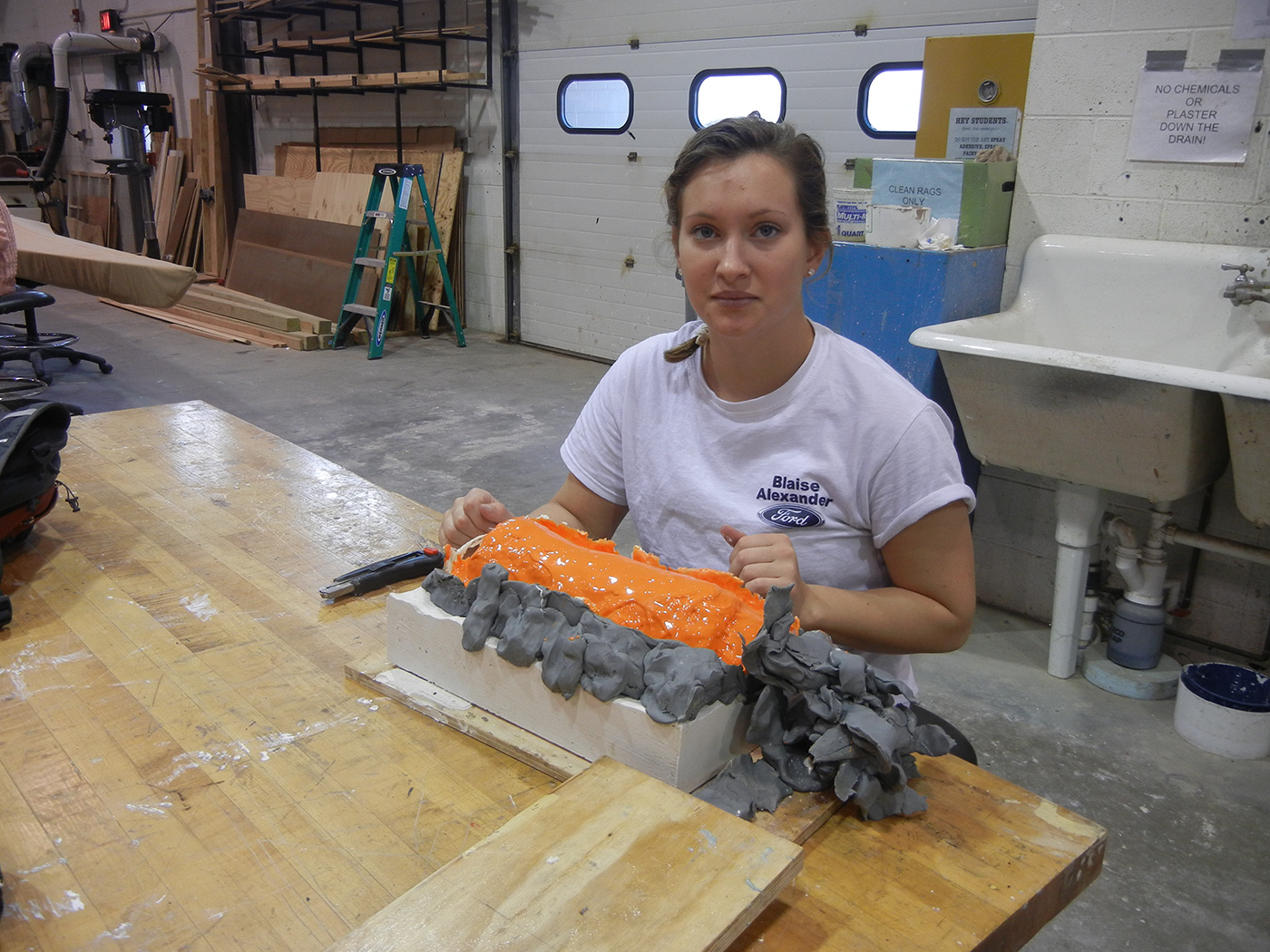
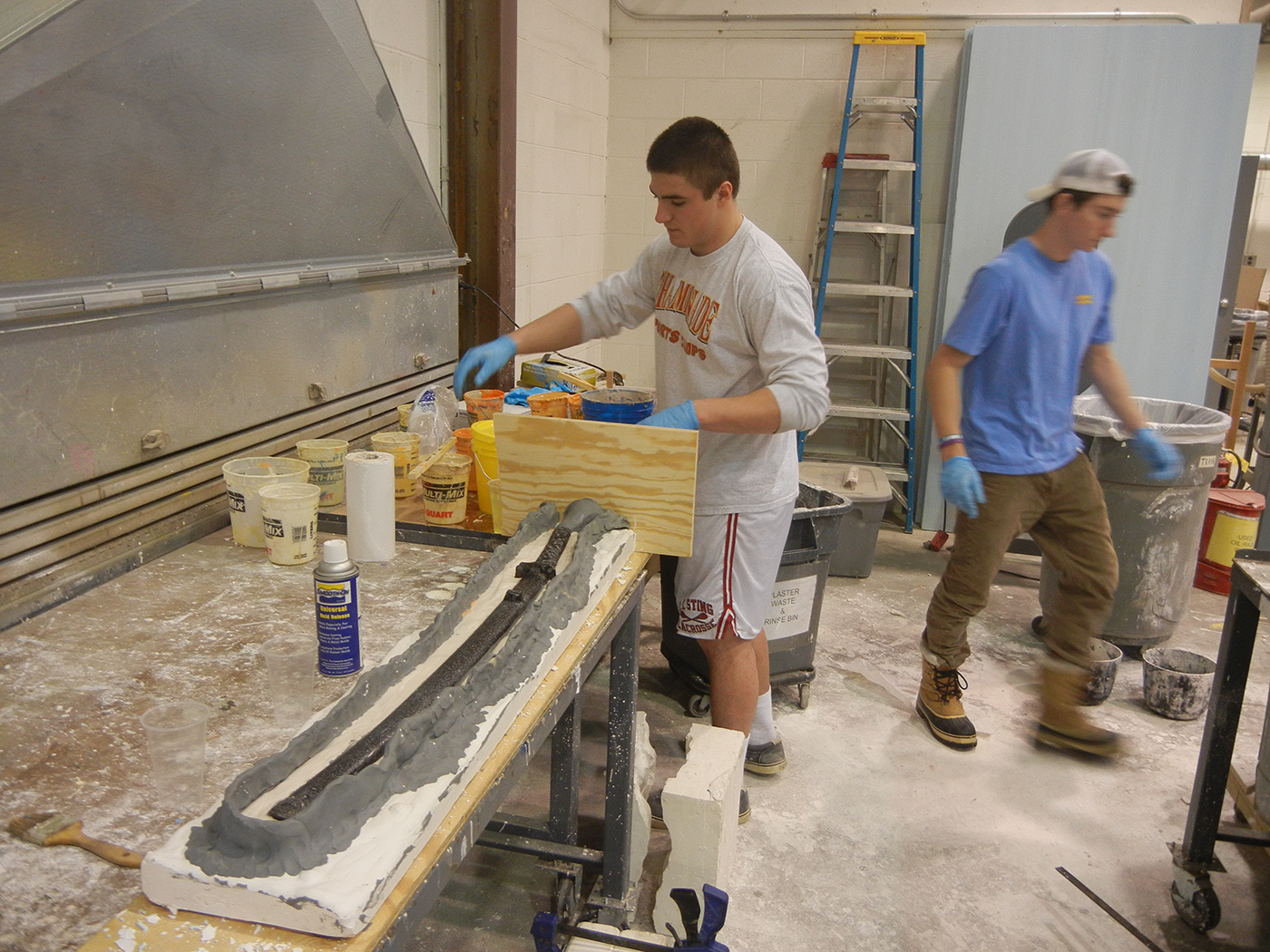
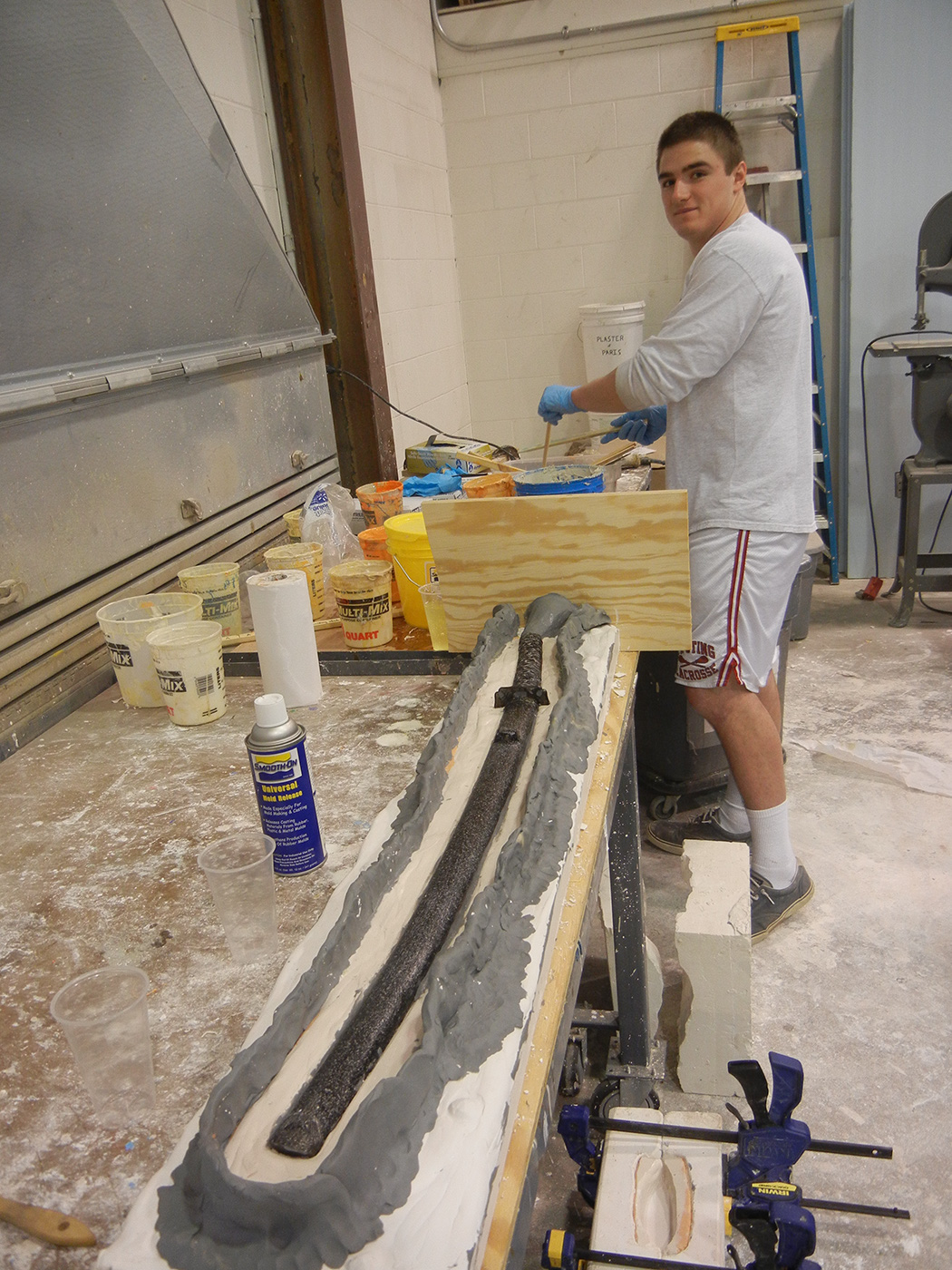
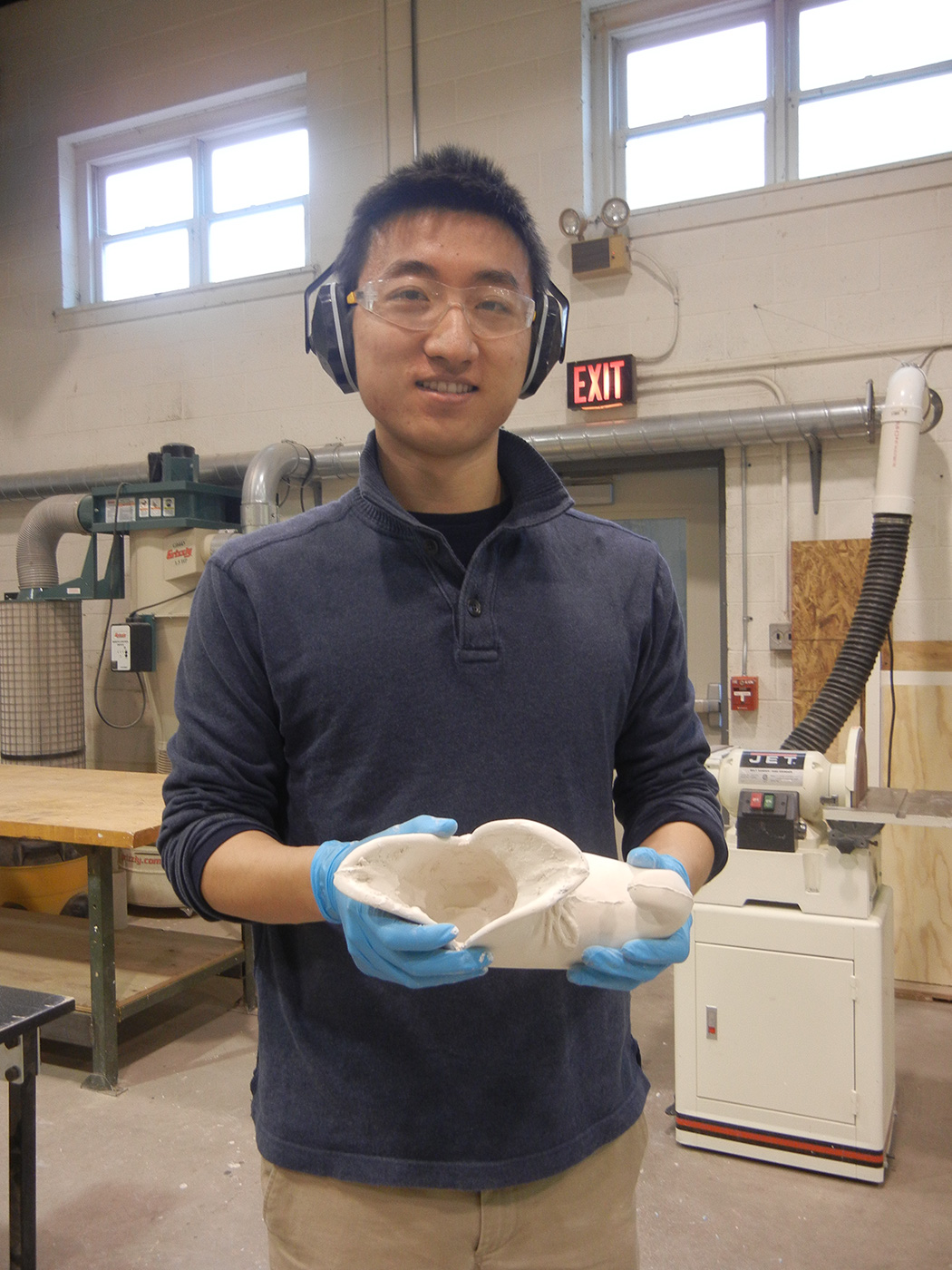
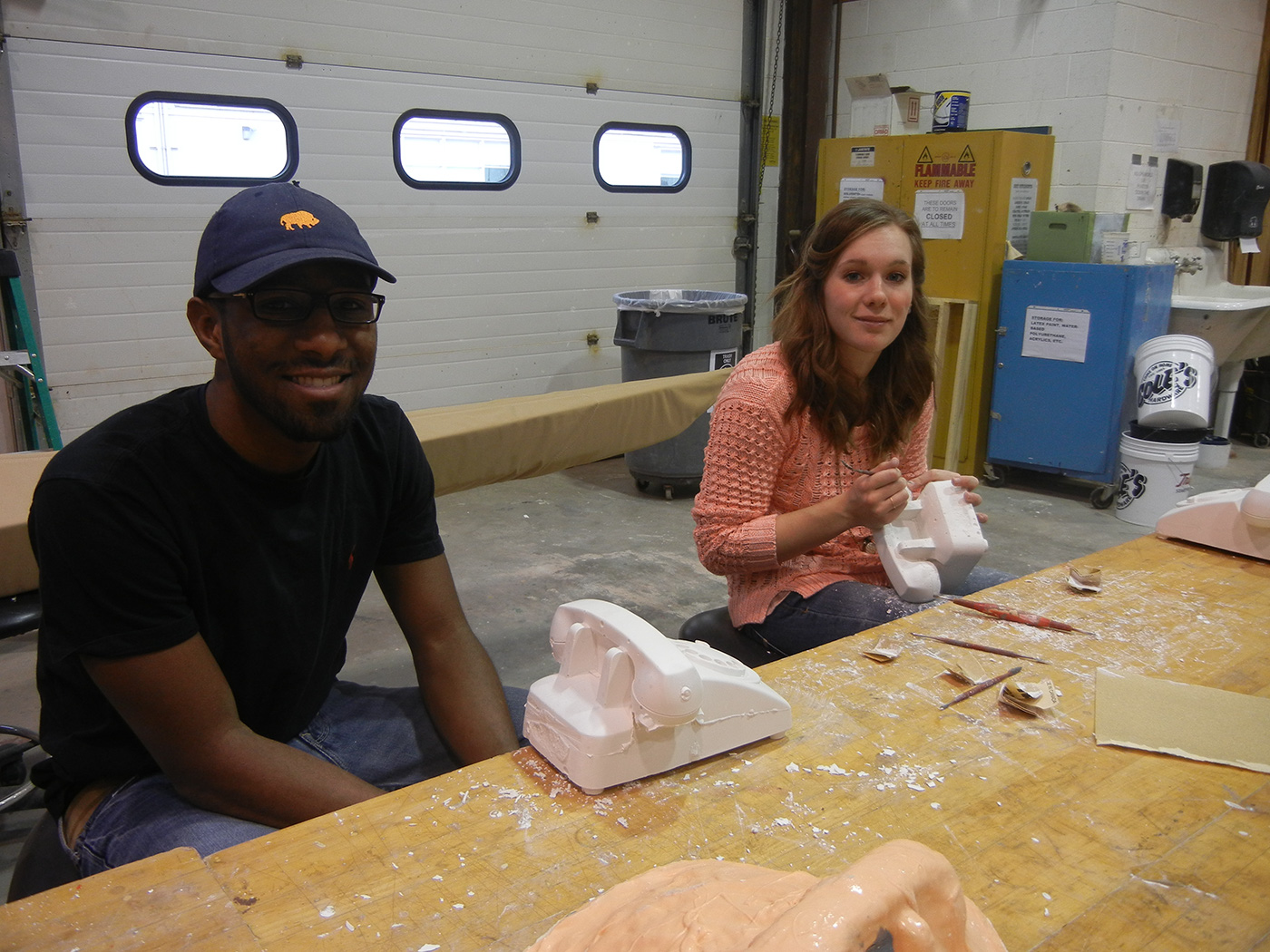
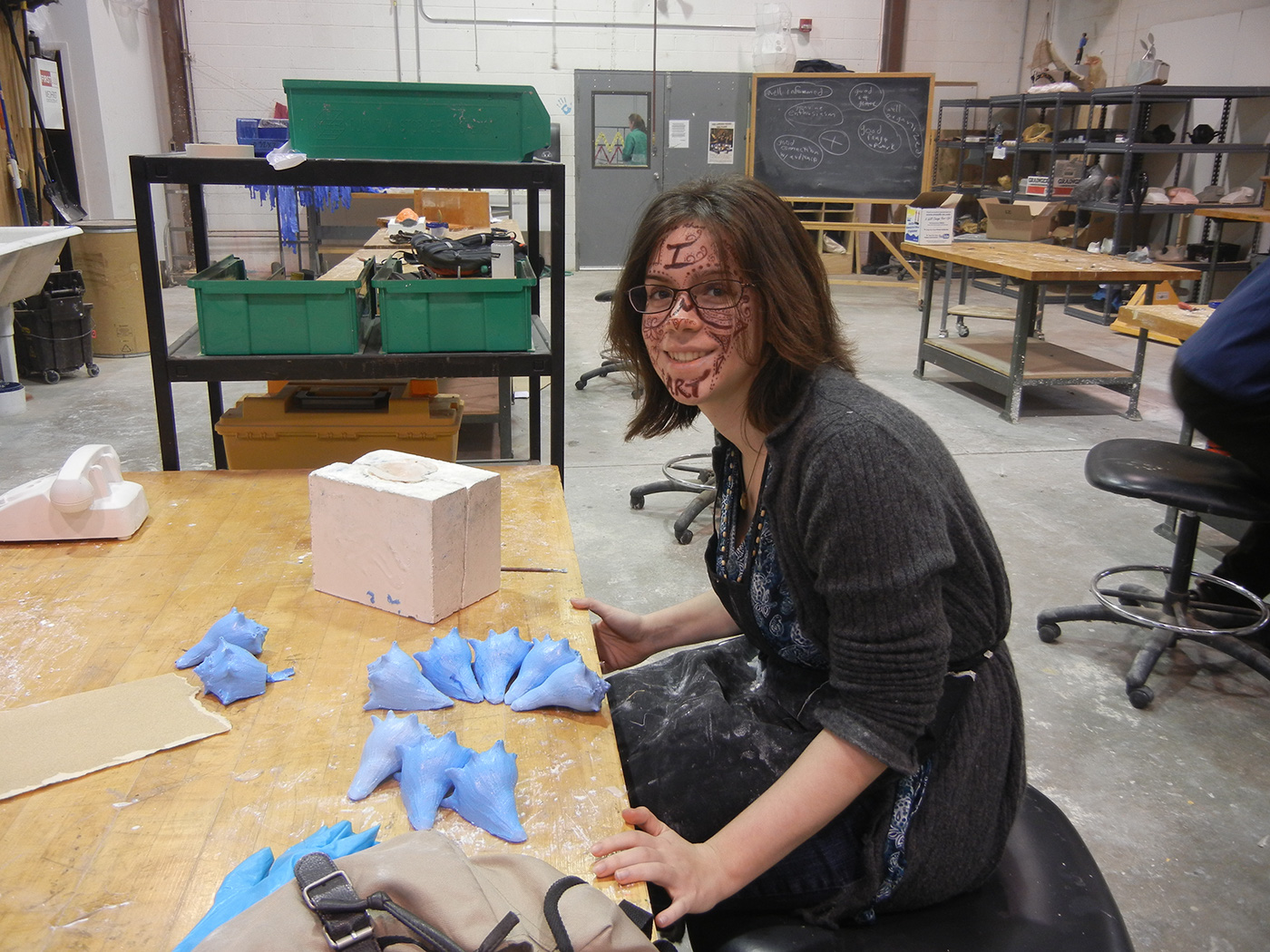
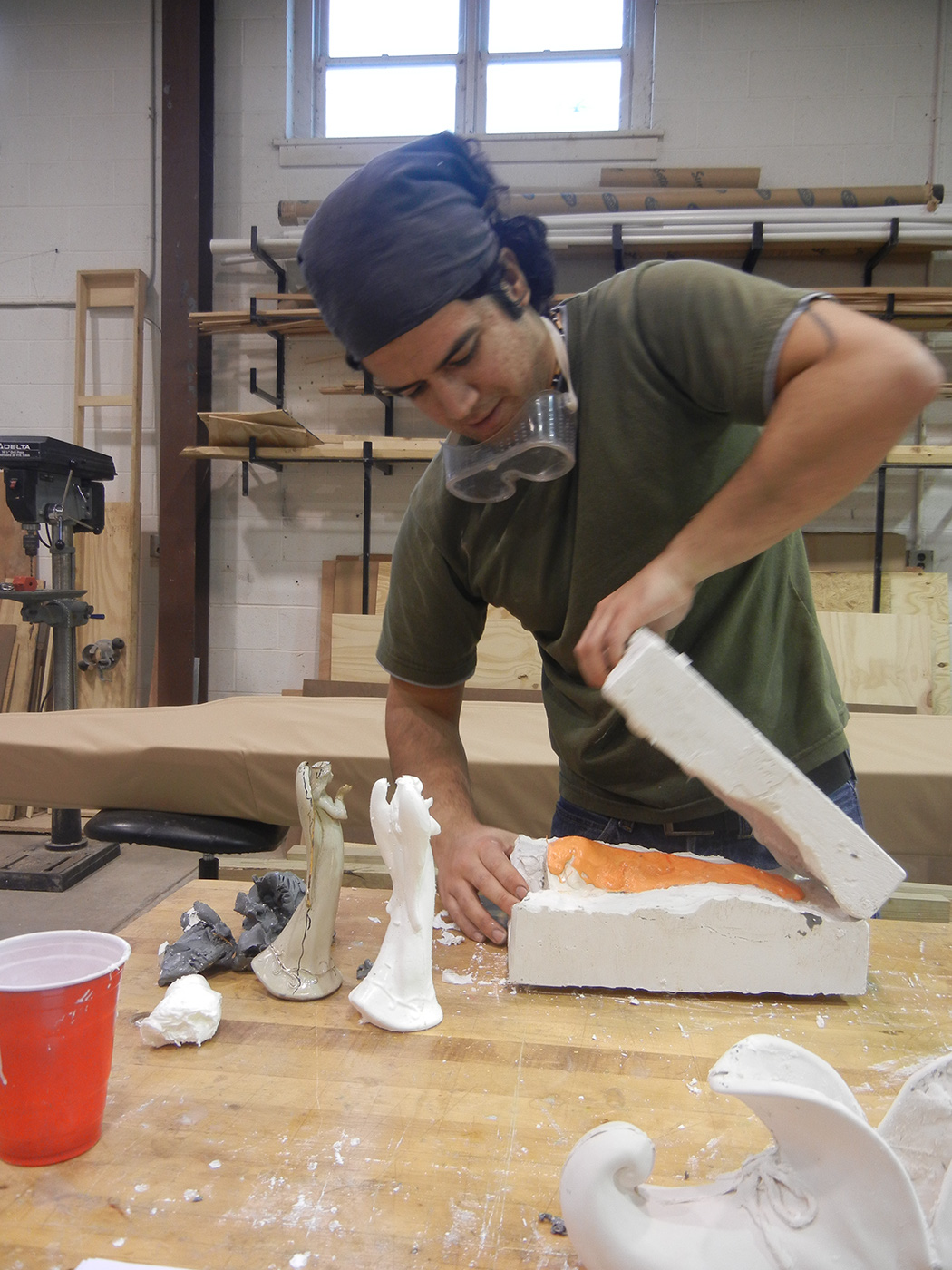
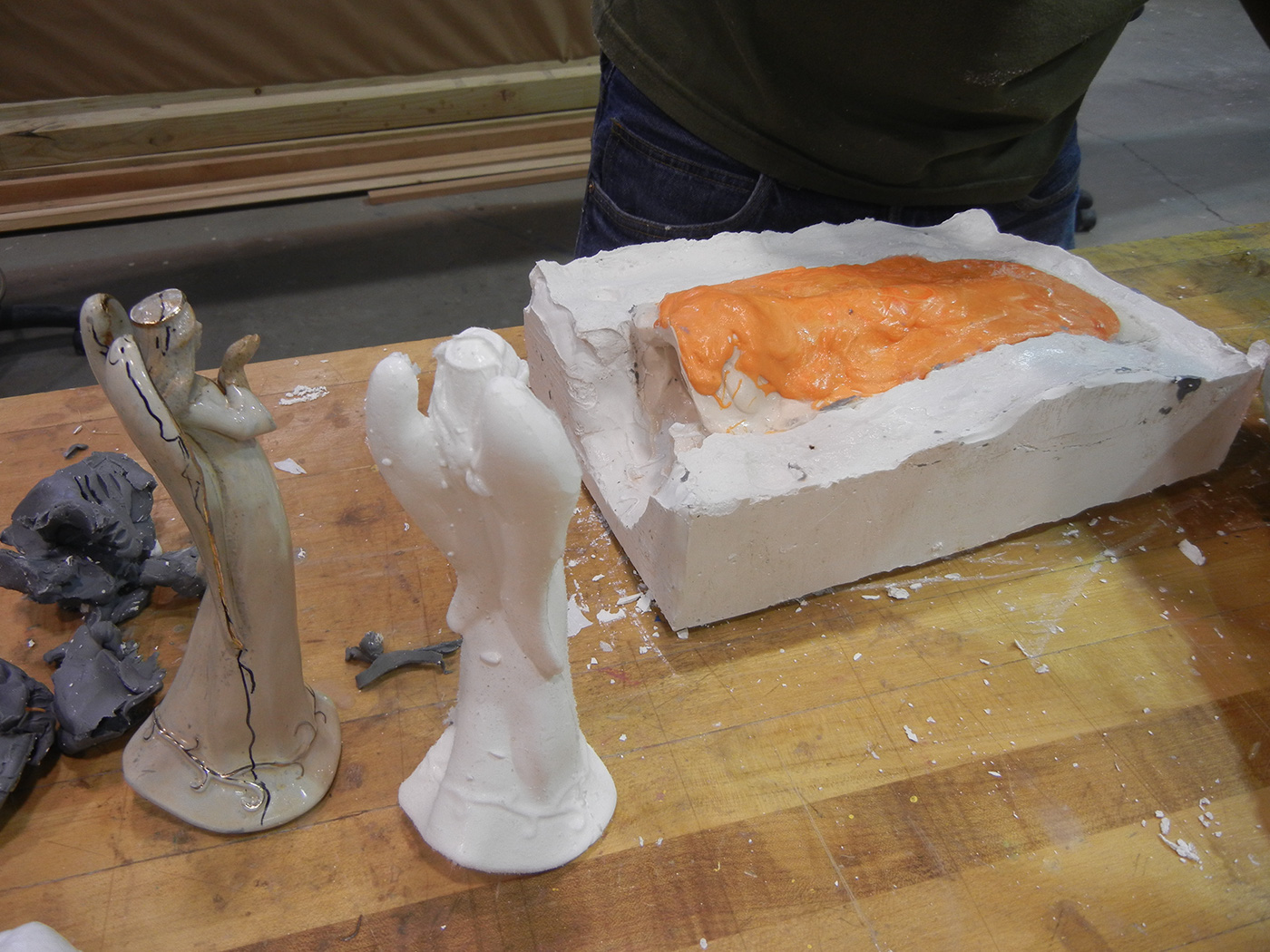
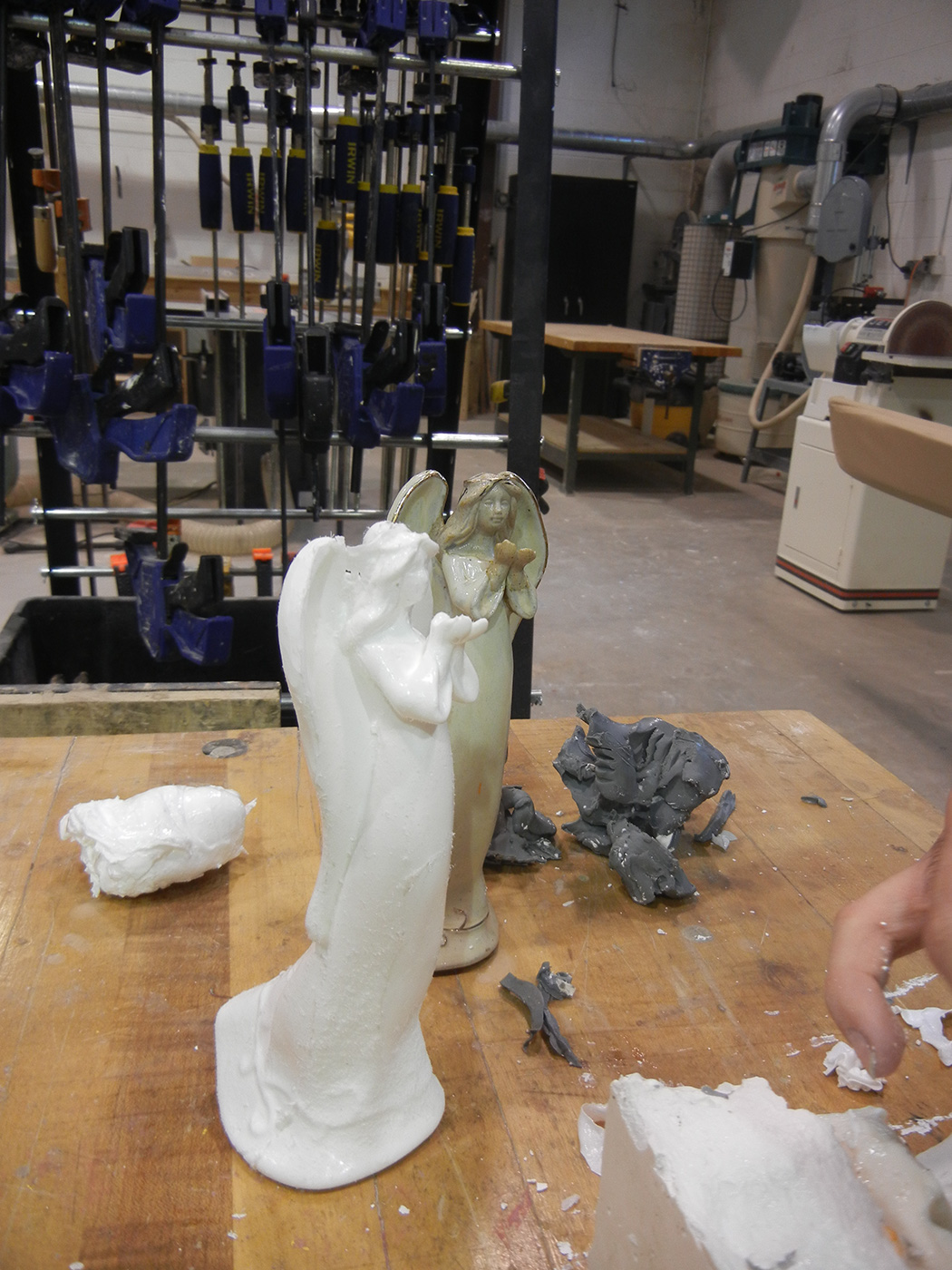
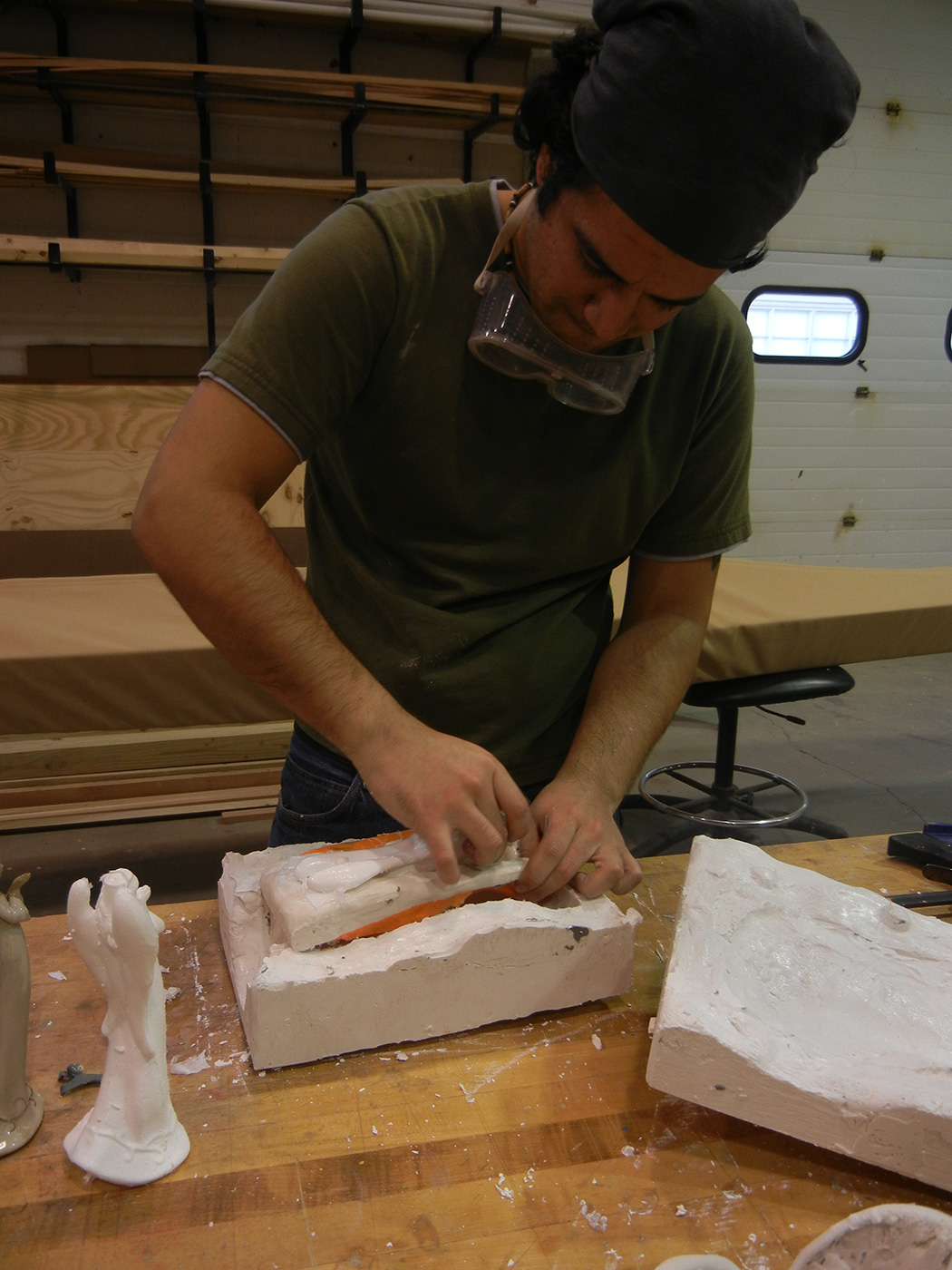
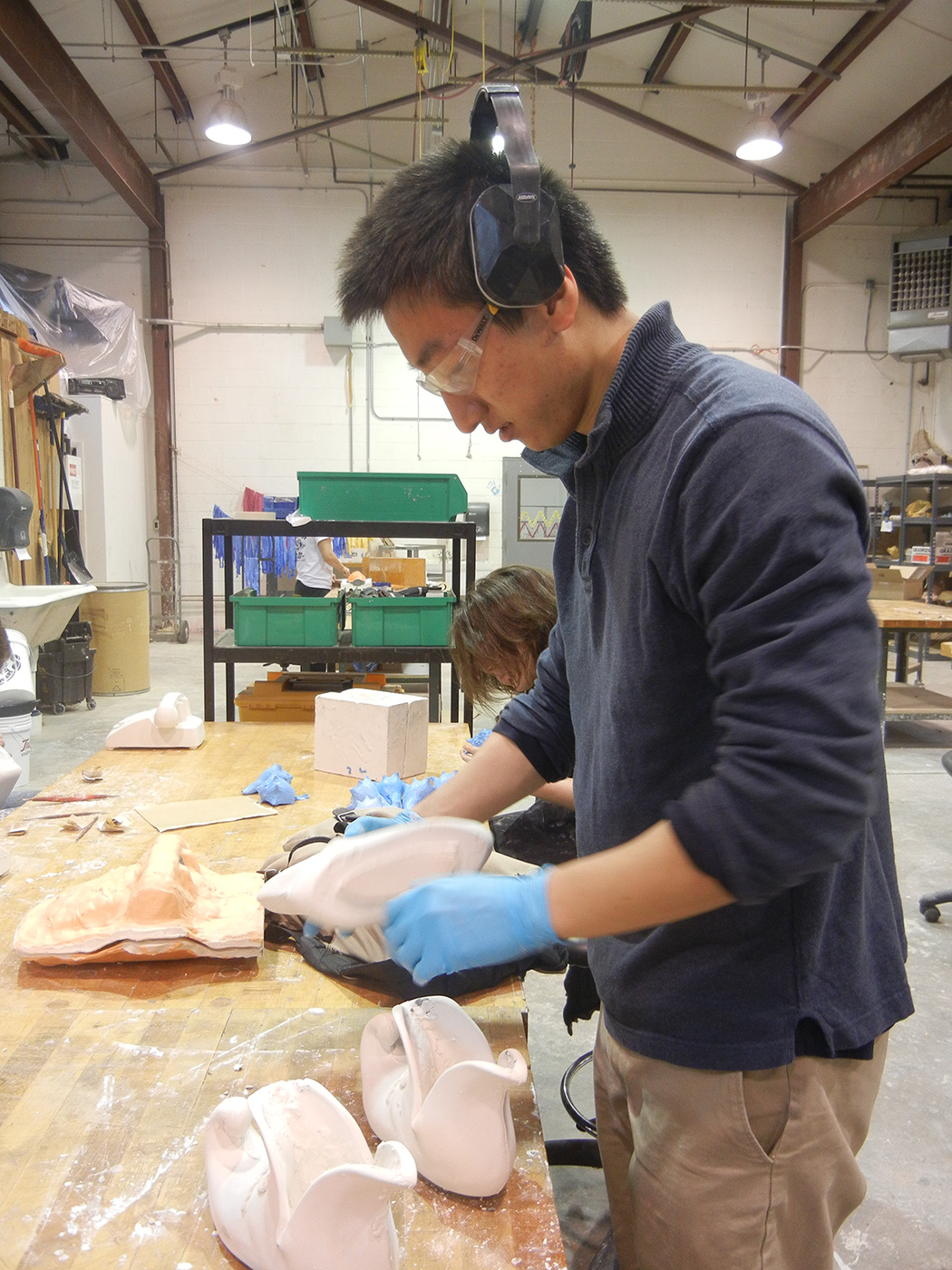
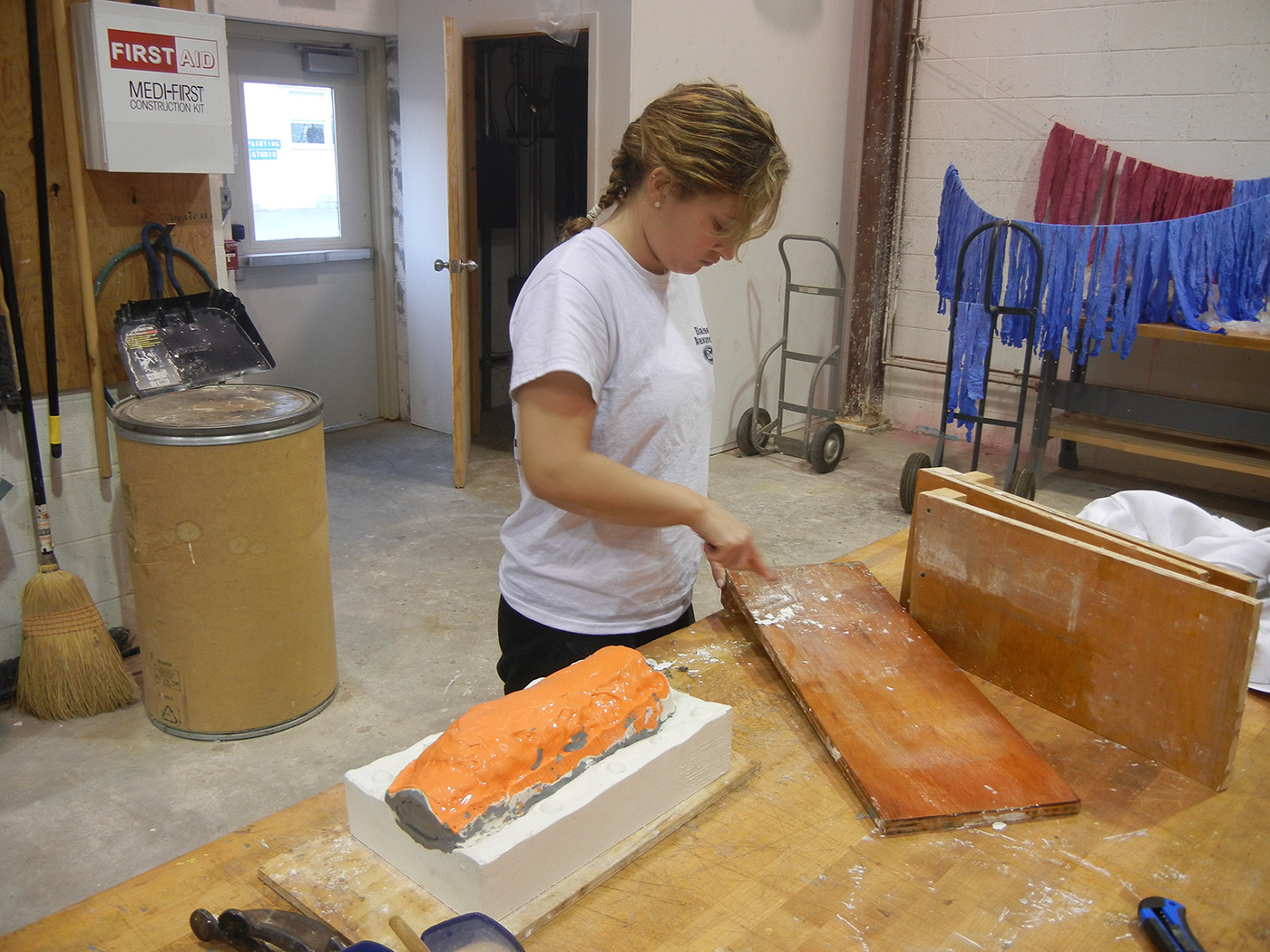
In this project you will create molds of found objects, and then create multiples from your mold(s), and assemble these multiples into a larger sculpture.
————————————————————–
PART 1: WRITING ASSIGNMENT
At its best, sculpture is just as much about exploring ideas as it is about crafting objects. To develop the conceptual aspects of your project, please complete the writing assignment outlined below and post your work to the “research binder” section of the class website by following these instructions.
Please write a response that addresses all of the following questions in 100 – 200 words:
Why we write about ideas: Every decision you make in the planning and execution of a work of art has meaningful implications. When one begins a project by thinking about what they want to accomplish in the end, it enables the artist to have more control over the final meaning in their work, AND it provides the artist with a useful tool for editing their work during the process of creating. While one could employ many methods for thinking critically, writing is especially helpful for developing this skill because it forces one to be precise and clarify ideas.
————————————————————–
PART 2: COLLAGE ASSIGNMENT (NOT REQUIRED IN SPRING SEMESTER 2025)
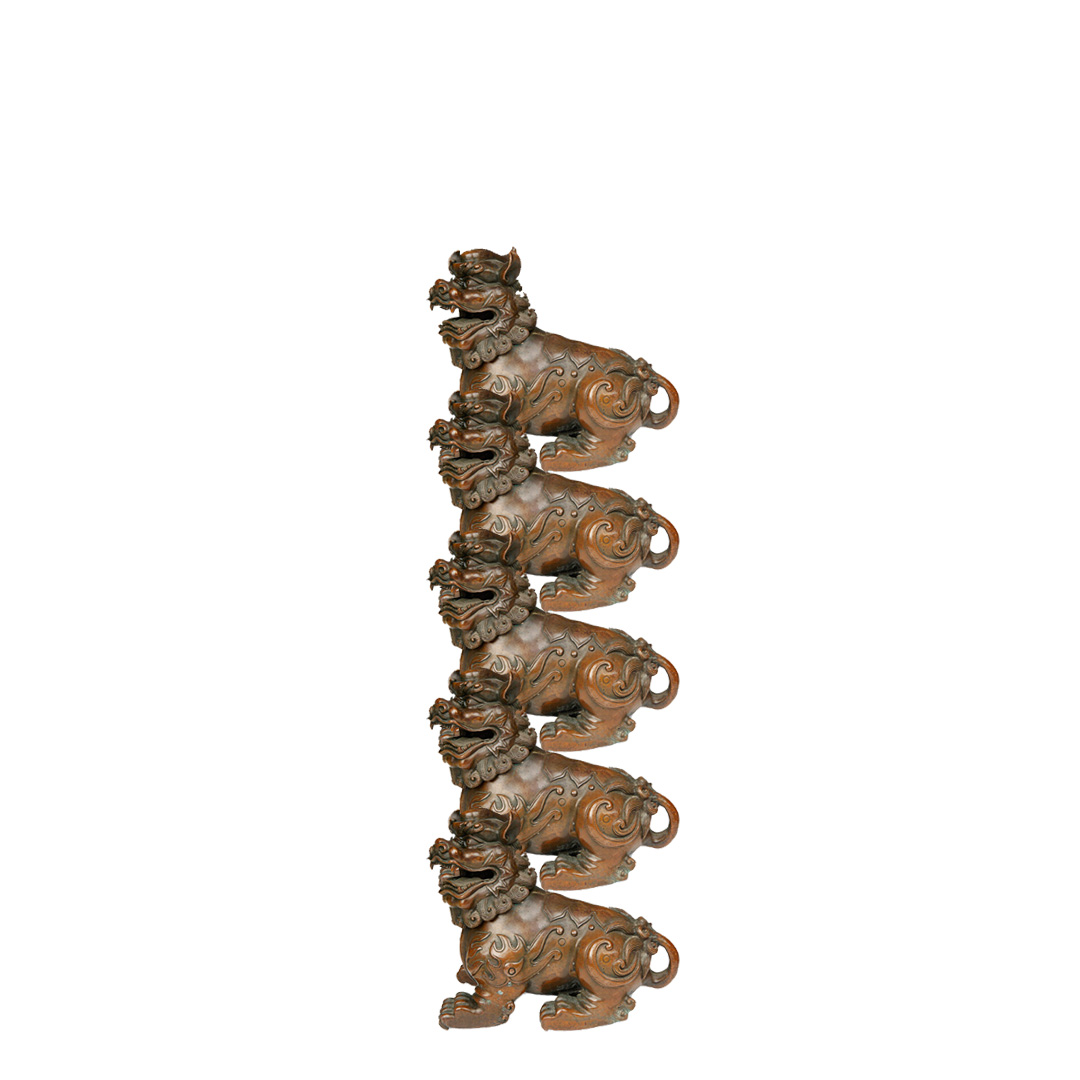
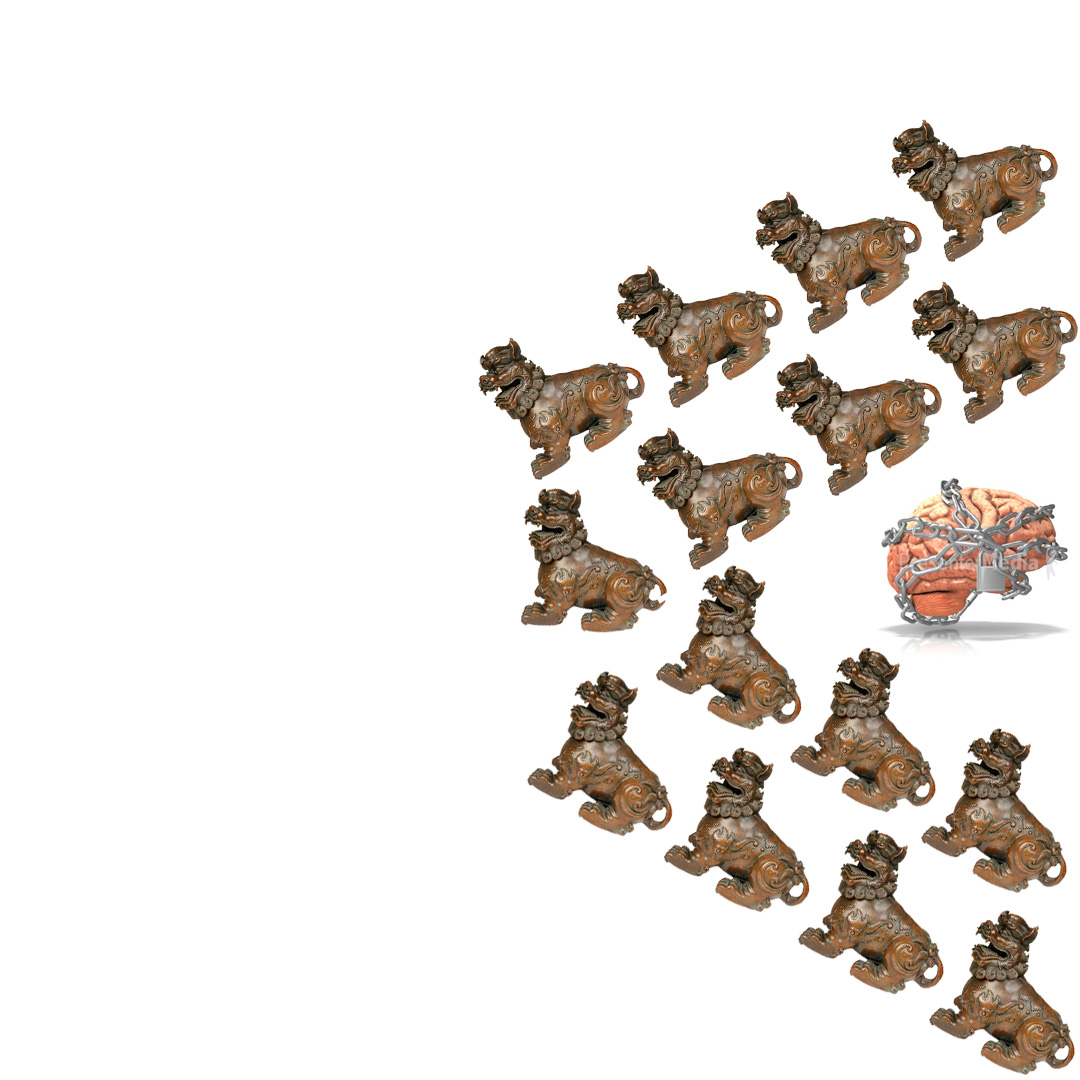
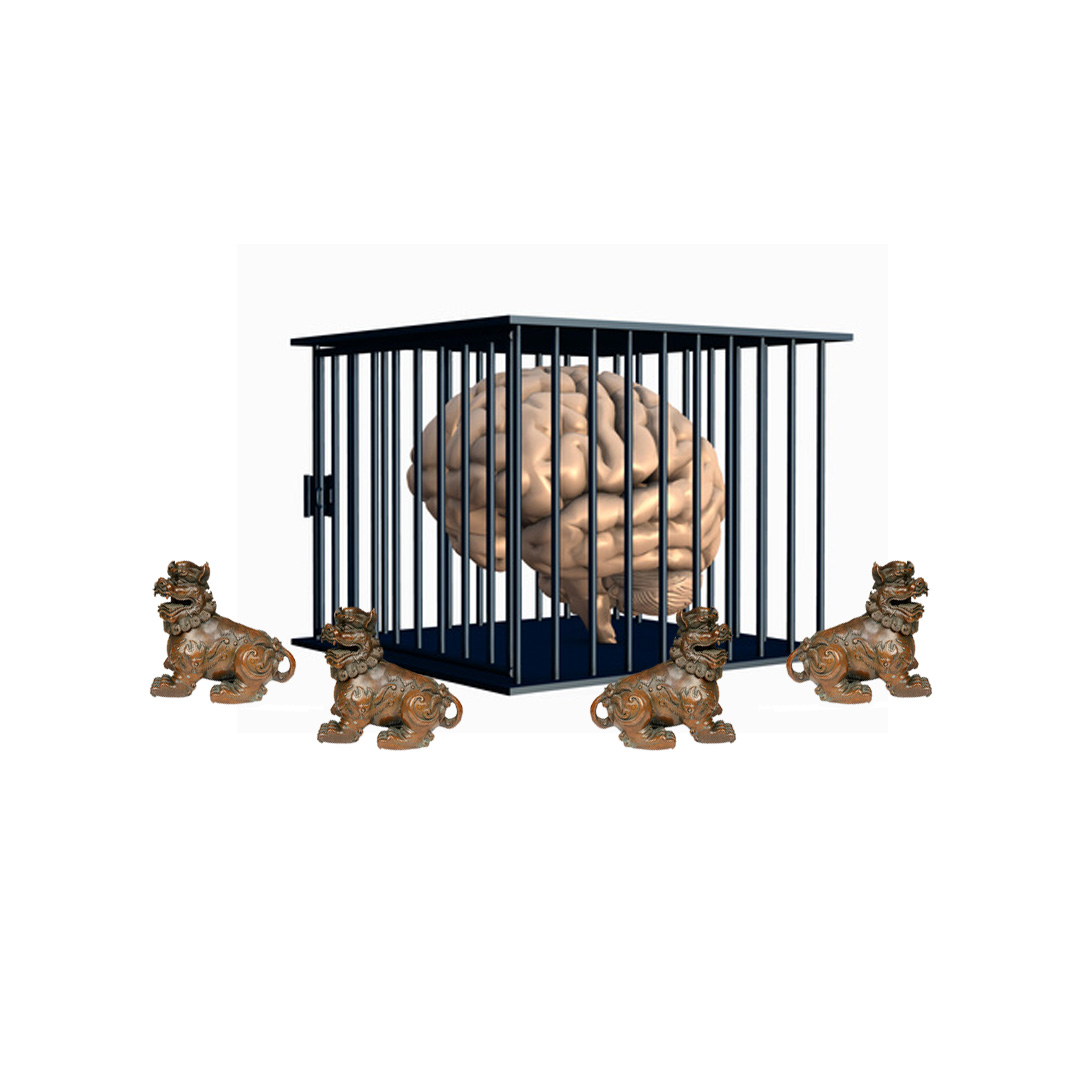
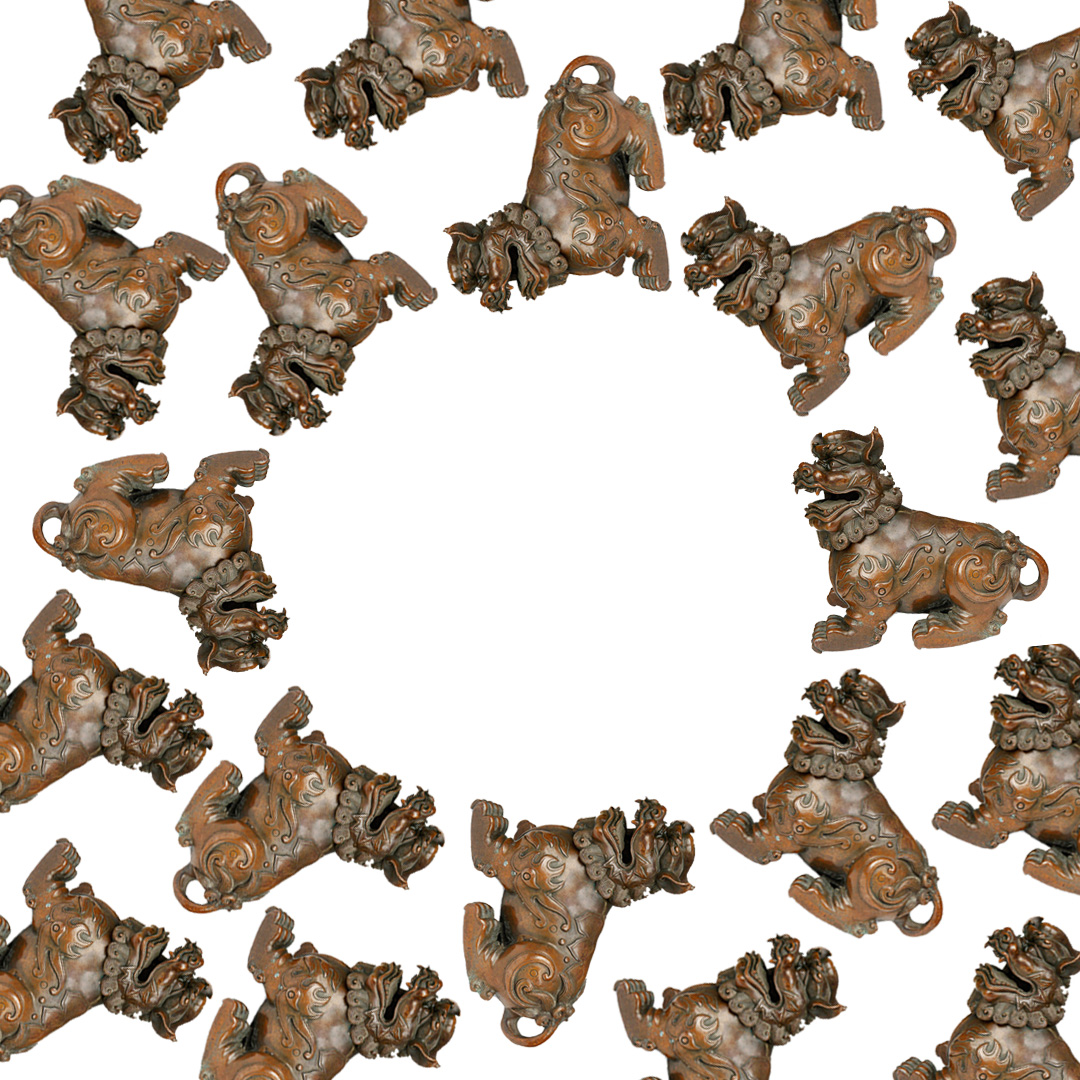
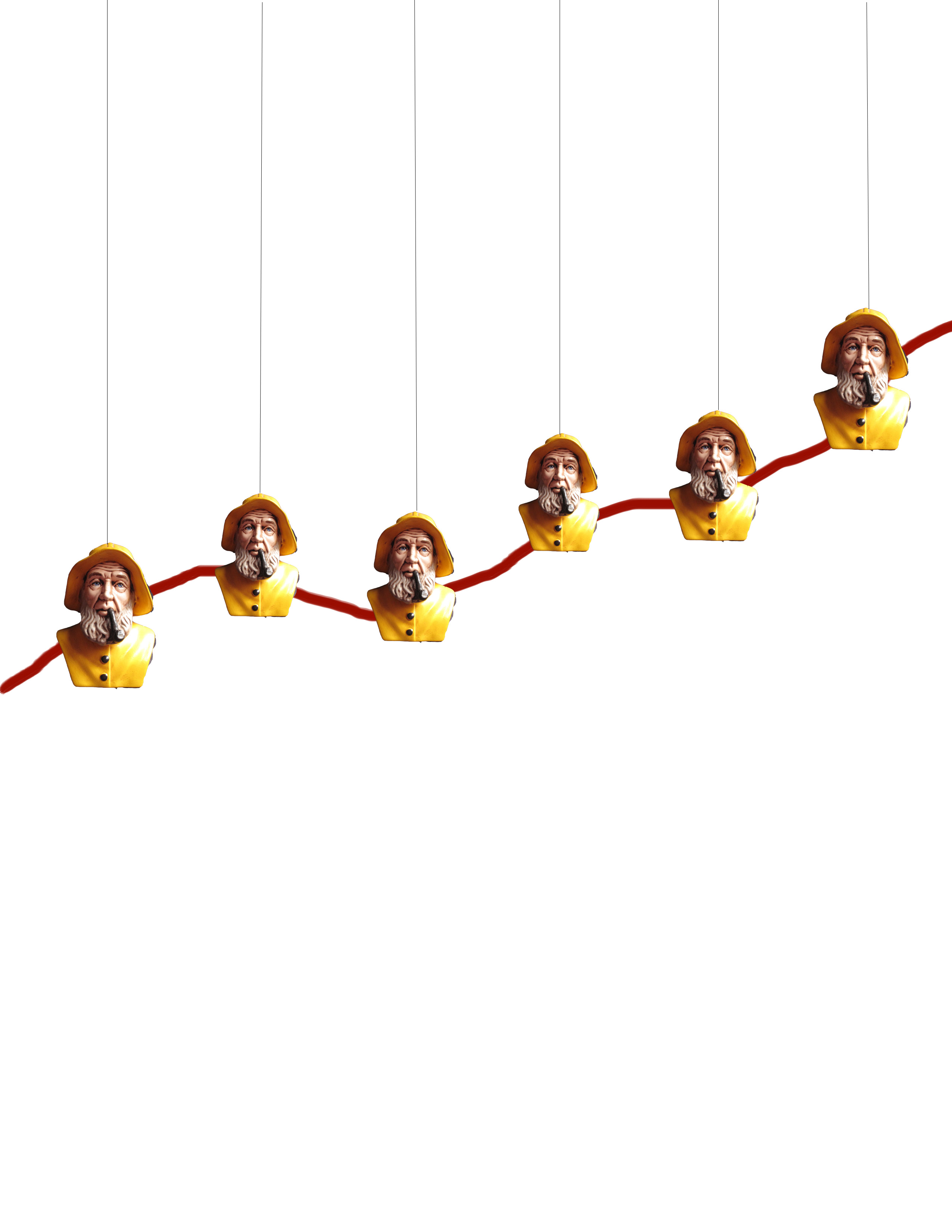
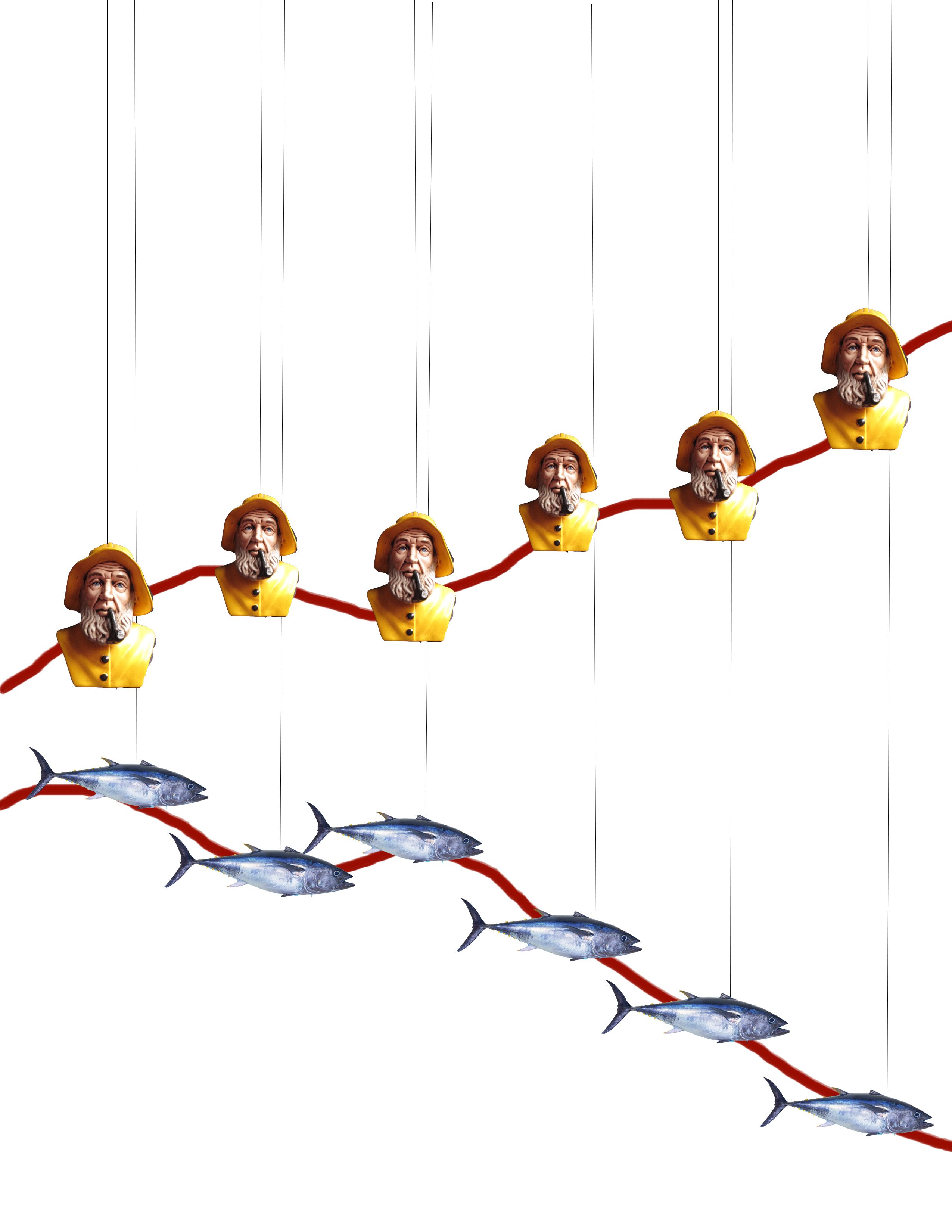
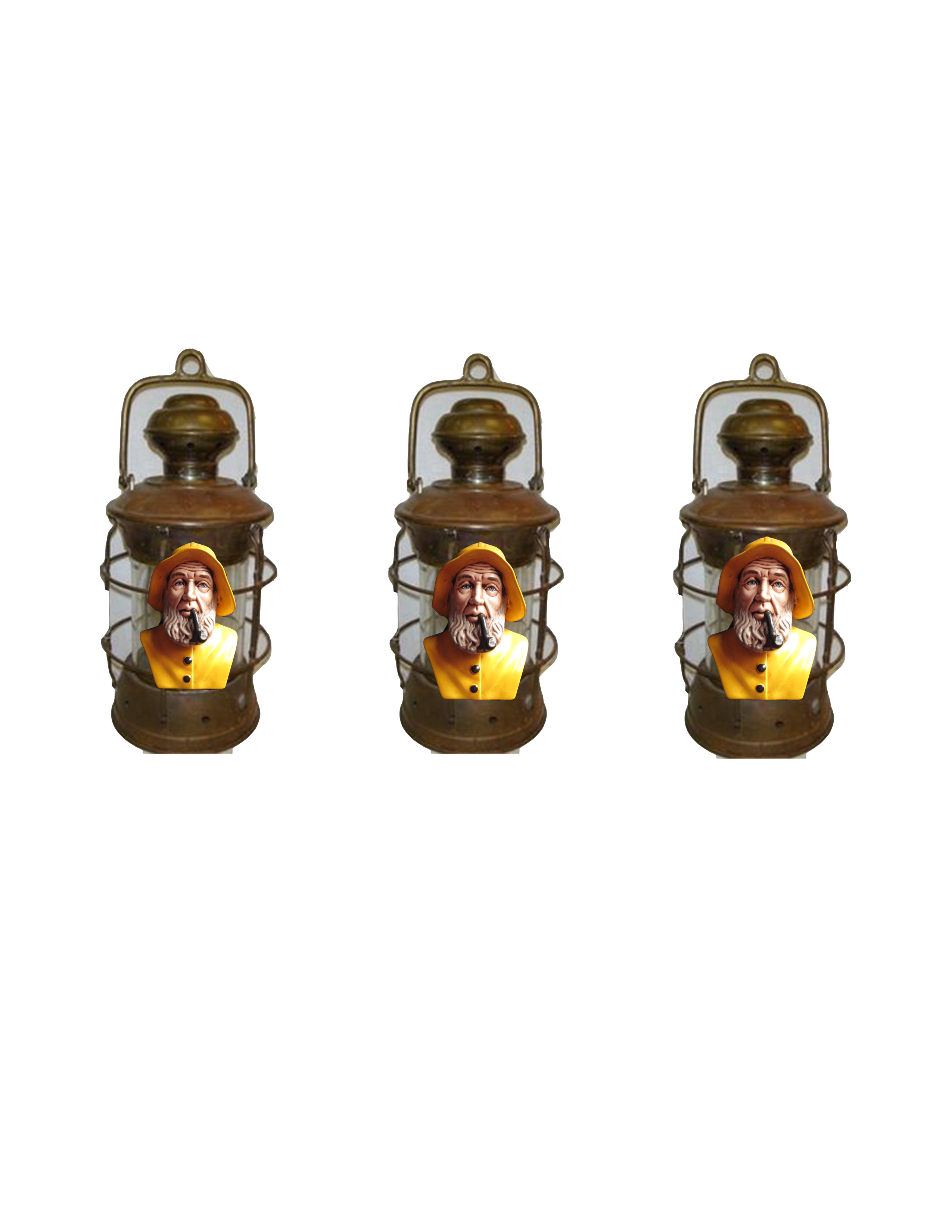
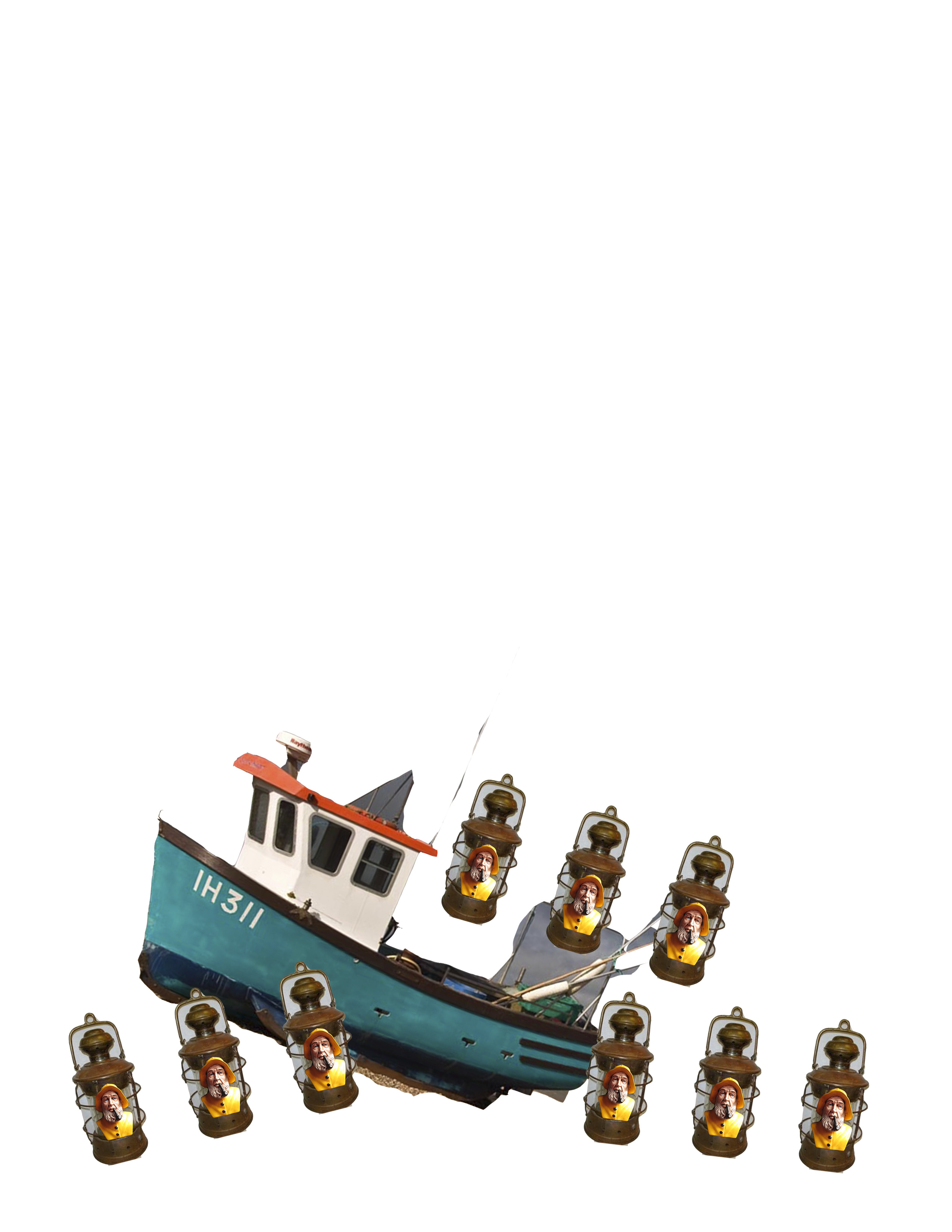
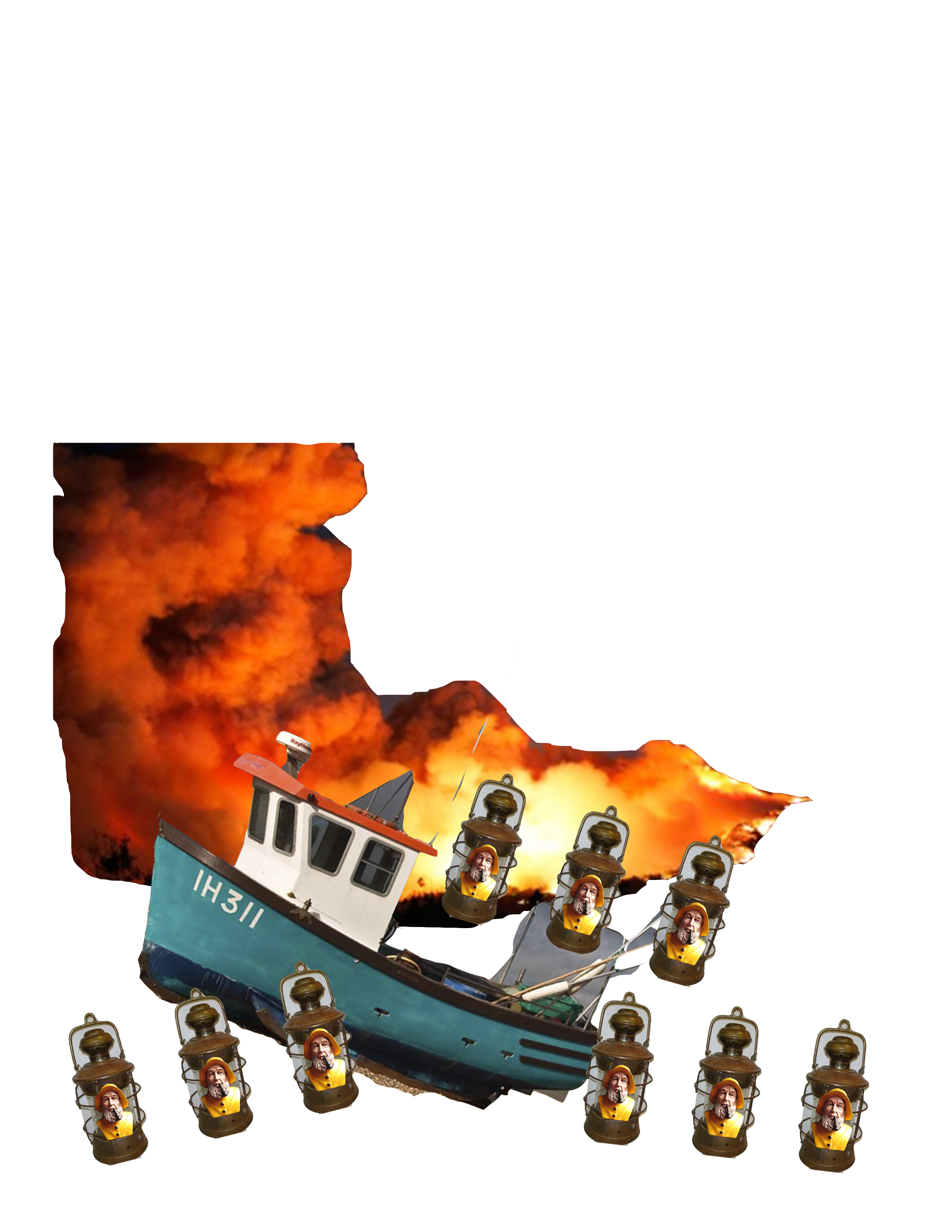
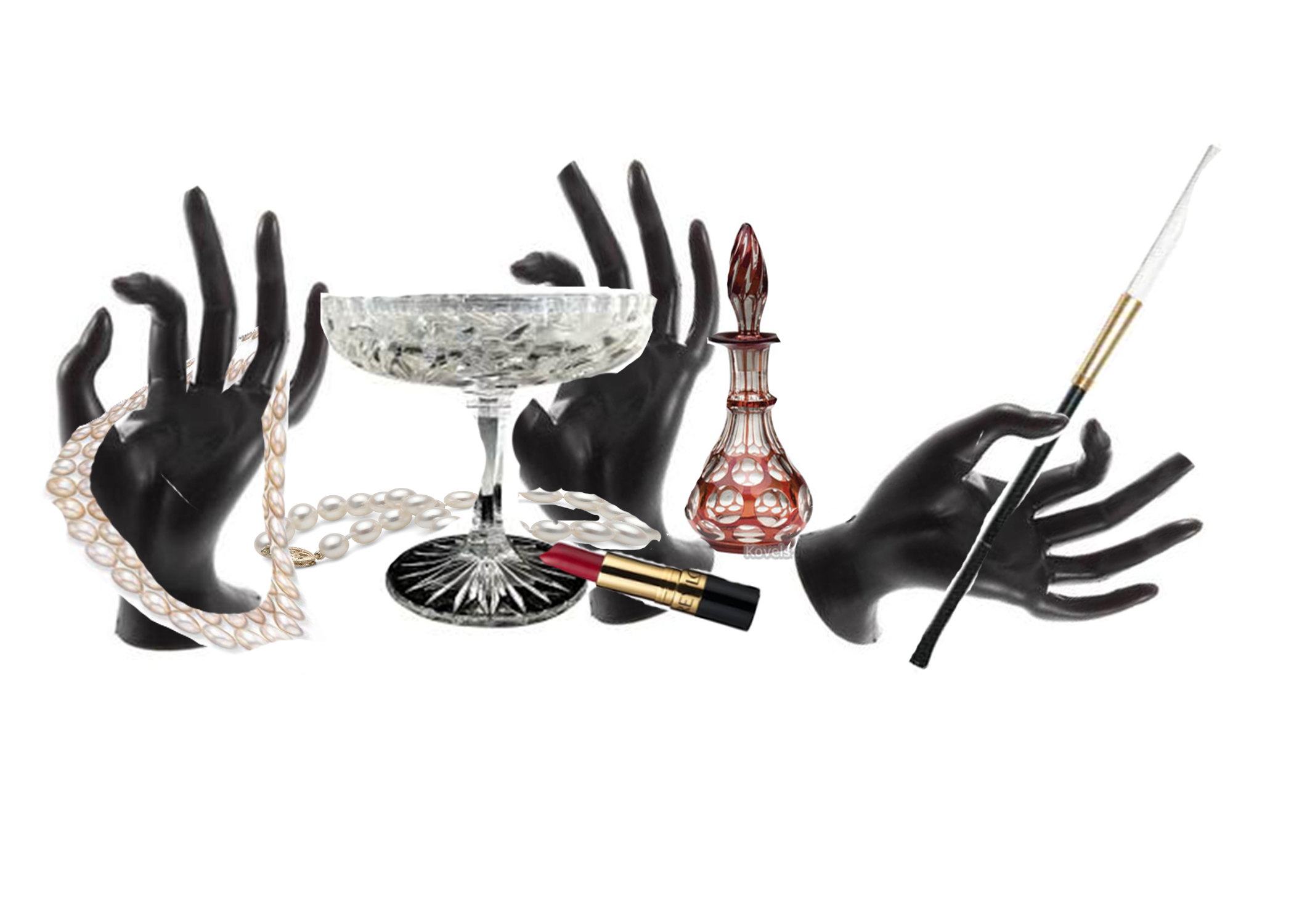
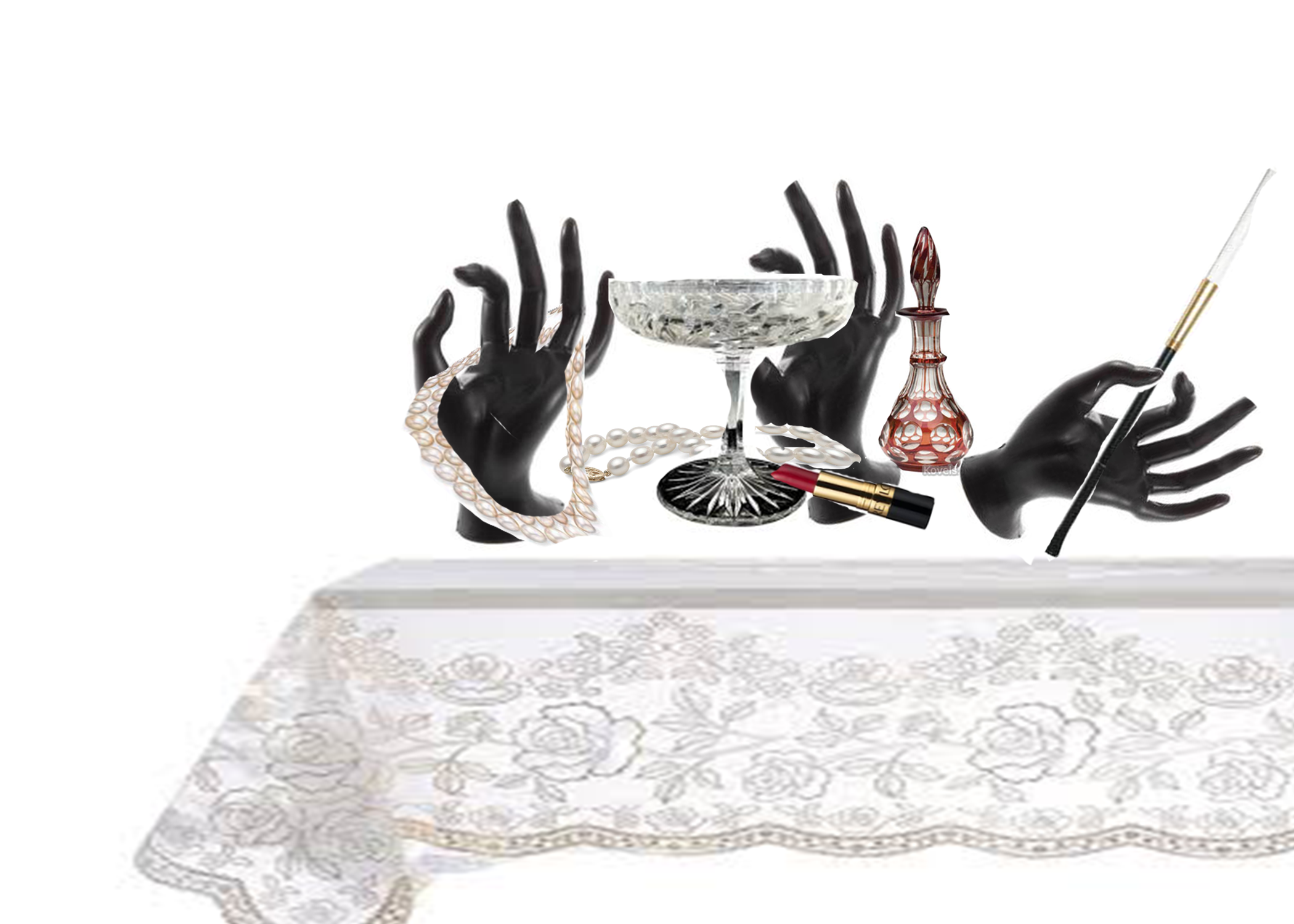
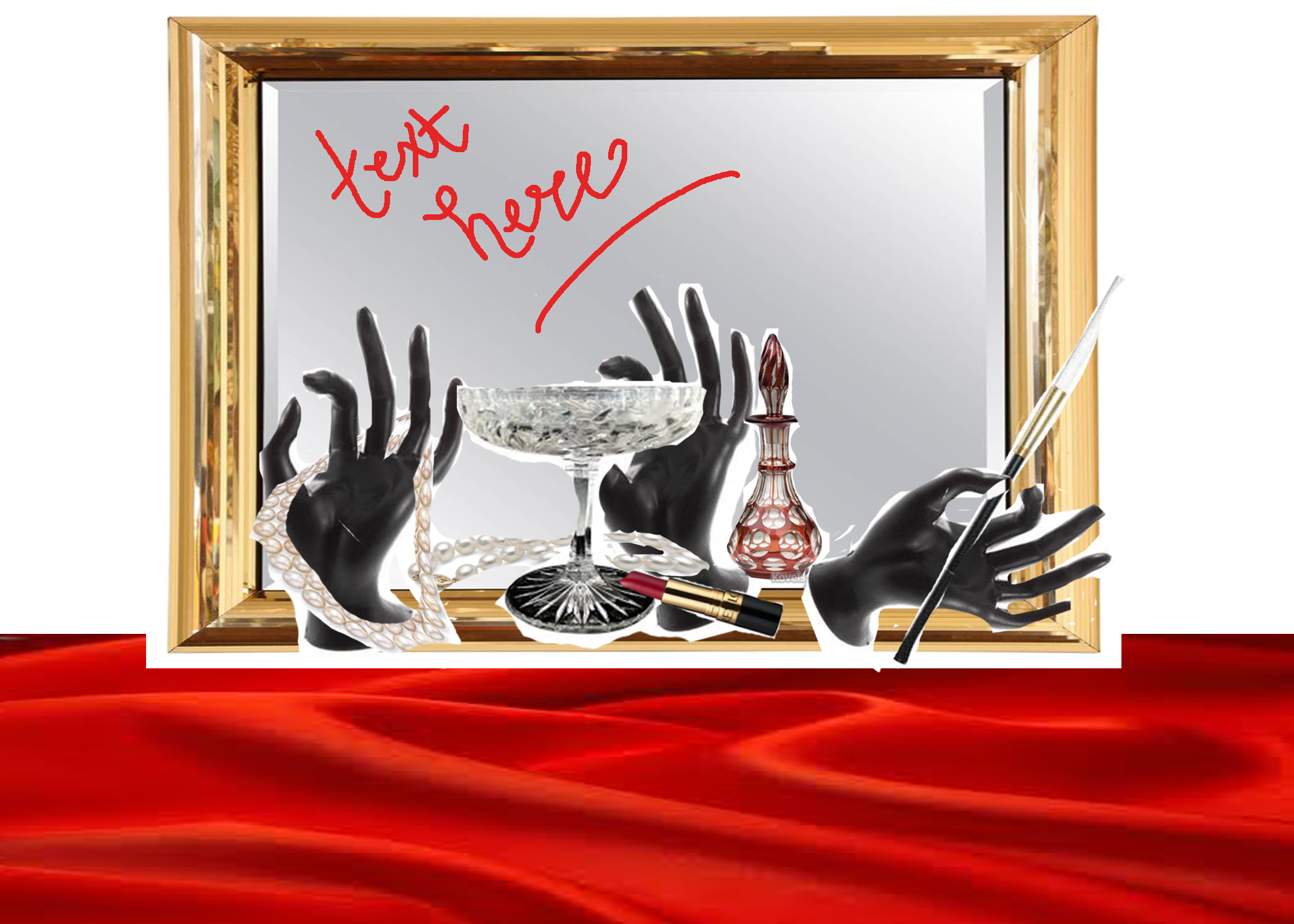
Create 5 different collages that demonstrate 5 distinctly different ways of bringing your cast objects together to create a finished work. In these collages, please strive to explore the concepts you’ve written about in a way that is inventive and thought provoking.
As you’re getting ready to create your collages, consider the particular ideas you addressed in your writing assignment– then think about the best way to arrange the objects you’ll be casting in order to address those ideas. Consider incorporating found objects and/or building some additional elements to produce a more dynamic finished product. In sculptural projects, ideas are often developed slowly over time through a process of making, reflecting, making, experimenting, reflecting, making, experimenting, etc. This collage exercise is a means of reflecting and experimenting that will help you create a stronger finished project.
Why collage? While sketching is generally a good method of working through ideas, since you’re working with multiples in this project, it would take a very long time to actually sketch out five detailed drawings of different solutions. However, on the computer you can easily create a number of images of whatever object(s) you’re molding, and then print these out. This is easy to do with Photoshop or even with Microsoft Word by just cutting a pasting a small image over and over again. Then, by printing and then cutting these images out and arranging them in various configurations, you can quickly visualize some possible end products.
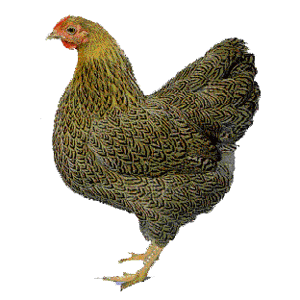
The playfulness and easy experimentation of the collage process is highly conducive to the consideration of various possibilities. Writing will always have a place in the clarification of ideas, but the collage approach is valuable because it is a visual method for working through a visual problem. Collaging will allow you to quickly and vividly SEE what your end product may be, and I think you’ll find it quite useful. Feel free to simply bring hard copies of your collages, or if you prefer, you may submit your work digitally via the class website on the “research binder” page.
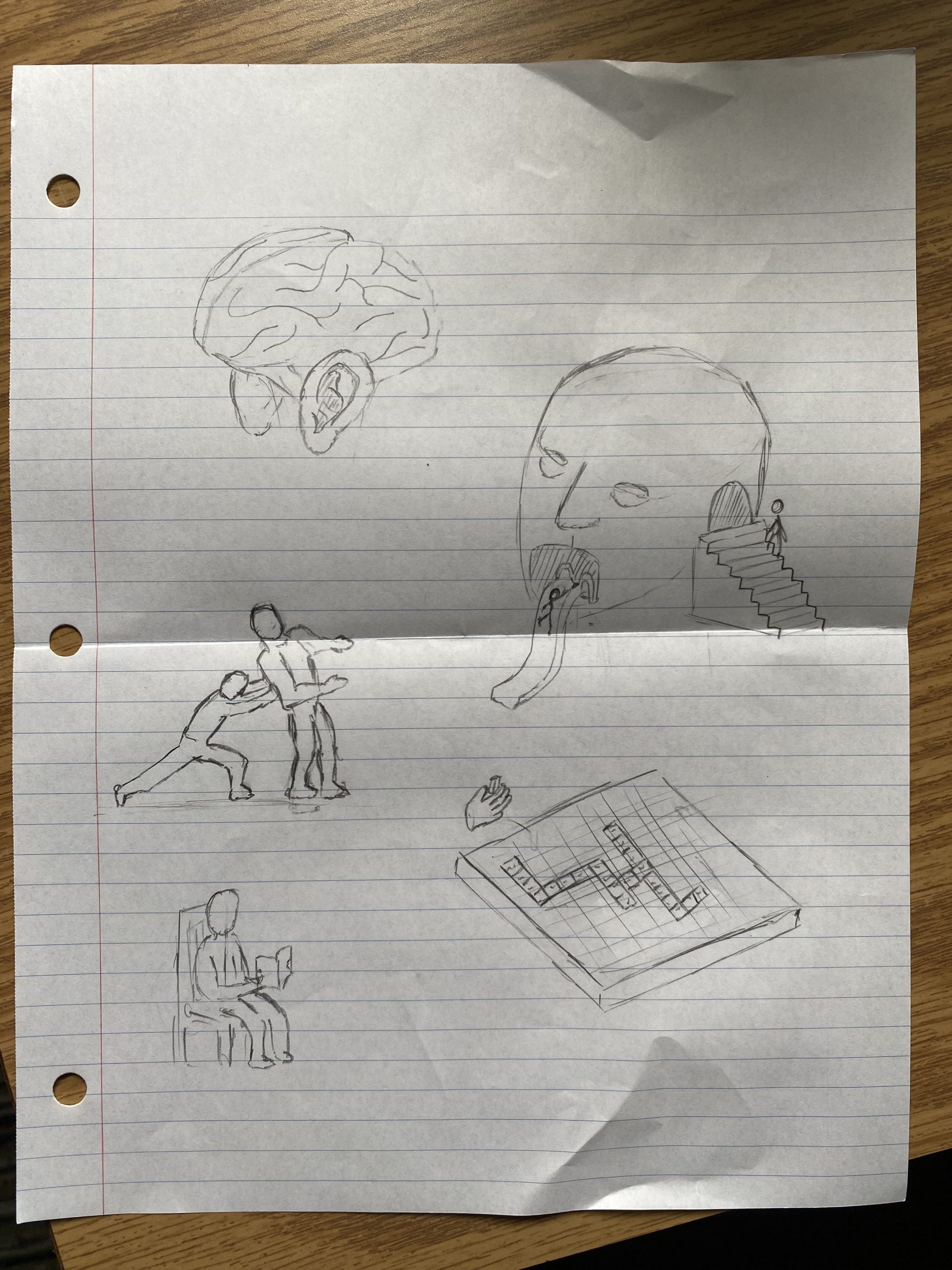
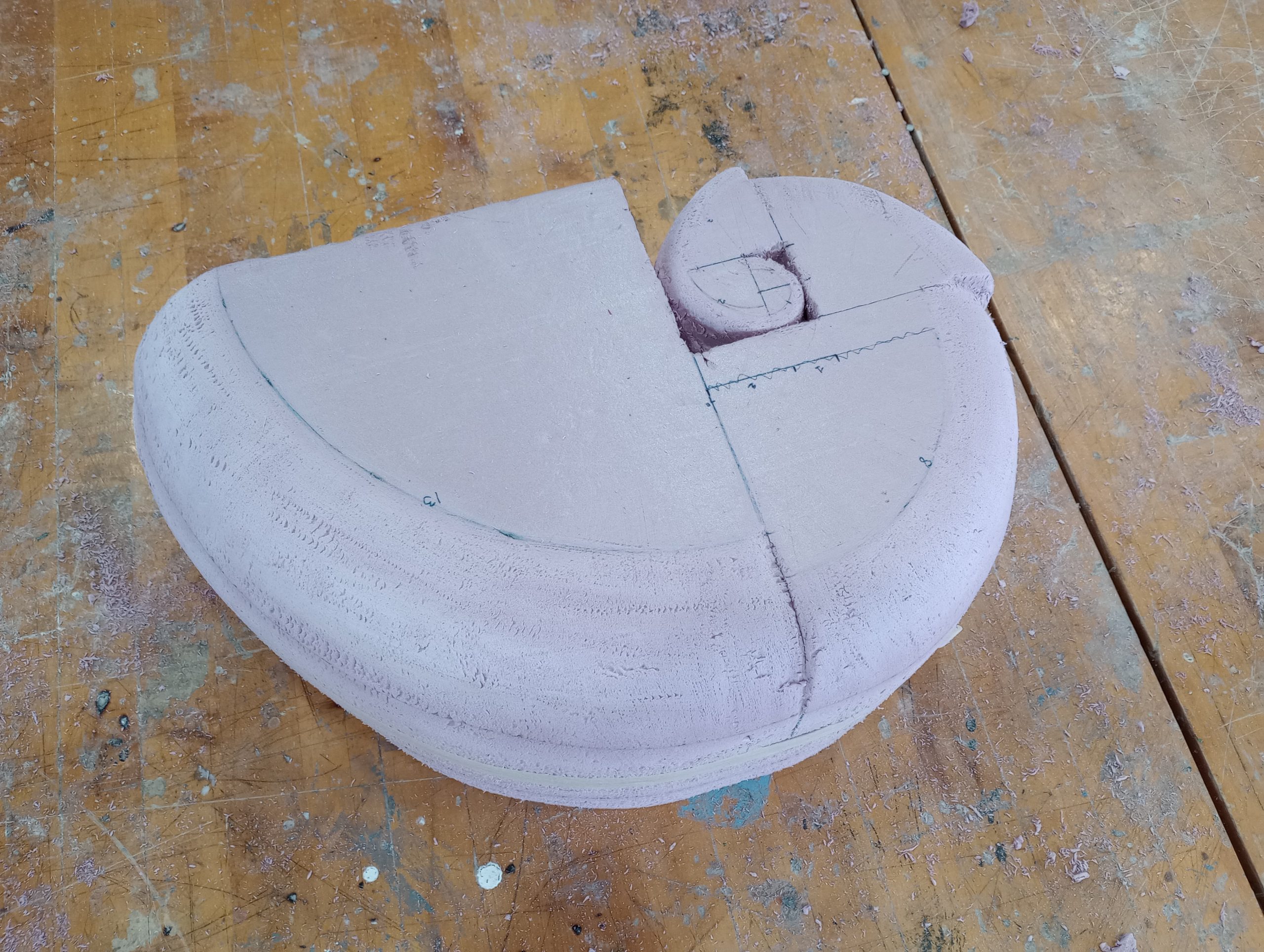
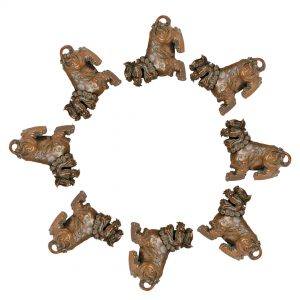
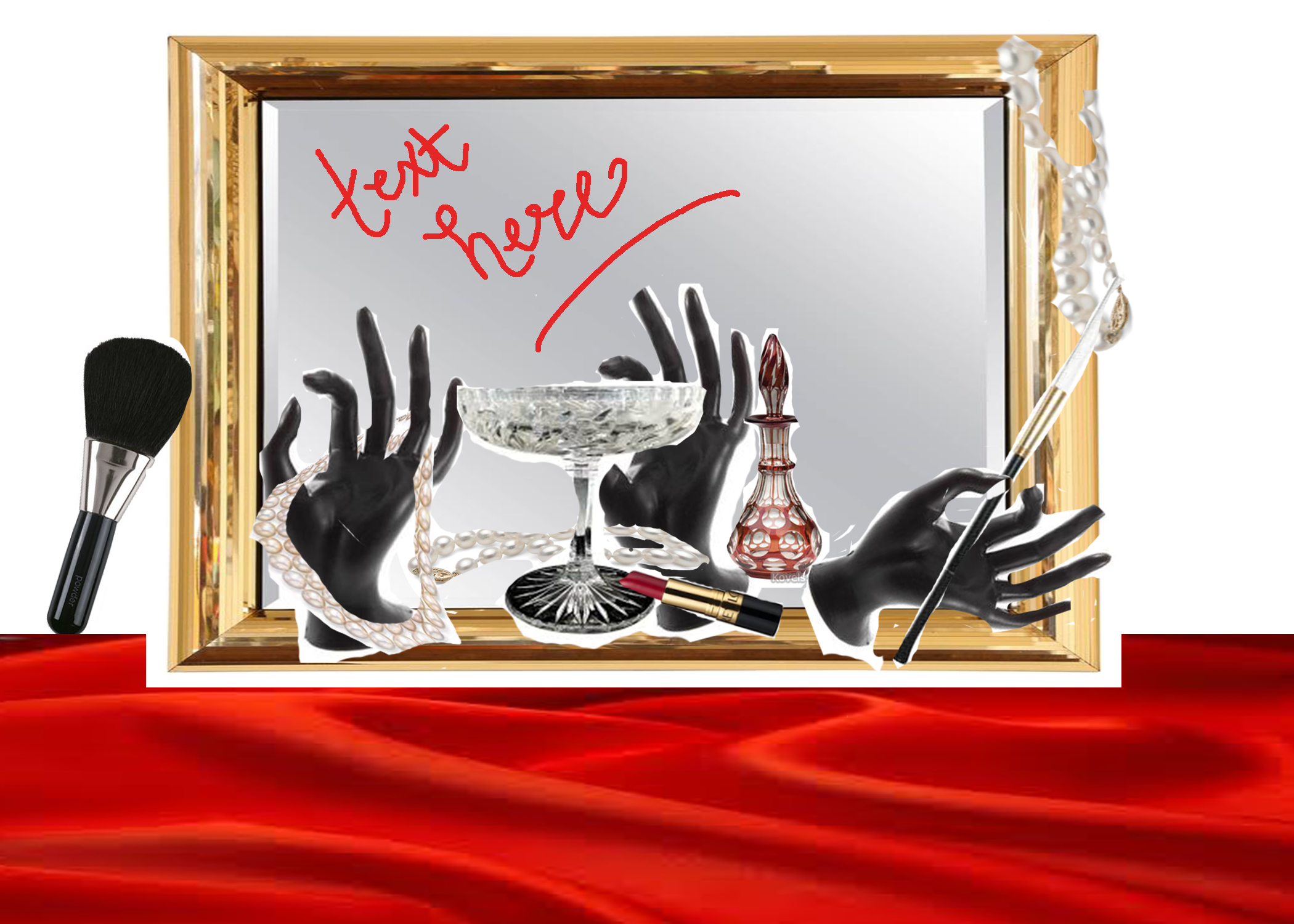
Examples – The collages included below were created last year by Sculpture 2 students to ideate for this project:

————————————————————–
PART 3: SKETCHES
So far you have done some writing to facilitate your critical thinking about the object you’ve selected, and you’ve created collages to help with the early stages of brainstorming; these steps have helped you find a direction for your project. However, in any sculptural project there are a lot of issues to figure out about how everything will come together in the end. Please create at least three detailed sketches of three distinctly different solutions for your project. Use these sketches as a means of visually thinking through the decisions that you still have to make, and further refining your vision for how the project will be resolved in the end.
————————————————————–
ADDITIONAL RESOURCES
Professor Meiser’s guide on casting materials
A selection of artists who work with multiples:
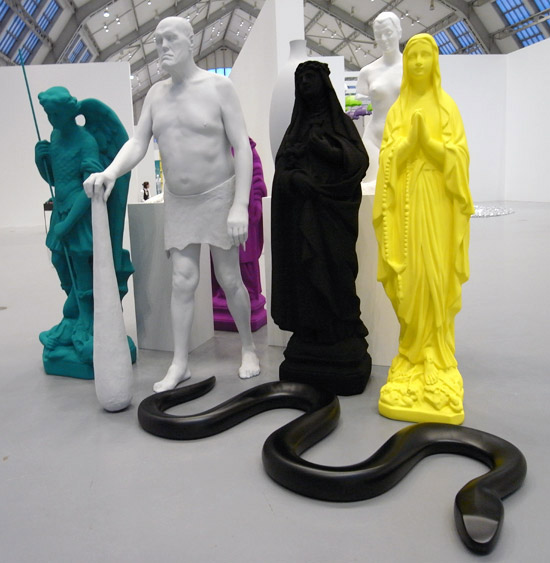
Katherina Frisch
http://www.designboom.com/art/katharina-fritsch-at-the-deichtorhallen-part-i/
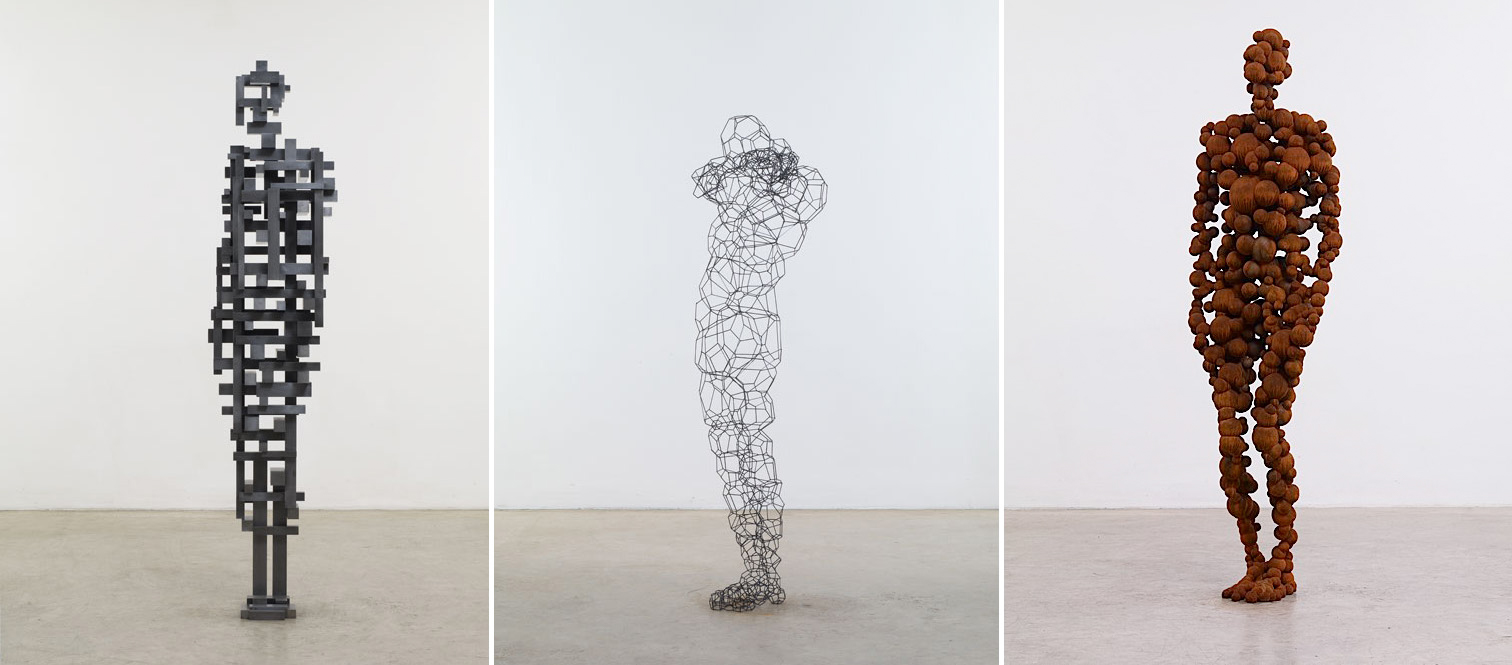
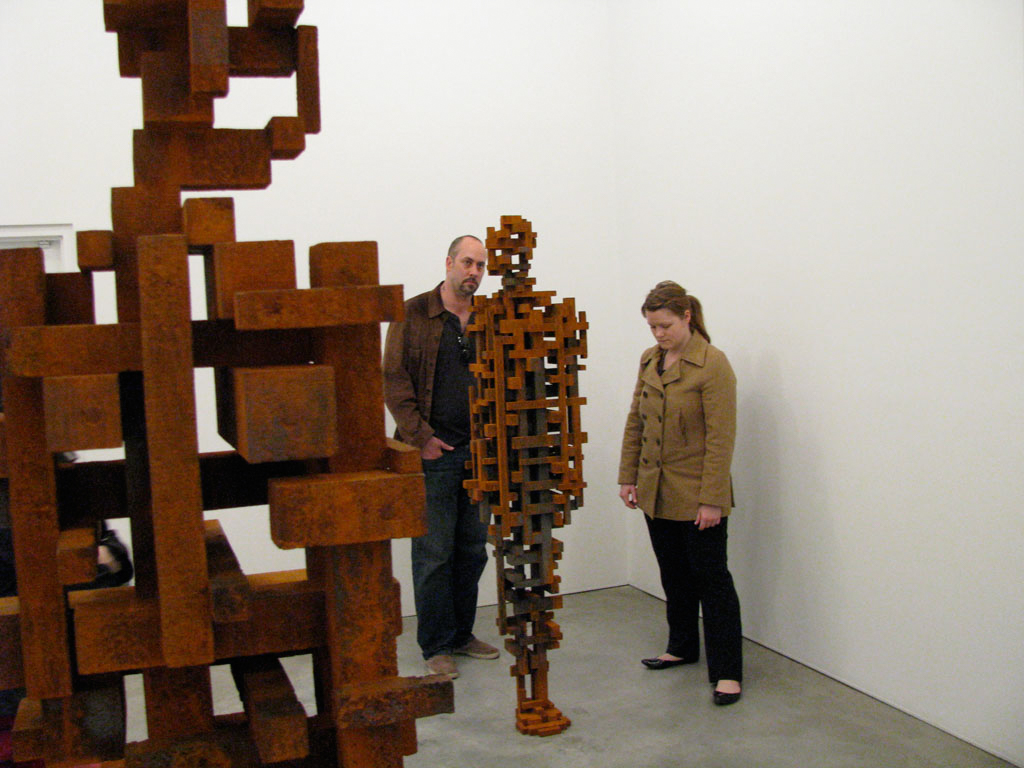
Antony Gormley
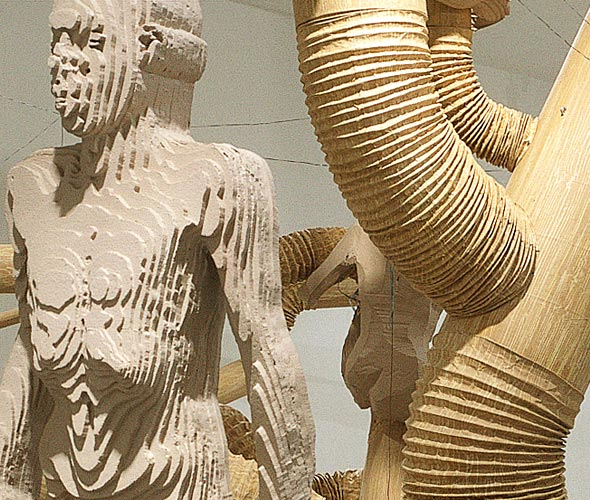
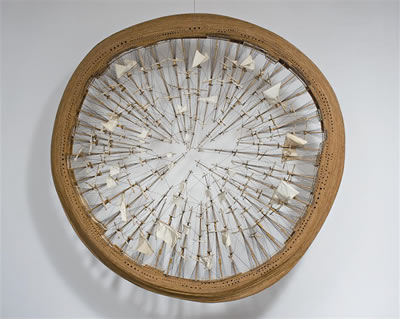
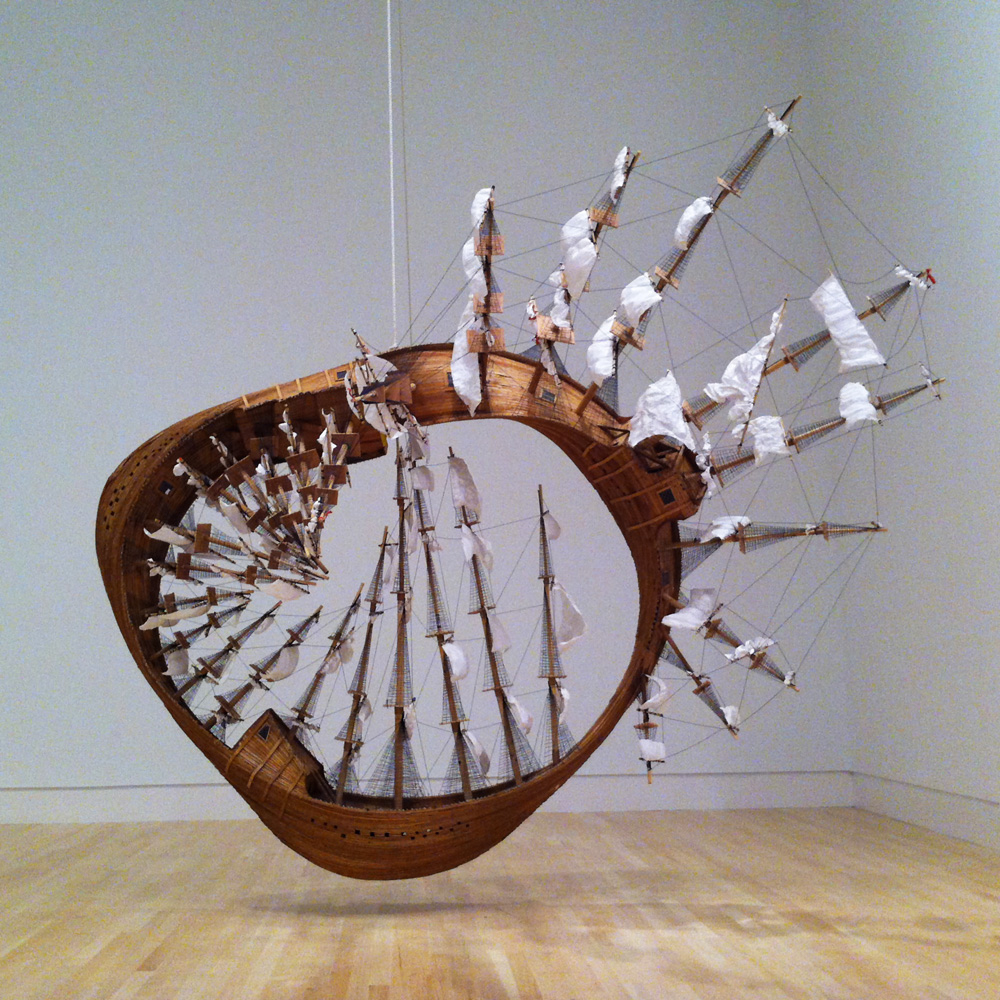
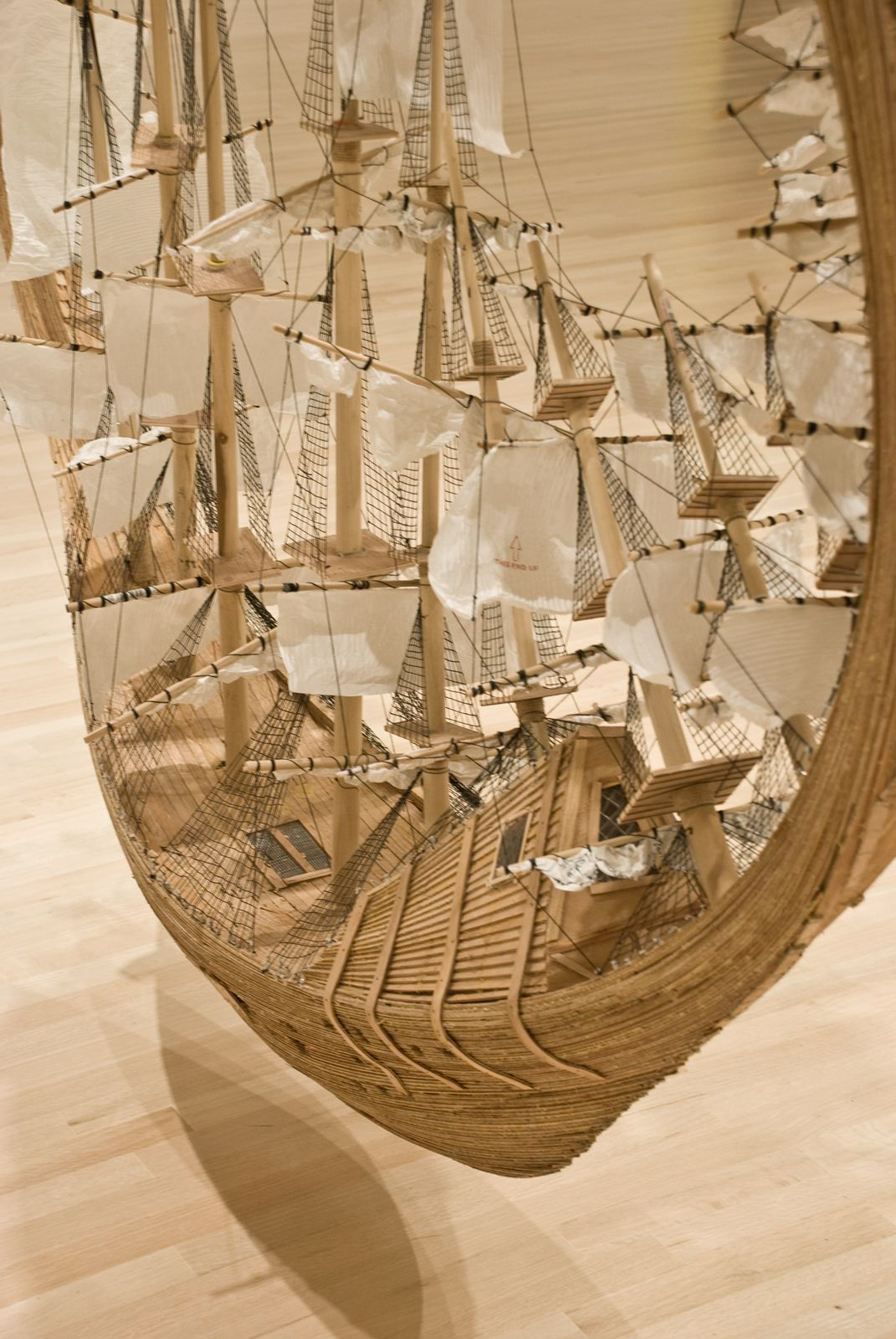
Matthew Day Jackson
https://www.hauserwirth.com/artists/2827-matthew-day-jackson
http://hyperallergic.com/86125/matthew-day-jackson-too-big-too-failed/
http://www.grimmgallery.com/artists/matthew-day-jackson/
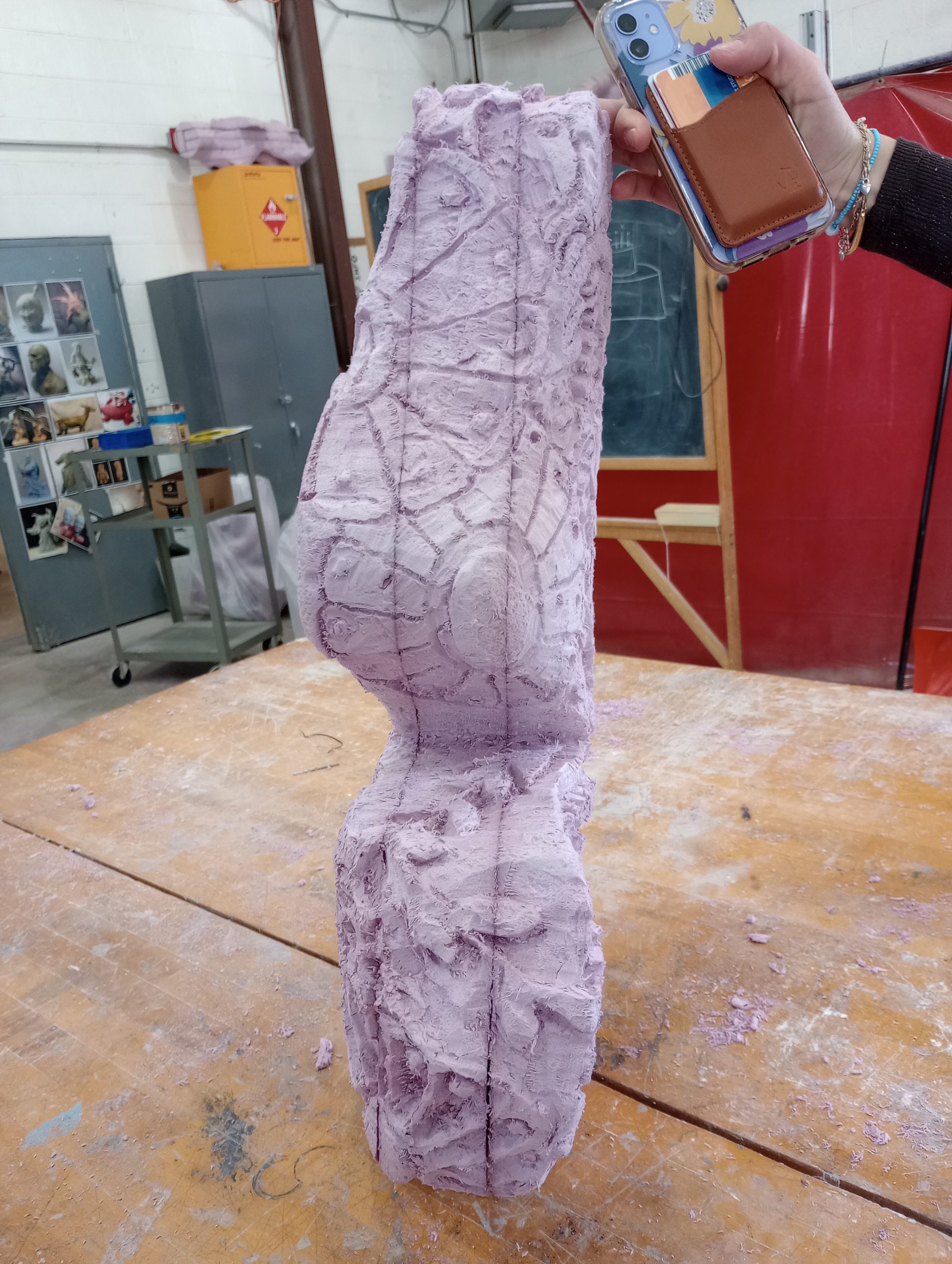
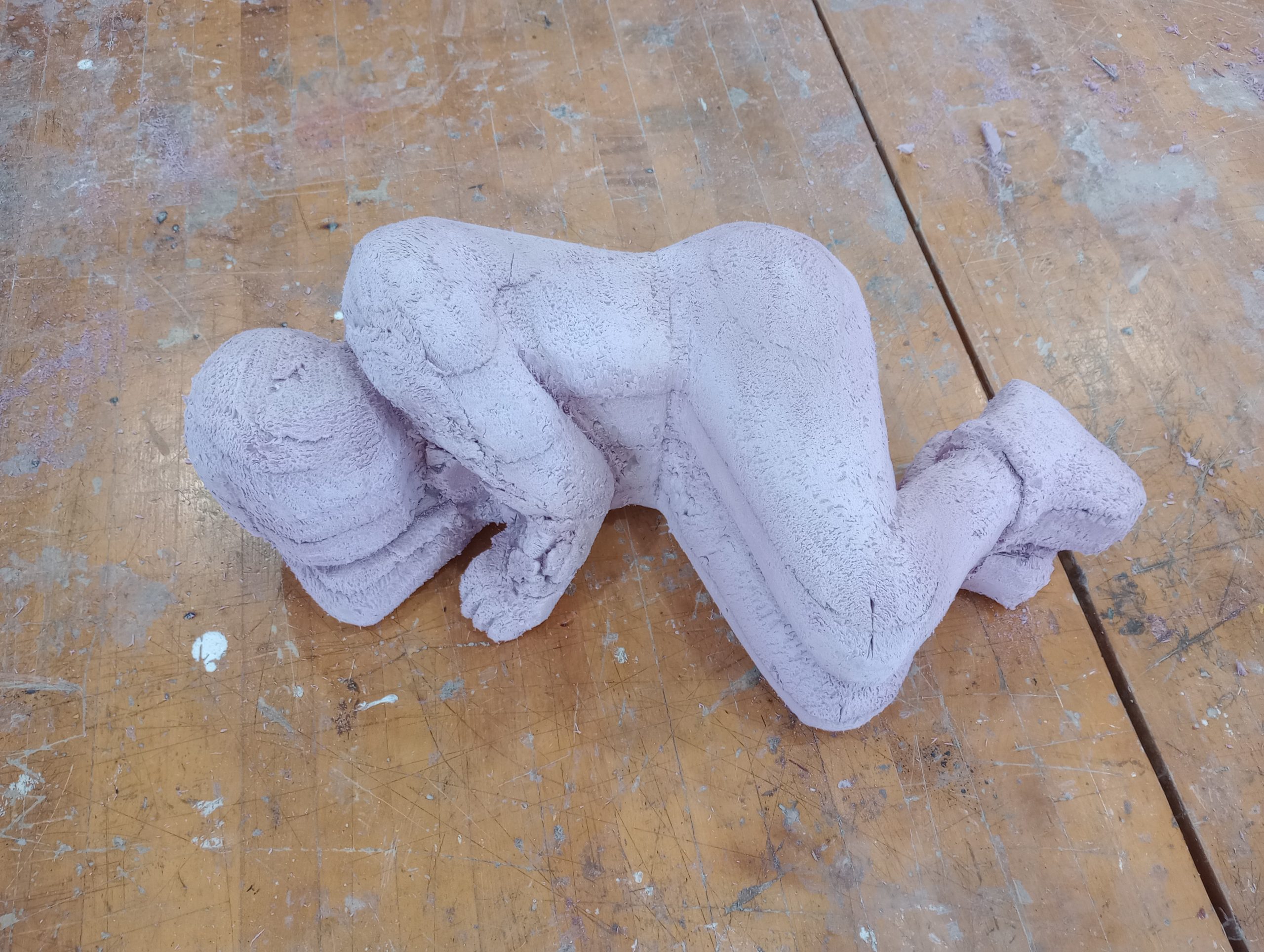
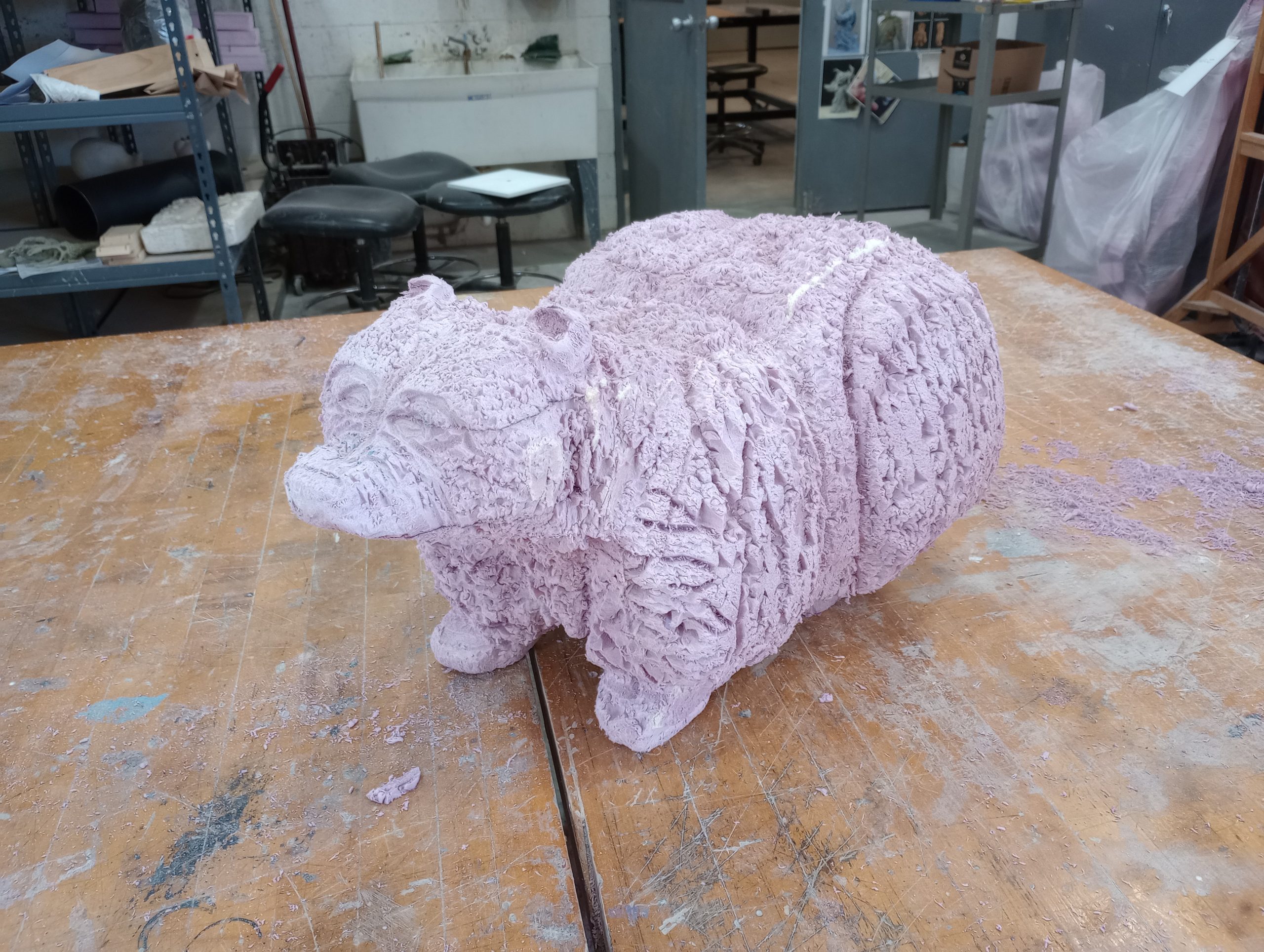
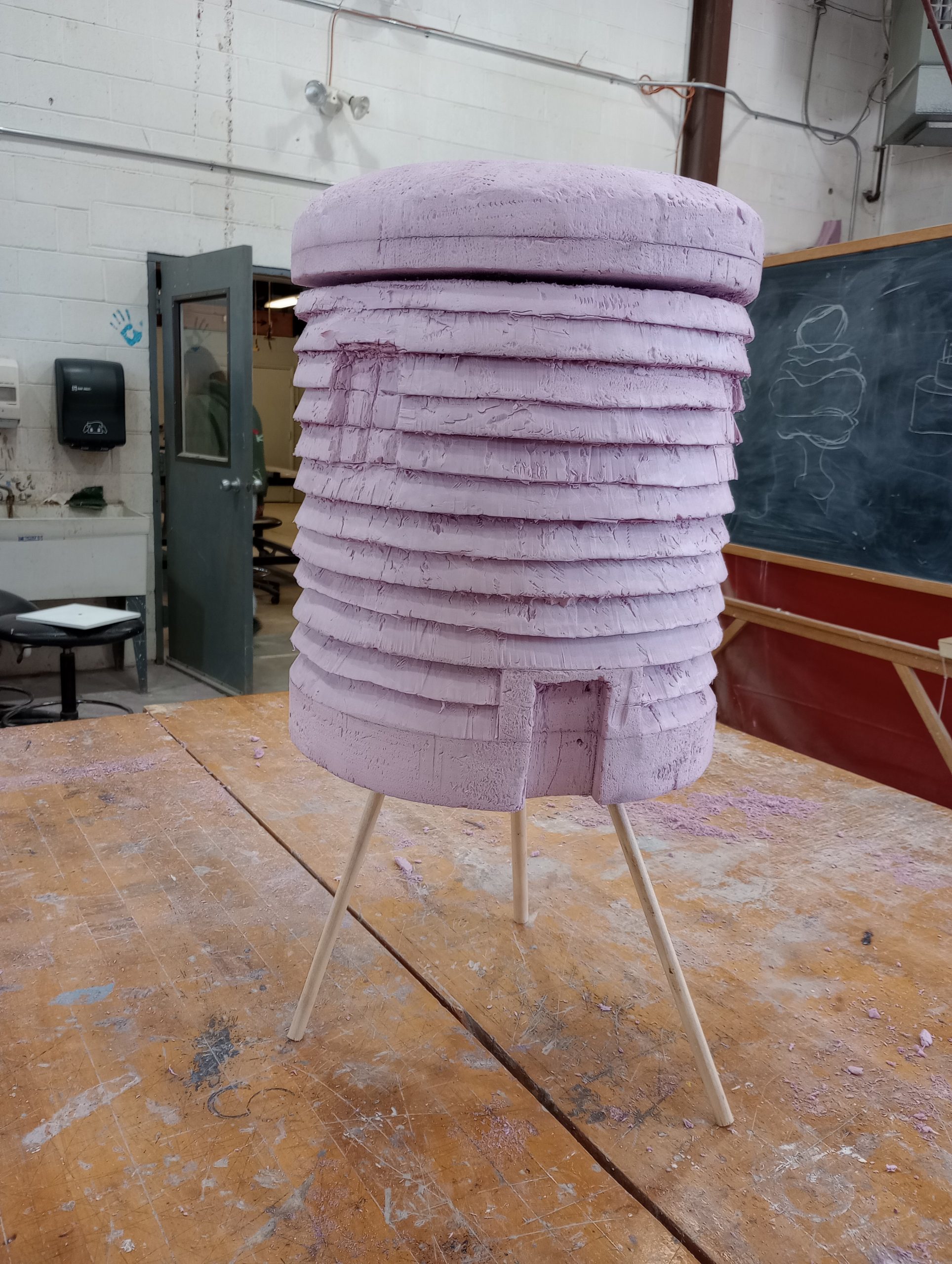
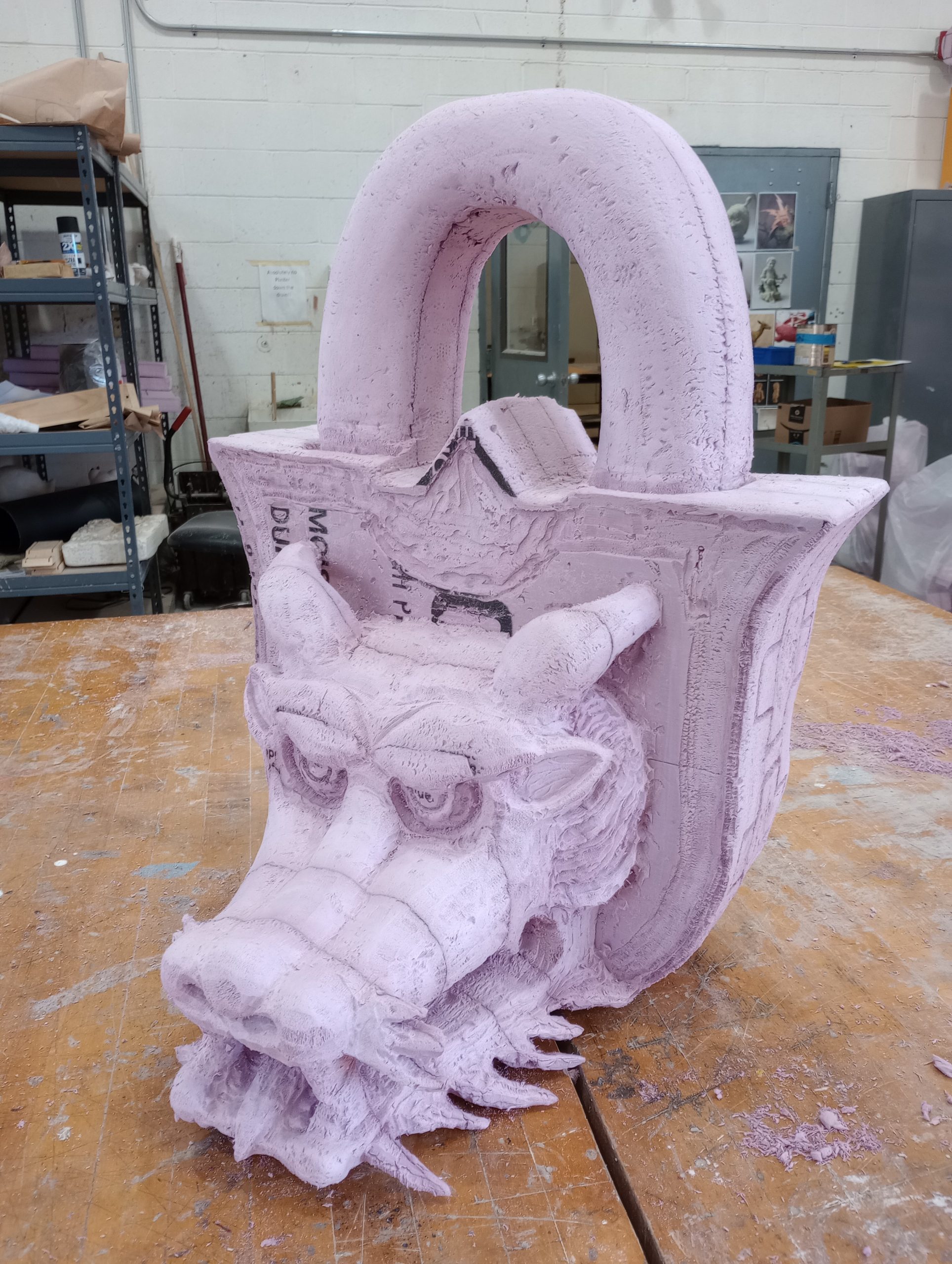
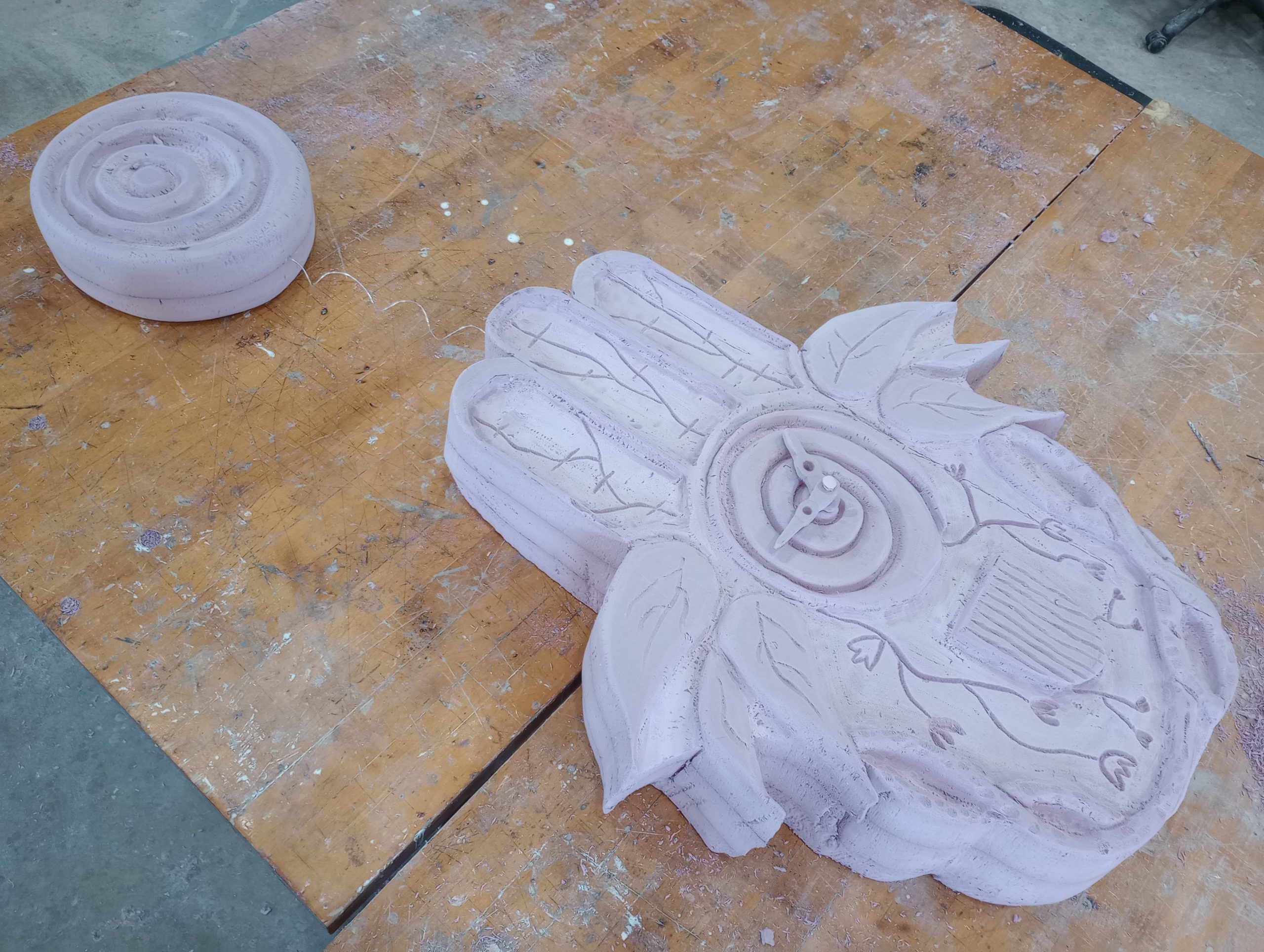
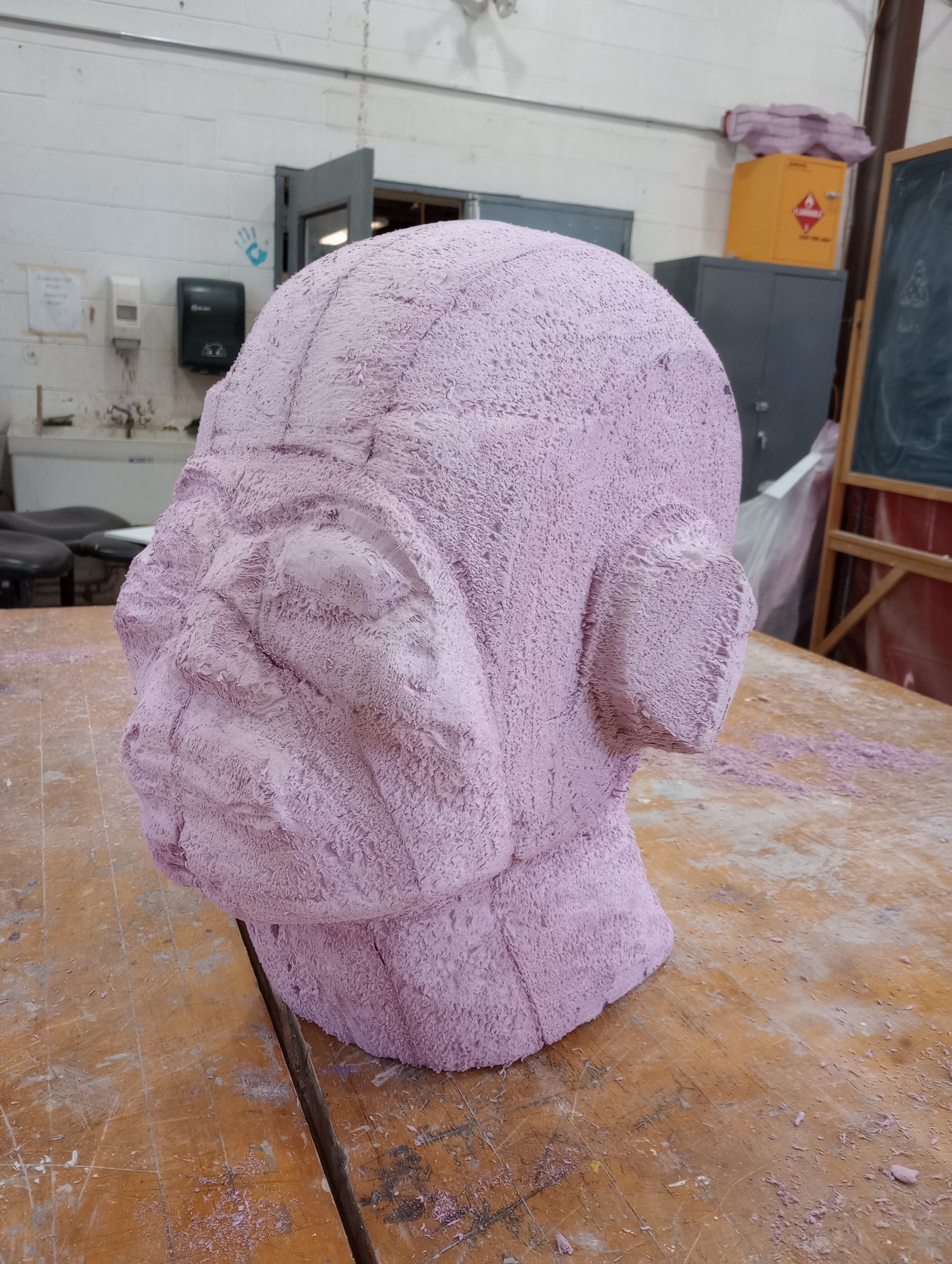
Images of past student projects
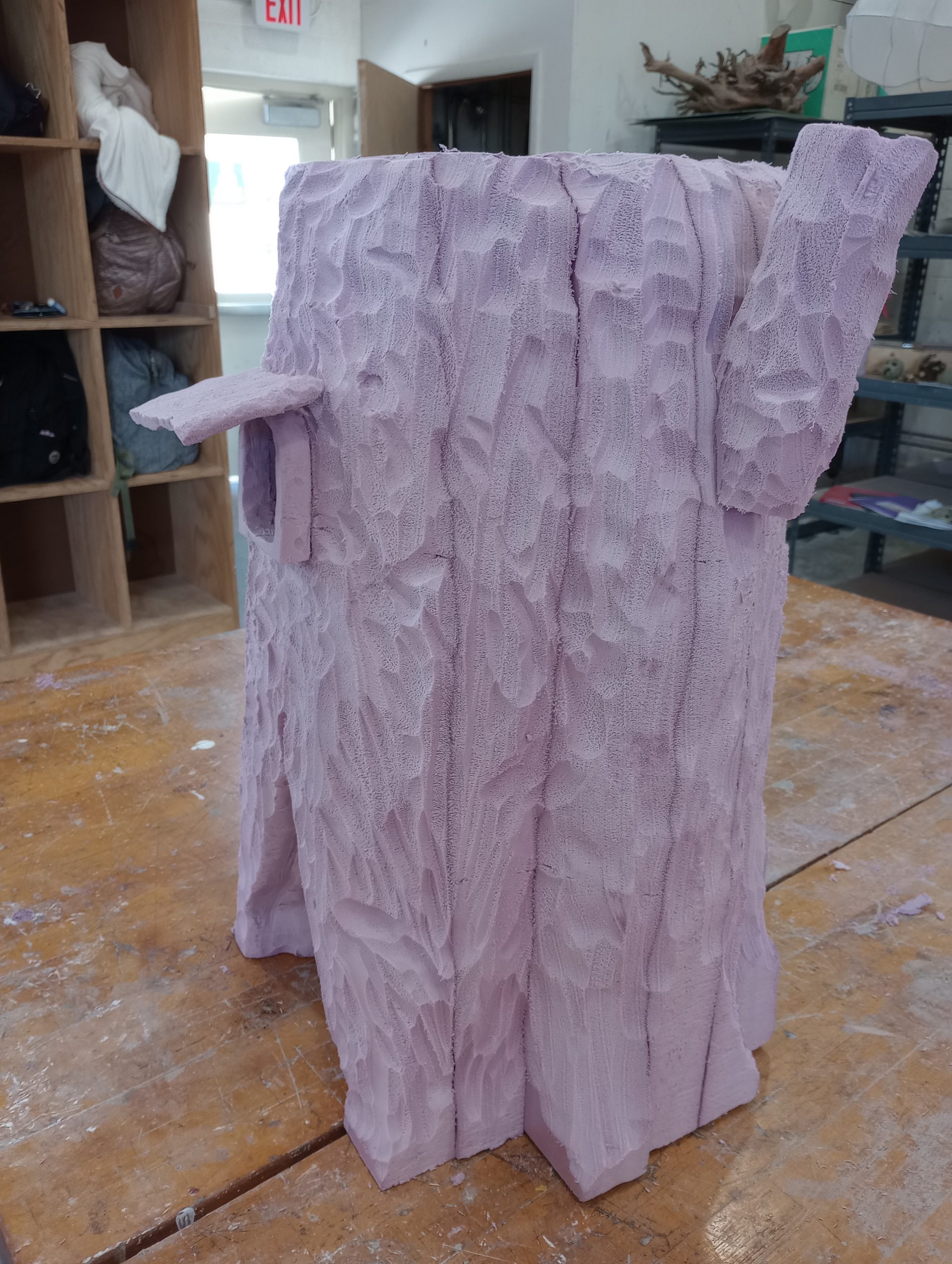
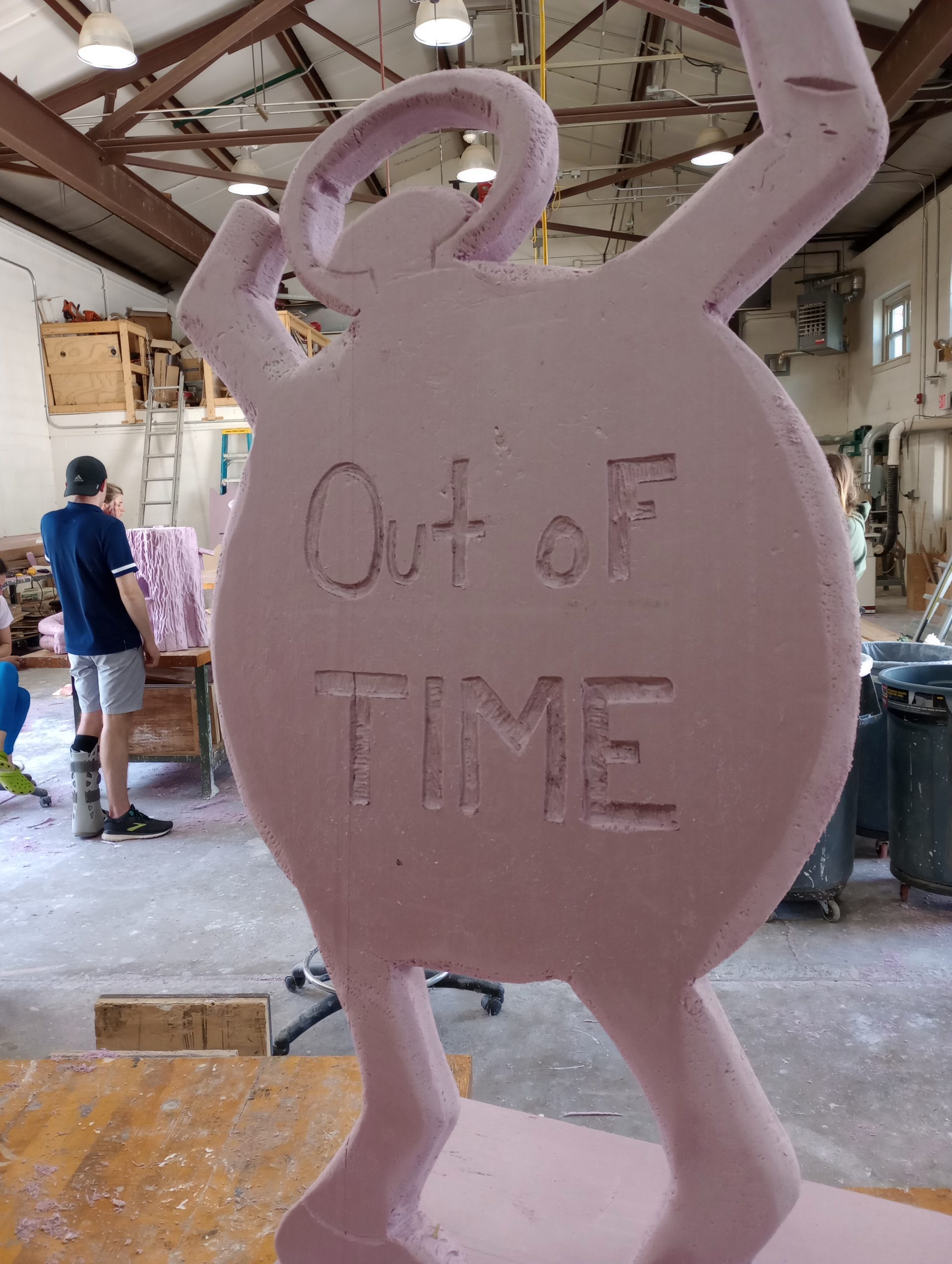
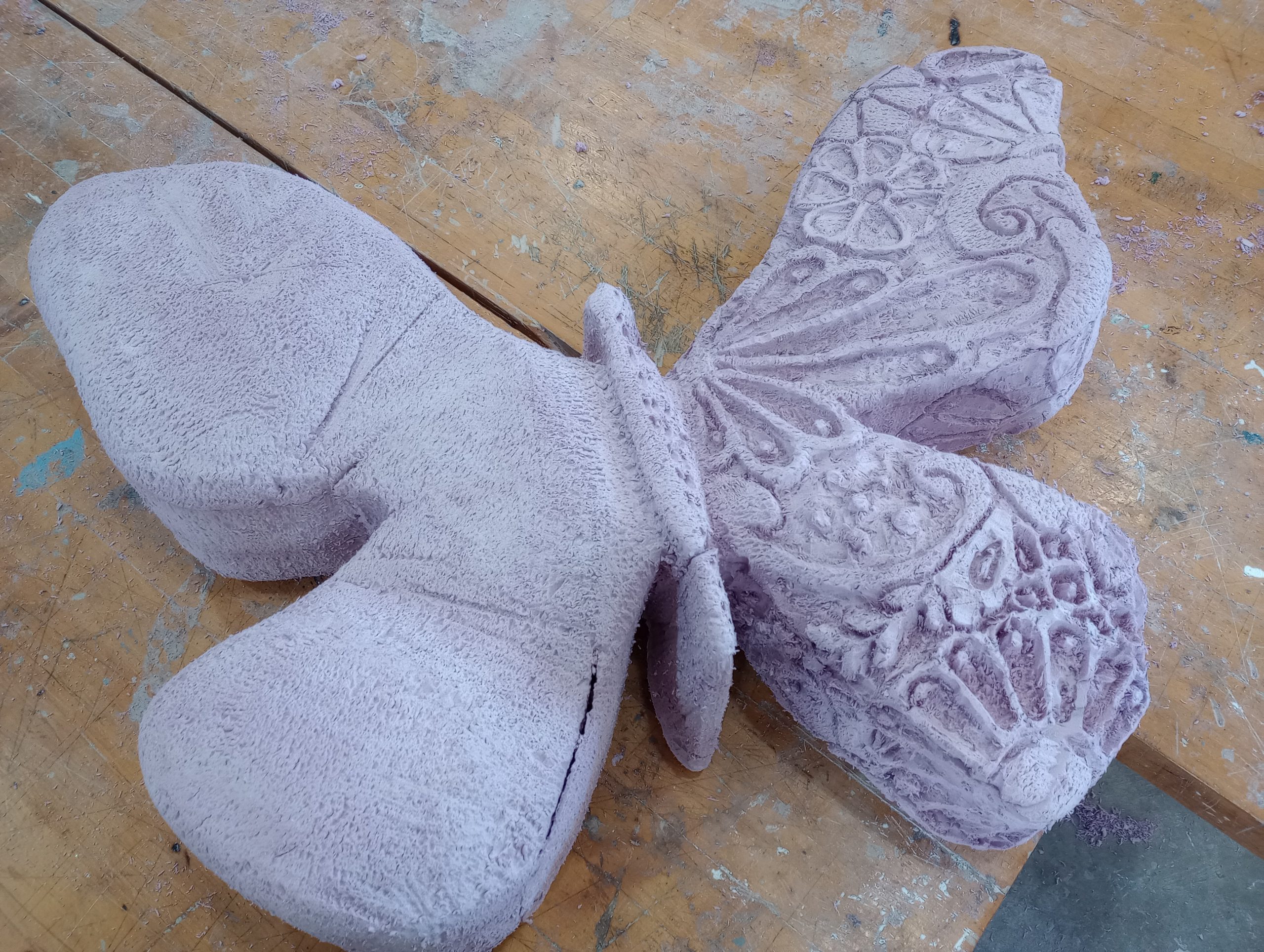
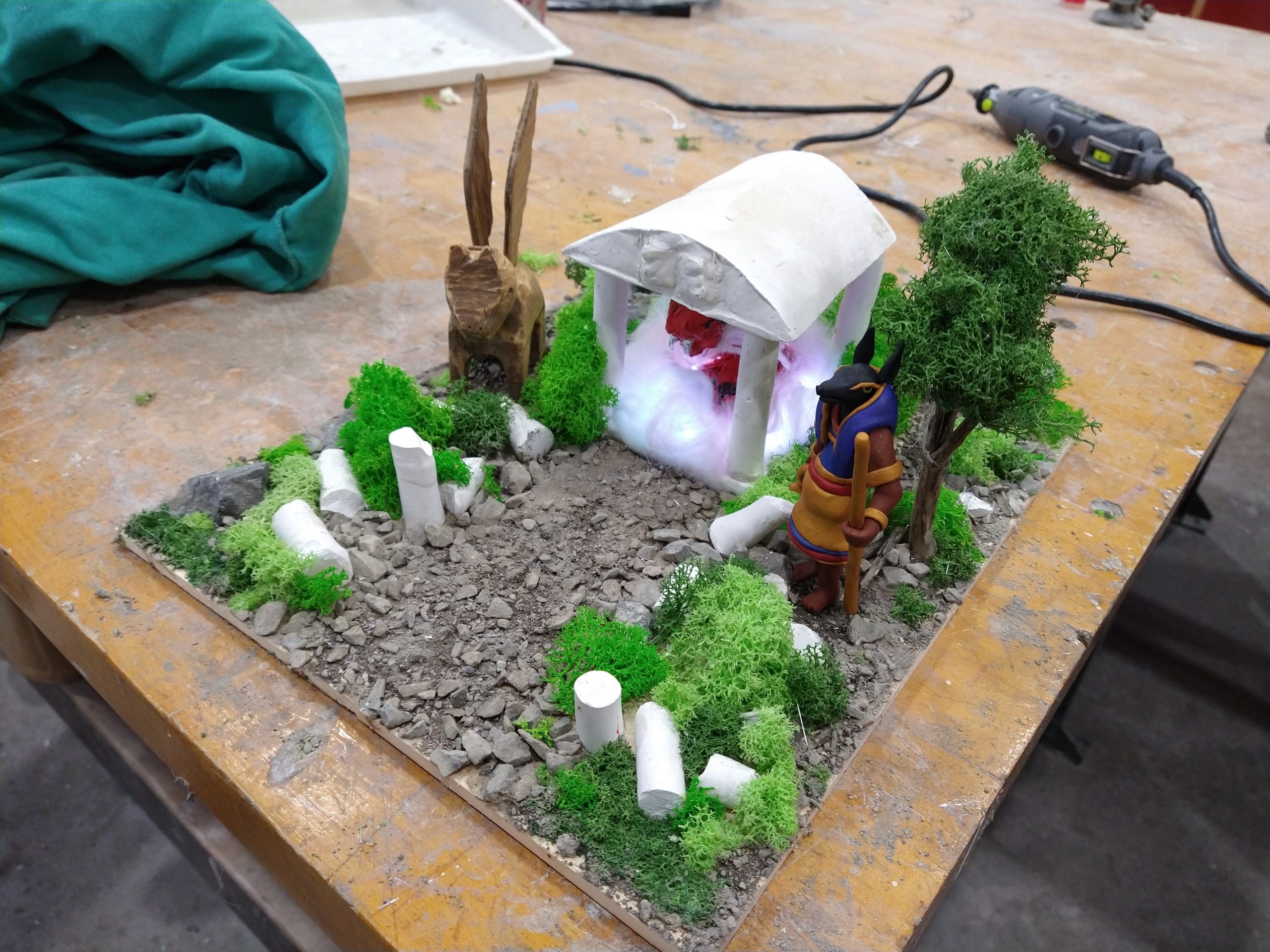
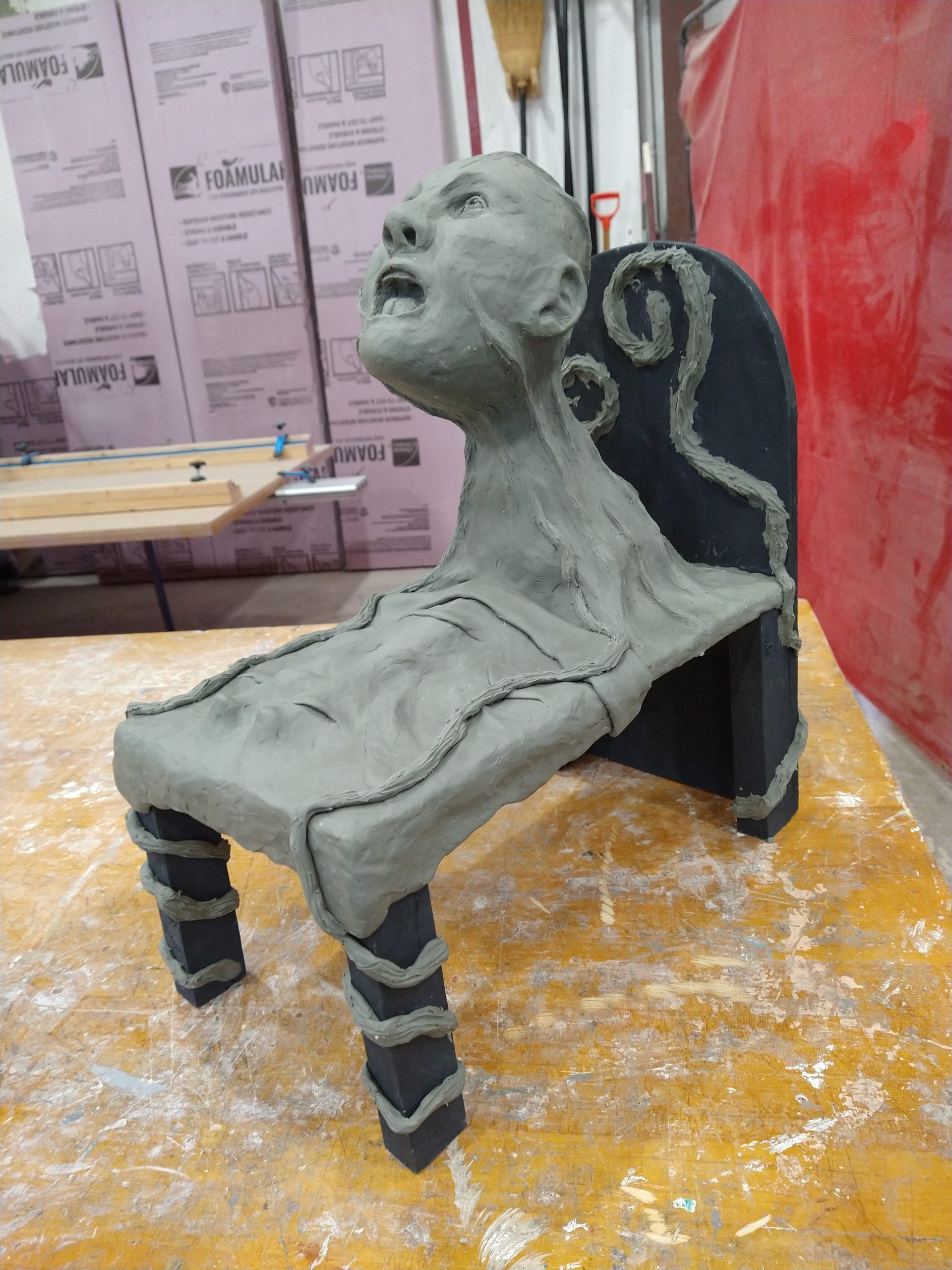
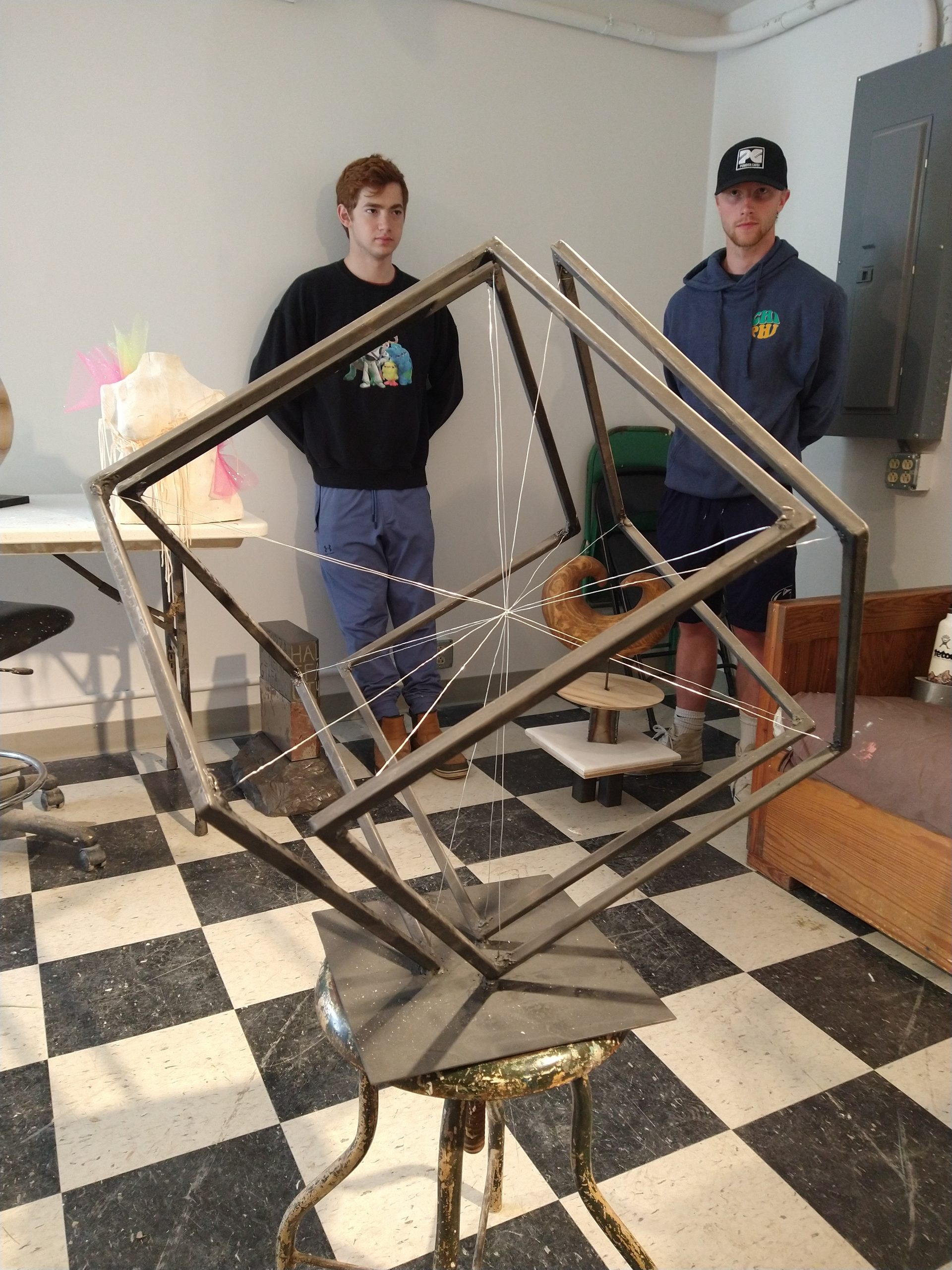
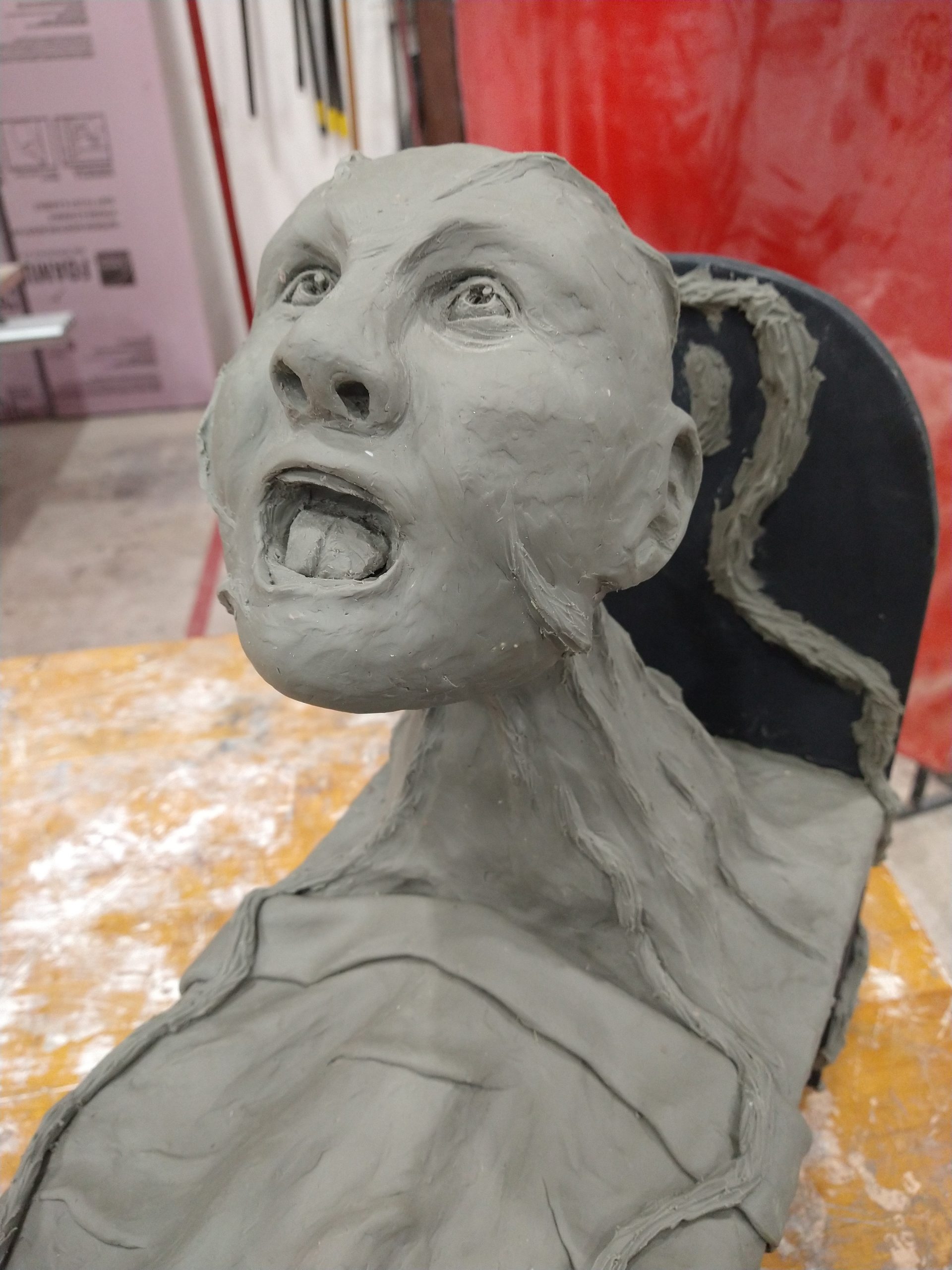
As you’re working to come up with ideas, it may be helpful to take a look at what students have created in previous semesters for the Accumulations project. Follow these links to see examples:
examples of past student projects mega-post
http://sculpture2.blogs.bucknell.edu/2018/02/25/project-1-accumulations-spring-2018/
http://sculpture2.blogs.bucknell.edu/2016/09/24/accumulations-project-1-fall-2016/
http://sculpture2.blogs.bucknell.edu/2014/03/02/project-1/
http://sculpture2.blogs.bucknell.edu/2013/02/20/project-1-documentation/
http://sculpture2.blogs.bucknell.edu/2012/03/06/accumulation-finished-photographs/
http://sculpture2.blogs.bucknell.edu/2013/01/14/examples-of-past-student-projects/
Re: Expectations of Email Etiquette
Dear Students,
Email is one of the most common means of textual communication in the professional world, and it requires a higher degree of etiquette than social media or text messaging. Over the past few years I have received many emails from students that were written in an unprofessional manner. As a professor I feel a responsibility to prepare my students for the professional world, so I have decided to implement an official policy on email etiquette in all of my courses. If I receive an email from a student that I deem to be problematic in some way, I will send a link to this message and request revision. Please adhere to the following standards of etiquette when corresponding with me by email this semester:
– Please use a subject line that is meaningful and relevant to your message.
– Please begin your message by addressing me directly. When I receive an email from a student, I expect something to the effect of “Dear Professor” or “Hello Professor”. When a message is missing this crucial element it can seem impolite. Launching immediately into the body of your message, or beginning simply with “Hey,” or “Hi,” is not up to professional standards.
– Before sending, please re-read and edit your message to ensure that it is clearly written and grammatically correct.
– Emails should end with a closing of some kind. It is suitable to end your messages with “Thanks” and your name, or “Sincerely” and your name, or if you’re in a hurry, at least include your first name or initials to indicate the conclusion of your message.
Thanks in advance for adhering to these guidelines.
Best regards,
Professor Meiser
–
Joe Meiser
Assistant Professor of Art in Sculpture
Department of Art & Art History
Bucknell University
Lewisburg, PA 17837
studio phone: 570.577.3044
website: http://www.joemeiser.com
Log on to the site by going to: https://sculpture2.blogs.bucknell.edu/wp-admin/
Create a new post by clicking at the top of the page on the “+ New” button
Once the post screen comes up, check the “research binder” box to the right to put the post in the right category
Create a title for the post in the field provided. Add any text you’d like in the body of the post.
If you want to upload photos then you can do so by clicking on the “upload/insert” button above the text field (remember to click the “insert into post” button while you’re on the upload screen). Note: if you’re uploading multiple images you’ll want to post a gallery rather than a single image. I believe this option is on the left of the screen.
If you want to post a video from youtube, simply add the video’s URL to the body of the post
If you want to add a link to the body of your post, you can do so by highlighting the text you want to be linked, and click the “insert/edit link” button (to the left of the spell checker). Then add the URL destination, and click the box that says “Open link in a new window/tab”
When you’re finished, click the blue “publish” button on the right
A message should appear at the top of the page that says “Post published. View post”… if you click on this it will show you what the post looks like on the site… at this point, if you want to make any changes, just click on the “edit post” button and it will return you to prior screen